بطاقة دعوة: أنشئ بطاقات دعوة مجانًا في دقائق بالذكاء الاصطناعي
أنشئ بطاقات دعوة مخصّصة بسرعة مع أفضل صانع بطاقات دعوة بالذكاء الاصطناعي من Pixazo. جرّبه مجانًا!
ابدأ الآن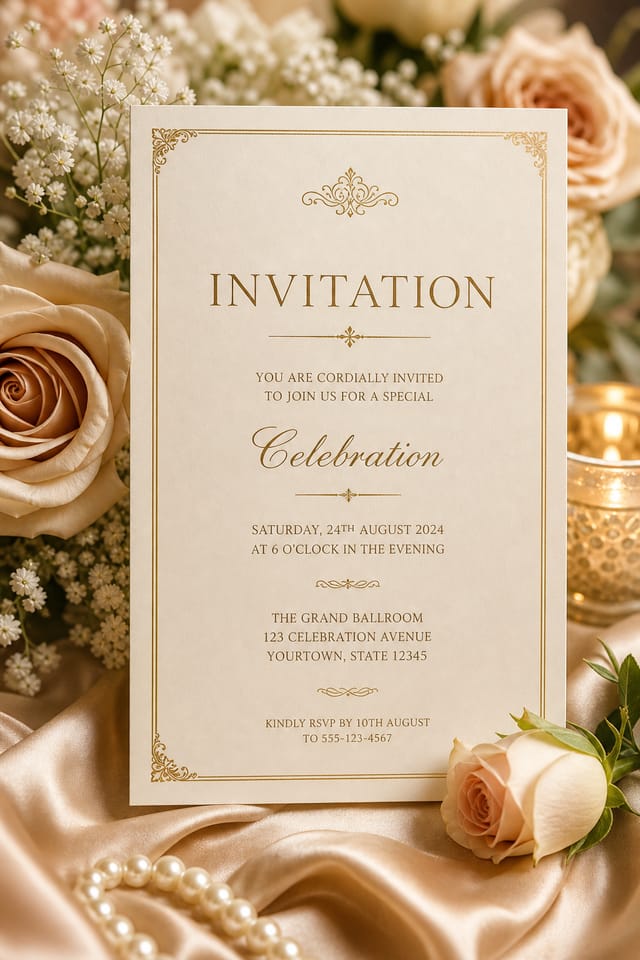
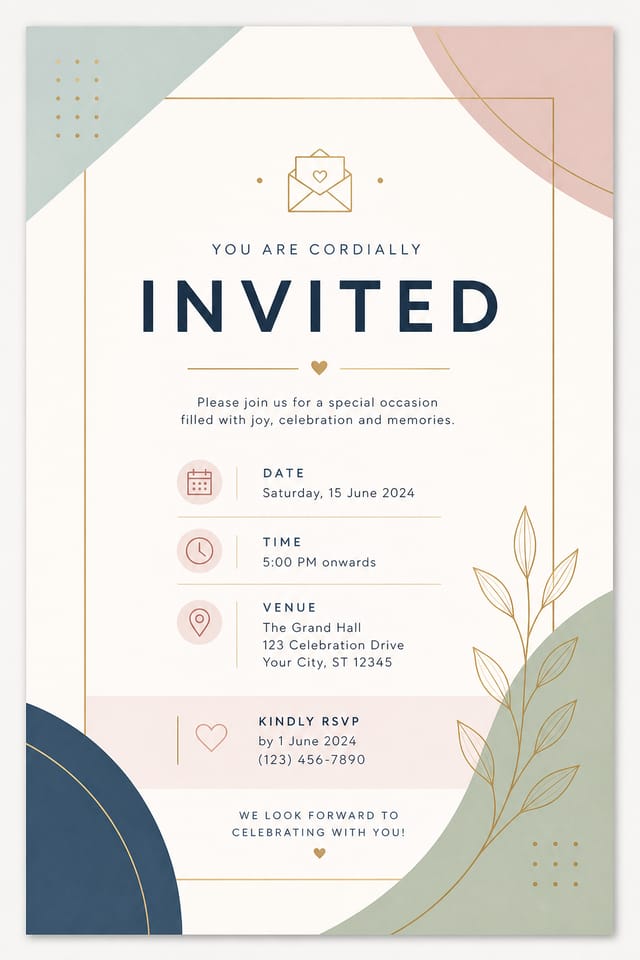
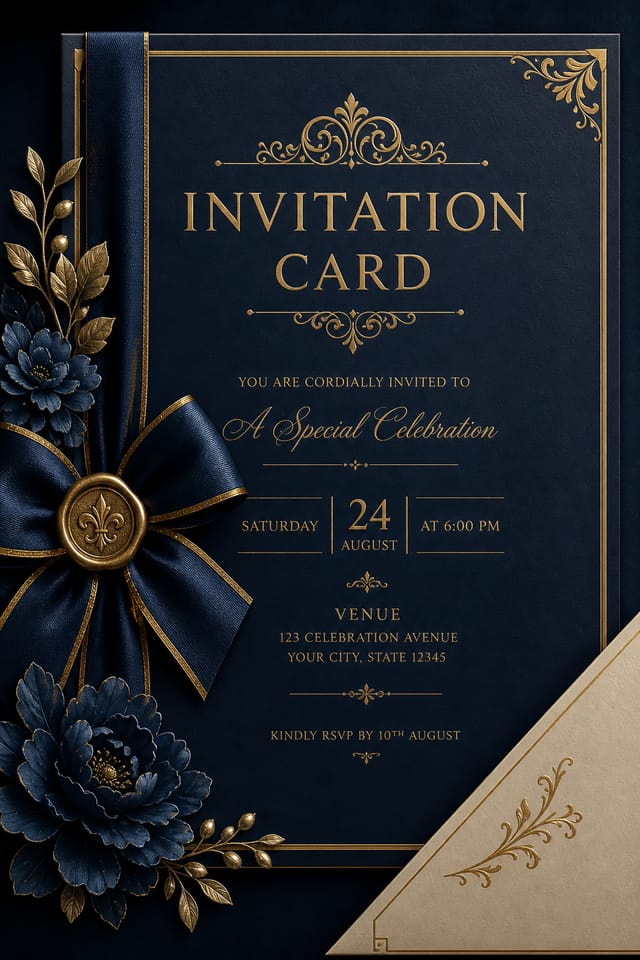
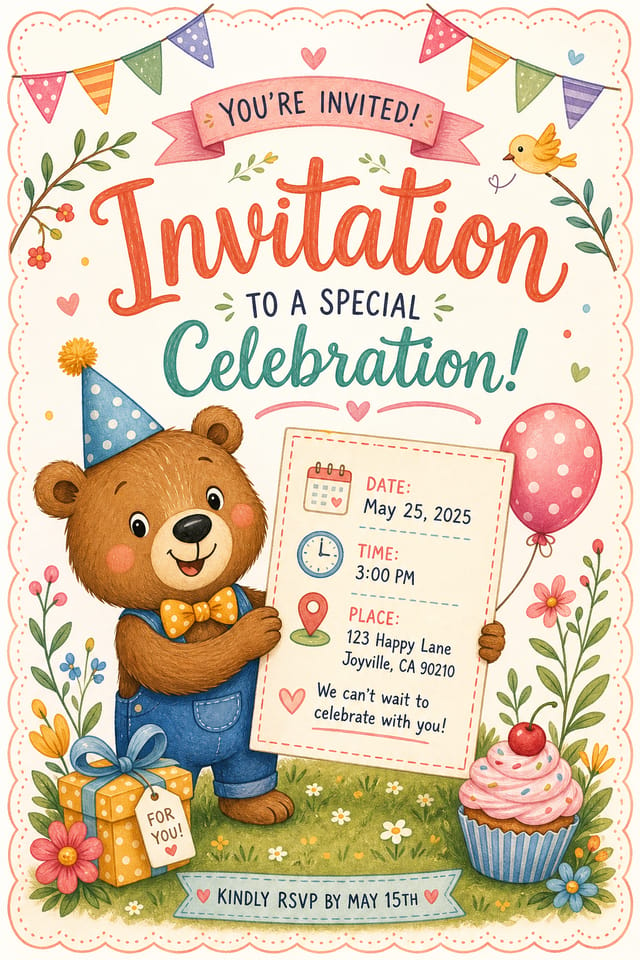
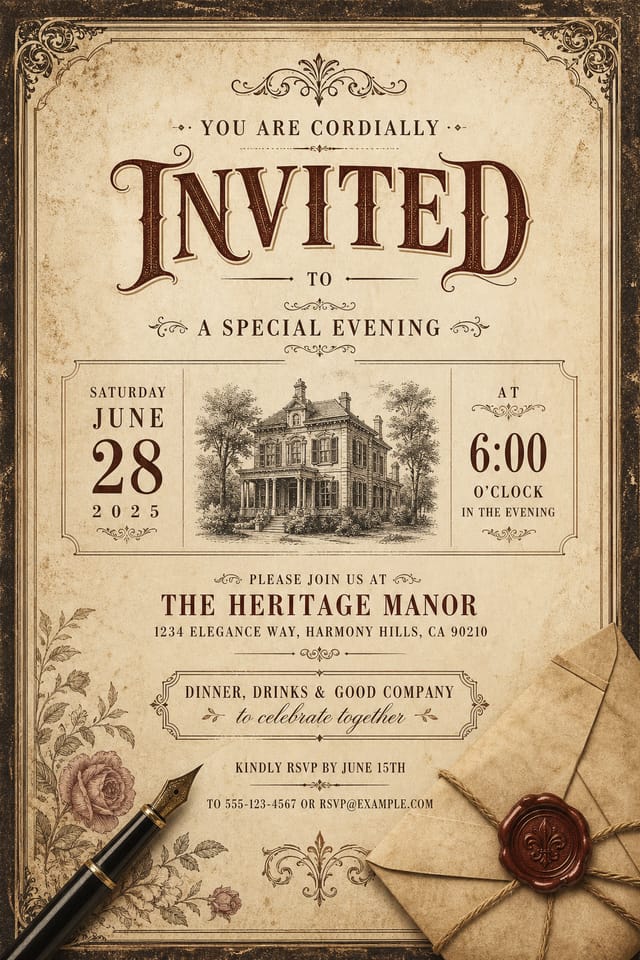
استديو بطاقات الدعوة بالذكاء الاصطناعي: تصميم مُعاد تصوّره
أنشئ بطاقات دعوة بشخصيّة بصريّة حقيقيّة. ويختار الذكاء الاصطناعي عناصر تصميم تلائم جمالية الدعوات، لا قوالب عامّة.
أنشئ بطاقة دعوتك مجانًاداخل مجتمع الدعوات: أبرز ما في المعرض
مبدعون حقيقيّون يشاركون تصاميم دعواتهم المُنشأة باستخدام Pixazo AI.
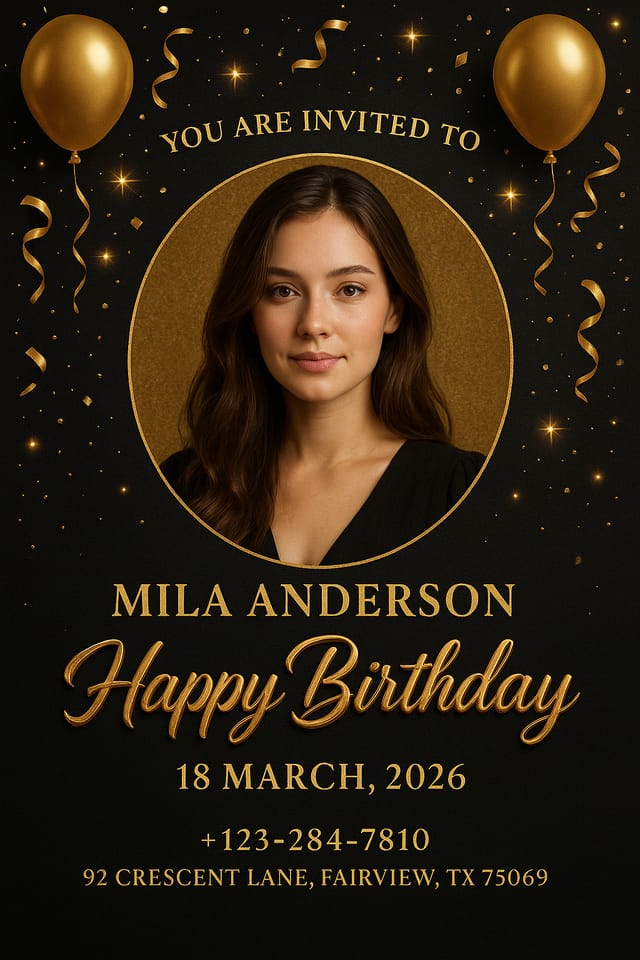
بطاقة دعوة بتباين عالٍ، خلفية داكنة بنصّ فاتح، لون مميَّز يستخدم لعنصر رئيس واحد، وتركيب حديث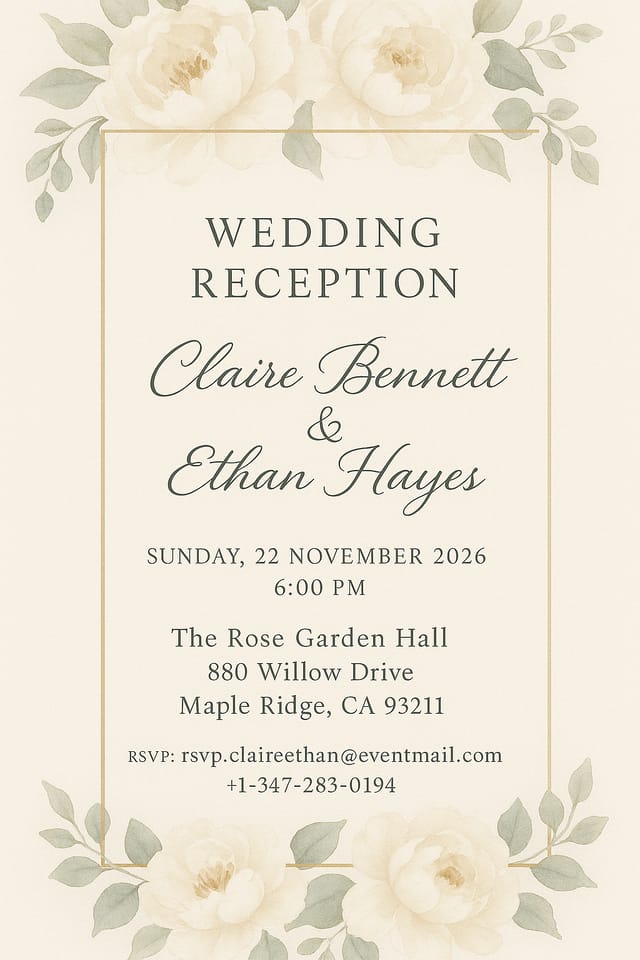
بطاقة دعوة مربّعة بدقّة 1080 × 1080 لمنشور LinkedIn، نبرة احترافيّة، نسبة متوازنة بين النصّ والعناصر البصريّة، وتركيب آمن للهويّة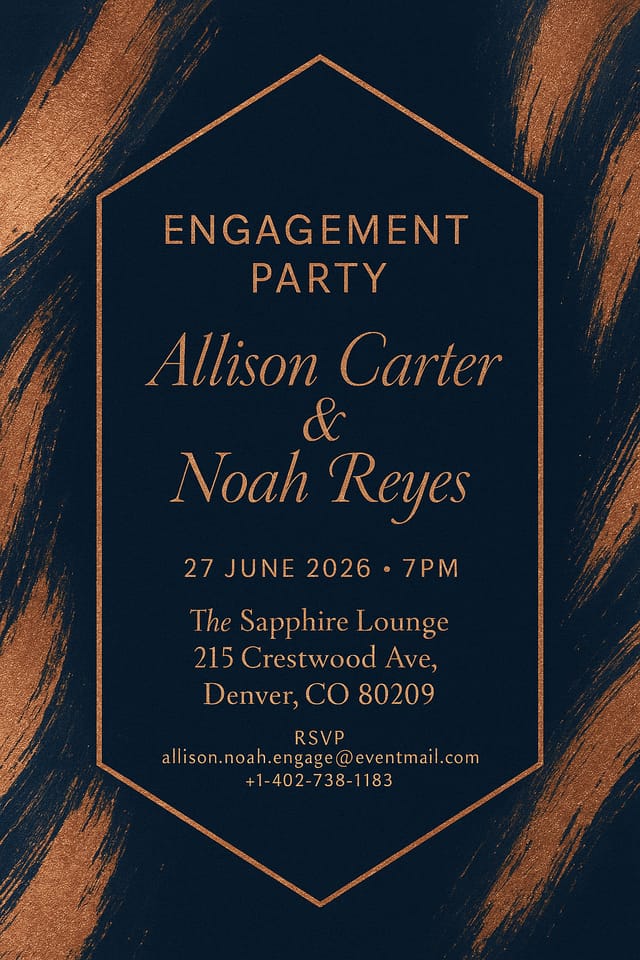
بطاقة دعوة للوحة إعلانية خارجية بمقاس 14 × 48 قدمًا، بقراءة عالية الوضوح من مسافة، وعنوان مكوَّن من ثلاث كلمات كحدّ أقصى، وخلفية بتباين عالٍما الذي يجعل تصميم بطاقات الدعوة ناجحًا: ما يفهمه الذكاء الاصطناعي
إطار تصميم بطاقات الدعوة
ينحصر الفارق بين بطاقة دعوة احترافيّة وأخرى متواضعة عادةً في قرارات تصميم تُتَّخذ في وقت مبكّر: اختيار الألوان وترتيب الخطوط وهيكل التكوين.
هذه الخيارات تحدّد ما إذا كان الناتج النهائيّ يُقرَأ كدعوة أم يبدو عامًّا فحسب.
يتّخذ ذكاء Pixazo الاصطناعي هذه القرارات الأساسيّة بناءً على وصفك.
حدّد بطاقة دعوة وسيختار النظام معايير تصميم تطابق التوقّعات البصريّة لها، فتحصل على نقطة انطلاق متينة بدلًا من قالب فارغ.
بطاقات الدعوة عبر المجالات: دليل تطبيقيّ
إعلانات المواليد ودعوات حفلات الاستقبال
ولّد بطاقات دعوة لإعلانات الميلاد وكشف جنس المولود وحفلات استقبال الأطفال. تصاميم رقيقة تلتقط روح المناسبة.
رسائل التقاعد والوداع
أنشئ بطاقات دعوة تحتفي بمحطّات مهنيّة وتوديعات. تصاميم محترمة تُكرّم الإسهامات وتُهدي التمنيّات الطيّبة.
بطاقات الشكر والتقدير
ولّد بطاقات دعوة للتعبير عن الامتنان للمضيفين والمعلّمين والمرشدين والزملاء. تصاميم صادقة ومدروسة.
إعلانات التخرّج
أنشئ بطاقات دعوة للاحتفاء بالإنجازات الأكاديمية. تصاميم تُكرّم إنجاز الخرّيج بقدر مناسب من الرسميّة والاعتزاز.
دعوات الأعراس والخطوبات
صمّم بطاقات دعوة بصيغة «احفظوا التاريخ» ودعوات رسميّة وبطاقات تأكيد حضور. تصاميم أنيقة تحدّد طابع الحفل.
مسار بطاقة الدعوة: من البداية إلى التسليم
بحث اجمع المراجع
اجمع نماذج لبطاقات دعوة فعّالة، ودوّن ما ينجح، وحدّد الأنماط الملائمة لأهداف مشروعك.
الملخّص تحديد المتطلّبات
حدّد الرسالة الأساسيّة والمقاسات وتفضيلات الألوان والجمهور المستهدَف لبطاقة الدعوة قبل بدء أيّ عمل تصميميّ.
توليد إنشاء التصاميم الأوّليّة
استخدم الذكاء الاصطناعي لإنتاج عدّة تنويعات لبطاقة الدعوة بناءً على ملخّصك. ابدأ بنطاق واسع ثمّ ضيّق الاختيارات انطلاقًا من أقوى الخيارات.
الموافقة الإقرار النهائيّ
احصل على موافقة أصحاب الشأن على بطاقة الدعوة النهائيّة. تأكّد من دقّة جميع النصوص وأنّ التصميم يستوفي متطلّبات الهويّة والمتطلّبات التقنيّة.
صقل صقل التصميم
طبّق تعديلات مستهدَفة على بطاقة الدعوة المختارة. اضبط الخطّ والمسافات والألوان حتى يستوفي كلّ عنصر معيار الجودة الذي تريده.
أفكار جوهريّة خلف بطاقات الدعوة: ما الذي يجب استهدافه
المحاذاة والشبكة
تحاذي تخطيطات بطاقات الدعوة الجيّدة عناصرَها مع شبكة خفيّة. والمحاذاة المتّسقة تبني الثقة والاحترافيّة، فيما تخلق الانكسارات المقصودة عن الشبكة لمسات تأكيد.
التباين بوصفه تواصلًا
التباين في تصميم بطاقات الدعوة يخدم غرضًا يتجاوز الجمال. التباين العالي يجذب العين، والمنخفض يتراجع. استخدمه بقصد لتوجيه انتباه القارئ إلى ما يهمّ.
التكرار والاتّساق
تكرار العناصر البصريّة في تصميم بطاقات الدعوة يخلق تماسكًا. ويجعل الاستخدام المتّسق للأشكال والألوان والمسافات التصميم موحَّدًا لا مجمَّعًا من قطع متفرّقة.
أدوات دقيقة لبطاقات الدعوة: قدرات تصميميّة
التحكّم في درجة حرارة الألوان
حدّد اتّجاهًا لونيًّا دافئًا أو باردًا أو محايدًا لبطاقة دعوتك. ويبني الذكاء الاصطناعي اللوحة الكاملة حول تفضيلك في الحرارة اللونيّة.
إدارة الفراغات
يدير الذكاء الاصطناعي الفراغ الأبيض في تصاميم بطاقات الدعوة وفق الأعراف الجمالية الخاصّة بالدعوات، لا وفق قيم افتراضية عامّة للملصقات.
تنويع الخلفية
ولّد بطاقات دعوة بمعالجات خلفية مختلفة. خلفيات موحَّدة أو متدرّجة أو ذات قوام أو نقوش — جميعها متاحة.
اتّساق عبر التنويعات
ولّد عدّة بطاقات دعوة لمشروع واحد وحافظ على اتّساق بصريّ في المجموعة. حدّد معاييرك الأساسيّة ونوّع العناصر الثانوية فقط.
حقوق الاستخدام التجاري
التصاميم المولَّدة بـ Pixazo ملك لك للاستخدام التجاري. ولا حاجة إلى ترخيص إضافي لمشاريع بطاقات الدعوة.
من الوصف إلى بطاقة الدعوة: في دقائق
شاهد: إنشاء بطاقات الدعوة خطوةً خطوة
قرارات ذكيّة لبطاقات الدعوة: ما يجب فعله وما يجب تجنّبه
استخدم تسلسلًا بصريًا متّسقًا
نظّم بطاقة دعوتك بحيث تتبع عين القارئ مسارًا واضحًا من العنوان إلى التفاصيل الداعمة وصولًا إلى الدعوة إلى الإجراء.
اختبر بمحتوى حقيقي
لا تعتمد أبدًا بطاقة دعوة نهائيّة تحتوي نصًّا نائبًا. فالنصوص الحقيقيّة غالبًا ما تأتي بأطوال وفواصل أسطر مختلفة تؤثّر في التصميم.
حافظ على اتساق العلامة
أبقِ تصميم بطاقة الدعوة منسجمًا مع ألوان العلامة الحاليّة وخطوطها ولغتها البصريّة لتحقيق هويّة متّسقة.
الاعتماد كليًا على مخرجات الذكاء الاصطناعي
تصاميم بطاقات الدعوة المُنشأة بالذكاء الاصطناعي هي نقطة انطلاق. المراجعة البشريّة تكشف مشكلات السياق والنبرة والدقّة التي قد يُغفلها الذكاء الاصطناعي.
ازدحام التخطيط
ملء كلّ بكسل في بطاقة دعوتك بالمحتوى يجعل قراءتها أصعب ويضعف أثر كلّ عنصر على حدة.
إغفال الدعوة إلى الإجراء
بطاقة دعوة بلا خطوة تالية واضحة للقارئ هي فرصة ضائعة. ضمِّن دائمًا توجيهًا إلى ما يجب فعله بعد ذلك.
تجاهل المراجعة اللغوية
الأخطاء الإملائيّة والنحويّة في بطاقة الدعوة تُضعف المصداقيّة على الفور. اطلب دائمًا من شخص آخر أن يراجع النصّ النهائي.
أداة بطاقة الدعوة بالذكاء الاصطناعي: الإمكانيات في لمحة
أوامر نصيّة مُختَبَرة لبطاقات الدعوة تستحقّ التجربة
انسخ أيًّا من الأوامر النصية أدناه والصقها في Pixazo لإنشاء تصميمك فورًا.
بطاقة دعوة عالية التأثير، قراءة بصريّة فوريّة بحجم الصورة المصغّرة، هيمنة واضحة للعنوان، معلومات داعمة منظّمة بمنطق سليمتصميم بطاقة دعوة بلونَين، تباين عالٍ بين اللون الأساسي والثانوي، فصل نقيّ بين منطقتَي العناصر البصريّة والنصّبطاقة دعوة بطابع جماليّ، لوحة ألوان مستوحاة من تقاليد تصميم الدعوات، نسب تخطيط متّسقة مع أعراف الدعوات، توظيف هادف لكلّ عنصرتصميم بطاقة دعوة، تخطيط نقيّ، تسلسل خطّيّ قويّ، لوحة ألوان ملائمة للطابع الجماليّ للدعوات، تباين عالٍ بين العنوان والخلفيةبطاقة دعوة هندسيّة، نظام شبكي منظَّم، تركيب زاويّ، ألوان موزّعة في كتل بدلًا من التدرّجات، لمسة عصريّة نقيّةجديد على بطاقات الدعوة؟ الأساسيّات
يُنشئ Pixazo بطاقات الدعوة في نطاق ألوان RGB. للطباعة الأوفست الاحترافيّة التي تتطلّب CMYK، حوّل الملف الذي نزّلته باستخدام Adobe Photoshop أو Illustrator، أو بأداة مجانيّة مثل GIMP. ويختار الذكاء الاصطناعي ألوانًا تترجم جيّدًا إلى الطباعة عندما تذكر استخدام الطباعة في الموجّه.
يمكنك طلب لوحات بتباين عالٍ أو ملائمة لعمى الألوان في الموجّه. حدّد عبارة "لوحة ألوان ميسَّرة" أو "ألوان آمنة لعسر التمييز الأخضر (deuteranopia)" وسيختار الذكاء الاصطناعي ألوانًا مناسبة لبطاقات الدعوة تحافظ على تباين كافٍ للمستخدمين الذين يعانون من قصور في رؤية الألوان.
التصاميم المُنشأة باستخدام Pixazo متاحة للاستخدام التجاري. يمكنك توظيف بطاقات الدعوة في مشاريع العملاء وبيع المنتجات والإعلان وغيرها من التطبيقات التجاريّة دون رسوم ترخيص إضافيّة.
يُنشئ Pixazo تصاميم بطاقات دعوة كاملة من الأوامر النصيّة. أمّا رفع الصور المخصّصة للدمج فهو ضمن خارطة طريق المنتج. حاليًّا، يُنشئ الذكاء الاصطناعي جميع العناصر البصريّة استنادًا إلى وصفك بدلًا من دمج أصول خارجيّة.
الواقعيّة بشأن بطاقات الدعوة: مقايضات ينبغي معرفتها
القيود والمقايضات المعروفة لتصميم الدعوات بالذكاء الاصطناعي. فهم ما يحسن الذكاء الاصطناعي صنعه وأين يقصُر يساعدك على بناء سير عمل تصميم بطاقات الدعوة بكفاءة.

