صانع الدودل بالذكاء الاصطناعي: أنشئ دودل مجانيًا خلال دقائق
أنشئ دودل مخصّصًا بسرعة مع أفضل صانع دودل بالذكاء الاصطناعي من Pixazo. جرّبه مجانًا!
ابدأ الآن
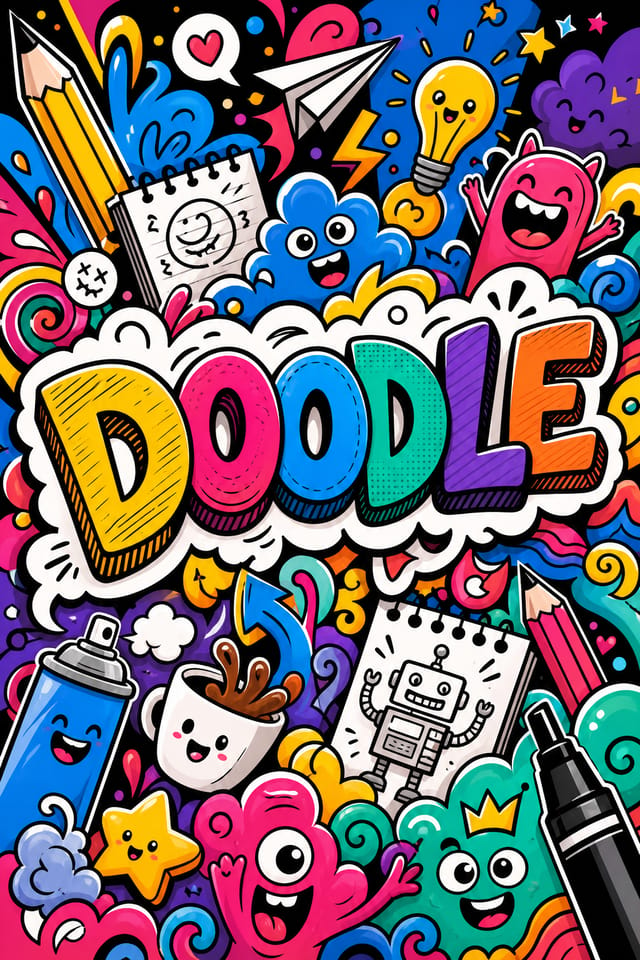
من الموجز إلى الدودل: مسار إنتاج متكامل
بحث جمع المراجع
اجمع أمثلة لتصاميم دودل فعّالة، ودوّن ما ينجح منها، وحدّد الأنماط المرتبطة بأهداف مشروعك.
الموجز تحديد المتطلبات
حدّد الرسالة الأساسية والأبعاد وتفضيلات الألوان والجمهور المستهدف للدودل قبل بدء أي عمل تصميمي.
أنشئ إنشاء التصاميم الأولية
استخدم الذكاء الاصطناعي لإنتاج عدة تنويعات من الدودل بناءً على موجزك. ابدأ بنطاق واسع ثم ضيّق الاختيار من بين أقوى الخيارات.
تحسين صقل التصميم
طبّق تعديلات دقيقة على الدودل المختار. اضبط الطباعة والتباعد والألوان حتى يستوفي كل عنصر معيار الجودة لديك.
مراجعة التقييم والتحسين
قارن خيارات الدودل المُولَّدة بموجزك. ضع علامة على ما ينجح ودوّن التعديلات المحددة المطلوبة للتكرار التالي.
تصدير الدودل: أنواع الملفات واستخداماتها
SVG
صيغة قابلة للتكبير لتصاميم الدودل التي يجب عرضها بحدّة عند أي دقة، وتُستخدم عادةً للويب والتخطيطات المتجاوبة.
TIFF
صيغة عالية الدقة لملفات الدودل المخصصة للطباعة الاحترافية، تدعم نظام ألوان CMYK والضغط بدون فقدان.
WEBP
صيغة ويب حديثة توفر أحجام ملفات أصغر من PNG أو JPG لصور الدودل دون فقدان ملحوظ في الجودة.
صيغة جاهزة للطباعة لملفات الدودل تحافظ على الخطوط والألوان والتخطيط عبر الأجهزة وخدمات الطباعة المختلفة.
JPG
صيغة صور مضغوطة مناسبة لتصاميم الدودل ذات العناصر الفوتوغرافية حيث يكون صغر حجم الملف أهم من دقة الحواف على مستوى البكسل.
ما يقدّمه ذكاء الدودل الاصطناعي: المواصفات والحدود
أدوات إنشاء الدودل: ما يميّزها
إدراك الفئة الفرعية
يميّز الذكاء الاصطناعي بين الفئات الفرعية للتصميم. فطلب دودل يُنتج مخرجات مناسبة للدودل، لا تصميمًا عامًا أُضيف إليه نص الدودل.
مطابقة الطباعة
تُختار الخطوط لتنسجم مع التوقعات الجمالية للدودل. ويزاوج الذكاء الاصطناعي بين خطوط تعزّز الهوية البصرية لدودلك.
تصميم مدرك للسياق
صف هدف الدودل وجمهوره. يضبط الذكاء الاصطناعي الوزن البصري والتعقيد والوضوح وفقًا لسياق الاستخدام المقصود.
توليد سريع
تُولَّد تصاميم الدودل الكاملة خلال ثوانٍ. لا طوابير عرض ولا انتظار للمعالجة بالدفعات.
مرونة التصدير
نزّل دودلك بصيغ تناسب حالة استخدامك. نسخ مُحسَّنة للويب للعرض الرقمي وملفات عالية الـ DPI للطباعة.
انتشار الدودل: السياقات والسيناريوهات
أعمال التصميم المستقل
استخدم Pixazo لتوليد مفاهيم دودل لمراجعة العميل. اعرض اتجاهات متعددة بسرعة قبل الالتزام بتنفيذ تفصيلي.
الرياضة والترفيه
أنتج دودل للدوريات والبطولات والبرامج الترفيهية. تصاميم مفعمة بالحيوية تشحذ الحماس وتنقل الجداول الزمنية.
سير عمل إنشاء المحتوى
ادمج إنتاج الدودل ضمن سير عمل إنتاج المحتوى. فالإخراج السريع يتيح تواترًا أعلى للنشر.
تسويق الأعمال الصغيرة
أنتج دودل تسويقي دون ميزانية وكالة تصميم. واحصل على نتائج احترافية انطلاقًا من وصف نصي.
الحملات السياسية وحملات المناصرة
أنشئ دودل حملات للمرشحين والاستفتاءات والقضايا الاجتماعية. تصاميم مقنعة تحشد الجمهور وتنشر المعلومة.
نماذج من تقنيات أوامر الدودل النصية
انسخ أيًّا من الأوامر النصية أدناه والصقها في Pixazo لإنشاء تصميمك فورًا.
تصميم دودل بتخطيط نظيف وتسلسل طباعي قوي ولوحة ألوان مناسبة لجمالية الدودل وتباين عالٍ بين العنوان والخلفيةدودل ذو تأثير عالٍ، قراءة بصرية فورية بحجم الصورة المصغّرة، هيمنة واضحة للعنوان، ومعلومات داعمة منظَّمة منطقيًادودل ذو ملمس، تعالج السطح يضيف عمقًا دون الإخلال بالوضوح، وملمس منسجم مع جمالية الدودلدودل بتسلسل بصري قوي، يُقرأ العنصر الأكبر بوضوح، وتُنظَّم العناصر الداعمة حسب الأهمية، مع معالجة خلفية نظيفةدودل للعرض الرقمي بأبعاد مُحسَّنة لمشاهدة الشاشة وألوان معايرة لإخراج RGB، يمكن قراءته من مسافة المشاهدة الاعتياديةدودل بأجواء مميزة، تعالج الخلفية تدعم العنوان دون منافسته، مع توزيع متعمَّد للوزن البصريداخل عملية إنشاء الدودل: دليل سريع
حدّد اتجاه التصميم
ابدأ بوصف نصي لمفهوم دودلك. حدّد الأسلوب البصري والألوان واتجاه التخطيط والنص الأساسي. تنتج الأوامر النصية المفصّلة تصاميم دودل أدق من الأوامر العامة.
استعرض التصميم
يُولّد Pixazo دودلك خلال ثوانٍ. راجع التصميم واضبط أمرك النصي لصقل عناصر محددة: غيّر لوحة الألوان، أو انقل ثقل التخطيط، أو أضِف عناصر بصرية تودّ تضمينها.
اضبط التكوين بدقة
عدّل أمرك النصي لتغيير عناصر محددة من الدودل. غيّر لوحة الألوان، أو حرّك الوزن الطباعي، أو أعد توضيع البؤرة التكوينية. كل تكرار يقرّبك من التصميم النهائي.
نزّل واستخدم
صدّر دودلك بالصيغة التي تحتاجها. PNG للويب والشبكات الاجتماعية، وPDF للإنتاج الطباعي، وJPG للبريد الإلكتروني والمشاركة الخفيفة. الملف ملكك لاستخدامه تجاريًا دون قيود.
شاهد: إنشاء تصاميم الدودل خطوة بخطوة
مبادئ التصميم للدودل: المبادئ الأساسية
مبدعو الدودل: تصاميم مميزة
مبدعون حقيقيون يشاركون تصاميم الدودل التي أنجزوها بذكاء Pixazo الاصطناعي.
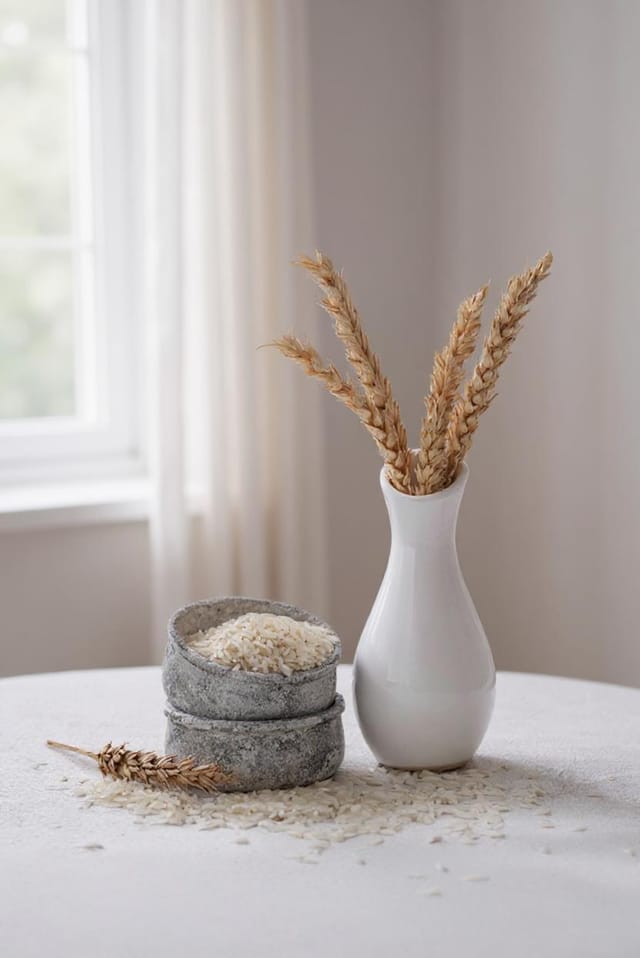
دودل فاخر بلمسات من رقاقة ذهبية على خلفية سوداء، وطباعة سيرف رفيعة، وتخطيط متماثل متمركز، بإحساس راقٍ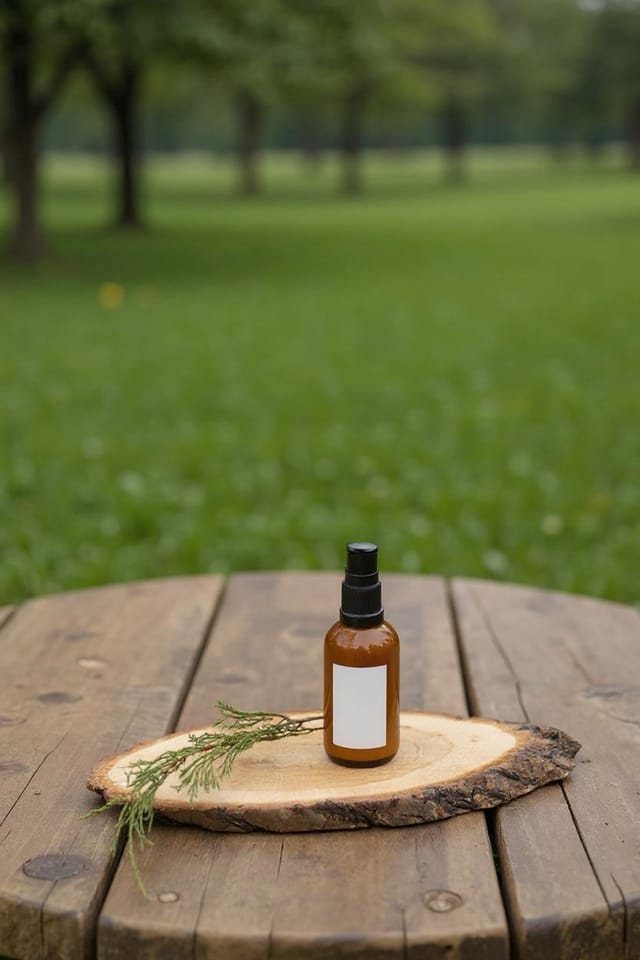
دودل للطباعة بتنسيق كبير، بعناصر مُكبَّرة لتبقى واضحة من بعيد، وألوان مُحسَّنة لمخرجات الطباعة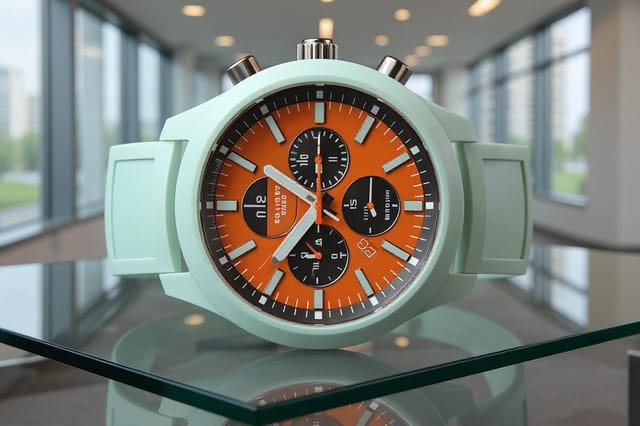
دودل أحادي اللون، درجة لونية واحدة بقيم متعددة، ويُنشئ التسلسل الطباعي عمقًا دون تعقيد لونيحدود ذكاء الدودل الاصطناعي: مقايضات يجب معرفتها
القيود والمقايضات المعروفة لتصميم الدودل المُولَّد بالذكاء الاصطناعي. تبرز أهمية الشفافية عند استخدام الذكاء الاصطناعي لتصميم الدودل. وتوضّح النقاط أدناه المواضع التي قد تحتاج فيها إلى استكمال مخرجات الذكاء الاصطناعي بعمل يدوي.
تصميم الدودل: الأساسيات
يُولَّد الدودل خلال ثوانٍ بعد إرسال أمرك النصي. وعادةً ما يقل الزمن الإجمالي من إرسال الأمر إلى الملف القابل للتنزيل عن دقيقة واحدة، بما في ذلك زمن المعالجة على الخادم.
ضمّن ألوانك المحددة في الأمر النصي، سواء برموز Hex أو بمصطلحات وصفية. تنجح صياغات مثل «أزرق كحلي ونحاسي مع نص أبيض» أو «لوحة #1a1a2e و#c9a84c». ويبني الذكاء الاصطناعي لوحة مناسبة للدودل حول الألوان التي تحددها.
تشمل المقاسات الشائعة 1080x1080 لخلاصة Instagram، و1080x1920 للقصص والـ Reels، و1200x628 لروابط Facebook، و1500x500 لرؤوس Twitter، و1080x1350 لـ Pinterest. حدّد المنصة في أمرك النصي وسيُحسّن Pixazo تخطيط الدودل لذلك التنسيق.
يُولّد الذكاء الاصطناعي التصاميم بالأبعاد المحددة. وللإنتاج الطباعي الاحترافي، أضف عبارة «مع منطقة قص زائدة» إلى أمرك النصي لتمديد عناصر الخلفية خارج خط القص. وينبغي إضافة علامات القص والتسجيل في برنامج تجهيز الطباعة لديك.

