Creador de infografías con IA: crea infografías gratis en minutos
Crea infografías personalizadas rápidamente con el mejor creador de infografías con IA de Pixazo. ¡Pruébalo gratis!
Empezar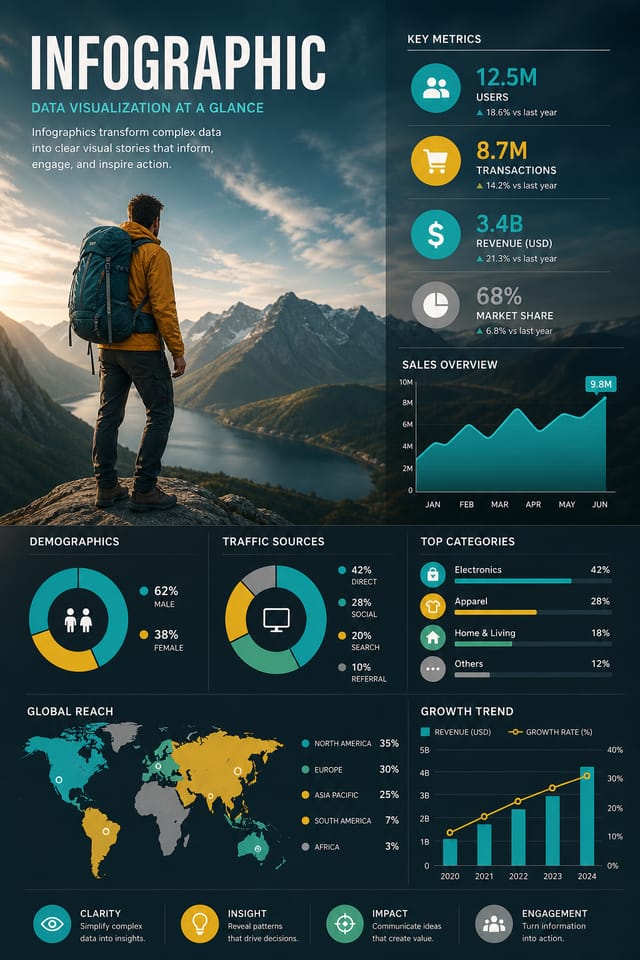
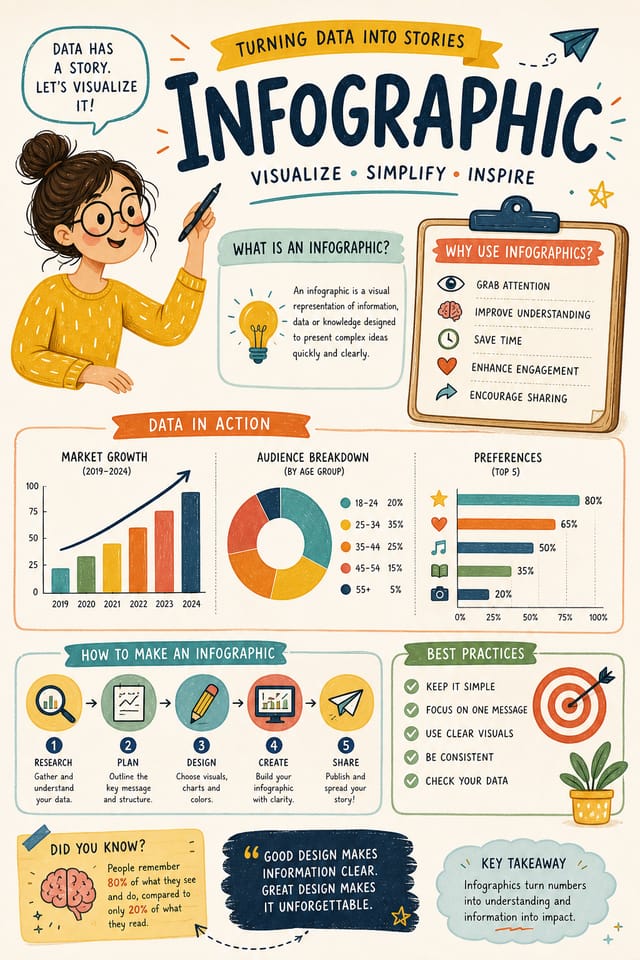
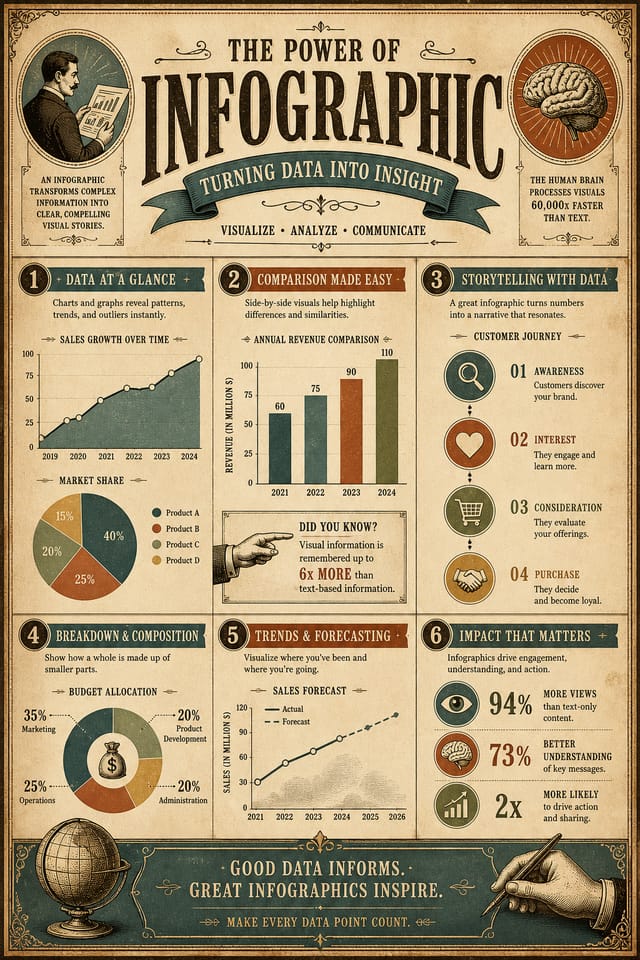
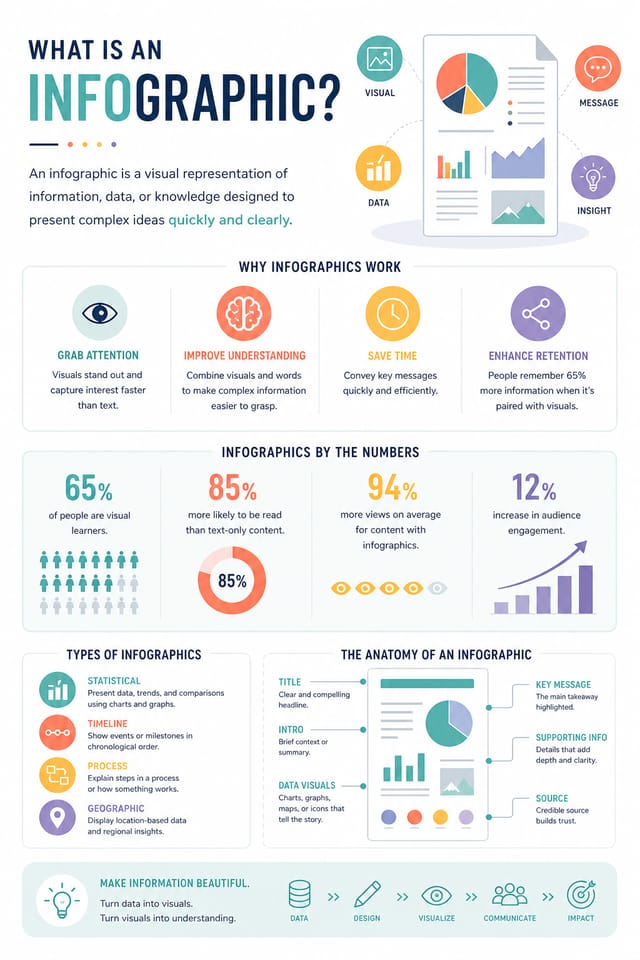
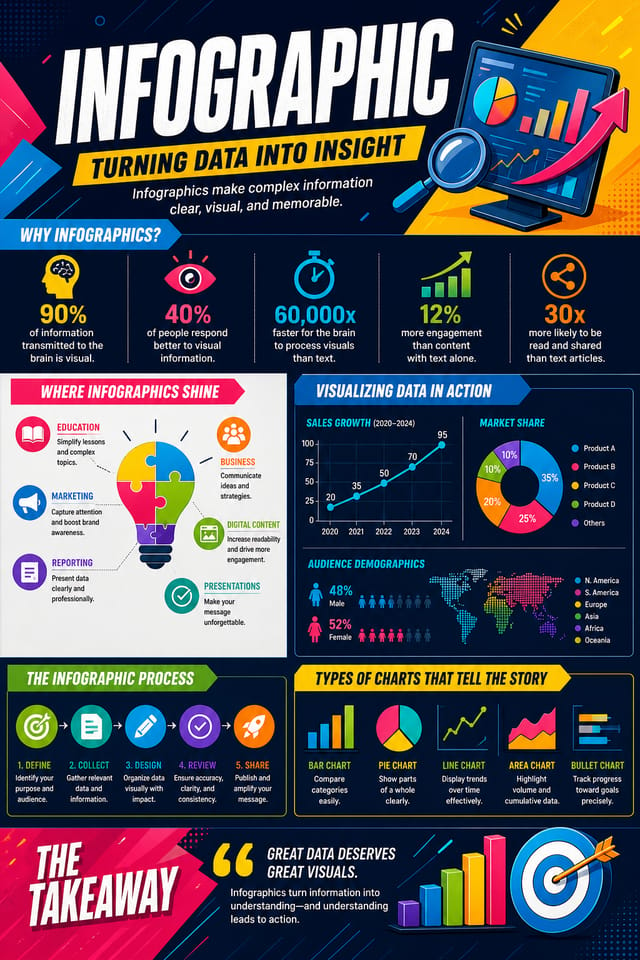
Infografía con IA: De la idea a la realidad
Crea infografías con verdadera personalidad visual. La IA selecciona elementos de diseño que encajan con la estética de las infografías, no plantillas genéricas.
Hecho para diseñadores, profesionales del marketing, propietarios de pequeñas empresas y creadores que necesitan diseños de infografía profesionales sin software de diseño.
Crea tu infografía gratisCómo la IA traduce el estilo de infografía: por qué importa
La lógica del diseño de infografías
El diseño profesional de infografías implica mucho más que aplicar un filtro de color a un layout genérico.
El lenguaje visual del diseño de infografías abarca enfoques compositivos distintivos, afinidades cromáticas características y elecciones tipográficas que transmiten calidad e intencionalidad.
Cuando usas Pixazo para crear una infografía, la IA aplica este conocimiento visual a tu petición concreta.
El resultado se ve intencional y coherente con el estilo, no accidental ni derivado de plantilla.
Tu proceso de infografía: desglose del flujo de trabajo
Resumen Define los requisitos
Define el mensaje principal, las dimensiones, las preferencias de color y el público objetivo de tu infografía antes de comenzar cualquier trabajo de diseño.
Investigación Recopila referencias
Recopila ejemplos de diseños de infografía eficaces, anota qué funciona e identifica patrones relevantes para los objetivos de tu proyecto.
Exportar Entrega los archivos finales
Exporta tu infografía en los formatos y resoluciones requeridos. Organiza los entregables para la entrega al equipo de producción o publicación.
Refinar Pule el diseño
Aplica ediciones específicas a la infografía seleccionada. Ajusta tipografía, espaciado y color hasta que cada elemento cumpla tu estándar.
Qué distingue a las infografías sólidas: fundamentos de diseño
Guía de diseño de infografías: reglas que vale la pena seguir
Usa una jerarquía visual coherente
Estructura tu infografía de modo que el ojo del espectador siga una ruta clara desde el titular hasta los detalles de apoyo y la llamada a la acción.
Mantén el mensaje enfocado
Una infografía sólida comunica con claridad una idea principal. Los detalles de apoyo deben reforzar, no competir con, el mensaje principal.
Mantén la coherencia de marca
Mantén el diseño de tu infografía coherente con los colores, fuentes y lenguaje visual de marca existentes para lograr una identidad cohesionada.
Depender únicamente del resultado de la IA
Los diseños de infografía generados por IA son un punto de partida. La revisión humana detecta problemas de contexto, tono y precisión que la IA puede pasar por alto.
Ignorar la accesibilidad
El texto con bajo contraste y los tamaños de fuente diminutos en tu infografía excluyen a una parte significativa de tu audiencia potencial.
Olvidar la llamada a la acción
Una infografía sin un siguiente paso claro para el espectador es una oportunidad perdida. Incluye siempre orientación sobre qué hacer a continuación.
Saturar el diseño
Rellenar cada píxel de tu infografía con contenido la hace más difícil de leer y reduce el impacto de cada elemento individual.
Capacidades del creador de infografías: qué puede hacer
Control de resolución
Especifica las dimensiones de salida para tu infografía. Obtén archivos con el tamaño adecuado para visualización web, redes sociales o impresión en gran formato.
Generación fiel al estilo
La IA interpreta las convenciones de diseño de infografía y las aplica a la tuya, produciendo una salida correctamente estilizada en lugar de una plantilla genérica.
Aplicación de estilo por capas
Combina el estilo de infografía con otros parámetros de diseño en un solo prompt. La IA interpreta peticiones complejas y aplica múltiples restricciones de estilo simultáneamente.
Salida lista para imprimir
Las infografías generadas tienen el tamaño y la estructura adecuados para impresión profesional. Descarga archivos en alta resolución listos para producción.
Opciones de ubicación del texto
Describe dónde quieres que se sitúen los elementos de texto en tu infografía. La IA sigue indicaciones compositivas sobre la ubicación del titular y el layout del cuerpo de texto.
Estructura compositiva
Las decisiones de layout y jerarquía reflejan patrones de diseño de infografías. Las proporciones y la disposición coinciden con la forma en que se estructuran convencionalmente los diseños de infografía.
Prompts iniciales para infografías que funcionan
Copia cualquier prompt de abajo y pégalo en Pixazo para generar tu diseño al instante.
Diseño de infografía compatible con series, lenguaje visual que se extiende a múltiples formatos, sistema de diseño coherente entre variantesDiseño de infografía limpio, estructura geométrica, tipografía disciplinada, color de acento usado selectivamente para énfasis, resolución optimizada para impresiónInfografía de alto impacto, lectura visual inmediata a tamaño miniatura, dominio claro del titular, información de apoyo estructurada lógicamenteInfografía profesional, enfoque minimalista de infografía, espacio negativo usado intencionalmente, legible a múltiples distancias de visualización, composición lista para imprimirInfografía refinada, relaciones cromáticas sofisticadas, espacios en blanco intencionales, tipografías apropiadas para el estilo de infografía, composición equilibradaInfografía a sangre, tratamiento de fondo que se extiende hasta los bordes, elementos del primer plano colocados para lograr equilibrio compositivo, jerarquía central marcadaComparativa de herramientas de infografía: herramientas frente a frente
Canva
Editor de arrastrar y soltar con una amplia biblioteca de plantillas y funciones de colaboración.
Desygner
Herramienta de diseño multiformato con edición de PDF y gestión de marca.
Pixazo
Generador de infografías con IA con diseño basado en prompts y calidad de salida profesional
Piktochart
Creador de infografías y presentaciones para visualizaciones basadas en datos
VistaCreate
Plataforma de contenido visual con plantillas y biblioteca de recursos integrada.
Pasos para diseñar una infografía: tres pasos sencillos
Comunica el objetivo
Empieza con una descripción de texto de tu concepto de infografía. Especifica el estilo visual, los colores, la dirección del layout y el texto clave. Los prompts detallados producen diseños de infografía más precisos que los genéricos.
Revisa la generación de la IA
Pixazo genera tu infografía en segundos. Revisa el diseño y ajusta tu prompt para refinar elementos concretos: cambia la paleta de colores, desplaza el peso del layout o añade los elementos visuales que quieras incluir.
Entrega el archivo
Consigue tu archivo final de infografía con un solo clic. Elige el formato, descarga en resolución completa y usa el diseño al instante. Sin marcas de agua, sin cargos extra, sin esperas.
Ver: Crear diseños de infografía paso a paso
Quién crea infografías: quién las usa
Moodboards y resúmenes creativos
Genera infografías que reúnen referencias visuales, paletas de color y muestras de textura en tableros inspiradores. Herramientas de comunicación de diseño para equipos creativos.
Infografías basadas en datos
Crea infografías que transforman estadísticas y hallazgos de investigación en narrativas visuales. Diseños que hacen accesibles y compartibles los datos complejos.
Líneas de tiempo históricas y de proyecto
Genera infografías que mapean eventos, hitos y fases de proyecto a lo largo de una línea de tiempo visual. Diseños que hacen intuitiva la cronología de un vistazo.
Collages y montajes de fotos
Diseña infografías que organizan varias imágenes en composiciones visuales cohesionadas. Layouts en cuadrícula y de forma libre para contar historias con fotos.
Organigramas y jerarquías
Crea infografías que visualizan estructuras de equipo, líneas de reporte y organización departamental. Layouts profesionales que clarifican relaciones organizativas complejas.
Variaciones de diseño para infografías: encuentra tu estilo
Infografía de alto contraste
Tratamiento visual de infografía audaz con fuerte contraste tonal. Los elementos se leen con claridad a cualquier distancia de visualización.
Infografía texturizada
Diseño de infografía con profundidad superficial añadida. Los tratamientos de fondo aportan interés visual sin alterar la legibilidad.
Infografía geométrica
Composición estructurada de infografía usando sistemas de cuadrícula y formas angulares. El orden y la precisión definen el enfoque visual.
Infografía minimalista
Enfoque depurado de infografía. Menos elementos, más espacio negativo, la tipografía adquiere más peso visual.
Diseño de infografía: lo que la gente pregunta
Describe tus parámetros de diseño principales en cada prompt y varía solo los elementos específicos que deban cambiar a lo largo de la serie. Mantener una paleta de colores, un enfoque tipográfico y una estructura compositiva coherentes en las variaciones de infografía crea una serie cohesionada.
Una infografía se genera en segundos tras enviar tu prompt. El tiempo total desde el envío hasta el archivo descargable es típicamente menos de un minuto, incluyendo el procesamiento en servidor.
Los diseños creados con Pixazo están disponibles para uso comercial. Puedes usar tus infografías en proyectos de clientes, venta de productos, publicidad y otras aplicaciones comerciales sin tarifas de licencia adicionales.
Puedes solicitar paletas de alto contraste o aptas para daltonismo en tu prompt. Especifica «paleta de colores accesible» o «colores seguros para deuteranopía» y la IA seleccionará colores apropiados para infografías que mantengan el contraste suficiente para usuarios con deficiencias de visión cromática.
Dentro de la comunidad de infografías: trabajo de creadores reales
Creadores reales que comparten sus infografías hechas con Pixazo AI.
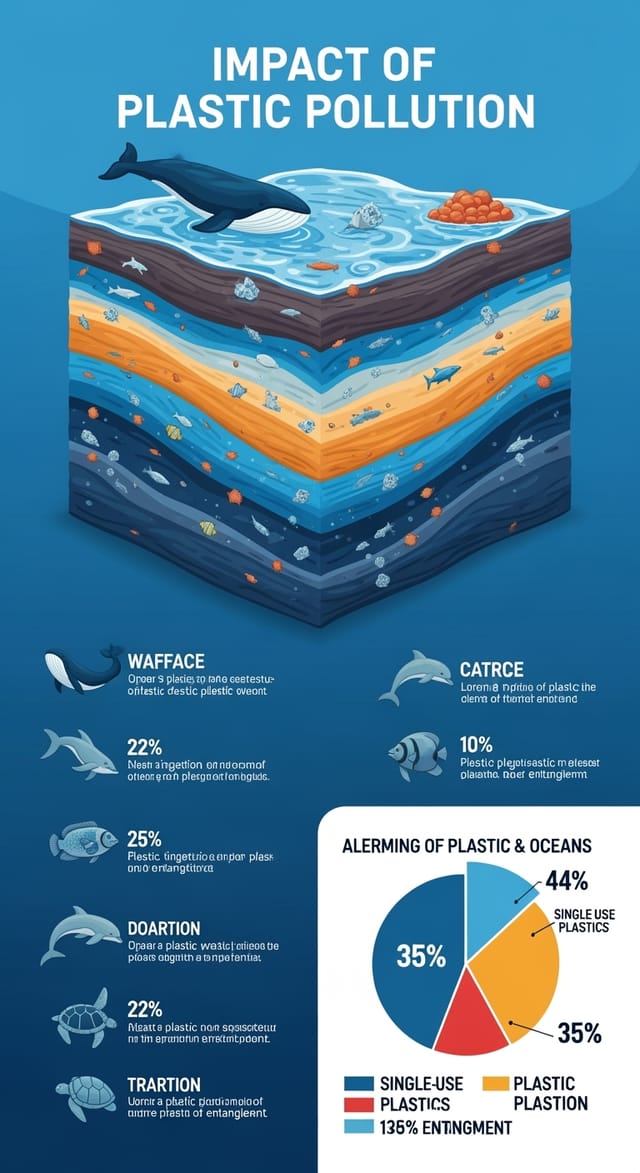
Infografía diseñada para visualización en modo oscuro, fondo negro optimizado para OLED, colores de acento vibrantes, texto de alto contraste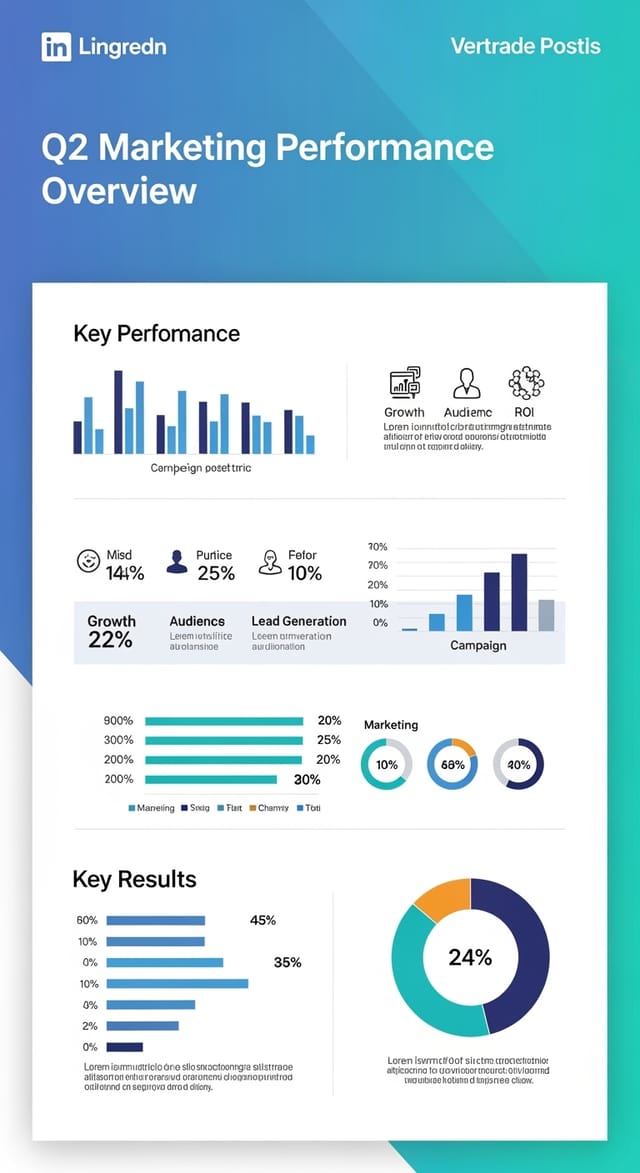
Infografía a dos colores, máximo contraste entre color primario y secundario, tipografía a un color por nivel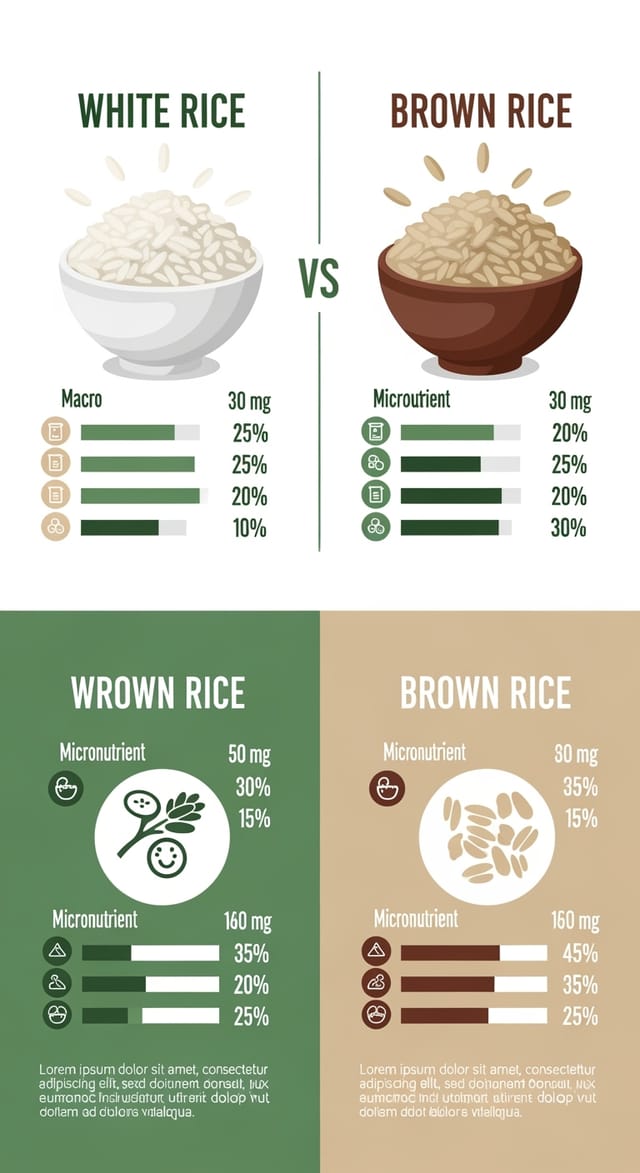
Infografía con temática ecológica, tonos verdes naturales y kraft, formas orgánicas, mensaje de sostenibilidad, estética artesanalLímites de la IA en infografías: expectativas realistas
Limitaciones conocidas y compromisos del diseño de infografía generado por IA. Ser específico sobre lo que la generación de infografías con IA puede y no puede hacer te ayuda a planificar tu flujo de trabajo y establecer expectativas precisas.

