Creador de doodles con IA: crea doodles gratis en minutos
Cree doodles personalizados rápidamente con el mejor creador de doodles con IA de Pixazo. ¡Pruébelo gratis!
Empezar
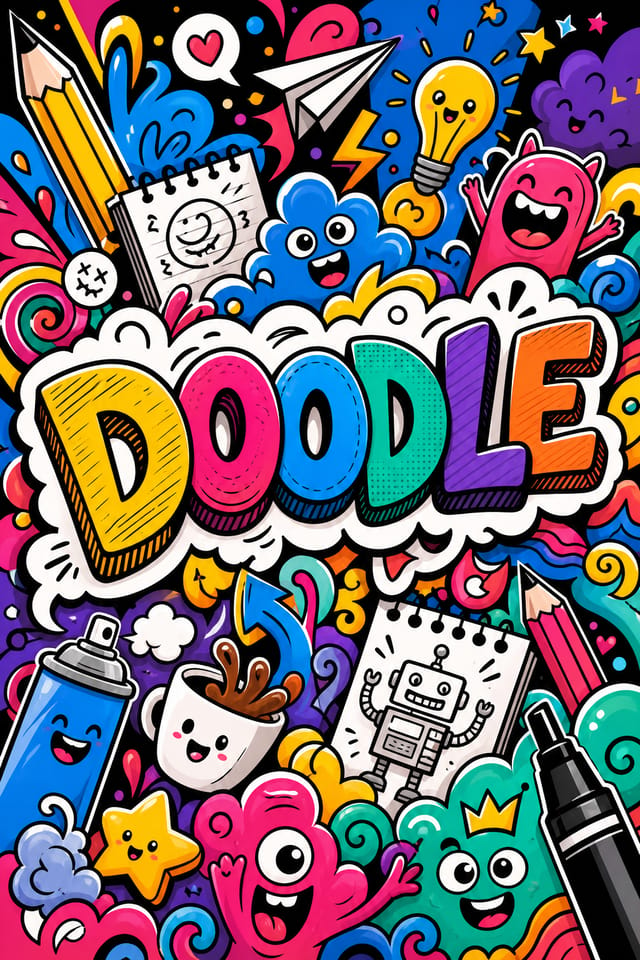
Del brief al doodle: un flujo de producción
Investigación Recopila referencias
Reúna ejemplos de diseños de doodle eficaces, anote lo que funciona e identifique patrones relevantes para los objetivos de su proyecto.
Resumen Define los requisitos
Defina el mensaje clave, las dimensiones, las preferencias de color y el público objetivo de su doodle antes de iniciar cualquier trabajo de diseño.
Genera Crea los diseños iniciales
Use la IA para generar múltiples variaciones de doodle a partir de su brief. Empiece con un enfoque amplio y reduzca las opciones más sólidas.
Refinar Pule el diseño
Aplique ediciones puntuales al doodle seleccionado. Ajuste la tipografía, el espaciado y el color hasta que cada elemento cumpla con su estándar de calidad.
Revisar Evalúa y refina
Compare las opciones de doodle generadas con su brief. Marque lo que funciona y anote los cambios específicos necesarios para la siguiente iteración.
Exporte su doodle: tipos de archivo y usos
SVG
Formato escalable para diseños de doodle que deben renderizarse con nitidez a cualquier resolución, muy usado en la web y en diseños responsivos.
TIFF
Formato de alta fidelidad para archivos de doodle destinados a impresión profesional, compatible con color CMYK y compresión sin pérdidas.
WEBP
Formato web moderno que ofrece tamaños de archivo más pequeños que PNG o JPG para imágenes de doodle sin pérdida significativa de calidad.
Formato listo para imprimir que conserva las fuentes, los colores y el diseño de los archivos de doodle en distintos dispositivos y servicios de impresión.
JPG
Formato de imagen comprimida adecuado para diseños de doodle con elementos fotográficos, donde un tamaño de archivo más pequeño importa más que los bordes perfectos al píxel.
Lo que ofrece la IA de doodle: especificaciones y límites
Herramientas de creación de doodle: lo que las distingue
Conciencia de subcategoría
La IA distingue entre subcategorías de diseño. Una solicitud de doodle produce un resultado adecuado a un doodle, no un diseño genérico con texto de doodle añadido.
Coincidencia tipográfica
Las tipografías se eligen para coincidir con las expectativas estéticas del doodle. La IA combina fuentes que refuerzan la identidad visual de su doodle.
Diseño consciente del contexto
Describa el propósito y el público de su doodle. La IA ajusta el peso visual, la complejidad y la claridad según el contexto de uso previsto.
Generación rápida
Los diseños de doodle completos se generan en segundos. Sin colas de renderizado, sin esperas por procesamiento por lotes.
Flexibilidad de exportación
Descargue su doodle en formatos adecuados para su caso de uso. Versiones optimizadas para web para visualización digital y archivos de alta densidad de píxeles (DPI) para impresión.
El alcance de los doodles: contextos y escenarios
Trabajo de diseño freelance
Use Pixazo para generar conceptos de doodle para revisión del cliente. Presente múltiples direcciones rápidamente antes de comprometerse con una ejecución detallada.
Deportes y recreación
Produzca doodles para ligas, torneos y programas recreativos. Diseños llenos de energía que generan entusiasmo y comunican calendarios.
Flujo de creación de contenido
Integre la generación de doodles en un flujo de producción de contenido. La rapidez de la salida permite una mayor frecuencia de publicación.
Marketing para pequeñas empresas
Produzca doodles de marketing sin contar con el presupuesto de una agencia de diseño. Obtenga resultados profesionales a partir de una descripción de texto.
Campañas políticas y de incidencia
Cree doodles de campaña para candidatos, propuestas electorales y causas sociales. Diseños persuasivos que movilizan e informan.
Ejemplos de técnicas de prompt para doodles
Copia cualquiera de los prompts a continuación y pégalo en Pixazo para generar tu diseño al instante.
Diseño de doodle, composición limpia, jerarquía tipográfica marcada, paleta de colores apropiada para la estética del doodle, alto contraste entre el titular y el fondoDoodle de alto impacto, lectura visual inmediata al tamaño de miniatura, predominio claro del titular, información de apoyo estructurada de forma lógicaDoodle con textura, el tratamiento de superficie añade profundidad sin perjudicar la legibilidad, textura coherente con la estética del doodleDoodle con jerarquía visual marcada, el elemento más grande se lee con claridad, los elementos de apoyo se organizan por importancia y el fondo recibe un tratamiento limpioDoodle para visualización digital, proporciones optimizadas para la pantalla, colores calibrados para salida RGB, legible a una distancia de visualización típicaDoodle atmosférico, el tratamiento del fondo apoya el titular sin competir con él, peso visual distribuido de forma intencionalDentro de la creación de doodles: una guía rápida
Defina la dirección del diseño
Empiece con una descripción de texto del concepto de su doodle. Especifique el estilo visual, los colores, la dirección de la composición y el texto clave. Los prompts detallados producen diseños de doodle más precisos que los generales.
Pruebe el diseño
Pixazo genera su doodle en segundos. Revise el diseño y ajuste su prompt para refinar elementos específicos: cambie la paleta de colores, modifique el peso de la composición o añada elementos visuales que desee incluir.
Afine la composición
Ajuste su prompt para modificar elementos específicos del doodle. Cambie la paleta de colores, modifique el peso tipográfico o reubique el foco compositivo. Cada iteración lo acerca al diseño final.
Descargue y utilice
Exporte su doodle en el formato que necesite. PNG para web y redes sociales, PDF para producción de impresión y JPG para correo electrónico y uso compartido ligero. El archivo es suyo para uso comercial sin restricciones.
Vea: Creación de diseños de doodle paso a paso
Principios de diseño para doodles: pautas clave
Creadores de doodles: diseños destacados
Creadores reales que comparten sus diseños de doodle realizados con la IA de Pixazo.

Doodle lujoso con detalles de lámina dorada sobre negro, tipografía serif fina, composición simétrica centrada y sensación premium
Doodle para impresión en gran formato, elementos escalados para que sean visibles a distancia y colores optimizados para la salida de impresión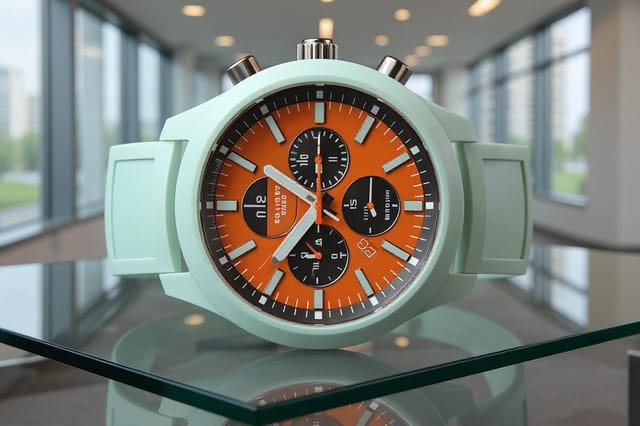
Doodle monocromático, un único matiz con múltiples valores, la jerarquía tipográfica crea profundidad sin complejidad cromáticaLímites de la IA de doodle: compensaciones que debe conocer
Limitaciones y compensaciones conocidas del diseño de doodle generado por IA. La transparencia es importante al usar IA para el diseño de doodle. Los puntos a continuación describen dónde puede necesitar complementar la salida de la IA con trabajo manual.
Diseño de doodle: lo esencial
Un doodle se genera en segundos después de enviar su prompt. El tiempo total desde el envío del prompt hasta el archivo descargable suele ser inferior a un minuto, incluido el tiempo de procesamiento del servidor.
Incluya sus colores específicos en el prompt, ya sea mediante código hexadecimal o términos descriptivos. Funcionan tanto «azul marino y cobre con texto blanco» como «paleta #1a1a2e y #c9a84c». La IA construye una paleta adecuada para el doodle en torno a los colores que indique.
Los tamaños habituales incluyen 1080x1080 para el feed de Instagram, 1080x1920 para historias y reels, 1200x628 para enlaces de Facebook, 1500x500 para cabeceras de Twitter y 1080x1350 para Pinterest. Especifique la plataforma en su prompt y Pixazo optimizará la composición del doodle para ese formato.
La IA genera diseños en las dimensiones especificadas. Para producción de impresión profesional, añada «con área de sangrado» a su prompt para extender los elementos de fondo más allá de la línea de corte. Las marcas de corte y de registro deben añadirse en su software de preparación de impresión.

