KI-Infografiken-Maker: kostenlose Infografiken in Minuten erstellen
Erstelle individuelle Infografiken schnell mit dem besten KI-Infografiken-Maker von Pixazo. Kostenlos testen!
Loslegen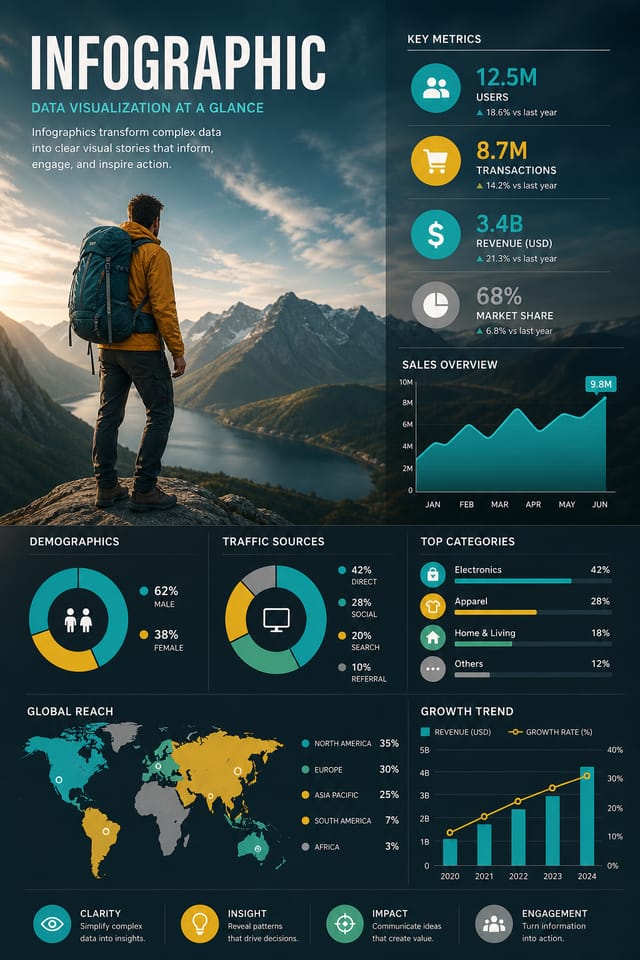
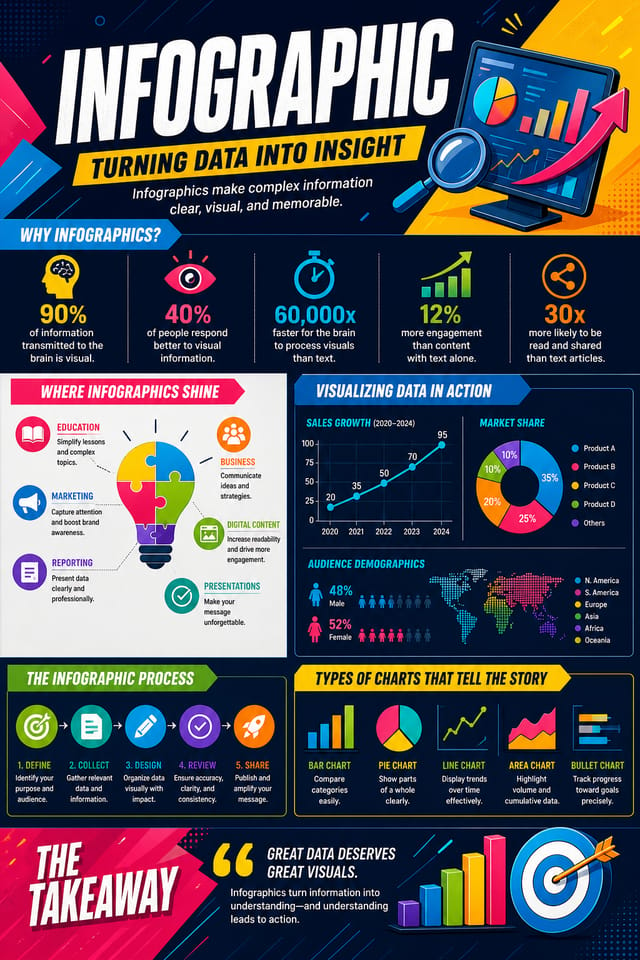
KI-gestützte Infografik: von der Idee zur Realität
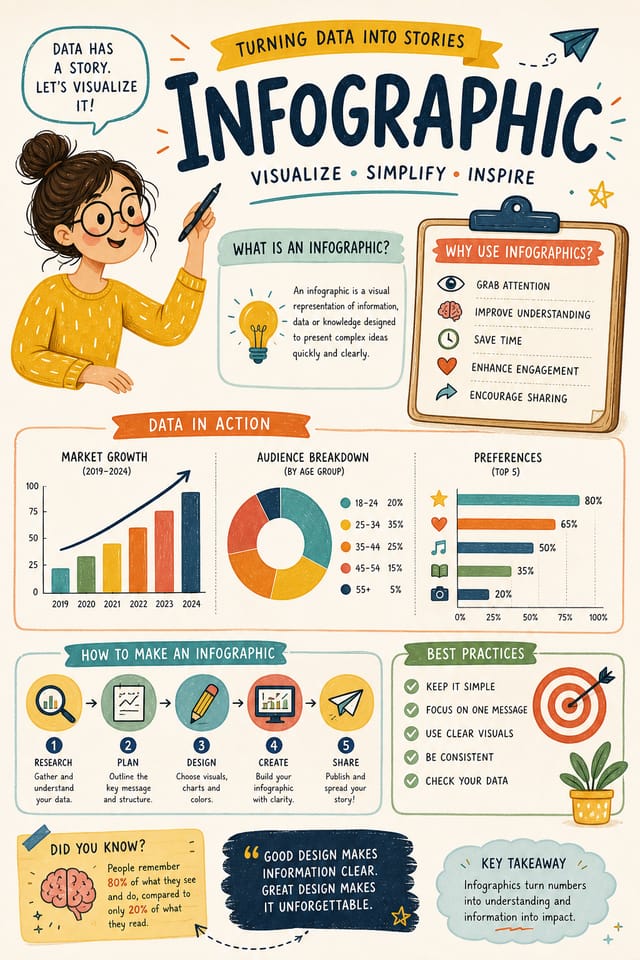
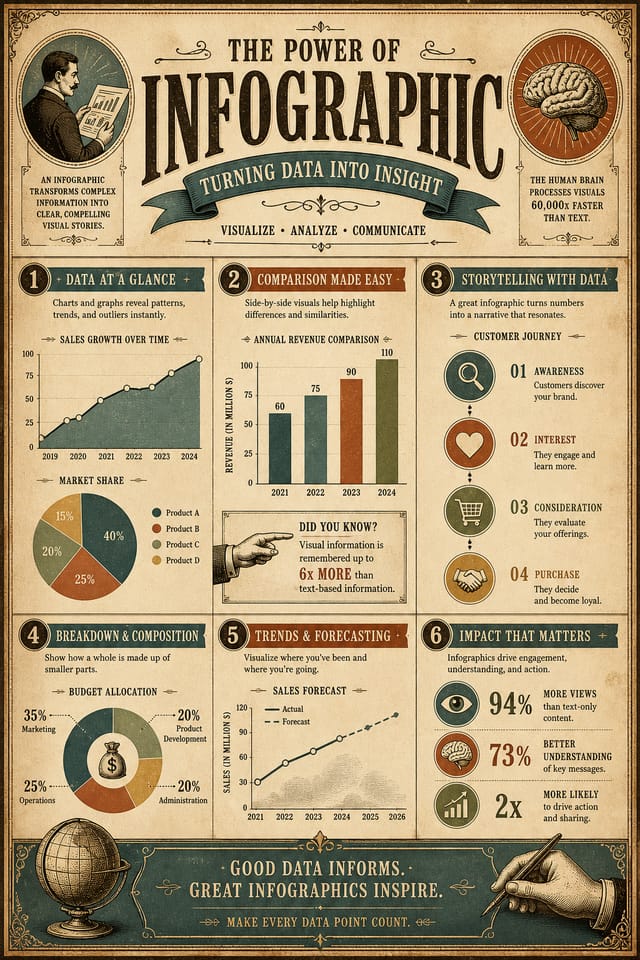
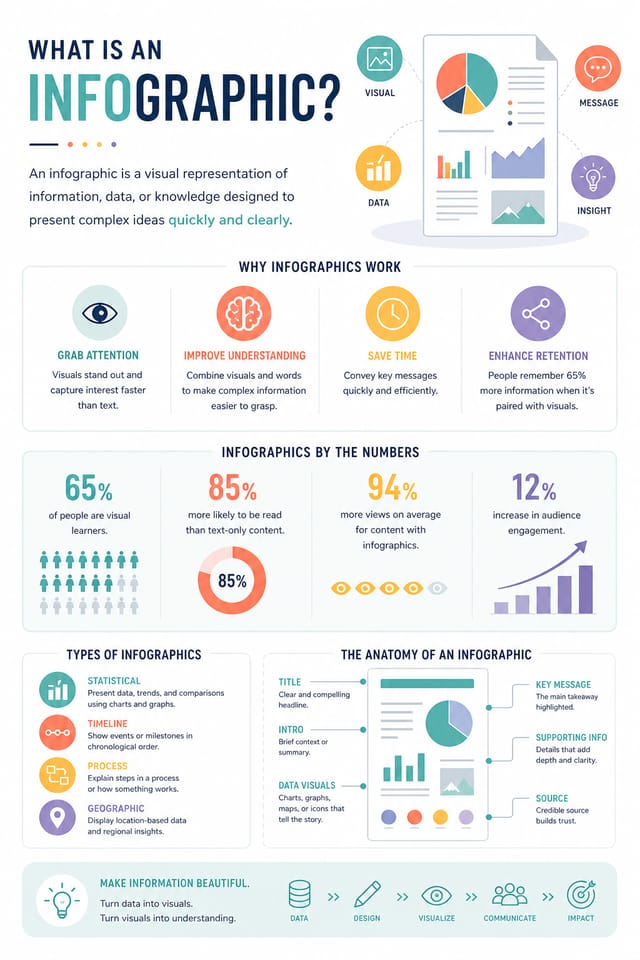
Erstelle Infografiken mit echter visueller Persönlichkeit. Die KI wählt Designelemente, die zur Infografik-Ästhetik passen – statt generischer Vorlagen.
Entwickelt für Designer, Marketer, kleine Unternehmen und Creator, die professionelle Infografik-Designs ohne Designsoftware brauchen.
Erstelle deine Infografik kostenlosWie KI Infografik-Stil übersetzt: Warum es zählt
Die Logik des Infografik-Designs
Professionelles Infografik-Design ist mehr, als einen Farbfilter auf ein generisches Layout anzuwenden.
Die visuelle Sprache des Infografik-Designs umfasst markante kompositorische Ansätze, charakteristische Farbaffinitäten und typografische Entscheidungen, die Qualität und Intention signalisieren.
Wenn Sie Pixazo zum Erstellen einer Infografik nutzen, wendet die KI dieses visuelle Wissen auf Ihre konkrete Anfrage an.
Das Ergebnis wirkt durchdacht und stiltreu — nicht zufällig oder schablonenhaft.
Ihr Infografik-Prozess: Workflow im Überblick
Briefing Anforderungen festlegen
Lege Kernbotschaft, Maße, Farbpräferenzen und Zielgruppe deiner Infografik fest, bevor das Design beginnt.
Recherche Referenzen sammeln
Sammle Beispiele wirksamer Infografiken, halte fest, was funktioniert, und erkenne projektrelevante Muster.
Exportieren Finale Dateien liefern
Exportieren Sie Ihre Infografik in den benötigten Formaten und Auflösungen. Organisieren Sie die Lieferdateien für die Übergabe an das Produktions- oder Publishing-Team.
Verfeinern Design verfeinern
Wende gezielte Edits auf deine gewählte Infografik an. Passe Typografie, Abstände und Farbe an, bis jedes Element deinem Qualitätsstandard entspricht.
Was starke Infografiken auszeichnet: Designgrundlagen
Leitfaden für Infografik-Design: Regeln, die sich lohnen
Nutze eine konsistente visuelle Hierarchie
Strukturieren Sie Ihre Infografik so, dass das Auge des Betrachters einem klaren Pfad von der Überschrift über die unterstützenden Details bis zum Call-to-Action folgt.
Botschaft fokussiert halten
Eine starke Infografik vermittelt eine zentrale Idee klar. Unterstützende Details sollen die Hauptbotschaft verstärken, nicht mit ihr konkurrieren.
Markenkonsistenz wahren
Halten Sie Ihr Infografik-Design konsistent zu vorhandenen Markenfarben, Schriften und visueller Sprache – für ein stimmiges Markenbild.
Sich allein auf das KI-Ergebnis verlassen
KI-generierte Infografik-Designs sind ein Ausgangspunkt. Eine menschliche Prüfung erkennt Probleme bei Kontext, Tonalität und Genauigkeit, die die KI übersehen kann.
Barrierefreiheit ignorieren
Kontrastarmer Text und winzige Schriftgrößen in Ihrer Infografik schließen einen erheblichen Teil Ihres potenziellen Publikums aus.
Den Call-to-Action vergessen
Eine Infografik ohne klaren nächsten Schritt für den Betrachter ist eine verpasste Chance. Geben Sie immer eine Handlungsaufforderung mit.
Das Layout überladen
Jeden Pixel Ihrer Infografik mit Inhalt zu füllen, macht sie schwerer lesbar und verringert die Wirkung jedes einzelnen Elements.
Infografik-Maker-Funktionen: Was er kann
Auflösungskontrolle
Legen Sie die Ausgabeabmessungen Ihrer Infografik fest. Erhalten Sie Dateien in den passenden Größen für Webdarstellung, Social Media oder Großformatdruck.
Stilgenaue Generierung
Die KI interpretiert die Design-Konventionen für Infografiken und wendet sie auf Ihre an, sodass das Ergebnis stilistisch stimmig wirkt statt generisch vorlagenhaft.
Schichtweise Stilanwendung
Kombinieren Sie Infografik-Stil mit weiteren Designparametern in einem einzigen Prompt. Die KI interpretiert komplexe Anfragen und wendet mehrere Stilvorgaben gleichzeitig an.
Druckfertiges Ergebnis
Generierte Infografiken sind in Größe und Aufbau für den professionellen Druck ausgelegt. Laden Sie hochauflösende Dateien produktionsfertig herunter.
Optionen für Textplatzierung
Beschreiben Sie, wo die Textelemente auf Ihrer Infografik platziert werden sollen. Die KI folgt der Kompositionsvorgabe für Headline-Position und Fließtext-Layout.
Kompositionsstruktur
Layout- und Hierarchieentscheidungen spiegeln bewährte Infografik-Designmuster wider. Proportionen und Anordnung entsprechen dem, wie Infografik-Designs konventionell aufgebaut sind.
Starter-Prompts für Infografiken, die funktionieren
Kopieren Sie einen der Prompts unten und fügen Sie ihn in Pixazo ein, um Ihr Design sofort zu generieren.
Serientaugliches Infografik-Design, visuelle Sprache, die sich auf mehrere Formate übertragen lässt, konsistentes Designsystem über alle Varianten hinwegKlares Infografik-Design, geometrische Struktur, disziplinierte Typografie, Farbakzent gezielt zur Hervorhebung eingesetzt, druckoptimierte AuflösungWirkungsvolle Infografik, sofort visuell erfassbar in Thumbnail-Größe, klare Dominanz der Überschrift, unterstützende Informationen logisch strukturiertProfessionelle Infografik, minimalistischer Infografik-Ansatz, gezielt eingesetzter Negativraum, auf mehreren Betrachtungsabständen lesbar, druckfertige KompositionVerfeinerte Infografik, anspruchsvolle Farbbeziehungen, bewusst gesetzter Weißraum, zum Infografik-Stil passende Schriftarten, ausgewogene KompositionRandabfallende Infografik, Hintergrundgestaltung läuft bis an die Kanten, Vordergrundelemente für kompositorische Balance positioniert, starke zentrale HierarchieInfografik-Werkzeuge im Vergleich
Canva
Drag-and-Drop-Editor mit großer Vorlagenbibliothek und Kollaborationsfunktionen.
Desygner
Design-Tool für mehrere Formate mit PDF-Bearbeitung und Markenmanagement.
Pixazo
KI-gestützter Infografik-Generator mit prompt-basiertem Design und professioneller Ausgabequalität.
Piktochart
Infografik- und Präsentations-Maker für datengetriebene Visuals.
VistaCreate
Plattform für visuelle Inhalte mit Vorlagen und integrierter Asset-Bibliothek.
Infografik-Design: in drei einfachen Schritten
Das Ziel kommunizieren
Beginnen Sie mit einer textlichen Beschreibung Ihres Infografik-Konzepts. Legen Sie visuellen Stil, Farben, Layout-Richtung und zentrale Texte fest. Detaillierte Prompts liefern genauere Infografik-Designs als allgemeine.
Die KI-Generierung prüfen
Pixazo erzeugt Ihre Infografik in Sekunden. Sehen Sie sich das Design an und passen Sie den Prompt an, um Details zu verfeinern: Farbpalette ändern, Layout-Gewichtung verschieben oder visuelle Elemente ergänzen.
Die Datei übergeben
Holen Sie sich die finale Infografik-Datei mit einem Klick. Format wählen, in voller Auflösung herunterladen und sofort einsetzen. Kein Wasserzeichen, keine Zusatzgebühren, kein Warten.
Anschauen: Infografik-Designs Schritt für Schritt erstellen
Wer Infografiken erstellt: Wer sie einsetzt
Moodboards und Kreativbriefings
Erzeugen Sie Infografiken, die visuelle Referenzen, Farbpaletten und Texturproben zu inspirierenden Boards zusammenstellen. Designwerkzeuge für die Kommunikation in Kreativteams.
Datengetriebene Infografiken
Erstellen Sie Infografiken, die Statistiken und Forschungsergebnisse in visuelle Geschichten verwandeln. Designs, die komplexe Daten zugänglich und teilbar machen.
Historische und Projekt-Timelines
Erzeugen Sie Infografiken, die Ereignisse, Meilensteine und Projektphasen auf einer visuellen Zeitachse abbilden. Designs, die Chronologie auf einen Blick verständlich machen.
Fotocollagen und Montagen
Gestalten Sie Infografiken, die mehrere Bilder zu stimmigen visuellen Kompositionen anordnen. Rastergestützte und freie Layouts für visuelles Foto-Storytelling.
Organigramme und Hierarchien
Erstellen Sie Infografiken, die Teamstrukturen, Berichtslinien und Abteilungsorganisation visualisieren. Professionelle Layouts, die komplexe organisatorische Beziehungen klar machen.
Designvarianten für Infografiken: Finden Sie Ihren Look
Kontraststarke Infografik
Kraftvolle visuelle Infografik-Gestaltung mit starkem Tonwertkontrast. Elemente sind aus jeder Betrachtungsdistanz klar lesbar.
Texturierte Infografik
Infografik-Design mit zusätzlicher Oberflächentiefe. Hintergrundgestaltungen sorgen für visuelles Interesse, ohne die Lesbarkeit zu beeinträchtigen.
Geometrische Infografik
Strukturierte Infografik-Komposition mit Rastersystemen und kantigen Formen. Ordnung und Präzision prägen die visuelle Ausrichtung.
Minimalistische Infografik
Reduzierter Infografik-Ansatz. Weniger Elemente, mehr Negativraum, die Typografie trägt mehr visuelles Gewicht.
Infografik-Design: häufige Fragen
Beschreiben Sie Ihre zentralen Designparameter in jedem Prompt und variieren Sie nur die Elemente, die sich über die Serie hinweg verändern sollen. Eine konsistente Farbpalette, ein einheitlicher typografischer Ansatz und eine durchgängige Kompositionsstruktur über verschiedene Infografik-Varianten hinweg erzeugen eine in sich stimmige Serie.
Eine Infografik wird in Sekunden nach dem Absenden des Prompts erzeugt. Die Gesamtzeit vom Prompt bis zur Datei liegt meist unter einer Minute, inklusive Server-Verarbeitung.
Mit Pixazo erstellte Designs sind für die kommerzielle Nutzung freigegeben. Sie können Ihre Infografiken für Kundenprojekte, Produktverkäufe, Werbung und andere kommerzielle Anwendungen einsetzen, ohne zusätzliche Lizenzgebühren.
Sie können in Ihrem Prompt kontraststarke oder farbenblinden-freundliche Paletten anfordern. Geben Sie etwa „barrierefreie Farbpalette“ oder „deuteranopie-sichere Farben“ an, und die KI wählt zur Infografik passende Farben mit ausreichendem Kontrast für Nutzer mit Farbsehschwäche.
Einblick in die Infografik-Community: echte Creator-Arbeiten
Echte Creator zeigen ihre mit Pixazo AI erstellten Infografiken.
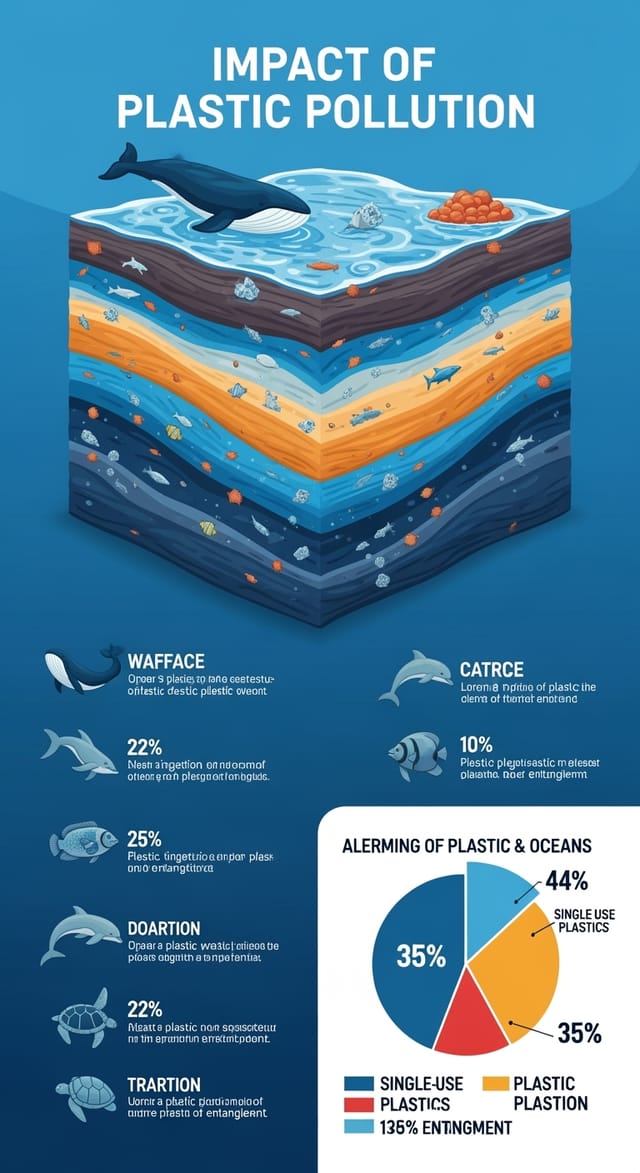
Infografik gestaltet für Dark-Mode-Darstellung, OLED-optimierter schwarzer Hintergrund, lebendige Akzentfarben, kontraststarker Text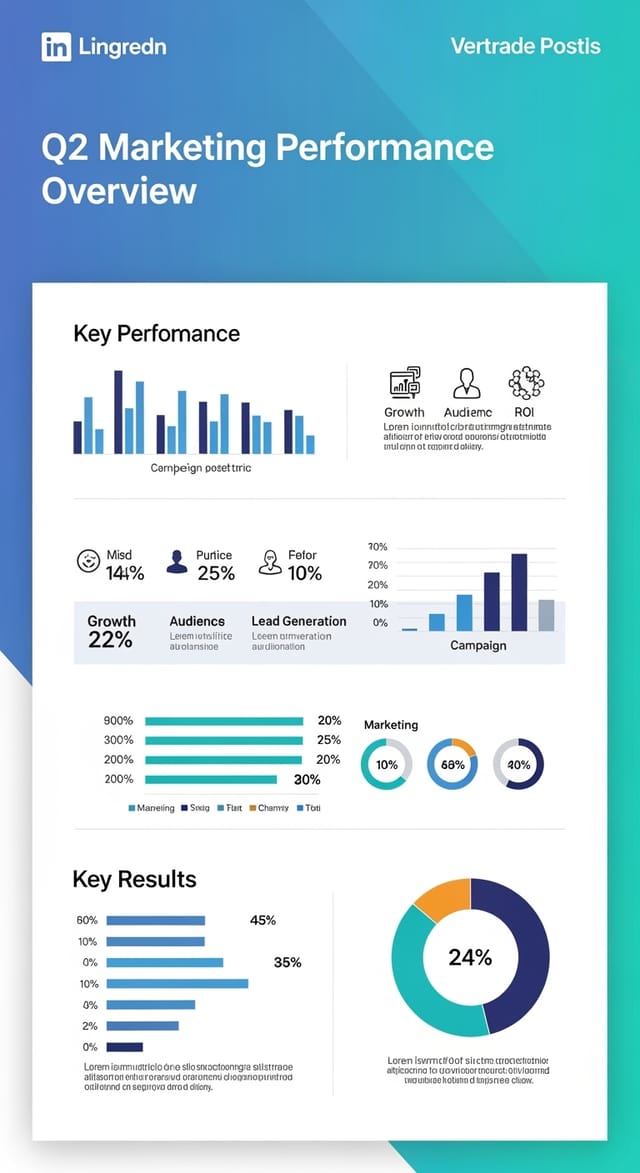
Zweifarbige Infografik, maximaler Kontrast zwischen Primär- und Sekundärfarbe, Typografie je Hierarchieebene in einer Farbe gesetzt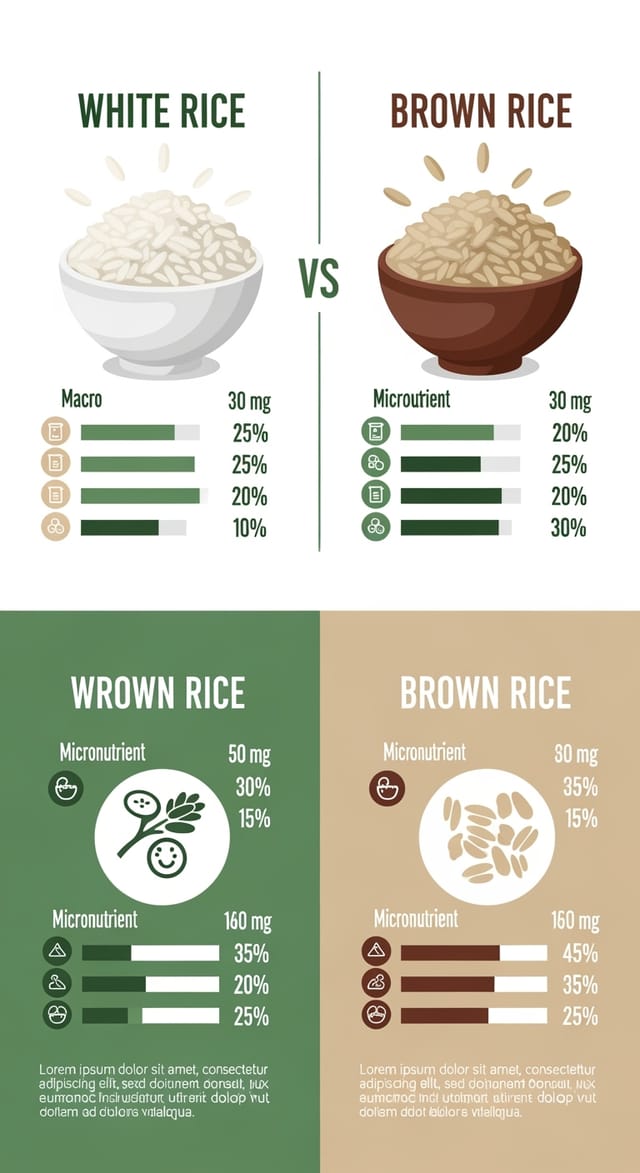
Umweltfreundlich gestaltete Infografik, natürliche Grün- und Kraftpapiertöne, organische Formen, Nachhaltigkeitsbotschaft, handgefertigte ÄsthetikGrenzen der Infografik-KI: realistische Erwartungen
Bekannte Grenzen und Kompromisse von KI-generiertem Infografik-Design. Wer genau weiß, was KI-Infografik-Generierung leisten kann und was nicht, kann den Workflow besser planen und Erwartungen passend setzen.

