Créateur d’émoticônes IA : créez des émoticônes gratuites en quelques minutes
Créez rapidement des émoticônes personnalisées avec le meilleur créateur d’émoticônes IA de Pixazo. Essayez gratuitement !
Commencer
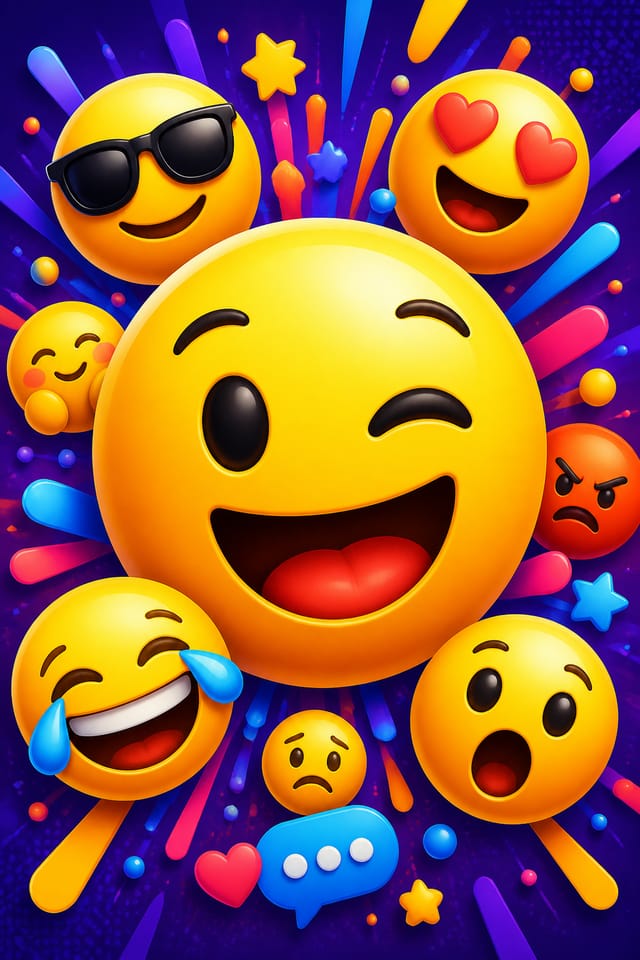
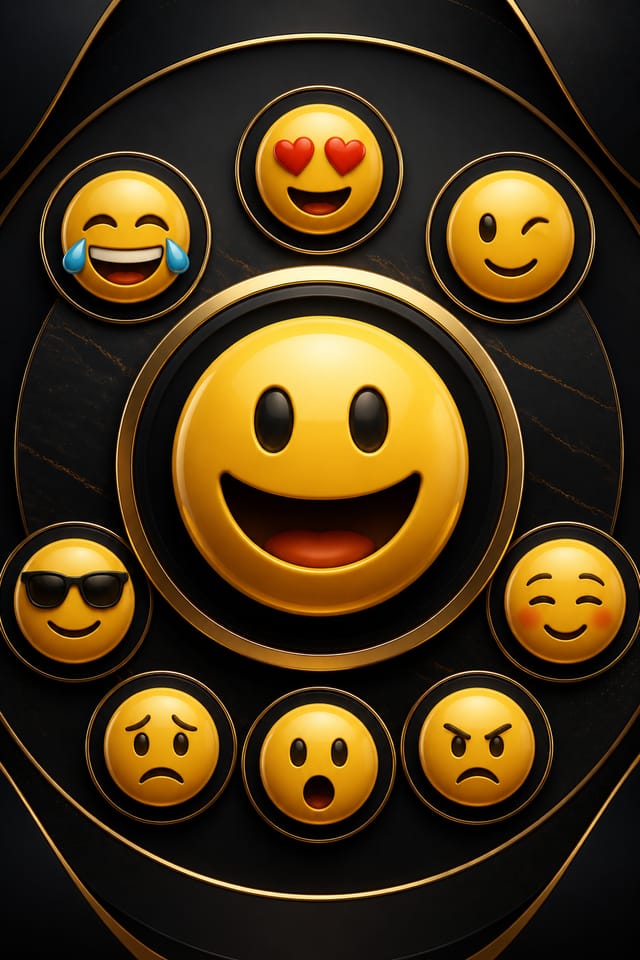
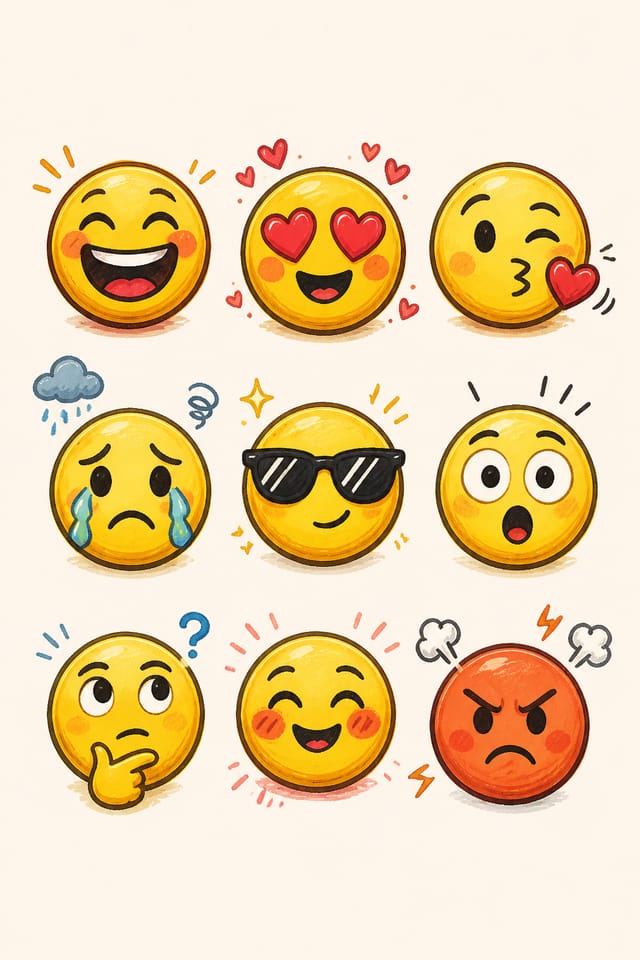
Diffuser votre émoticône : types de fichiers et usages
Format prêt à imprimer pour les fichiers d’émoticône, qui préserve les polices, les couleurs et la mise en page sur différents appareils et services d’impression.
SVG
Format évolutif pour les designs d’émoticônes qui doivent s’afficher avec netteté à toute résolution, couramment utilisé pour le web et les mises en page responsives.
WEBP
Format web moderne offrant des tailles de fichier plus réduites que PNG ou JPG pour les images d’émoticônes, sans perte de qualité notable.
JPG
Format d’image compressé adapté aux designs d’émoticônes comportant des éléments photographiques, lorsque la taille de fichier compte davantage qu’une netteté de bord parfaite.
TIFF
Format haute fidélité pour les fichiers d’émoticônes destinés à l’impression professionnelle, prenant en charge la couleur CMYK et une compression sans perte.
Approches stylistiques des émoticônes : à explorer
Émoticône texturée
Design d’émoticône avec une profondeur de surface ajoutée. Les traitements de fond ajoutent de l’intérêt visuel sans nuire à la lisibilité.
Émoticône classique
Principes de design d’émoticône traditionnels appliqués au format moderne. Composition épurée, hiérarchie conventionnelle, choix visuels éprouvés.
Émoticône atmosphérique
Design d’émoticône où l’ambiance prime. Couleurs et composition s’associent pour créer un ressenti spécifique.
Émoticône contemporaine
Sensibilité actuelle du design d’émoticône, avec des proportions actualisées, des typographies modernes et des associations de couleurs contemporaines.
Coulisses du design d’émoticône : aperçu des fonctionnalités
Cohérence entre variantes
Générez plusieurs émoticônes pour un même projet et préservez une cohérence visuelle sur l’ensemble. Précisez vos paramètres de design essentiels et faites varier les éléments secondaires.
Contrôle de la résolution
Précisez les dimensions de sortie de votre émoticône. Obtenez des fichiers calibrés pour l’affichage web, les réseaux sociaux ou l’impression grand format.
Affinage du prompt
Ajustez votre description pour peaufiner n’importe quel aspect du design d’émoticône. L’IA répond à des directives précises sur les couleurs, la mise en page ou le contenu.
Droits d’usage commercial
Les designs générés avec Pixazo vous appartiennent et sont utilisables à des fins commerciales. Aucune licence supplémentaire n’est requise pour vos projets d’émoticônes.
Génération rapide
Des designs complets de émoticône se génèrent en quelques secondes. Pas de file de rendu, pas d’attente pour un batch.
Variation de fond
Générez des émoticônes avec différents traitements de fond. Fonds unis, dégradés, texturés ou à motifs, tous disponibles pour le style émoticône.
Qui crée des émoticônes : applications concrètes
Sceaux et marques de certification
Générez des émoticônes pour des sceaux de qualité, des tampons d’approbation et des badges de confiance. Des designs autoritaires qui inspirent la crédibilité même à petite taille.
Présentations en mockup
Créez des émoticônes intégrées à des contextes de mockup réalistes. Montrez aux clients le rendu des designs sur des produits physiques, des écrans et des environnements.
Autocollants promotionnels et décals
Concevez des émoticônes pour autocollants découpés à la forme, autocollants pour pare-chocs et décals promotionnels. Des designs forts qui se lisent clairement sur n’importe quelle surface.
Éléments d’identité de marque
Créez des émoticônes pour logos, marques typographiques et symboles de marque. Des designs qui établissent une identité visuelle avec clarté et mémorabilité.
Comment fonctionne l’IA d’émoticônes : trois étapes simples
Donnez du contexte à l’IA
Décrivez l’aspect souhaité de votre émoticône. Indiquez l’ambiance, la palette, la préférence typographique et la hiérarchie de contenu. Pixazo lit tout cela et génère un design adapté.
Examinez la génération de l’IA
L’IA produit une émoticône à partir de votre description. Si le premier résultat n’est pas tout à fait juste, ajustez le prompt pour cibler ce qui doit changer. La plupart des designs atteignent l’objectif en quelques itérations.
Affinez la composition
Itérez sur votre émoticône en modifiant les aspects à retravailler. Régénérez avec un prompt plus ciblé jusqu’à ce que le design corresponde à votre vision. La plupart des ajustements demandent une ou deux itérations.
Téléchargez et utilisez
Téléchargez votre émoticône finalisée dans le format adapté à votre usage. Fichiers haute résolution pour l’impression, versions optimisées pour le web, ou PDF prêt à la production.
À regarder : créer des designs d’émoticônes étape par étape
Performances de l’IA d’émoticônes : résultats chiffrés
Nombre de variantes d’émoticônes que vous pouvez générer par session
Nombre de variantes d’émoticônes que vous pouvez générer par session
Du prompt initial à l’émoticône finie, dans un flux simple
Du prompt initial à l’émoticône finie, dans un flux de travail simple
Temps de génération moyen pour un design d’émoticône complet
Temps de génération moyen pour un design d’émoticône complet, du prompt au rendu
IA d’émoticônes : les compromis à connaître
Limites et compromis connus du design d’émoticônes généré par IA. Comprendre ce que l’IA gère bien et là où elle atteint ses limites vous aide à structurer efficacement votre flux de création d’émoticônes.
Éviter les erreurs d’émoticône : ce qu’il faut faire et ce qu’il faut éviter
Tester avec du contenu réel
Ne finalisez jamais une émoticône avec du texte de remplissage. Le contenu réel a souvent des longueurs et des retours à la ligne différents qui influent sur le design.
Utilisez grilles et alignement
Les mises en page structurées de votre émoticône créent une impression d’ordre et de professionnalisme que les designs non structurés ne peuvent égaler.
Adoptez une hiérarchie visuelle cohérente
Structurez votre émoticône pour que le regard du spectateur suive un chemin clair, du titre aux détails secondaires jusqu’à l’appel à l’action.
Surcharger la mise en page
Remplir chaque pixel de votre émoticône avec du contenu la rend plus difficile à lire et réduit l’impact de chaque élément.
Oublier l’appel à l’action
Une émoticône sans étape suivante claire pour le spectateur est une occasion manquée. Indiquez toujours quelle action effectuer ensuite.
Trop multiplier les polices
Plus de deux ou trois polices dans une même émoticône créent un bruit visuel et rendent le design décousu.
Formules de prompts efficaces pour émoticônes
Copiez n’importe quel prompt ci-dessous et collez-le dans Pixazo pour générer votre design instantanément.
Design d’émoticône épuré, structure géométrique, typographie disciplinée, accent de couleur utilisé sélectivement pour mettre en valeur, résolution optimisée pour l’impressionDesign d’émoticône compatible avec une série, langage visuel qui s’étend à plusieurs formats, système de design cohérent entre les variantesÉmoticône en orientation portrait, composition verticale, titre placé au point d’entrée de lecture naturel, informations secondaires qui descendent logiquementÉmoticône atmosphérique, traitement du fond qui soutient le titre sans lui faire concurrence, poids visuel réparti intentionnellementDesign d’émoticône, mise en page épurée, forte hiérarchie typographique, palette de couleurs adaptée à l’esthétique d’émoticône, fort contraste entre le titre et le fondÉmoticône de style classique, placement de titre en gras, textes d’appui à l’échelle appropriée, palette en accord avec les conventions de la émoticôneConseils du créateur d’émoticônes : guide pratique
Utilisez un fort contraste pour la lisibilité
Que votre émoticône soit affichée à l’écran ou imprimée, un fort contraste entre texte et fond garantit que le message passe à n’importe quelle taille.
Tenir compte du contexte
Réfléchissez à l’endroit où apparaîtra votre émoticône. Un design optimisé pour les réseaux sociaux nécessite des proportions et une densité différentes d’un design destiné à un panneau d’affichage physique.
Recevoir des retours tôt
Partagez votre ébauche d’émoticône avec quelqu’un d’extérieur au projet. Un regard neuf repère les problèmes auxquels vous êtes devenu aveugle après des heures de retouches.
Limitez votre palette de couleurs
Tenez-vous à 2 ou 3 couleurs principales dans votre émoticône. Trop de couleurs se disputent l’attention et affaiblissent la hiérarchie visuelle.
Créer des émoticônes : l’essentiel
Pixazo génère des designs originaux plutôt que de copier des œuvres existantes. L’IA crée des émoticônes à partir de principes de design appris, et non en assemblant des fragments d’œuvres existantes. Le rendu généré ne reproduit pas de matériel protégé par le droit d’auteur ni les styles artistiques identifiables de créateurs vivants.
Générez votre émoticône initiale, examinez le résultat, puis modifiez votre prompt pour ajuster des éléments précis. Chaque régénération produit un nouveau design intégrant vos changements. La plupart des utilisateurs aboutissent à leur design d’émoticône final en deux à quatre itérations.
Des prompts précis produisent de meilleurs résultats que des prompts vagues. Incluez le style visuel voulu, vos éventuelles préférences de couleurs, le texte le plus important à afficher et l’usage prévu. Pour le design d’émoticône en particulier, préciser si vous souhaitez une interprétation contemporaine ou classique du style d’émoticône aide l’IA à prendre les bonnes décisions.
L’IA génère des designs visuels, pas des visualisations de données. Pour les émoticônes nécessitant des graphiques ou des tableaux, générez la mise en page de l’émoticône dans Pixazo, puis superposez vos graphiques de données en post-production. Le cadre du design restera cohérent stylistiquement, même si les éléments de données sont ajoutés séparément.
Décrivez vos paramètres de design essentiels dans chaque prompt et ne faites varier que les éléments précis qui doivent changer au sein de la série. Conserver une palette de couleurs, une approche typographique et une structure compositionnelle cohérentes entre les variantes d’émoticônes crée une série homogène.
Les comptes d’équipe permettent à plusieurs utilisateurs de partager prompts, designs d’émoticônes enregistrés et kits de marque au sein d’un espace de travail commun. Les membres de l’équipe peuvent itérer sur les designs d’émoticônes des uns et des autres et maintenir une cohérence de rendu sur l’ensemble des projets.
Vitrine de la communauté du créateur d’émoticônes
De vrais créateurs partagent leurs émoticônes faites avec Pixazo AI.