Créateur de étiquettes produit IA : créez des étiquettes gratuites en quelques minutes
Créez rapidement des étiquettes produit personnalisées avec le meilleur créateur de étiquettes IA de Pixazo. Essayez gratuitement !
Commencer
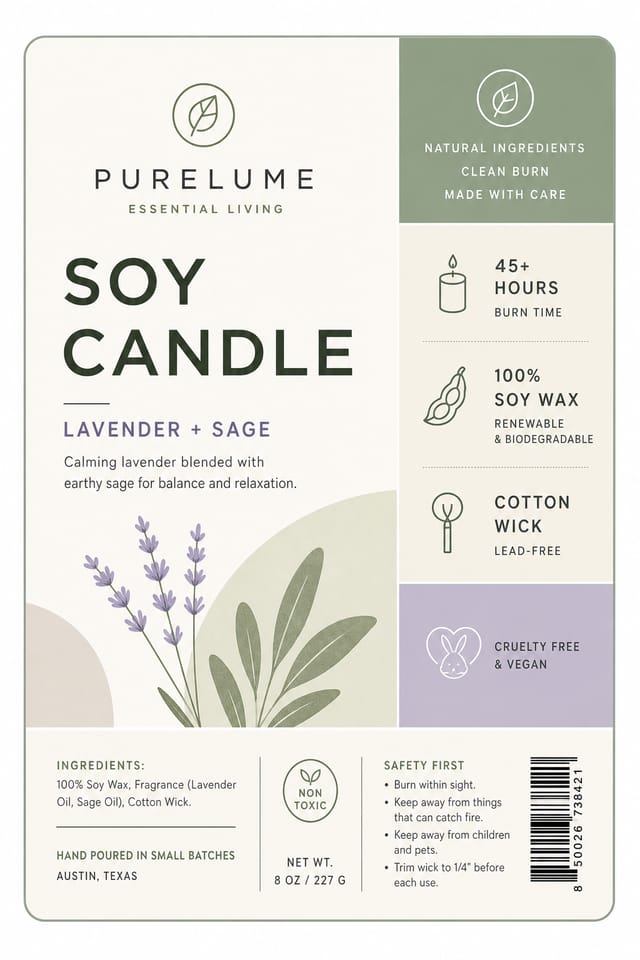
Langage visuel de l’étiquette produit : le cadre sous-jacent
Pourquoi le design d’étiquette produit requiert des connaissances spécifiques
Créer une étiquette produit convaincante exige de comprendre l’étiquette produit comme un vocabulaire de design, pas seulement comme une étiquette.
Les relations de couleurs, les choix typographiques, l’organisation spatiale.
Ces éléments fonctionnent ensemble pour créer l’impression d’un design d’étiquette produit intentionnel.
Le modèle de génération de Pixazo reconnaît les schémas de design d’étiquette produit et les applique de manière systématique.
Étapes de design d’étiquette produit : tout en simplicité
Documenter la vision
Rédigez un prompt décrivant votre étiquette produit. Incluez vos préférences de style, la direction des couleurs, le texte le plus important à afficher et tout élément visuel spécifique que vous souhaitez. Plus votre description est précise, plus le résultat sera ciblé.
Évaluer le résultat de l’IA
Votre étiquette produit se génère immédiatement après envoi. Évaluez le design au regard de vos exigences et affinez le prompt pour corriger les éléments qui ne correspondent pas à votre intention.
Optimiser la mise en page
Affinez l’étiquette produit en mettant à jour votre description avec des modifications précises. Ajoutez les contraintes que vous n’aviez pas incluses au départ ou retirez les éléments qui ne fonctionnent pas. L’IA répond à des directives précises.
Télécharger le résultat
Obtenez votre fichier final en un clic. Choisissez le format, téléchargez en pleine résolution et utilisez le design immédiatement. Pas de filigrane, pas de frais, pas d’attente.
Spécifications de la étiquette
Regarder : créer des étiquettes produit pas à pas
Le pipeline d’étiquette produit : décomposition du flux de travail
Réviser
Comparez les options d’étiquette produit générées avec votre brief. Marquez ce qui fonctionne et notez les changements spécifiques nécessaires pour la prochaine itération.
Générer
Utilisez l’IA pour produire plusieurs variations d’étiquette produit à partir de votre brief. Commencez large puis resserrez à partir des options les plus solides.
Recherche
Rassemblez des exemples de étiquettes efficaces, notez ce qui marche et identifiez les schémas pertinents pour vos objectifs.
Approuver
Obtenez l’aval des parties prenantes sur la étiquette finalisée. Vérifiez l’exactitude de tous les textes et la conformité aux exigences de marque et techniques.
Brief
Définissez le message-clé, les dimensions, les préférences de couleur et le public cible de votre étiquette avant tout travail de design.
Comparer les outils d’étiquette produit : trouver l’option adaptée
Piktochart
Créateur d’infographies et de présentations pour des visuels pilotés par les données
Pixazo
Générateur d’étiquettes produit propulsé par l’IA, avec design basé sur des prompts et qualité de sortie professionnelle
Pochoir
Créateur d’images léger optimisé pour des visuels sociaux rapides.
VistaCreate
Plateforme de contenu visuel avec modèles et bibliothèque d’assets intégrée.
Desygner
Outil de design multi-formats avec édition PDF et gestion de marque.
Les étiquettes produit en pratique : leurs usages
Visuels pour salons et stands
Créez des étiquettes pour stands d’exposition, kakémonos et fonds de booth. Des designs grand format qui attirent le passage.
Campagnes de lancement de produit
Concevez des étiquettes pour le lancement de nouveaux produits sur les canaux digitaux et imprimés. Des supports qui posent le positionnement dès le premier jour.
Recrutement et communication RH
Générez des étiquettes pour salons de l’emploi, pages carrières et initiatives d’employer branding. Des designs qui incarnent la culture d’entreprise.
Vitrines et bureaux
Générez des étiquettes pour vitrines, zones d’accueil et espaces de vente. Des designs qui renforcent la présence de marque dans les lieux physiques.
La boîte à outils étiquette produit : des fonctionnalités professionnelles
Flexibilité d’exportation
Téléchargez votre étiquette produit dans les formats adaptés à votre cas d’usage. Versions optimisées pour le web pour l’affichage numérique, fichiers haute DPI pour l’impression.
Contrôle de la résolution
Spécifiez les dimensions de sortie de votre étiquette produit. Obtenez des fichiers dimensionnés pour l’affichage web, les réseaux sociaux ou l’impression grand format.
Droits d’usage commercial
Les designs générés avec Pixazo vous appartiennent et sont utilisables à des fins commerciales. Aucune licence supplémentaire requise pour vos projets d’étiquette produit.
Structure compositionnelle
Les choix de mise en page et de hiérarchie reflètent les schémas de design d’étiquette produit. Les proportions et la disposition correspondent à la structuration conventionnelle des designs d’étiquette produit.
Gestion de l’espace négatif
L’IA gère les espaces blancs dans les designs d’étiquette produit selon les conventions esthétiques de l’étiquette produit, et non selon des réglages génériques d’affiche.
Critères de design pour l’étiquette produit : la perspective d’un designer
Clarté typographique
Les choix typographiques dans le design d’étiquette produit doivent d’abord servir la lisibilité. La sélection des polices doit renforcer l’esthétique de l’étiquette produit tout en restant lisible aux distances de lecture prévues.
Alignement et grille
Les mises en page d’étiquette produit solides alignent les éléments sur une grille invisible. Un alignement constant inspire confiance et professionnalisme, tandis que les ruptures volontaires de la grille créent de l’emphase.
Espace négatif maîtrisé
L’espace vide dans un design d’étiquette produit n’est pas de l’espace perdu. Des marges généreuses et de l’air autour des éléments signalent la qualité et facilitent la lecture du design.
Techniques de rédaction de prompts pour étiquette produit
Copiez n’importe quel prompt ci-dessous et collez-le dans Pixazo pour générer votre design instantanément.
Étiquette produit monochrome, palette mono-teinte avec variation de valeurs pour le contraste, hiérarchie typographique qui crée de l’intérêt visuel sans complexité chromatiqueÉtiquette produit raffinée, relations de couleurs sophistiquées, espaces blancs intentionnels, polices adaptées au style de l’étiquette produit, composition équilibréeÉtiquette avec hiérarchie visuelle forte, l’élément le plus grand se lit clairement, éléments d’appui hiérarchisés par importance, fond épuréDesign de étiquette bichromique, fort contraste entre couleur primaire et secondaire, séparation nette entre zones graphique et texteDesign de étiquette grand format, éléments dimensionnés pour être visibles à l’échelle d’impression, sans détails fins susceptibles d’être perdus à la productionTravailler avec l’IA d’étiquette produit : capacités et limites
Limites et compromis connus du design d’étiquette produit généré par IA. La transparence est essentielle lorsque vous utilisez l’IA pour concevoir des étiquettes produit. Les points ci-dessous décrivent les domaines où vous devrez peut-être compléter la sortie de l’IA par un travail manuel.
Communauté étiquette produit : des designs à découvrir
De vrais créateurs partagent leurs étiquettes faites avec Pixazo AI.
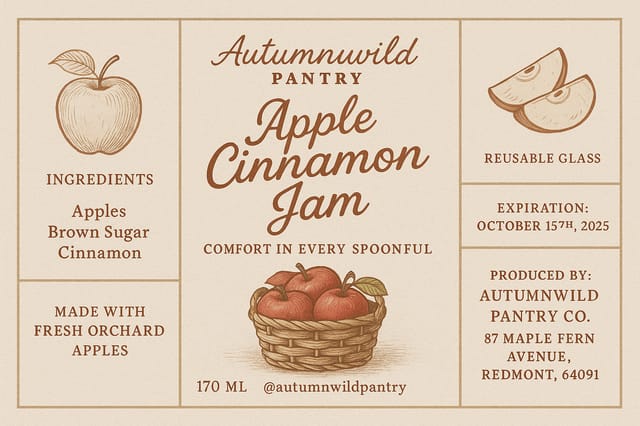
Étiquette produit A3 paysage pour stand de conférence, mise en page informationnelle à trois colonnes, en-têtes de section clairs, zone d’emplacement pour QR code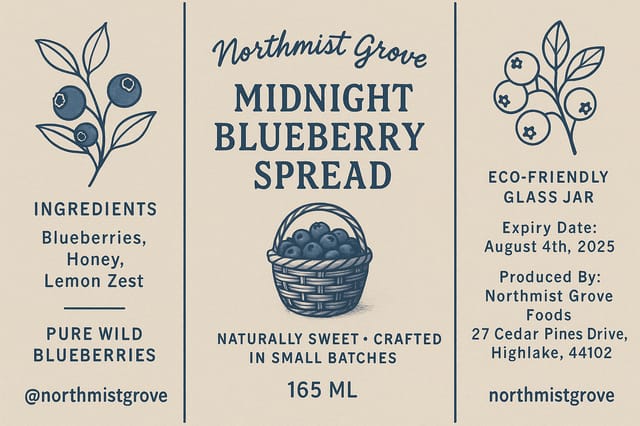
Étiquette produit en 1080×1920 pixels pour stories Instagram, titre sans-serif gras centré, fond en dégradé dans des tons d’étiquette produit, appel à l’action en bas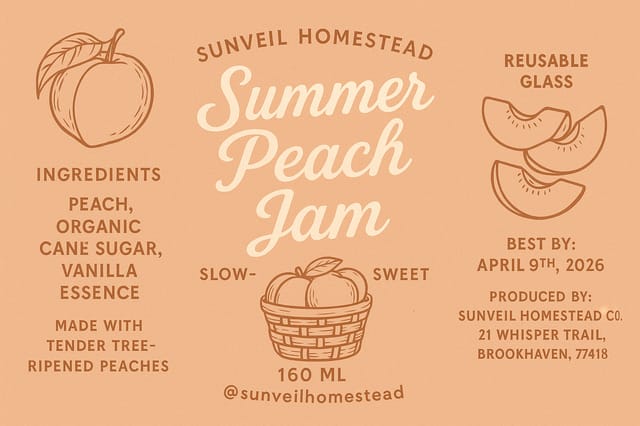
Étiquette avec fond à fond perdu, image ou texture jusqu’aux bords, éléments de premier plan flottants, titre ancré au centreCréateur d’étiquettes produit : les points clés à connaître
Les étiquettes produit individuelles se génèrent en quelques secondes. Pour une production par lot, vous pouvez soumettre plusieurs prompts à la suite et télécharger les résultats au fur et à mesure qu’ils sont prêts. Une série de dix variantes d’étiquette produit prend généralement moins de cinq minutes au total.
Chaque génération utilise le texte unique de votre prompt pour produire un design d’étiquette produit distinct. Même des prompts similaires donnent des résultats nettement différents grâce au processus génératif de l’IA. Deux utilisateurs ne reçoivent jamais des designs identiques.
Pixazo propose un forfait gratuit qui vous permet de générer des étiquettes produit en résolution standard. Les forfaits payants débloquent une résolution supérieure, une génération prioritaire et des formats d’export supplémentaires. Vous pouvez essayer la génération d’étiquette produit sans saisir de moyen de paiement.
Les designs créés avec Pixazo sont utilisables à des fins commerciales. Vous pouvez utiliser vos étiquettes produit pour des projets clients, la vente de produits, la publicité et d’autres usages commerciaux sans frais de licence supplémentaires.
Un design d’étiquette produit professionnel repose sur les bonnes relations de couleurs, une hiérarchie typographique adaptée et un équilibre compositionnel conforme aux conventions esthétiques de l’étiquette produit. Les designs génériques passent à côté de ces détails parce qu’ils appliquent des réglages neutres plutôt que des choix spécifiques au style. Pixazo applique la connaissance du design d’étiquette produit dès que vous précisez le style.

