KI-Doodle-Maker: erstelle kostenlose Doodles in Minuten
Erstellen Sie individuelle Doodles im Handumdrehen mit dem besten KI-Doodle-Maker von Pixazo. Kostenlos ausprobieren!
Loslegen
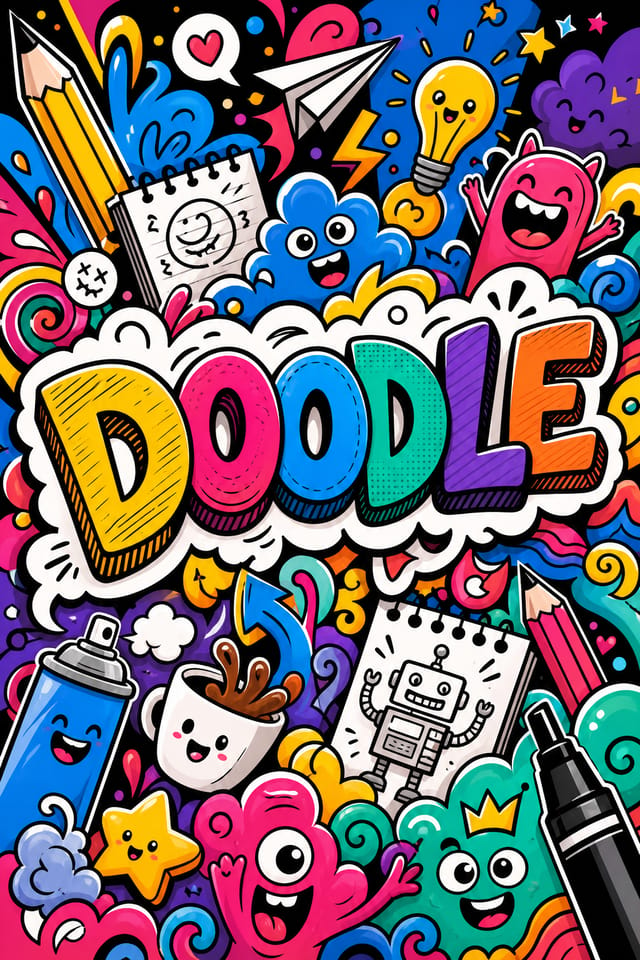
Vom Briefing zum Doodle: eine Produktions-Pipeline
Recherche Referenzen sammeln
Sammeln Sie Beispiele wirkungsvoller Doodle-Designs, notieren Sie, was funktioniert, und erkennen Sie Muster, die für Ihre Projektziele relevant sind.
Briefing Anforderungen festlegen
Legen Sie die Kernbotschaft, die Maße, die Farbvorlieben und die Zielgruppe Ihres Doodles fest, bevor die Designarbeit beginnt.
Generieren Erste Designs erstellen
Nutzen Sie KI, um anhand Ihres Briefings mehrere Doodle-Varianten zu erzeugen. Beginnen Sie breit und grenzen Sie die stärksten Optionen ein.
Verfeinern Design verfeinern
Nehmen Sie gezielte Anpassungen am ausgewählten Doodle vor. Stimmen Sie Typografie, Abstände und Farben ab, bis jedes Element Ihrem Qualitätsanspruch genügt.
Überprüfen Bewerten und verfeinern
Vergleichen Sie die generierten Doodle-Optionen mit Ihrem Briefing. Markieren Sie, was funktioniert, und notieren Sie konkrete Änderungen für die nächste Iteration.
Doodle exportieren: Dateitypen und Einsatzbereiche
SVG
Skalierbares Format für Doodle-Designs, die in jeder Auflösung scharf gerendert werden müssen — verbreitet für Web und responsive Layouts.
TIFF
Hochwertiges Format für Doodle-Dateien, die für den professionellen Druck bestimmt sind — unterstützt CMYK-Farben und verlustfreie Komprimierung.
WEBP
Modernes Webformat mit kleineren Dateigrößen als PNG oder JPG für Doodle-Bilder — ohne nennenswerten Qualitätsverlust.
Druckfertiges Format für Doodle-Dateien, das Schriften, Farben und Layout über verschiedene Geräte und Druckdienste hinweg bewahrt.
JPG
Komprimiertes Bildformat für Doodle-Designs mit fotografischen Elementen, wenn eine kleine Dateigröße wichtiger ist als pixelgenaue Kanten.
Was die Doodle-KI bietet: Spezifikationen und Grenzen
Tools zur Doodle-Erstellung: was sie auszeichnet
Subkategorie-Bewusstsein
Die KI unterscheidet zwischen Design-Unterkategorien. Eine Doodle-Anfrage liefert ein doodle-gerechtes Ergebnis und kein generisches Design, dem Doodle-Text hinzugefügt wurde.
Typografie-Abgleich
Schriftarten werden so ausgewählt, dass sie den ästhetischen Erwartungen an ein Doodle entsprechen. Die KI kombiniert Schriften, die die visuelle Identität Ihres Doodles stärken.
Kontextbewusstes Design
Beschreiben Sie Zweck und Publikum Ihres Doodles. Die KI passt visuelles Gewicht, Komplexität und Klarheit an den vorgesehenen Einsatzkontext an.
Schnelle Generierung
Vollständige Doodle-Designs entstehen in Sekunden. Keine Render-Warteschlangen, kein Warten auf Stapelverarbeitung.
Flexible Exporte
Laden Sie Ihr Doodle in Formaten herunter, die zu Ihrem Anwendungsfall passen. Web-optimierte Versionen für digitale Anzeigen, High-DPI-Dateien für den Druck.
Die Reichweite von Doodles: Kontexte und Szenarien
Freiberufliche Designarbeit
Nutzen Sie Pixazo, um Doodle-Konzepte zur Freigabe durch Kunden zu erstellen. Präsentieren Sie schnell mehrere Richtungen, bevor Sie sich auf eine detaillierte Umsetzung festlegen.
Sport und Freizeit
Erstellen Sie Doodles für Ligen, Turniere und Freizeitprogramme. Energiegeladene Designs, die Begeisterung wecken und Spielpläne vermitteln.
Workflow für Content-Erstellung
Integrieren Sie die Doodle-Generierung in einen Content-Produktions-Workflow. Schnelle Ergebnisse ermöglichen eine höhere Publikationsfrequenz.
Marketing für kleine Unternehmen
Erstellen Sie Marketing-Doodles ohne das Budget einer Designagentur. Erzielen Sie professionelle Ergebnisse aus einer Textbeschreibung.
Politische und Advocacy-Kampagnen
Erstellen Sie Kampagnen-Doodles für Kandidaten, Wahlinitiativen und soziale Anliegen. Überzeugende Designs, die mobilisieren und informieren.
Beispielhafte Prompt-Techniken für Doodles
Kopiere einen der Prompts unten und füge ihn in Pixazo ein, um dein Design sofort zu generieren.
Doodle-Design, klares Layout, starke typografische Hierarchie, passende Farbpalette für die Doodle-Ästhetik, hoher Kontrast zwischen Überschrift und HintergrundDoodle mit hoher Wirkung, sofortige visuelle Lesbarkeit in Thumbnail-Größe, klare Dominanz der Überschrift, ergänzende Informationen logisch strukturiertTexturiertes Doodle, Oberflächenbehandlung schafft Tiefe, ohne die Lesbarkeit zu beeinträchtigen — Textur passend zur Doodle-ÄsthetikDoodle mit starker visueller Hierarchie, größtes Element klar lesbar, ergänzende Elemente nach Wichtigkeit geordnet, klar gestalteter HintergrundDoodle für die digitale Anzeige, Proportionen für die Bildschirmnutzung optimiert, Farben für RGB-Ausgabe kalibriert, gut lesbar aus üblicher BetrachtungsdistanzAtmosphärisches Doodle, der Hintergrund unterstützt die Überschrift, ohne mit ihr zu konkurrieren — visuelles Gewicht bewusst verteiltEinblick in die Doodle-Erstellung: ein Schnelleinstieg
Designrichtung festlegen
Beginnen Sie mit einer Textbeschreibung Ihres Doodle-Konzepts. Geben Sie den visuellen Stil, die Farben, die Layout-Richtung und den Schlüsseltext an. Detaillierte Prompts erzeugen präzisere Doodle-Designs als allgemeine.
Design ansehen
Pixazo erzeugt Ihr Doodle in Sekunden. Prüfen Sie das Design und passen Sie Ihren Prompt an, um einzelne Elemente zu verfeinern: ändern Sie die Farbpalette, verlagern Sie das Layout-Gewicht oder fügen Sie gewünschte visuelle Elemente hinzu.
Komposition verfeinern
Passen Sie Ihren Prompt an, um einzelne Elemente des Doodles zu ändern. Ändern Sie die Farbpalette, verschieben Sie das typografische Gewicht oder verlagern Sie den kompositorischen Fokus. Jede Iteration bringt Sie näher an das finale Design.
Herunterladen und nutzen
Exportieren Sie Ihr Doodle im benötigten Format. PNG für Web und Social Media, PDF für die Druckproduktion, JPG für E-Mail und leichtes Teilen. Die Datei gehört Ihnen — uneingeschränkt kommerziell nutzbar.
Ansehen: Doodle-Designs Schritt für Schritt erstellen
Designprinzipien für Doodles: zentrale Grundsätze
Doodle-Macher: ausgewählte Designs
Echte Creator teilen ihre mit Pixazo-KI erstellten Doodle-Designs.
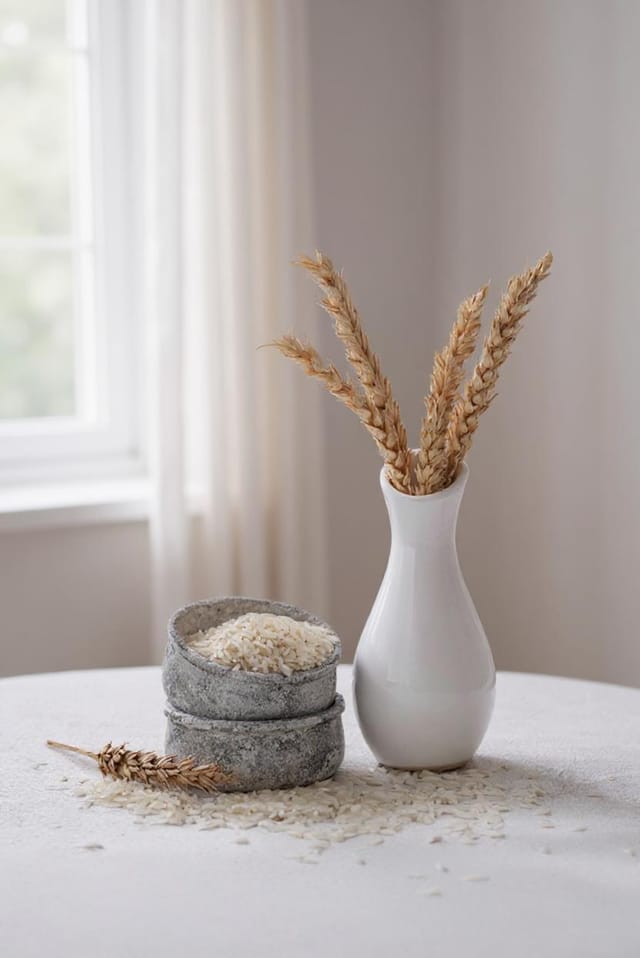
Luxuriöses Doodle mit Goldfolien-Akzenten auf Schwarz, dünner Serifenschrift, symmetrisch zentriertem Layout und Premium-Anmutung
Doodle für Großformatdruck, Elemente für gute Sichtbarkeit aus der Distanz skaliert, Farben für die Druckausgabe optimiert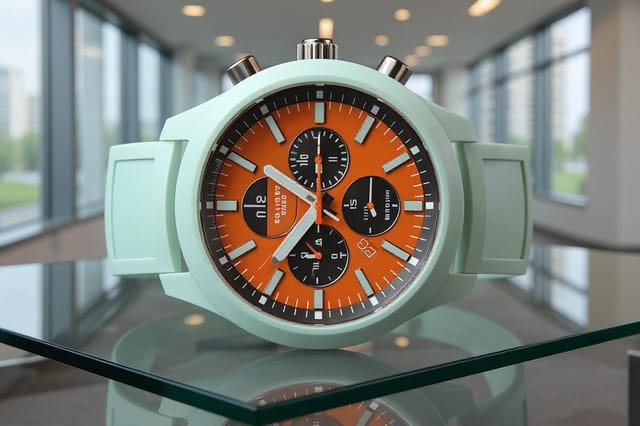
Monochromes Doodle, ein einziger Farbton in mehreren Helligkeitswerten — die typografische Hierarchie schafft Tiefe ohne farbliche KomplexitätGrenzen der Doodle-KI: Kompromisse, die Sie kennen sollten
Bekannte Einschränkungen und Kompromisse beim KI-generierten Doodle-Design. Beim Einsatz von KI für Doodle-Design ist Transparenz wichtig. Die folgenden Punkte zeigen, wo Sie KI-Ergebnisse möglicherweise durch manuelle Arbeit ergänzen müssen.
Doodle-Design: das Wesentliche
Ein Doodle wird nach dem Absenden Ihres Prompts in Sekunden erzeugt. Die Gesamtzeit vom Prompt bis zur herunterladbaren Datei liegt — einschließlich Server-Verarbeitung — meist unter einer Minute.
Geben Sie Ihre konkreten Farben im Prompt an — entweder per Hex-Code oder über beschreibende Begriffe. „Marineblau und Kupfer mit weißem Text“ oder „Palette #1a1a2e und #c9a84c“ funktionieren beide. Die KI baut eine doodle-gerechte Palette rund um die von Ihnen genannten Farben auf.
Gängige Größen sind 1080x1080 für den Instagram-Feed, 1080x1920 für Stories und Reels, 1200x628 für Facebook-Links, 1500x500 für Twitter-Header und 1080x1350 für Pinterest. Nennen Sie die Plattform im Prompt, und Pixazo optimiert das Doodle-Layout für dieses Format.
Die KI erzeugt Designs in den angegebenen Maßen. Für professionelle Druckproduktion fügen Sie „mit Beschnittzugabe“ in Ihren Prompt ein, damit Hintergrundelemente über die Schnittlinie hinausreichen. Schnitt- und Passermarken sollten in Ihrer Druckvorstufen-Software ergänzt werden.

