Créateur de doodles IA : créez des doodles gratuits en quelques minutes
Créez rapidement des doodles personnalisés avec le meilleur créateur de doodles IA de Pixazo. Essayez-le gratuitement !
Commencer
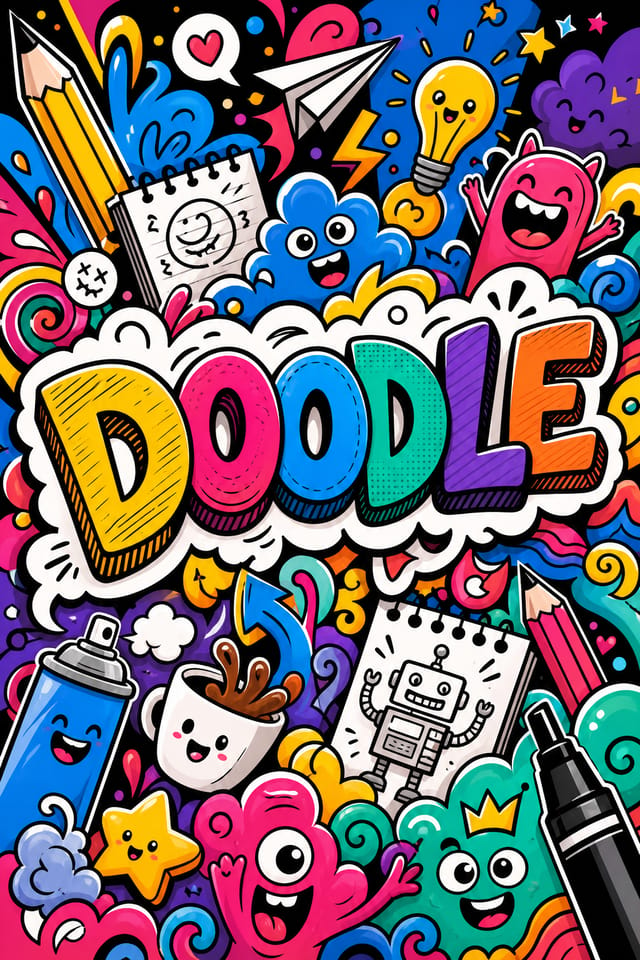
Du brief au doodle : un pipeline de production
Recherche Rassembler des références
Rassemblez des exemples de designs de doodle efficaces, notez ce qui fonctionne et identifiez les schémas pertinents pour les objectifs de votre projet.
Brief Définir les exigences
Définissez le message clé, les dimensions, les préférences de couleur et le public cible de votre doodle avant tout travail de conception.
Générer Créer les premiers designs
Utilisez l’IA pour produire plusieurs variantes de doodle à partir de votre brief. Commencez large, puis affinez à partir des options les plus solides.
Affiner Affinez le design
Apportez des modifications ciblées au doodle sélectionné. Ajustez la typographie, l’espacement et la couleur jusqu’à ce que chaque élément réponde à votre exigence de qualité.
Réviser Évaluer et affiner
Comparez les options de doodle générées à votre brief. Marquez ce qui fonctionne et notez les changements précis à apporter pour l’itération suivante.
Exporter votre doodle : types de fichiers et usages
SVG
Format vectoriel pour les designs de doodle qui doivent s’afficher nettement à toute résolution, couramment utilisé pour le web et les mises en page responsives.
TIFF
Format haute fidélité pour les fichiers de doodle destinés à l’impression professionnelle, prenant en charge la couleur CMJN et la compression sans perte.
WEBP
Format web moderne offrant des tailles de fichier plus petites que PNG ou JPG pour les images de doodle, sans perte de qualité notable.
Format prêt à imprimer pour les fichiers de doodle qui préserve les polices, les couleurs et la mise en page sur différents appareils et services d’impression.
JPG
Format d’image compressé adapté aux designs de doodle avec des éléments photographiques, lorsque la taille de fichier réduite prime sur la netteté au pixel près.
Ce que propose l’IA de doodle : spécifications et limites
Outils de création de doodle : ce qui les distingue
Connaissance des sous-catégories
L’IA distingue les sous-catégories de design. Une demande de doodle produit un résultat adapté au doodle, et non un design générique auquel on a ajouté du texte de doodle.
Concordance typographique
Les polices sont choisies pour répondre aux attentes esthétiques du doodle. L’IA associe des polices qui renforcent l’identité visuelle de votre doodle.
Design contextuel
Décrivez l’objectif et le public de votre doodle. L’IA ajuste le poids visuel, la complexité et la lisibilité en fonction du contexte d’utilisation prévu.
Génération rapide
Les designs de doodle complets sont générés en quelques secondes. Pas de file d’attente de rendu, pas d’attente de traitement par lots.
Flexibilité d’exportation
Téléchargez votre doodle dans des formats adaptés à votre cas d’usage. Versions optimisées pour le web pour l’affichage numérique, fichiers haute densité (DPI) pour l’impression.
La portée des doodles : contextes et scénarios
Travail de design freelance
Utilisez Pixazo pour générer des concepts de doodle à soumettre au client. Présentez plusieurs pistes rapidement avant de vous engager dans une exécution détaillée.
Sports et loisirs
Produisez des doodles pour des ligues, des tournois et des programmes de loisirs. Des designs dynamiques qui suscitent l’enthousiasme et communiquent les calendriers.
Flux de création de contenu
Intégrez la génération de doodles dans un flux de production de contenu. La rapidité de sortie permet une plus grande fréquence de publication.
Marketing pour petites entreprises
Produisez des doodles marketing sans le budget d’une agence de design. Obtenez des résultats professionnels à partir d’une simple description textuelle.
Campagnes politiques et de plaidoyer
Créez des doodles de campagne pour des candidats, des référendums et des causes sociales. Des designs persuasifs qui mobilisent et informent.
Exemples de techniques de prompts pour doodles
Copiez un prompt ci-dessous et collez-le dans Pixazo pour générer votre design instantanément.
Design de doodle, mise en page épurée, forte hiérarchie typographique, palette de couleurs adaptée à l’esthétique du doodle, fort contraste entre le titre et l’arrière-planDoodle à fort impact, lecture visuelle immédiate à la taille d’une miniature, dominance claire du titre, informations secondaires structurées de manière logiqueDoodle texturé, le traitement de surface ajoute de la profondeur sans nuire à la lisibilité, texture cohérente avec l’esthétique du doodleDoodle à forte hiérarchie visuelle, l’élément le plus grand se lit clairement, les éléments secondaires sont organisés par ordre d’importance, traitement d’arrière-plan épuréDoodle pour affichage numérique, proportions optimisées pour la lecture à l’écran, couleurs calibrées pour la sortie RVB, lisible à une distance de lecture typiqueDoodle d’ambiance, le traitement de l’arrière-plan soutient le titre sans lui faire concurrence, poids visuel réparti de façon intentionnelleDans les coulisses de la création de doodles : un guide rapide
Définissez la direction du design
Commencez par une description textuelle du concept de votre doodle. Précisez le style visuel, les couleurs, la direction de la mise en page et le texte clé. Des prompts détaillés produisent des doodles plus fidèles que des prompts généraux.
Échantillonnez le design
Pixazo génère votre doodle en quelques secondes. Examinez le design et ajustez votre prompt pour affiner des éléments précis : changez la palette de couleurs, déplacez le poids de la mise en page ou ajoutez des éléments visuels que vous souhaitez inclure.
Resserrez la composition
Ajustez votre prompt pour modifier des éléments précis du doodle. Changez la palette de couleurs, déplacez le poids typographique ou repositionnez le point focal de la composition. Chaque itération vous rapproche du design final.
Téléchargez et utilisez
Exportez votre doodle dans le format dont vous avez besoin. PNG pour le web et les réseaux sociaux, PDF pour la production imprimée, JPG pour l’email et le partage léger. Le fichier vous appartient pour un usage commercial sans restriction.
Regardez : créer des designs de doodle étape par étape
Principes de design pour doodles : principes clés
Créateurs de doodles : designs mis en avant
De vrais créateurs partagent leurs designs de doodle réalisés avec l’IA de Pixazo.

Doodle luxueux avec des accents en feuille d’or sur fond noir, typographie serif fine, mise en page symétrique centrée, sensation premium
Doodle pour impression grand format, éléments à l’échelle pour rester visibles à distance, couleurs optimisées pour la sortie d’impression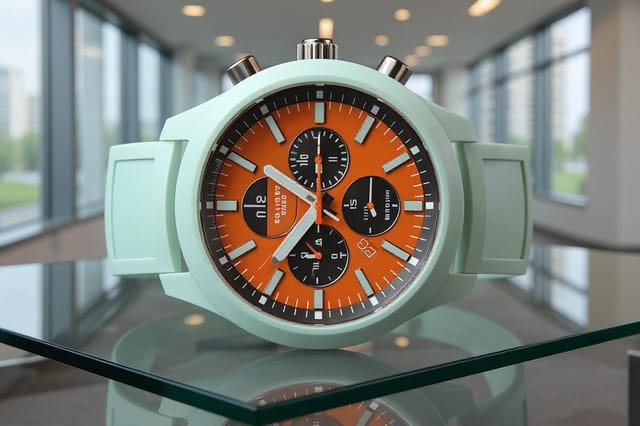
Doodle monochrome, une seule teinte en plusieurs valeurs, la hiérarchie typographique crée de la profondeur sans complexité chromatiqueLimites de l’IA de doodle : compromis à connaître
Limites et compromis connus du design de doodle généré par IA. La transparence est importante lorsque l’on utilise l’IA pour le design de doodle. Les points ci-dessous indiquent les cas où vous devrez peut-être compléter la sortie de l’IA par un travail manuel.
Design de doodle : l’essentiel
Un doodle se génère en quelques secondes après l’envoi de votre prompt. Le temps total entre la soumission du prompt et le fichier téléchargeable est généralement inférieur à une minute, temps de traitement serveur inclus.
Incluez vos couleurs précises dans le prompt, soit par code hexadécimal, soit par termes descriptifs. « Bleu marine et cuivre avec texte blanc » ou « palette #1a1a2e et #c9a84c » fonctionnent tous deux. L’IA construit une palette adaptée au doodle autour des couleurs que vous indiquez.
Les formats courants comprennent 1080x1080 pour le fil Instagram, 1080x1920 pour les stories et reels, 1200x628 pour les liens Facebook, 1500x500 pour les bannières Twitter et 1080x1350 pour Pinterest. Indiquez la plateforme dans votre prompt et Pixazo optimise la mise en page du doodle pour ce format.
L’IA génère les designs aux dimensions indiquées. Pour une production imprimée professionnelle, ajoutez « avec fond perdu » à votre prompt afin d’étendre les éléments d’arrière-plan au-delà de la ligne de coupe. Les traits de coupe et les hirondelles doivent être ajoutés dans votre logiciel de préparation à l’impression.

