Pixazo APIAI Image Restoration API

AI Image Restoration APIs - Restore and Enhance Images

Access AI Image Restoration APIs to restore old, damaged, and low-quality images. Repair scratches, enhance details, and revive photos with Crystal Upscaler via Pixazo API.

Explore AI Image Restoration API Models

Access AI Image Restoration APIs to restore old, damaged, and low-quality images. Repair scratches, enhance details, and revive photos with Crystal Upscaler via Pixazo API.

We're adding models to this category. Check back soon!

Browse All Models →

AI Image Restoration APIs

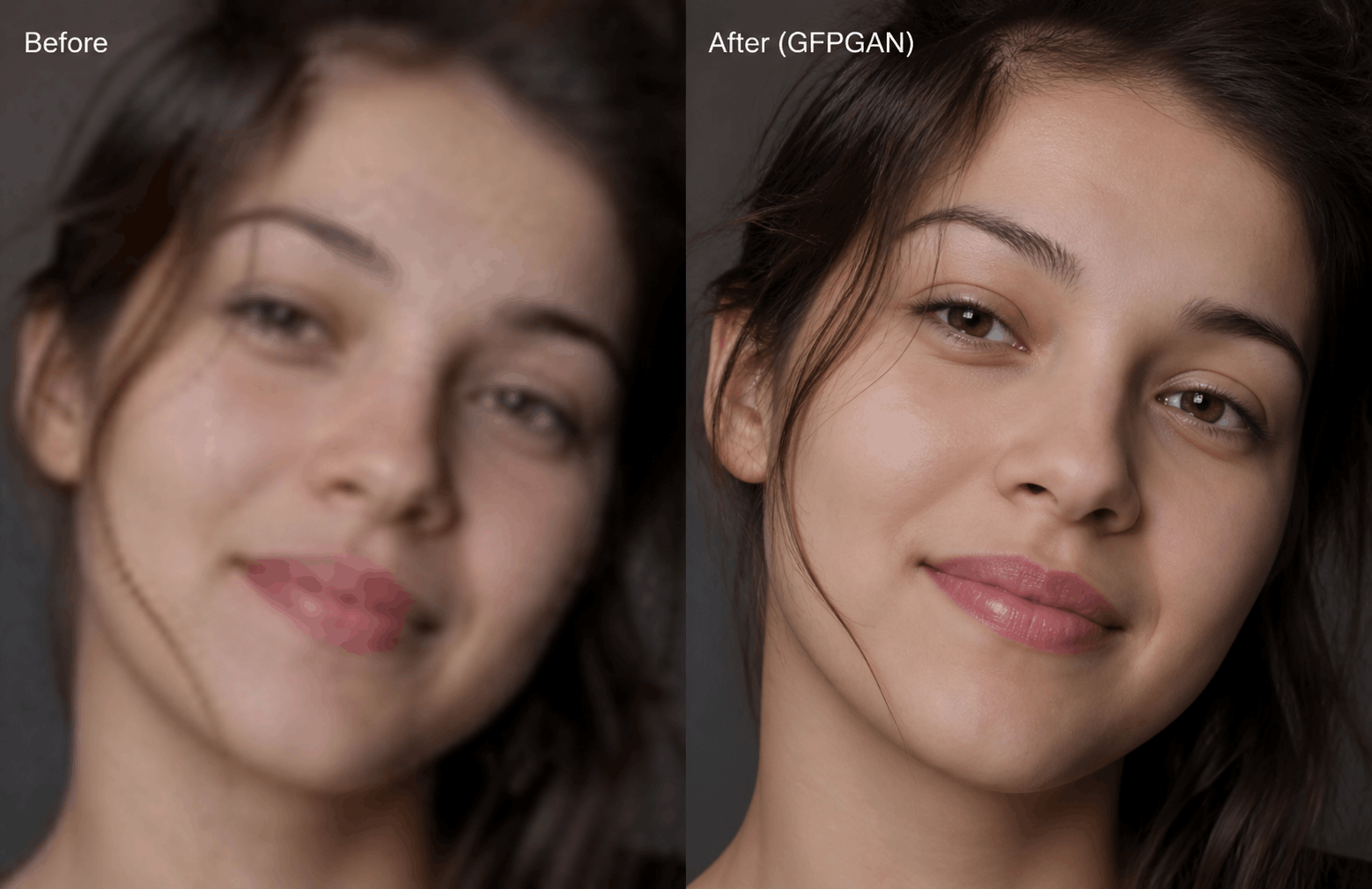
Repair old, damaged, and degraded images with a single API call. Pixazo's Image Restoration API uses Crystal Upscaler's intelligent reconstruction engine to detect damage automatically and apply targeted correction — removing scratches, eliminating compression artifacts, recovering faded colors, and sharpening lost detail. Whether you're digitizing historical archives, recovering family photos, or building a restoration product, the API handles the complexity so you don't have to.


Damage Coverage

What the API Repairs

Six common damage types automatically detected and corrected in a single restoration pass.


How It Works

The Restoration Pipeline

Five automatic stages, from degraded input to fully restored output.


Technical Specs

Input & Output Specifications

Everything you need to integrate into your existing workflow.

Input

Accepted Formats JPEG, PNG, WebP, TIFF, BMP
Min Resolution No minimum
Max File Size 20 MB
Damage Pre-Scan Automatic
Authentication API Key (Bearer)

Output

Output Format JPEG / PNG (configurable)
Max Upscale Factor 4×
Avg Processing Time 2 – 8 seconds
API Uptime 99.9%
Response Type URL / Base64

FAQ

Frequently Asked Questions

Common questions about the Image Restoration API.

What types of image damage can the API fix? +
The Image Restoration API handles scratches and tears, JPEG compression artifacts, color fading and discoloration, motion blur, film grain and noise, and age-related cracking. Crystal Upscaler's engine automatically identifies each damage type and applies targeted correction in a single API call.
What image formats does the API accept? +
The API accepts JPEG, PNG, WebP, TIFF, and BMP formats. There is no minimum resolution requirement — the model handles severely degraded, low-resolution inputs and will upscale and restore in the same pass.
Can the API restore black-and-white or sepia historical photos? +
Yes. The API fully supports monochrome and sepia photographs, repairing structural damage such as tears, spots, and scratches. For colorization, you can combine this API with other Pixazo image editing endpoints in sequence.
How does the API handle very low-resolution or heavily damaged images? +
Crystal Upscaler combines super-resolution upscaling with damage restoration in a single pass. It reconstructs missing detail from very low-resolution inputs — even sub-300px images — while simultaneously removing noise and repairing structural damage.
What is the average processing time per image? +
Most images are restored within 2 to 8 seconds. Processing time varies based on image dimensions and damage severity. High-resolution outputs or 4× upscaling may take slightly longer depending on server load.
Is there a free tier to test the API before committing? +
Yes. Pixazo offers free API credits so developers can test the Image Restoration API without a credit card. Sign up at pixazo.ai, generate your API key, and start sending restoration requests immediately.