AI 3D Model APIs - AI 3D Object & Asset Generation
Access AI 3D Model APIs for AI 3D object and asset generation on Pixazo API. Create 3D assets for design, gaming, and visualization with Hunyuan, Hyper3D, and more.
Explore AI 3D Model Generation Models
Browse and compare the best AI 3D model generation API models. Filter by capability, check supported features and output quality, and pick the right model for your project.


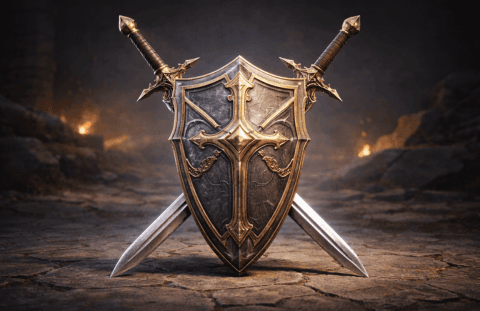
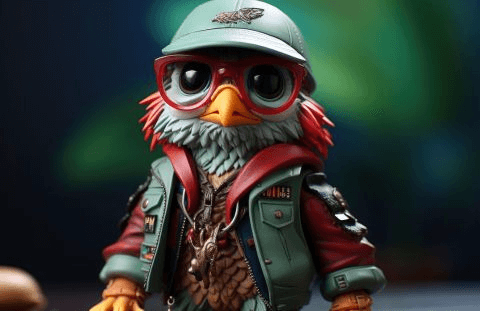

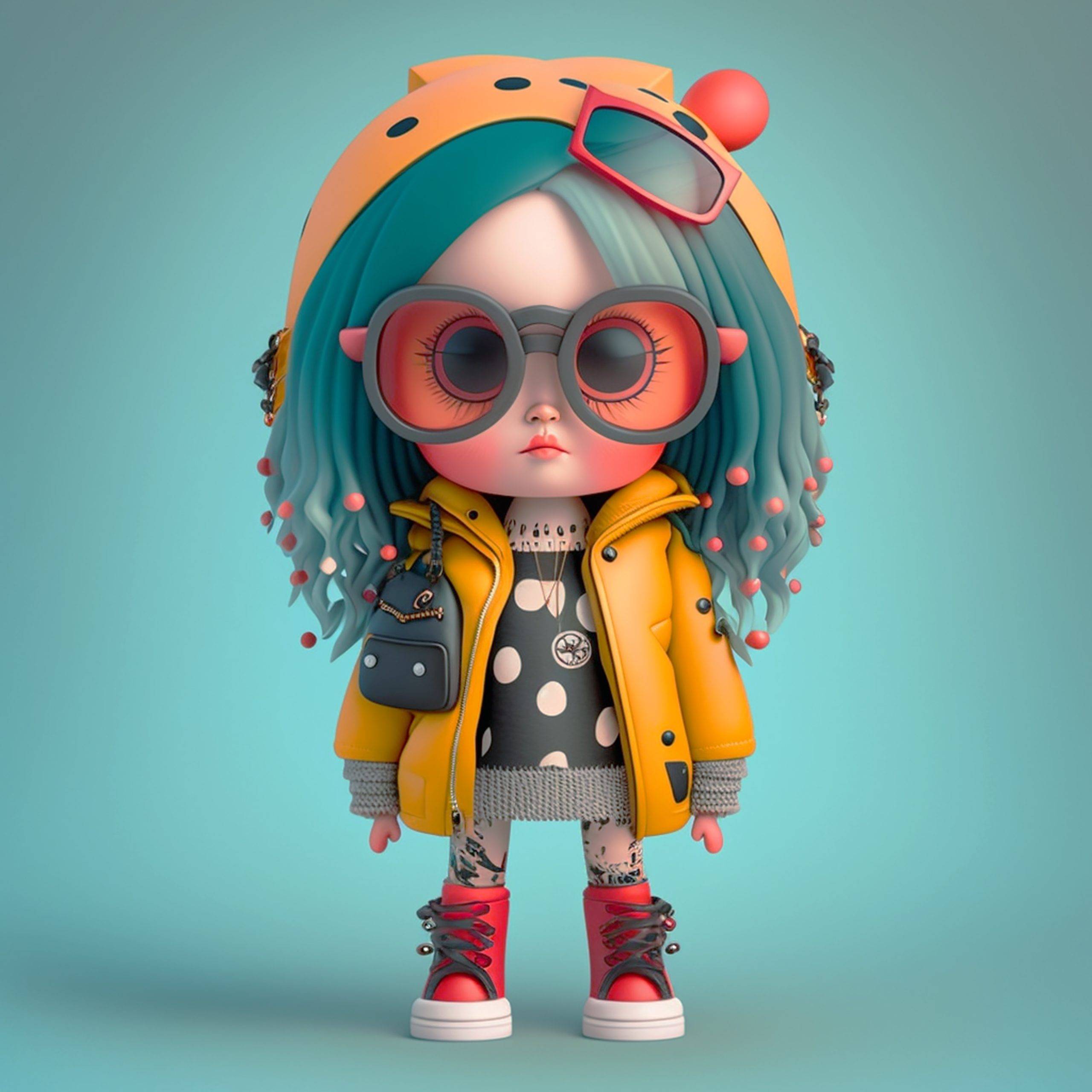
AI 3D Model APIs
The 3D Model APIs from Pixazo API generate production-quality 3D assets from text descriptions or reference images. Create models for games, e-commerce, AR/VR, and architecture with textures up to 4K resolution in 2–10 minutes using models like Hunyuan, Hyper3D, Tripo3D, and Trellis3d. Pixazo API does not own these models — it acts as an orchestration layer giving developers consistent access through a single API key, standardized format, and unified billing.
3D Models API at a Glance
Key metrics for the 3D model generation platform.
4 AI Models Available
4K Max Texture Resolution
7 Export Formats Supported
2–10m Generation Time
3D Model Generation Use Cases
What teams build with AI-powered 3D generation.
01Game Development
Generate game assets, NPCs, environments, and props. Iterate on 3D designs instantly. Reduce asset creation time from months to hours.
02Product Design & Visualization
Create 3D mockups of product concepts. Visualize designs before manufacturing. Iterate designs rapidly without professional modeling.
03Architecture & Interior Design
Generate furniture, architectural elements, and interior layouts. Visualize spaces in 3D for clients. Speed up design iteration cycles.
04VR/AR Applications
Create 3D assets for immersive experiences. Generate AR filters and VR environments. Build interactive experiences instantly.
05E-Commerce 3D Views
Generate 3D product models from images. Add interactive 3D product viewers to online stores. Boost conversion rates with immersive shopping.
06Animation & Rendering
Create 3D assets for animation projects. Generate models for rendering and visual effects. Bypass manual 3D asset creation entirely.
Why Choose Pixazo API's 3D Models API
Professional 3D assets generated instantly.
Text & Image Input
Describe the 3D model you want or provide a reference image. AI generates a matching 3D asset. No modeling experience required.
Multiple Export Formats
OBJ, FBX, GLTF, USDZ formats. Skeletal rigging available for animated characters. Compatible with all 3D engines and tools.
PBR Textures Included
High-resolution PBR materials with albedo, normal, roughness, metallic maps. Production-ready textures up to 4K resolution.
Instant Generation
Most models generate in 2–10 minutes. Fast enough for iterative design. Reduce 3D asset creation from weeks to hours.
Batch Generation
Submit 100+ model requests simultaneously. Perfect for game asset libraries, product catalogs, and design iterations.
Customization & Control
Specify topology, polygon count, detail level, and material preferences. Control output quality for different platforms.
How the 3D Models API Works
Four steps from description to 3D asset.
1Describe Your Model
Write a text description or upload a reference image.
2Specify Output
Choose format, polygon count, texture resolution, and style.
3Generate
AI creates 3D model with PBR textures in 2–10 minutes.
4Import & Use
Download or auto-upload. Import into any engine or editor.
Platform Integration
Seamless integration with game engines and tools.
UnityImport directly into Unity. FBX and GLTF fully supported. Standard materials import correctly. Prefab generation available.
Unreal EngineFull Unreal compatibility. FBX import with automatic material setup. Generate assets directly into Unreal projects via plugin.
BlenderNative Blender addon for seamless generation. Generate models directly within Blender interface. Import and edit in one workflow.
Web & AR/VRUSDZ for iOS AR experiences. GLTF/GLB for web viewers. Three.js, Babylon.js compatibility out of the box.
REST APISimple JSON requests. Submit description, receive model URL or file download. No platform lock-in or dependencies.
Cloud StorageAuto-upload to S3, Google Cloud, or Azure. Specify bucket and credentials. Models automatically delivered to your storage.
Frequently Asked Questions for 3D Models APIs
Common questions about using the 3D Models API on Pixazo.
What 3D formats are supported?OBJ, FBX, GLTF, USDZ, GLB, 3DS, DAE. All major 3D formats supported. Specify export format in your request.
Are textures included?Yes. Full PBR textures included with every model. Albedo, normal, roughness, metallic, AO maps. Up to 4K resolution textures.
Can I edit generated models?Yes. Import into Blender, Maya, 3DS Max, or any 3D editor. Modify geometry, materials, and topology as needed.
Are characters rigged for animation?Optional. Request skeletal rigs for characters. Human characters can include auto-generated rigs ready for animation.
What polygon counts are typical?Range from 10K to 500K polygons depending on complexity and quality. Specify target polygon count for your platform.
Can I use generated models for commercial projects?Yes, full commercial license. Use in games, products, services, streaming content — without restrictions or royalties.
How long does generation take?2–10 minutes for most models. Complex characters and scenes take longer. Depends on complexity and quality settings.
Can I generate realistic or stylized models?Both. Specify style: photorealistic, stylized, anime, cartoon, lowpoly. AI adapts to your desired aesthetic.