Text to Image APIs - AI Image Generation from Text
Access Text to Image APIs for AI image generation from text on Pixazo API. Create stunning visuals from text prompts with Flux, DALL-E, Stable Diffusion, and more.
Explore Text to Image Models
Browse and compare the best text to image API models. Filter by capability, check supported features and output quality, and pick the right model for your project.
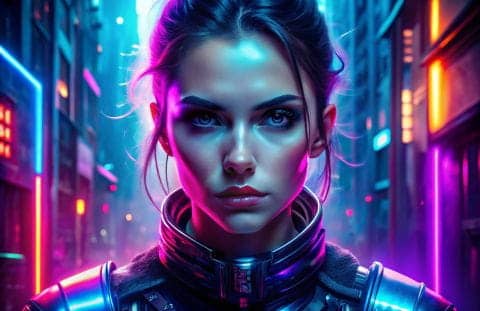
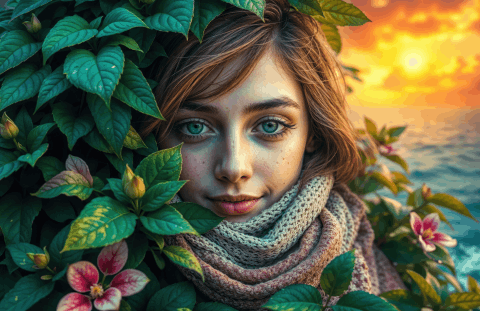

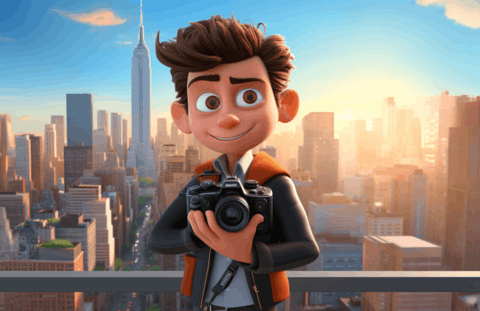
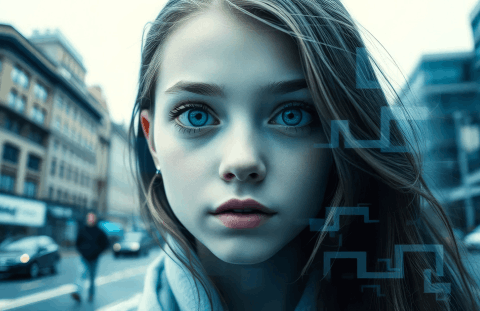


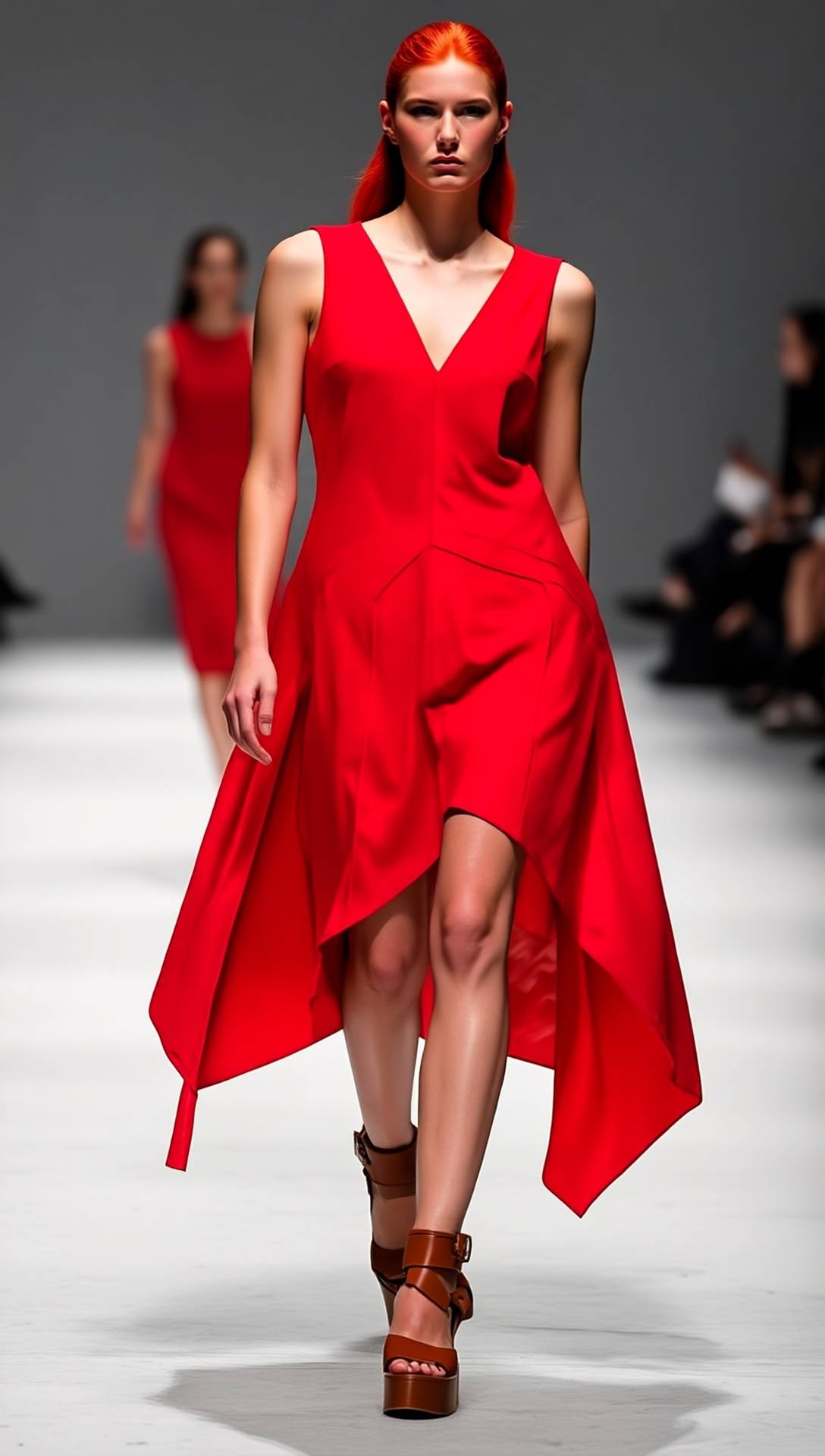

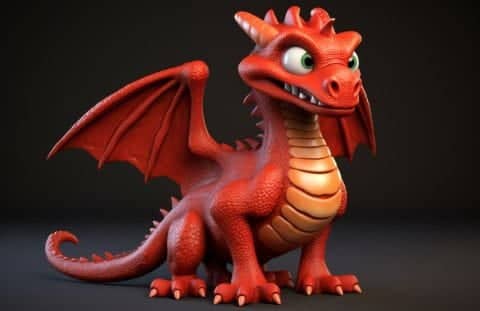
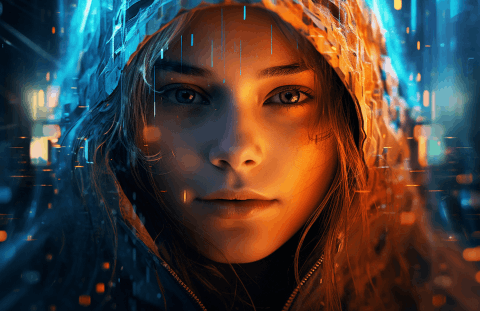
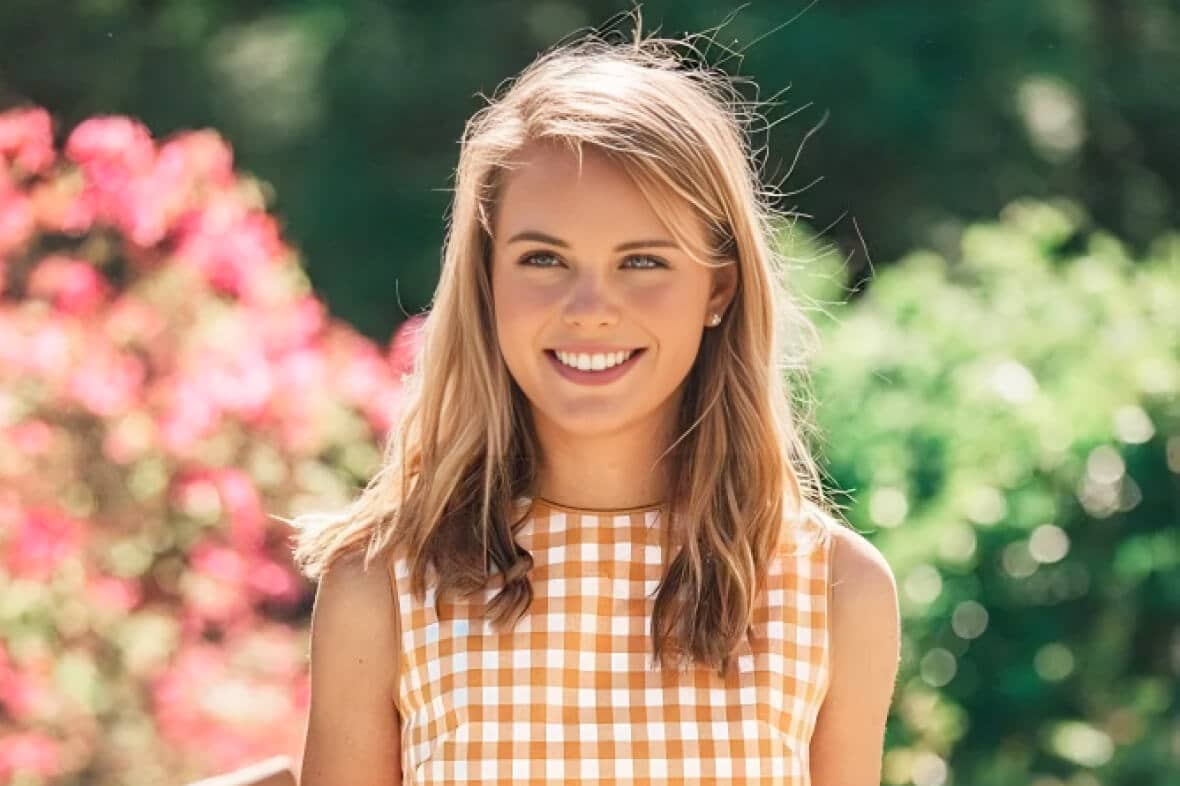
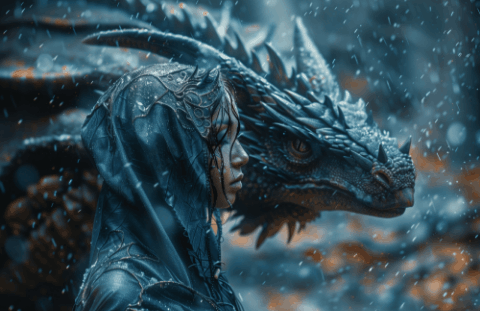
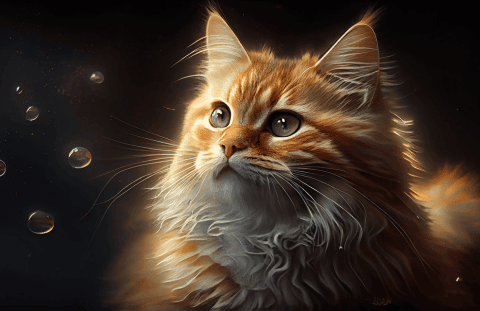
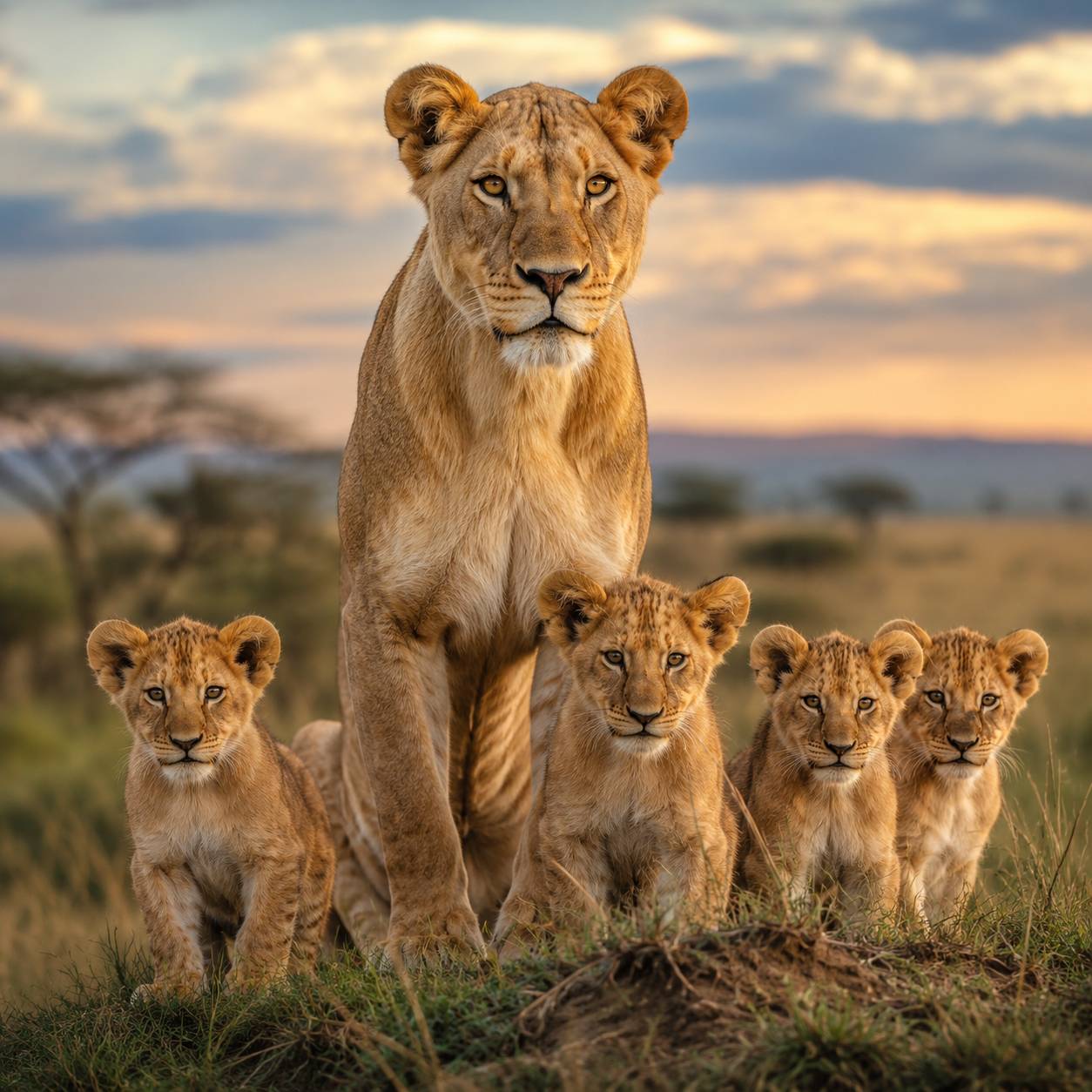
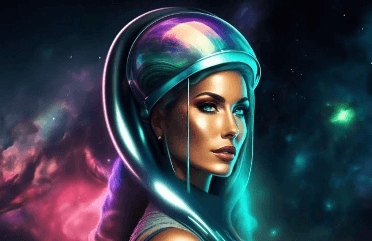
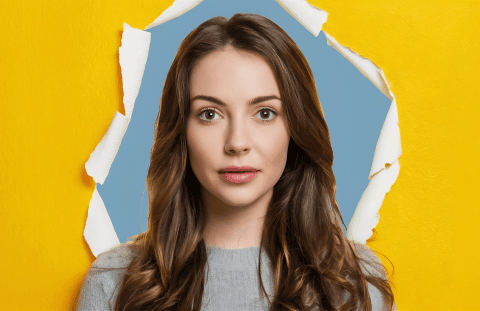



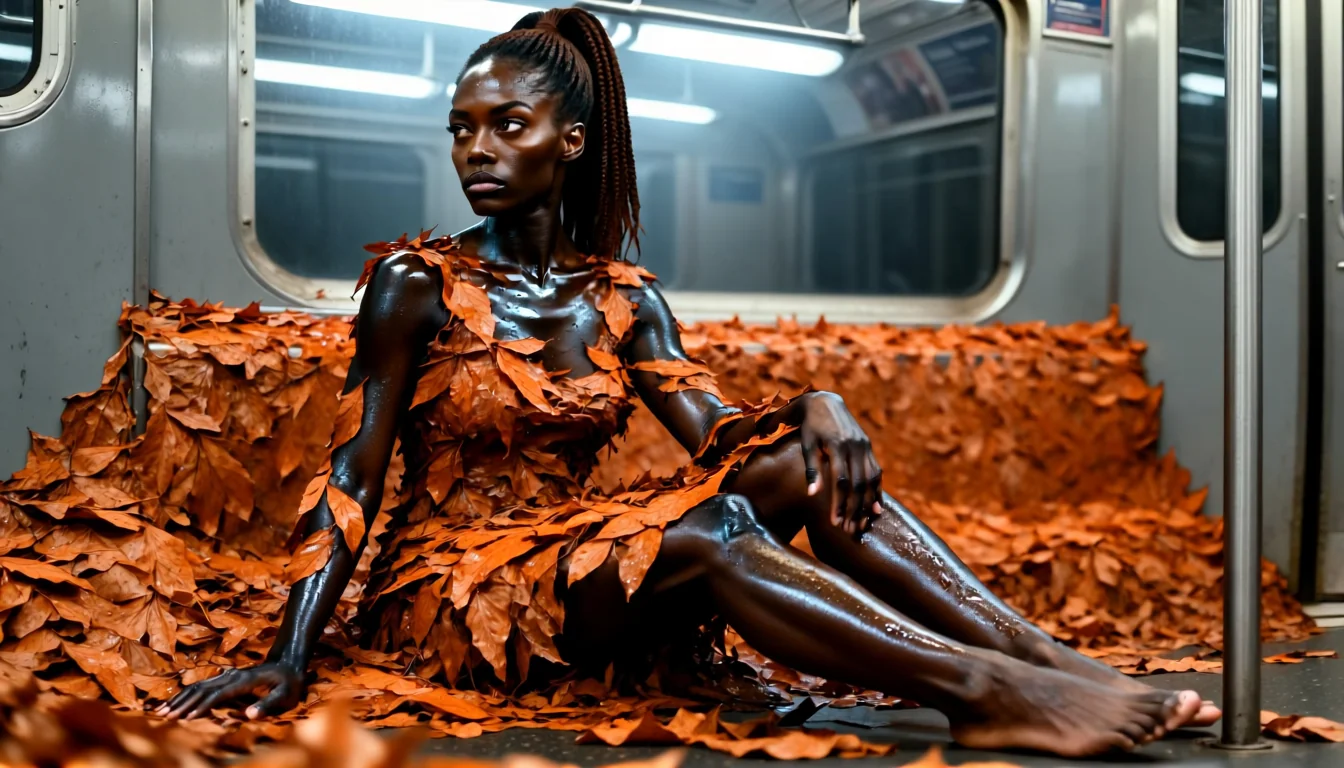

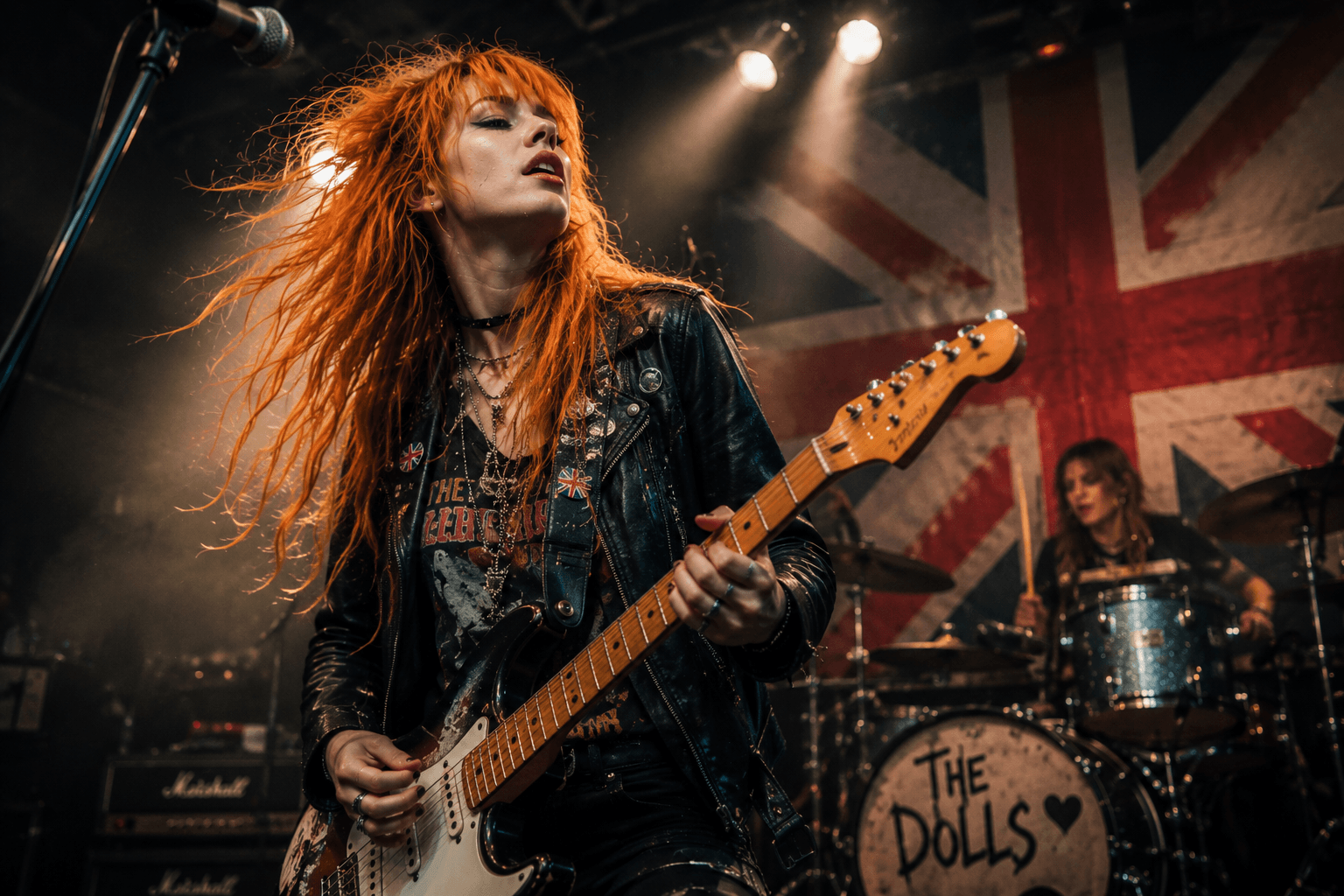
Generate AI Images from Text with a Single API Call
The Text to Image APIs from Pixazo API connects your application to over 20 AI image generation models through one unified endpoint. Instead of managing separate integrations for Flux, DALL-E, Stable Diffusion, Ideogram, and other leading models, you send a single POST request with your text prompt and model preference — the API handles authentication, routing, and delivery. Every model is pre-trained and production-ready, so there is no fine-tuning step between signing up and generating your first AI image from text.
Pixazo API does not own these models. It acts as an orchestration layer that gives developers consistent access to image generation capabilities from Black Forest Labs, OpenAI, Stability AI, Tencent, ByteDance, xAI, and other providers. You can switch between a fast model like Flux for rapid prototyping and a detail-focused model like Recraft V4 for final production assets — without rewriting your integration code.
Text to Image API Use Cases
How teams use AI image generation from text across industries — from product photography to game art pipelines.
E-Commerce Product Visuals at Scale
Generate product mockups, lifestyle shots, and catalog imagery without scheduling photo shoots. Retailers use the text to image API to create seasonal variations, A/B test product backgrounds, and produce localized visuals for different markets — all from a single product description prompt.
Marketing & Ad Creative Production
Produce ad creatives, social media graphics, and campaign visuals in seconds instead of days. Marketing teams use AI image generation to test dozens of visual concepts before committing design resources to a single direction.
Game & App Development Pipelines
Concept art, character designs, environment assets, and UI icons — game studios use the image generation API to accelerate the ideation phase. Generate them from text descriptions during a sprint planning session.
Content & Publishing Illustration
Blog headers, article illustrations, book covers, and editorial imagery generated from the story's own context rather than pulled from generic stock libraries. Produce visuals that actually match your content.
Personalized User Experiences
Build products where users describe what they want and see it generated in real time. Custom avatar creators, personalized greeting cards, AI-powered mood boards, or interior design visualizers.
Design Prototyping & Exploration
Before a design team commits to a visual direction, they can use AI image generation from text to explore dozens of style variations in minutes. Generate mood boards from client briefs and test color palettes.
Why Choose Pixazo API for AI Image Generation?
One integration. Multiple AI models. Consistent API behavior across all of them.
Every Model, One Endpoint
Access Flux, DALL-E, Stable Diffusion, SDXL, Ideogram, Recraft, Hunyuan, GPT Image, and more through a single unified text to image API. Switch models by changing one parameter — no new SDK, no new auth flow, no code rewrite.
GPU-Accelerated Generation
Speed-optimized models like Flux return AI-generated images in 2–5 seconds. Pixazo API’s infrastructure keeps latency low even at scale. For higher quality, models like Recraft V4 take 10–30 seconds but produce production-grade output.
Single Key, Every Provider
One key unlocks every model from every provider — Black Forest Labs, OpenAI, Stability AI, Tencent, ByteDance, xAI, and others. No juggling separate credentials. Manage billing, usage, and rate limits from a single dashboard.
Honest Provider Attribution
Pixazo API does not claim to own or train these models. Every model page clearly states its provider. You always know whose technology powers your image generation.