Pixazo APIAI Lipsync API

Lipsync APIs - AI Lip Sync Video Generation

Access Lipsync APIs for AI lip sync video generation on Pixazo API. Create realistic talking videos with Kling, OmniHuman, and Pixverse.

Explore AI Lipsync API Models

Browse and compare the best AI lip sync API models. Filter by capability, check supported features and output quality, and pick the right model for your project.

Kling

Kling

Professional AI video generation with motion control and avatar features.

View API
OmniHuman

OmniHuman

ByteDance AI for realistic lipsync and talking video generation.

View API
Pixverse

Pixverse

AI video generation optimized for engaging social content.

View API

AI Lipsync APIs

AI LIP SYNC API

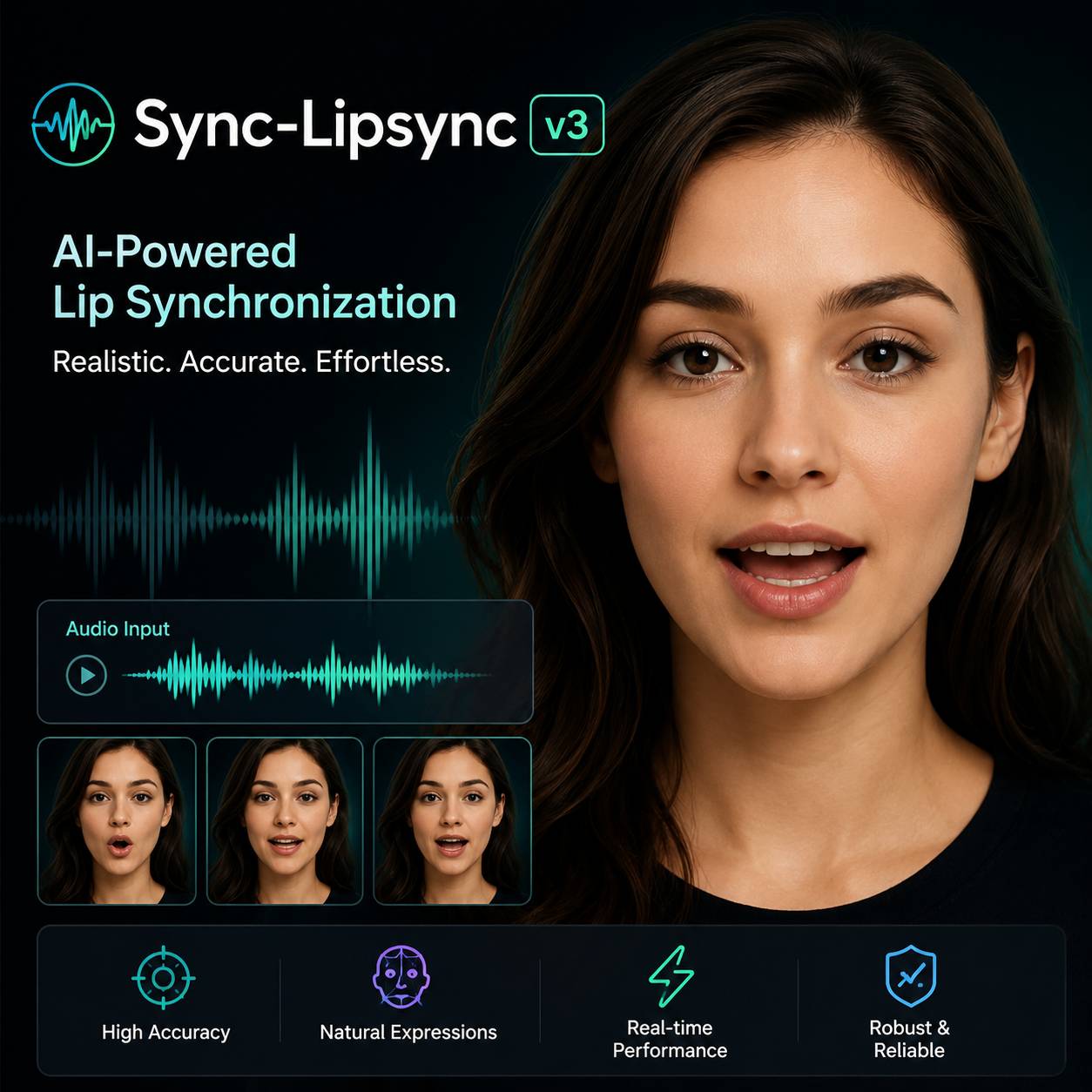
Sync Lips to Any Audio in Seconds

The Pixazo Lipsync API takes a talking-head video and a new audio track, then returns a perfectly lip-synced result. Choose between Kling Lipsync for speed, Pixverse Lipsync for balanced output, or Seedance OmniHuman for broadcast-quality fidelity. Built for dubbing pipelines, virtual avatar platforms, and content localization at scale.

Available Models

Three engines optimized for different quality and speed tradeoffs.

Kling Lipsync

The fastest model in the lineup. Optimized for short-form content under 60 seconds. Delivers clean lip sync with low latency -- ideal for real-time applications, social media clips, and high-volume processing pipelines where turnaround speed matters more than pixel-perfect fidelity.

Pixverse Lipsync

Balanced performance for most production use cases. Handles videos up to 5 minutes with natural mouth movements and smooth blending. The default choice for marketing videos, e-learning content, and mid-length dubbing projects where both quality and processing time matter.

Seedance OmniHuman

The highest-fidelity model. Generates subtle micro-expressions, natural jaw tension, and realistic tongue movement for close-up shots. Produces broadcast-quality output suitable for film dubbing, premium virtual presenters, and any content where viewers will scrutinize facial detail.

How It Works

Three steps from raw assets to perfectly synced output.

01 — Upload Media

Send a video file with a visible face and the target audio track. Accepted via URL or direct upload. The API detects faces and maps 68 facial landmarks automatically -- no manual alignment, cropping, or preprocessing required.

02 — AI Processing

The selected model analyzes audio phonemes frame by frame and generates matching lip shapes. It modifies only the mouth and jaw region while preserving eye movements, head motion, and facial expressions from the original video.

03 — Get Synced Video

Download the final MP4 with synchronized lip movements. Output maintains original resolution up to 4K. The modification boundary is pixel-feathered for seamless blending. Cached for 24 hours for free re-downloads.

Built For

Production workflows that need reliable lip sync at scale.

Film & TV Dubbing

Replace dialogue in any language while maintaining natural mouth movements. Eliminates the uncanny mismatch between audio and lips that plagues traditional dubbing workflows.

Virtual Avatars & Presenters

Drive photorealistic talking-head avatars from any audio source. Generate spokesperson videos, virtual assistants, and AI presenters that speak naturally across languages.

E-Learning Localization

Translate training videos and course material into dozens of languages without re-shooting. Instructors appear to speak the target language natively -- reducing production cost by 10x.

Social Media & Ads

Scale a single video shoot across markets. Create localized versions of influencer content and ad campaigns with synced audio in each target language.

Animated Characters

Apply realistic lip movements to 3D-rendered or illustrated characters. The API handles both photorealistic and stylized faces for game cutscenes, animated series, and interactive media.

Audio-to-Video Content

Transform podcasts, audiobooks, and voice recordings into engaging talking-head videos. Pair a portrait or avatar with any audio to generate lip-synced video content automatically.

Technical Specifications

Video Formats ·· MP4, MOV, AVI, WebM

Audio Formats ·· MP3, WAV, AAC, FLAC

Max Video Size ·· 500 MB / 4K resolution

Max Audio Size ·· 50 MB

Max Duration ·· 5 minutes per request

Output Format ·· MP4 (H.264)

Models ·· Kling, Pixverse, OmniHuman

Processing Speed ·· ~2x real-time

Quick Start

Lip sync a video to new audio with one API call.

# Lip sync a video with the Pixazo API
curl -X POST https://api.pixazo.ai/v1/lipsync \
  -H "Authorization: Bearer YOUR_API_KEY" \
  -H "Content-Type: application/json" \
  -d '{
    "video_url": "https://example.com/talking-head.mp4",
    "audio_url": "https://example.com/spanish-dialogue.mp3",
    "model": "kling-lipsync",
    "output_format": "mp4"
  }'

# Response
{
  "status": "success",
  "output_url": "https://cdn.pixazo.ai/lipsync/abc789.mp4",
  "duration_seconds": 28.5,
  "model_used": "kling-lipsync",
  "processing_ms": 34200,
  "faces_detected": 1
}

Frequently Asked Questions

What video and audio formats does the Lipsync API accept?

The API accepts MP4, MOV, AVI, and WebM video files up to 500 MB at 4K resolution. Audio inputs can be MP3, WAV, AAC, or FLAC up to 50 MB. The input video must contain at least one clearly visible face. Output is returned as an MP4 file with H.264 encoding.

How long does lip sync processing take?

Processing time depends on video duration and model selection. A 30-second clip typically completes in 20-60 seconds. Kling Lipsync is the fastest for short clips, Pixverse balances speed and quality, and OmniHuman delivers the highest fidelity at slightly longer processing times.

Can I lip sync to audio in any language?

Yes. All three models are language-agnostic -- they analyze raw audio waveforms and phoneme patterns, not text transcription. You can sync lips to English, Mandarin, Spanish, Arabic, Hindi, Japanese, or any spoken language without configuration changes.

Does the API preserve original facial expressions?

Only the mouth and jaw region is modified during lip sync. Eye movements, brow expressions, head tilts, and overall facial geometry remain untouched from the original video. The blending boundary is feathered at the pixel level to avoid visible seams.

How is lip sync API usage priced?

Pricing is per-second of output video. Each model has a different credit cost per second -- Kling Lipsync is the most cost-effective option, while OmniHuman costs more but delivers broadcast-quality results. Cached results within 24 hours are free. Volume discounts are available on the pricing page.