AI 3D Model Generator
Generate detailed 3D assets instantly with Pixazo’s AI 3D model generator. Start building for free.
Try AI 3D Model Generator
AI 3D MODEL GENERATOR
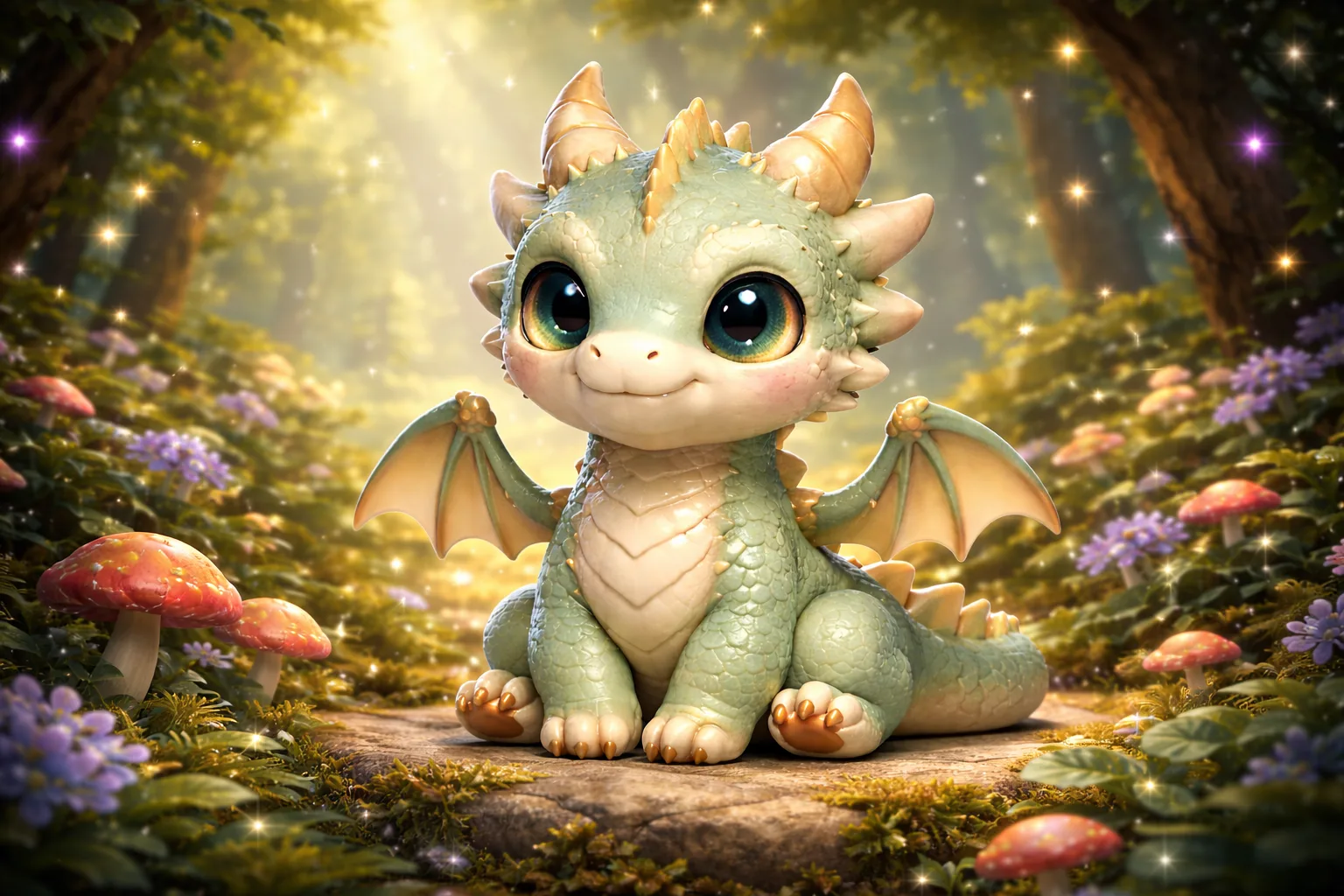
Create 3D Models Your Way
Design detailed 3D assets with precise control over shape, structure, and surface quality, while supporting AI-generated meshes alongside custom inputs and reference images.
Hands-On 3D Design
Build models from prompts or images, adjust geometry, refine proportions, and enhance textures without depending entirely on automated outputs.


Combine AI-Generated and Custom Assets
Generate base 3D models instantly with AI, then modify, optimize, and prepare them for rendering, animation, or export across platforms.
How to create 3D models with Pixazo's AI 3D Model Generator?
Enter a Concept or Upload a Reference
Type a clear description of the object you want to build or upload a reference image. The AI interprets structure, depth, and material details to begin constructing your model.
Choose the Generation Model
Select the available 3D generation model. This step determines how the AI processes your input and constructs the final 3D structure.
Generate and Export
Once generated, your 3D asset is ready for export. Download the file and integrate it directly into design workflows, product mockups, visualization tools, game environments, or other 3D-supported platforms.
Why Choose Pixazo’s AI 3D Model Generator?
Pixazo’s AI 3D Model Generator transforms text prompts and visual references into structured, production-ready 3D assets. Instead of generating flat visuals or decorative renders, the system builds dimensional geometry with defined surfaces, depth accuracy, and spatial consistency. The engine interprets object proportions, material characteristics, and perspective logic to produce models that feel physically grounded rather than visually approximated. From product prototypes and gaming assets to AR/VR objects and digital collectibles, Pixazo enables rapid 3D asset creation without traditional modeling complexity.
1. Intelligent Geometry Construction
The AI analyzes shape descriptions and reference cues to construct coherent 3D geometry from scratch. Rather than inflating a 2D silhouette into depth, the system builds volumetric structure with proportion awareness and surface continuity. This reduces issues like distorted edges, uneven meshes, or unrealistic dimensional balance.
2. Surface and Material Interpretation
Pixazo doesn’t stop at shape. The AI 3D Model Generator interprets surface qualities such as metal, plastic, glass, fabric, or matte finishes and applies appropriate texture logic. Reflections, roughness, and highlights are generated to align with material behavior, ensuring the final model appears structurally believable rather than artificially coated.
3. Adaptive Detail Scaling
Different use cases require different levels of complexity. The system adjusts polygon density and surface refinement based on intended output—whether for lightweight web previews, real-time engines, product visualization, or high-resolution rendering. This flexibility allows creators to balance performance and visual fidelity efficiently.
4. Structural Consistency Across Variations
Users can generate multiple variations of the same base concept—modifying proportions, features, or stylistic elements—while maintaining core structural integrity. This ensures design exploration remains consistent instead of producing unrelated or unstable geometry between iterations.
5. Perspective-Ready Model Output
Models are created with spatial awareness, allowing them to respond naturally to camera movement, lighting adjustments, and environmental placement. Whether used in animation, interactive scenes, or virtual showrooms, objects retain dimensional coherence from multiple angles.
6. Browser-Based 3D Creation Workflow
Pixazo’s AI 3D Model Generator runs entirely online, removing dependency on heavy modeling software or technical setup. Users can describe an object, refine its characteristics, and generate a usable 3D model within minutes—making advanced asset creation accessible to designers, marketers, and developers alike.
AI 3D Model Generator Plans and Pricing
Limitations of AI 3D Model Generator
Single model per generation
Each request generates one 3D model at a time. Creating multiple variations or alternative designs requires separate generations.
Preset-based structure and styling
Model shape, detailing, and overall style are influenced by available presets and settings. Fully custom geometry control or manual vertex-level editing is not supported within the generator.
Model-dependent processing time
The time required to generate a 3D model depends on the selected AI model and the complexity of the input. More advanced models or detailed prompts may require additional processing time.

