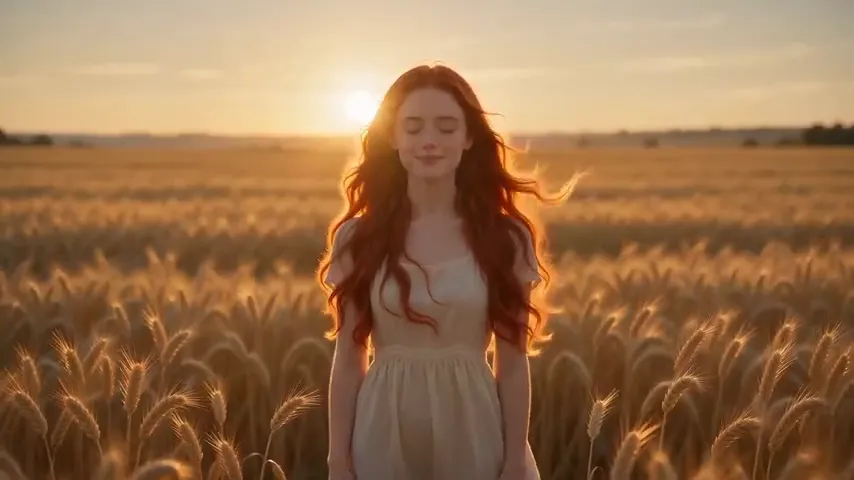
AI Image to Video Generator — your photo, in motion.
Upload one still and an AI model directs a short, cinematic clip from it — camera moves, light, life. The footage behind this text is real output from Pixazo’s own tool.
Reel · real output
One still each. Then motion.
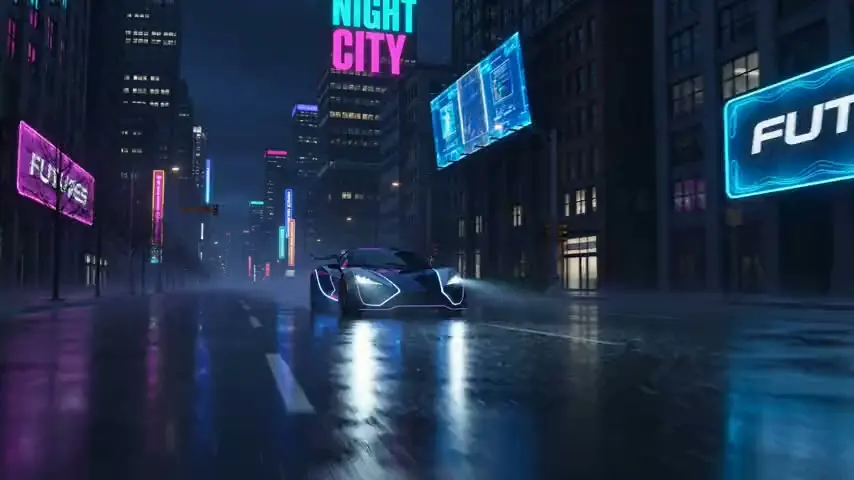
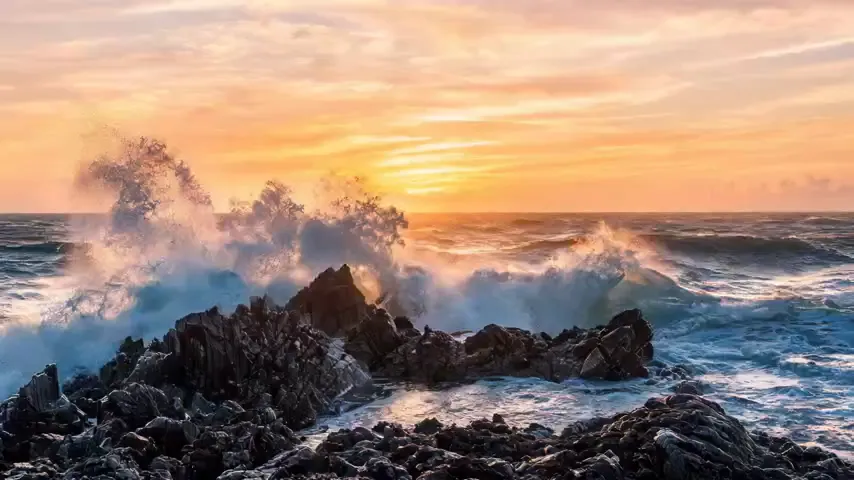
Every clip here was generated by Pixazo’s image-to-video tool from a single frame — raw output on Wan 2.2 i2v, not an edited showreel. Turn your sound off; there isn’t any.
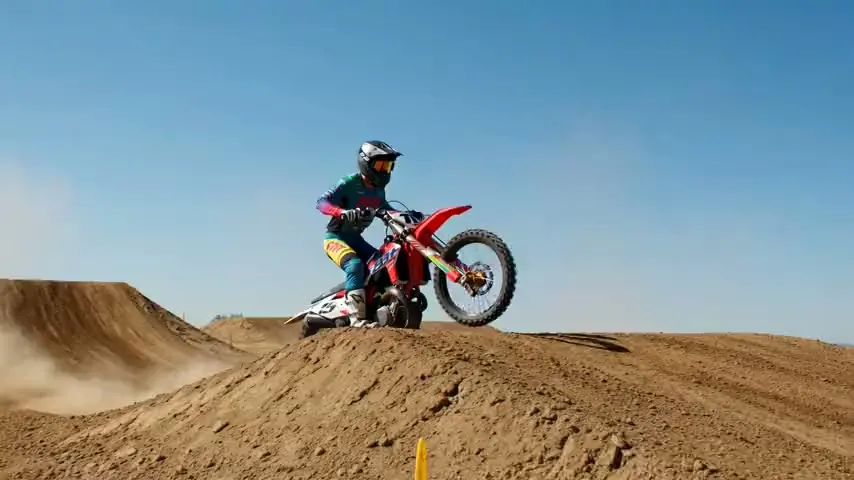
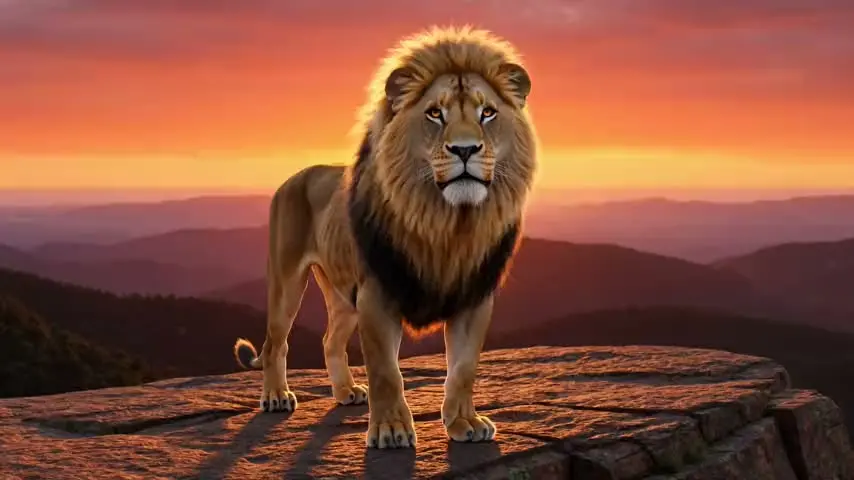
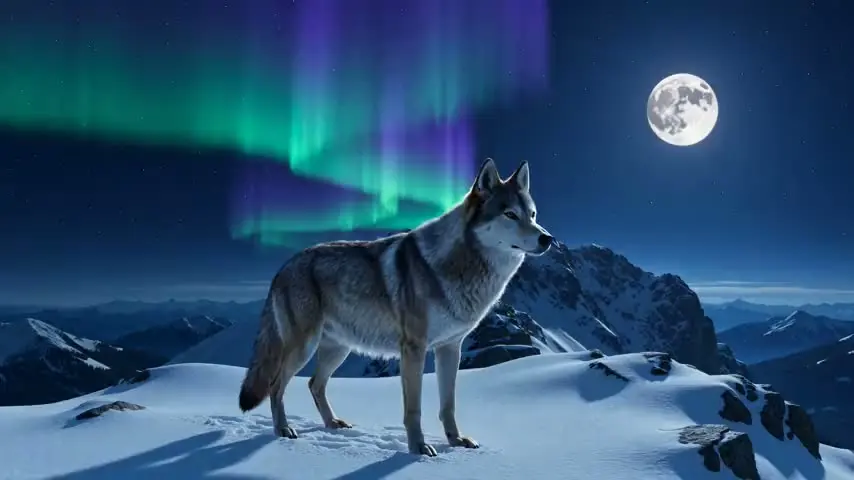
Genuine output from Pixazo’s image-to-video tool. Each clip is about five seconds; your results vary with the source image, the prompt and the model you choose.
Proof · photo in, video out
The exact photo. Then the motion.
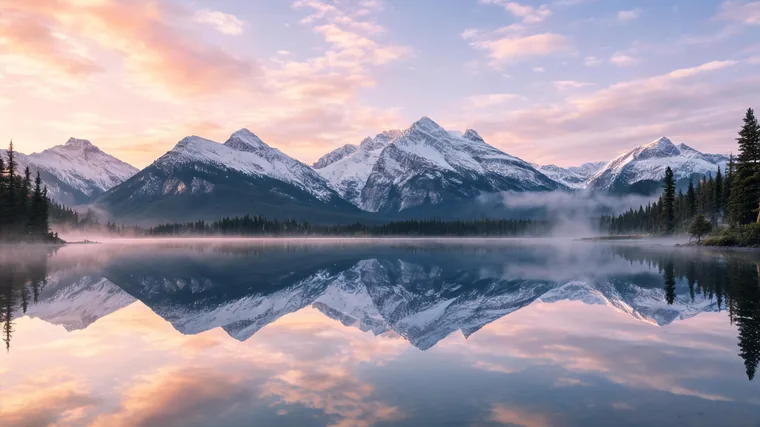
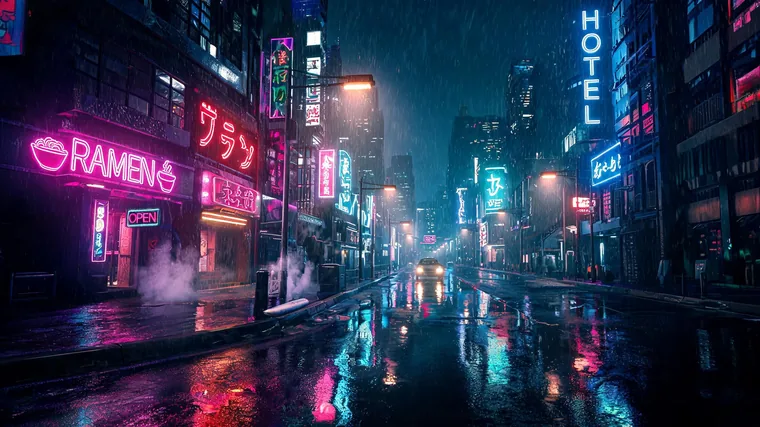
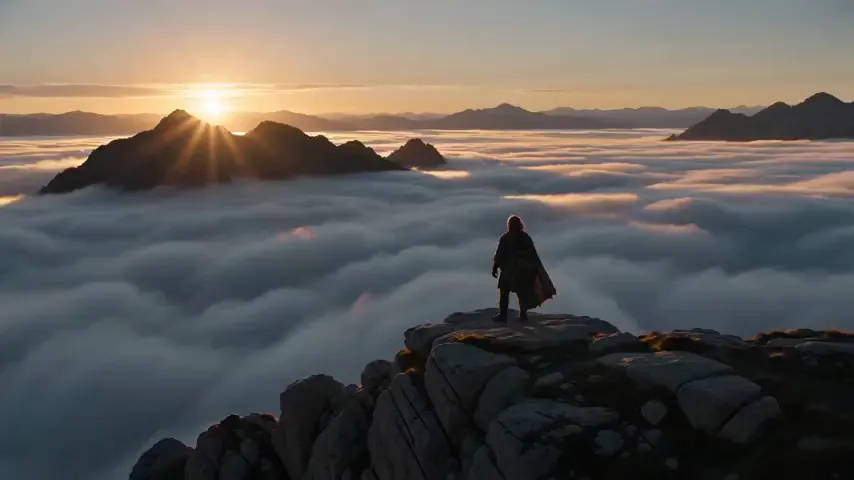
No stock, no cherry-picking. Each still below was generated, then handed straight to Pixazo’s image-to-video model — the photo is frame one, everything after it is the model’s. Sound off; there isn’t any.
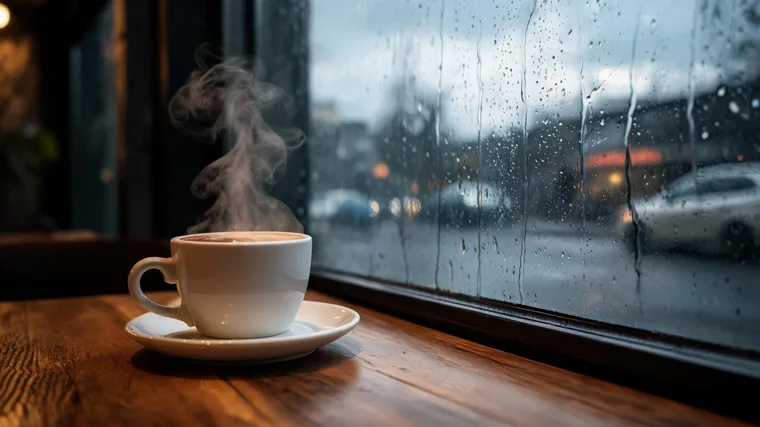
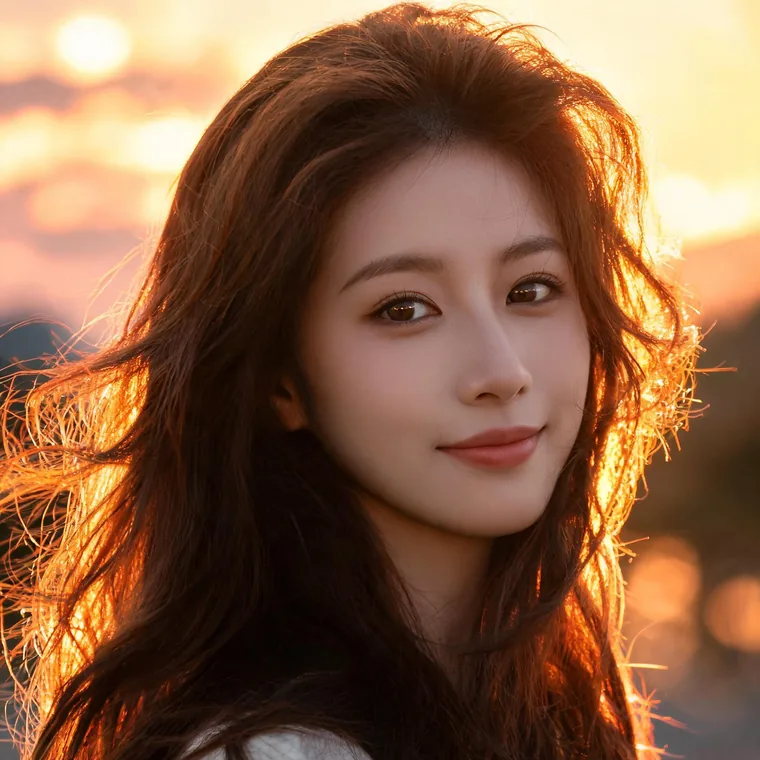
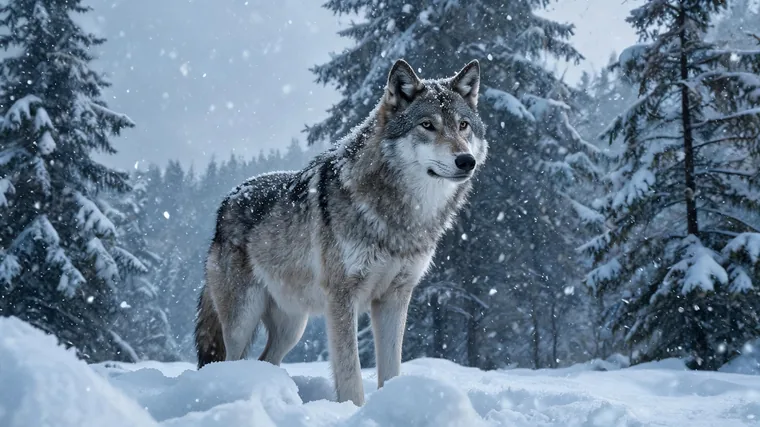
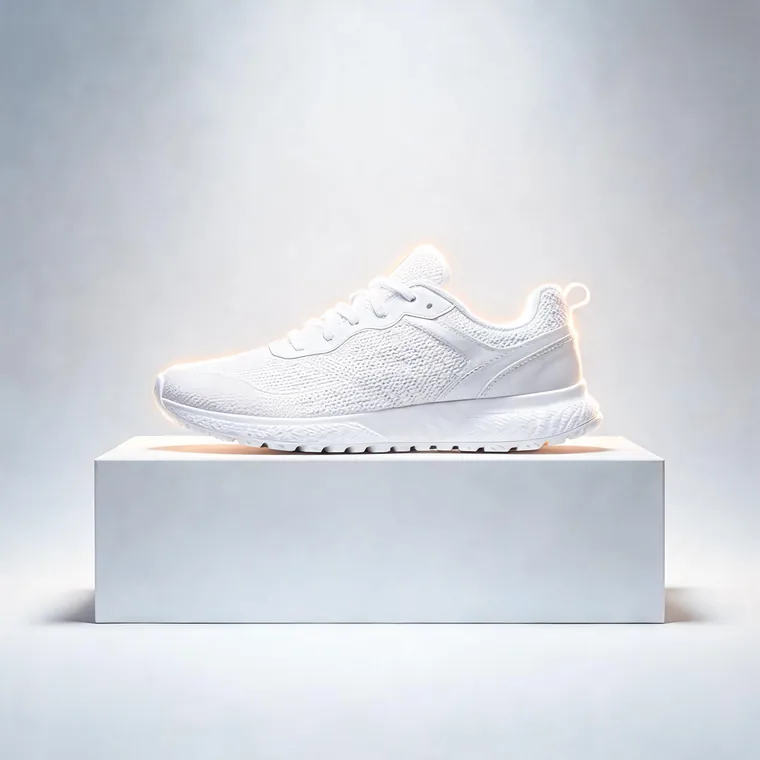
The short version
Not a pan over a photo. Real inferred motion.
An image to video AI reads your still, works out what the scene contains, and invents plausible movement that was never in the photo — hair and water move, a camera pushes in or orbits, light shifts. You keep the subject and composition; the model adds time.
You bring a single image. You get back a short MP4 you can drop into a reel, an ad or an edit. A short text prompt steers the motion (“slow dolly in, gentle wind”), and most models let you set length and aspect ratio. That’s the whole promise of a good AI image to video generator: a photo in, a short video out.
Under the hood
How does an AI image to video generator actually work?
Short version: your still becomes frame one, and the model predicts what happens next. Nothing after that first frame was ever photographed — it is generated, one plausible moment at a time.
An AI image to video generator starts by reading the picture you upload. It does not just pan a flat rectangle around the screen. It looks for what the scene contains — where the subject sits, roughly how far things are, what the surfaces seem to be made of — and holds that as the opening frame of a clip it is about to invent.
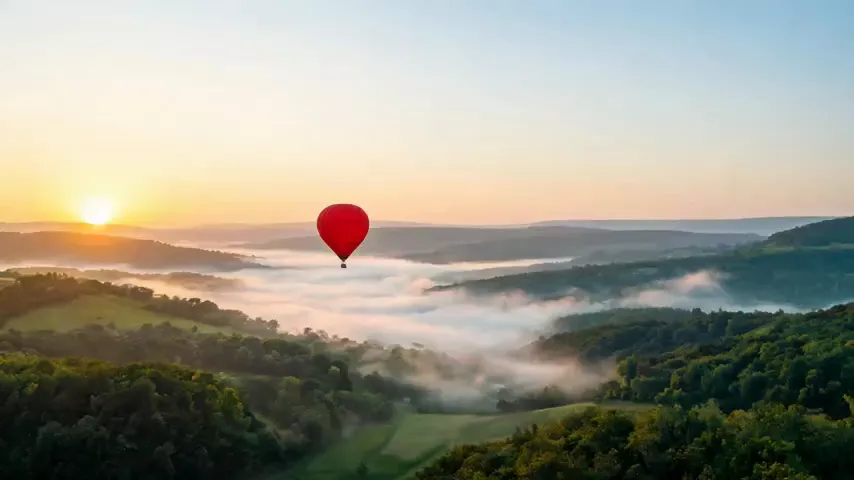
From there the model infers motion. Because it has seen how the world tends to move, it can guess that hair drifts, water ripples, cloth settles and light shifts — even though none of that motion existed in your photo. This is where image to video AI can look uncanny, and also where it is honest to be blunt: the model is predicting likely movement, not measuring true depth or rebuilding a real 3D space. It is an educated guess rendered forward through time.
And because every frame is fresh inference rather than a canned pan-and-zoom effect, the same still and the same prompt can move differently on each run. That is a feature, not a fault: you steer the outcome with a short text prompt about the motion you want, then run it again if the first take drifts. The prompt nudges the prediction; it does not lock it frame by frame.
Your uploaded image is treated as frame one. The model parses the subject, the rough depth and the materials it recognises before a single new pixel moves.
It predicts how that scene would plausibly move — a camera drift, a turning head, rippling water — based on patterns it learned, not on anything captured in your photo.
Frame by frame, it generates the seconds that follow into a short MP4. It is prediction, not footage, so your prompt steers the take and each run can differ.
Want the text-to-video route instead, where there is no still to start from? That is a different job for the text-to-video generator. Here the still leads — and a clean, well-lit source frame gives the model far less to guess and far more to animate cleanly.
The shot list
Three steps, no timeline.
Frame 01
Upload your image
A single still — a photo, a render, or an AI image. A clear, well-lit subject animates far more cleanly than a busy or low-resolution one.
Frame 02
Direct the motion
Pick a model and add a short prompt — “slow push in”, “orbit the product”. Where the model allows it, set the length and aspect ratio.
Frame 03
Generate & download
The model renders a short MP4. Regenerate with a different prompt or model if the motion isn’t right — each reads the same image differently.
Directing the shot
How do you write a good motion prompt?
Your still is frame one. The prompt is where you tell the model what should happen next — and with an image to video AI, that is almost entirely about movement, not new content. Describe how the camera, the subject and the air should move, then let the model infer the rest.
The trap is writing prompts for a still-image tool: adjectives, mood words, “make it cinematic.” Those give the model nothing to animate. Name the actual motion instead and you steer far more reliably.
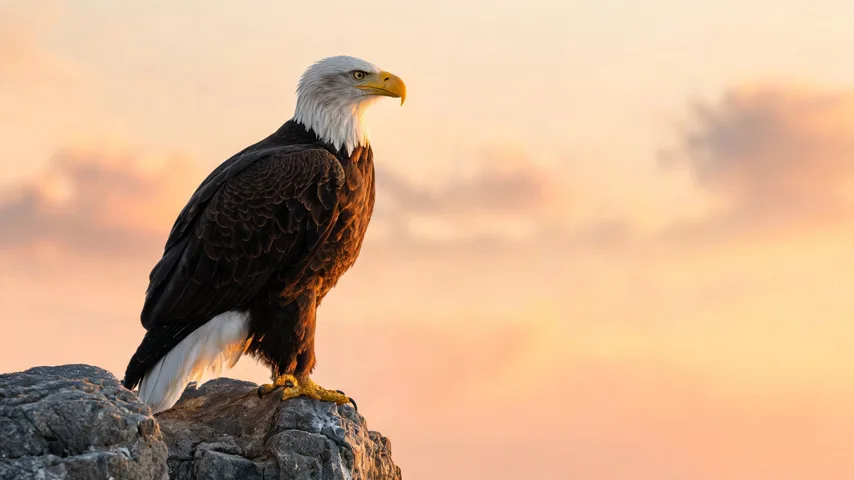
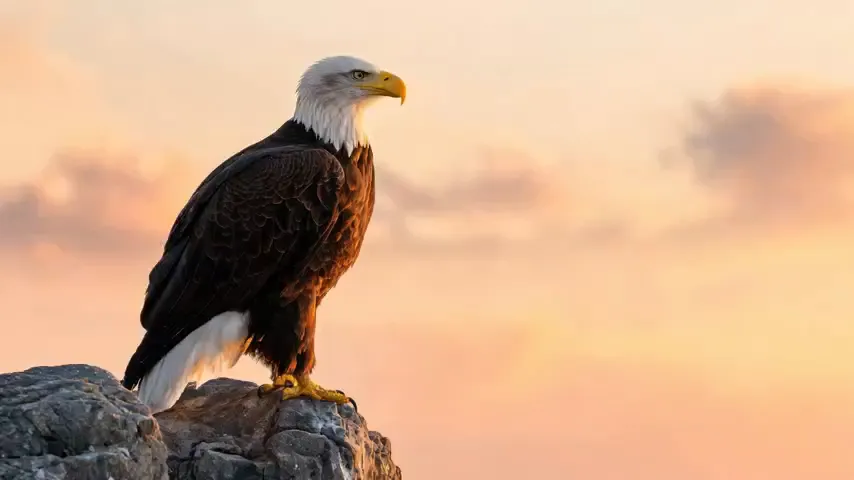
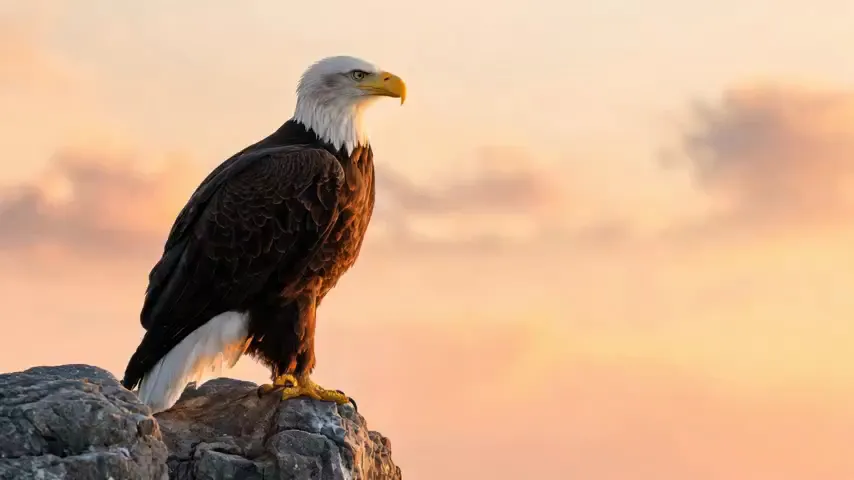
Same still, two prompts, two different clips — that is the point: the prompt steers the motion, so it is worth running a couple to see which read the model lands on.
The four-part recipe
Put together: “Slow dolly-in on the subject, she turns her head gently toward camera, warm light flickers, soft wind in the hair, calm unhurried pace.”
| Write this | Not this |
|---|---|
| Slow dolly-in, gentle wind in the hair, warm light flicker | Make it amazing |
| Camera pushes forward, steam drifts up from the cup, calm pace | Add some movement |
| Subject blinks and turns slightly, clouds drift behind, locked-off camera | Bring it to life, very dramatic |
| Slow pan left across the skyline, city lights twinkle, unhurried | Cinematic 4K masterpiece vibes |
| Rain falls, neon reflections shimmer on wet ground, slow push-in | Change the shirt to red and add a dog |
The right column fails for two different reasons. The vague ones (“make it amazing”) name a feeling, not a motion, so the model guesses. The last one asks for new content — a different shirt, a new subject — which an image to video AI will not reliably add; it animates what is already in your still. Edit the picture first on the AI image generator, then animate the finished frame.
-
“Slow push-in on the portrait, subtle head turn toward camera, soft rim light flickers, calm pace.”
Tends to produceA quiet, controlled portrait shot — the safest kind of motion, and the most forgiving of faces.
-
“Locked-off camera, tall grass sways in the wind, clouds drift slowly across the sky, gentle pace.”
Tends to produceA living landscape. Ambient motion with a still camera is where these models look most natural.
-
“Handheld drift forward, dust particles float in a shaft of light, warm flicker, unhurried.”
Tends to produceA moody, atmospheric interior — small floating detail reads as depth without stressing the model.
-
“Slow pan right across the food, steam rises off the plate, soft focus shift, calm pace.”
Tends to produceA tasteful product or food beauty shot. Steam and a lens move sell it without needing new objects.
One honest caveat: prompts steer, they do not lock. There are no keyframes here, so the same still and prompt can move differently each run — the motion is inferred, not scripted. Treat your prompt as direction, expect to regenerate a few times, and keep the good take. Draft on a cheap model, then run your winning prompt on a premium one. When the clip is right, you can dub it into another language, or step up to full text-to-video when you want a scene built from words instead of a frame.
Before you upload
What makes a still animate cleanly?
Your upload is frame one. Every frame after it is the model’s guess at how that picture moves — so the quality of the still sets the ceiling for the clip. A sharp, simple image gives a free image to video AI something solid to build on; a busy or blurry one gives it room to drift.
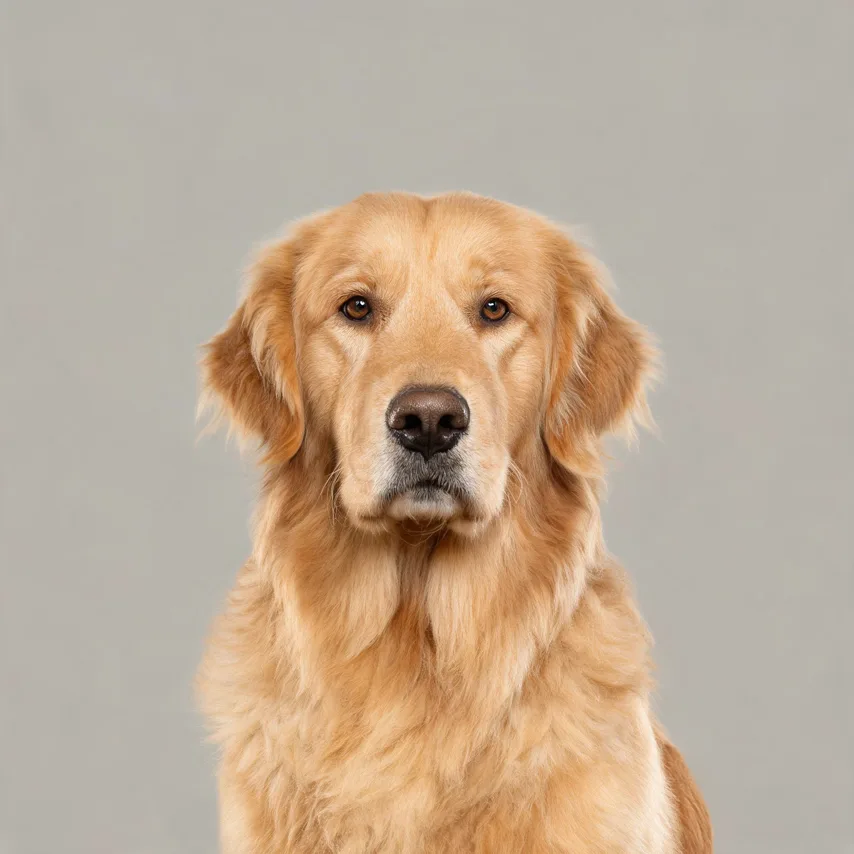
Feeds the motion
-
One clear subject
A single, obvious focal point gives the model something definite to move. One person or object animates far more cleanly than a scene with no clear lead.
-
Even light & contrast
Good lighting with real separation between subject and background holds together in motion. Flat or muddy light tends to smear the moment things start moving.
-
Higher resolution
A sharp, higher-res still carries more detail into every generated frame. Upscale or reshoot before you upload rather than trying to rescue softness after.
Fights the model
-
Busy background
A cluttered, crowded frame pulls the motion in every direction at once. A simpler backdrop keeps the movement on your subject instead of the wallpaper behind it.
-
Tiny subject
If the subject sits small in a wide frame, there is little for the model to grip and it drifts. Crop in so the subject fills more of the picture.
-
Text & face crowds
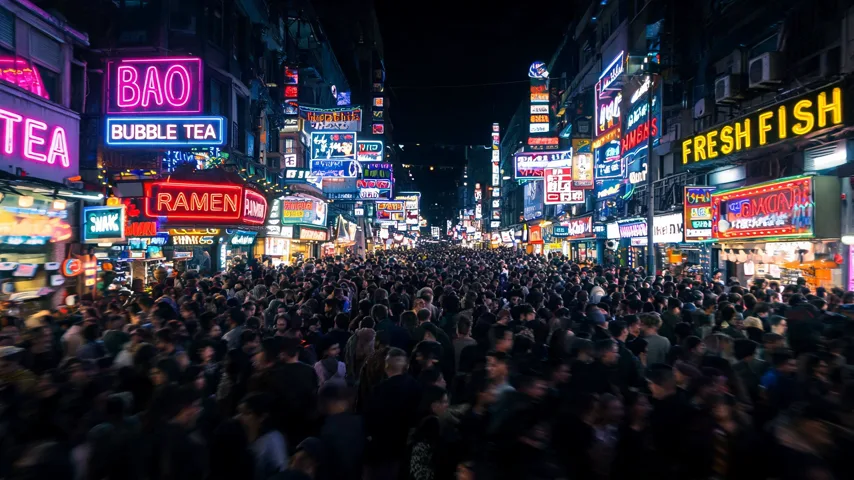
Small in-image text smears and dense crowds of faces warp as they move. Keep readable text and tight groups out of the still whenever you can.
The pattern behind all six is simple: the model can only animate what it can clearly see. Give it a clean, well-lit, single-subject frame and the motion usually settles in fewer tries; hand it a blurry, packed one and you burn credits chasing a result that never comes together. If you don’t have a strong still yet, make one first with the AI image generator, then bring it back here — a purpose-built frame usually beats a rushed photo through any AI image to video generator.
The cast
A dozen models can animate your image.
Image to video AI is a first-class capability on Pixazo, not one button — from fast and cheap to premium and slow. Credit costs are from the live model catalogue.
| Model | Provider | Credits | Best for |
|---|---|---|---|
| SeeDance 1 Pro | ByteDance | 11 | Cheapest usable motion — drafts and volume |
| Hailuo 2.3 Fast | MiniMax | 25 | Quick, natural movement on a budget |
| LTXV 2.0 Fast | Lightricks | 32 | Fast turnaround, modern look |
| Grok Imagine Video | xAI | 39 | Stylised, expressive motion |
| Wan 2.6 Flash | Alibaba | 50 | Balanced speed and fidelity |
| Runway Gen-4.5 | Runway | 78 | Cinematic camera and coherent motion |
| VEO 3.1 Fast | 78 | Strong physical realism | |
| Kling 2.6 Pro | Kuaishou | 91 | Detailed, controllable motion |
| Wan 2.6 | Alibaba | 98 | High-fidelity general animation |
| Sora 2 Pro | OpenAI | 195 | The most capable, at the highest cost |
Roster and credits from Pixazo’s live catalogue, 5 August 2026, and will change as models come and go. Pixazo is an access layer over third-party models it does not own.
Casting the model
Which image-to-video model should you actually pick?
There is no single best model — there is the right one for the job in front of you. Cheaper, faster models are built for drafts and volume; premium, slower ones are for the final cut you ship. And because every model reads the same still differently, the smart move on any AI image to video generator is to test two on the same frame and keep the take that moves the way you wanted.
This table is a shortcut, not the full roster. It pairs a common job with a sensible starting point — where to spend your first credits before you commit to a costlier run.
| If you’re making… | Start with | Why |
|---|---|---|
| A quick social draft | SeeDance 1 Pro 11 | The cheapest usable motion. Burn a few runs to test angles and prompts without spending much. |
| Natural movement on a budget | Hailuo 2.3 Fast 25 | Quick, believable movement for a low price — a step up from a draft when the motion needs to feel right. |
| A product or ad hero | Runway Gen-4.5 78 | Cinematic camera and coherent motion — the clean, controlled look a hero shot needs. |
| Maximum realism | VEO 3.1 Fast 78 | Strong physical realism — weight, light and movement that read as real, at the same credit cost as Runway. |
| The most capable final cut | Sora 2 Pro 195 | The most capable model here, and the priciest. Save it for the take you’re actually going to publish. |
The pattern that saves the most credits: draft cheap, finish premium. Lock your framing, prompt and pacing on SeeDance 1 Pro or Hailuo 2.3 Fast, then re-run the winning setup once on a premium model for the final render. You pay the high price a single time, not on every experiment. The full roster sits further down this page; current per-credit pricing lives on the pricing page.
The specs
Inputs, outputs, and what it costs.
Image to video AI free to try: a 7-day trial, 100 bonus credits. Those cover a run on the cheaper models; a full project on a premium model needs more than the signup grant. Details on the pricing page.
| You supply | One still image (photo, render or AI image) |
|---|---|
| Output | MP4, a few seconds long, no audio |
| Clip length | Set by the model — typically ~5 seconds |
| Aspect ratio | Follows your image, or the model’s ratios |
| Cost | 11–195 credits per generation, by model |
| Access | Browser playground, or video generation API |
Two roads
Image to video vs text to video: which should you use?
Both make a short AI clip. The real difference is what you start from — a still you already have, or a sentence — and how much of the final look stays under your control.
With AI image to video, your uploaded picture is frame one. The subject, colours and framing are locked to what you gave the model; it only adds motion. With text to video, you hand over a description and the model invents the whole frame, so you gain freedom but give up the exact look. Neither is better — they answer different questions.
| Dimension | Image to video | Text to video |
|---|---|---|
| You start from | A specific still you already have | Just a text description |
| Look & composition control | You keep your exact subject and framing | The model invents everything |
| Best when | You have art, a photo or a product shot to bring to life | You have only an idea and no image yet |
| Consistency to a real subject | High — anchored to your image | Lower — regenerates the subject each run |
| Typical next step | Upload the still, add a short motion prompt, then animate | Write the scene, generate, then refine the wording |
Short version: if you already have the frame you want to protect, animate it here. If you only have an idea, take the text-to-video path with the AI Video Generator. You can also do both — make the still first with the AI Image Generator, then bring it back here to animate it.
On set
What it’s actually for.
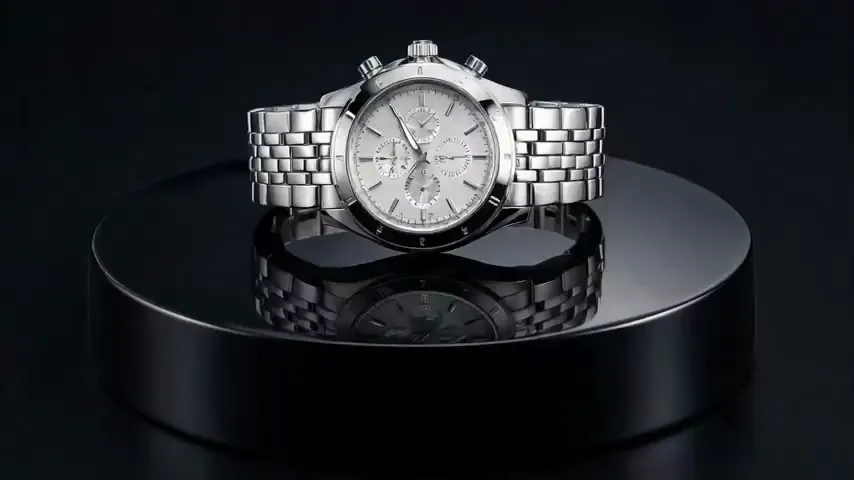
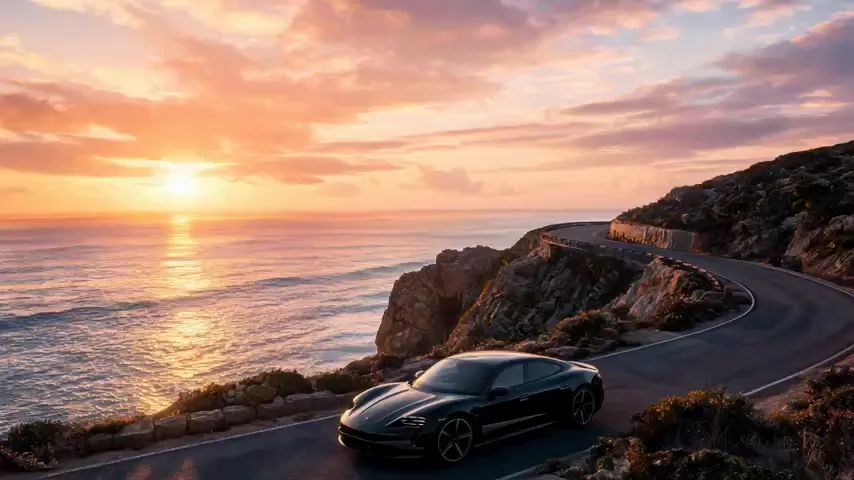
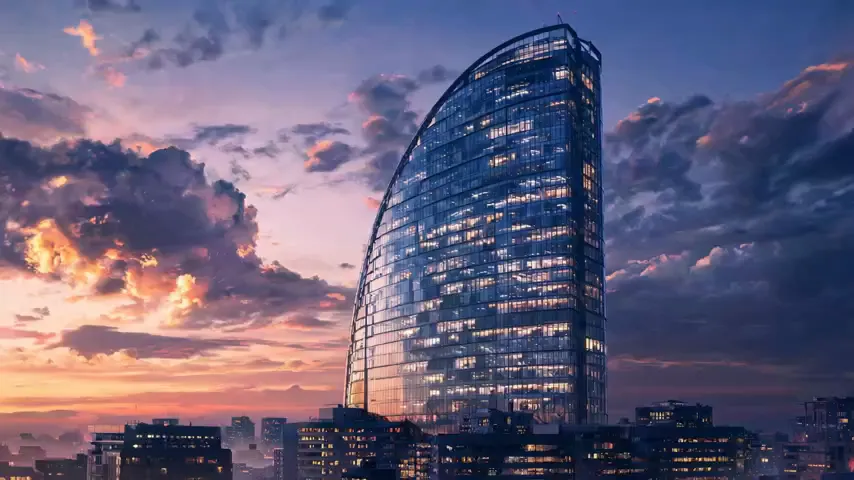
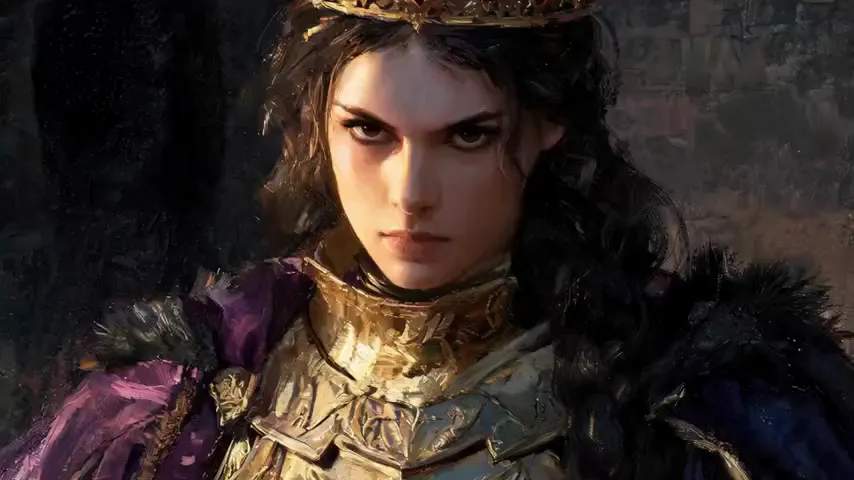
People reach for a free image to video AI for a handful of very concrete jobs:
The honest cut
What it can’t do yet.
The motion is inferred, not directed frame by frame. Knowing where it breaks saves credits.
No long videos
Clips are a few seconds. No timeline inside the tool — generate short shots and assemble them in an editor.
No exact control
You steer with a prompt, not keyframes. The same image and prompt can move differently each run.
Faces, hands, text drift
Fine detail is where generative motion still struggles — faces can drift, hands warp, and text in the image can smear.
No sound
Image-to-video generates picture only. Add voice or music afterwards in your editor.
Only as good as the still
A blurry or cluttered source gives the model less to work with. A clear, well-composed image animates cleanly.
Credits per try
Every generation costs credits and you often need a few attempts. Draft cheap, finish premium.
Describes the tool as of 5 August 2026. Not a roadmap promise.
Dialing it in
Why does a clip come out wrong, and how do you fix it?
Most misfires trace back to a handful of causes. Here is each common problem paired with the fix that usually clears it — concrete steps, not guesswork.
Face or eyes drift. Features slide around and the expression melts partway through the clip.
Keep the face large and well-lit in the still, or crop in closer, then regenerate. A small, dim face gives the model too little to hold onto.
Hands or limbs warp. Fingers fuse, arms bend the wrong way, edges smear as they move.
Prefer simpler poses, shorter clips and fewer moving parts. The less that has to move, the less there is to break.
Too much, chaotic motion. The whole frame churns and the subject won’t sit still.
Ask for “subtle” or “slow” motion and name a single action. One clear movement beats five competing ones.
Too little motion. The clip barely moves — it reads like a still with a faint shimmer.
Name a specific movement — a slow camera push-in, hair lifting in the wind. Vague prompts get timid results.
Flicker or a morphing background. Textures crawl and objects reshape themselves behind the subject.
Start from a cleaner, simpler background still. A busy or blurry backdrop gives the model more to reinvent frame to frame.
None of this is one-shot. Because the motion is inferred, the same still can move differently on every run — so budget a few attempts, draft on a cheap model like SeeDance 1 Pro before you spend credits on a premium one, and treat prompting as steering rather than commanding. The free trial credits are there to experiment, which is the whole point of trying AI image to video free before you scale a project up.
Before you roll
Questions people ask.
Is the AI image to video generator free?
Yes to start — this image to video AI is free for a 7-day trial, with 100 bonus credits, per Pixazo’s pricing page. Those credits cover a run on the cheaper models — SeeDance 1 Pro is 11 credits a clip.
A premium model costs more (Runway Gen-4.5 is 78, Sora 2 Pro is 195), so a full project needs more than the signup grant. See the pricing page.
Do I need to install anything to use the AI image to video free trial?
No install — the AI image to video generator runs in your browser. Sign in, upload a still and generate; nothing to download to make your first clip.
What image formats can I upload?
JPG, PNG and WebP — one image per generation. A higher-resolution, well-lit image gives the model more to animate and a cleaner result.
How long are the videos?
Short — typically around five seconds, set by the model. Image-to-video is built for short clips, not long sequences; generate several and assemble them in an editor.
Can I control the motion?
You steer it with a short text prompt and, on most models, the clip length and aspect ratio. There are no keyframes, so the model decides the exact movement — expect to regenerate a few times to land it.
Which model should I use?
Draft on a cheap, fast model (SeeDance 1 Pro at 11 credits, Hailuo 2.3 Fast at 25), then finish on a premium one (Runway Gen-4.5 or VEO 3.1 Fast at 78). Each model reads the same image differently, so it’s worth trying two.
Does it add sound?
No — image-to-video generates picture only. The output MP4 has no audio; add voice, music or effects afterwards in your editor.
Can I use the videos commercially?
Commercial rights depend on your Pixazo plan and the model’s own terms. Check the plan details before using a clip in paid work, and make sure you hold the rights to the source image.
Can I make a vertical 9:16 clip for Reels or TikTok?
On most models you set the aspect ratio before you run, so a vertical 9:16 clip for Reels, Shorts or TikTok is one option alongside square and widescreen. The exact choices depend on the model, and a few fix their output ratio.
For the cleanest result, start from a still that is already framed the way you want. A vertical source crops and animates more predictably than a wide photo squeezed into a tall frame.
Why does the same image look different each time I run it?
The motion is inferred by the model, not keyframed. Your uploaded image is effectively frame one, and everything after it is the model’s best guess, so the same image and prompt can move differently on each run.
That is normal for image to video AI. If a take drifts, run it again or tighten the prompt to describe the exact camera and subject motion you want.
Can I animate an AI-generated image, not just a photo?
Yes. Any JPG, PNG or WebP works as the source, whether it is a real photo or a still you made with an AI image generator. The generator does not care how the frame was created.
Quality still comes down to the still. A clear, well-lit, single-subject image animates far more cleanly than a busy or low-resolution one, so it pays to get the frame right first.
Is there an API for image to video?
Yes. The same models sit behind an image to video API, so you can send a still and a prompt from your own app or pipeline instead of the web tool.
The roster and credit costs match what you see here, which makes it easy to prototype in the free AI image to video generator, then move the exact model into production.
Can I make the clip longer than about 5 seconds?
Not in one run. Each generation is short, usually around 5 seconds, with the length and aspect set by the model. There is no in-tool timeline to stretch a single clip.
For something longer, generate a few short clips and stitch them in a video editor. To dub the finished cut into another language, use the AI video translator.
Deepak Joshi
Content Marketing Specialist · Pixazo
Deepak Joshi is a Content Marketing specialist having a combined experience of 10+ years working in the digital world. He is one of the active contributors to Pixazo Blog and has keen interest creating and marketing content related to AI tools, No-Code technology, Design Industry, Social Influencers, and other trending topics. A health and sport enthusiast, Deepak loves to indulge in all kinds of sports & games.
Bring your first still to life.
Upload a photo, direct the motion, and get a real video back. A free AI image to video generator to start with — 100 bonus credits.
Open the AI image to video generator →
