Skip to content
IN

The free AI playground: try eight models in one place

Eight specialised AI playgrounds for images, video and music. Try any model free — new accounts get credits, and each one below is the full tool, not a demo.
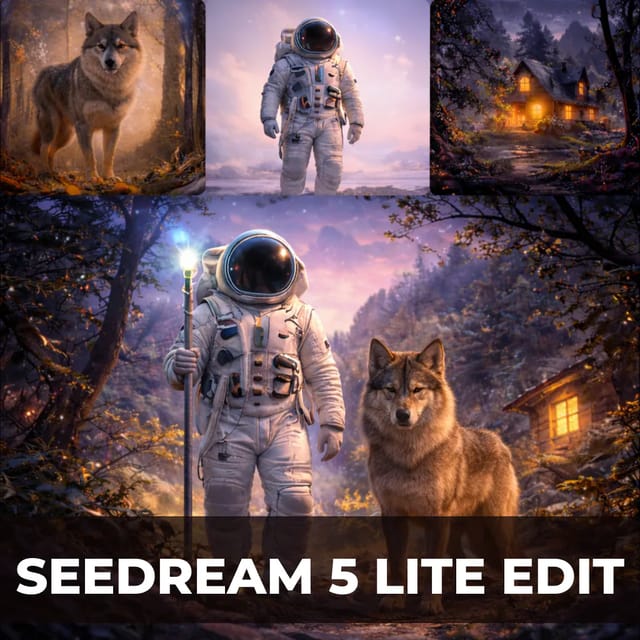
Seedream 5 AI Image GeneratorImage

Seedream 5 AI Image Generator

Transform reference images with cinematic edits, lighting tweaks, and style swaps using Seedream 5 Lite.

Try it now
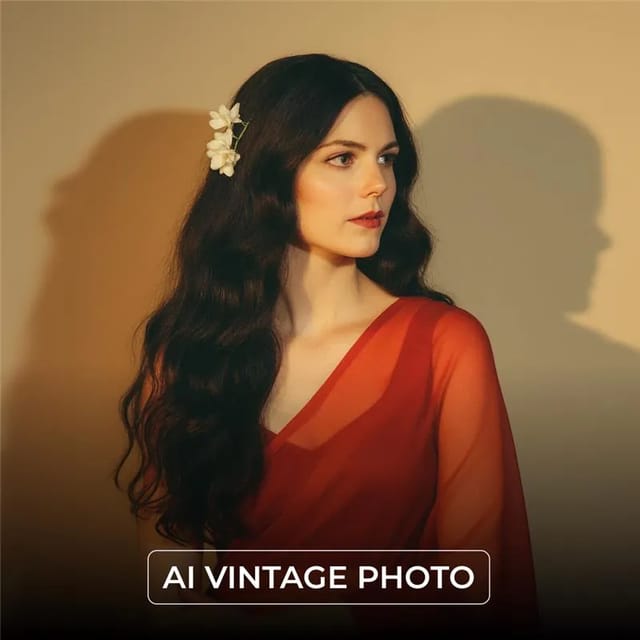
Nano Banana Pro Image GeneratorImage

Nano Banana Pro Image Generator

Generate seamless, ultra-detailed images from a prompt or up to 10 reference photos with Nano Banana Pro.

Try it now
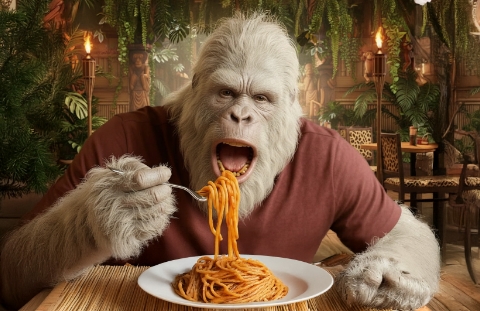
Veo 3.1 AI Video GeneratorVideo

Veo 3.1 AI Video Generator

Veo 3.1 turns text into high-fidelity short videos with synchronised, natural audio — no editing required.

Try it now
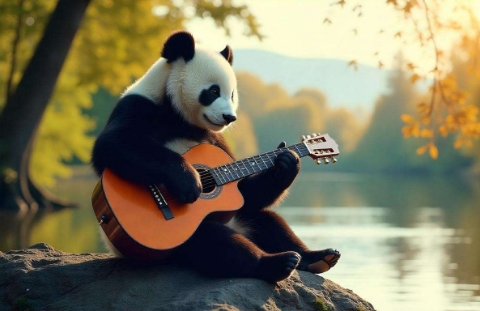
Kling AI Video GeneratorVideo

Kling AI Video Generator

Kling 2.1 Master turns prompts into visually engaging videos for creators, marketers, and storytellers.

Try it now
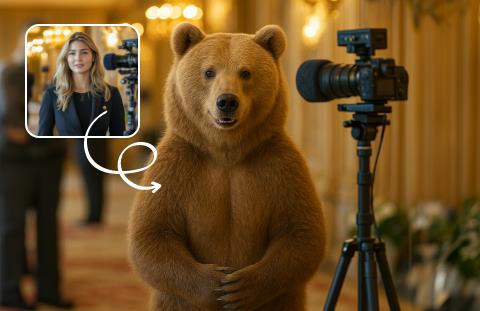
Wan 2.2 AI Video GeneratorVideo

Wan 2.2 AI Video Generator

Wan 2.2 Animate brings static images to life with expressive motion from text or image input.

Try it now
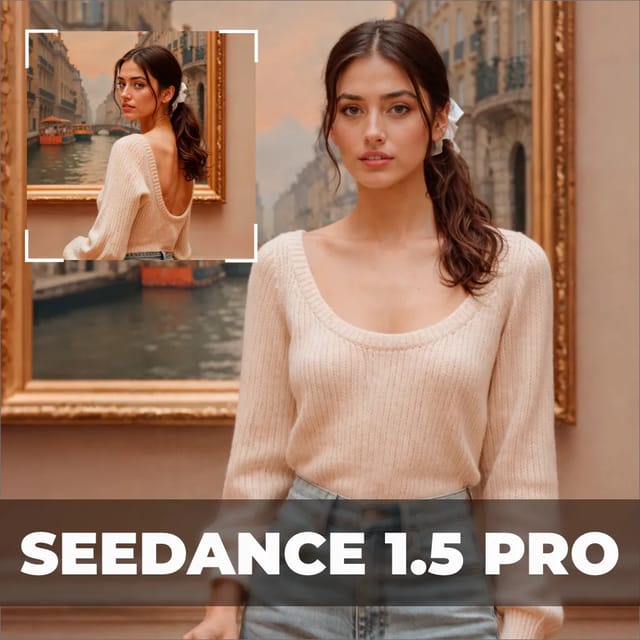
Seedance 2.5 AI Video GeneratorVideo

Seedance 2.5 AI Video Generator

Animate any image into a smooth, story-driven clip with Seedance 1.5 Pro image-to-video.

Try it now
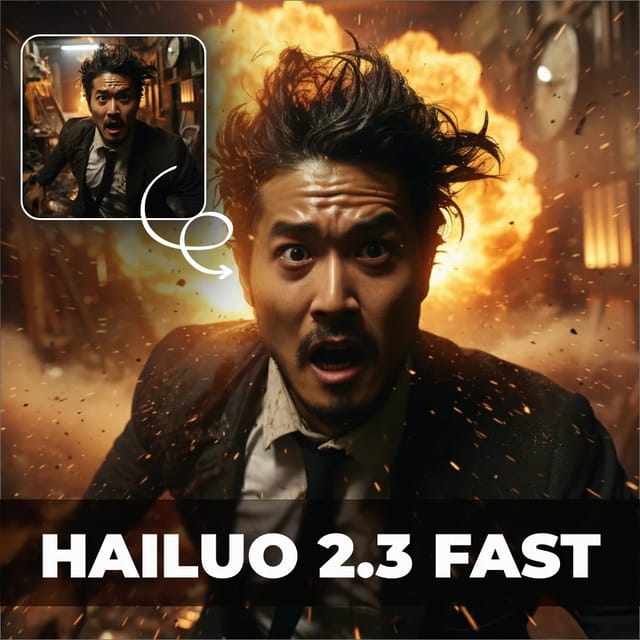
Minimax H3 AI Video GeneratorVideo

Minimax H3 AI Video Generator

Generate vivid 6-second clips from a prompt with MiniMax Hailuo — fast, fluid, and cinematic.

Try it now
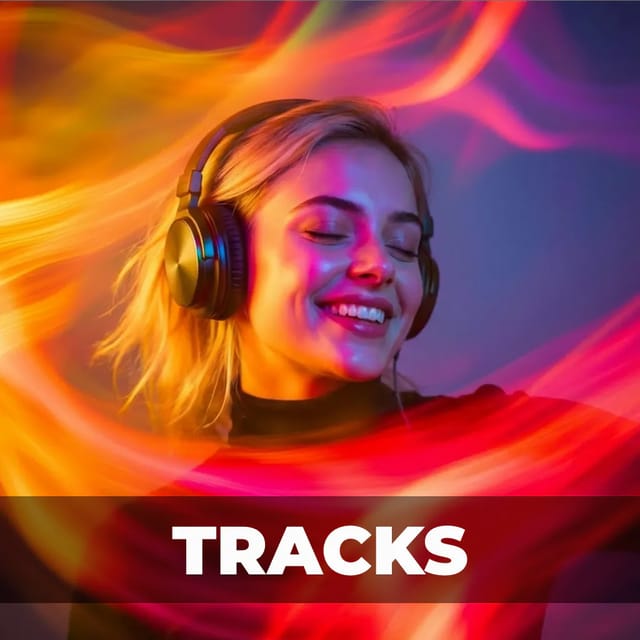
Tracks AI Song GeneratorMusic

Tracks AI Song Generator

Pixazo Tracks — generate complete songs in Hindi, Punjabi, and other regional languages from your lyrics.

Try it now
TRUSTED BY 3 MILLION+ BUSINESSES WORLDWIDE!
With Pixazo’s platform we deliver enterprise-class security and compliance to you and your customers through every interaction.

Questions about the AI playground

Is the Pixazo AI playground free?

Yes to start. New accounts get credits, and each generation spends a small number of them — an image costs less than a video, and a longer clip costs more than a short one. You can try every model below before paying anything, and a credit card is required to sign up.

What is an AI playground?

A place to run a model without committing to it. You paste a prompt, see what comes back, change one thing and run it again. The point is comparison: the same brief through two models tells you more about which one suits your work than any feature list will.

Which model should I pick?

For stills, Seedream 5 handles reference images and style swaps, and Nano Banana Pro is the stronger all-rounder for text-to-image. For video, Veo 3.1 and Kling lead on realism, Wan 2.2 is the fast draft, and Seedance and MiniMax H3 are worth trying when you want motion with a particular feel. For music, Tracks is the one.

Do I need to install anything?

No. Every playground runs in the browser on any machine — there is nothing to download, no GPU to rent and no environment to set up. A laptop and a connection is the whole requirement.

Can I use what I make commercially?

Yes, on a paid plan. What you generate is yours to use, including in client work and in things you sell. Check the terms for the specific model if your use is unusual, since a few carry their own restrictions.

What is the difference between the playground and the main tools?

The playground is model-first: you pick the model, then write the prompt. The tools elsewhere on Pixazo are job-first — a poster maker, an ID card maker — and they choose the model for you. Use the playground when you care which model runs; use a tool when you care what comes out.

How many models can I compare?

All eight, and there is nothing stopping you running the same prompt through several of them. That is the most useful thing you can do here: one brief, three models, side by side.

Does a prompt work the same across models?

Not quite. Every model reads a brief slightly differently — one leans on the first clause, another weights the style words more heavily. A prompt that works beautifully in one often needs a nudge in another, which is exactly why running the same text through two of them is worth the credits.

What happens to my prompts and outputs?

They stay in your account. You can download anything you generate, and nothing you make is published anywhere by default.

Can I start from an image instead of text?

Yes, for the models that take one. Seedream 5 works from a reference image, and the video models can animate a still you upload — the image becomes frame one and the model generates the motion after it.

Follow Pixazo on Google