
AI Music Video Generator
Create Music Videos with AI Music Video Generator. Turn a song and a single photo into a beat-synced music video online, free.
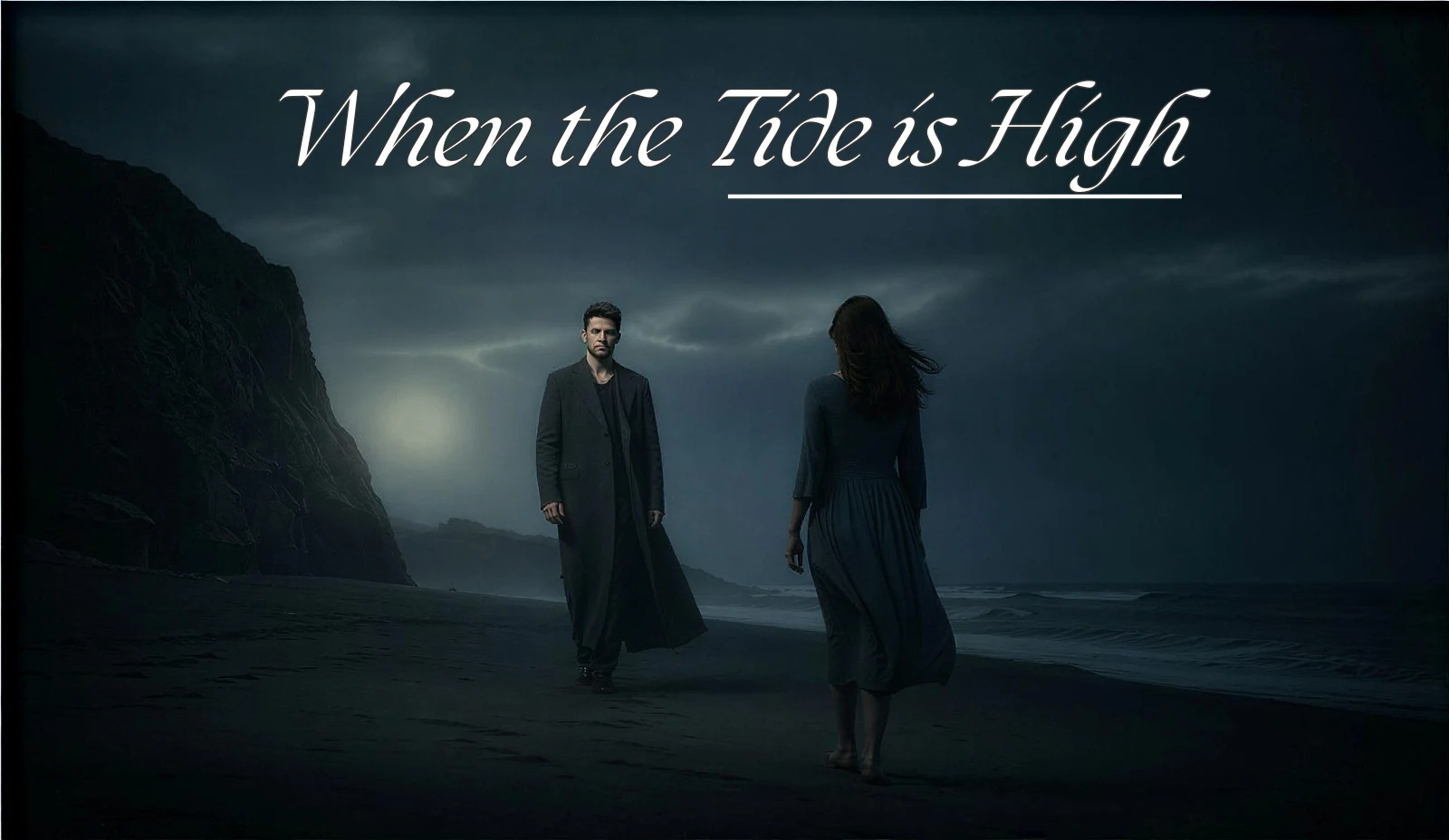
How to create a music video with AI
Make a music video online in three simple steps. No editing skills and no software — just your song and a photo.
Add your song and a photo
Upload a song or audio clip and one photo. The AI music video generator reads your track's beat and the style you want.
Pick a style and sync to the beat
Choose a look — cinematic, neon, or dreamy — and the AI music video maker syncs the scenes and cuts to the beat of your music.
Generate and download your music video
Preview your beat-synced music video, change any scene in plain words, then download the MP4 for YouTube, Reels, Shorts, and TikTok.
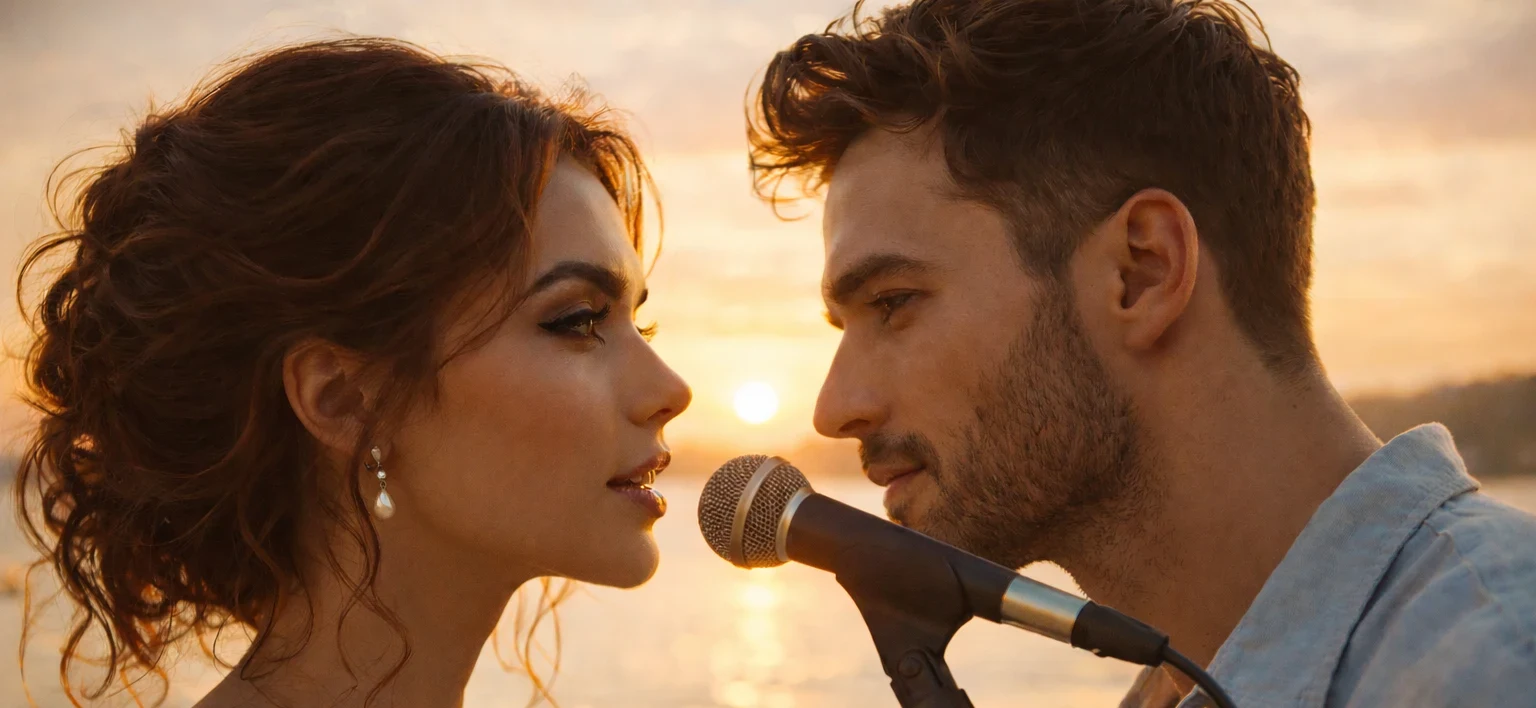
Music videos that move on the beat
The AI music video generator builds each scene around your song, so the cuts and motion land on the beat. Your music video looks produced, not like a slideshow.
Keep the same person across every scene, change the style, or redo a single shot. You stay in control while the AI makes the music video for you.
What the AI music video generator can do
Turn music into video
Give the AI a song and it creates a music video with scenes that match your track.
Automatic beat sync
The AI music video maker times every cut and camera move to the beat — no timeline needed.
Any style you want
Make a cinematic, neon, retro, or dreamy music video. Just describe the look in plain words.
No editing skills needed
No software and no editing. If you can describe the vibe, you can make the music video.
Made for artists & creators
Musicians, labels, and creators use it to make music videos on a release schedule.
Fast and ready to share
Create a music video in minutes and download it for YouTube, Reels, Shorts, and TikTok.
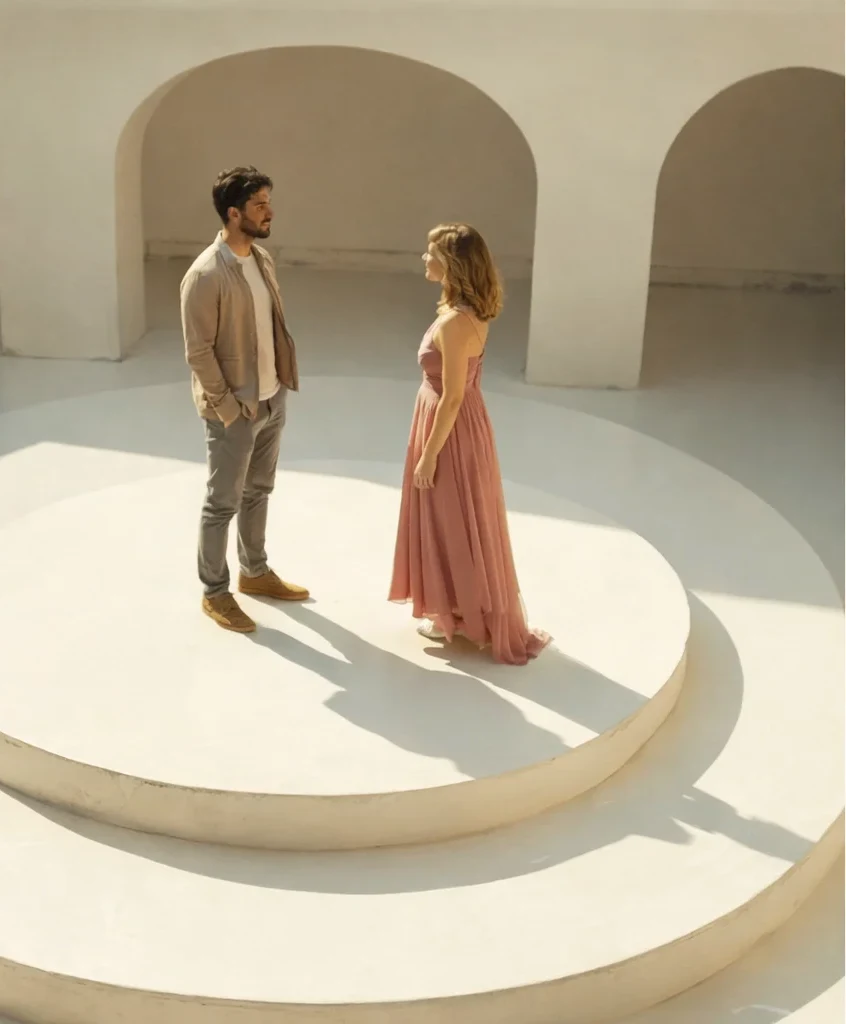
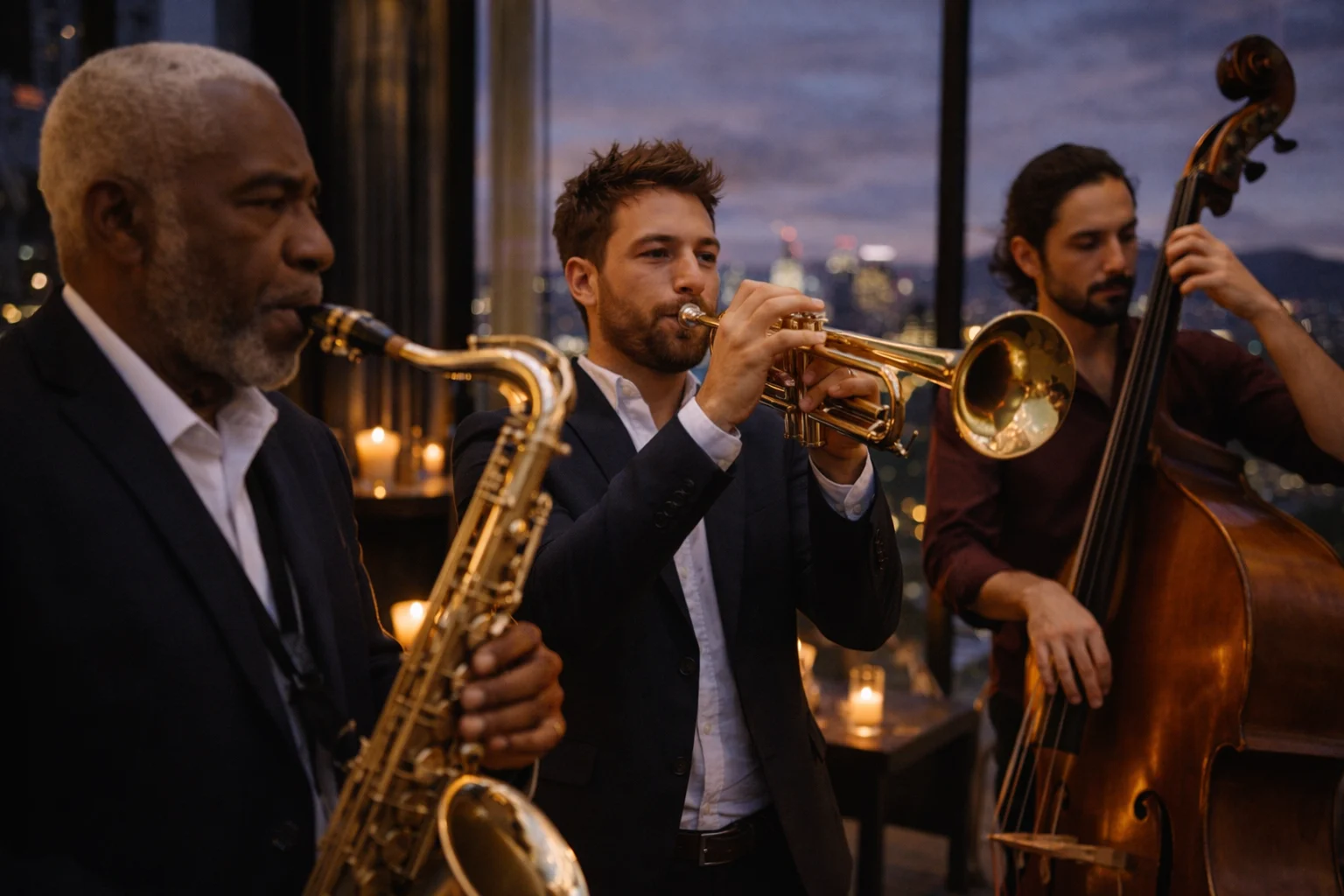
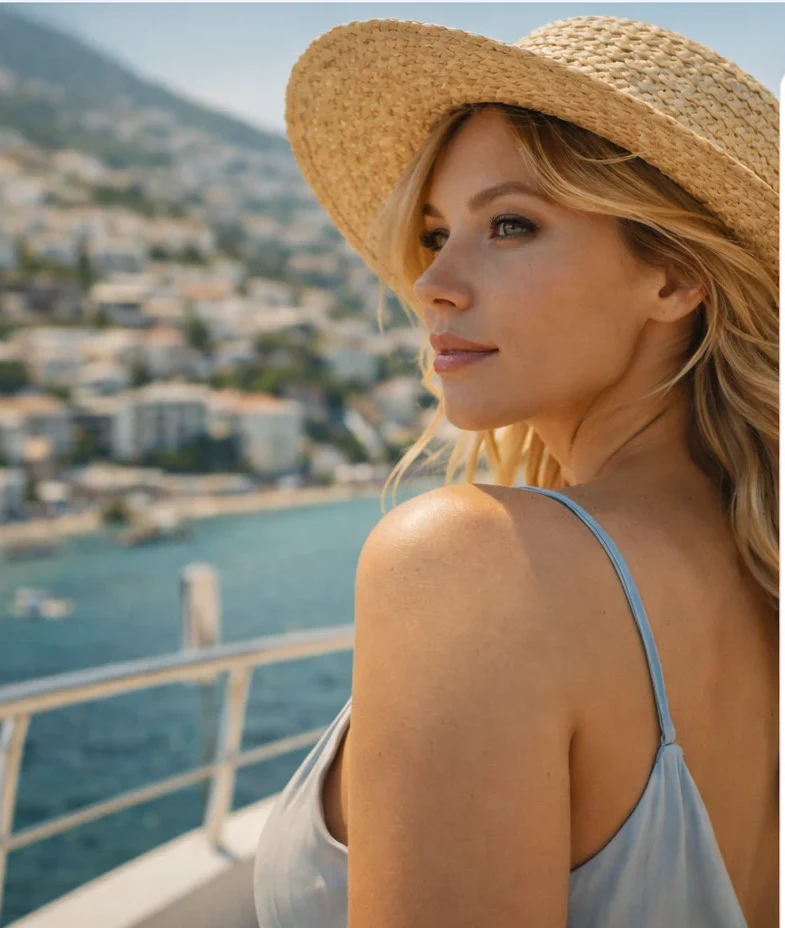
AI music video styles you can create
A few music video styles you can make with the AI music video generator from one song and a photo.
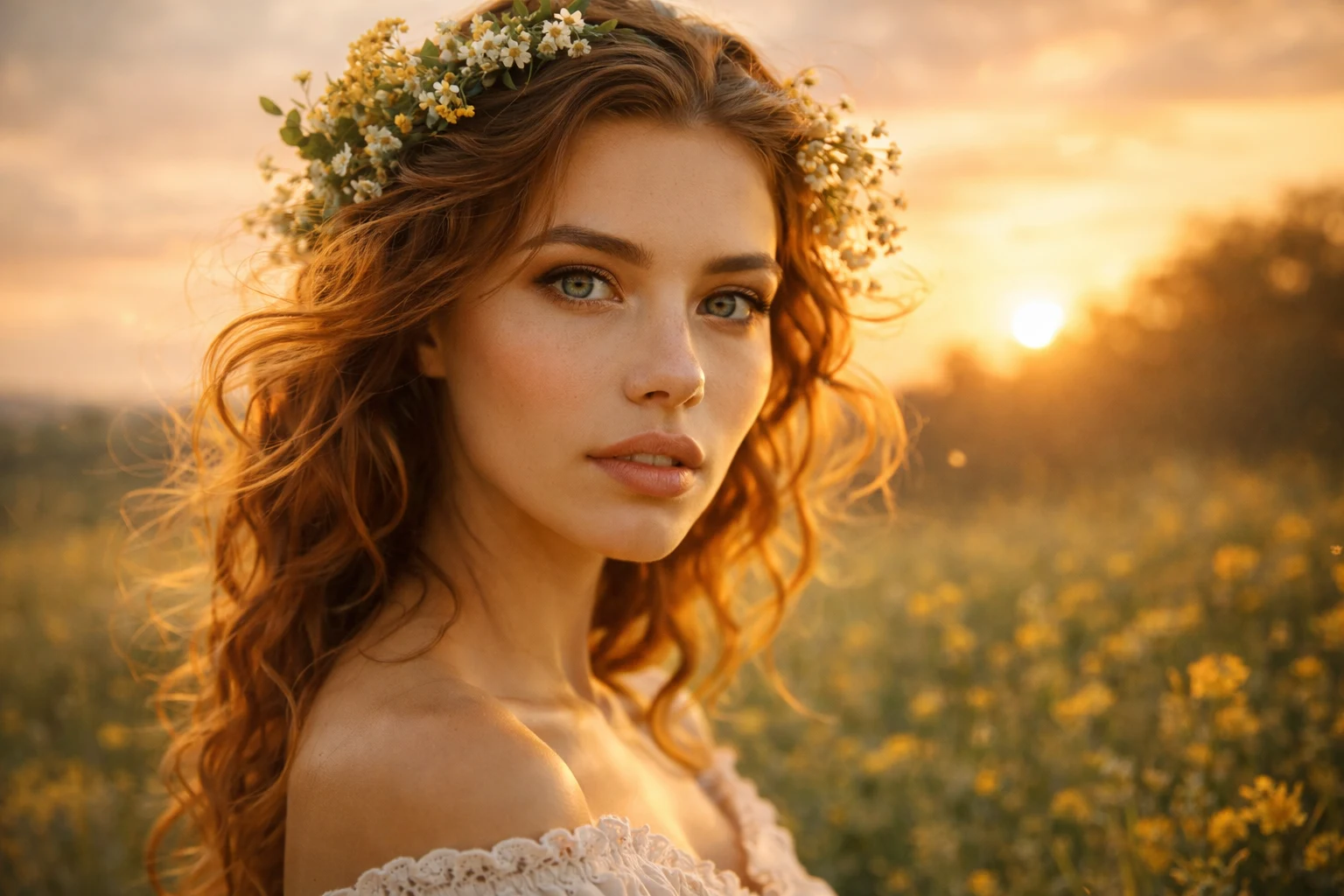
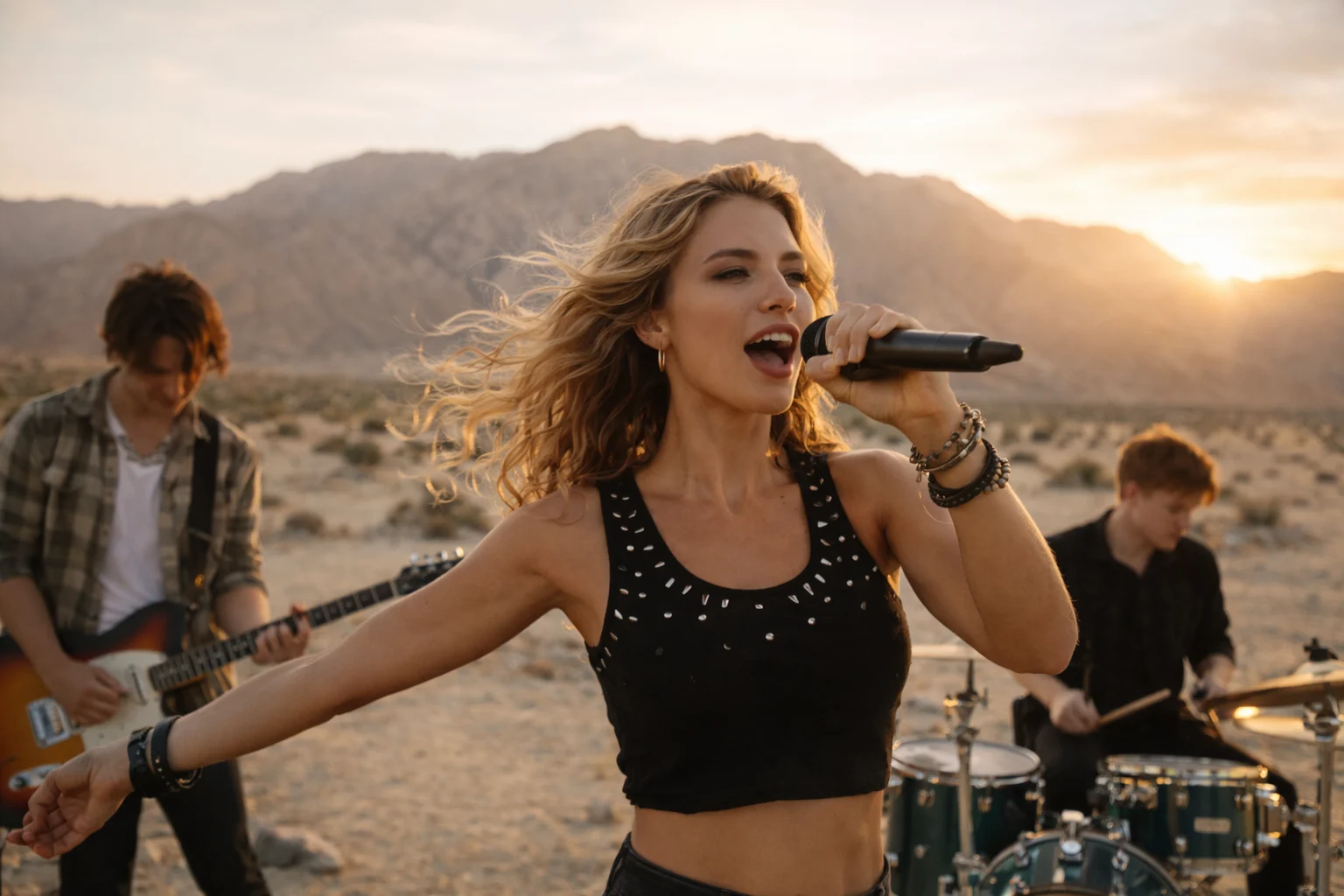
The AI music video generator at a glance
What you need and what you get from the AI music video maker.
- What you add
- A song or audio clip + a photo
- Output
- Downloadable MP4 video
- Resolution
- Up to 1080p HD
- Aspect ratios
- Wide 16:9 & vertical 9:16
- Beat sync
- Automatic to the track tempo
- Engine
- Pixazo OmniHuman AI
- Price
- Free to try with starter credits
Why use Pixazo's AI music video generator
Built around your song
Your song drives the edit, so the music video feels made for the track — not stock clips with music dropped on top.
Change it in plain words
Don't like a scene? Describe the change and the AI music video maker redoes just that part — not the whole video.
Everything in one place
Pair it with Pixazo's AI song, music, and voiceover generators to make your whole release in one place.
Export for any platform
Download your music video for YouTube, Reels, Shorts, and TikTok, in wide or vertical, in one go.
What to keep in mind
A few honest tips so your first AI music video comes out great.
A sharp photo and clean audio give the best music video. Blurry or noisy files may need another try.
The AI syncs the scenes to the beat. For exact, frame-by-frame trims you'd still use a normal video editor.
Fast rap or busy lyrics may take a couple of tries. Slower, melodic songs sync the most reliably.
Who the AI music video generator is for
Release a music video with every single — no budget or film crew needed.
Turn a hook or a cover into a scroll-stopping Reel or Short in an afternoon.
Make lyric videos, teasers, and promos for your catalogue, fast and on-brand.
Give your demo a real music video and share it with the world.
AI music video generator FAQs
What is an AI music video generator?
An AI music video generator turns a song and a reference photo into a finished video. It reads your track's tempo and mood, builds matching scenes, and syncs the motion and cuts to the beat — so you get a music video without filming footage or editing on a timeline.
How do I create a music video with AI?
Add your song and a photo, choose a style, and let the AI score the visuals to the beat. Preview the result, tweak any shot in plain words, then download the MP4. The whole flow takes minutes and needs no editing experience.
Does the AI sync visuals with the beat of the music?
Yes. The generator detects the tempo of your track and times the cuts, camera moves and accents to land on the beat automatically, so the video feels scored to the song rather than randomly matched.
Is Pixazo's AI music video maker easy to use for non-editors?
It's built for people who don't edit. There's no timeline, no software to install and no keyframes — you describe the vibe and the AI handles the scene work, timing and rendering.
Is there a free AI music video generator option?
Yes. You can try the AI music video maker with free starter credits when you sign up. Signing up is free; using the free credits needs a card on file, and you can continue on a paid plan for more renders.
Can I use AI-generated music videos for artists and brands?
Yes. Independent artists, labels and brands use the generated videos for releases, promos and social campaigns. Downloads are yours to use — check Pixazo's terms for the exact licence on your plan.
What do I need to get started?
Just a song or audio clip and a clear photo. No camera, crew or editing software — open the generator, add your inputs, pick a style and render.
More Pixazo AI tools
Create your music video now
Add a song and a photo, pick a style, and make a beat-synced music video online, free with Pixazo.

