US

SeeDream - AI Image Generator

Explore API
MODEL

Choose an AI palette for artistic style.

Model Image
Seedream 5 Lite

Transform your images.

Nothing here yet.

Your assets will appear once published.Go To Playground

SeeDream — AI Image Generator

Transform your images with AI-powered modification and photorealistic generation. SeeDream brings professional-quality image creation to your workflow. Built by the Seed Team at ByteDance.

Models

SeeDream — 4 Models Available

SeeDream 5 Lite

Transform your images

Reference Images*
Upload up to 10 images (JPG/PNG, <25MB). The model will use these as the visual base and apply changes based on your prompt.
Modification Prompt*
1000 characters max. Describe how you want to modify the uploaded images. You can change style, lighting, background, mood, realism level, colors, or composition.
Example: Make it cinematic with warm lighting, soft shadows, shallow depth of field, ultra-realistic detail.

SeeDream 3

Create photorealistic image from text

Description*
3000 characters max. Be specific about subjects, environment, lighting, mood, style, and camera details. More detailed prompts usually produce better results.
Example: A cinematic portrait of a woman standing in the rain at night, neon city lights reflecting on wet streets, shallow depth of field, ultra-realistic.
How It Works

SeeDream 5 Lite Workflow

1

Upload Reference Images

Select and upload up to 10 reference images (JPG or PNG format, each under 25MB). These images establish the visual foundation that SeeDream will modify based on your prompt.

2

Write Your Modification Prompt

Describe exactly how you want the reference images to change. Be specific about style, lighting, atmosphere, composition, colors, mood, or any other visual transformation you want applied.

3

Generate and Review

SeeDream 5 Lite processes your reference images and prompt, applying the requested modifications. Review the generated output and regenerate if needed to refine the result.

Guidance

What Works Best

Recommended Use Cases

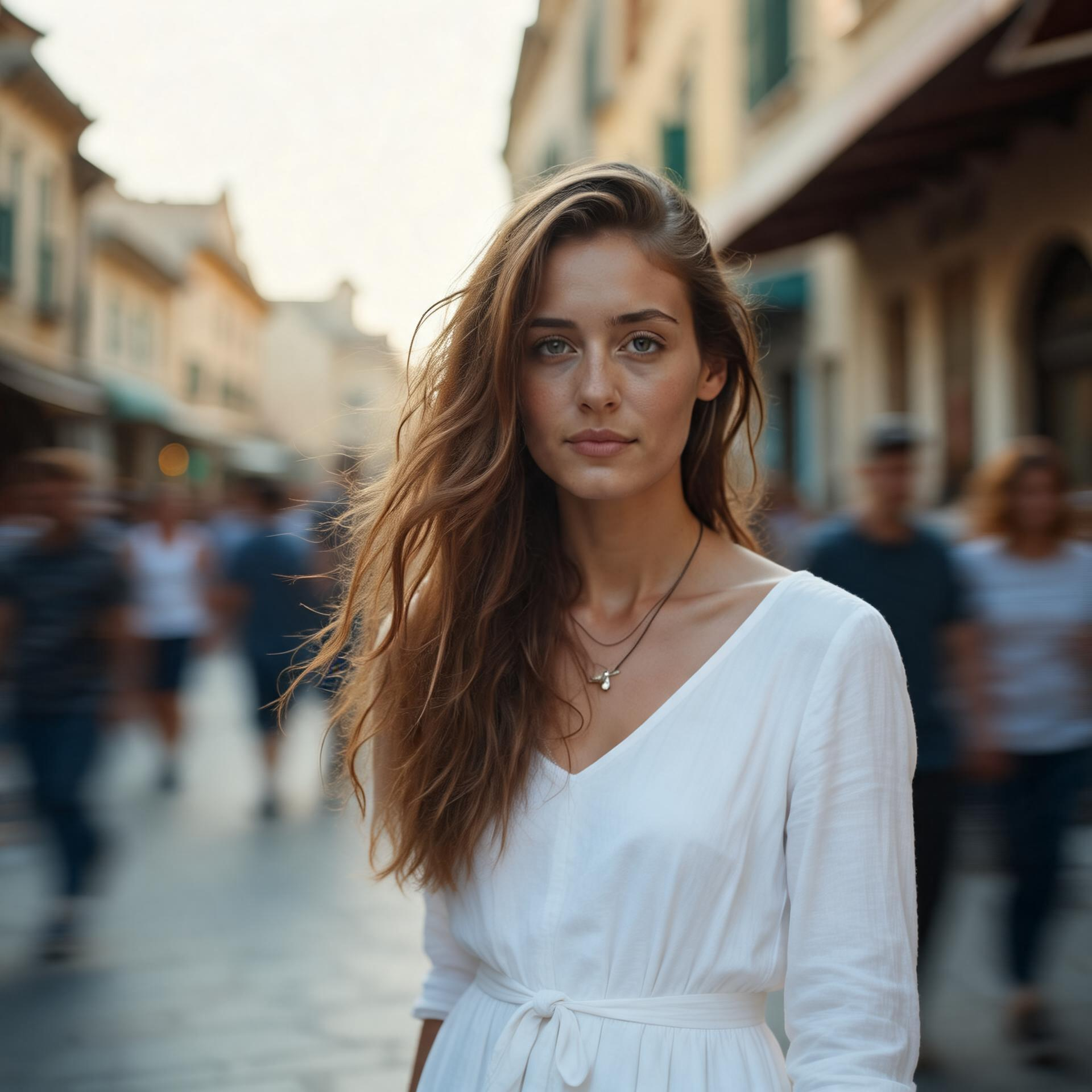
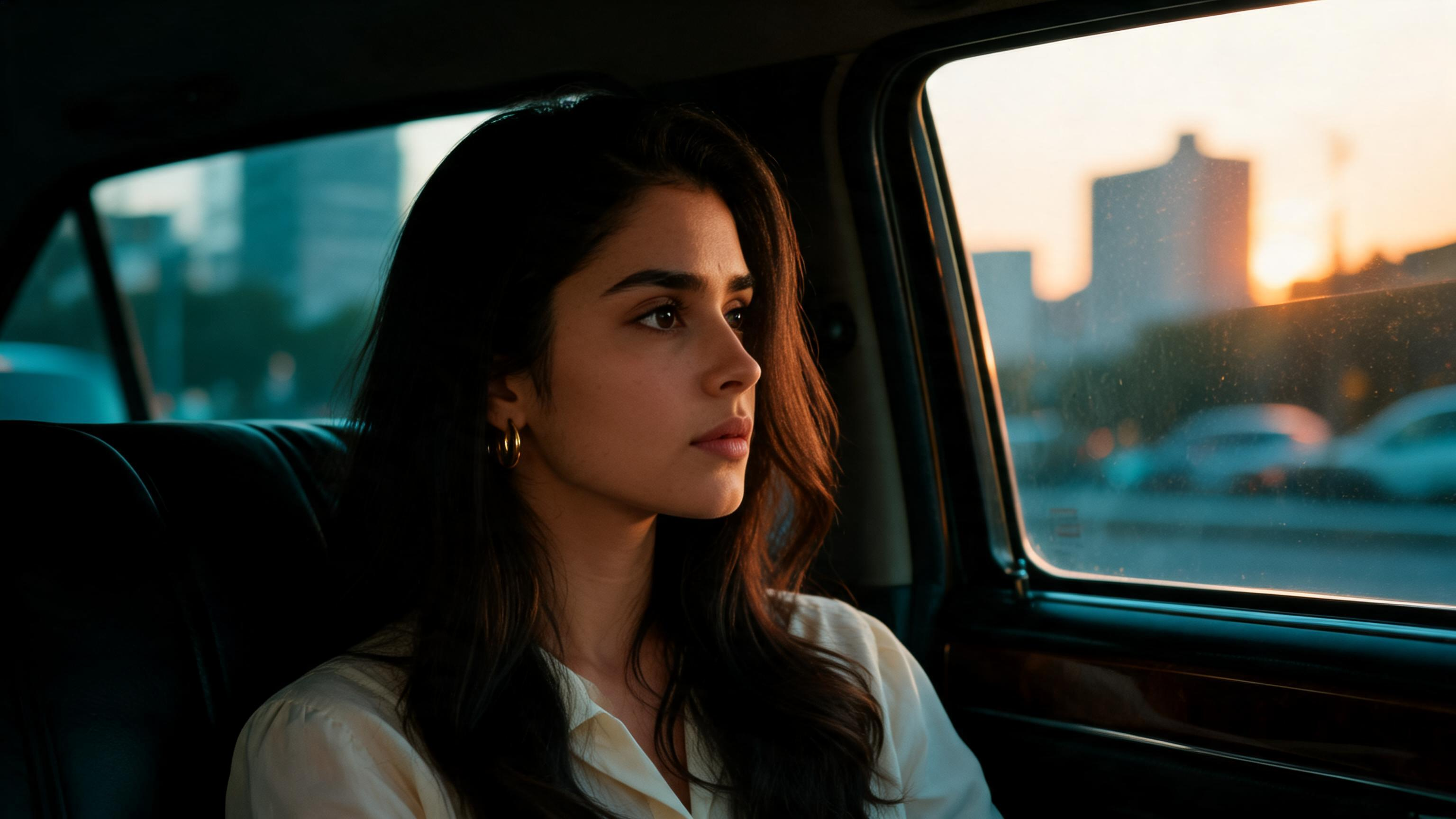
Photorealistic portraits with clear lighting descriptions. Landscape scenes with specific time-of-day and weather conditions. Product shots with simple, clean backgrounds. Style transfer between well-defined visual styles (watercolor, oil painting, sketch, photography, illustration).

Image modification with coherent reference images produces the most polished outputs. Consistent visual language across your reference images leads to more predictable, professional results.

Known Limitations

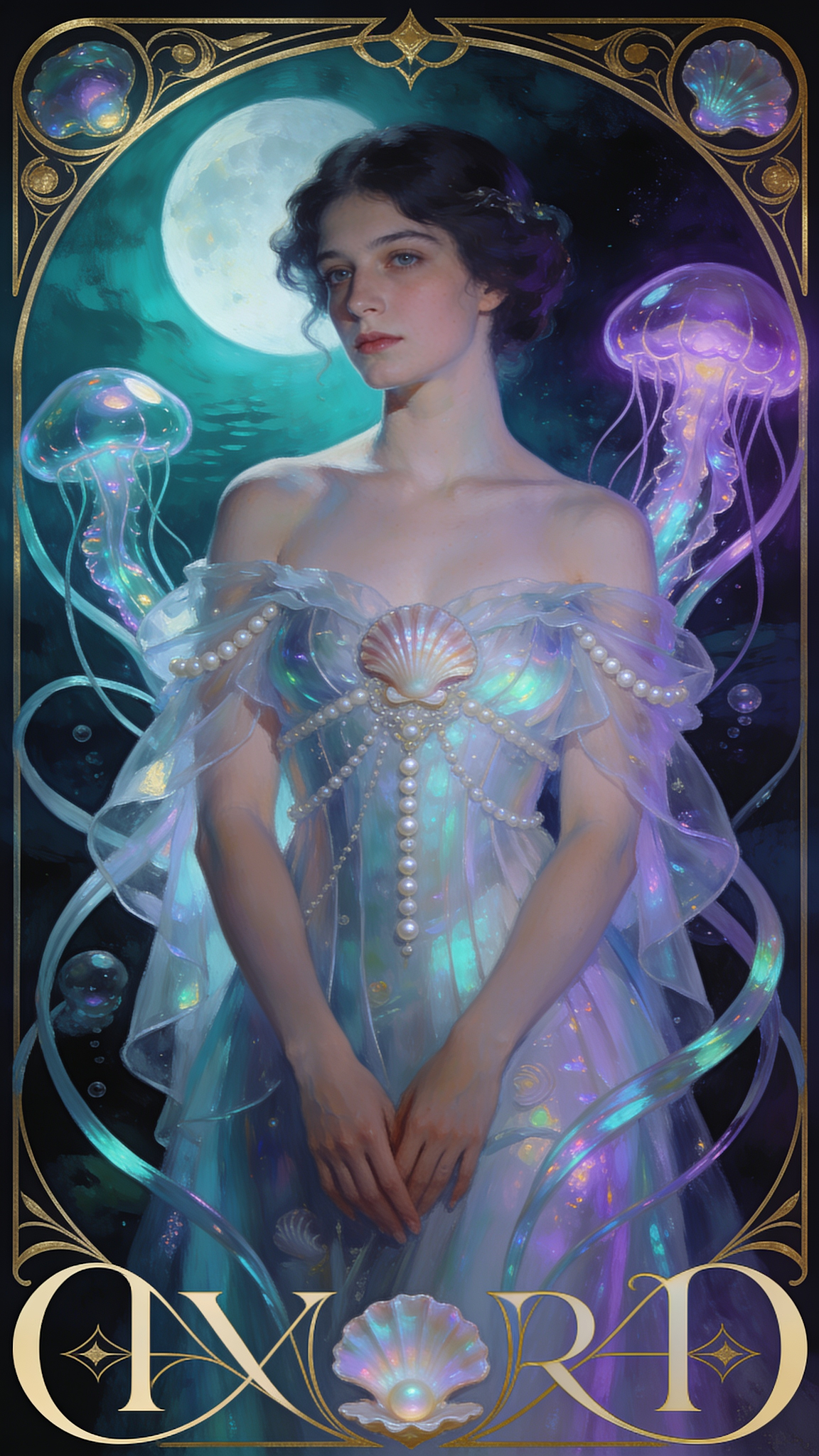
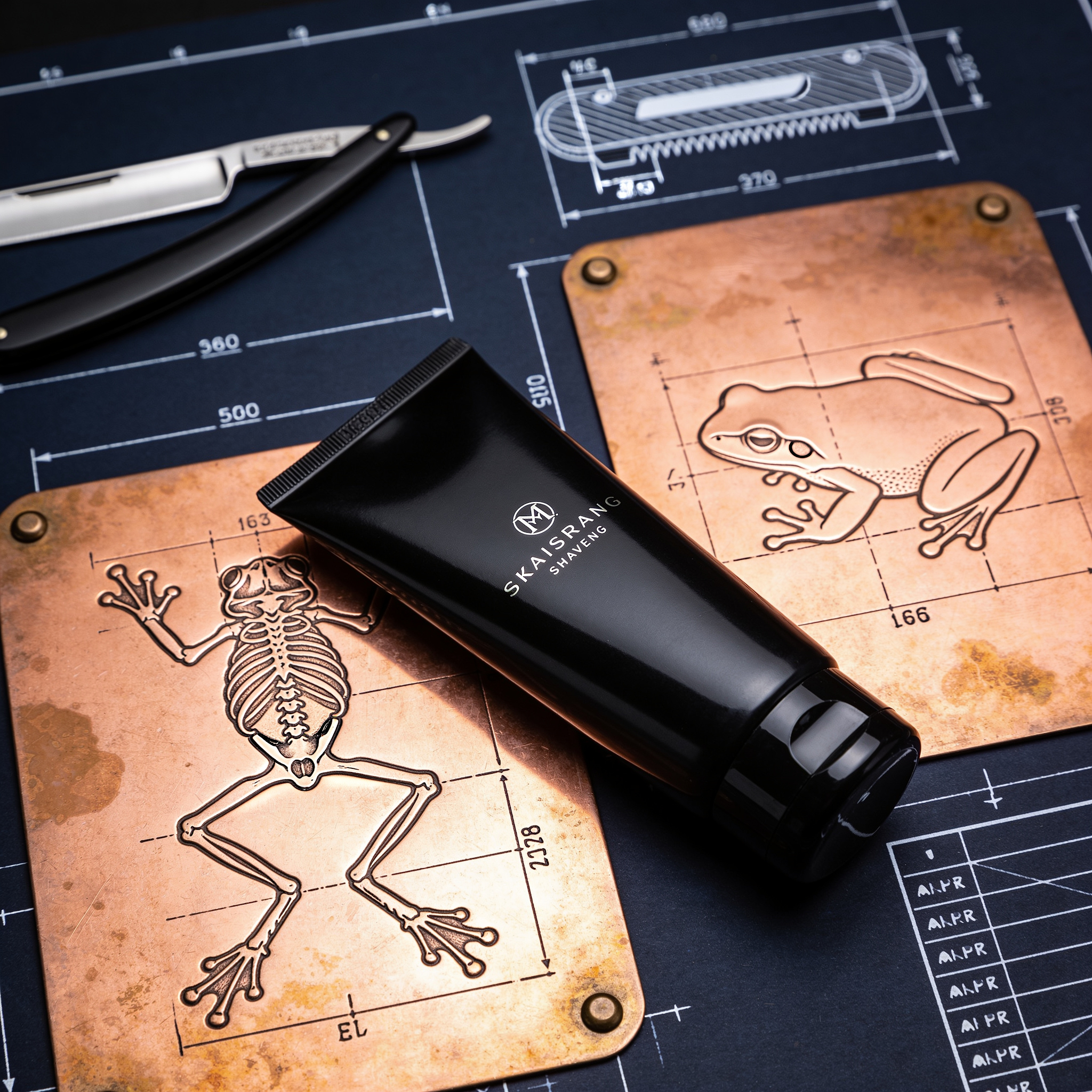
Text rendering within images—text on signs, labels, and logos will often be garbled or misspelled. Precise selective region editing is not available; modifications apply conceptually across the entire image. Anatomically complex poses, hands, and multi-person scenes may produce inconsistencies.

Conflicting reference images (mixing minimalist photography with baroque illustration) tend to produce muddled results. Consistency matters more than quantity when selecting reference images.

Technical Limitations

  • Text rendering is unreliable. Generated and modified images frequently contain garbled, misspelled, or nonsensical text. If your output requires readable text, plan to add it in post-production.
  • No pixel-level selective editing. SeeDream interprets your text to decide what to modify across the entire image. This is less precise than manual photo editing tools or region-based AI editors.
  • Reference image conflicts. Visually diverse reference images (mixing cartoon with photography) produce unpredictable outputs. The model cannot cleanly separate different aspects from different references.
  • Anatomical inconsistencies. Hands, fingers, and unusual body positions remain problematic. Multi-person scenes may produce merged limbs or incorrect body counts.
  • Fixed resolution output. Output resolution is determined by the model version. High-resolution upscaling requires separate post-processing tools.
  • No real-time interactive loop. Each modification requires a full regeneration cycle. There is no incremental brush or slider adjustment—every change starts a new generation pass.
Questions

Frequently Asked Questions

What is the difference between SeeDream 5 Lite and the other models?

SeeDream 5 Lite is image-editing—it requires reference images that you modify with a text prompt. SeeDream 4.5, 4, and 3 are text-to-image—they generate new images from text descriptions alone without reference images. Choose 5 Lite if you're modifying existing images; choose the others for pure text-to-image generation.

How do SeeDream 4.5, 4, and 3 differ?

SeeDream 4.5 is optimized for photorealistic output and supports aspect ratio selection (Portrait/Square/Landscape). SeeDream 4 offers more control with a larger prompt window (3000 chars) and aspect ratio selection. SeeDream 3 also supports 3000-char descriptions but is designed specifically for photorealistic generation without aspect ratio selection.

Can I use SeeDream for commercial work?

SeeDream can generate images for concept visualization and creative exploration. For commercial product photography where accuracy and exact specifications are required, it should not replace actual photography. Always verify licensing and commercial use rights with Pixazo.

How do I get better results from my prompts?

Be as specific as possible: describe the subject clearly, specify lighting (key light, rim light, ambient), mention photography style (portrait lens, macro, aerial), and include mood and atmosphere. For SeeDream 5 Lite, provide consistent reference images that share a similar visual language rather than diverse, conflicting styles.

What image formats and sizes does SeeDream support?

SeeDream 5 Lite accepts JPG and PNG formats, up to 10 images per batch, with each image under 25MB. For text-to-image models, output resolution is fixed by the model (determined by the selected model and aspect ratio).

Where can I explore the API?

Visit https://www.pixazo.ai/models/seedream to explore the SeeDream API, view documentation, and access developer resources.

With Pixazo’s platform we deliver enterprise-class security and compliance to you and your customers through every interaction.