AI Voiceover Generator to Convert Text to Speech Online
Convert Text to Speech with AI Voiceover Generator.
Generate Voiceover with AIHow to create voiceovers using Pixazo’s AI Voiceover Generator?
Enter Your Script
Provide your text or detailed prompt in the input field. Add clear instructions if needed so the generated voiceover matches your intended message and delivery style.
Choose Voice, Language & Emotion
Select your preferred voice, then pick the language and emotional tone. Adjust these settings to align the voiceover with your content requirements and audience expectations.
Generate the Voiceover
Click generate to convert your text into speech. Review the output and download the final voiceover file for use in your videos, ads, or other content.
AI VOICEOVER GENERATOR
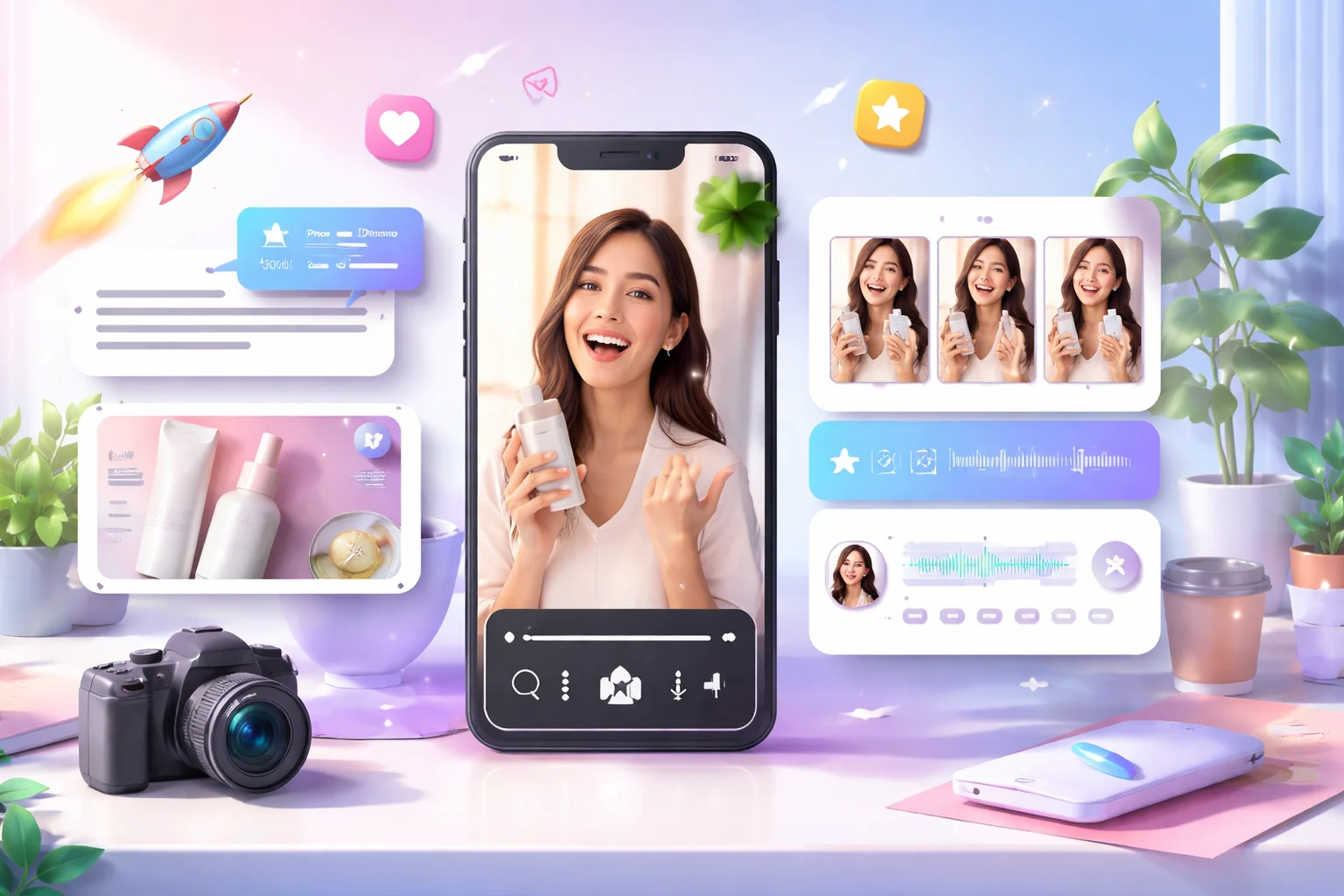
Studio-Grade Audio Output
Produce clean, balanced voiceovers suitable for professional use. The output maintains clarity and consistency, making it reliable for marketing, training, and branded content.
Consistent Delivery at Scale
Generate multiple voiceovers with uniform tone and structure. Ideal for campaigns, multilingual projects, or recurring content that requires steady voice quality.

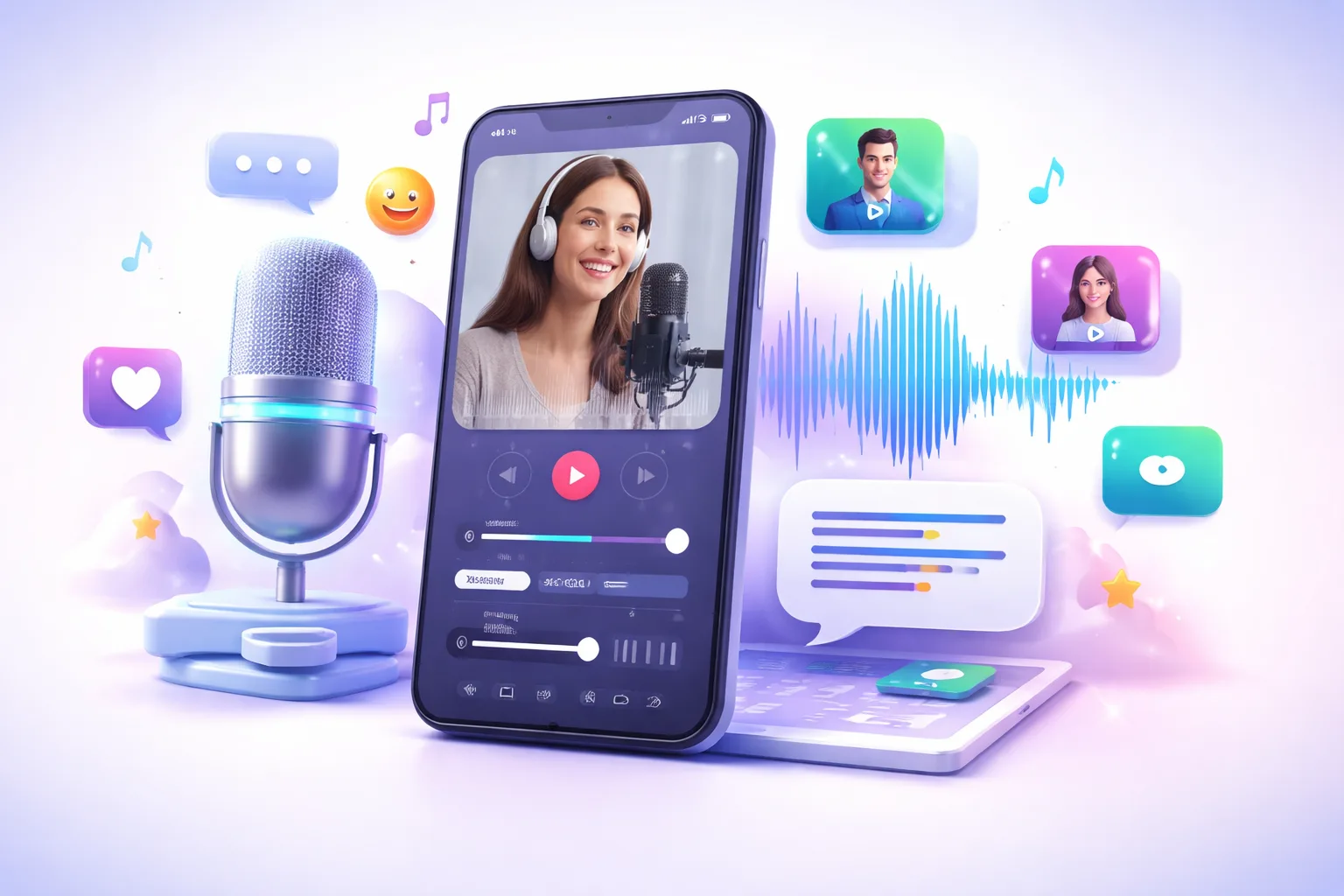
Optimized for Modern Content
Designed to support digital-first formats including short videos, ads, tutorials, and product explainers, ensuring compatibility across platforms and media channels.
Why Choose Pixazo AI Voiceover Generator?
Pixazo AI Voiceover Generator helps you create clear, natural, and scalable voice content without depending on recording setups or manual editing. It simplifies audio production while maintaining consistency, flexibility, and professional output quality across different use cases.
1. Professional-Quality Audio Output
Generate voiceovers with clean pronunciation, balanced pacing, and stable clarity. Suitable for commercial projects, internal training materials, marketing videos, and digital presentations.
2. Wide Voice Selection
Access multiple voice styles to match different brand personalities and content formats. Choose voices that align with informative, promotional, instructional, or storytelling needs.
3. Multi-Language Support
Create voiceovers in various languages to reach broader audiences. Maintain consistent delivery standards across regional campaigns, multilingual content, and global communication requirements.
4. Emotion-Based Voice Control
Adjust tone and expression based on content intent. Select appropriate emotional styles to ensure the narration aligns with the context of your message.
5. Faster Content Production
Reduce dependency on traditional recording processes. Generate ready-to-use voiceovers quickly, helping teams meet deadlines and manage high-volume content production.
6. Scalable for Different Use Cases
Use the tool across ads, explainer videos, product demos, educational content, and social media campaigns while maintaining uniform quality and adaptability.
AI Voiceover Generator Plans and Pricing
Limitations of AI Voiceover Generator
Single audio output per request
Each generation produces one voiceover file based on the submitted script and selected voice. Creating alternate takes with different tones, pacing, or styles requires starting a new generation.
Voice library-based selection
Voiceovers are generated using the available voice library and supported accents. The range of tones, speaking styles, and accent variations depends on the voices currently supported by the platform.
Model-based processing time
Processing duration depends on the chosen AI model and the length of the script. Longer scripts or higher-quality voice models may require additional time before the final audio file is ready.

