Pixazo APISpeech to Text API

Speech to Text API

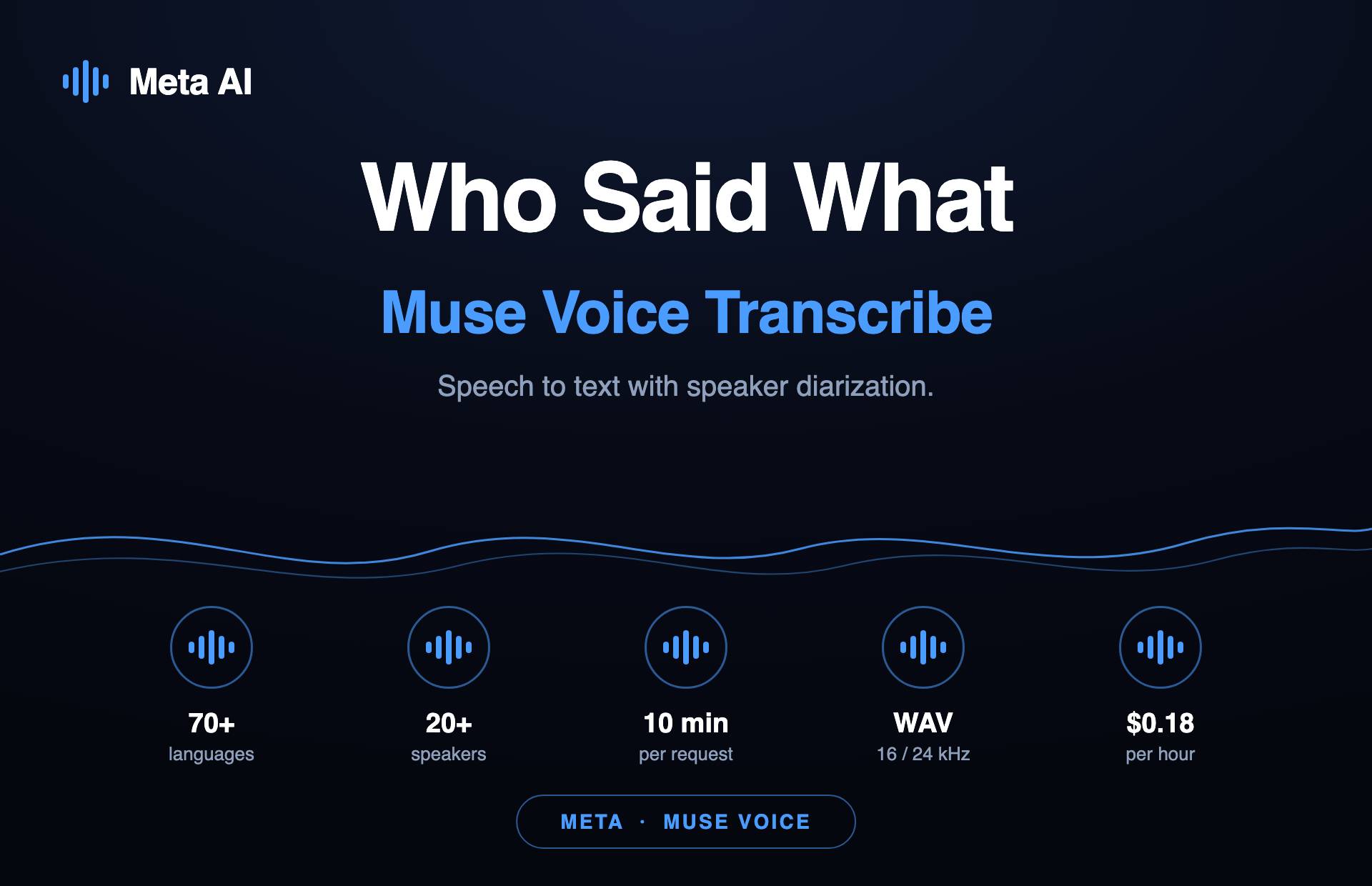
Turn speech to text — transcribe spoken audio, or the audio track of a video, into accurate, timestamped text — with the Speech to Text API. Whether it’s audio to text or video to text, generate captions and subtitles, build searchable archives, and feed transcription into content, analytics, and moderation pipelines, with word-level timing and optional speaker labels.

Explore Speech to Text API Models

Choose from 2 powerful AI models

In active development · Coming soon

Turn speech to text — audio and video to text

The Speech to Text API will convert audio to text and video to text — transcribing spoken audio and the audio track of videos into timestamped text — for captions and subtitles, searchable archives, and transcription pipelines.

It is built for teams that need text out of everything they record: caption every video for accessibility and SEO, make a media library searchable, power analytics and moderation on spoken content, and generate first-draft transcripts for editors — with word-level timing and optional speaker labels.

What will it support?

FeaturePlanned support
LanguagesMulti-language with auto-detect (final list at launch)
TimestampsWord-level and segment-level
Speaker labelsOptional diarization (Speaker 1 / Speaker 2 …)
Output formatsPlain text, JSON, SRT and VTT captions
InputsAudio files and video files (audio track), upload or URL
ConfidencePer-word confidence scores in the JSON output

What the output will look like

Illustrative example (not a live transcription):

00:00Welcome to the product walkthrough.
00:04Today we’ll cover setup and your first request.
00:09Let’s start with authentication.

What people will use it for

Auto-caption and subtitle video for accessibility and SEO
Make podcasts and recordings fully searchable
Feed transcripts into summaries, analytics and moderation
Draft interview and meeting transcripts for editors
Honest about accuracy: No transcription is perfect. Heavy accents, crosstalk, jargon and noisy audio reduce accuracy, so human review is recommended for legal, medical or published transcripts. Cleaner input always transcribes better.

Answers to common questions

What will the Speech to Text API do?
It will transcribe spoken audio — and the audio track of a video — into accurate, timestamped text. It is in development; this page documents the planned capability and does not transcribe anything yet.
Which languages will it support?
Multi-language transcription with automatic language detection is planned. The confirmed language list will be published with the endpoint.
Will I get timestamps and speaker labels?
Yes — word-level and segment-level timestamps are planned, along with optional speaker diarization (who spoke when).
What output formats are planned?
Plain text, structured JSON (with timings and confidence), and ready-to-use SRT and VTT caption files.
Can it transcribe a video directly?
Yes — you can pass a video and it will read the audio track, or pass audio you already extracted with the Extract Audio from Video API.
How accurate will it be?
Accuracy depends on audio quality, accents, overlapping speech and background noise. Clean, single-speaker audio transcribes best; benchmark figures will be published at launch rather than promised now.
Is it real-time or batch?
The initial focus is batch/asynchronous transcription of uploaded files. Streaming/real-time transcription may follow — it will be documented separately if and when it ships.