Introducing the Kling 4.0 API on Pixazo API: Cinematic Text and Image to Video



The Kling 4.0 API is now live on Pixazo API. It is Kuaishou’s latest text-to-video and image-to-video model, and it turns a short prompt or a single still image into a smooth, cinematic clip with strong motion and consistent detail. If you build apps, tools, or content pipelines, you can now call it directly through one Pixazo endpoint.
This post covers what Kling 4.0 does, what it costs, and how to call the API in four steps, with a copy-and-paste example. Everything here is the real spec from the Pixazo model page, so you can plan a build around it with confidence.
Kling 4.0 is a video generation model from Kuaishou, available on the Pixazo API alongside the rest of the Kling family. It handles two jobs: text-to-video, where you describe a scene and it creates the clip, and image-to-video, where you give it a still image and it brings it to life with motion. The output is a downloadable MP4 you can drop straight into an app, an edit, or a social post. Because it runs through the Pixazo gateway, you use the same authentication and the same submit-then-poll flow as every other model on the platform. That means you can swap Kling 4.0 into an existing Pixazo integration with almost no new plumbing, and switch between text and image inputs on the same endpoint just by changing the request.
You control three things on every request: how long the clip runs, how sharp it is, and the shape of the frame.
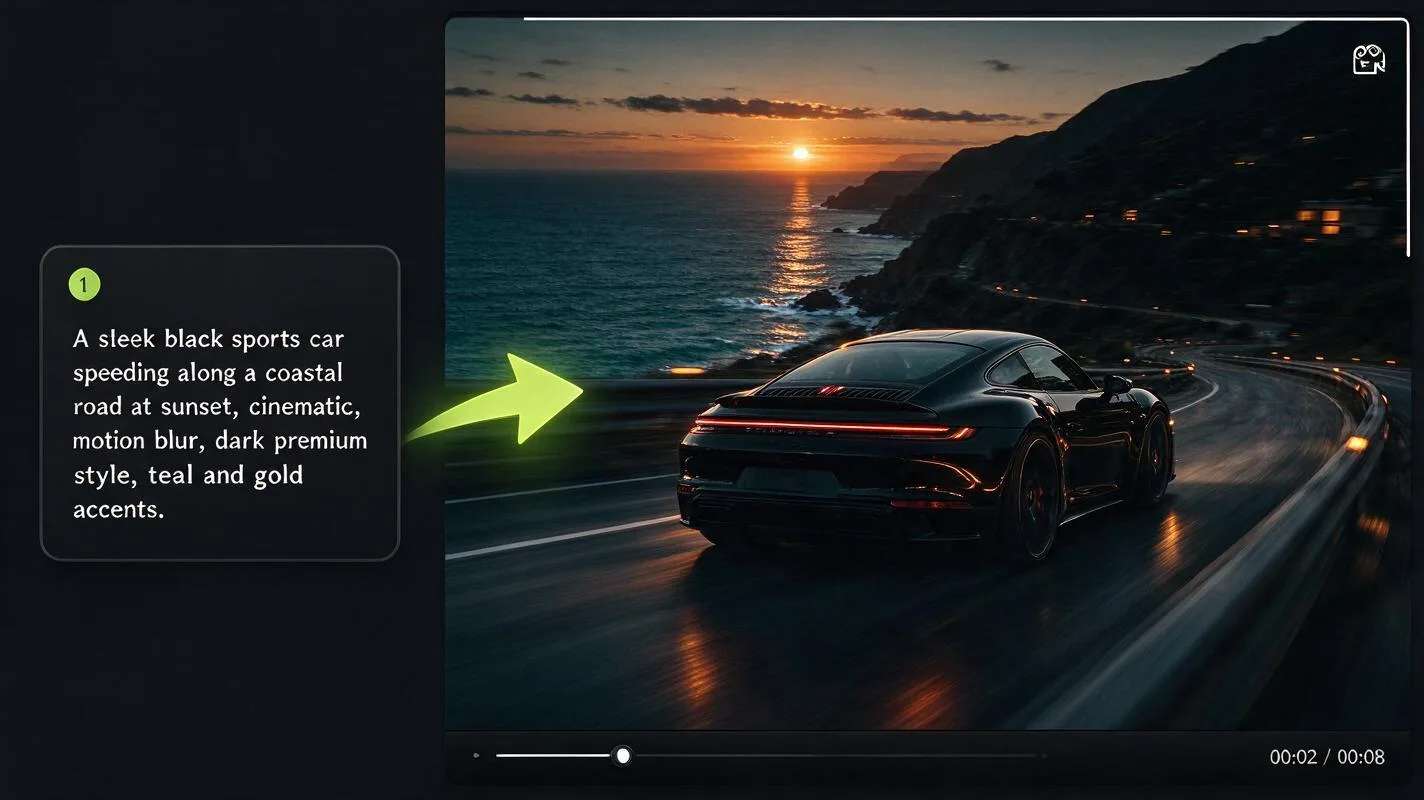
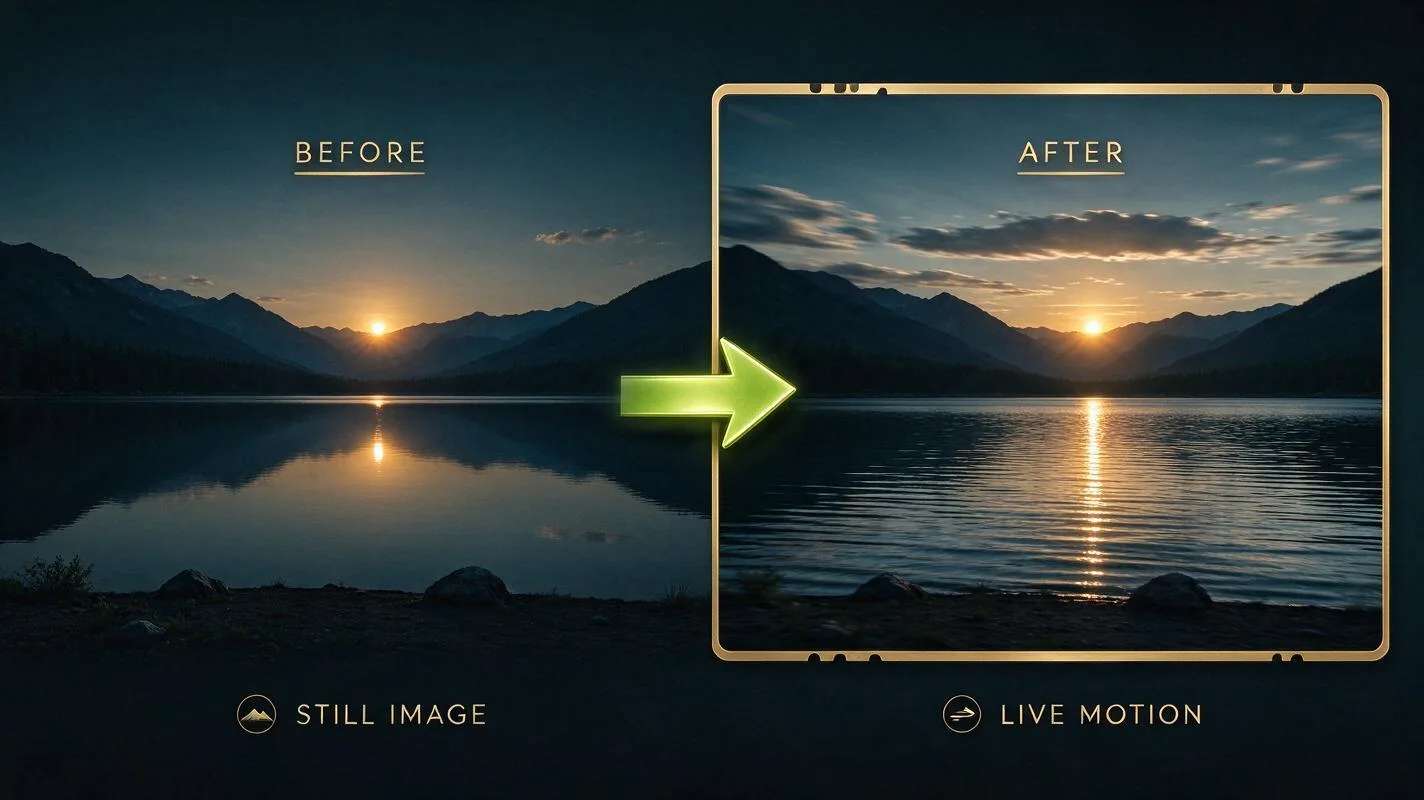
Early text-to-video models struggled with motion: faces warped, objects drifted, and anything past a few seconds fell apart. Kling built its reputation on smoother, more coherent motion, and 4.0 pushes that further. Clips hold together over longer durations, camera moves feel deliberate rather than random, and fine detail stays stable from the first frame to the last. For a developer that means fewer rerolls to get a usable clip, which keeps both your time and your bill down. Pairing that quality with simple per-second pricing and a single endpoint is what makes 4.0 practical to build on, not just fun to demo.
Kling 4.0 is billed per second of output video, so a short clip is cheap and you only pay for what you generate.
A 5-second clip at 720p works out to about $0.70. 1080p costs more per second for extra sharpness. New accounts also get 10% cashback on the first payment (up to $500). Because you are billed by the second, you can prototype with short test clips and scale up only the ones that are worth rendering at full length.
Suggested Read: Introducing the Flux 3 Max API on Pixazo
The flow is the same async pattern used across Pixazo: you submit a job, get a request ID, then poll until the video is ready.
- Get your API key. Sign up on the Pixazo API console and copy your subscription key.
- Submit a job. POST your prompt, duration, resolution and aspect ratio to the Kling 4.0 text-to-video endpoint. You get back a request ID.
- Poll for the result. Check the status endpoint until the job is COMPLETED.
- Download the video. The completed response gives you the MP4 media URL.
# 1) Submit a text-to-video job
curl -X POST "https://gateway.pixazo.ai/kling-4-0/v1/text-to-video" \
  -H "Ocp-Apim-Subscription-Key: YOUR_API_KEY" \
  -H "Content-Type: application/json" \
  -d '{
    "prompt": "a drone shot flying over a misty mountain valley at sunrise",
    "duration": 5,
    "resolution": "720p",
    "aspect_ratio": "16:9"
  }'
# -> returns { "request_id": "..." }

# 2) Poll until COMPLETED
curl "https://gateway.pixazo.ai/v2/requests/status/REQUEST_ID" \
  -H "Ocp-Apim-Subscription-Key: YOUR_API_KEY"
# -> output.media_url is your MP4 when status = COMPLETEDSuggested Read: The Complete Guide to Text-to-Video Generation
Because Kling 4.0 handles both text and image inputs, it fits a lot of use cases. Marketing teams turn a product photo into a moving hero shot. App builders add a text-to-video feature without training a model. Creators storyboard ideas by generating a clip per scene, then stitch them together. And because you can go up to 30 seconds and pick a vertical or wide frame, the same API covers social reels, ads, and cinematic sequences. A small team can storyboard a whole short film, generate each shot on demand, and only pay for the seconds they keep.

Kling 4.0 is the general-purpose workhorse for cinematic text-to-video and image-to-video, but it is not the only Kling model on Pixazo. The lineup also includes Kling Video V3 Turbo Pro for faster turnarounds, Kling Video O3 4K for ultra-high-resolution output, Kling Image O3 for stills, and Kling Avatar 2 Pro for talking-avatar clips. They all share the same authentication and submit-and-poll flow, so once you have integrated Kling 4.0 you can reach for a sibling model whenever a job needs something more specialised, without rewriting your pipeline.
Suggested Read: Key Challenges in Text-to-Video Generation
- Describe the shot, not just the subject. Add camera moves like “slow dolly in” or “drone shot” for better motion.
- Start short. Test at 5 seconds and 720p, then scale up once the look is right. It keeps costs down.
- Match the frame to the platform. Use 9:16 for reels and stories, 16:9 for YouTube, 21:9 for a cinematic feel.
- For image to video, use a clean still. A sharp, well-lit image gives the model more to work with, and a subject with clear edges animates more cleanly than a busy or blurry photo.
Suggested Read: Best Open-Source AI Video Generation Models
Kling 4.0 brings cinematic text-to-video and image-to-video to the Pixazo API with simple per-second pricing and the same submit-and-poll flow you already use. Open the model page for the full parameter list, grab an API key from the console, and generate your first clip in a few lines of code.
Suggested Read: Google Veo 3 Prompts: Ideas and Examples
What is Kling 4.0?
Kling 4.0 is Kuaishou’s latest AI video model, available on the Pixazo API. It generates video from a text prompt or from a still image, and returns a downloadable MP4.
How much does the Kling 4.0 API cost?
It is billed per second of output. Text-to-video at 720p is about $0.14 per second, so a 5-second clip is roughly $0.70. 1080p costs more per second. New accounts get 10% cashback on their first payment.
How long can a Kling 4.0 video be?
You can generate clips from 3 up to 30 seconds, at 720p or 1080p, in aspect ratios like 16:9, 9:16 and 21:9.
Does Kling 4.0 support image-to-video?
Yes. You can send a still image and the model adds natural motion to create a clip, alongside the standard text-to-video mode.
How do I access the Kling 4.0 API?
Sign up on the Pixazo API console, copy your subscription key, then POST to the Kling 4.0 endpoint and poll the status endpoint until the video is ready. See the model page for the full documentation.
Deepak Joshi
Author · Pixazo
Deepak writes about generative AI models, APIs, and the workflows teams use to ship them. Reviewed by Abhinav Girdhar.