Introducing FLUX.2 Pro API on Pixazo: Frontier Text-to-Image, Now in Playground & API


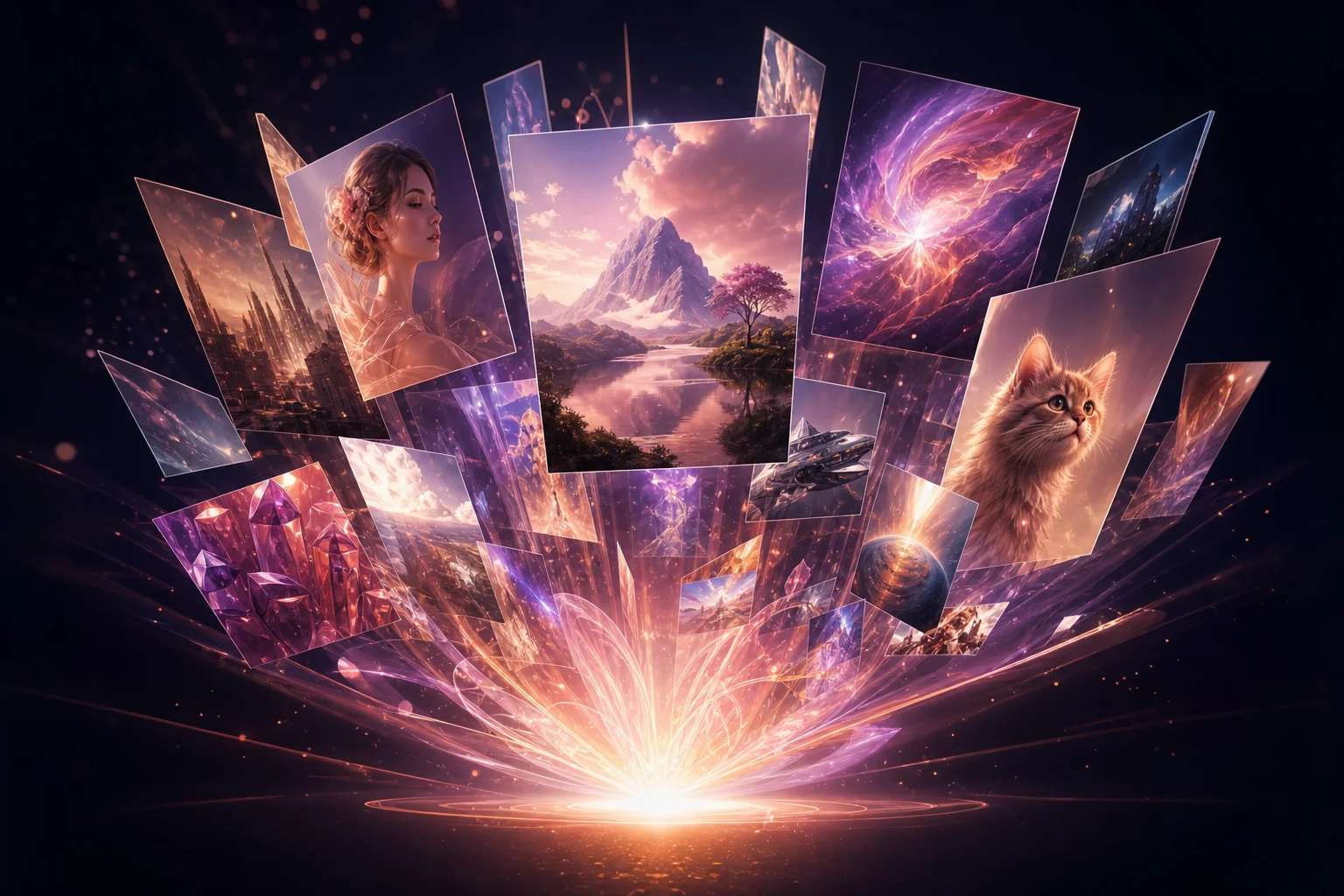
We’re excited to announce that FLUX.2 Pro is now live on Pixazo — giving creators instant access in Pixazo Playground and developers a production-ready API to integrate into real products. You can do this in Flux.
FLUX.2 API is Black Forest Labs’ latest frontier image model, built specifically for real creative workflows: consistent characters and products across iterations, reliable prompt adherence, high-resolution output, and typography that finally holds up in marketing-grade designs.
What’s new on Pixazo?
✅ FLUX.2 Pro (Playground)
Try FLUX.2 Pro directly in Pixazo Playground to generate high-fidelity images from prompts, with optional reference images for consistency.
Try it here: https://playground.pixazo.ai/playground/flux-2-pro
✅ FLUX.2 Pro Text-to-Image API
All FLUX.2 Pro capabilities are also available via Pixazo’s standardized API — same quality you see in Playground, now at scale for apps and pipelines.
API docs & pricing: https://www.pixazo.ai/models/flux
✅ FLUX.2 Trainer API (LoRA Fine-Tuning)
For teams that want custom brand style, characters, or products, Pixazo also supports FLUX.2 Trainer API for LoRA fine-tuning on your own datasets.
Trainer docs: https://www.pixazo.ai/models/flux
Why does FLUX.2 Pro stand out?
FLUX.2 Pro isn’t a minor update — it directly targets the biggest “production pain points” in AI imagery.
1) Multi-reference consistency you can trust
FLUX.2 supports up to ~10 reference images in a single run, making it one of the strongest models available today for stable identity and style locking. That means recurring characters stay recognizable, products keep their shape/branding, and worlds don’t drift across iterations.
2) High-resolution generation up to ~4MP
FLUX.2 can generate and edit images at up to ~4 megapixels, while keeping fine texture detail coherent — ideal for posters, ads, print-ready layouts, and product shots that need sharpness.
3) Typography and readable text inside images
One of the most visible FLUX.2 upgrades is complex text rendering and layout reliability. Logos, taglines, UI mockups, labels, and dense poster text come out significantly more readable and aligned to prompt intent.
4) Better grounding in physical reality
Lighting, materials, anatomy, spatial logic, and scene composition behave more naturally, reducing surreal artifacts and increasing believability in photorealistic work.
5) Strong response to structured prompts
FLUX.2 is highly responsive to structured / constraint-heavy prompting (including hierarchical or spec-style prompts). Power users get tighter composition control with fewer reruns.
What can you build with FLUX.2 Pro on Pixazo?
FLUX.2 Pro is tuned for workflows where consistency and polish matter:
- Character-consistent campaigns (series creatives, comics, mascots, storyboards)
- Product imagery at scale (stable SKUs across lifestyle contexts)
- Brand-accurate marketing assets (posters, banners, social ads, packaging)
- Typography-heavy designs (infographics, promo layouts, UI mockups)
- Concept development with control (fast iterations without drift)
How to use FLUX.2 Pro on Pixazo?
For creators (Playground)
- Open FLUX.2 Pro in Playground
- Write your prompt
- Optionally add reference images to lock identity or style
- Generate, then iterate quickly
Playground link: https://playground.pixazo.ai/playground/flux-2-pro
For developers (API)
Send a text-to-image request to FLUX.2 Pro endpoint
Poll job status with the request ID
Retrieve your final image URL
Pixazo keeps endpoints standardized, so FLUX.2 Pro drops into any existing Pixazo image workflow without refactoring.
Pricing & access
FLUX.2 Pro follows Pixazo’s transparent pay-as-you-go model with per-generation pricing shown on the API page. No GPU hosting, no infra maintenance — just generate and scale.
Start creating
FLUX.2 Pro is live now on Pixazo:
- Try FLUX.2 Pro in Playground → https://playground.pixazo.ai/playground/flux-2-pro
- Explore FLUX.2 Pro API → https://www.pixazo.ai/models/flux
- Fine-tune with FLUX.2 Trainer → https://www.pixazo.ai/models/flux
Suggested Read: Introducing P-Video API on Pixazo for Fast and Iterative AI Video Generation
Frequently Asked Questions about FLUX.2 Pro API
1) What is FLUX.2 Pro?
FLUX.2 Pro is a frontier text-to-image model from Black Forest Labs designed for production-quality creative work, with high fidelity, strong prompt adherence, consistency, and text rendering improvements.
Suggested Read: Introducing LongCat-Image API on Pixazo: High-Fidelity, Bilingual Text-to-Image & Editing for Production Workflows
2) What did Pixazo release for FLUX.2?
We launched FLUX.2 Pro in Pixazo Playground, plus the FLUX.2 Pro Text-to-Image API, and FLUX.2 Trainer for LoRA fine-tuning.
3) Does FLUX.2 Pro support reference images?
Yes. You can use multiple reference images (up to ~10) to keep characters, products, and styles consistent across generations.
Suggested Read: Introducing Kling O1 API on Pixazo: Unified Multimodal Video + Image Creation, Now via API & Playground
4) Is FLUX.2 Pro good for posters and branded creatives with text?
Yes — FLUX.2 significantly improves typography, readable text, and layout adherence, making it strong for ads, posters, packaging, infographics, and UI visuals.
Suggested Read: Introducing Ideogram v4 API on Pixazo API
5) What resolution can I generate?
FLUX.2 supports high-resolution output up to roughly 4MP, maintaining detail and coherence.
Suggested Read: Introducing Pixazo Free Image generation APIs (Open Beta): Build With Flux Schnell, Stable Diffusion & Inpainting — Free
6) Can I fine-tune FLUX.2 for my brand or characters?
Yes. Use FLUX.2 Trainer on Pixazo to LoRA-train a custom style, character identity, or product aesthetic.
7) How long do generations take?
Timing varies with resolution, reference count, and system load. Standard runs return quickly; large or multi-ref jobs take longer. For production, use async polling.
Suggested Read: Introducing ByteDance Seedream 4.5 API on Pixazo: Pro-Grade Text-to-Image + Image Editing, Now in Playground & API
8) Can I use FLUX.2 Pro outputs commercially?
Yes. Pixazo outputs are intended for commercial use, but you should ensure your content complies with laws and doesn’t infringe third-party rights.
Suggested Read: Introducing Kling AI Avatar v2 Pro API on Pixazo: Ultra-Realistic Talking Avatars from a Single Image
Deepak Joshi
Author · Pixazo
Deepak writes about generative AI models, APIs, and the workflows teams use to ship them. Reviewed by Abhinav Girdhar.