AI Image Generator
Pixazo's AI image generator turns text into professional images in seconds using GPT-Image-2, Flux, Nano Banana, Seedream, DALL-E 3, Ideogram, and Stable Diffusion. Free to try — 4 images per prompt, commercial use, no watermark.
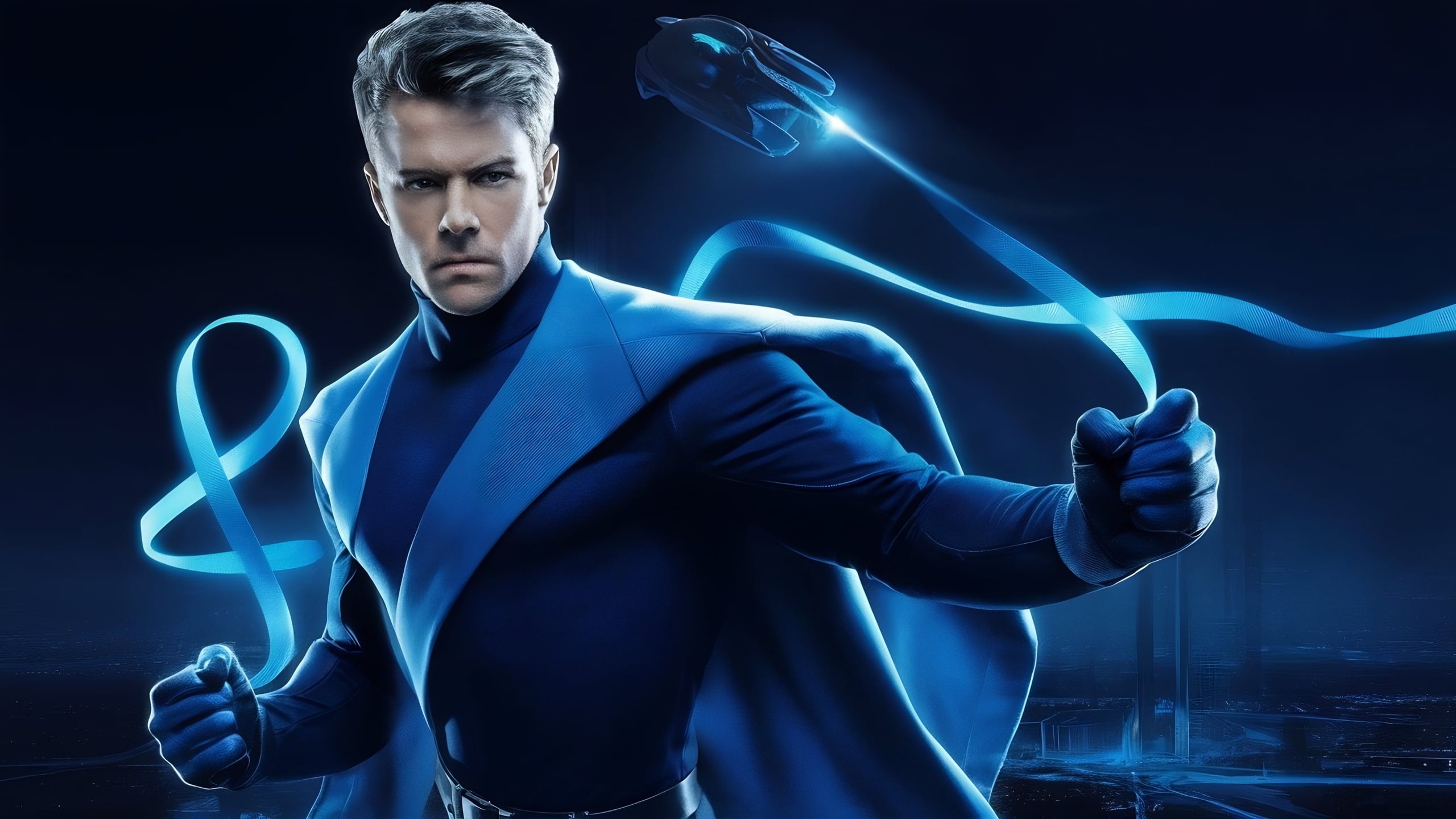

What features does Pixazo's AI Image Generator include?
Pixazo's AI Image Generator includes text-to-image generation across six leading models (GPT-Image-2, Flux, Nano Banana, Seedream, DALL-E 3, and Stable Diffusion), prompt-based image editing, custom aspect ratios up to 4K, four free variations per prompt, a commercial-use license, and no watermark on outputs. The two features most teams use every day are end-to-end generation and prompt-based refinement.


Generate AI images without a learning curve
Type your idea, add the specifics—like style, composition, lighting, and get AI-generated high-quality images that bring your vision to life.
Create ImagesEdit images with a text prompt
Edit your images with simple text commands. Change colors, add elements, modify styles, or adjust composition with natural language prompts.
Create Images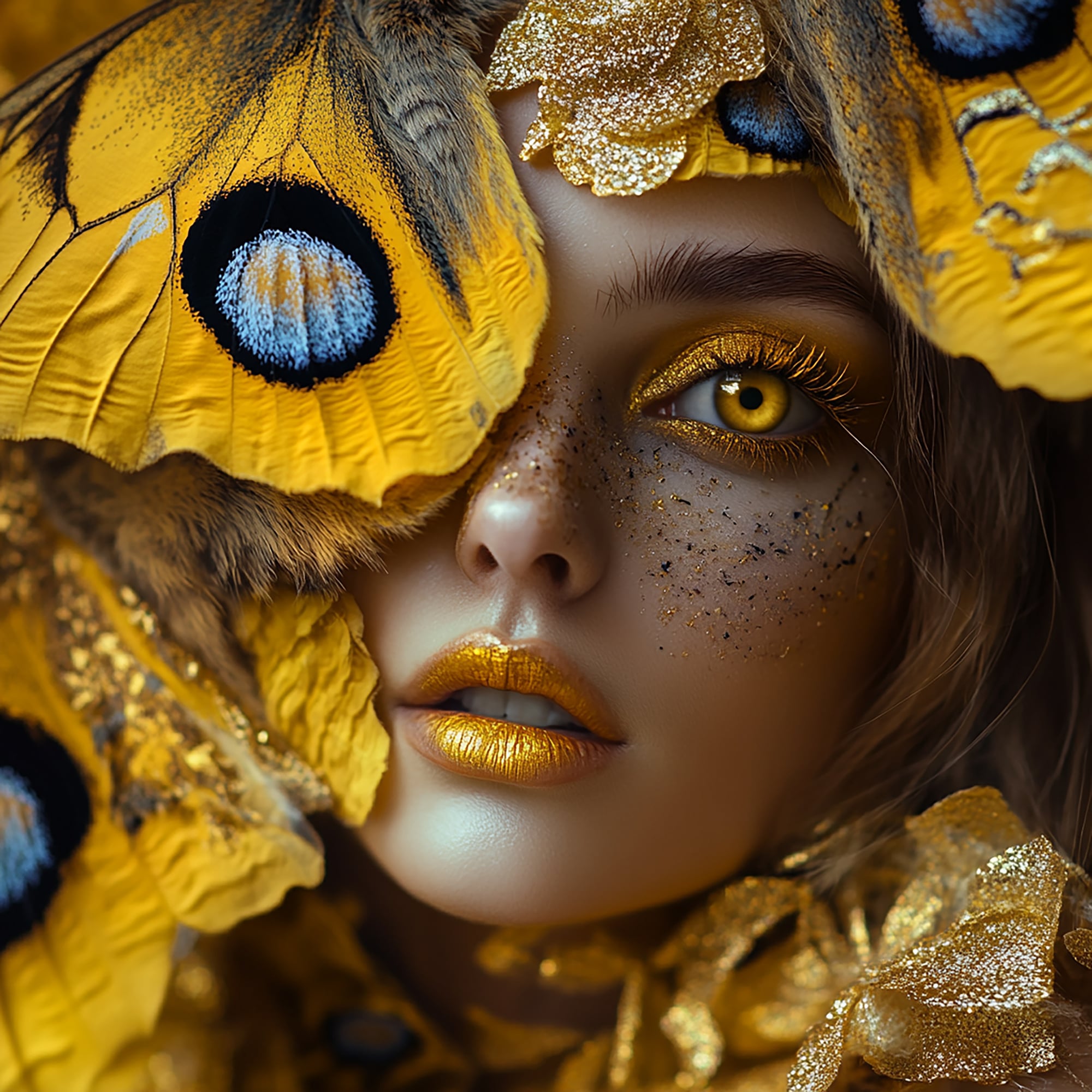
AI generated images & designs
Create stunning visuals with AI-generated images and designs on Pixazo AI without juggling multiple AI image generator tools.
Create now
How does AI image generation work?
AI image generation works by training large neural networks on millions of image-text pairs so the model learns the statistical relationship between words and visual patterns, then using that learned mapping to convert your text prompt into a new image one pixel pattern at a time.
Diffusion: how the pixels actually appear
Most modern image models (Flux, Stable Diffusion, Seedream, DALL-E 3) use a process called diffusion. The model starts with pure visual noise — essentially TV static — and then runs a learned denoising step dozens of times in a row. At each step, the model removes a little bit of noise in a direction that nudges the image closer to what your prompt describes. After roughly 20 to 50 steps, the noise has been shaped into a coherent picture. The model never copies an existing image; it reconstructs a plausible new one from noise, guided by what it learned during training.
Transformers: how the prompt is understood
A separate transformer-based text encoder reads your prompt and converts every word into a numerical vector that captures meaning, context, and relationships between concepts. The same architecture that powers ChatGPT and other large language models is what lets the image model understand that "a golden retriever in cinematic lighting at golden hour" is one connected scene rather than three unrelated ideas. GPT-Image-2 takes this further by tying the encoder closely to a multimodal language model, which is why its prompt adherence and in-image text rendering are noticeably stronger than older diffusion-only systems.
What that means for you in practice
Because the model is reconstructing from noise rather than retrieving stored images, every generation is technically new — and slightly different. The same prompt run twice will produce two related but non-identical results unless you pin the random seed. Prompt wording matters a lot: the model has no actual "understanding" of your intent, only a learned statistical mapping. Concrete visual nouns (lighting, composition, lens, mood, art style) consistently move the output more than abstract or emotional adjectives. This is also why hands, text inside images, and very specific brand colours can still come out wrong — those are areas where the training data was noisier or the diffusion process struggles to converge on fine detail.
Which AI image models does Pixazo support?
Pixazo's AI Image Generator gives you access to GPT-Image-2, Flux, Nano Banana, Seedream, DALL-E 3, and Stable Diffusion XL — six leading models inside one workflow. You can switch models mid-project without re-entering your prompt or losing your aspect-ratio settings.
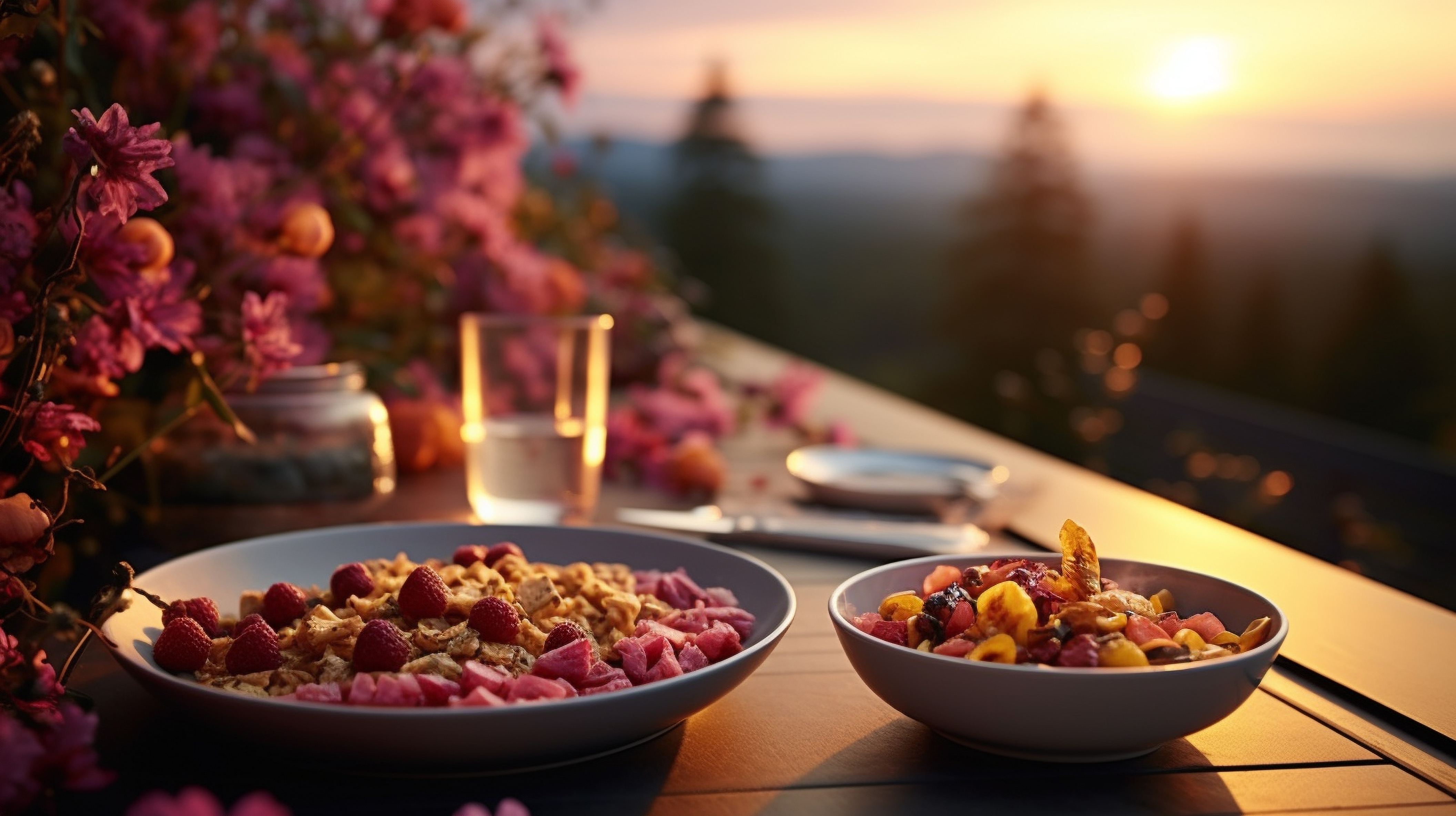
GPT Image 2
Best-in-class prompt adherence and creative range. Excellent for complex scenes, accurate text rendering, and high-fidelity photorealism.

Nano Banana
Fast, conversational image editing from Google. Ideal for iterating on a base image with quick prompt-driven edits and remixes.

Seedream
Cinematic quality with vivid colors and strong character control. Excellent for fashion, lifestyle, and stylized photography.

Flux
Exceptional photorealism with accurate lighting and natural textures. Perfect for product photography and realistic portraits.
GPT-Image-2 — best overall prompt adherence
Strengths. GPT-Image-2 currently leads on prompt adherence — it follows complex, multi-clause instructions more faithfully than any other model on Pixazo. It is the best choice when you need readable text inside the image (posters, signage, packaging mockups, social ads with copy), when the scene has multiple characters or objects in specific spatial relationships, or when you need photorealism with consistent lighting across iterations. Its tight coupling to a multimodal language model means it understands subtle compositional instructions like "rule of thirds with the subject in the lower-left third" in a way that pure diffusion models often miss.
Weaknesses and best-for. GPT-Image-2 is slower per generation than Flux or Nano Banana and uses more credits on paid plans. It can occasionally over-smooth skin and surfaces, giving outputs a slightly "digital" look that some art directors do not want for editorial work. Best for: marketing creatives with text, product mockups, presentations, and anything where prompt accuracy beats raw artistic flair.
Flux — best photorealism and lighting
Strengths. Flux produces the most photographically convincing output on Pixazo, particularly for portraits, product photography, and natural-light scenes. Its handling of skin texture, fabric weave, sub-surface scattering, and lens-style depth of field is closer to a real camera than any other model in the lineup. It also responds well to photography-vocabulary prompts — terms like "85mm lens, f/1.4, shallow depth of field, ambient window light" produce output that actually looks like that camera setup, not a generic guess at one.
Weaknesses and best-for. Flux is weaker at in-image text and tends to garble more than three or four words on signs or labels. Highly stylized or illustrative prompts (anime, watercolour, vector flat-design) often look watered-down compared to Seedream or DALL-E 3. Best for: e-commerce product shots, lifestyle photography, headshots, food and travel imagery, and anything that needs to look like it came out of a real camera.
Nano Banana — fastest iteration and conversational editing
Strengths. Nano Banana (from Google) is the fastest model in the lineup and the best choice when you want to iterate quickly on a base image. It supports conversational editing — you can upload an image and say "change the background to a beach at sunset" or "swap the jacket for a navy blazer" and it will edit only the requested region while keeping the rest of the image stable. That makes it ideal for mood-boarding, rapid concept exploration, and small fixes on an already-good image.
Weaknesses and best-for. Raw image quality is a step below Flux or GPT-Image-2 — fine detail can soften, and complex scenes sometimes lose coherence after several rounds of editing. It is not the right model for final hero shots. Best for: rapid prototyping, image edits and variations, mood boards, social-first content where speed matters more than print-grade fidelity.
Seedream — best cinematic style and character control
Strengths. Seedream produces the most visually striking, cinematic output in the lineup — saturated colours, dramatic lighting, strong art direction, and consistent character appearance across multiple generations. It excels at fashion, editorial, fantasy, and stylised photography where mood and aesthetic matter as much as accuracy. Its character-consistency features let you reuse the same character (face, outfit, posture) across a series of images, which is rare among image models.
Weaknesses and best-for. Seedream is more opinionated than the other models — it can push outputs toward a "cinematic" look even when you want something neutral. Prompt adherence on specific objects or text is weaker than GPT-Image-2. Best for: fashion lookbooks, character design for games or fiction, mood-driven editorial imagery, music video stills, and any project where style is the point.
DALL-E 3 — best for versatile creative concepts
Strengths. DALL-E 3 is the most flexible model for creative, illustrative, and conceptual work. It understands a wide range of art styles (watercolour, ink wash, pixel art, isometric, flat vector, retro print) and follows abstract or imaginative prompts well — "a melancholy robot tending a rooftop garden in Studio Ghibli style" comes out coherent and on-style. It is also a strong default when you are not sure which other model fits.
Weaknesses and best-for. DALL-E 3 is not the strongest at strict photorealism (Flux wins there) and its in-image text has slipped behind GPT-Image-2. It can also be more conservative on safety filters than other models, which occasionally blocks benign creative prompts. Best for: editorial illustrations, blog hero images, concept art, children's content, and creative work where style range matters more than photo-grade realism.
Stable Diffusion XL — best for control and customisation
Strengths. Stable Diffusion XL is the most controllable model on Pixazo — it supports detailed negative prompts, fine-tuned style weights, and reproducible seeds, which makes it the right choice when you need the same look across a series of images. It is also the most "transparent" model: because the underlying weights are open, its quirks and failure modes are well-documented and predictable.
Weaknesses and best-for. Out of the box, SDXL does not match GPT-Image-2 on prompt adherence or Flux on photorealism — it rewards users who are willing to write longer, more structured prompts and iterate. Best for: technical workflows that need reproducibility (catalog images, batch generation, style-consistent illustration sets), illustrators who want fine-grained control, and any project where a fixed seed and predictable behaviour matter.
Who is the Pixazo AI Image Generator for?
Pixazo's AI Image Generator is built for performance marketers, game developers, social media creators, e-commerce teams, educators, and design agencies — any team that needs to produce a high volume of original visuals without an in-house illustrator or photographer on every brief.
Performance Marketers
Create scroll-stopping ad creatives, test visual variations, and generate seasonal campaign assets at scale.
Game Developers
Prototype character designs, environment concepts, and UI assets quickly during pre-production.
Social Media Creators
Generate eye-catching thumbnails, custom graphics, and unique visual content for your feeds.
E-commerce Teams
Generate lifestyle product shots, contextual backgrounds, and seasonal promotional graphics.
Educators
Create custom illustrations for lesson plans and visual aids for complex concepts.
Design Agencies
Accelerate client pitch development with rapid concept visualization and mood boards.
How do you generate images with Pixazo AI?
You generate images with Pixazo AI in four steps: describe what you want in a text prompt, choose the model that fits your output (photoreal, stylised, or text-heavy), click Generate to get four variations, then refine with follow-up prompts and export. The full loop typically takes under a minute.
Describe
Write a text description of what you want to create—be specific about style, composition, and details.
Choose Model
Select the AI model that fits your needs—photorealism, artistic style, or text rendering.
Generate
Click generate and watch as AI transforms your text into a professional image.
Refine & Export
Adjust your prompt or try variations, then export in your preferred format and resolution.
How does Pixazo handle quality, safety, and model attribution?
Pixazo handles quality through realistic expectations and prompt guidance, handles safety through standard content filters plus restrictions on deepfakes and protected likenesses, and handles model attribution by clearly naming which third-party model (Flux, Nano Banana, Seedream, DALL-E 3, Ideogram, Stable Diffusion) processed each generation. The notes below cover all three in more detail.
Realistic expectations (so you can plan confidently)
- Text rendering varies by model. Ideogram excels at text; other models may need manual typography overlays.
- Anatomy can be challenging. Hands, fingers, and complex poses may require post-generation correction.
- Brand consistency needs validation. Colors and exact logo reproduction should be verified before final use.
- Rights matter. Protected logos/characters or real-person likenesses may be restricted.
Best-results tips (fast)
- Keep prompts specific and visual: subject, setting, lighting, style, composition, mood.
- For stability, be detailed but concise—add specifics without over-complicating.
- Use negative prompts to exclude unwanted elements from your generation.
- If a result is close, iterate with small edits (one change at a time) instead of rewriting the whole prompt.
Responsible use
- Pixazo follows standard safety policies to prevent harmful or illegal content.
- Avoid requests to create deepfakes or misleading impersonations of real people.
- Respect copyright and trademarks: don't request protected characters/brands unless you have rights.
- If your use-case needs compliance, use original assets and keep prompts factual and non-deceptive.
Model providers (and what Pixazo adds)
Pixazo lets you generate with multiple third-party image models like Nano Banana Pro, Flux, DALL-E 3, Ideogram, and Stable Diffusion, so you can pick what fits your goal (realism, style, text rendering). Pixazo adds a workflow layer—prompt help, controls where supported, editing, exports, and a consistent UI—so you can iterate without switching tools.
Your generation request may be processed by the selected model provider to produce the output. For sensitive work, avoid personal data in prompts and use your own assets.
What are the most frequently asked questions about Pixazo's AI Image Generator?
The questions below cover outputs, usage rights, privacy, model selection, prohibited content, and how to write better prompts — the six things users ask most often before their first generation.
How does Pixazo's AI Image Generator work?
Choose a model (Flux, DALL-E, Ideogram, or Stable Diffusion), describe what you want in text (subject, style, lighting, composition), and the AI generates an image matching your description. You can regenerate with adjusted prompts, change parameters, or switch models to explore different visual approaches.
Which image model should I use?
Use Flux for photorealistic product shots and portraits, DALL-E 3 for complex creative concepts and versatile styles, Ideogram when you need accurate text in the image (posters, logos), and Stable Diffusion for artistic control and stylized illustration work. You can try multiple models and compare results.
Can I use the images commercially?
Commercial usage depends on your Pixazo plan and the selected model's terms. Most models allow commercial use on paid plans, but verify rights before using images in client work, product packaging, or branded materials. Avoid generating copyrighted characters, trademarked logos, or real people's likenesses without permission.
What should I avoid generating?
Do not generate harmful, illegal, explicit, or deceptive content. Avoid creating deepfakes, impersonations of real people, copyrighted characters (unless you own the rights), trademarked logos, or misleading imagery. Pixazo's content filters block prohibited content, and violations may result in account suspension.
Do you store my prompts or generated images?
Generation requests are processed by the selected third-party model provider to create outputs. Pixazo may store generated images temporarily for delivery and your account history. For sensitive work, avoid including confidential details in prompts and review your plan's data retention settings.
How do I write better prompts?
Be specific: describe the subject, setting, lighting, style, and mood. Use art references like "oil painting style" or "cinematic lighting." Include composition details like "centered subject" or "wide-angle shot." Experiment with multiple variations, and use negative prompts to exclude unwanted elements.
What other Pixazo AI tools pair well with the image generator?
If you use the AI Image Generator, the next tools most users reach for are the per-model playgrounds (Flux, DALL-E 3, Ideogram) for fine-grained control, plus the full AI Tools index for video, audio, and editing workflows.
What are the best AI image generation use cases?
The best AI image generation use cases are work where speed, volume, and visual exploration matter more than a single perfectly-art-directed photograph — social posts, blog hero images, product imagery, mood boards, ad creatives, app icons, presentation visuals, and character concepts. The eight below are the ones Pixazo users generate most often, each with a starter prompt you can copy.
Social media posts and thumbnails
AI image generation is ideal for the daily social-content treadmill where you need a fresh, scroll-stopping visual several times a week. Use it for Instagram and TikTok backdrops, LinkedIn carousel covers, YouTube thumbnails, and X header images. Starter prompt: "A vibrant flat-illustration thumbnail of a laptop on a desk with floating UI elements, electric blue and lime palette, centred composition with negative space at the top for headline text."
Product imagery and lifestyle shots
For e-commerce teams, AI lets you generate lifestyle context shots, seasonal variants, and alternative backgrounds without booking a photoshoot every time the season changes. It is especially useful for staging the same product against different environments to A/B test creative. Starter prompt: "A minimal white ceramic mug on a light oak desk, soft morning window light from the left, blurred indoor plant in the background, 50mm lens shallow depth of field, photoreal."
Blog hero images and editorial illustrations
Blog hero images are one of the highest-value use cases because stock photography is overused and an original illustration sets your post apart visually. AI generation gives you a unique, on-topic hero in minutes. Starter prompt: "An editorial illustration of a person standing at a crossroads in a stylised digital landscape, paths branching into different futures, muted purple and teal palette, soft grain texture, 16:9."
Mood boards and concept exploration
Designers and creative directors use AI image generation to rapidly explore a visual direction before committing to a shoot, a budget, or an illustrator brief. Generate twenty variations of a concept in the time it would take to source five reference images. Starter prompt: "Mood board direction — a warm, lived-in mid-century kitchen interior, terracotta tiles, brass fixtures, dried herbs hanging, late afternoon light, photoreal."
Marketing creatives and ad variants
Performance marketers can generate creative variants for paid social tests — different colour palettes, character demographics, settings, or moods — without re-engaging a designer for every iteration. The four-variations-per-prompt default is built for this. Starter prompt: "A diverse small business team celebrating in a modern co-working space, natural daylight, candid composition, copy space on the right, photoreal advertising style."
Presentation and pitch deck visuals
For pitch decks, board reports, and internal presentations, AI-generated visuals look more intentional than yet another stock photograph or icon. They are also faster to iterate on when your slide message changes. Starter prompt: "A clean isometric illustration of a data pipeline — cubes flowing along a conveyor with a glowing dashboard at the end, light gradient background, brand colours navy and lime."
App icons and UI assets
Indie developers and product designers can use AI to draft app icons, empty-state illustrations, onboarding visuals, and feature graphics without a designer on staff. Output is usually a strong starting point that you refine in Figma or a vector tool. Starter prompt: "A modern app icon — a stylised lightning bolt inside a rounded square, gradient from electric blue to violet, soft inner shadow, transparent background, vector illustration style."
Character concepts and game art
Game developers, tabletop creators, and writers use AI to prototype characters, environments, and props during pre-production — long before any of it needs to be final art. Starter prompt: "A pre-production character concept of a desert ranger — weathered leather coat, brass goggles, sand-scarred boots, neutral pose against a flat grey backdrop, three-quarter view, illustrative style."
When should you use AI image generation (and when not)?
Use AI image generation when speed, volume, and concept exploration matter more than the absolute fidelity of a single image; avoid it for legally regulated industries, brand-critical hero shots, photographs of real people, and any work where the consequences of a subtle visual error are high.
Good fits for AI image generation
- Concept and exploration work — mood boards, pitch visuals, early-stage character or environment ideas where you need many directions fast.
- High-volume social and ad creative — daily posts, paid-social variants, thumbnail tests, seasonal refreshes where volume beats perfection.
- Mockups and prototypes — UI placeholders, app icon drafts, packaging concepts, presentation visuals that will be reviewed and replaced or refined later.
- Editorial and illustrative work — blog heroes, infographics, conceptual illustrations where an original visual beats stock imagery.
- Storyboarding and pre-production — film, animation, and game projects use AI to visualise shots before committing to expensive production.
Poor fits — review carefully or use a human
- Regulated industries — pharmaceutical, medical, financial, and legal imagery often has compliance requirements that AI-generated visuals cannot reliably meet without human review.
- Brand-critical hero shots — homepage flagship images, premium product photography, packaging that ships to retail. The marginal quality lift of a real photoshoot usually still wins here.
- Photographs of real people — Pixazo does not support generating recognisable likenesses of real individuals (privacy, likeness, and impersonation risks).
- News, evidence, or documentary contexts — anywhere a viewer will reasonably assume an image is a real photograph of a real event. Use original photography and disclose if AI was used.
- Anything that needs perfect text, hands, or fine anatomy — AI is improving fast but still struggles here. If the visual stands or falls on that detail, plan for human editing.
What can't AI image generation do?
AI image generation still has real, well-documented limitations — fine anatomical detail, in-image text, photographs of real people, reproducibility, and regulated-industry compliance. Knowing what AI can't do is as important as knowing what it can, because it tells you when a human reviewer or a real photographer needs to be in the loop.
Five things AI image generation genuinely struggles with
- Hands and fine anatomy. Fingers, ears, teeth, jewellery clasps, and intricate poses can still come out wrong — especially in busy compositions or when multiple people are in frame. GPT-Image-2 and Flux are noticeably better than older models, but a human review pass before publication is still the right call for anatomy-heavy shots.
- Text inside images. Accuracy varies by model. GPT-Image-2 is currently the strongest at rendering readable text inside an image (posters, signage, packaging), but even it slips on long copy, unusual fonts, or stylised typography. For anything longer than a short headline, plan to overlay typography in a vector tool rather than rely on the model.
- Photographs of specific real people. Pixazo does not support generating recognisable photographs of real, identifiable individuals (celebrities, politicians, your colleagues) because of privacy, likeness, and impersonation rules. If you need a real person in an image, use an actual photograph with their consent.
- Brand-critical and regulated-industry output. Pharmaceutical, medical, financial, and legal imagery often has compliance requirements that AI cannot reliably meet on its own — ingredient lists, medical device accuracy, regulated label copy. AI output in these spaces should be reviewed by a qualified human before publication.
- Output reproducibility. The same prompt, the same model, and the same settings can produce visually different results on each run because diffusion sampling is inherently stochastic. If you need the exact same image twice (catalog work, A/B reruns, brand-consistent series), pin a fixed seed where the model supports it — and even then, expect small variation if the model is updated upstream.

Start creating images with AI today
Join thousands of creators, marketers, and designers using Pixazo AI
Get started—It's free!
