WORKFLOW
Two steps. One image. One video.
The whole flow is just two prompts. Start in Pixazo Playground with GPT Image 2.0 to get a single character + 15-panel image, then hand it to Seedance 2.0 to animate at 1 second per shot.
STEP 01
Create Image with Pixazo GPT Image 2
Open Pixazo Playground → Create → Image, then search and pick GPT Image 2.0. Set aspect ratio to 16:9, paste the prompt below, and Generate.
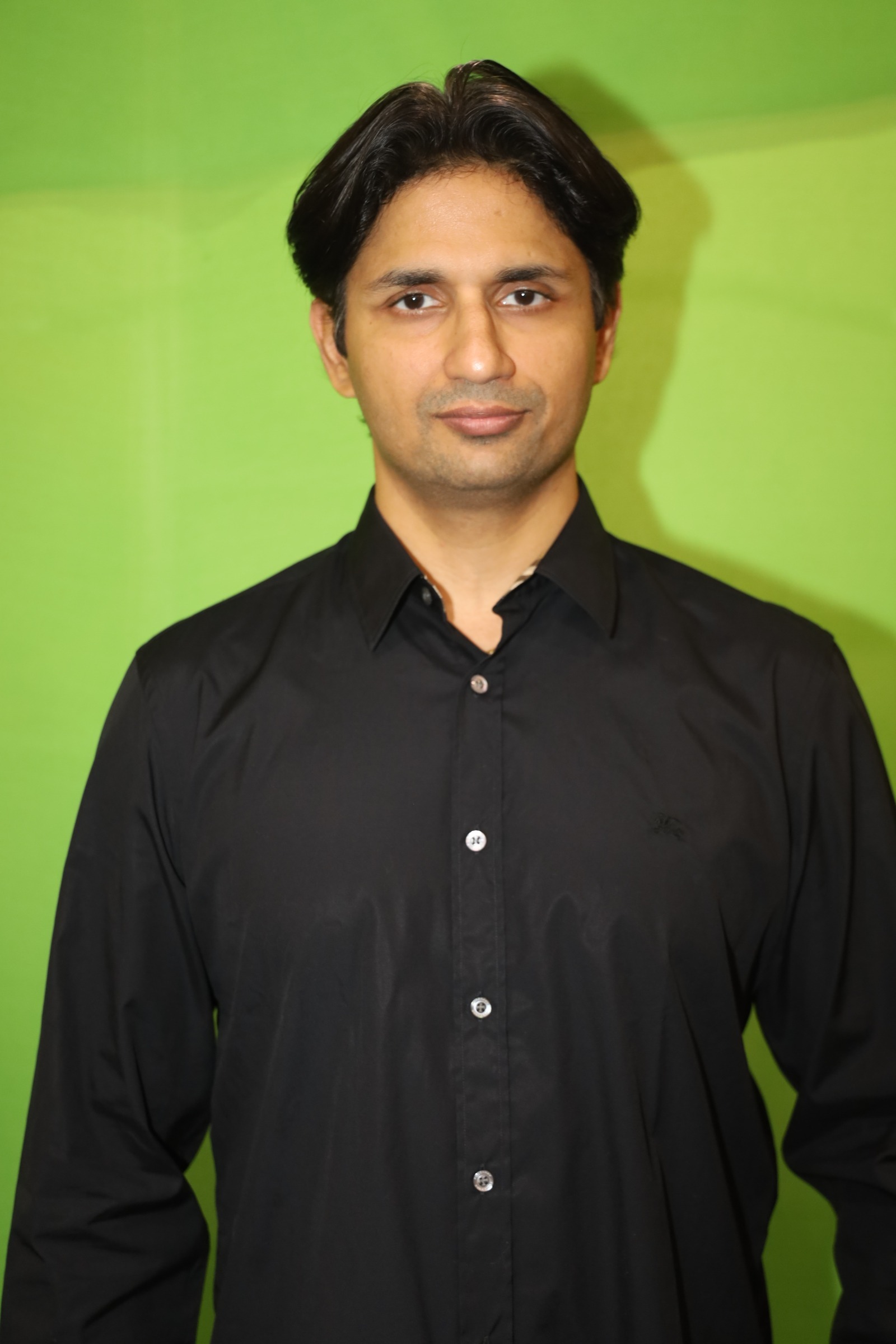
Required input · Hero reference portrait
Upload this portrait to GPT Image 2 together with the prompt below. Same hero, locked wardrobe (black leather jacket + black shirt), locked hairstyle — the AI uses it as the identity anchor across all 6 panels.
i
One strong image is enough. The prompt yields a single combined 6-panel cinematic image with locked face, wardrobe, and supercar across every panel. That single image becomes Seedance 2's only visual reference in Step 02.
gpt-image-2.prompt
STEP 02
Convert Image into Video with Pixazo Seedance 2
From the image's preview page on Pixazo, click Generate Video. Pixazo loads your image as the visual reference. Switch the model to Seedance 2.0, paste the prompt below, set duration to 15s, and Generate.
seedance-2.0.prompt
Remix
Want to make your own version?
Open Pixazo Playground to swap the subject, setting, or style and generate your own variation in minutes — same models, same workflow, your idea.

