WORKFLOW
One step. Upload your reference, paste the prompt, generate.
The whole flow is one step in Pixazo Playground: open Seedance 2.0, upload your hero reference portrait, paste the master prompt, and Generate. The 6 beats produce one continuous cinematic helicopter-arrival sequence.
STEP 01
Generate the scene with Pixazo Seedance 2
Open Pixazo Playground → Create → Video, then pick Seedance 2.0. Upload your hero reference portrait (clean front-facing, well-lit), paste the master prompt below, set duration to 15s, and Generate.
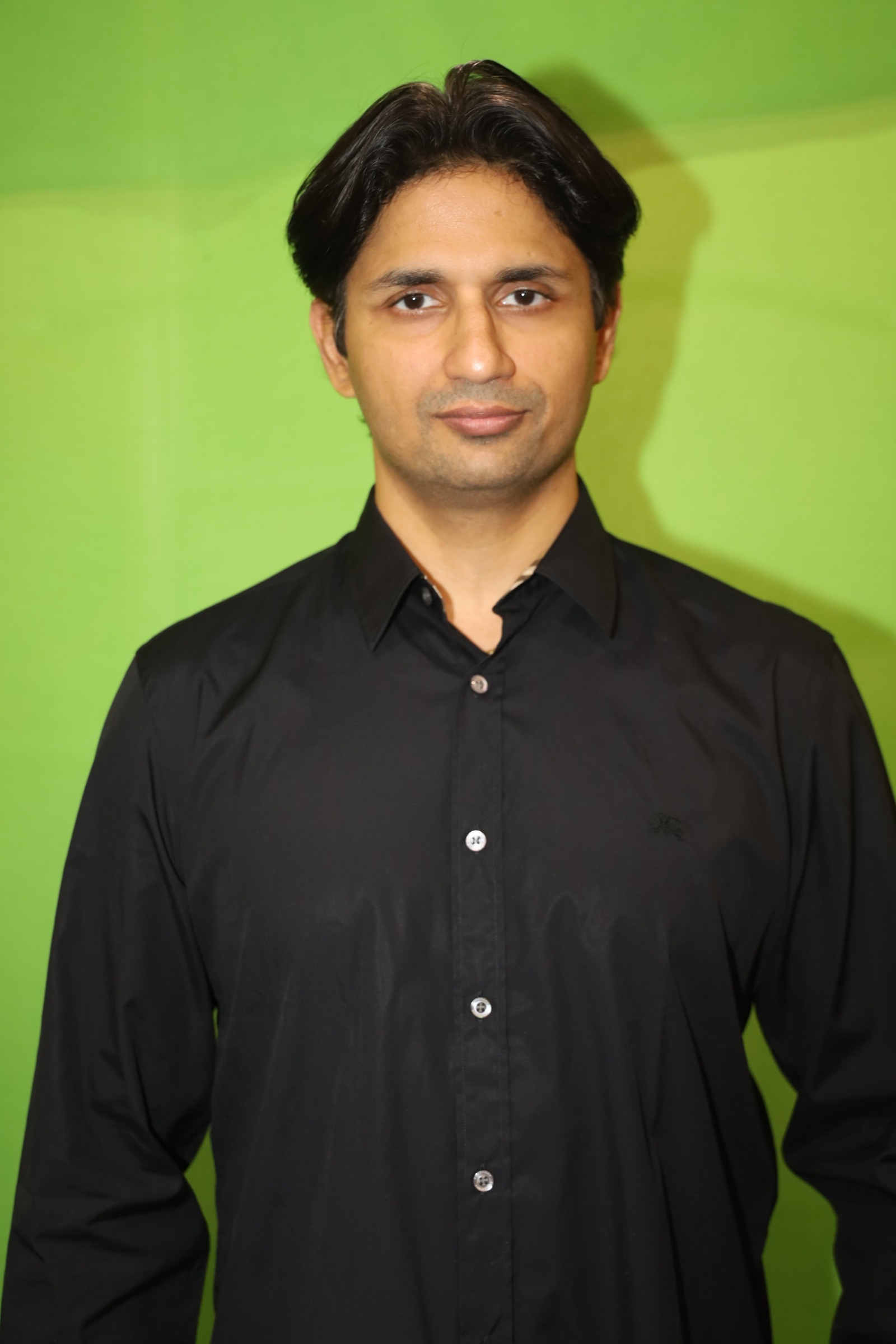
Required input · Hero reference portrait
Upload this portrait to Seedance 2 as the identity anchor. Face, hair, skin tone, age, and wardrobe (tailored black suit, white shirt, black tie, sunglasses) stay locked across all 6 beats.
i
One portrait + one prompt. Seedance 2 uses the reference image as the identity anchor and the master prompt as the scene script. The 6 beats produce one continuous cinematic helicopter-arrival sequence.
seedance-2.0.prompt
Remix
Want to make your own version?
Open Pixazo Playground to swap the subject, setting, or style and generate your own variation in minutes — same models, same workflow, your idea.

