AI Vision Board Maker : Create Free Vision Boards in Minutes
Create Custom Vision Boards Quickly with Pixazo Best AI Vision Board Maker. Try for Free!
Get Started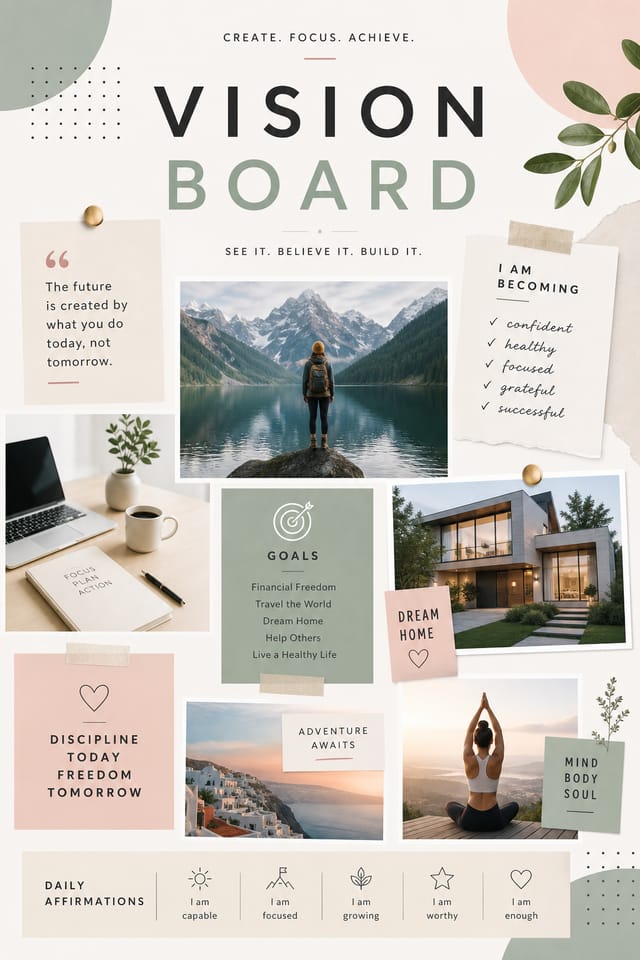
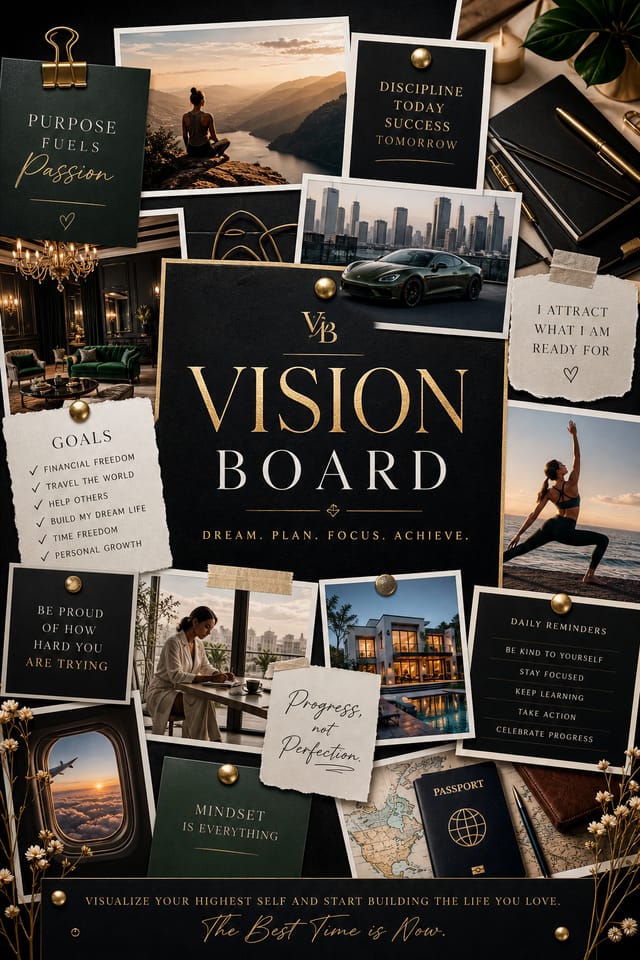
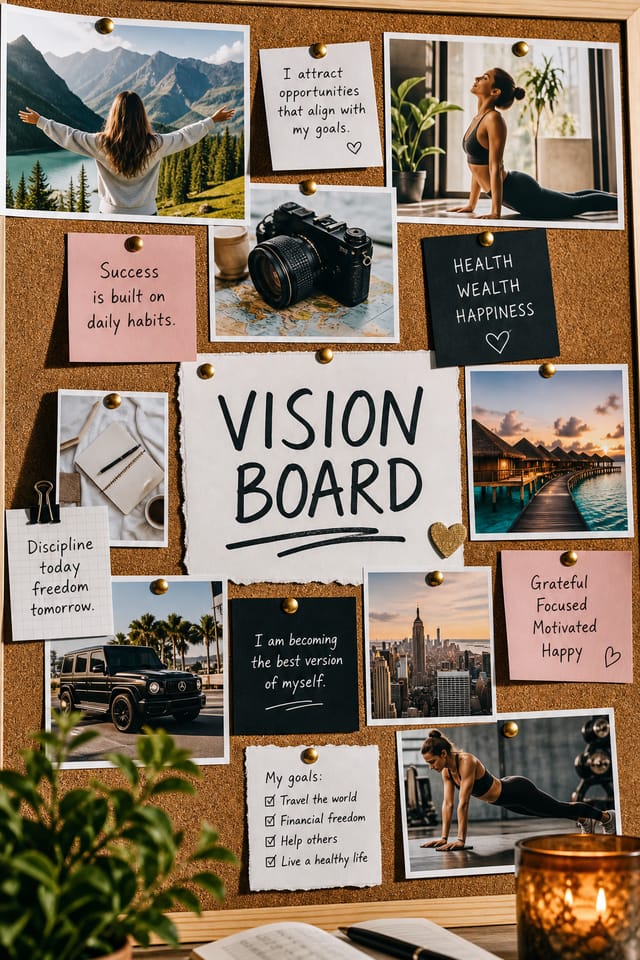
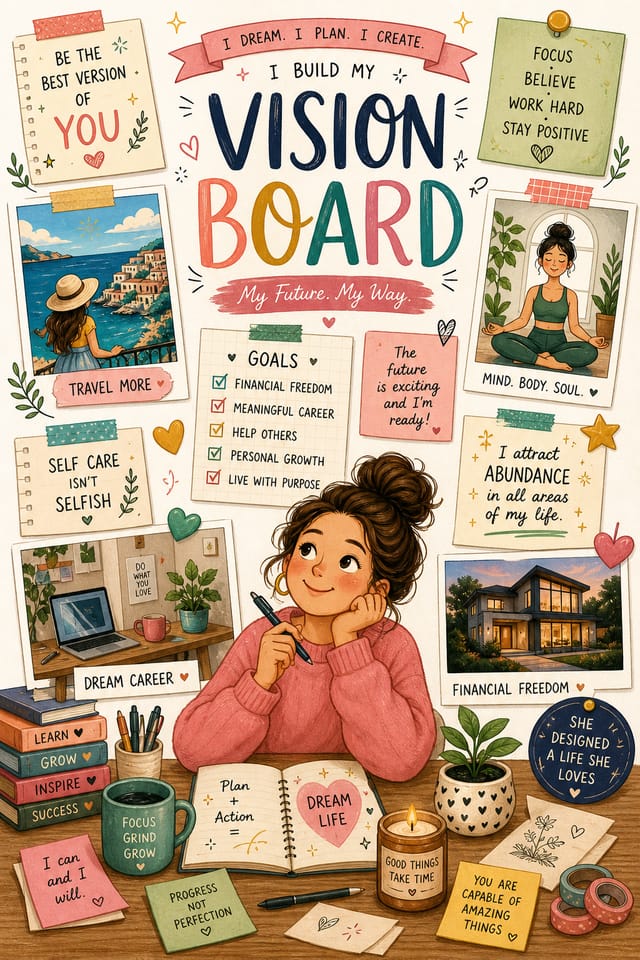
Precision Vision-Board Tools: Feature Overview
Prompt Refinement
Adjust your description to refine any aspect of the vision-board design. The AI responds to specific direction about colors, layout, or content.
Negative Space Handling
The AI manages whitespace in vision-board designs according to vision-board aesthetic conventions, not generic poster defaults.
Consistency Across Variants
Generate multiple vision-boards for a project and maintain visual consistency across the set. Specify your core design parameters and vary secondary elements.
Layered Style Application
Combine vision-board style with other design parameters in a single prompt. The AI interprets complex requests and applies multiple style constraints simultaneously.
The Full Vision-Board Toolkit: Feature by Feature
AI Generation
Convert text prompts into polished vision-board designs with contextual understanding
Style Transfer
Apply different visual styles to your vision-board while maintaining layout integrity
Color Palettes
AI-suggested color combinations that work for vision-board design conventions
Vision-Board Applications: Across Industries
Wedding and Celebration Planning
Create vision-boards for invitations, signage, and event branding. Cohesive visual systems that carry a celebration's theme across every touchpoint.
Music and Audio Production
Produce vision-boards for album covers, playlist artwork, and music event promotion. Visual identity that matches the sound.
Trade Show and Conference Materials
Generate vision-boards for booth displays, attendee handouts, and event signage. Professional materials that represent your brand in competitive environments.
Restaurant and Food Service
Generate vision-boards for menus, seasonal promotions, and restaurant branding. Designs that reflect cuisine style and dining atmosphere.
Healthcare and Wellness
Design vision-boards for clinics, wellness centers, and health campaigns. Trustworthy visuals that communicate care and professionalism.
Ready-to-Use Vision-Board Prompts That Work
Copy any prompt below and paste it into Pixazo to generate your design instantly.
Vision-Board with strong visual hierarchy, largest element reads clearly, supporting elements organized by importance, clean background treatmentGeometric vision-board, structured grid system, angular composition, colors in blocks rather than gradients, modern clean finishVision-Board aesthetic vision-board, palette drawn from vision-board design tradition, layout proportions consistent with vision-board conventions, purposeful use of each elementTwo-color vision-board design, high contrast between primary and secondary color, clean separation between graphic and text zonesVision-Board style vision-board, bold headline placement, supporting text at appropriate scale, color palette consistent with vision-board design conventionsGet Your Vision-Board: What Actually Happens
Pitch Your Design Idea
Start with a text description of your vision-board concept. Specify the visual style, colors, layout direction, and key text. Detailed prompts produce more accurate vision-board designs than general ones.
Browse the Result
The AI produces a vision-board based on your description. If the first result isn't exactly right, adjust the prompt to address what needs changing. Most designs reach the target within a few iterations.
Harvest the Result
Export your vision-board in the format you need. PNG for web and social, PDF for print production, JPG for email and lightweight sharing. The file is yours to use commercially without restrictions.
Vision Board Specifications
Watch: Creating Vision Board Vision Board designs step by step
Vision-Board Look and Feel: Visual Approaches
Atmospheric Vision-Board
Vision-Board design where mood takes priority. Color and composition work together to create a specific feeling.
Contemporary Vision-Board
Current vision-board design sensibility with updated proportions, modern typefaces, and contemporary color relationships.
Classic Vision-Board
Traditional vision-board design principles applied to modern vision-board format. Clean composition, conventional hierarchy, time-tested visual decisions.
Minimalist Vision-Board
Stripped-back vision-board approach. Fewer elements, more negative space, typography carries more visual weight.
Vision-Board Quality Checklist: What to Do and What to Avoid
Use a consistent visual hierarchy
Structure your vision-board so the viewer's eye follows a clear path from headline to supporting details to call-to-action.
Use grids and alignment
Structured layouts in your vision-board create a sense of order and professionalism that unstructured designs cannot match.
Keep the message focused
A strong vision-board communicates one primary idea clearly. Supporting details should reinforce, not compete with, the main message.
Rely solely on AI output
AI-generated vision-board designs are a starting point. Human review catches issues with context, tone, and accuracy that AI can miss.
Forget the call to action
A vision-board without a clear next step for the viewer is a missed opportunity. Always include direction on what to do next.
Skip proofreading
Typos and grammatical errors on a vision-board undermine credibility instantly. Always have someone else review the final text.
Vision-Board Generation: Known Limitations
Known limitations and trade-offs of AI-generated vision board design. Transparency matters when using AI for vision-board design. The points below describe where you may need to supplement AI output with manual work.
Vision-Board Platform Comparison: Side by Side
Fotor
Photo editing platform with design templates and batch processing
Canva
Drag-and-drop editor with a large template library and collaboration features
Pixazo
AI-powered vision-board generator with prompt-based design and professional output quality
Snappa
Quick graphic creator focused on social media and marketing visuals
Adobe Express
Streamlined creative tool backed by Adobe's design ecosystem
Real Vision-Boards: Creator Highlights
Real creators sharing their vision board designs made with Pixazo AI.
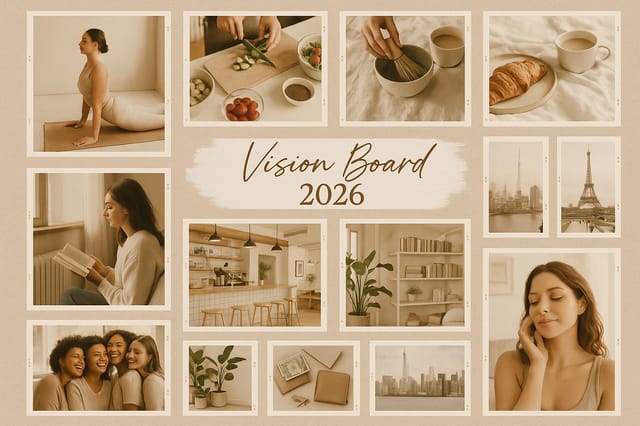
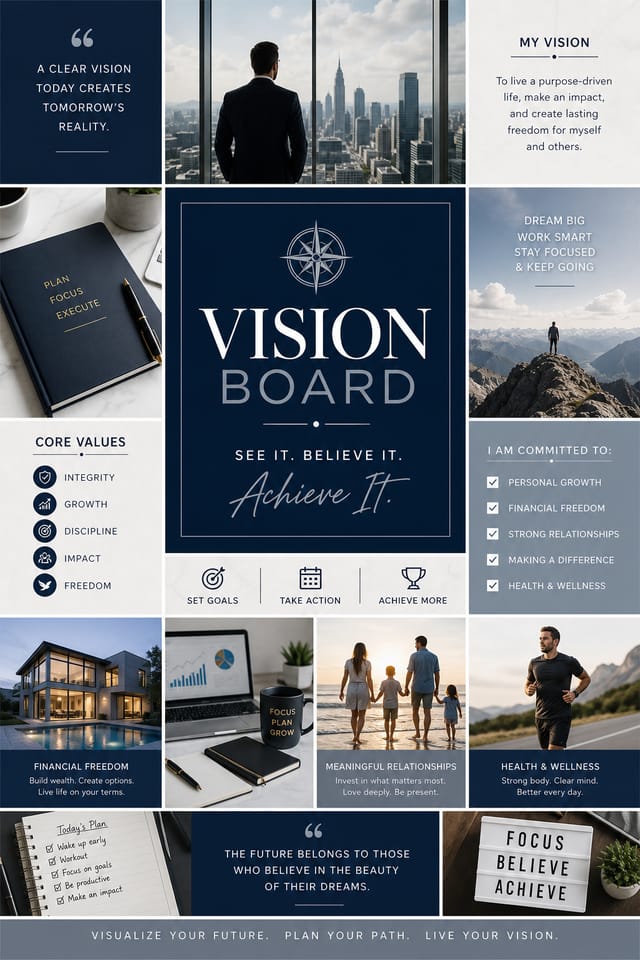
Corporate vision-board for a B2B audience, clean and authoritative, navy and white palette, structured grid, data-friendly layout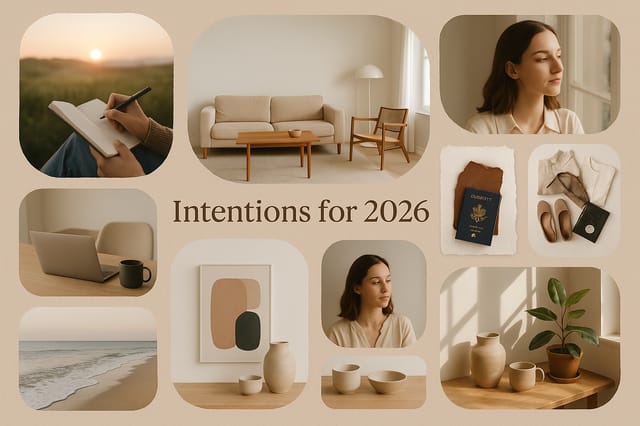
Editorial-inspired vision-board, text-dominant layout, typographic variety creates visual interest, clean structured alignment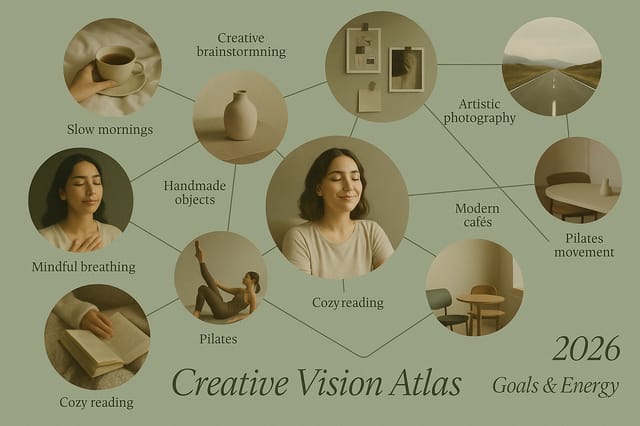
High-contrast vision-board, dark background with light text, accent color used for single key element, modern compositionNew to Vision-Boards? Plain Answers
Generate your initial vision-board, review the output, then modify your prompt to adjust specific elements. Each regeneration produces a fresh design incorporating your changes. Most users reach their final vision-board design within two to four iterations.
Each generation uses your unique prompt text to produce a distinct vision-board design. Even similar prompts produce noticeably different outputs due to the AI's generative process. No two users receive identical designs.
Team accounts allow multiple users to share prompts, saved vision-board designs, and brand kits within a shared workspace. Team members can iterate on each other's vision-board designs and maintain consistent output across projects.
Adjust your prompt to change any element of the design. If a generated vision-board is close but not quite right, describe what you want changed and regenerate. The AI responds to specific direction about individual elements like color, layout, or typographic weight.

