AI SFX Generator
Pixazo's AI SFX generator lets you create original sound effects with AI — rain on a window, a laser whoosh, footsteps on gravel, a UI click. Describe the sound, set a duration, and generate royalty-free SFX for your videos, games and podcasts in seconds. No sample library, no mic, no copyright headaches.
- Free to start
- Cancel anytime
- Royalty-free output
What the AI SFX generator makes
From punchy one-shots to loopable ambiences — describe a sound and get an original, royalty-free clip you can drop straight into a project.

What sound effects can you make?
From tiny UI blips to cinematic ambiences. Popular categories:
Game SFX
Jumps, pickups, hits, power-ups and menu blips for game builds.
Video & film
Whooshes, impacts, transitions and foley to punch up edits.
Ambience & loops
Rain, forest, city, wind and room tone beds for backgrounds.
UI & product
Clicks, notifications, success chimes and error tones.
Sci-fi & FX
Lasers, portals, drones and futuristic interface sounds.
Foley & textures
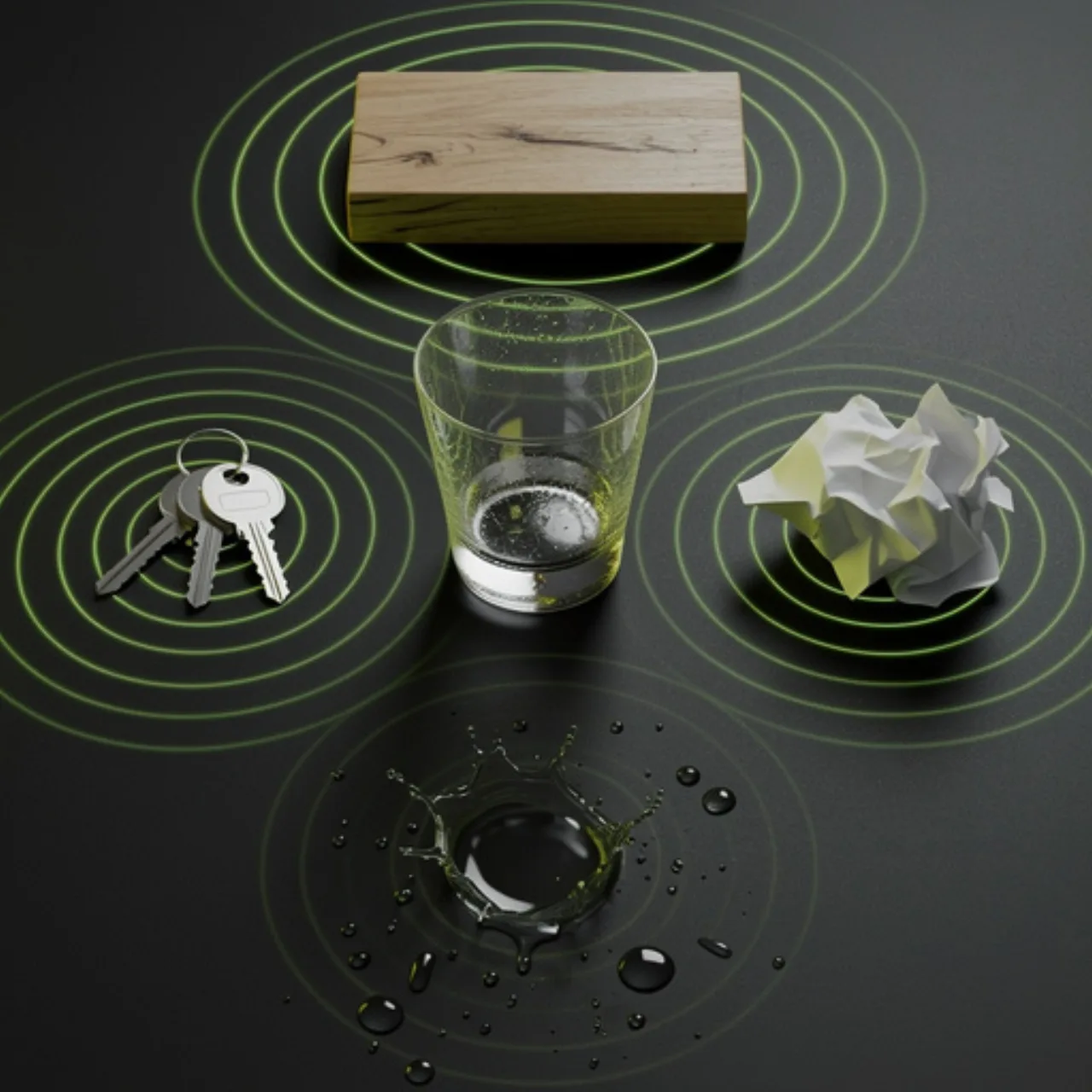
Footsteps, cloth, glass, water and everyday object sounds.
Example prompts & cues
These are prompts you can paste straight into the playground. Describe the sound, generate, download — then try your own.
What is an AI SFX generator?
An AI SFX generator lets you create original sound effects with AI. Instead of digging through a stock library or recording foley yourself, you describe what you want to hear — "thunder rumble", "sci-fi door slide", "coins drop" — and the model synthesizes a matching audio clip you can download and drop into your project.
Pixazo's SFX generator is powered by Mirelo SFX and MMAudio — text-to-audio and video-to-audio models built specifically for sound design. You can set the duration, ask for a looping ambience, or even generate audio that matches an uploaded video clip.
Everything you make is original AI output, so there are no library subscriptions or clearance worries. It's ideal for filling in the small sounds that make videos, games and edits feel finished.
How is it different from a stock sound library?
It depends on whether you need an exact, original sound now — or a polished pre-recorded one. The honest comparison:
| Aspect | AI SFX generator (Pixazo) | Stock sound library |
|---|---|---|
| Getting an exact sound | Describe it and generate | Search and hope it exists |
| Originality | Fresh, unique output every time | Shared with everyone else |
| Licensing | Original AI output, no subscription | Per-clip or subscription license |
| Cost | Free to start | Paid libraries / credits |
| Pristine studio recordings | Improving; may need refining | Professionally recorded |
| Music & full tracks | Use the music generator instead | Available in music libraries |
Best for a specific, royalty-free sound on demand: the AI SFX generator. Best for pristine, pre-recorded studio clips: a stock library.
How does the AI SFX generator work?
Four steps, right in the browser:
Describe the sound
Type what you want to hear — material, action, mood and setting all help.
Set duration & mode
Pick a length, ask for a loop, or upload a video to match audio to it.
Generate
Mirelo SFX synthesizes an original clip in seconds. Regenerate for variations.
Download & drop in
Export the WAV and place it on your video, game or podcast timeline.
Everything the SFX generator gives you
Pixazo's AI SFX generator is for video editors, game developers, podcasters and motion designers who need specific sounds fast and royalty-free. Describe the effect in plain language and the tool produces an original clip you can download as WAV and drop straight into your edit. It handles one-shot effects, loopable ambiences, and — through MMAudio — audio that matches an uploaded video. It's free to start, and because every sound is generated fresh, there are no library licenses to track.
An honest note on scope: this generates short sound effects and ambiences, not full songs or musical tracks — for those, use Pixazo's music generator. Very specific or branded sounds may take a couple of prompt refinements, and clips are short by design (seconds, not minutes).
Try the SFX generator freeKey capabilities
| Capability | Availability | Notes |
|---|---|---|
| Input | Text prompt · or video (MMAudio) | Describe the sound, or match audio to a clip |
| Models | Mirelo SFX · MMAudio | Text-to-audio & video-to-audio |
| Output format | WAV | Drops into any editor or game engine |
| Duration | Adjustable (short clips) | One-shots and loopable ambiences |
| Licensing | Original AI output | No stock-library subscription needed |
| Speed | Seconds per clip | Regenerate for variations |
| Commercial use | Per your plan | Check your plan's terms |
| Free tier | Yes, cancel anytime | Start generating right away |
Who is the AI SFX generator for?
Anyone who needs the small sounds that make a project feel finished:
- Video editors and YouTubers punching up their edits
- Indie game developers prototyping and shipping SFX
- Motion and UI designers adding interaction sounds
- Podcasters and audio storytellers building scenes
- App makers needing notification and success tones
- Anyone who wants royalty-free sound without a library
Tips for better AI sound effects
Prompting for sound is a bit like prompting for images — detail helps:
- Name the material and action: "wet footsteps on gravel" beats "footsteps".
- Add the setting and mood: "distant", "echoey room", "close-up", "menacing".
- Say if you want a one-shot or a loopable ambience, and roughly how long.
- Generate a few variations and pick the best take.
- For sound that hugs your footage, use the video-to-audio mode (MMAudio).
What it can't do (yet)
Knowing the limits saves you time:
- It makes sound effects and ambiences — not full songs or musical tracks (use the AI music generator for those).
- Clips are short by design (seconds), so build long backgrounds by looping.
- Very specific or branded sounds may need a couple of prompt refinements.
- It isn't a full DAW — there's no multi-track mixing or effects chain inside the tool.
- Exact real-world recordings (a specific car model, a named person's voice) aren't the goal.
Frequently asked questions
Is the AI SFX generator free?
What format are the sound effects?
Can I generate sound to match a video?
Are the sounds royalty-free?
Can it make music or songs?
How long can a sound effect be?
Do I need any audio software?
About the author
Describe a sound. Get the SFX. Free.
Generate original, royalty-free sound effects from a text prompt in seconds.
Generate a sound free
