12 Best AI Tattoo Generators (Tested on Real Designs)


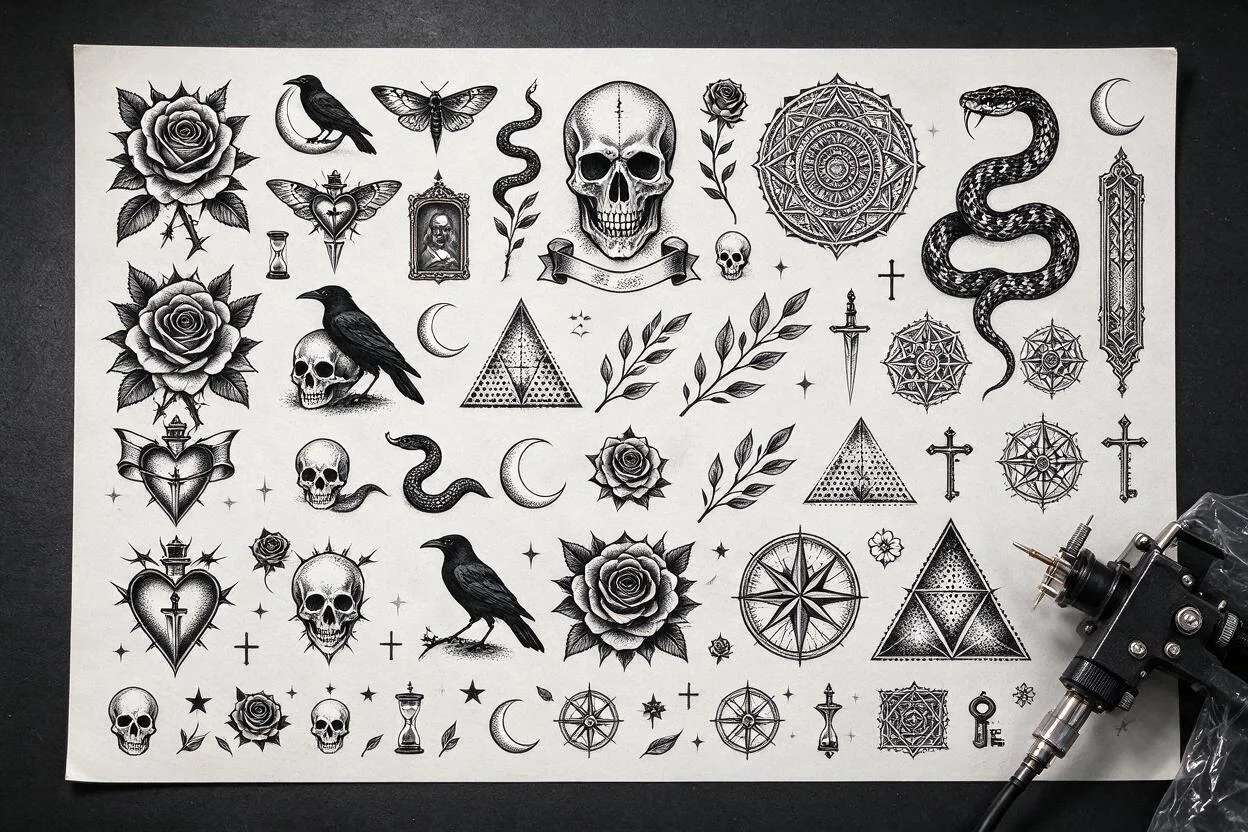
A good tattoo starts with a good design, and that is exactly where AI helps. An AI tattoo generator turns a short idea into a clean, original design you can take to your artist, in seconds and without drawing a line yourself. It is a fast way to explore styles, test placements, and settle on something you love before the needle ever touches skin.
This guide ranks the 12 best AI tattoo generators in 2026, tested on real designs. For each one you get what it is best for, where it runs, and what it costs, so you can pick the right tool for your next piece.
What does an AI tattoo generator do?
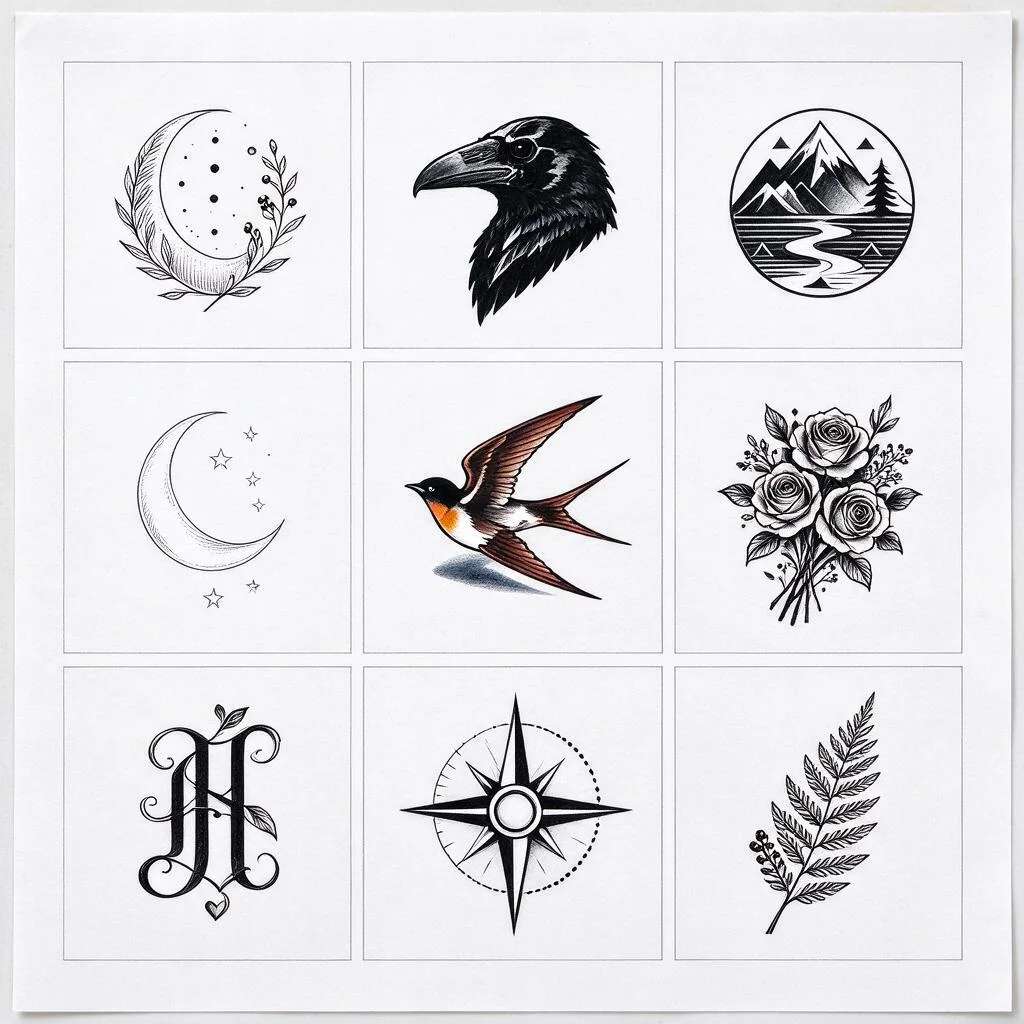
An AI tattoo generator takes a text description, say “a fine-line snake wrapped around a rose”, and draws it as a tattoo-ready design. The best tools understand tattoo styles, blackwork, fine-line, old-school, geometric, and keep the lines clean enough to actually ink. You can usually try different versions, tweak the wording, and download the one you like. Think of it as a sketchpad that never runs out of ideas, not a replacement for your artist, who still handles the real work on skin.
The 12 tools at a glance
| # | Tool | Best for | Platforms | Price |
|---|---|---|---|---|
| 1 | BlackInk AI | Original designs | Web | Free trial |
| 2 | Tattoodo | Ideas + artists | Web, iOS, Android | Free plan |
| 3 | Artguru | Free online | Web | Free plan |
| 4 | Fotor | All-in-one editor | Web, iOS, Android | Free plan |
| 5 | Dreamink | Style range | Web | Free trial |
| 6 | Pixazo | Prompt to tattoo | Web | Free to try |
| 7 | InkHunter | AR try-on | iOS, Android | Free plan |
| 8 | NightCafe | Artistic styles | Web | Free plan |
| 9 | Picsart | Mobile editing | Web, iOS, Android | Free plan |
| 10 | Tattoos AI | Realistic flash | Web | Free trial |
| 11 | Canva | Lettering + simple | Web, iOS, Android | Free plan |
| 12 | Hotpot | Quick and cheap | Web | Free plan |
The 12 best AI tattoo generators
How do you design a tattoo with Pixazo?
You do not need any drawing skill. The AI handles the design from a short description.
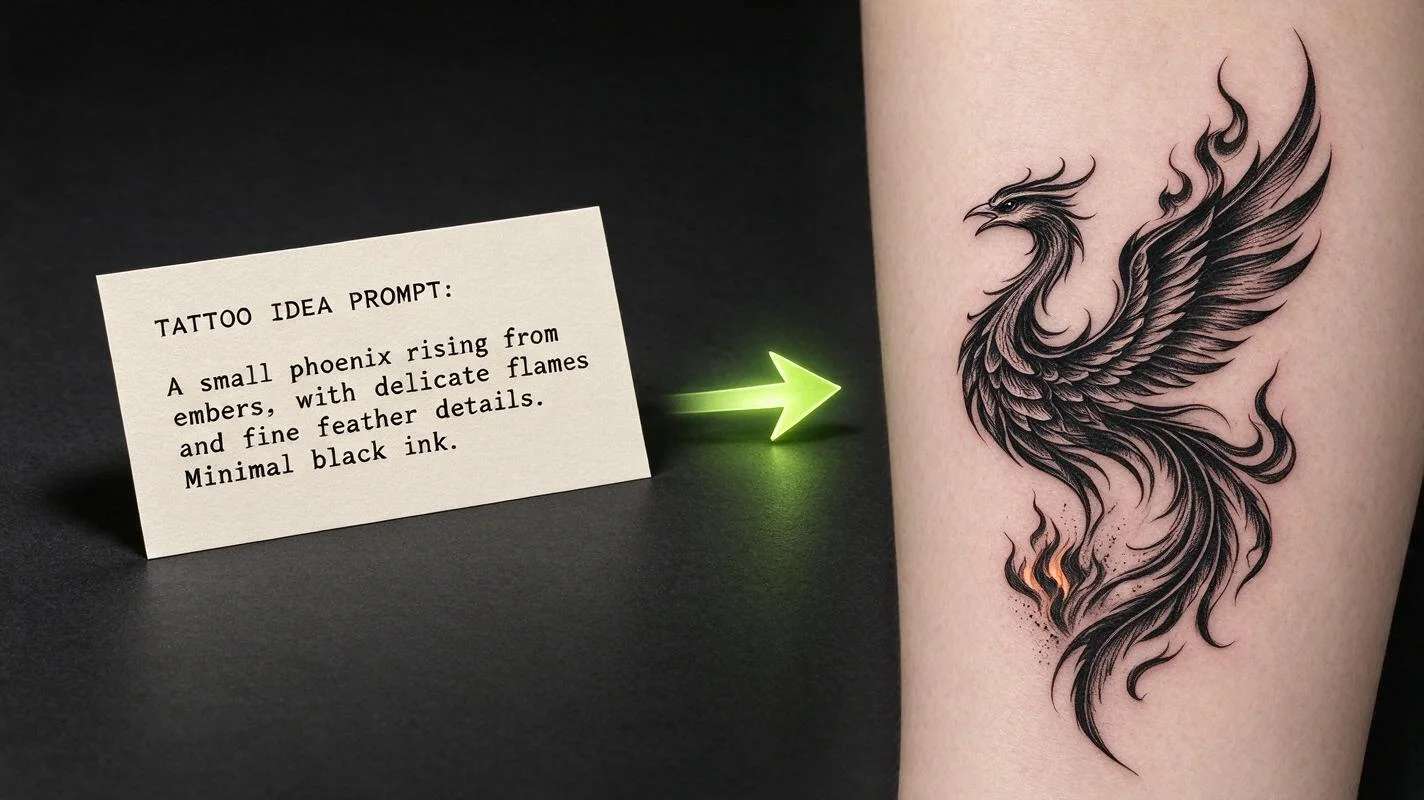
- Describe your tattoo. Name the subject, the style, and any details, like “fine-line mountain range with a crescent moon”.
- Generate designs. The AI drafts original tattoo artwork from your prompt.
- Refine. Tweak the wording or try another style until it feels right.
- Download. Save your design and take it to your tattoo artist as a reference.
Suggested Read: Best AI Art Generators in 2026
Suggested Read: 10 Best AI Image Editors in 2026
What should you look for in an AI tattoo generator?
- Clean lines. A design is only useful if the lines are crisp enough to ink. Check real examples.
- Style range. Make sure it handles the look you want, fine-line, blackwork, traditional, or lettering.
- Free trial. Test with your own idea first. Quality varies a lot between tools.
- Download rights. Check you can use the design, especially if you plan to get it tattooed.
Suggested Read: Geometric Designs: Shapes and Patterns
From screen to skin
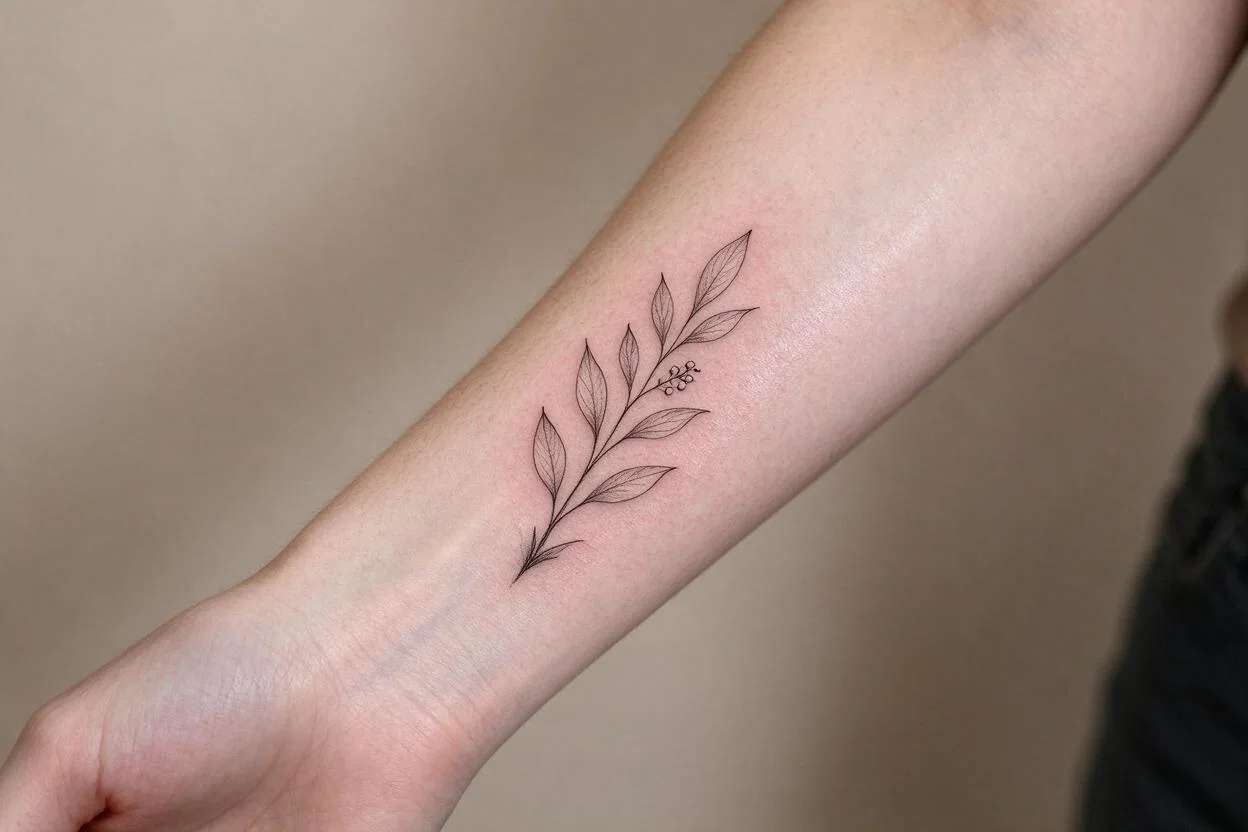
A generated design is a starting point, not a final tattoo. Bring it to a professional artist, who will adapt it to your body, fix anything that will not age well, and make it their own. Use a preview tool like InkHunter to see the placement first, and talk through size and colour with your artist. The AI saves you the blank-page problem; your artist makes it real.
Suggested Read: Top Profile Picture Ideas
Which one should you use?
For designs made for ink, start with BlackInk AI or Dreamink. For a free browser try, Artguru and Pixazo are easy starting points, and the Pixazo AI tattoo generator turns a plain prompt into a clean design with your other image tools in one place. To see a design on your skin before booking, add InkHunter. Most are free to test, so draft your idea in two or three and take the best to your artist.
Suggested Read: 11+ Types of Logos and Their Purpose
Frequently asked questions
Can AI really design a tattoo?
Yes. An AI tattoo generator turns a text description into an original design. The best tools keep lines clean enough to ink, though a professional artist should still adapt it for your body.
Are AI tattoo generators free?
Many are. Tools like Artguru, Pixazo, Canva, and Picsart have free ways to generate a design. Paid plans usually add higher resolution, more styles, or commercial rights.
What is the best free AI tattoo generator?
Artguru and Pixazo are easy free picks for generating a design in the browser. For tattoo-specific results, BlackInk AI is worth a free trial.
Can I get an AI-designed tattoo inked?
Yes, and it is common. Take the design to a professional artist as a reference. They will refine it, size it, and make sure it ages well on skin.
Do I need drawing skills to use these tools?
No. You describe the tattoo in plain words and the AI draws it. Simple tools like Canva and Artguru are made for complete beginners.
Deepak Joshi
Author · Pixazo
Deepak writes about generative AI models, APIs, and the workflows teams use to ship them. Reviewed by Abhinav Girdhar.