Introducing Nano Banana 2.1 API on Pixazo API: 4K Text-to-Image + Conversational Editing


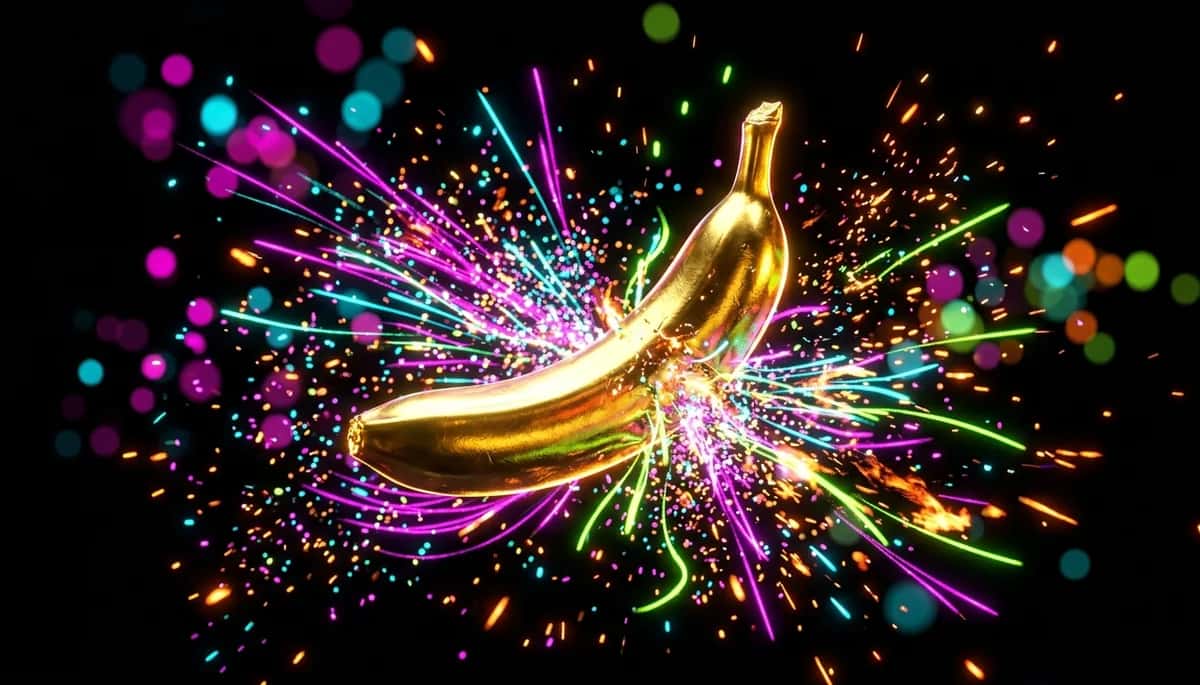
Google’s image model just levelled up. The Nano Banana 2.1 API is now live on Pixazo — a text-to-image and conversational image-editing model that renders up to 4K, supports an unusually wide range of aspect ratios, and blends up to 14 reference images while keeping faces and objects consistent. One request, one key, images back in seconds.
What is Nano Banana 2.1?
Nano Banana is Google’s image model — built on Gemini’s native image generation — for creating and editing pictures from a text prompt. Its party trick is conversational editing: you can change one part of an image — swap a background, recolour a jacket, add an object — while the rest of the photo stays exactly the same. Version 2.1 pushes resolution, aspect range and multi-image control further than any Nano Banana before it, and you reach all of it through a single Pixazo endpoint.
Who it’s for
Design & marketing tools
Generate on-brand hero art, ads and social posts at any aspect ratio, straight from a prompt.
E-commerce & product shots
Automate clean product imagery and swap backgrounds or scenes with conversational edits.
Characters & brand assets
Hold a face or product consistent across a whole set using up to 14 reference images.
Apps & automation at scale
Wire the async API (plus webhooks) into pipelines that render thousands of images hands-free.
Suggested Read: Introducing Nano Banana 2 API on Pixazo
Four upgrades in version 2.1
True 4K output
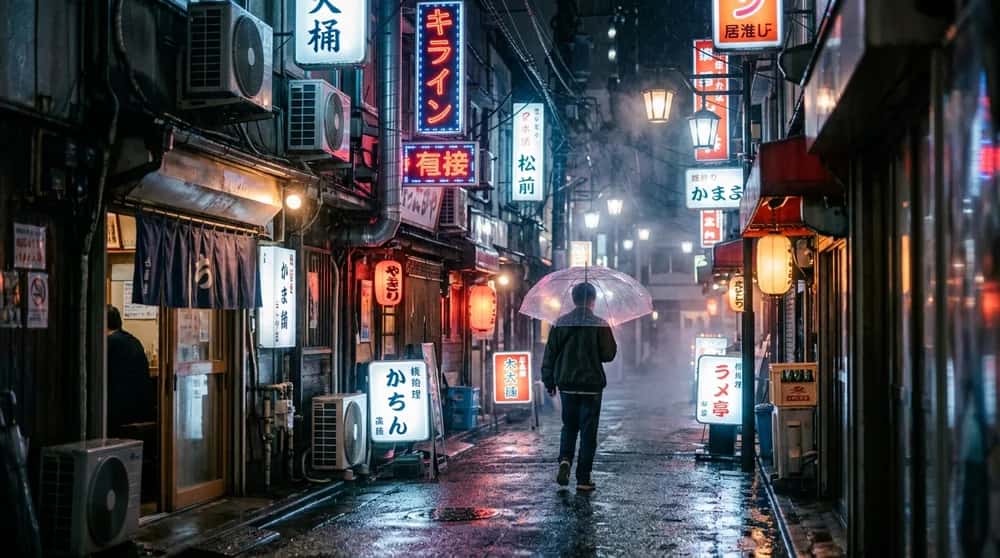
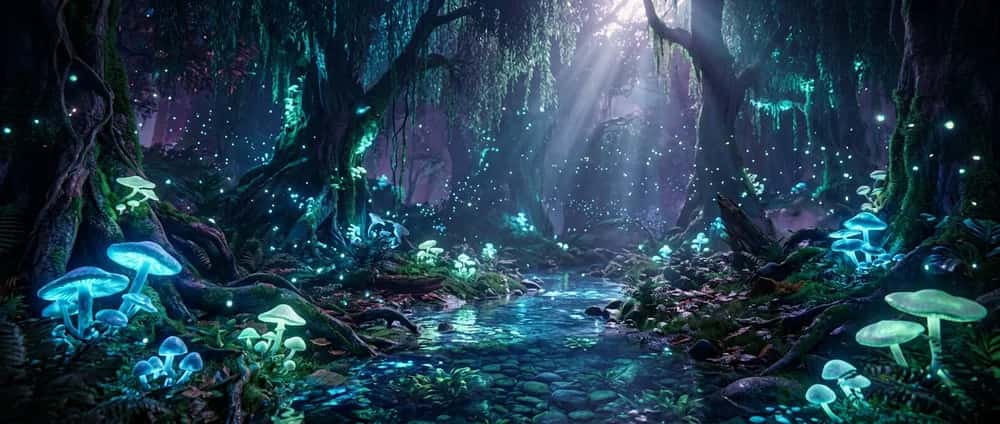
Render at 1K, 2K or 4K. The top tier gives you poster- and print-ready detail you can crop into without it falling apart.
An enormous aspect range
From ultra-wide 21:9 and 8:1 banners down to tall 9:16 and 1:8 strips — 15 ratios in all, plus an auto option.
Conversational editing
Send an image plus an instruction and change just the part you mean. Untouched areas stay pixel-stable, so edits look native, not pasted.
Multi-reference identity
Blend up to 14 reference images in one call, holding up to 6 objects and 5 people consistent — ideal for characters, products and brands.
Pick your resolution
Resolution is a single parameter (resolution) and it’s the main lever on both quality and price. Start low while you iterate, then re-render the keeper at 4K.
Suggested Read: Nano Banana Pro & Nano Banana 2 API Pricing: The Cheapest Way to Access Both
One model, fifteen shapes
Set aspect_ratio to anything from a cinematic 21:9 to a slim 1:8 — no cropping or re-rendering to fit a format. A sample of the range, drawn to scale:
21:9
16:9
3:2
1:1
4:5
9:16
1:4
1:8
Suggested Read: Best Text-to-Image APIs in 2026
Conversational editing, in practice
Pass an input image and a plain-language instruction. Nano Banana 2.1 rewrites only the part you asked for and leaves the rest untouched — here, the same portrait with its plain studio backdrop swapped for a sunlit autumn park, while the face, freckles, hair and sweater stay identical:
 BEFORE
 AFTER
AFTERIt can also take up to 14 reference images in a single call and blend them into one coherent result:
→
Feed up to 14 reference images — keep up to 6 objects and 5 faces consistent — and blend them into one coherent result.
Call it in one request
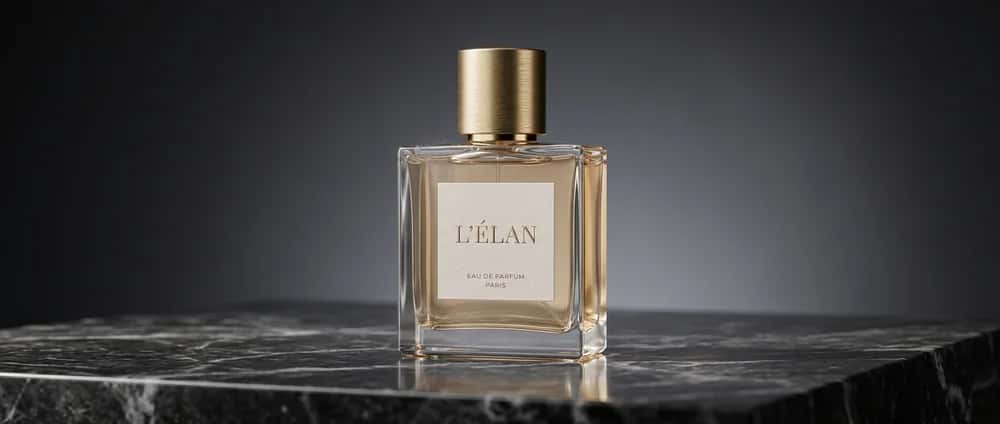
The API is async: you POST a prompt, get a request_id and a polling URL back, then fetch the finished image (or let a webhook push it to you).
What it costs
Nano Banana 2.1 is billed per image and scales with resolution — it starts at roughly $0.023 per image at 1K, with 2K and 4K costing more. You only pay for successful generations, there are no monthly minimums, and new accounts get 10% cashback on first top-up on the first top-up. See the live tiers on the model page.
Suggested Read: The Top 10 Image Generation APIs in 2026
Start building in 3 steps
Grab your API key
Open the Nano Banana 2.1 model page and generate a key from your Pixazo API dashboard.
Send a request
POST your prompt with an aspect ratio and resolution to the text-to-image endpoint — or add an input image to edit.
Poll or webhook
Fetch the result from the polling URL, or register a webhook and let Pixazo push the finished image to you.
Suggested Read: Nano Banana 2 Lite API: Google’s Fastest Nano Banana Model
Conclusion
Nano Banana 2.1 is the most capable Nano Banana yet: 4K output, fifteen aspect ratios, true conversational editing and 14-image blending — all behind one async Pixazo endpoint. Whether you’re building a design tool, automating product shots or generating social art at scale, the Nano Banana 2.1 API gives you Google-grade image quality with a developer-friendly, pay-per-image model.
Frequently Asked Questions
Q1. What is the Nano Banana 2.1 API?
It is Pixazo’s API for Google’s Nano Banana 2.1 image model (built on Gemini) — a single async endpoint for text-to-image generation and conversational image editing, with output up to 4K.
Q2. What resolutions and aspect ratios does it support?
Resolutions of 1K, 2K and 4K, and 15 aspect ratios ranging from 21:9 and 8:1 down to 9:16 and 1:8 (plus an auto option).
Q3. Can Nano Banana 2.1 edit an existing image?
Yes. Send an input image with a text instruction and it edits only the part you describe, keeping the rest of the picture unchanged. It can also blend up to 14 reference images.
Q4. How much does the Nano Banana 2.1 API cost?
It is priced per image and scales with resolution, starting around $0.023 per image at 1K. You only pay for successful generations — see current tiers on the model page.
Q5. Is the API synchronous or asynchronous?
Asynchronous. You POST a request and receive a request ID and polling URL; fetch the finished image from the polling URL or receive it via a webhook callback.
Q6. How do I get started?
Create an API key from your Pixazo API dashboard (new accounts get 10% cashback on their first top-up), then POST your prompt to the text-to-image endpoint with your chosen aspect ratio and resolution. Full parameters are on the model page.
Deepak Joshi
Author · Pixazo
Deepak writes about generative AI models, APIs, and the workflows teams use to ship them. Reviewed by Abhinav Girdhar.