60 Wallpaper Ideas for Phone and Desktop


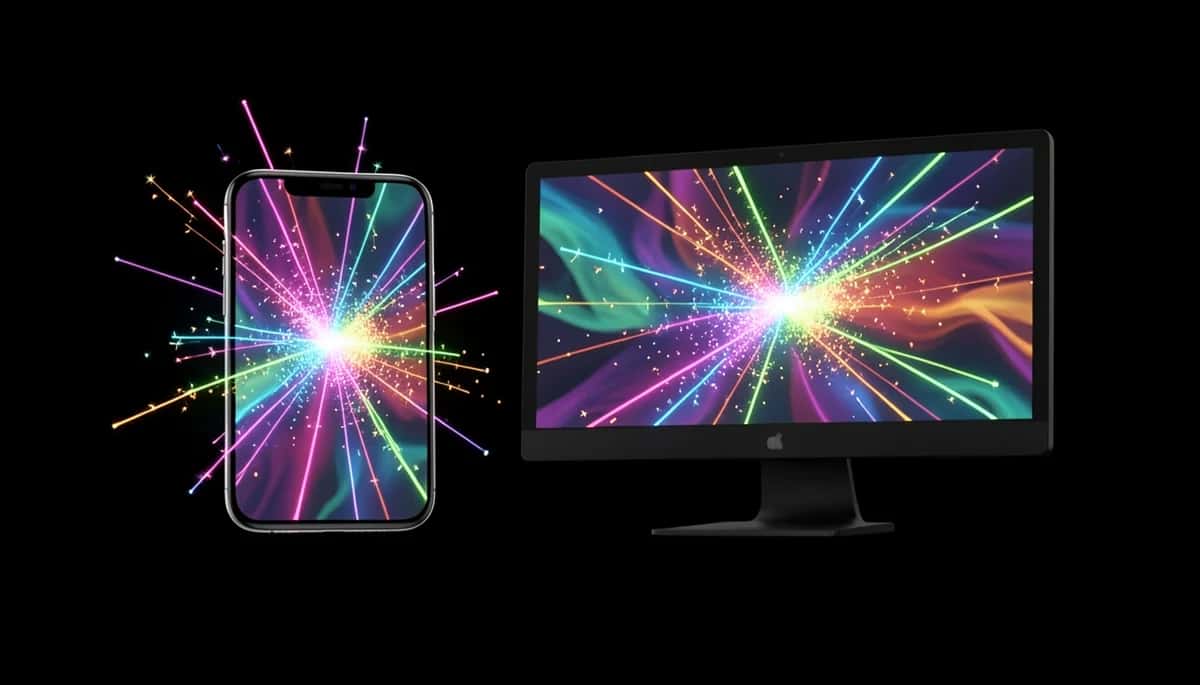
The fastest way to make a tired phone or desktop feel brand new is a fresh wallpaper — and the best part is you no longer have to hunt for one. Here are 60 wallpaper ideas for phone and desktop, sorted into 10 styles, and you can turn any of them into a crisp, original wallpaper in seconds with Pixazo’s AI desktop wallpaper maker and AI mobile wallpaper maker. Scroll the styles, find a vibe you love, and make it yours.
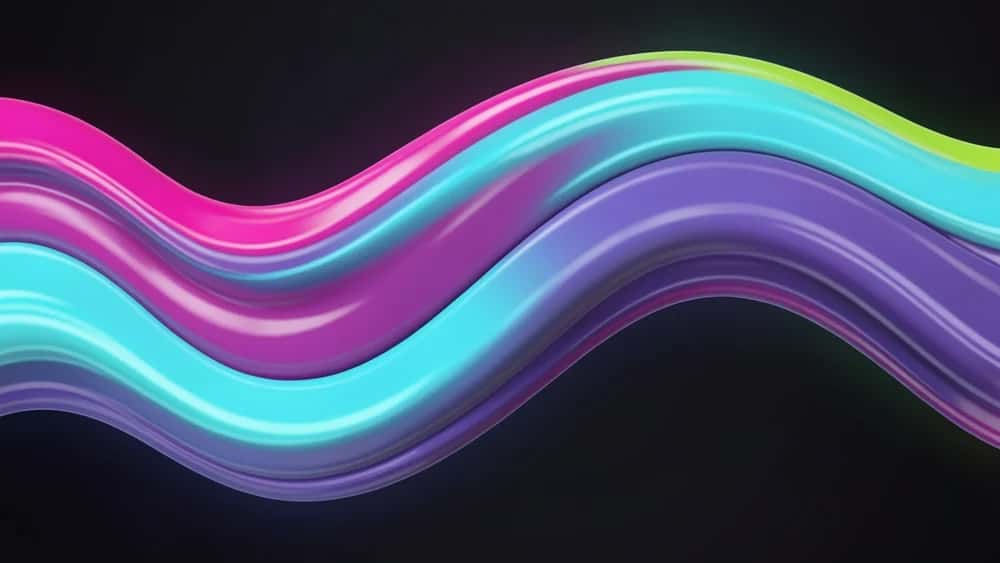
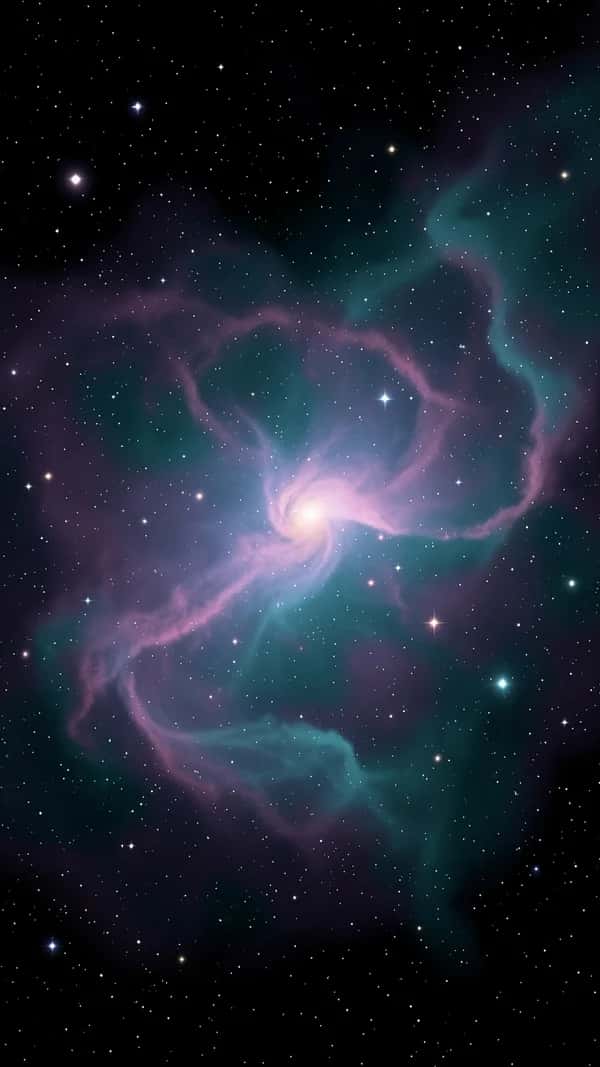
Every wallpaper on this page was generated free with Pixazo — yours can be too.
How to use this list
Skim the 10 styles below and flag two or three that match your taste. Each idea is a starting point, not a finished file — borrow the look of one and the colours of another. When something clicks, describe it in the matching wallpaper maker and download it. Phone screens want a tall 9:16 image; desktops want a wide 16:9 one, so generate the right shape from the start and it will fit edge to edge with nothing cut off.
Abstract & Gradient
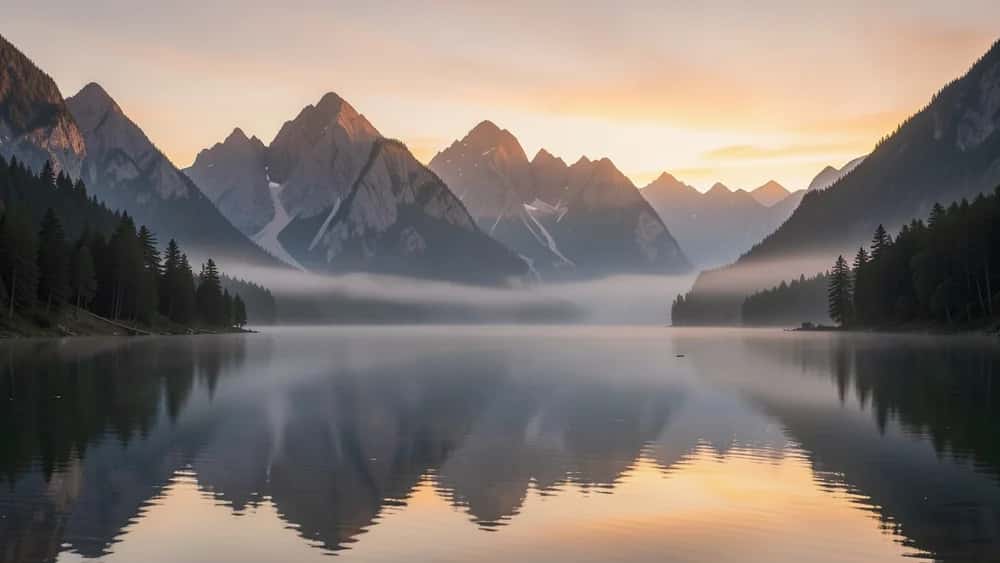
Nature & Landscape
Minimal & Clean
Cosmic & Space
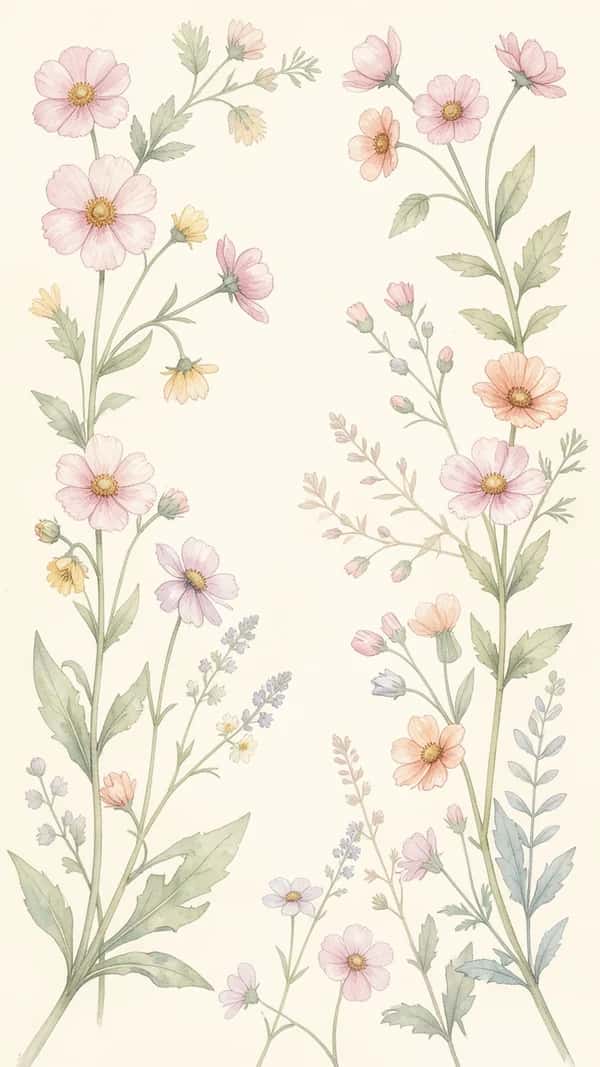
Aesthetic & Floral
Dark & Moody
Illustrated & Art
City & Travel
Patterns & Geometry
Seasonal & Festive
Suggested Read: A Guide to Common Aspect Ratios and Image Sizes
Phone and desktop wallpaper sizes
Match the shape to the screen and your wallpaper looks sharp instead of stretched. As a quick guide:
| Screen | Size (px) | Ratio & notes |
|---|---|---|
| Phone | 1080 × 1920 px | 9:16 (tall) — most modern phones |
| Tablet | 1620 × 2160 px | 3:4 (portrait) — iPad and similar |
| Desktop / laptop | 1920 × 1080 px | 16:9 (wide) — the safe default |
| 4K desktop | 3840 × 2160 px | 16:9 — for large, sharp screens |
If you are unsure, a 16:9 image covers most desktops and a 9:16 image covers most phones. For the full breakdown across devices, see the guide to common aspect ratios and image sizes.
Suggested Read: Top 10 Wallpaper Maker Tools in 2026
How to make your own wallpaper in 4 steps
Open the AI desktop wallpaper maker for a wide screen, or the AI mobile wallpaper maker for your phone. Each one is already set to the right shape, so your wallpaper fits edge to edge.
Click Get Started, then type the idea in plain words — pick any style above, name the colours and the mood. For example, ‘dreamy cosmic nebula, purple and teal, minimal’.
Hit Generate and the AI builds your wallpaper. It uses a few credits, and new accounts get 300 free credits to start, so you can try it before you spend anything.
Download your wallpaper in full resolution and set it as your phone or desktop background. Generate a few versions and keep the one you love.
Suggested Read: How to Design Wallpaper On Your Own
5 tips for wallpapers that look great
- Generate in the screen’s shape — tall for phones, wide for desktops — so nothing important is cropped.
- Leave calm space where your icons and clock sit, so they stay readable.
- Darker wallpapers hide smudges and make light app icons pop.
- Name a colour in your prompt to keep a set of wallpapers consistent — a colour palette helps here.
- Download at full resolution — a small image looks soft when the screen stretches it.
Suggested Read: Best AI Art Generators in 2026: Top Tools Ranked
Refresh your screen today
Sixty ideas, ten styles, two screens — there is no reason to stare at the same old background. Pick the style that caught your eye, describe it in the desktop or mobile wallpaper maker, and you will have a fresh, original wallpaper in under a minute. Then do it again next week, because it is free to start and far more fun than scrolling a stock gallery. Best of all, every wallpaper you make is one of a kind, so your phone and desktop never end up looking like everyone else’s — they look like yours.
Suggested Read: Best AI Background Generator Tools in 2026
Frequently Asked Questions
Q. What size should a wallpaper be?
For a phone, use a tall 1080 × 1920 px image (9:16). For a desktop or laptop, use a wide 1920 × 1080 px image (16:9), or 3840 × 2160 px for a 4K screen. Match the shape to the screen so nothing is cropped.
Q. How do I make my own wallpaper for free?
Open Pixazo’s AI desktop wallpaper maker or AI mobile wallpaper maker, describe the wallpaper you want, then generate and download it. Each maker is sized for its screen, new accounts get 300 free credits, and there is no watermark.
Q. What makes a good phone wallpaper?
A good phone wallpaper is tall (9:16), high resolution, and leaves calm space where your clock and icons sit so they stay easy to read. Darker designs also help light icons stand out.
Q. Can I use AI wallpapers for free?
Yes. You can generate and download AI wallpapers free to start on Pixazo, and because they are original images you made, they are yours to use on your own devices.
Q. What are the most popular wallpaper styles?
Abstract gradients, nature and landscapes, minimal designs, cosmic and space, and aesthetic florals are among the most popular — all ten styles above are covered in this list.
Deepak Joshi
Author · Pixazo
Deepak writes about generative AI models, APIs, and the workflows teams use to ship them. Reviewed by Abhinav Girdhar.