AI Wedding Card Designs
Create personalised wedding invitations, save-the-dates, and RSVP cards that capture the tone of your celebration — whether it is a grand ballroom reception or an intimate garden ceremony. Pixazo's AI generates unique layouts based on your description, colour palette, and wedding theme, producing print-ready artwork in under sixty seconds.
Part of the AI Card Maker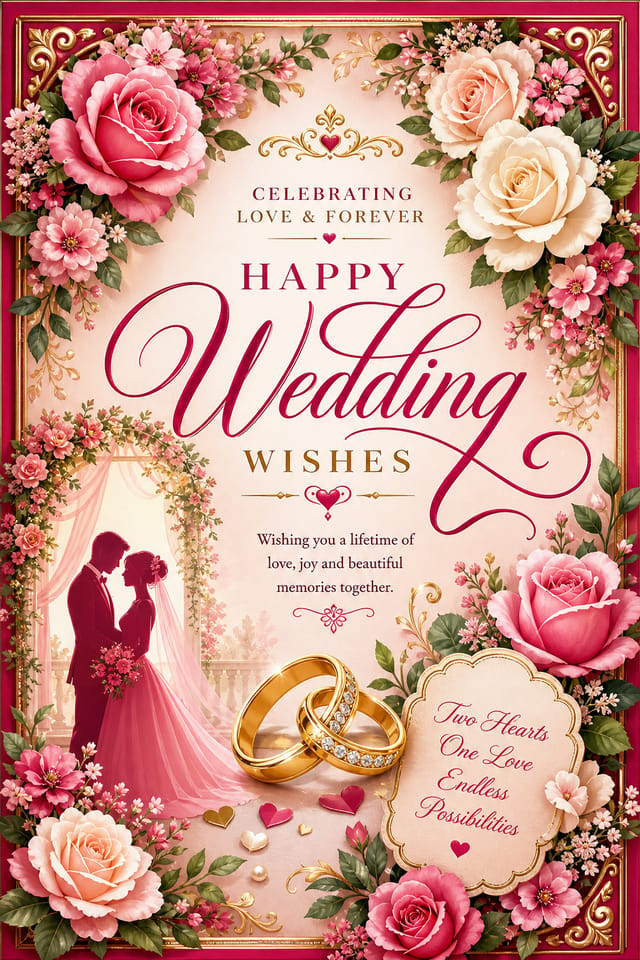
Sample Creations
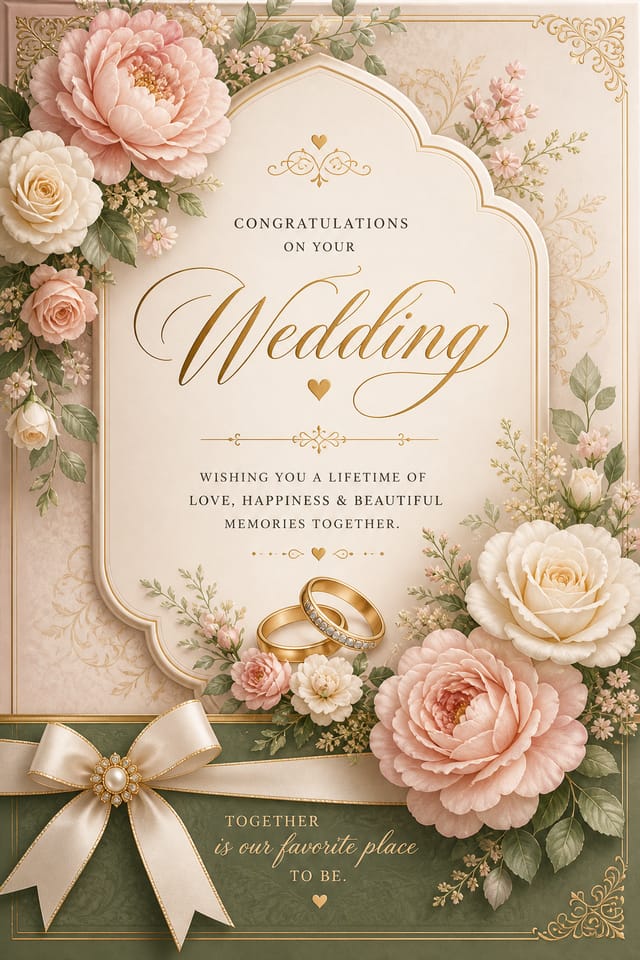
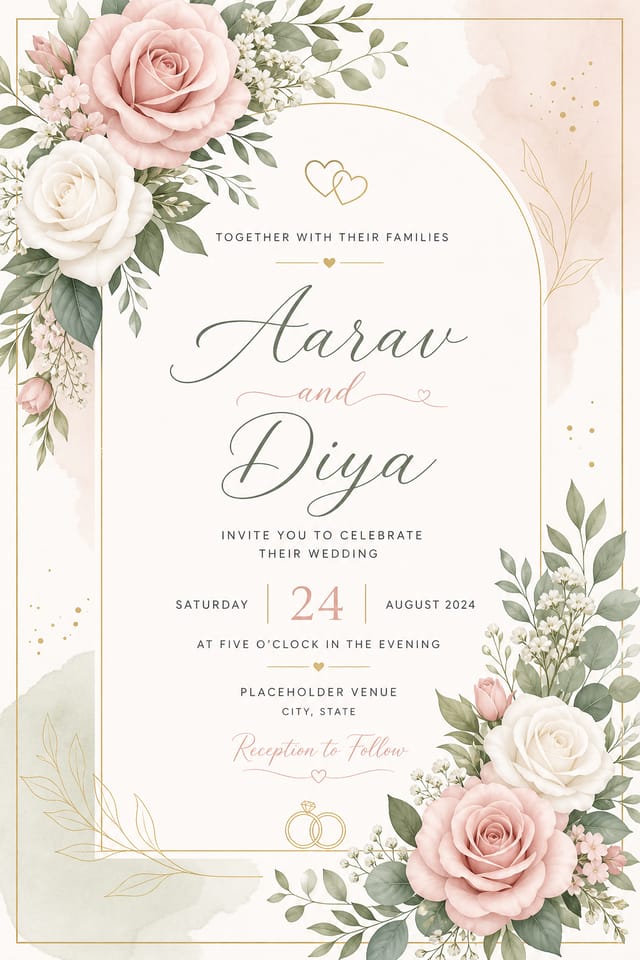
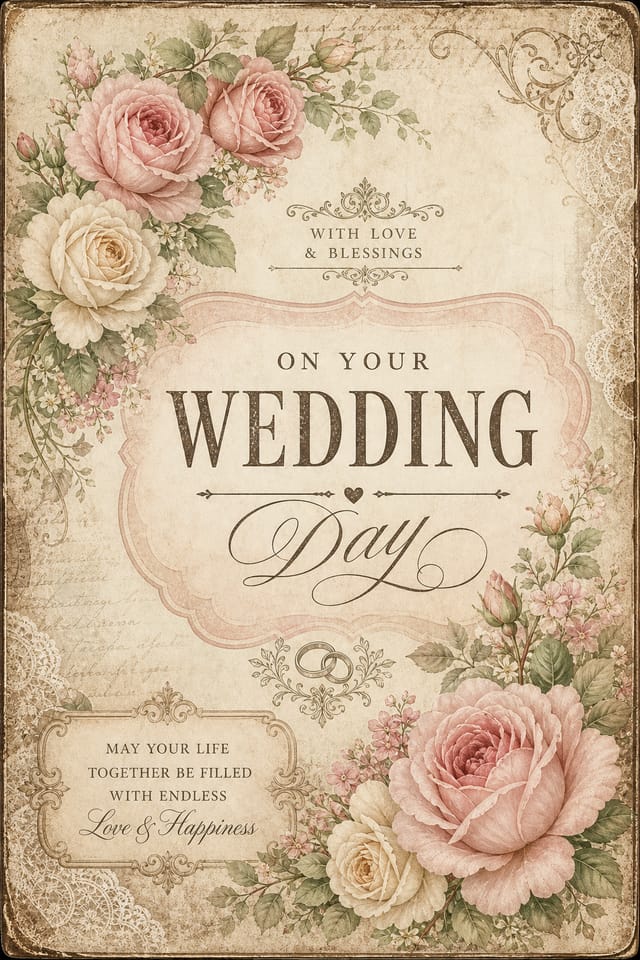
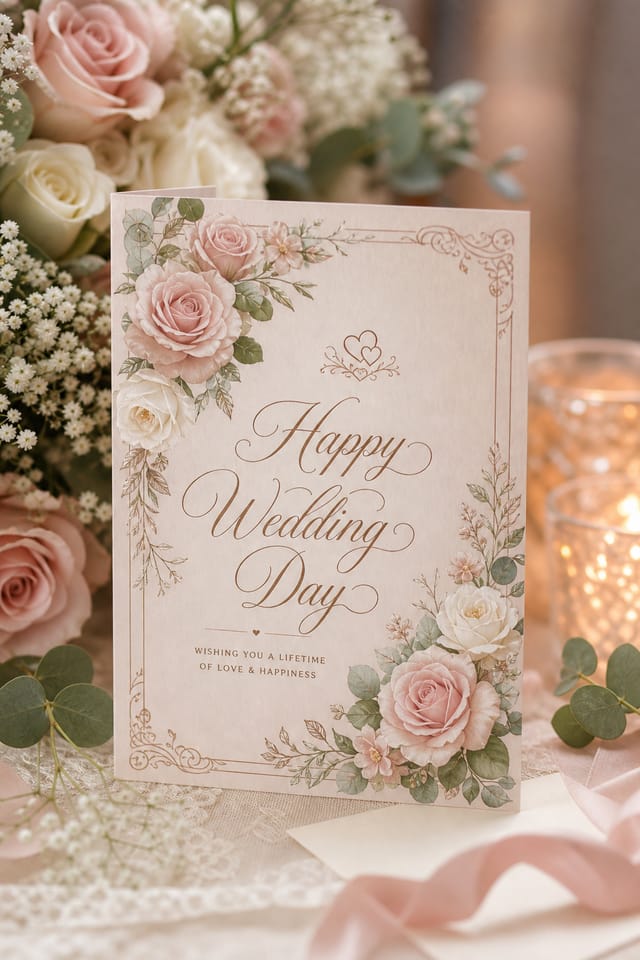
AI-Generated Wedding Card Designs
Each design below was generated by Pixazo's AI from a single text prompt. They represent common wedding stationery categories — from formal invitations to relaxed destination wedding suites.
Elegant Forest & Floral Watercolor
Full-bleed portrait save-the-date with a forest deck setting, watercolor floral frame, and premium calligraphy. Ideal for outdoor garden and woodland ceremonies.
Modern Beige Minimalist
Clean beige palette with geometric borders and understated floral accents. Suited for contemporary urban ceremonies and loft-style venues.
Rustic Golden Hour
Forest path at golden hour with wooden textures and hand-drawn wildflower illustrations. Pairs naturally with barn venue weddings and outdoor receptions.
Luxurious Black & Gold
Opulent black background with gold foil floral accents and elegant serif typography. Ideal for black-tie galas, ballroom receptions, and evening ceremonies.
Vintage Art Deco
Retro café terrace aesthetic with art-deco borders and classic serif typography. Perfect for 1920s-themed celebrations, speakeasy receptions, and heritage venue weddings.
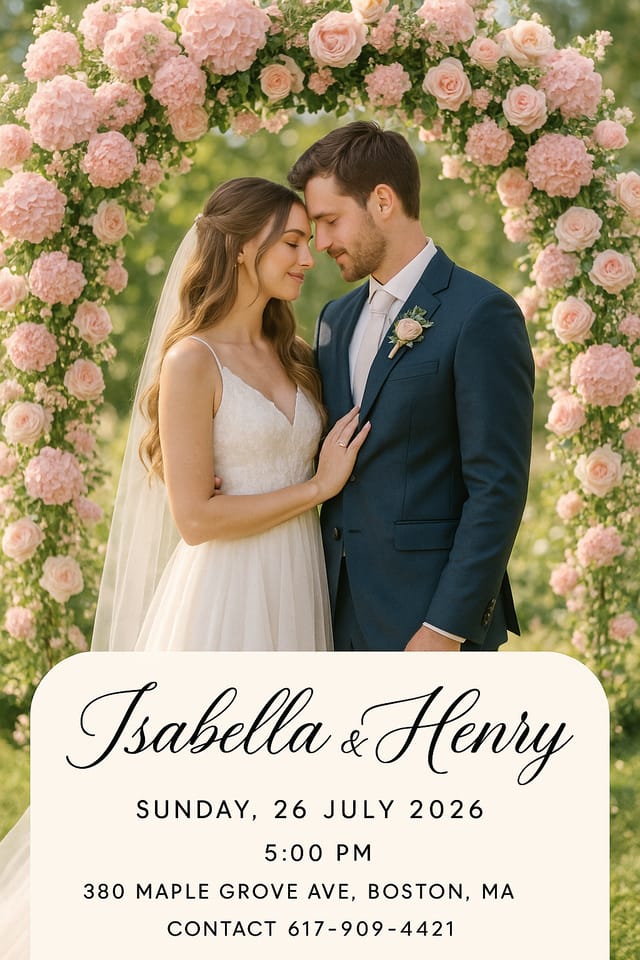
AI-Curated Design
A unique AI-generated wedding card layout showcasing Pixazo's ability to blend typography, colour, and decorative elements into a cohesive invitation design.
Why Your Wedding Card Design Matters More Than You Think
A wedding invitation is the first physical artifact your guests receive from your celebration. It communicates the formality level — a letterpress card on 350gsm cotton stock signals a very different evening than a digital save-the-date with a casual beach photo. Stationery designers call this the "tone-setting function," and according to the 2024 Minted Wedding Trends Report, 68% of couples say their invitation style directly influenced guest attire choices.
Wedding card design operates within strict conventions that vary by culture and region. Western formal invitations follow the "hosting line" tradition (e.g., "Mr. and Mrs. Smith request the honour of your presence"), while South Asian wedding cards may include multiple events across several inserts — mehndi, sangeet, baraat, and reception. Chinese invitations traditionally feature red and gold with double-happiness symbols. These are not interchangeable templates; a card that works for a Napa Valley vineyard wedding will look out of place at a Jaipur palace celebration.
AI generation helps here because it can produce culturally appropriate layouts from descriptive prompts. Instead of browsing 400 templates hoping one matches your venue aesthetic, you describe your specific scenario — "outdoor autumn wedding at a Vermont barn, burgundy and sage colour palette, rustic but not country" — and the AI builds a layout tailored to that brief. The limitation is that Pixazo generates the visual design, not the physical printing; you will need to export at 300 DPI and work with a local print shop or online service like Minted, Papier, or Vistaprint for the final product.
Wedding Card Essentials Checklist
- Names of both partners (verify spelling before export)
- Date, time, and venue with full address
- RSVP deadline and response method (online or mail)
- Dress code if applicable (black tie, cocktail, casual)
- Dietary or accommodation instructions for out-of-town guests
- Consistent colour palette across all suite pieces (invite, RSVP, details card)
Wedding Card Style Variations You Can Generate
Each style produces different visual hierarchies. Match the style to your venue and formality level — not just personal taste.
Letterpress & Foil
Deep impression type with metallic foil accents. Works best on thick uncoated stock (300–600gsm). The AI can simulate the debossed look, but the tactile effect requires actual letterpress printing. Export at 300 DPI minimum for clean foil registration.
Watercolour Floral
Soft, hand-painted floral frames in blush, dusty rose, or lavender palettes. Popular for spring and summer garden weddings. Pixazo renders the watercolour textures procedurally — each generation is unique, so two cards will never share the same brushstroke pattern.
Laser-Cut Inspired
Intricate die-cut patterns with lace or geometric overlays. The AI generates the visual effect of a laser-cut card, including the shadow layers you would see with a physical gate-fold. Ideal for luxury South Asian and Middle Eastern wedding suites.
Photo-Integration
Engagement photo blended with decorative frames and typography. Best for save-the-dates rather than formal invitations. The AI composites your uploaded photo with generated design elements, though face accuracy varies — always review closely.
Monochrome Typography
Single-colour design relying entirely on type hierarchy, weight contrast, and whitespace. No illustrations, no florals — the font pairing does all the work. Surprisingly effective for modern ceremonies and elopement announcements where simplicity signals confidence.
Cultural & Religious
Designs incorporating specific cultural motifs — Ganesha for Hindu weddings, cross and dove for Christian ceremonies, Star of David for Jewish celebrations, or geometric arabesque for Islamic nikah. Prompt with the specific cultural tradition for best results; generic "traditional" prompts produce inconsistent symbols.
Wedding Cards Made by Pixazo Users
Real designs created by real couples and wedding planners using the AI Card Maker. Each entry includes the exact prompt used.
"We wanted a warm, neutral palette that matched our Miami venue — nothing too flashy but still refined. The AI placed our couple photo perfectly within the gold border frame and added those delicate line-drawn florals in the corners. Our stationery printer in Coral Gables said the 300 DPI PDF export needed zero adjustments."
"The black-and-gold aesthetic was exactly what our Dallas ballroom venue called for — my fiancé in his tuxedo and me in my gown against that dark backdrop looked stunning. Every other design app kept suggesting pastel or rustic themes, but Pixazo understood 'black tie formal' on the first try. Guests thought we hired a luxury stationery studio."
"We wanted our save-the-date to feel like our Asheville venue — pine trees, warm light, that cosy woodland atmosphere. The AI nailed the golden-hour forest scene and paired it with a wooden texture bottom panel that gave it a hand-crafted feel. The wildflower illustrations were a perfect finishing touch. Multiple guests kept the card on their fridges for months."
Wedding Card Prompt Examples That Work
The more specific your prompt, the closer the first generation matches your vision. Include venue type, colour palette, cultural elements, and card dimensions.
How to Regenerate and Refine Your Wedding Card
Pixazo's generation process is iterative. Most couples go through two to four rounds before settling on a final design.
Start with a Detailed First Prompt
Include your wedding theme, venue type, colour palette (use specific colour names like "dusty rose" rather than just "pink"), and card dimensions. The more detail in your first prompt, the fewer regeneration cycles you will need. Mention the number of text lines — an invitation with six lines of copy requires different layout proportions than one with three.
Regenerate for Layout Alternatives
Hit regenerate without changing your prompt to see the same brief interpreted differently. The AI varies element placement, font pairing, and decorative weight each time. Save versions you like — you cannot go back to a previous generation once you regenerate, so download before clicking again.
Adjust Specific Elements via Prompt Edits
If the overall composition is right but one element is wrong, modify just that part of the prompt. For example, change "gold foil border" to "thin gold line border" to reduce the decorative weight, or swap "serif display font" for "modern script" to shift the tone. Small prompt changes yield more controlled results than starting over.
Export for Print Production
Once satisfied, export at 300 DPI in PDF format for print. Pixazo outputs in RGB colour space — if your print shop requires CMYK, you will need to convert the colour profile in Adobe Acrobat or a similar tool before submitting. For digital invitations (Paperless Post, Evite), PNG at 150 DPI is sufficient and keeps file size under 2MB for email delivery.
Honest Limitations of AI Wedding Card Generation
Text Accuracy Is Not Guaranteed
AI-generated text within designs may contain spelling errors, incorrect letter forms, or garbled characters — especially with script and calligraphic fonts. Always zoom to 100% and proofread every word. Names, dates, and venue addresses should be verified against your actual wedding details before sending to print. For critical text, consider adding it in a post-production tool like Canva or InDesign after exporting the AI layout.
No CMYK Output
Pixazo generates designs in RGB colour space only. Professional print shops typically require CMYK colour profiles to ensure colour accuracy on paper. Gold, metallic, and Pantone spot colours cannot be reproduced accurately through RGB-to-CMYK conversion alone. Discuss colour matching with your printer before committing to a design that relies heavily on metallics or deep jewel tones.
Cultural Symbols May Need Verification
When generating cards with religious or cultural motifs — Ganesha, cross, Star of David, Arabic calligraphy — the AI may produce symbols that are visually approximate but not liturgically or culturally precise. Have someone familiar with the tradition review the design before printing 200 copies. A misdrawn Ganesha or an incorrect Quranic verse is a meaningful error, not a design quibble.
No Multi-Page Suite Generation
Each generation produces a single card face. A complete wedding stationery suite — invitation, RSVP, details card, menu, place card, table number — requires separate prompts for each piece. Maintaining visual consistency across pieces means reusing the same colour and style descriptors in every prompt, but exact font matching between generations is not guaranteed.
Photo Compositing Has Limits
If your prompt includes an engagement photo or portrait, the AI will attempt to integrate it with generated design elements. Results vary — faces may be distorted, skin tones may shift, and background removal is imperfect. For photo-heavy designs (save-the-dates with engagement shoots), consider using the AI for the decorative frame only and compositing your photo separately in a dedicated editor.
AI Workflow Tip
Generate the decorative layout and typography separately from actual guest-facing text. Use Pixazo for the visual design framework, then add your finalised wording in a vector editor like Canva, Figma, or Adobe Illustrator. This two-step approach avoids AI text errors while still benefiting from unique, prompt-driven artwork.
Frequently Asked Questions
What card dimensions should I use for wedding invitations?
The most common size is 5×7 inches (127×178mm) in portrait orientation — this fits standard A7 envelopes available at most stationery suppliers. For save-the-dates, 4×6 inches or A6 (105×148mm) is standard and cheaper to mail. Square formats (5×5") are trending for modern minimalist designs but require square envelopes, which cost more and may need extra postage due to non-standard sizing. Include the dimensions in your prompt so the AI generates the correct proportions.
Can I generate matching pieces for a full wedding stationery suite?
Yes, but each piece requires a separate generation. Start with the main invitation, note the exact colour descriptions and style terms from your prompt, then reuse those descriptors for your RSVP card, details insert, menu card, and thank-you note. The AI will not produce identical fonts across generations, but the overall aesthetic will be consistent if you keep your style descriptors identical. Many users generate 3–4 versions of each piece and pick the most cohesive set.
How do I handle bilingual or multi-script wedding cards?
Specify both languages in your prompt — for example, "English and Hindi text, Devanagari script for groom's family details on left, English on right." The AI handles common script pairings (Latin + Devanagari, Latin + Arabic, Latin + Chinese) but accuracy decreases with less common scripts. Always verify non-Latin script output with a native reader before printing. For Arabic and Hebrew text, confirm right-to-left text direction rendered correctly.
What is the best export format for sending to a professional print shop?
Export as PDF at 300 DPI. This preserves vector elements and provides the resolution print shops need for sharp output. If your printer specifically requests layered files or CMYK, you will need to convert the exported RGB PDF using Adobe Acrobat Pro or Affinity Publisher — Pixazo does not output CMYK natively. For foil stamping or letterpress, ask your printer if they need a separate vector mask layer, which would require additional post-processing.
Can Pixazo generate envelope designs or envelope liner patterns?
You can generate envelope liner patterns by prompting for a decorative pattern at the correct dimensions (typically 4.5×6.5" for A7 envelope liners). The AI treats this as a standard card generation — it does not have a specific "envelope" mode. For addressed envelopes, most couples use a calligraphy service or merge-print tool rather than AI generation, since each envelope needs unique guest names and addresses.
How many regeneration attempts should I expect before getting a final design?
Most users report 3–6 regeneration cycles for the main invitation, fewer for simpler pieces like RSVP cards. The first generation rarely matches expectations perfectly — it is a starting point for refinement. Each cycle takes under 60 seconds, so the full process typically takes 15–30 minutes for a single card design. Budget extra time if you are generating culturally specific designs, as these benefit from more descriptive prompts and additional review rounds.

