AI Card Maker
↑ Part of the AI Image GeneratorCreate professional, custom-designed cards in seconds with AI. From business cards to wedding invitations, generate stunning card designs tailored to your brand and vision.
Sample Creations
How It Works
Describe Your Card
Tell our AI what kind of card you need. Share your brand colors, industry, tone, and any specific details. The more context you provide, the better the results.
AI Generates Designs
Our advanced AI generates multiple professional card designs in seconds. Each design is unique, styled, and ready for customization based on your specifications.
Download & Share
Export your perfect card in PNG, PDF, or print-ready formats. Share with colleagues, print immediately, or import into design tools for final touches.
What You Can Create
Business Cards
Professional business cards with company branding, contact information, and modern designs. Perfect for entrepreneurs, freelancers, and corporate professionals.
Birthday Cards
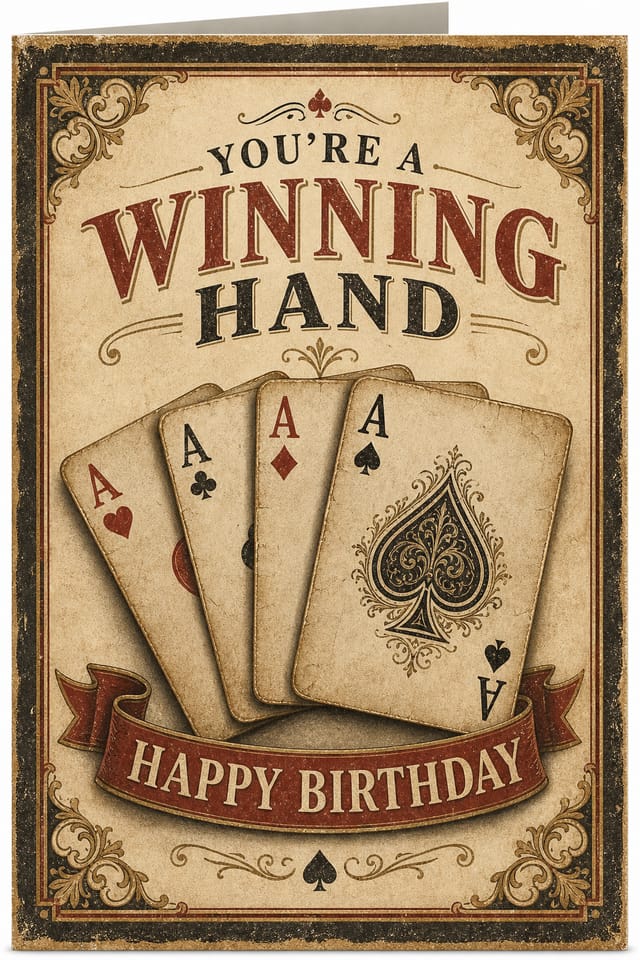
Personalized birthday cards with custom messages, vibrant colors, and celebratory designs. Create unique cards for friends, family, and colleagues in seconds.
Greeting Cards
Versatile greeting cards for any occasion—get well, congratulations, thank you, and more. AI-designed with heartfelt messages and beautiful aesthetics.
Invitations
Elegant invitations for events, parties, and celebrations. Customize with dates, venues, and themes. Perfect for corporate events, anniversaries, and galas.
Thank You Cards
Express gratitude with professionally designed thank you cards. Ideal for post-event appreciation, wedding gifts, or business relationships.
Holiday Cards
Seasonal holiday cards featuring festive designs and customizable messages. Perfect for Christmas, New Year, Halloween, and other celebrations.
Full Creative Control
Size Presets
Choose from standard card dimensions (3.5"×2", 4"×6") or create custom sizes. Automatically optimized for printing or digital use.
Fold Style Options
Select flat cards, folded greeting cards, or tri-fold designs. Control layout for front/back printing with professional fold lines.
Text Area Lock
Lock specific text regions while regenerating designs. Keep your contact info, name, or key message fixed while refreshing the visual style.
Texture & Overlay
Add depth with texture overlays, patterns, or embossing effects. Control opacity for subtle sophistication or bold visual impact.
Color Palette Lock
Lock brand colors while changing design elements. Ensure brand consistency across all generated card variations.
Partial Regeneration
Regenerate just the background, typography, or decorative elements. Keep elements you love while exploring new creative directions.
Who It's For
Export Formats
Download your card in any format. All exports are print-ready and optimized for your use case.
Community Creations



Know the Limitations
Complex Fold Mechanics
Advanced tri-fold or z-fold cards may require manual adjustment in design tools. The AI optimizes for standard flat and single-fold layouts.
QR Codes & Barcodes
AI-generated QR codes and barcodes may need verification. Always test functional codes before printing production batches.
Intricate Typography
Very specific or decorative fonts may not render exactly as requested. Standard font families ensure consistent output and printing.
Bleed & Margins
Always review bleed areas before printing. Export settings may require adjustment for professional print specifications.
Brand Logo Integration
Logos are not directly embedded. Upload logo images separately and position them in the export or use color-based branding elements.
Ready to Design Your Cards?
Join thousands of designers, entrepreneurs, and event planners who are creating professional cards with AI. Start free.
Create Your First CardFrequently Asked Questions
Can I use AI Card Maker designs commercially?
What file formats are best for printing?
Can I edit AI-generated cards after download?
How many card designs can I generate?
Is there a minimum order quantity for printing?
What if I don't like the generated designs?
Start Creating Today
Design professional cards in seconds. Join our community of creators, designers, and entrepreneurs.
Launch AI Card Maker
