
NameM. Lee
RoleSpeaker
Pass● VIP
Pixazo's AI ID Card Maker builds print-ready ID cards in seconds.
Leave it blank for a standard employee badge. CR80 trim, safe margins and the lanyard slot are applied for you.


The AI ID Card Maker creates professional ID cards in four stations. From upload to export, the entire run in our ID card maker takes just minutes.
Enter employee or participant details including name, title, ID number, and department information.
Upload high-quality photos. AI automatically crops and optimizes them for card layouts.
Select from professionally designed templates. Customize colors, fonts, and layout to match your brand.
Export in your preferred format. Print immediately or share digitally with recipients.
Five sample credentials from the studio. Open any to start in the ID card maker.
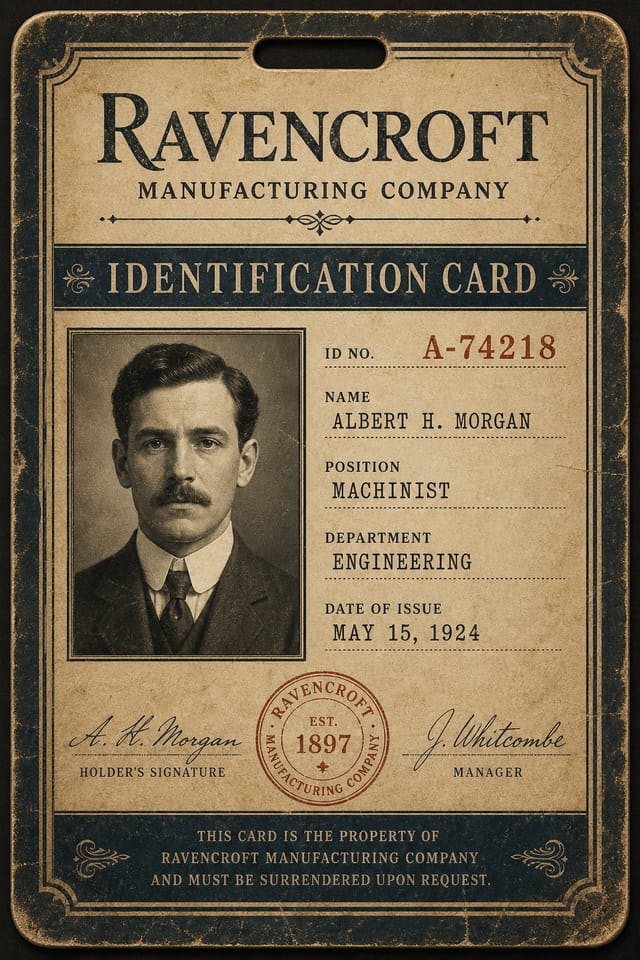
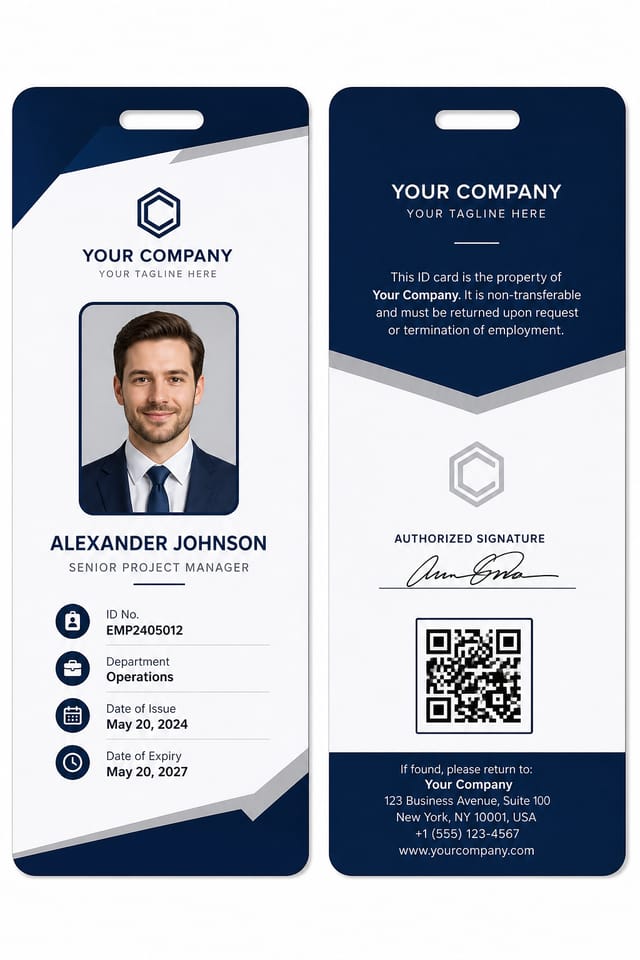
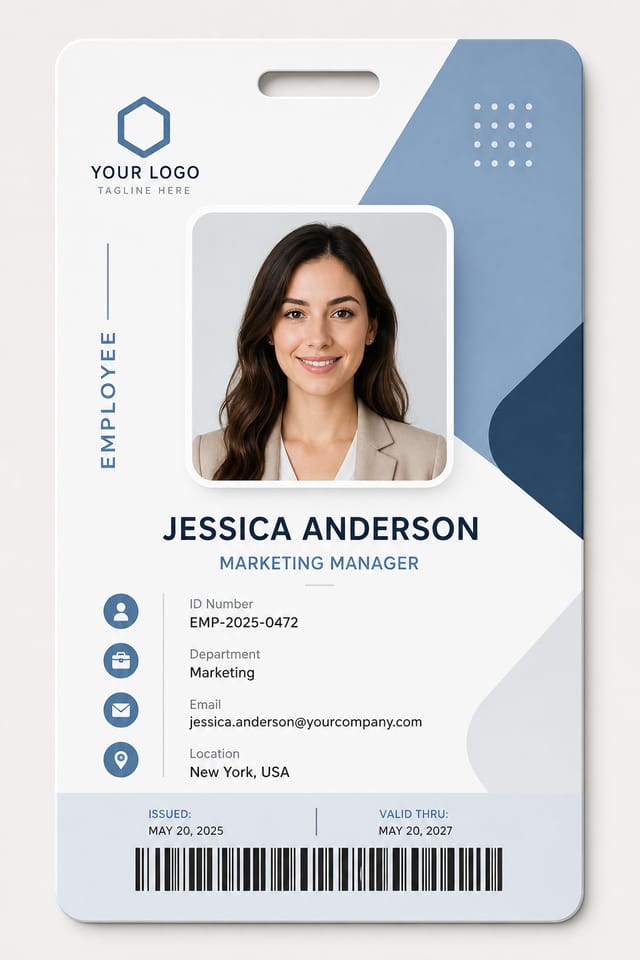
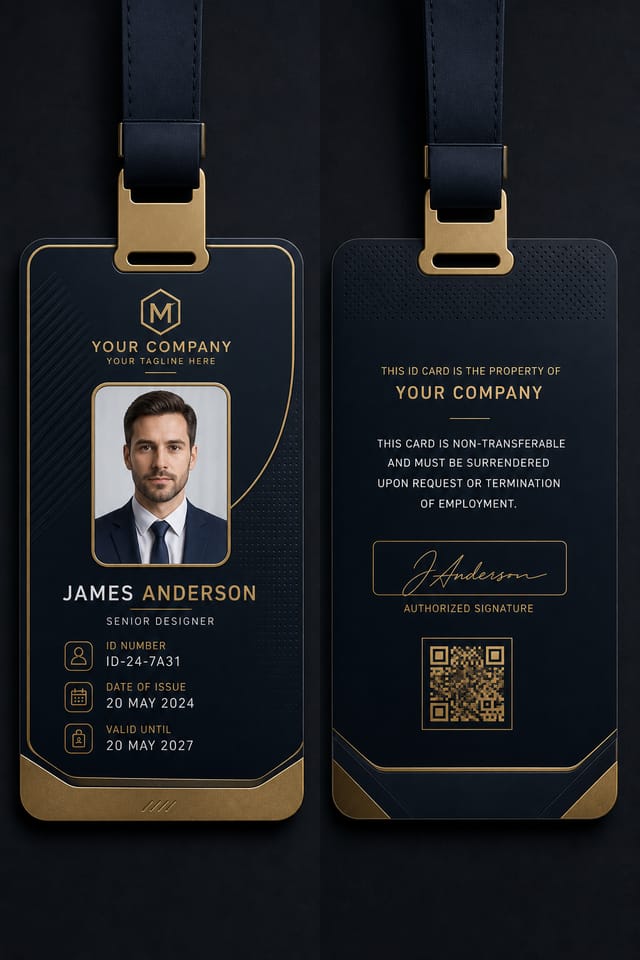
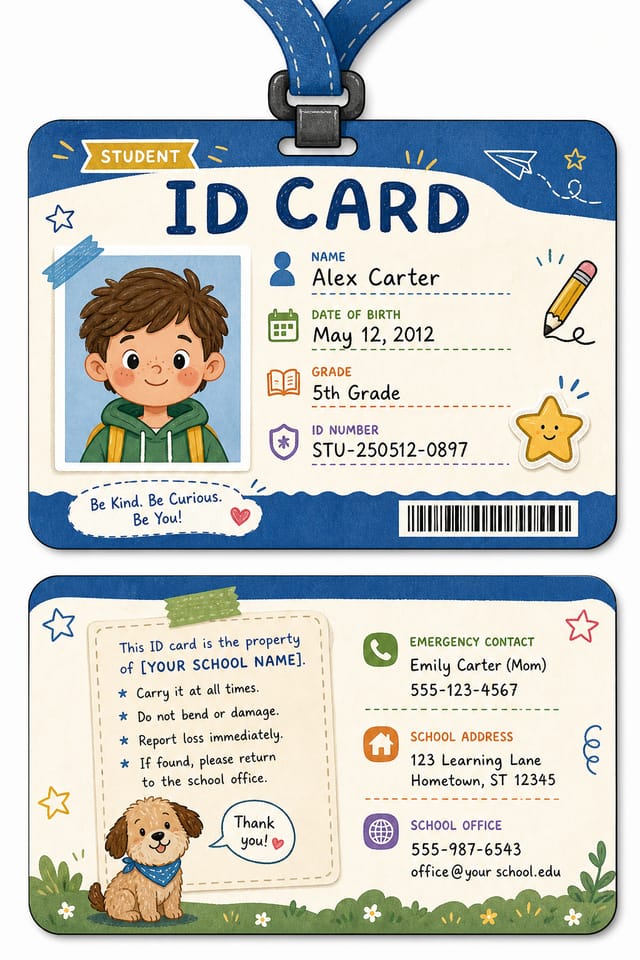
See what professionals are creating with our ID card maker.
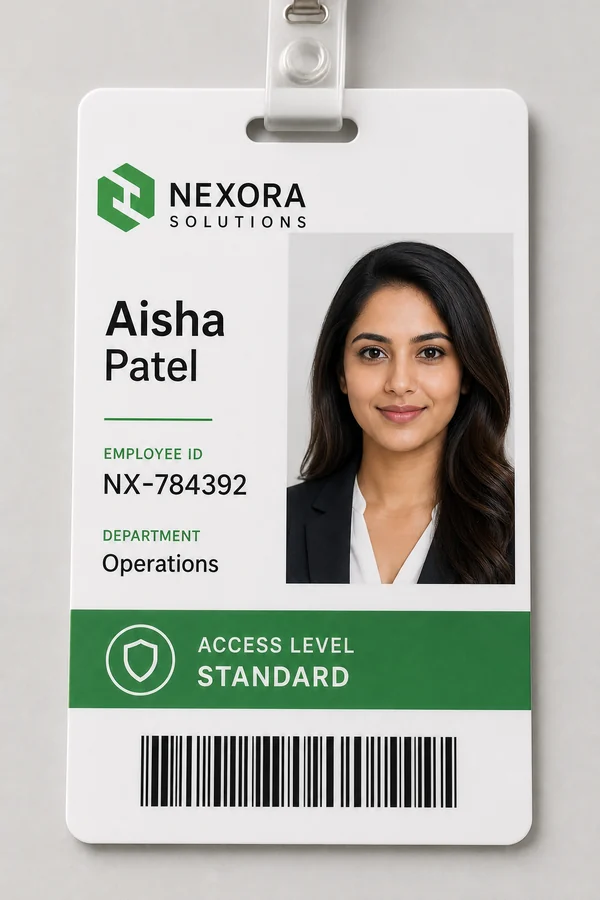
"Created 250+ employee ID cards in one afternoon. Batch processing saved us weeks of manual work—perfect for onboarding thousands of staff."

"Generated 5,000+ event credentials for our annual conference in 2 days. The instant export options meant no designer needed—massive time saver."
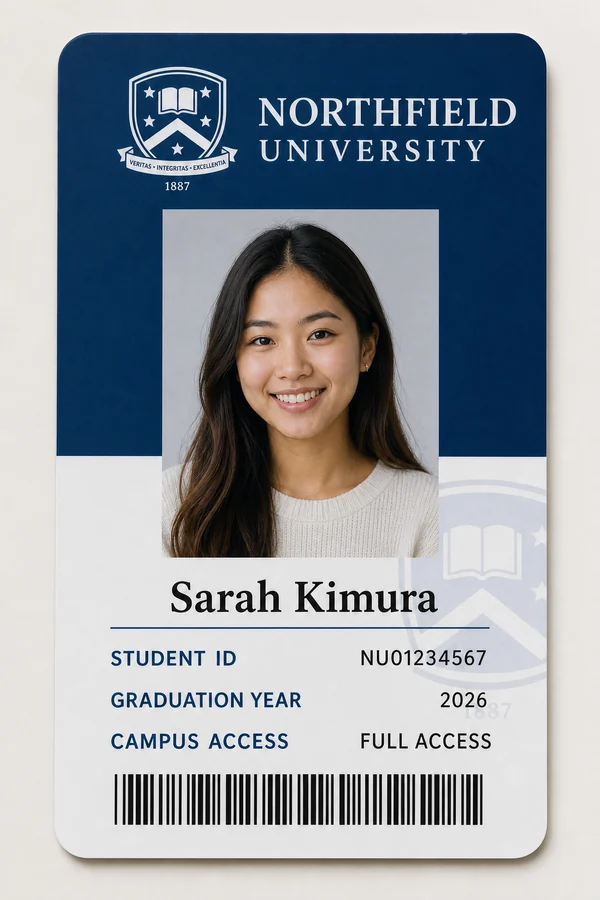
"We now print 3,000 student IDs each semester—no outsourcing to design agencies. The customization keeps our visual identity consistent across all cards."
From corporate credentials to event passes, the AI ID Card Maker builds any identification card your organization needs.
Yes. Every layout below is an editable ID card template, not a locked image — open one, change the text and the photo, and the ID card generator rebuilds it around your content.
To edit the text on an existing card, open it in the editor and type over the field — names, numbers, titles and dates are live text, not baked into the artwork, so nothing has to be regenerated to fix a spelling.
The AI ID Card Maker is designed for organizations of all sizes and industries.
Standard CR80, custom dimensions, and international formats with one click.
Switch between portrait and landscape layouts instantly.
Prevent accidental photo repositioning while editing other elements.
Add custom text fields, dates, and data automatically from spreadsheets.
Add watermarks, holograms, and anti-counterfeit patterns to designs.
Automatically includes lanyard hole spacing for print-ready layouts.
Download your ID cards from the AI ID Card Maker in any format you need, straight out of the ID card generator.
A standard ID card is CR80 — 85.6 × 54 mm, or 3.375 × 2.125 inches — the same footprint as a bank card. Every template here is built to that size by default, so a card designed in the ID card maker drops straight onto a PVC printer without rescaling.
Understand what our ID card maker can and cannot do.
Source photos need minimum 600x800px resolution. Very low-quality images may not upscale well. Use clear, well-lit headshots.
We cannot embed electronic chips. For physical access control systems, integrate with dedicated RFID manufacturers separately.
QR codes are static. They cannot be linked to real-time databases or updated after printing.
Advanced security elements like microprinting or security threads require professional print vendors.
Screen colors may differ from printed output. Use Pantone references for critical brand colors.
The AI ID Card Maker can batch create up to 1,000 cards at once using CSV import. Upload your data file and this AI ID card generator produces every card automatically.
Absolutely! Upload any JPG or PNG image and the ID card maker automatically crops and optimizes the photo, so the ID card generator fits it neatly to your card layout.
Export as PDF from the ID card maker for the best results. PDF maintains formatting and colors exactly as designed, and the ID card generator keeps your layout intact. Use TIFF for professional print shops.
Upload your logo as PNG with transparency and position it using our drag-and-drop editor. Save it as a template so the AI ID card generator reuses your branding on every card in the ID card maker.
Yes. All uploads are encrypted and processed securely. The AI ID Card Maker deletes files after download, and this AI ID card generator never shares or trains on your data.
Yes! Export as PDF or image format and print on CR80 blank cards using a color printer. The ID card generator provides printer calibration guides, and the AI ID card generator keeps colors true to screen.
A standard ID card is CR80: 85.6 × 54 mm, or 3.375 × 2.125 inches — the same size as a bank card. Every template in the ID card maker is built to CR80 with 2 mm of bleed already applied, so the export drops straight onto a PVC card printer without rescaling.
Yes. You can design ID cards online for free, generate as many layouts as you want and preview them at full size before you commit. You only need an account to save a template or batch-export a set, and nothing has to be installed — the ID card generator runs in the browser.
Yes. The student template carries a larger photo, an enrolment or roll number in a monospaced face, course and graduation year, and space for a school crest. Schools and colleges typically batch these from a CSV so every card in a year group is produced in one pass.
Yes. Names, numbers, titles and dates are live text fields rather than part of the artwork, so you can correct a spelling or change a department without regenerating the card. Open it in the editor, type over the field and re-export.
In practice they describe the same job from two ends. A maker is the editor you lay a card out in; a generator is the engine that produces the cards, in bulk, from your data. Pixazo does both — design one card by hand, then generate the rest of the batch from a CSV against that layout.
That is what the AI side is for. Describe the card you need — “employee badge, navy and white, logo top-left, photo on the right” — and the ID card generator lays out a card that already respects the CR80 trim, the safe margins and the lanyard slot. You edit from a working card rather than a blank page.
Join thousands of organizations creating identification cards with the Pixazo AI ID Card Maker.
Start Free TodayThe AI ID Card Maker helps you create professional ID cards that secure your organization and streamline access management. Start designing in seconds with the most intuitive ID card maker online.
Create Your First ID Card
