Anniversary Card : Create Free Anniversary Cards in Minutes with AI
Create Custom Anniversary Cards Quickly with Pixazo Best AI Anniversary Card Maker. Try for Free!
Get Started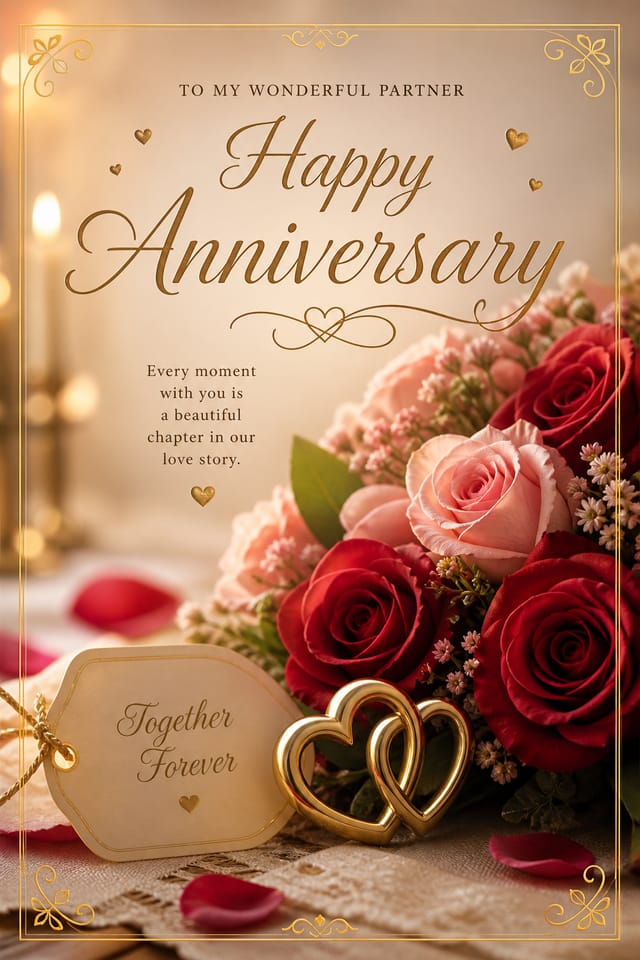
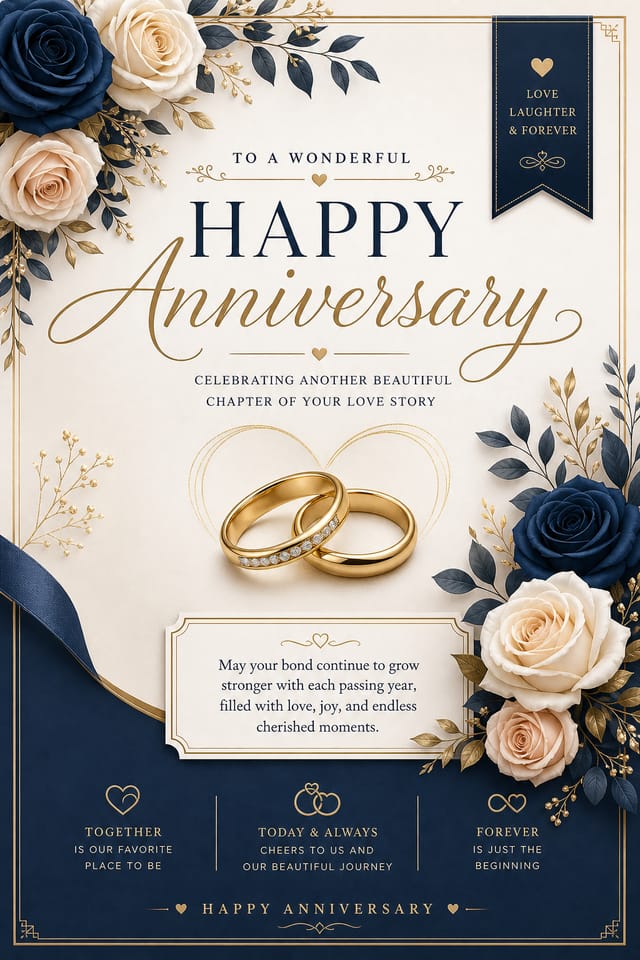
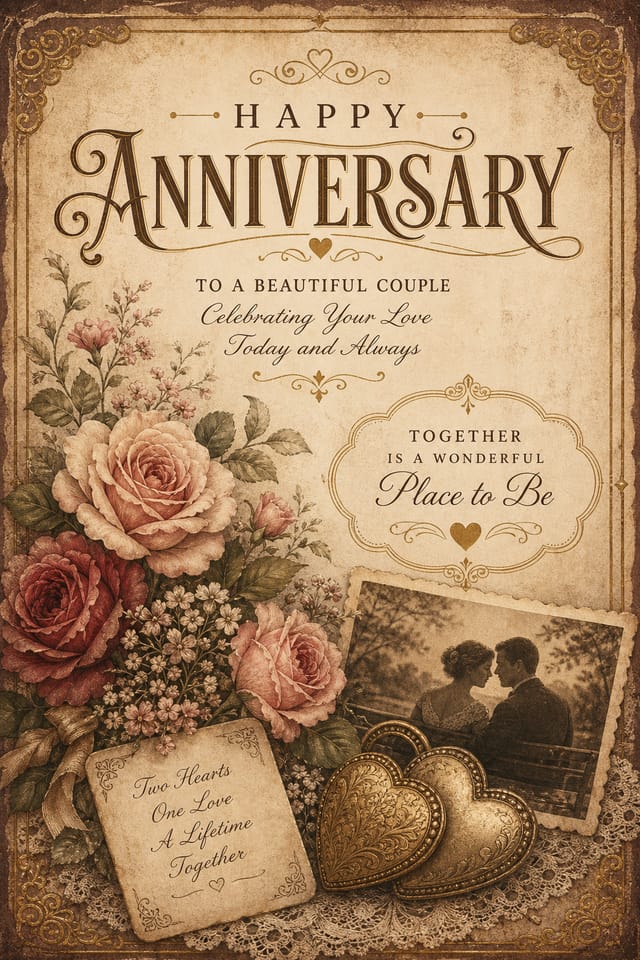
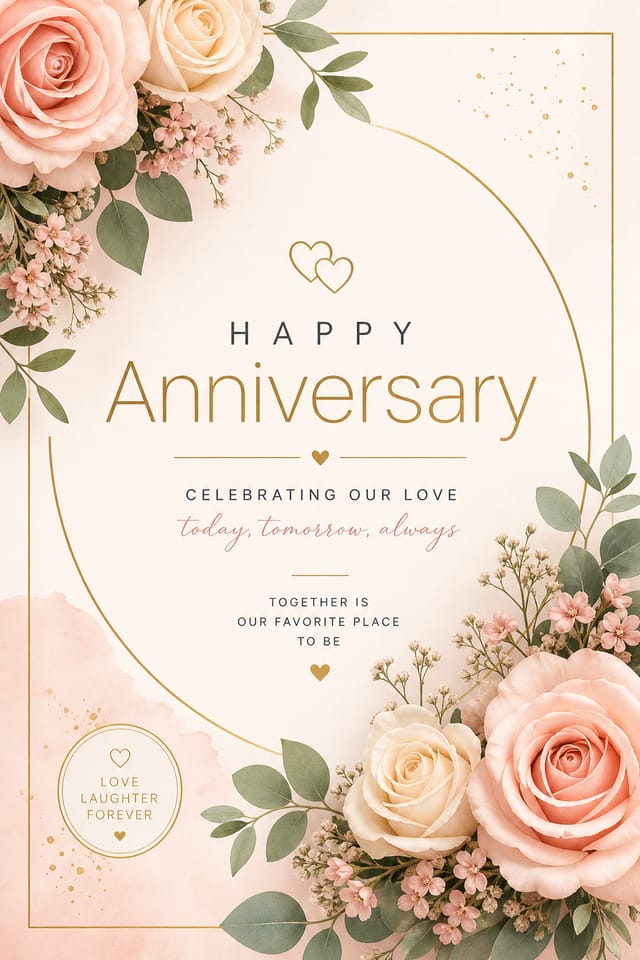
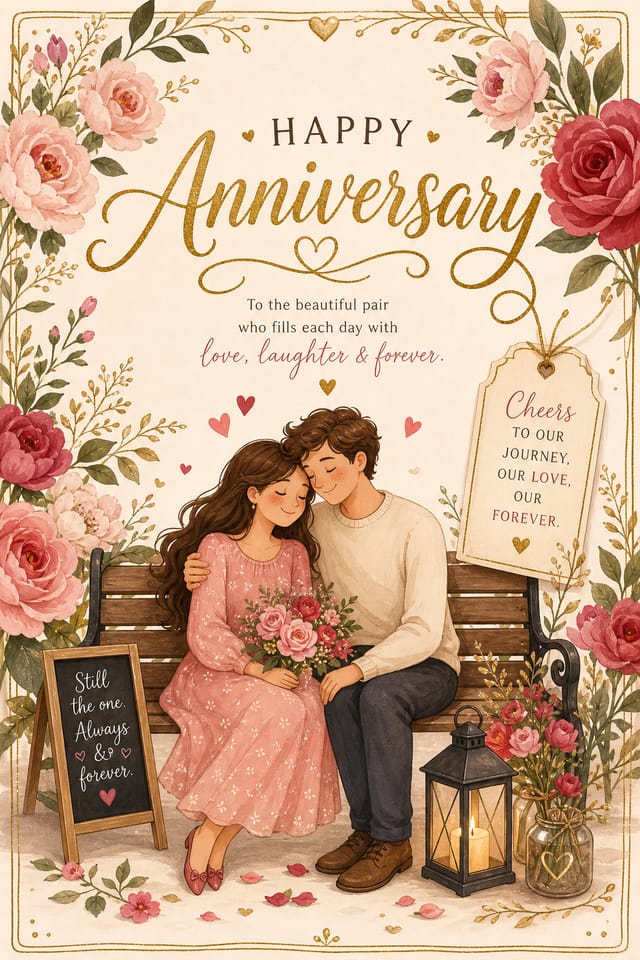
The Anniversary Card Toolkit: Capabilities Explained
Background Variation
Generate anniversary cards with different background treatments. Solid, gradient, textured, or pattern backgrounds all available for anniversary style.
Negative Space Handling
The AI manages whitespace in anniversary card designs according to anniversary aesthetic conventions, not generic poster defaults.
Text Placement Options
Describe where you want text elements positioned in your anniversary card. The AI follows compositional direction about headline placement and body copy layout.
Export Flexibility
Download your anniversary card in formats suited for your use case. Web-optimized versions for digital display, high-DPI files for print.
Creating Your Anniversary Card: The Simple Process
Submit Your Description
Start with a text description of your anniversary card concept. Specify the visual style, colors, layout direction, and key text. Detailed prompts produce more accurate anniversary card designs than general ones.
Cross-Check the Render
Pixazo generates your anniversary card in seconds. Review the design and adjust your prompt to refine specific elements: change the color palette, shift the layout weight, or add visual elements you want included.
Get Your Final File
Get your final anniversary card file in one click. Choose your format, download at full resolution, and use the design immediately. No watermarks, no additional fees, no waiting.
Watch: Creating Anniversary Card designs step by step
Creating Anniversary Cards: Frequently Asked
Describe your core design parameters in each prompt and vary only the specific elements that should change across the series. Maintaining consistent color palette, typographic approach, and compositional structure across anniversary card variations creates a coherent series.
Specify the dimensions in your prompt. Common formats like A3, 18x24 inches, or 1080x1920 pixels for social media stories all work. The AI generates a anniversary card composition appropriate for the specified aspect ratio and use case.
The AI generates visual designs, not data visualizations. For anniversary cards that need charts or graphs, generate the anniversary layout in Pixazo and overlay your data graphics in post-production. The design framework will be style-consistent even if data elements are added separately.
Pixazo offers a free tier that lets you generate anniversary cards with standard resolution output. Paid plans unlock higher resolution, priority generation, and additional export formats. You can try anniversary card generation without entering payment details.
Common sizes include 1080x1080 for Instagram feed, 1080x1920 for stories and reels, 1200x628 for Facebook links, 1500x500 for Twitter headers, and 1080x1350 for Pinterest. Specify the platform in your prompt and Pixazo optimizes anniversary layout for that format.
Pixazo generates anniversary cards in RGB color space. For professional offset printing that requires CMYK, convert the downloaded file using Adobe Photoshop, Illustrator, or a free tool like GIMP. The AI selects colors that translate well to print when you mention print use in your prompt.
The Anniversary Card Pipeline: Workflow Breakdown
Approve
Get stakeholder approval on the finished anniversary card. Verify all text is accurate and the design meets brand and technical requirements.
Review
Compare generated anniversary card options against your brief. Mark what works and note specific changes needed for the next iteration.
Refine
Apply targeted edits to your selected anniversary card. Adjust typography, spacing, and color until every element meets your quality standard.
Export
Export your anniversary card in the required formats and resolutions. Organize deliverables for handoff to the production or publishing team.
Anniversary Card Feature Explorer: A Complete Tour
Layout Intelligence
AI understands anniversary card layout conventions and applies them automatically
Typography Matching
Font selection that matches the visual tone of your anniversary card design
Composition Rules
Automatic application of design principles like hierarchy and balance
The Reach of Anniversary Cards: Across Industries
Reception Table and Menu Displays
Generate anniversary cards for table numbers, menu boards, and buffet labels. Coordinated designs that maintain visual consistency throughout the venue.
Ceremony Program Covers
Generate anniversary cards for order-of-service booklets and ceremony programs. Designs that complement the invitation suite.
Digital Invitations and E-Cards
Create anniversary cards sized for WhatsApp, email, and social media sharing. Digital-first designs that reach guests across platforms.
Save-the-Date Announcements
Create anniversary cards that share the wedding date with guests months in advance. Designs that set the visual tone for the entire celebration.
Inside Anniversary Card AI: The Technical Edge
Emerging Anniversary Card Patterns: Design Movements
Brutalist Design
Raw, intentionally unpolished anniversary card aesthetics with stark contrasts and unconventional layouts are carving a niche in creative industries.
Minimalist Layouts
Stripped-back anniversary card designs with generous white space and limited elements are gaining favor for their clarity and elegance.
Gradient Overlays
Smooth color transitions are being used as primary design elements in anniversary card work, adding depth without the complexity of photographic backgrounds.
Muted Earth Tones
Natural color palettes with warm neutrals and desaturated greens are replacing the bright neon trends of previous years in anniversary card work.
Motion-Ready Design
Static anniversary card designs are being created with animation in mind, using layered elements that translate smoothly to motion graphics.
Organic Shapes
Flowing, irregular forms are replacing sharp geometric shapes in anniversary card backgrounds and decorative elements for a softer visual feel.
Tested Anniversary Card Prompt Techniques
Copy any prompt below and paste it into Pixazo to generate your design instantly.
Refined anniversary card, sophisticated color relationships, intentional whitespace, typefaces appropriate to anniversary style, balanced compositionGeometric anniversary card, structured grid system, angular composition, colors in blocks rather than gradients, modern clean finishPortrait-orientation anniversary card, vertical composition, headline at natural reading entry point, supporting information flows downward logicallyClean anniversary card design, geometric structure, disciplined typography, color accent used selectively for emphasis, printer-optimized resolutionTwo-color anniversary card design, high contrast between primary and secondary color, clean separation between graphic and text zonesInside the Anniversary Community: Community Showcase
Real creators sharing their anniversary designs made with Pixazo AI.
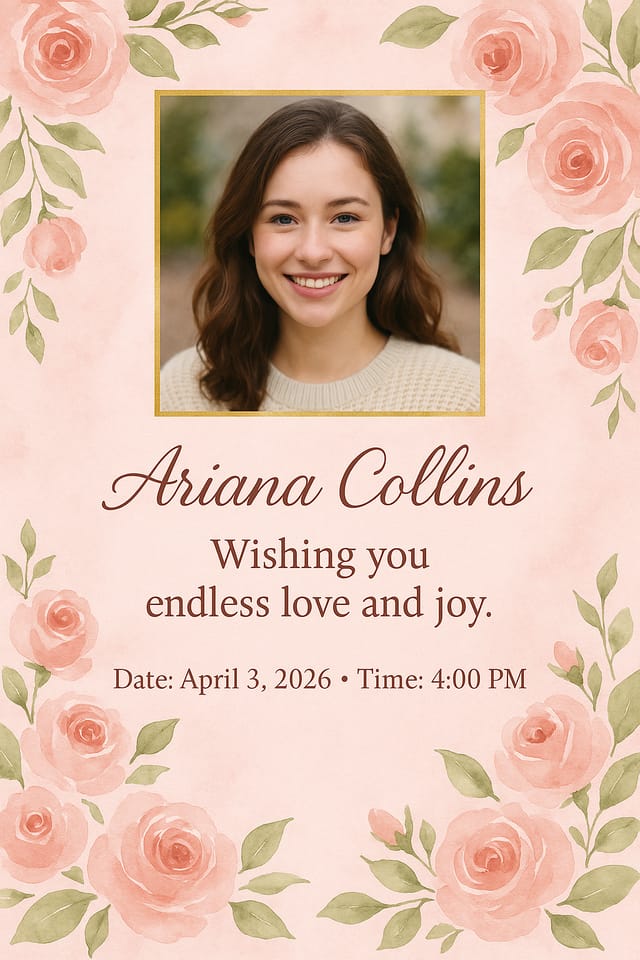
Contemporary anniversary style card, grid-based structure, disciplined spacing, restrained decoration, readable at viewing distance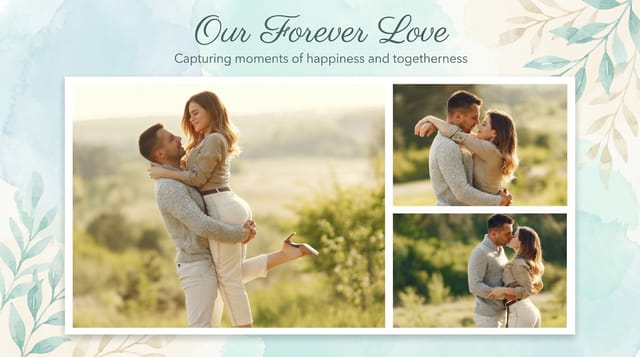
Square anniversary card at 1080x1080 for LinkedIn post, professional tone, balanced text-to-visual ratio, brand-safe composition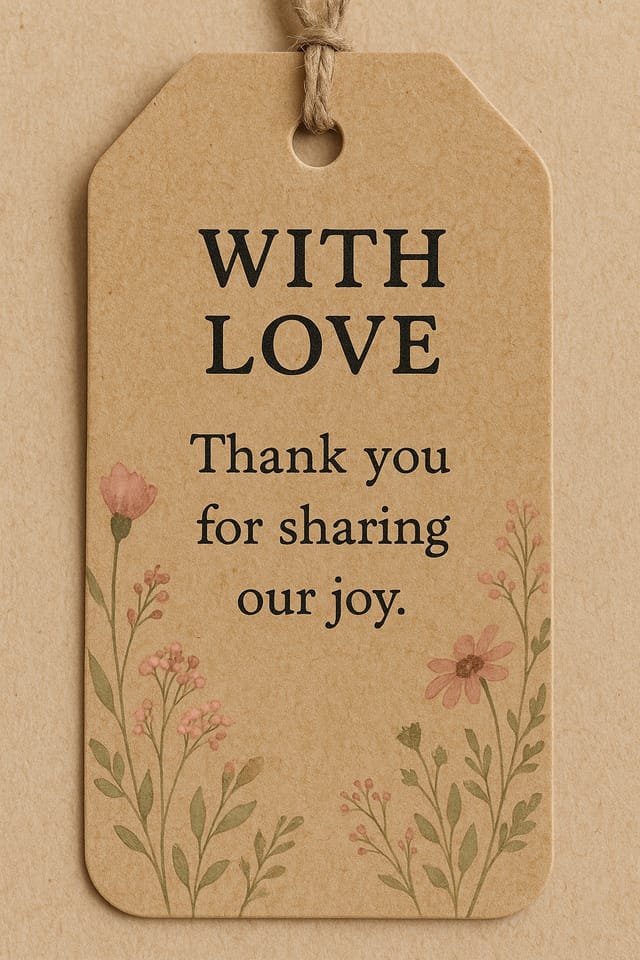
Warm palette anniversary card, ochre and brown tones, serif typography, traditional anniversary design reference, tactile feelingShare your work: @pixazo #PixazoAnniversary
Practical Anniversary Card Tips: Expert-Level Advice
Limit Your Color Palette
Stick to 2-3 primary colors in your anniversary card design. Too many colors compete for attention and weaken the visual hierarchy.
Prioritize Hierarchy
Every anniversary card needs a clear reading order. Make sure the most important information is the largest and most prominent element in the layout.
Check Alignment Carefully
Misaligned elements are one of the most common signs of amateur anniversary card design. Use grid lines and snap-to features to keep things precise.
Start with a Clear Brief
Before generating any anniversary card, write down the core message, target audience, and intended use. A focused brief produces better results than iterating from a vague idea.
What Anniversary Card AI: Room to Grow
Known limitations and trade-offs of AI-generated anniversary design. Being specific about what AI card generation can and cannot do helps you plan your workflow and set accurate expectations.

