Thanksgiving Card : Create Free Thanksgiving Cards in Minutes with AI
Create Custom Thanksgiving Cards Quickly with Pixazo Best AI Thanksgiving Card Maker. Try for Free!
Get Started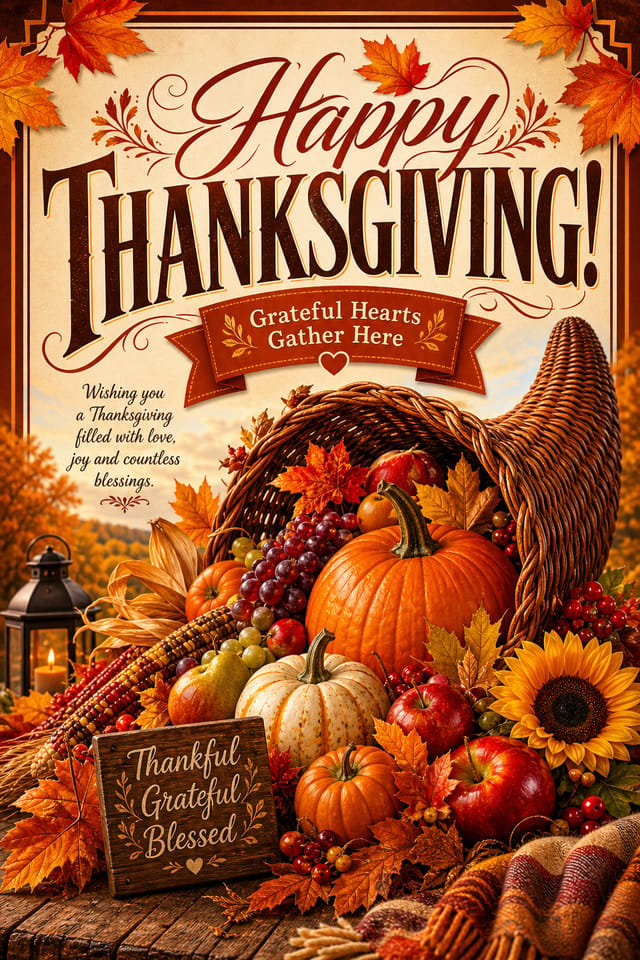

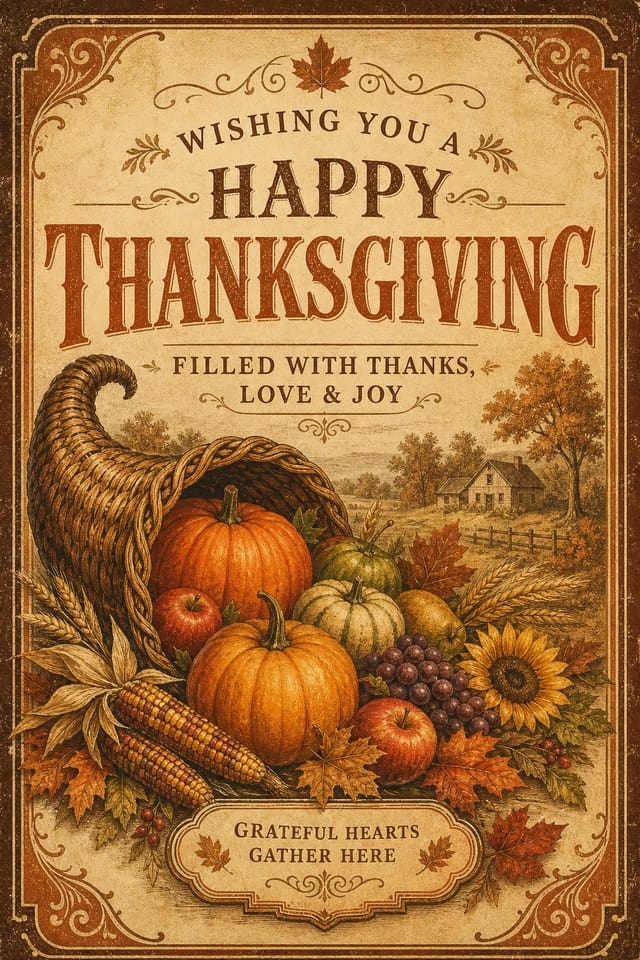
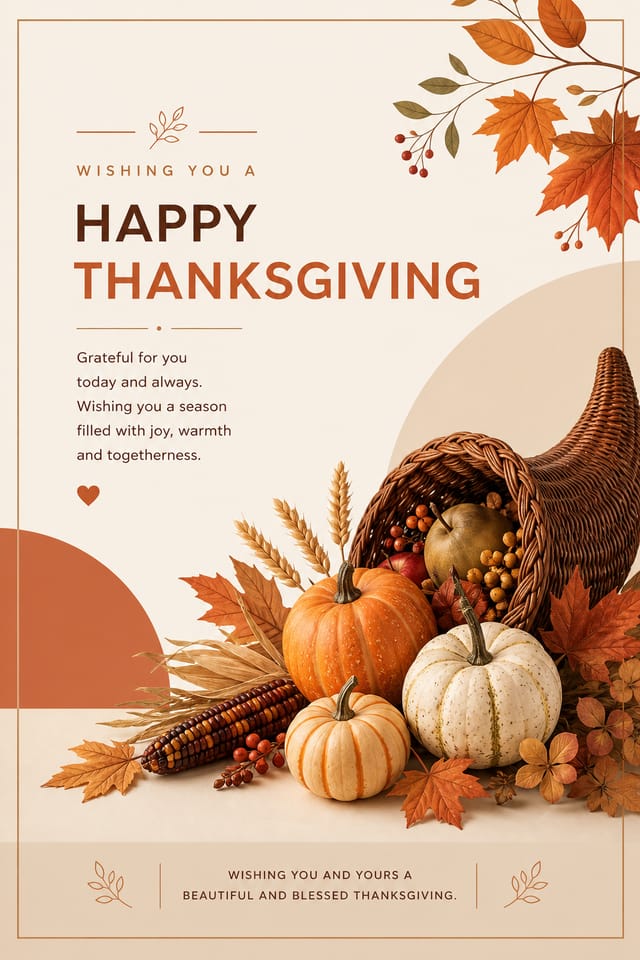

AI-Driven Thanksgiving Card: Professional Results Fast
Generate thanksgiving card designs that look considered and intentional. Pixazo handles the design decisions so you only need the idea.
Create Your Thanksgiving Card FreeHow Thanksgiving Style Varies: Across Contexts
Editorial Thanksgiving
Text-dominant thanksgiving card layout inspired by print publication design. Typographic variety creates visual rhythm.
Classic Thanksgiving
Traditional thanksgiving design principles applied to modern card format. Clean composition, conventional hierarchy, time-tested visual decisions.
Geometric Thanksgiving
Structured thanksgiving composition using grid systems and angular forms. Order and precision define the visual approach.
High-Contrast Thanksgiving
Bold thanksgiving visual treatment with strong tonal contrast. Elements read clearly at any viewing distance.
Textured Thanksgiving
Thanksgiving design with added surface depth. Background treatments add visual interest without disrupting legibility.
The Thanksgiving Card Feature Set: Tools That Matter
Typography Matching
Typefaces are selected to match thanksgiving aesthetic expectations. The AI pairs fonts that reinforce your thanksgiving card's visual identity.
Color Palette Intelligence
Colors are chosen with thanksgiving style awareness. The AI builds palettes that fit thanksgiving design conventions rather than selecting arbitrarily.
Consistency Across Variants
Generate multiple thanksgiving cards for a project and maintain visual consistency across the set. Specify your core design parameters and vary secondary elements.
Resolution Control
Specify output dimensions for your thanksgiving card. Get files sized for web display, social media, or large-format printing.
The Reach of Thanksgiving Cards: Who Uses Them
Retail Seasonal Promotions
Design thanksgiving cards for shops and restaurants running seasonal offers tied to the festival. Sales materials that respect the cultural context.
Social Media Festival Posts
Generate thanksgiving cards optimized for social sharing during the festival period. Designs that stand out in crowded holiday feeds.
Home and Office Decorative Prints
Design thanksgiving cards suitable for framing and display during the festival period. Art prints that bring festive atmosphere to living and working spaces.
Community Celebration Announcements
Design thanksgiving cards for neighborhood, temple, church, or community center events. Materials that unify diverse community members around shared celebrations.
Emerging Thanksgiving Card Patterns: Current Directions
Organic Shapes
Flowing, irregular forms are replacing sharp geometric shapes in thanksgiving card backgrounds and decorative elements for a softer visual feel.
Gradient Overlays
Smooth color transitions are being used as primary design elements in thanksgiving card work, adding depth without the complexity of photographic backgrounds.
Dark Mode Aesthetics
Dark backgrounds with high-contrast accents are increasingly common in thanksgiving card design, reducing visual fatigue and adding sophistication.
Retro Revival
Vintage aesthetics from the 1970s and 1990s are influencing thanksgiving card design with textured backgrounds, serif fonts, and warm gradients.
Motion-Ready Design
Static thanksgiving card designs are being created with animation in mind, using layered elements that translate smoothly to motion graphics.
Data-Driven Visuals
Incorporating charts, statistics, and structured data directly into thanksgiving card layouts helps communicate complex messages at a glance.
Build a Thanksgiving Card: The Workflow Explained
Brief the AI
Start with a text description of your thanksgiving card concept. Specify the visual style, colors, layout direction, and key text. Detailed prompts produce more accurate thanksgiving card designs than general ones.
Watch: Creating Thanksgiving Card designs step by step
What Thanksgiving Card AI Delivers: Data-Backed Results
Generate thanksgiving card designs at no cost with the free
Generate thanksgiving card designs at no cost with the free plan
Languages supported for text rendering in thanksgiving card
Languages supported for text rendering in thanksgiving card designs
Full commercial usage rights for all generated thanksgiving
Full commercial usage rights for all generated thanksgiving cards
The Reality of Thanksgiving Card AI: Areas for Improvement
Known limitations and trade-offs of AI-generated thanksgiving design. Every AI design tool has boundaries. Knowing these limits before you start helps you get the most out of thanksgiving card generation.
Thanksgiving Card Output Options: Export Options Explained
PNG
Lossless image format ideal for thanksgiving card designs with transparency, sharp text, and web display at predictable file sizes.
JPG
Compressed image format suited for thanksgiving card designs with photographic elements where smaller file size matters more than pixel-perfect edges.
WEBP
Modern web format offering smaller file sizes than PNG or JPG for thanksgiving card images without significant quality loss.
SVG
Scalable format for thanksgiving card designs that need to render crisply at any resolution, commonly used for web and responsive layouts.
Print-ready format for thanksgiving card files that preserves fonts, colors, and layout across different devices and print services.
Effective Thanksgiving Card Prompt Inspiration
Copy any prompt below and paste it into Pixazo to generate your design instantly.
High-impact thanksgiving card, immediate visual read at thumbnail size, clear headline dominance, supporting information structured logicallyPortrait-orientation thanksgiving card, vertical composition, headline at natural reading entry point, supporting information flows downward logicallyThanksgiving card design, clean layout, strong typography hierarchy, appropriate color palette for thanksgiving aesthetic, high contrast between headline and backgroundContemporary thanksgiving card design, grid-based layout, typographic precision, restrained color palette, no decorative excessClean thanksgiving card design, geometric structure, disciplined typography, color accent used selectively for emphasis, printer-optimized resolutionEditorial-style thanksgiving card, text-dominant design, typographic treatment carries visual weight, layout proportions inspired by print publication designThanksgiving Card Maker: Frequently Asked
Specific prompts produce better results than vague ones. Include the visual style you want, any color preferences, the most important text to display, and the intended use. For thanksgiving design specifically, noting whether you want a contemporary or classic interpretation of thanksgiving style helps the AI make the right design decisions.
Pixazo generates original designs rather than copying existing work. The AI creates thanksgiving cards from learned design principles, not by stitching together fragments of existing designs. Generated output does not reproduce copyrighted material or identifiable artistic styles of living creators.
Individual thanksgiving cards generate in seconds. For batch production, you can submit multiple prompts in sequence and download results as they complete. A series of ten thanksgiving card variations typically takes under five minutes total.
Adjust your prompt to change any element of the design. If a generated thanksgiving card is close but not quite right, describe what you want changed and regenerate. The AI responds to specific direction about individual elements like color, layout, or typographic weight.
Thanksgiving Card Creators: Designs Worth Seeing
Real creators sharing their thanksgiving designs made with Pixazo AI.

Thanksgiving card with retro 1970s color palette, warm oranges and browns, groovy display type, textured paper background feel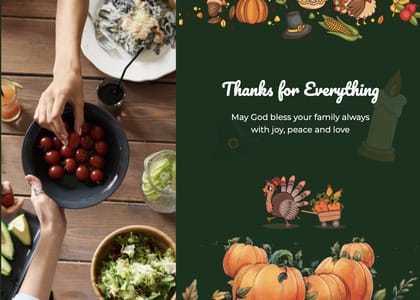
Professional thanksgiving card, minimalist layout, selective use of color for emphasis, clear visual hierarchy from top to bottom
High-contrast thanksgiving card, dark background with light text, accent color used for single key element, modern composition
