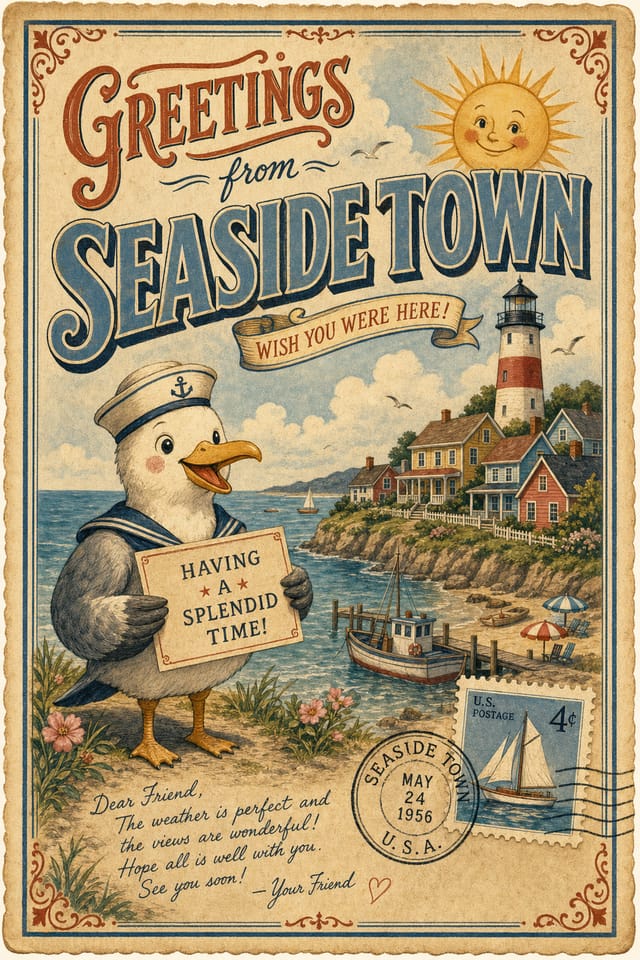
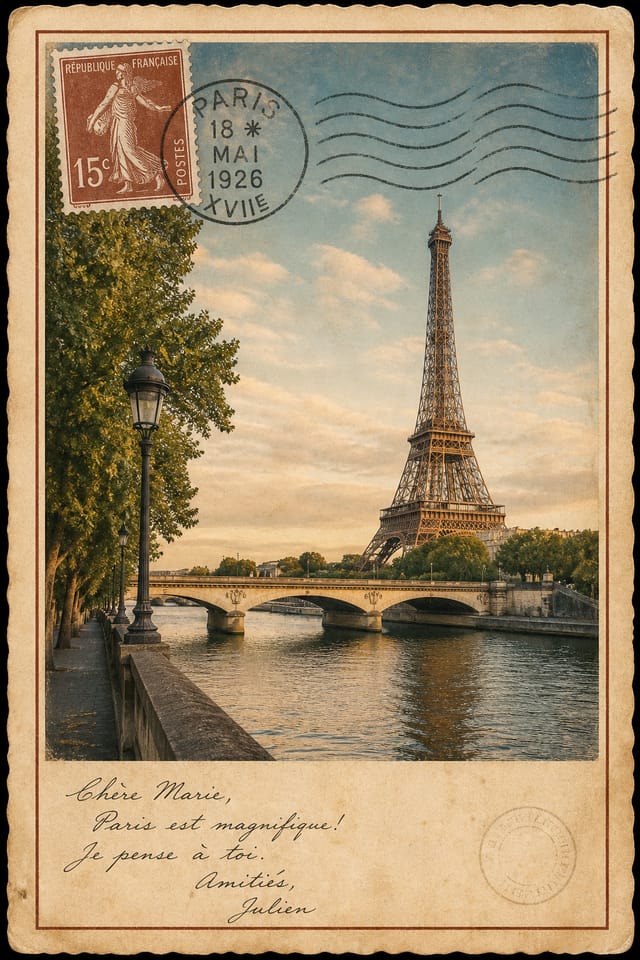
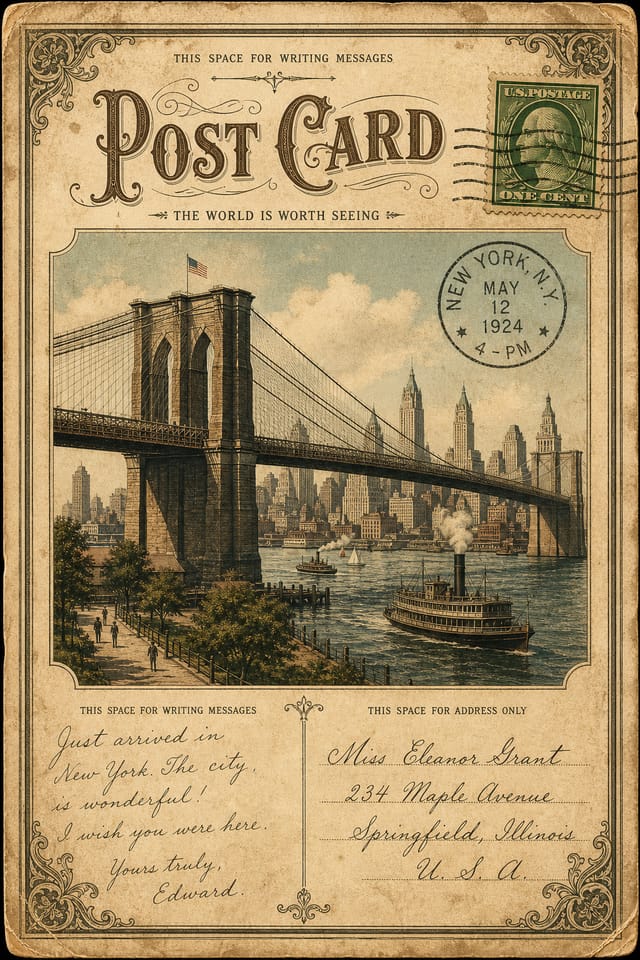
Vintage Postcard : Create Free Vintage Postcards in Minutes with AI
Create Custom Vintage Postcards Quickly with Pixazo Best AI Vintage Postcard Maker. Try for Free!
Get Started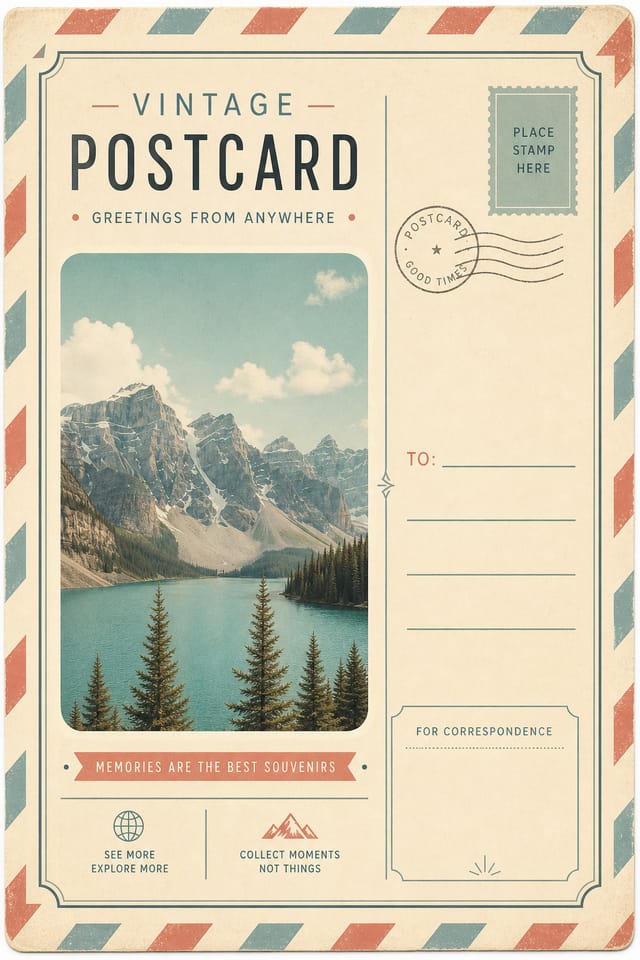
Vintage Postcard Maker Comparison: Tools Compared
| Tool | Description |
|---|---|
| Fotor | Photo editing platform with design templates and batch processing |
| Pixazo | AI-powered vintage postcard generator with prompt-based design and professional output quality |
| PicMonkey | Photo editor and design tool with brand kit management |
| Stencil | Lightweight image creator optimized for fast social media graphics |
| Canva | Drag-and-drop editor with a large template library and collaboration features |
Visual Thinking Behind Vintage Postcards: AI Interpretation
The Vintage Postcard Design Framework
Professional vintage postcard design involves more than applying a color filter to a generic layout.
The visual language of vintage design encompasses distinctive compositional approaches, characteristic color affinities, and typographic choices that signal quality and intentionality.
When you use Pixazo to create a vintage postcard, the AI applies this visual knowledge to your specific request.
The result looks deliberate and style-appropriate, not accidental or template-derived.
Vintage Postcard Trends to Watch: Current Directions
Motion-Ready Design
Static vintage postcard designs are being created with animation in mind, using layered elements that translate smoothly to motion graphics.
Hand-Drawn Elements
Illustrations, doodles, and hand-lettering bring a personal, approachable quality to vintage postcard designs in an era of polished digital output.
Muted Earth Tones
Natural color palettes with warm neutrals and desaturated greens are replacing the bright neon trends of previous years in vintage postcard work.
Asymmetric Composition
Breaking grid symmetry in vintage postcard layouts creates visual tension and a modern, editorial feel that stands out.
The Path to Your Vintage Postcard: What Actually Happens
Tell the AI What You Need
Start with a text description of your vintage postcard concept. Specify the visual style, colors, layout direction, and key text. Detailed prompts produce more accurate vintage postcard designs than general ones.
Compare to Your Brief
Pixazo generates your vintage postcard in seconds. Review the design and adjust your prompt to refine specific elements: change the color palette, shift the layout weight, or add visual elements you want included.
Bring Home the Design
Get your final vintage postcard file in one click. Choose your format, download at full resolution, and use the design immediately. No watermarks, no additional fees, no waiting.
Vintage Postcard Specifications
Watch: Creating Vintage Postcard designs step by step
Vintage Postcard AI: Technical Breakdown
Export Flexibility
Download your vintage postcard in formats suited for your use case. Web-optimized versions for digital display, high-DPI files for print.
Style-Accurate Generation
The AI interprets vintage design conventions and applies them to your postcard, producing output that looks correctly styled rather than generically templated.
Text Placement Options
Describe where you want text elements positioned in your vintage postcard. The AI follows compositional direction about headline placement and body copy layout.
Color Temperature Control
Specify warm, cool, or neutral color direction for your vintage postcard. The AI builds the full palette around your temperature preference.
Instant Iterations
Generate multiple vintage postcard variations from a single prompt. Compare options and refine until the design matches your vision.
Getting Started with Vintage Postcards: What People Ask
Specific prompts produce better results than vague ones. Include the visual style you want, any color preferences, the most important text to display, and the intended use. For vintage design specifically, noting whether you want a contemporary or classic interpretation of vintage style helps the AI make the right design decisions.
You control every major design parameter through your prompt: color palette, typography style, layout structure, visual weight distribution, background treatment, and content hierarchy. The more specific your vintage postcard prompt, the more precisely the AI follows your creative direction.
Templates apply a fixed visual structure with placeholder content. AI generation produces original designs based on your specific description. Two vintage postcards generated from different prompts will have genuinely different layouts, not just different text in the same box positions.
Pixazo works in any modern mobile browser. The interface adapts to phone and tablet screens so you can generate vintage postcards from anywhere. A dedicated mobile app is in development for an even smoother on-device experience.
Pixazo generates high-resolution files suitable for both print and digital use. Specify your intended output format in your prompt. Print vintage postcards benefit from high-DPI settings, while web and social media use works well with standard resolution output.
Pixazo generates single-page vintage postcard designs per prompt. For multi-page projects, generate each page individually using consistent prompt language to maintain visual continuity across your vintage document set.
Who Creates Vintage Postcards: A Practical Guide
Promotional Stickers and Decals
Design vintage postcards for die-cut stickers, bumper stickers, and promotional decals. Bold designs that read clearly on any surface.
Seals and Certification Marks
Generate vintage postcards for quality seals, approval stamps, and trust badges. Authoritative designs that convey credibility at small sizes.
Event Badges and Credentials
Create vintage postcards for conference badges, VIP passes, and staff credentials. Designs that combine branding with functional clarity.
Brand Identity Elements
Create vintage postcards for logos, wordmarks, and brand symbols. Designs that establish visual identity with clarity and memorability.
Mockup Presentations
Create vintage postcards placed within realistic mockup contexts. Show clients how designs look on physical products, screens, and environments.
How Vintage Postcard AI Excels: Strengths in Focus
Iterative Refinement
Start with an initial generation and refine your vintage postcard through follow-up prompts that adjust specific elements while preserving what already works.
Prompt-to-Design Intelligence
Describe your vintage postcard in plain language and the AI interprets visual intent, layout preferences, and stylistic cues to generate a design that matches your brief.
Styling Your Vintage Postcard: From Classic to Bold
High-Contrast Vintage
Bold vintage visual treatment with strong tonal contrast. Elements read clearly at any viewing distance.
Classic Vintage
Traditional vintage design principles applied to modern postcard format. Clean composition, conventional hierarchy, time-tested visual decisions.
Textured Vintage
Vintage design with added surface depth. Background treatments add visual interest without disrupting legibility.
Minimalist Vintage
Stripped-back vintage approach. Fewer elements, more negative space, typography carries more visual weight.
Vintage Postcard Generation: Prompt Examples
Copy any prompt below and paste it into Pixazo to generate your design instantly.
Geometric vintage postcard, structured grid system, angular composition, colors in blocks rather than gradients, modern clean finishHigh-impact vintage postcard, immediate visual read at thumbnail size, clear headline dominance, supporting information structured logicallyAtmospheric vintage postcard, background treatment supports the headline without competing with it, visual weight distributed intentionallyVintage aesthetic postcard, palette drawn from vintage design tradition, layout proportions consistent with vintage conventions, purposeful use of each elementClean vintage postcard design, geometric structure, disciplined typography, color accent used selectively for emphasis, printer-optimized resolutionContemporary vintage postcard design, grid-based layout, typographic precision, restrained color palette, no decorative excessVintage Design Community: Community Showcase
Real creators sharing their vintage designs made with Pixazo AI.

Geometric vintage postcard design, angular composition, color in blocks, structured grid, no decorative flourishes
Monochromatic vintage postcard, single hue in multiple values, typographic hierarchy creates depth without color complexity
Vintage postcard designed for dark mode display, OLED-optimized black background, vibrant accent colors, high contrast textCurrent Vintage Postcard Limits: Capabilities and Caveats
Known limitations and trade-offs of AI-generated vintage design. Transparency matters when using AI for vintage postcard design. The points below describe where you may need to supplement AI output with manual work.

