AI Beer Poster Maker:
Create Free Beer Posters with AI
Create custom beer posters quickly with Pixazo’s best AI Beer Poster Maker. Try for free!
Cancel anytimeLimited-period offerPrint-ready output
What beer poster formats can you make?
An AI beer poster isn’t just a graphic—it’s a cohesive visual message that communicates brand, event, and mood in one glance. Good examples use strong hierarchy, restrained color, and typography that reads clearly even at a distance, whether on a bar wall or a phone screen. The Pixazo Beer Poster Maker covers every one of those formats from a single prompt, so you never rebuild a layout by hand.
Pixazo’s workflow starts with a prompt—like “rustic IPA festival poster, wooden textures, amber glow” or “Oktoberfest beer tent, Bavarian blue checks, bold Fraktur type”—then generates 10+ variations in seconds. You refine by selecting styles, adjusting text, and exporting. No manual layout work. No asset hunting. Time saved: hours per design. That is the point of an AI Beer Poster Maker: you direct the look, and it drafts the options.
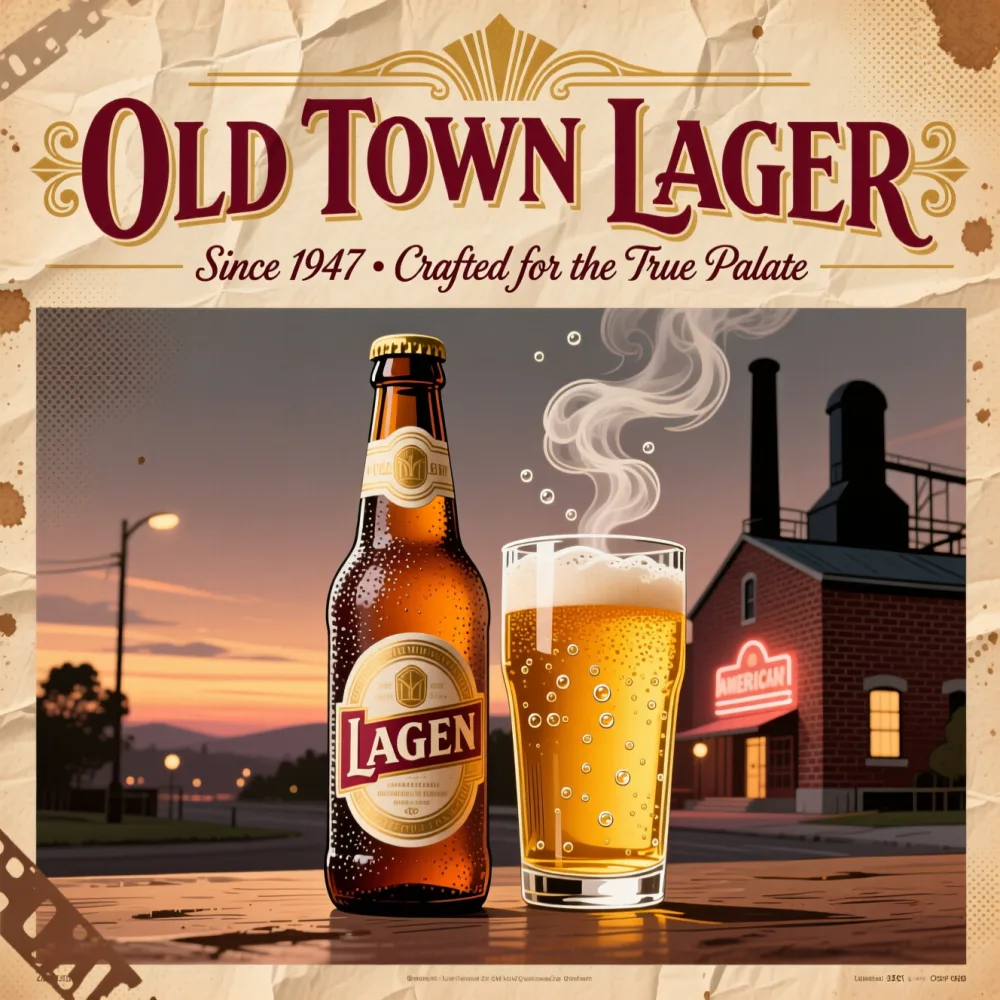 RecreateVintage lager
What are some AI beer poster ideas?
Pick a direction, then regenerate variations to match your exact style — from Oktoberfest tents to quiz nights.
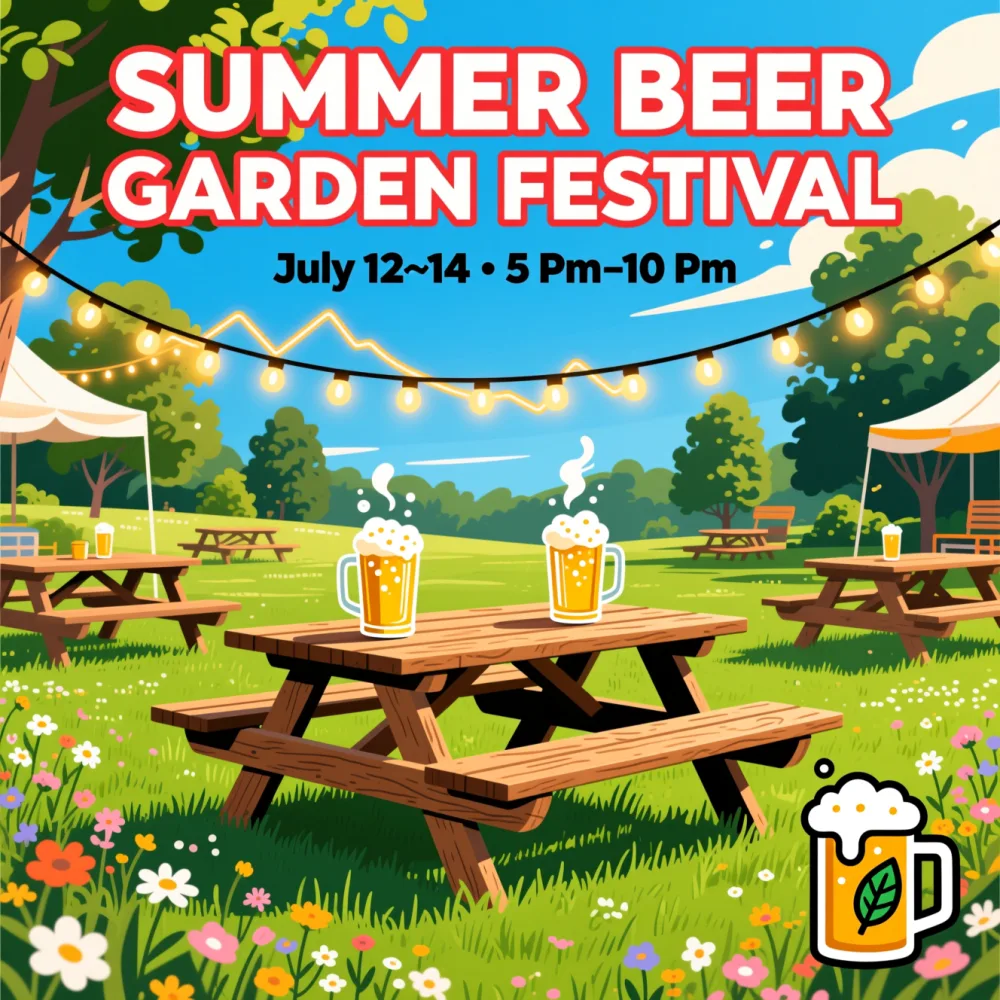 RecreateFestival
Beer garden festival
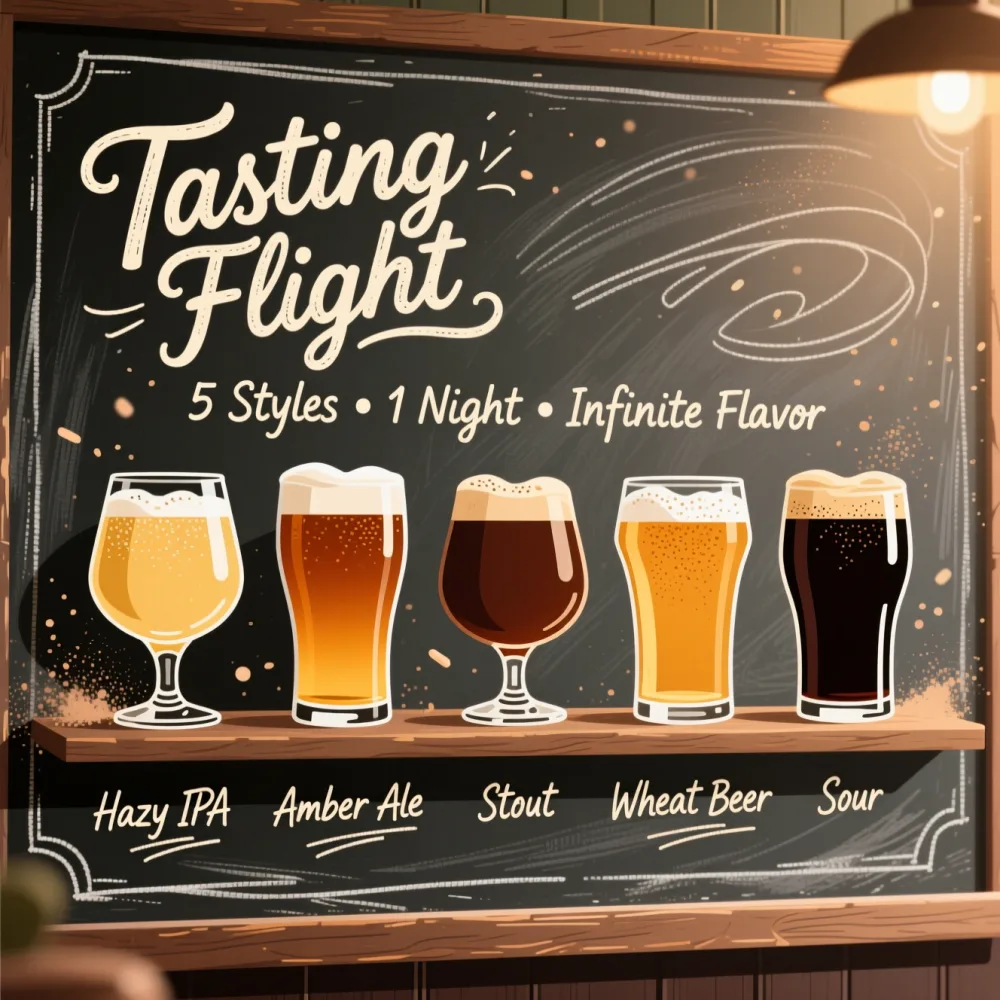 RecreateTaproom
Tasting flight
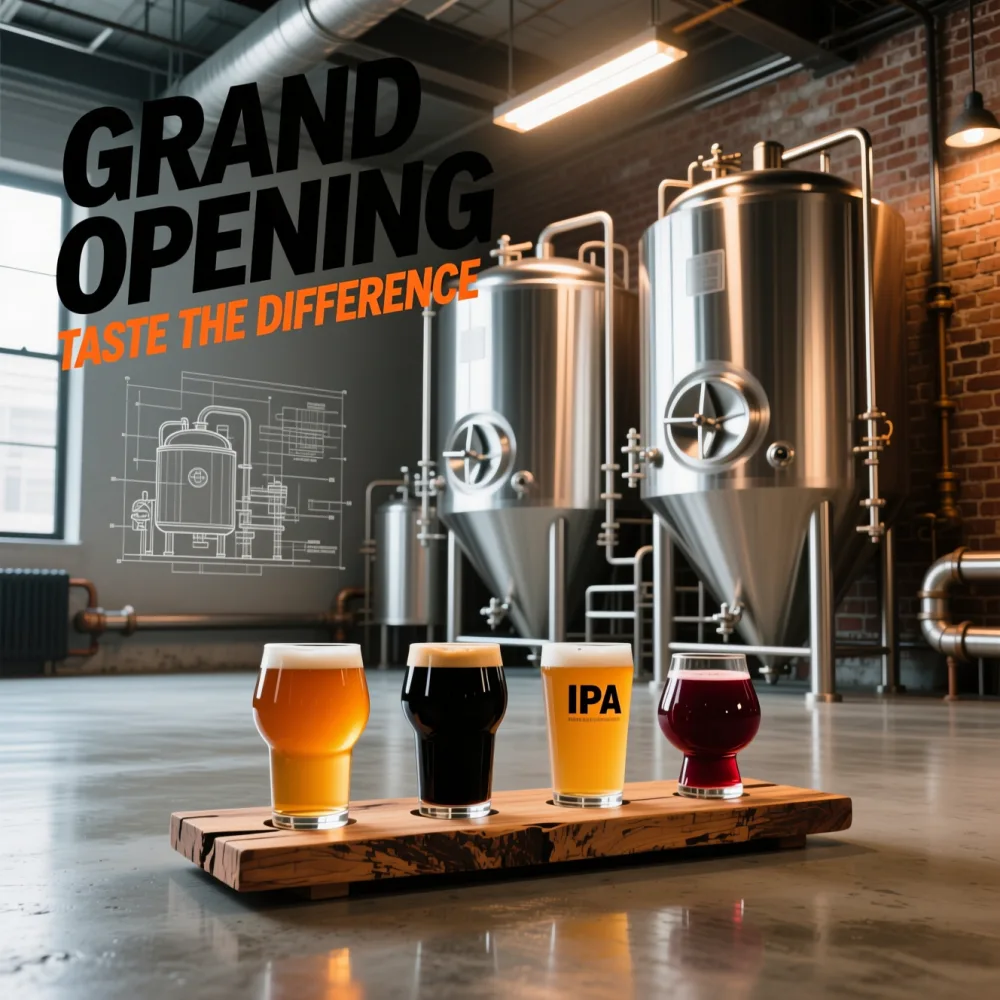 RecreateLaunch
Brewery opening
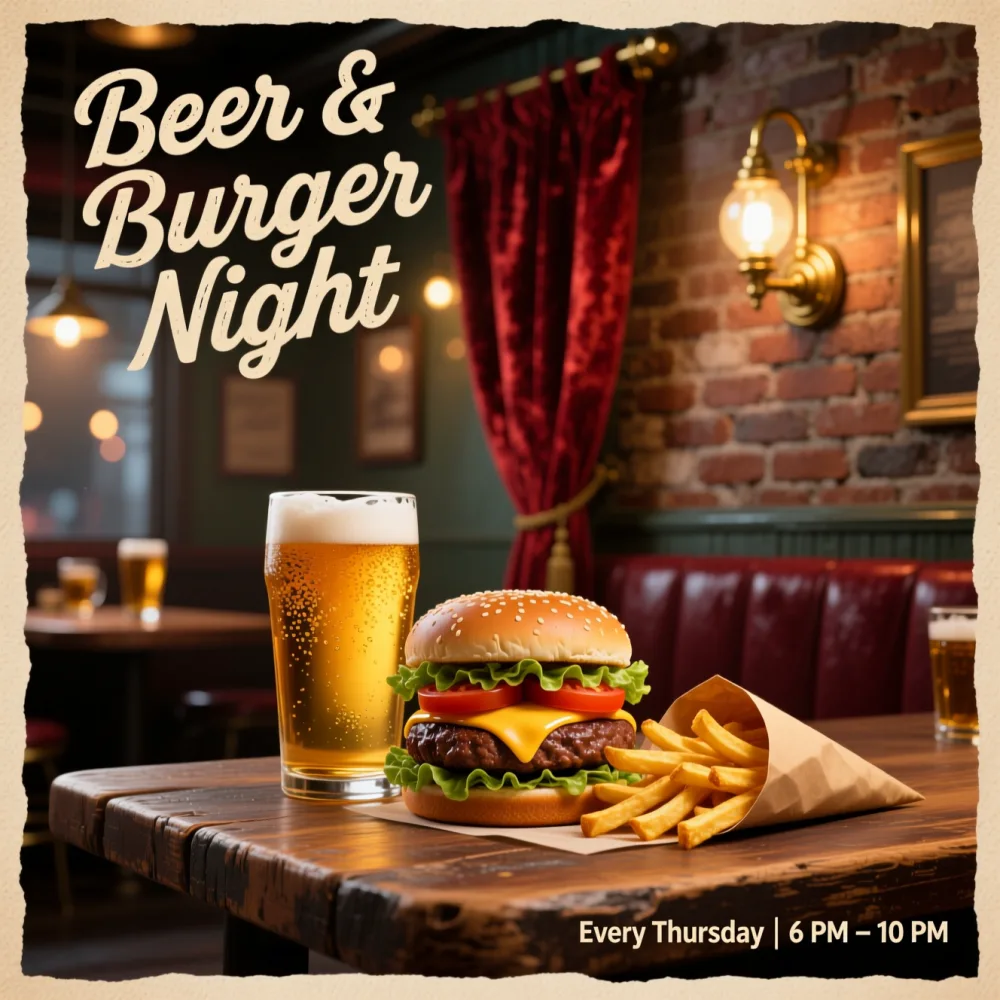 RecreatePub night
Beer & burger night
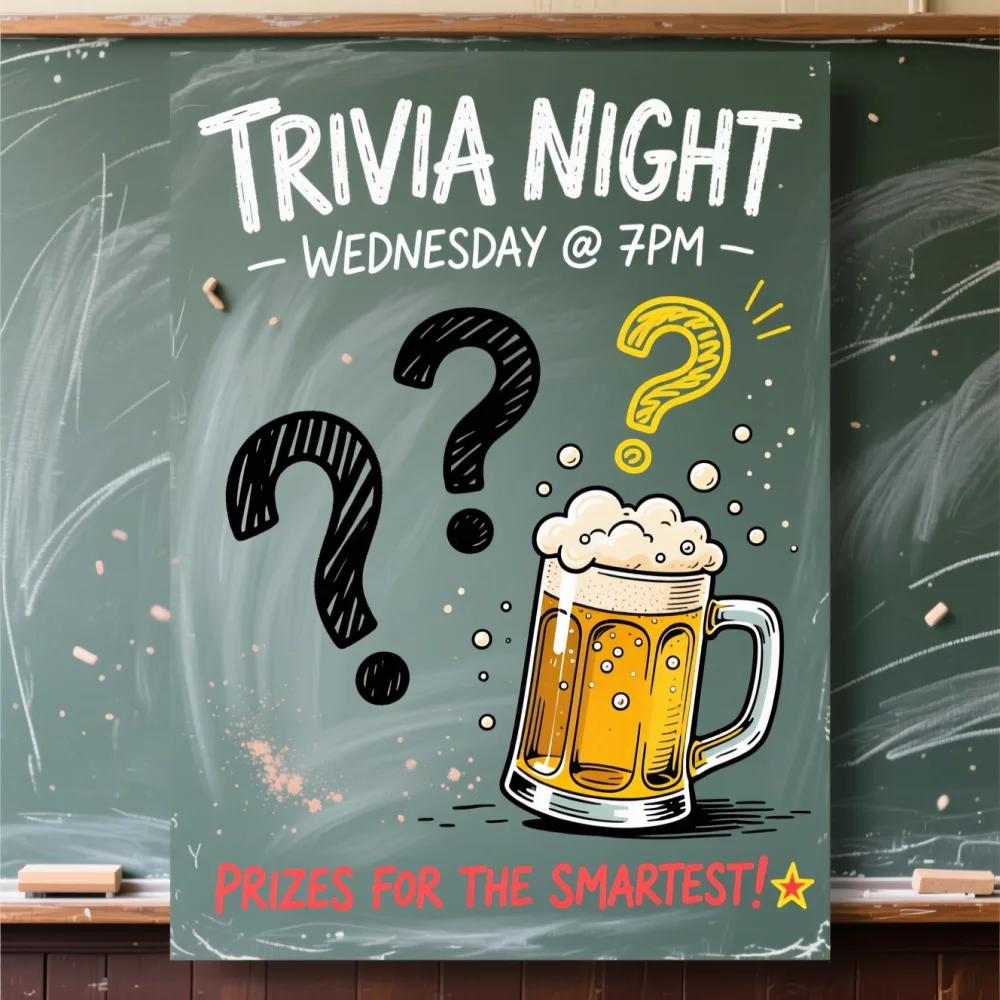 RecreateQuiz
Trivia night
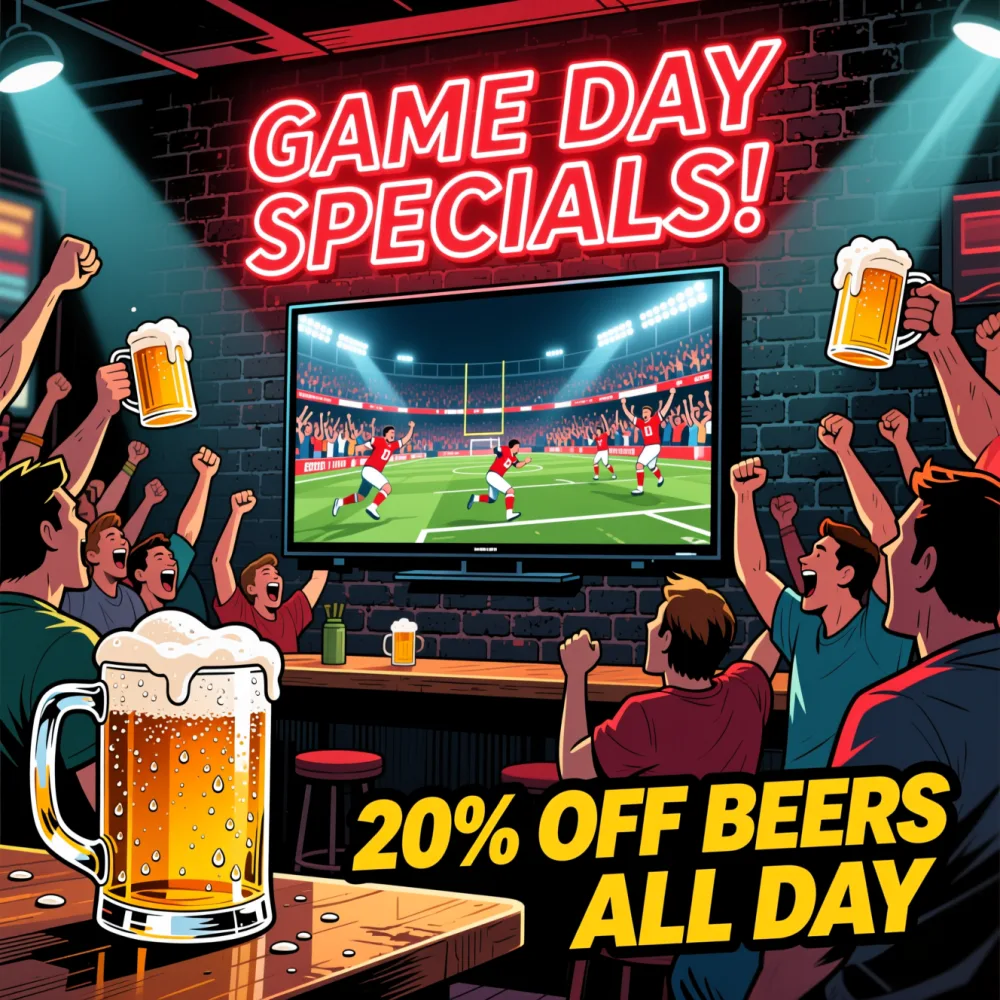 RecreateGame day
Game day specials
All examples shown were generated using Pixazo with the prompts described on this page.
Why use Pixazo for beer poster creation?
Instant style exploration
The AI Beer Poster Maker generates 10+ distinct visual directions from one prompt—no need to start over.
Brand-consistent output
AI learns your color palette, fonts, and motifs to keep every poster on-brand.
Print-ready resolution
Every Beer Poster Maker export is 300 DPI, CMYK-optimized, and sized for standard poster formats.
Text-first design
Headlines and details stay legible—no more squished fonts or cluttered layouts.
Style refinement controls
Tweak lighting, texture, or color tone without re-coding prompts.
Team collaboration-ready
Share drafts, comment, and approve versions without switching platforms.
Why does Pixazo work well for beer posters?
Pixazo’s image models are tuned to understand visual hierarchy, color harmony, and motifs that show up in real posters. Instead of remixing fixed templates, the AI Beer Poster Maker builds layouts from scratch from your prompt—balancing symbolism, spacing, and readability for print and digital use.
Learn more: Pixazo AI Image Generator · the full AI tools suite.
Where can you use your beer posters?
From taproom announcements to social media campaigns, beer posters serve as visual anchors for events, releases, and brand identity. Every design here comes out of the same Beer Poster Maker, and each one needs to work at a glance—on a busy bar wall, a crowded feed, or a printed flyer near the register.
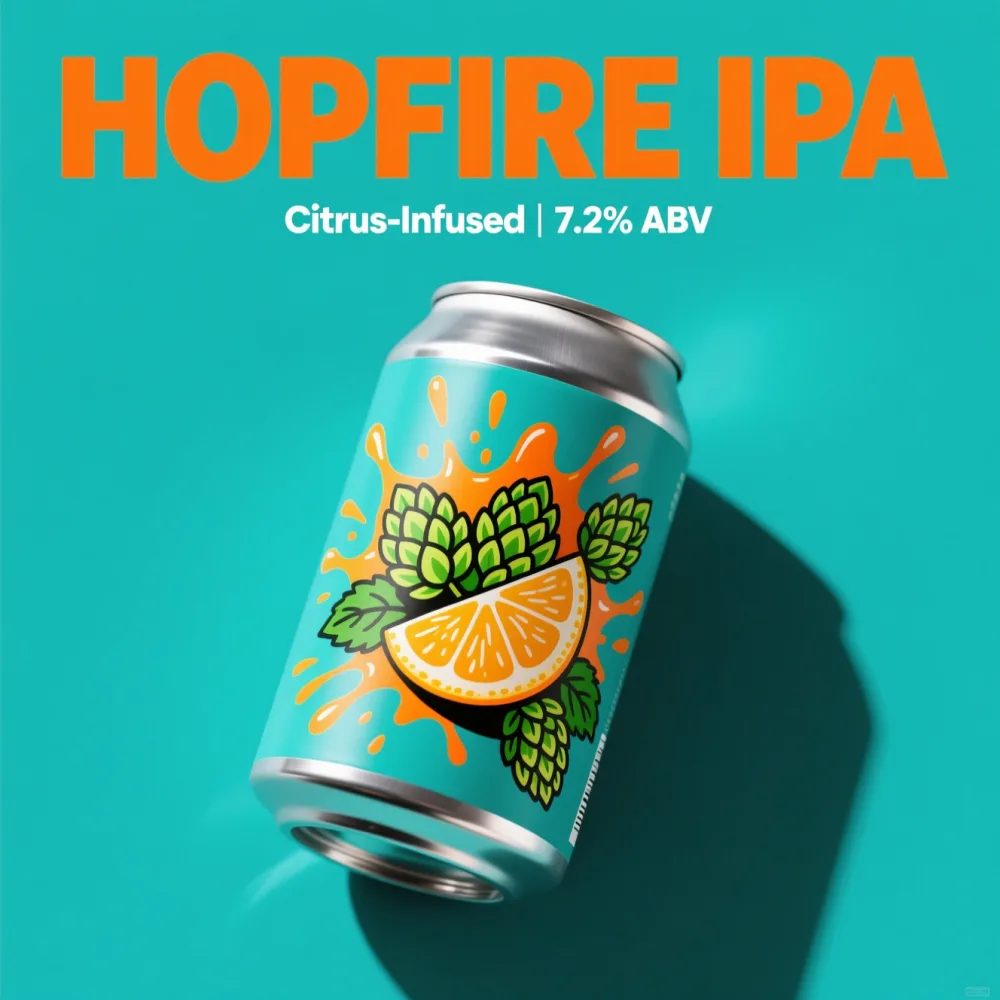
Taproom Seasonal Release
Announce a new hazy IPA launch with a poster that mirrors the beer’s vibrant hue and cloudy texture. Use subtle grain overlays to suggest craft authenticity.
Place the ABV and release date in the bottom third—where eyes naturally rest after the headline.
Local Brewery Collaboration
Pair two breweries with a poster that blends their visual identities—one’s rustic wood, the other’s modern minimalism—without losing either brand’s voice.
Use a shared color motif (like copper and charcoal) to unify the collaboration visually.
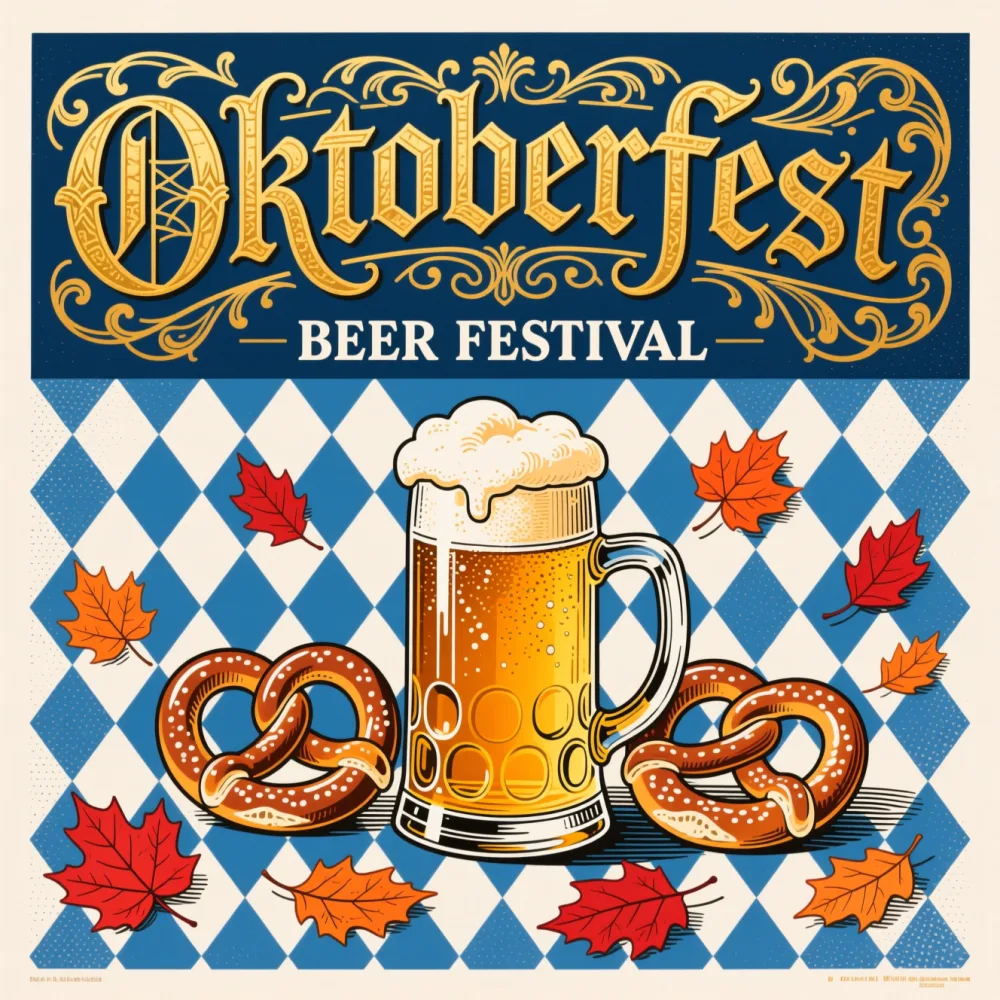
Oktoberfest Celebration
Capture the energy of Oktoberfest with Bavarian blue-and-white checks, amber glow, and bold Fraktur-inspired headlines—then add your beer tent, stein-night date, and live-band details.
Feature only the headline acts or specials and link out to the full schedule, so the poster stays readable from across a crowded beer garden.
Beer Festival Lineup
Display 8–12 brews with clean icons, bold names, and style tags (e.g., “Sour,” “Imperial”) grouped by flavor profile.
Avoid listing all breweries—highlight only the headliners; use a secondary link for the full list.
Holiday Gift Pack Promo
Design a festive but not cliché poster for a winter ale bundle—think deep greens, gold foil accents, and elegant script.
Use a single decorative element (like a pine branch) instead of multiple holiday icons to avoid visual noise.
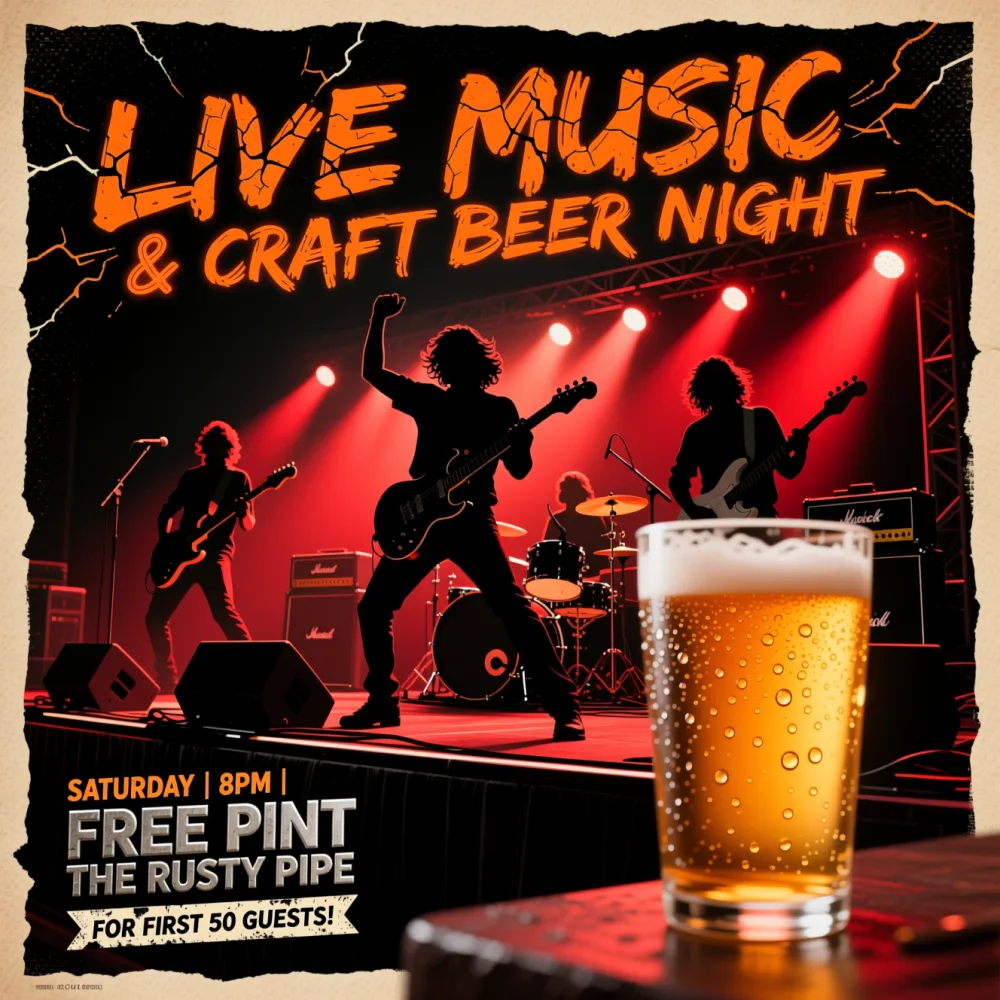
Live Music Night at the Brewery
Combine music energy with beer culture: a muted background, bold sans-serif artist names, and a subtle soundwave pattern.
Keep the band name 2–3 words max—longer names break readability on mobile.
Beer Club Membership Drive
Position your club as exclusive: dark tones, metallic accents, and a clean “Join Now” call with limited spots mentioned.
Add a small QR code in the corner—link directly to the sign-up page, not the homepage.
Grand Opening & Tap Takeover
Announce a brewery grand opening or a guest tap takeover with a bold hero poster, the opening date, and a short list of what’s pouring.
Lead with one standout beer or the date and keep everything else supporting, so the headline lands first from across the room.
Sports & Game Day Specials
Rally fans with a game-day poster: team colours, kickoff time, and your beer-and-wings special front and centre.
Put the match time and the offer where eyes read fastest—fixture up top, the deal in the bottom third.
How do you make a beer poster?
01Start with a clear prompt
Give the AI Beer Poster Maker a clear brief—describe the mood, key elements, and style—e.g., “dark craft beer poster, copper foil text, abstract hop vines, matte finish” or “Oktoberfest tent, Bavarian checks, amber glow.” Avoid vague terms like “cool” or “nice.”
02Generate and pick variations
Pixazo’s AI Beer Poster Maker creates 10+ versions in seconds. Scroll through, filter by color or layout, and select 2–3 that match your brand’s tone. No design skills required.
03Refine and export
Adjust text, swap fonts, or tweak contrast in the editor. Then export as PNG, PDF, or JPG—optimized for web, social, or print. Done in under 5 minutes.
04Advanced prompt ideas
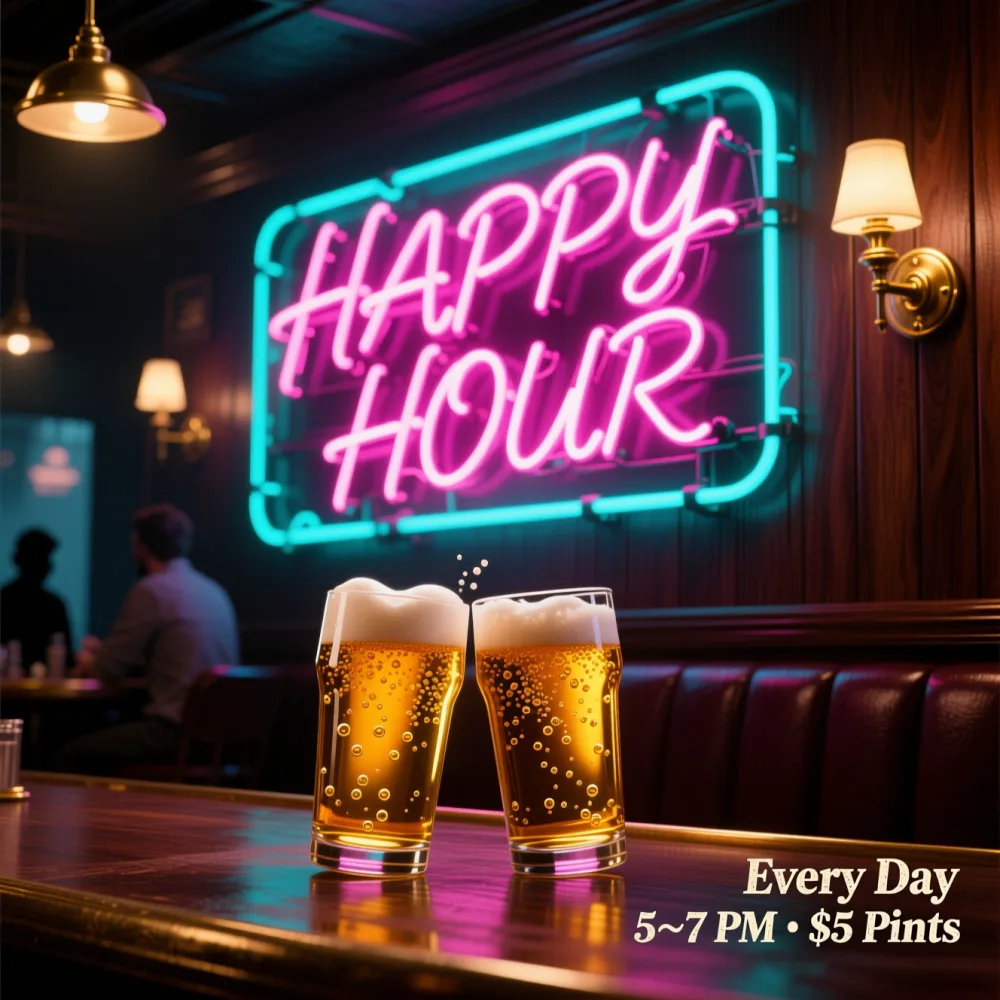
Try “industrial brewery aesthetic with exposed brick, neon sign glow, monochrome text,” or “vintage 1920s speakeasy poster, sepia tone, muted gold ink, serif type,” or “eco-conscious brewery, recycled paper texture, earth tones, hand-drawn icons,” or “modern IPA launch, geometric shapes, gradient fade, bold sans-serif.”
What do people ask about AI beer posters?
What should the headline say to stay readable and not feel crowded?+
In the AI Beer Poster Maker, keep headlines under six words. Use bold, high-contrast fonts and leave breathing room around text. Avoid all-caps unless it’s a short brand name—sentence case improves readability. Test your poster at arm’s length. If you can’t read the headline in under two seconds, simplify.
Which size works best for printing versus social sharing?+
For physical prints, use 18×24″ or A3 (297×420mm)—standard for bars and event spaces. For social media, stick to 1080×1350px (Instagram portrait) or 1200×630px (Facebook link preview). Pixazo exports all formats automatically—you pick the use case, and the system scales correctly.
How do I keep text readable on bright or detailed backgrounds?+
Use semi-transparent dark overlays behind text blocks—20–35% opacity works better than outlines or shadows. Avoid placing text over busy patterns like dense hops or foam textures. Contrast is king: white or cream text on dark backgrounds reads best. Test in grayscale to check legibility before finalizing.
Which color combinations look premium and still feel on-theme?+
Dark charcoal with copper, deep forest green with gold, or navy with cream are consistently high-performing for craft beer. Avoid neon or pastels—they clash with the category’s artisanal tone. Use one accent color sparingly—like a metallic foil effect on the beer name—to add luxury without clutter.
How many elements are too many for a clean poster layout?+
Three visual elements max: one background texture, one central graphic (icon, illustration, or pattern), and one text block hierarchy. More than that overwhelms the viewer. AI-generated layouts naturally avoid clutter by prioritizing whitespace and focal points—you just need to guide the prompt.
What’s the best way to place a logo or venue line without clutter?+
Anchor the logo in the top or bottom corner—never centered. Use a smaller font size (12–14pt) and lower opacity (60–70%) for venue info. Let the main message dominate. Place it near a visual anchor like a border or texture edge so it feels intentional, not tacked on.
Can I make an Oktoberfest poster?+
Yes. Describe your Oktoberfest event—beer tent, stein night, live band, date and venue—and pick a Bavarian or festival style, and the Beer Poster Maker lays out themed artwork and lettering so you get a print-ready Oktoberfest poster in minutes.
Last call — make your poster.
From Oktoberfest tents to happy hour, describe it and the Beer Poster Maker pulls a print-ready design in seconds. Free to start in the Pixazo playground.
Make a beer poster free →By Deepak Joshi
Content Marketing Specialist · Pixazo
Deepak Joshi is a Content Marketing specialist having a combined experience of 10+ years working in the digital world. He is one of the active contributors to Pixazo Blog and has keen interest creating and marketing content related to AI tools, No-Code technology, Design Industry, Social Influencers, and other trending topics. A health and sport enthusiast, Deepak loves to indulge in all kinds of sports & games.
AI disclosure: the beer posters on this page were generated with Pixazo’s AI and are illustrative examples; results vary by prompt. Please promote alcohol responsibly and follow local advertising rules.