- Home›
- AI Tools›
- AI Image Generator›
- Poster Maker›
- Election Poster Maker
Election Poster : Create Free Election Posters in Minutes with AI
Create Custom Election Posters Quickly with Pixazo Best AI Election Poster Maker. Try for Free!
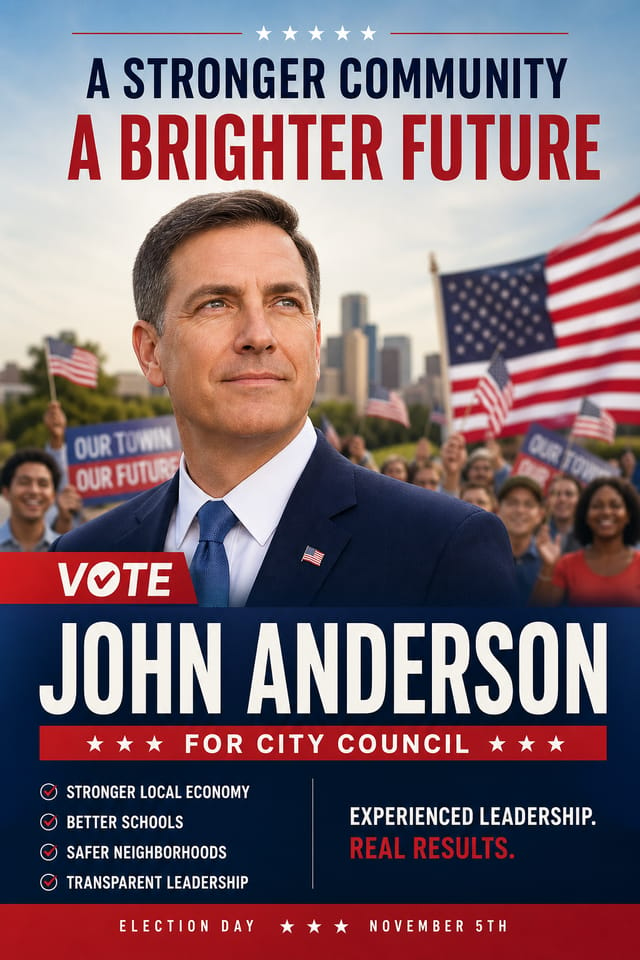
How Does the AI Election Poster Maker Work?
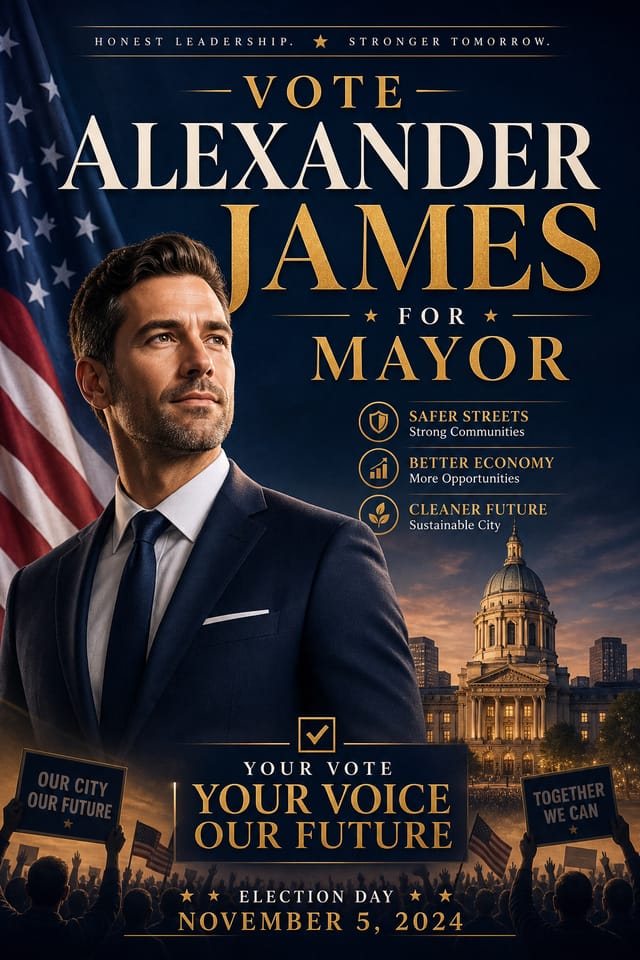
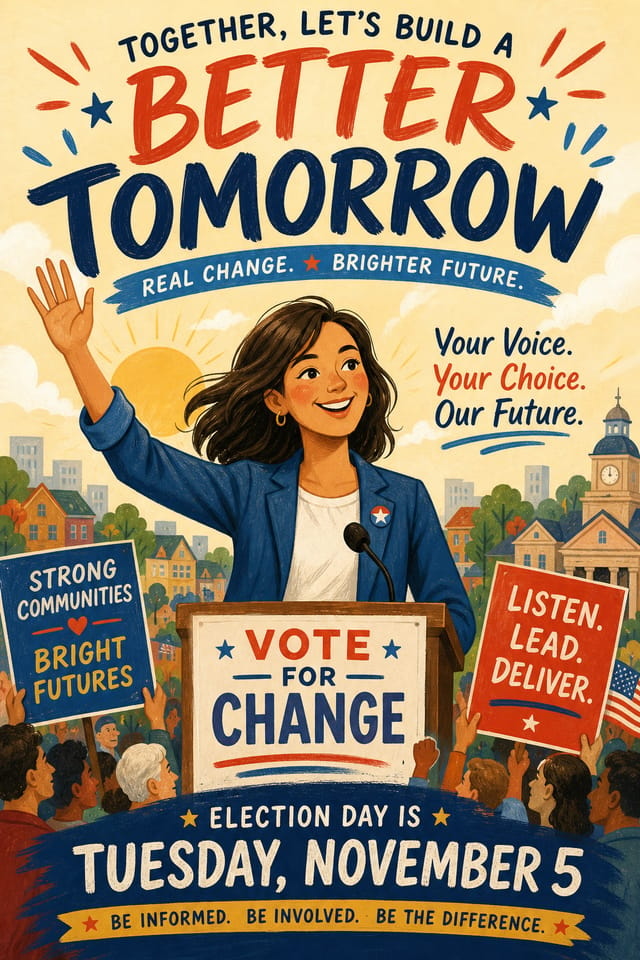
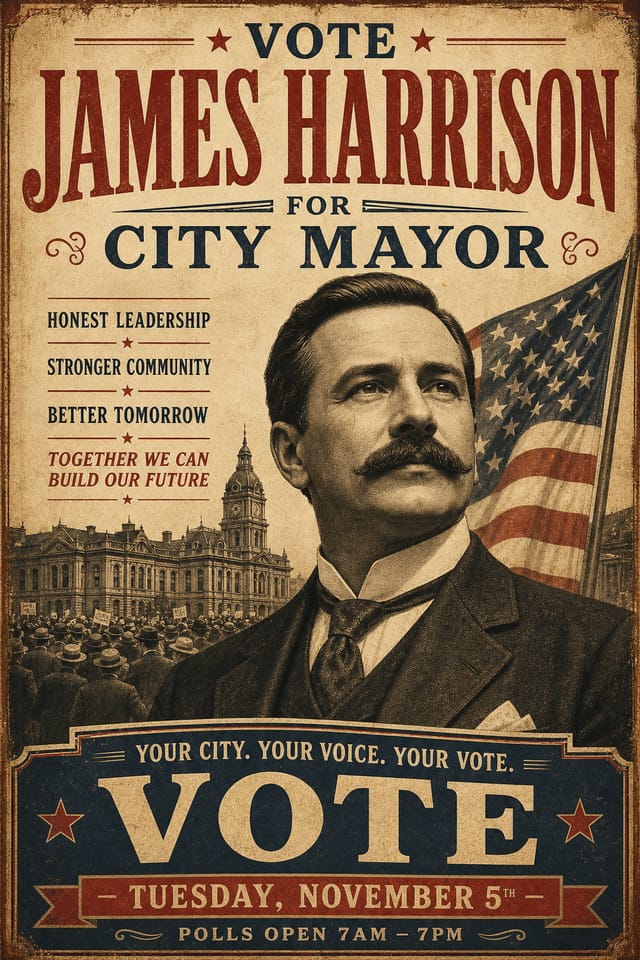
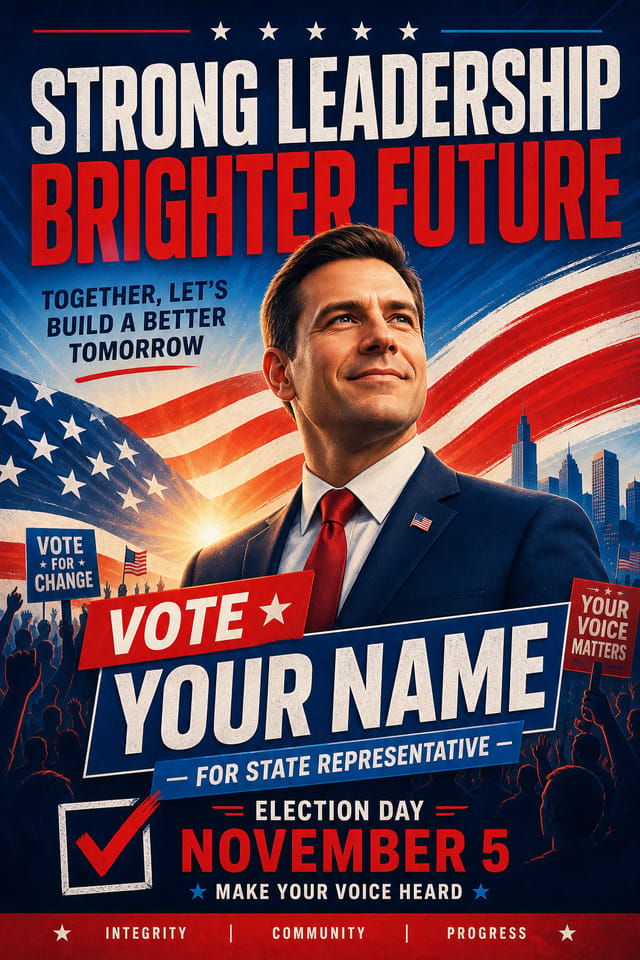
The Pixazo AI election poster maker builds election posters from your description. Describe the look you want and create election posters with AI that fit your exact context — type a brief, get a finished election poster, and walk it straight to print or the feed. Because the election poster maker understands campaign design conventions, the output looks like it belongs on a real ballot wall, not a recycled template.
Election Poster Design Conventions
Election poster design has its own visual conventions that differ significantly from other styles. The rally press starts from those rules, not from a blank generic canvas.
Pattern Recognition, Not Guesswork
The AI recognizes these patterns and applies them when generating your design. When you describe an election poster, Pixazo selects typography, color relationships, and compositional approaches appropriate to election aesthetics.
Context That Belongs
The result is a design that looks like it belongs in its context, not a repurposed template with the wrong visual DNA. Every election poster reads like it was briefed for the race it is running in.
What’s Inside the Election Poster Maker Toolkit?
Everything the Pixazo election poster maker gives you to take an election poster from brief to print run — the full AI toolkit to create election posters with AI.
Print-Ready Output
Generated election posters are sized and structured for professional printing. Download high-resolution files ready for production.
Prompt Refinement
Adjust your description to refine any aspect of the election poster design. The AI responds to specific direction about colors, layout, or content.
No Design Software
Create professional election posters without Photoshop, Illustrator, or other design applications. The AI handles all technical production.
Resolution Control
Specify output dimensions for your election poster. Get files sized for web display, social media, or large-format printing.
How Do You Create Election Posters with AI?
Capture Your Intent
Write a prompt describing your election poster. Include style preferences, color direction, the most important text to display, and any specific visual elements you want. The more specific your description, the more targeted the output.
Screen the Design
Your election poster generates immediately after submission. Evaluate the design against your requirements and refine the prompt to correct any elements that don't match your intent.
Ship the Final File
Export your election poster in the format you need. PNG for web and social, PDF for print production, JPG for email and lightweight sharing. The file is yours to use commercially without restrictions.
Who Uses the Election Poster Maker Across Industries?
Travel and Tourism Promotion
Design election posters for destinations, tour packages, and hospitality brands. Aspirational visuals that inspire booking decisions.
Professional Projects
Create election posters for client work, commercial campaigns, and professional applications where quality and style accuracy matter.
Non-Profit Campaigns
Create compelling election campaign posters without allocating budget to design production. Focus resources on mission-critical activities.
Healthcare and Wellness
Design election posters for clinics, wellness centers, and health campaigns. Trustworthy visuals that communicate care and professionalism.
Political and Advocacy Campaigns
Create election campaign posters for candidates, ballot measures, and social causes. Persuasive designs that mobilize and inform.
What Are People Creating with the AI Election Poster Maker?
Real creators sharing their election designs made with Pixazo AI — wheatpasted to the press wall like field reports from the trail.
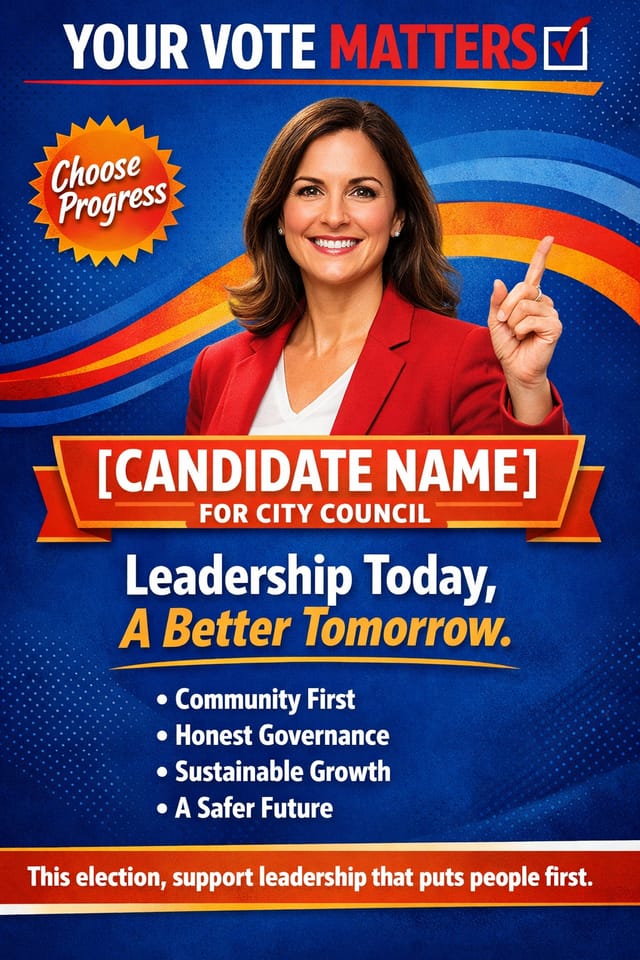
“After my design mentor reviewed the election output, the typographic decisions matched what an experienced election designer would choose. Our team productivity on election projects increased by about three times.”
Eco-friendly themed election poster, natural green and kraft tones, organic shapes, sustainability messaging, handcrafted aesthetic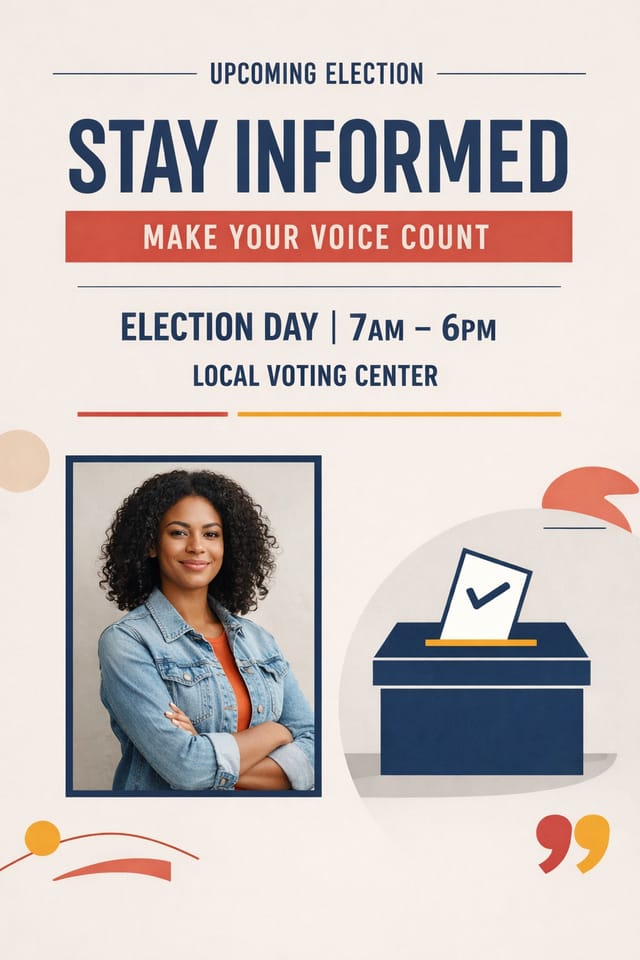
“When we A/B tested AI-generated election posters against our template library, the compositional balance was consistently strong across different election briefs. Our team productivity on election projects increased by about three times.”
Playful election poster for a family audience, rounded typography, bright saturated colors, approachable and energetic tone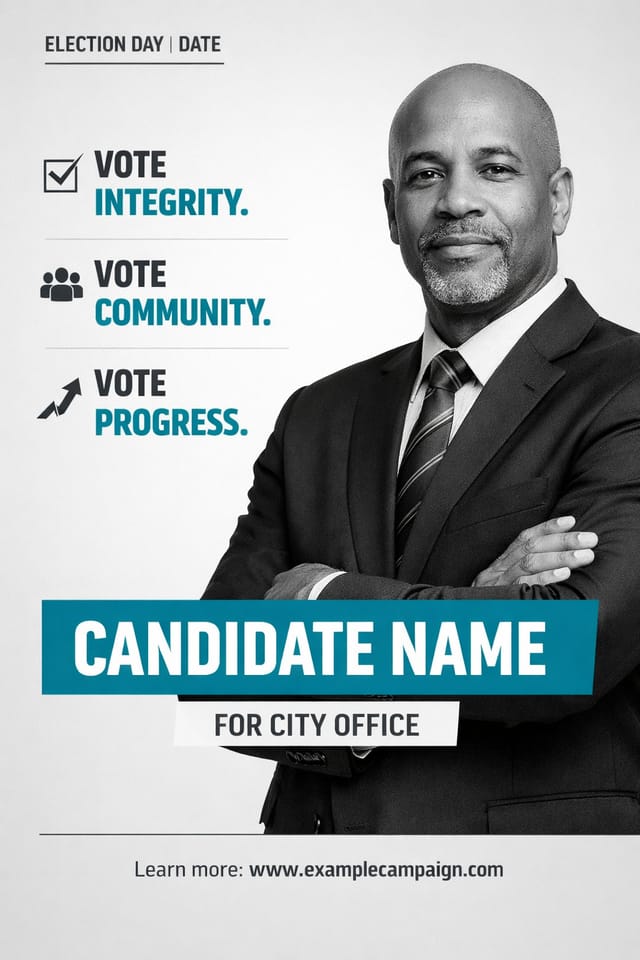
“After our junior designer used it for a week on election projects, the output quality was indistinguishable from work our senior election designer produces. We reallocated the budget we used to spend on election poster freelancers to strategy work.”
Square election poster at 1080x1080 for LinkedIn post, professional tone, balanced text-to-visual ratio, brand-safe composition← Drag the wall — every poster generated from a single prompt →
Type a brief.Get a ballot-wall poster.Walk it to print.
What Election Poster Design Standards Matter Most?
Typographic Clarity
Type choices in election poster design should serve legibility first. Font selection should reinforce the election aesthetic while remaining readable at intended viewing distances.
Reading Flow Direction
Arrange elements in election poster designs to follow natural reading patterns. The eye moves from top-left to bottom-right in left-to-right languages. Work with this, not against it.
Contrast as Communication
Contrast in election poster design serves a purpose beyond aesthetics. High contrast draws the eye; low contrast recedes. Use this intentionally to guide the viewer's attention where it matters.
Scale and Proportion
Element sizing in election poster design communicates importance. The largest element gets the most attention. Scale differences between elements should be intentional and clear.
Which Election Poster Design Movements Are Trending?
The patterns coming off the press this season — techniques shaping how modern election posters read and move.
Gradient Overlays
Smooth color transitions are being used as primary design elements in election poster work, adding depth without the complexity of photographic backgrounds.
Data-Driven Visuals
Incorporating charts, statistics, and structured data directly into election poster layouts helps communicate complex messages at a glance.
Motion-Ready Design
Static election poster designs are being created with animation in mind, using layered elements that translate smoothly to motion graphics.
Hand-Drawn Elements
Illustrations, doodles, and hand-lettering bring a personal, approachable quality to election poster designs in an era of polished digital output.
What Formats Does the Election Poster Maker Export?
Every election poster ships in the format the moment needs — from press-ready CMYK to a lightweight social crop.
| Format | Type | Best for your election poster |
|---|---|---|
| .tiff | Raster | High-fidelity format for election poster files destined for professional printing, supporting CMYK color and lossless compression. |
| .svg | Vector | Scalable format for election poster designs that need to render crisply at any resolution, commonly used for web and responsive layouts. |
| Vector/Raster | Print-ready format for election poster files that preserves fonts, colors, and layout across different devices and print services. | |
| .jpg | Raster | Compressed image format suited for election poster designs with photographic elements where smaller file size matters more than pixel-perfect edges. |
| .png | Raster | Lossless image format ideal for election poster designs with transparency, sharp text, and web display at predictable file sizes. |
What Can’t the AI Election Poster Maker Do?
Transparency matters. These are the trade-offs of AI-generated election design — where you may need to supplement AI output with manual work.
Which Prompts Create the Best Election Posters with AI?
Copy any proof below and paste it into Pixazo to generate your election poster design instantly.
Textured election poster, surface treatment adds depth without obscuring legibility, texture consistent with election aestheticElection aesthetic poster, palette drawn from election design tradition, layout proportions consistent with election conventions, purposeful use of each elementLarge-format election poster design, elements sized for visibility at print scale, no fine detail that would be lost in productionElection poster with strong visual hierarchy, largest element reads clearly, supporting elements organized by importance, clean background treatmentAtmospheric election poster, background treatment supports the headline without competing with it, visual weight distributed intentionallyRefined election poster, sophisticated color relationships, intentional whitespace, typefaces appropriate to election style, balanced composition
