Rap Poster : Create Free Rap Posters in Minutes with AI
Create Custom Rap Posters Quickly with Pixazo Best AI Rap Poster Maker. Try for Free!
Get Started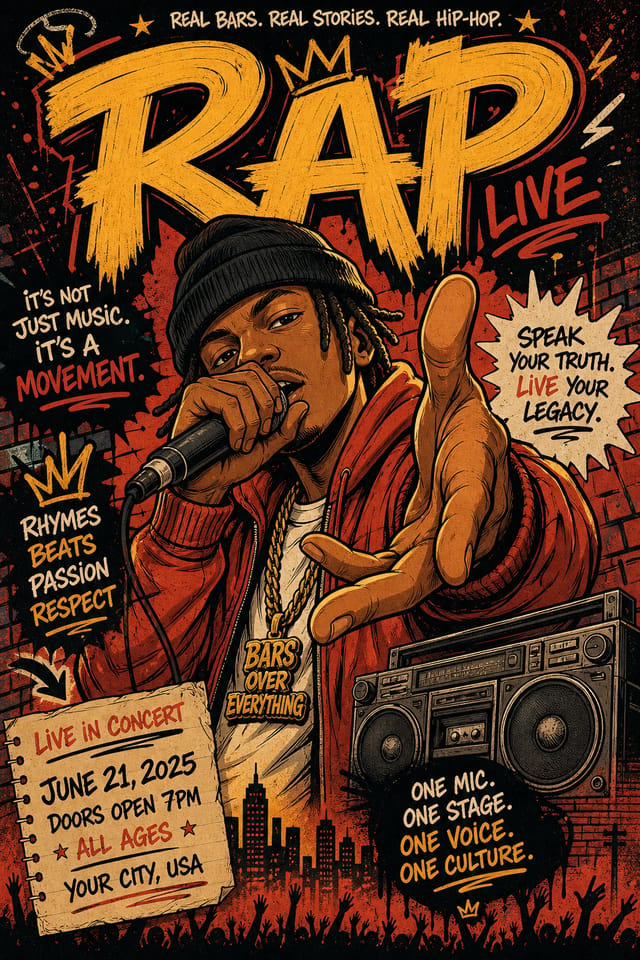
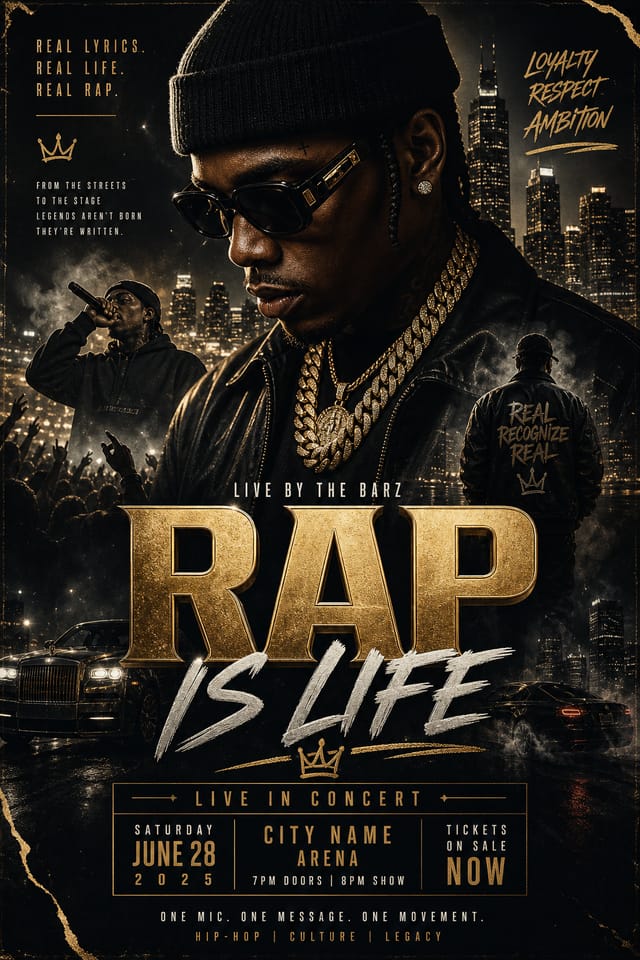
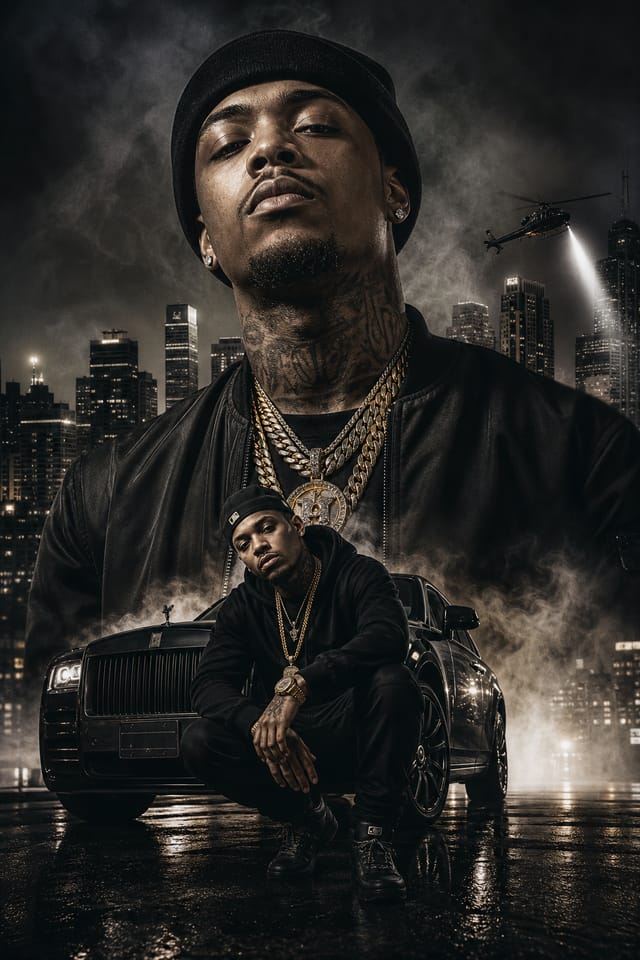
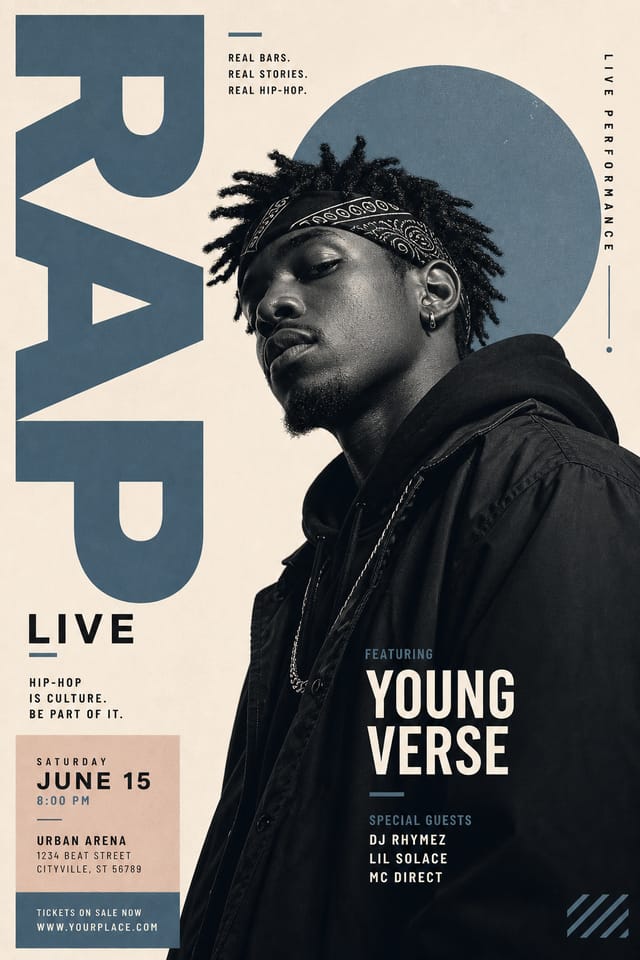
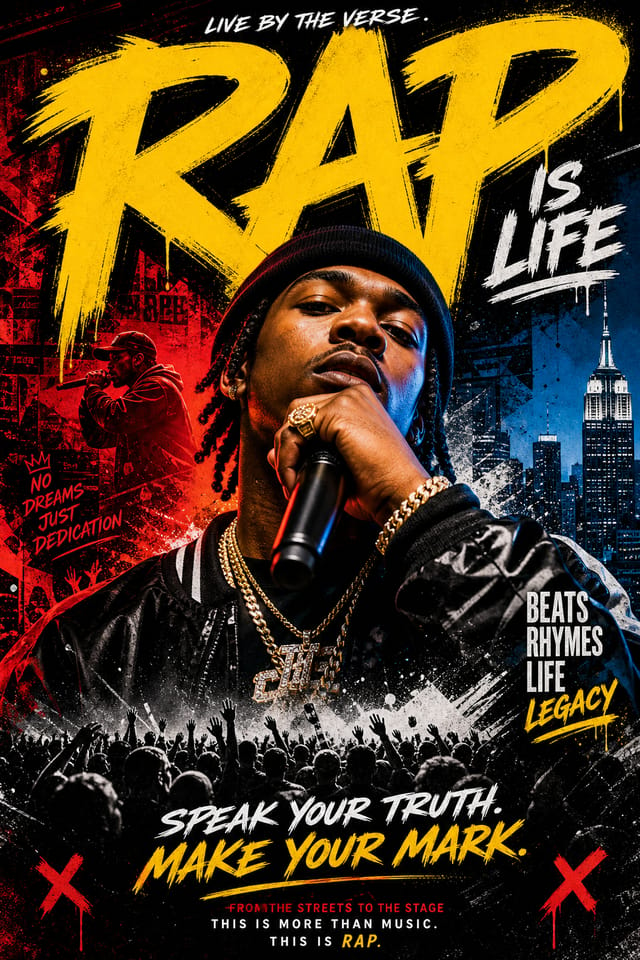
AI-Powered Rap Poster: Create Like a Pro
Create standout rap posters using AI that understands rap aesthetics. Precise style control, instant generation, print-ready output.
Create Your Rap Poster FreeCreating Your Rap Poster: The Creation Flow
Set the Direction
Start with a text description of your rap poster concept. Specify the visual style, colors, layout direction, and key text. Detailed prompts produce more accurate rap poster designs than general ones.
Peruse the AI Generation
The AI produces a rap poster based on your description. If the first result isn't exactly right, adjust the prompt to address what needs changing. Most designs reach the target within a few iterations.
Dial In the Look
Iterate on your rap poster by modifying the aspects that need work. Regenerate with a more targeted prompt until the design matches your vision. Most refinements take one or two iterations.
Dispatch the Design
Download your completed rap poster in the format that fits your use case. High-resolution files for print, web-optimized versions for digital, or PDF for production-ready delivery.
Watch: Creating Rap Poster designs step by step
Design Intelligence for Rap Posters: What the AI Understands
What Makes Rap Poster Design Work
The strongest rap poster designs succeed because every element reinforces the style rather than contradicting it.
Typography that fits rap conventions, colors that carry rap associations, layouts that breathe in ways consistent with rap design sensibility.
Pixazo's AI understands these relationships.
Describe your rap poster and the system generates designs where all the elements agree.
Precision Rap Poster Tools: Feature Overview
Layered Style Application
Combine rap style with other design parameters in a single prompt. The AI interprets complex requests and applies multiple style constraints simultaneously.
Consistency Across Variants
Generate multiple rap posters for a project and maintain visual consistency across the set. Specify your core design parameters and vary secondary elements.
Prompt Refinement
Adjust your description to refine any aspect of the rap poster design. The AI responds to specific direction about colors, layout, or content.
Color Palette Intelligence
Colors are chosen with rap style awareness. The AI builds palettes that fit rap design conventions rather than selecting arbitrarily.
Commercial Use Rights
Designs generated with Pixazo are yours to use commercially. No additional licensing required for rap poster projects.
Rap Posters Across Fields: Across Industries
Podcast and Media Branding
Generate rap posters for podcast covers, episode artwork, and media channel identity. Consistent visual branding across audio and video platforms.
Interior Display
Generate rap posters for home and office wall display. Get print-ready files that look considered rather than stock-photo generic.
Social Media Content
Design rap posters sized for social platforms. Get content that looks intentional and well-crafted, not thrown together.
Content Creation Workflow
Incorporate rap poster generation into a content production workflow. Fast output enables higher publishing frequency.
Trade Show and Conference Materials
Generate rap posters for booth displays, attendee handouts, and event signage. Professional materials that represent your brand in competitive environments.
Rap Poster Aesthetics: Options and Variations
Geometric Rap
Structured rap composition using grid systems and angular forms. Order and precision define the visual approach.
High-Contrast Rap
Bold rap visual treatment with strong tonal contrast. Elements read clearly at any viewing distance.
Contemporary Rap
Current rap design sensibility with updated proportions, modern typefaces, and contemporary color relationships.
Atmospheric Rap
Rap poster design where mood takes priority. Color and composition work together to create a specific feeling.
Editorial Rap
Text-dominant rap poster layout inspired by print publication design. Typographic variety creates visual rhythm.
Rap Creator Gallery Highlights
Real creators sharing their rap designs made with Pixazo AI.
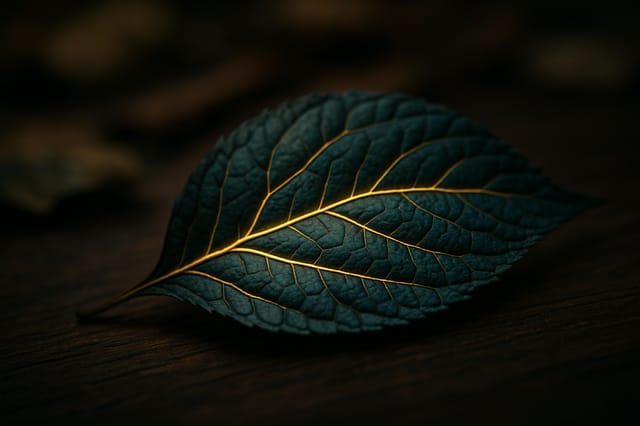
Rap poster design, clean typographic hierarchy, palette appropriate to rap aesthetic, high contrast headline, balanced composition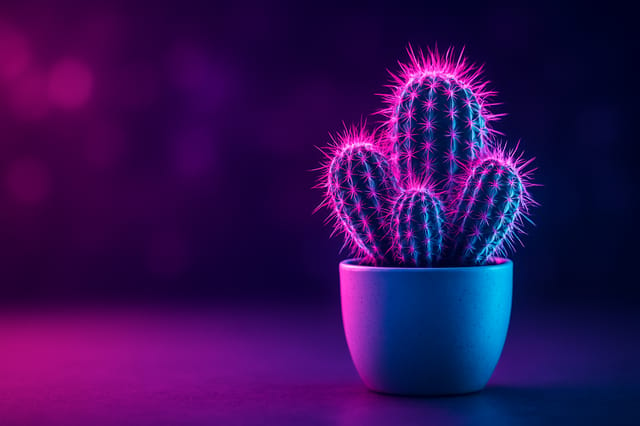
Rap poster with Japanese minimalism influence, abundant whitespace, single focal element, restrained palette of black, white, and one accent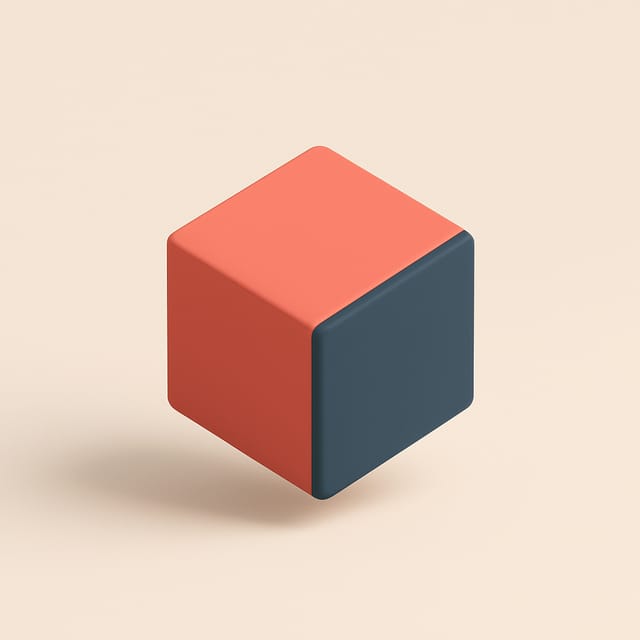
Two-color rap poster, maximum contrast between primary and secondary color, typography set in one color per levelReady-to-Use Rap Poster Prompt Templates
Copy any prompt below and paste it into Pixazo to generate your design instantly.
Clean rap poster design, geometric structure, disciplined typography, color accent used selectively for emphasis, printer-optimized resolutionHigh-impact rap poster, immediate visual read at thumbnail size, clear headline dominance, supporting information structured logicallyTwo-color rap poster design, high contrast between primary and secondary color, clean separation between graphic and text zonesRap style poster, bold headline placement, supporting text at appropriate scale, color palette consistent with rap design conventionsEditorial-style rap poster, text-dominant design, typographic treatment carries visual weight, layout proportions inspired by print publication designEvaluating Rap Poster Makers: How They Differ
| Tool | Description |
|---|---|
| Piktochart | Infographic and presentation maker for data-driven visuals |
| Snappa | Quick graphic creator focused on social media and marketing visuals |
| Pixazo | AI-powered rap poster generator with prompt-based design and professional output quality |
| Desygner | Multi-format design tool with PDF editing and brand management |
| Canva | Drag-and-drop editor with a large template library and collaboration features |
Rap Poster Quality Checklist: Common Pitfalls
Test with real content
Never finalize a rap poster with placeholder text. Real copy often has different lengths and line breaks that affect the design.
Maintain brand alignment
Keep your rap poster design consistent with existing brand colors, fonts, and visual language for a cohesive identity.
Use grids and alignment
Structured layouts in your rap poster create a sense of order and professionalism that unstructured designs cannot match.
Overcrowd the layout
Filling every pixel of your rap poster with content makes it harder to read and reduces the impact of every individual element.
Forget the call to action
A rap poster without a clear next step for the viewer is a missed opportunity. Always include direction on what to do next.
Skip proofreading
Typos and grammatical errors on a rap poster undermine credibility instantly. Always have someone else review the final text.
Rap Poster AI: Questions and Answers
Include 'transparent background' in your prompt to generate a rap poster with no background fill. Download as PNG to preserve transparency. This is useful for rap designs that will be composited over other imagery or placed on colored surfaces.
You can specify any aspect ratio in your prompt. Common options include 1:1 for social posts, 4:5 for Instagram, 9:16 for stories, 16:9 for presentations, and standard print sizes like A4 or letter. The AI adapts rap composition to fit your chosen ratio.
Specify the dimensions in your prompt. Common formats like A3, 18x24 inches, or 1080x1920 pixels for social media stories all work. The AI generates a rap poster composition appropriate for the specified aspect ratio and use case.
Generated designs that miss the mark usually need more specific prompts. Add details about the visual hierarchy you want, the feeling the rap poster should create, or specific elements to include or avoid. More context in the prompt produces more targeted output.
The AI generates designs at the specified dimensions. For professional print production, add 'with bleed area' to your prompt to extend background elements beyond the trim line. Crop marks and registration marks should be added in your print preparation software.
Common sizes include 1080x1080 for Instagram feed, 1080x1920 for stories and reels, 1200x628 for Facebook links, 1500x500 for Twitter headers, and 1080x1350 for Pinterest. Specify the platform in your prompt and Pixazo optimizes rap layout for that format.
Rap Poster Design Insights: Lessons from the Field
Keep Typography Simple
Use no more than two typefaces per rap poster. One for headlines, one for body text. Consistency in typography signals professionalism.
Prioritize Hierarchy
Every rap poster needs a clear reading order. Make sure the most important information is the largest and most prominent element in the layout.
Limit Your Color Palette
Stick to 2-3 primary colors in your rap poster design. Too many colors compete for attention and weaken the visual hierarchy.
Use High Contrast for Readability
Whether your rap poster is displayed on screen or in print, strong contrast between text and background ensures the message gets through at any size.
Start with a Clear Brief
Before generating any rap poster, write down the core message, target audience, and intended use. A focused brief produces better results than iterating from a vague idea.
Where Rap Poster AI: Where It Falls Short
Known limitations and trade-offs of AI-generated rap design. Transparency matters when using AI for rap poster design. The points below describe where you may need to supplement AI output with manual work.

