10 Best AI Video Editors in 2026 (Tested & Compared)


Finding the best AI video editors in 2026 is no small task. The market has exploded with tools that promise to automate everything from scene cuts and subtitle generation to full script-to-video production. Whether you need an AI video editor online for quick social clips or a best AI video editing tool for a professional YouTube channel, this guide covers the real options — with honest pros, cons, and pricing for each. If you want to try it, use Pixazo’s AI Video Editor.
I personally tested every platform on this list — I ran the same projects through each one, looking at speed, output quality, free tier limits, and how well the AI actually saves time. Below you’ll find 10 verified tools ranked by overall value, a feature comparison table, my full testing methodology, and a use-case breakdown to help you pick the right fit.
Best AI Video Editors in 2026: At a Glance
Short on time? Here’s a side-by-side look at the 10 best AI video editors I tested in 2026, covering key AI features, free plan availability, starting price, and ideal use case. Detailed reviews follow below.
| Tool | Best For | Key AI Features | Free Plan | Starting Price | Platform |
|---|---|---|---|---|---|
| Runway ML | Creative pros | Text-to-video, Gen-3, inpainting, Motion Brush | Yes (125 credits) | $15/month | Browser |
| Descript | YouTubers, podcasters | Transcript editing, Overdub voice clone, filler removal | Yes (limited) | $24/month | Browser + Desktop |
| VEED.IO | Teams, social brands | Auto-subtitles, eye contact AI, noise removal | Yes (watermark) | $18/month | Browser |
| Pictory | Content marketers | Article-to-video, auto-highlights, voiceover AI | Trial only | $23/month | Browser |
| CapCut | Social media creators | Auto-captions, BG removal, beat sync, templates | Yes (watermark) | $9.99/month | Browser + Mobile + Desktop |
| Lumen5 | SEO & content teams | Blog-to-video, brand kit, script storyboard | Yes (watermark) | $29/month | Browser |
| Pixazo | Beginners, budget creators | Text-to-video, voiceover, auto-subtitles, BG removal | Yes | Free tier available | Browser |
| Kapwing | Beginners, students | AI subtitles, auto-resize, BG removal | Yes (watermark) | $16/month | Browser |
| Animoto | Small businesses | Template AI, drag-and-drop, licensed music | Yes (limited) | $8/month | Browser |
| Adobe Premiere Pro | Professional editors | Auto-reframe, Sensei speech-to-text, Gen Extend | No (free trial) | $37.99/month | Desktop |
What Makes a Great AI Video Editor?
Not every tool with “AI” in the name is worth your time. The best AI video editing tools share a few key traits:
- Automation that’s actually useful — auto-cut silence, scene detection, subtitle generation, or text-to-video that saves real hours, not just seconds.
- Output quality — the final export should look clean at 1080p or higher without heavy manual correction.
- Ease of use — a shallow learning curve matters, especially for solo creators who don’t have an editing team.
- Reasonable pricing — the best AI video editing software free tiers should be genuinely functional, not just a demo.
- Export flexibility — support for multiple aspect ratios (16:9, 9:16, 1:1) is essential for cross-platform publishing.
With those criteria in mind, here are the 10 best AI video editors I found worth using in 2026.
1. Runway ML: Best for Creative Professionals & Production Teams

Best for: Creative professionals and production teams who need cutting-edge generative AI.
Runway ML is the benchmark for AI powered video editing in 2026. Its Gen-3 Alpha model handles text-to-video, image-to-video, inpainting, and background replacement with a level of realism that’s hard to match. The timeline editor is clean, and the real-time AI tools — like Motion Brush and Expand Canvas — give professionals genuine creative control.
- Key features: Text-to-video generation, Gen-3 Alpha model, Motion Brush, background removal, object inpainting, multi-track timeline, 4K export
- Pros: Industry-leading generative AI quality; frequent model updates; strong community and tutorials
- Cons: Free tier is limited to 125 credits; pricing climbs quickly for heavy users; steep learning curve for generative features
- Pricing: Free (125 credits); Standard $15/month; Pro $35/month; Unlimited $95/month
Bottom line: When output quality mattered more than speed in my testing, Runway ML was the tool I reached for. If you want the most advanced generative AI on the market and don’t mind the learning curve, it’s worth every credit.
2. Descript: Best for YouTubers, Podcasters & Course Creators
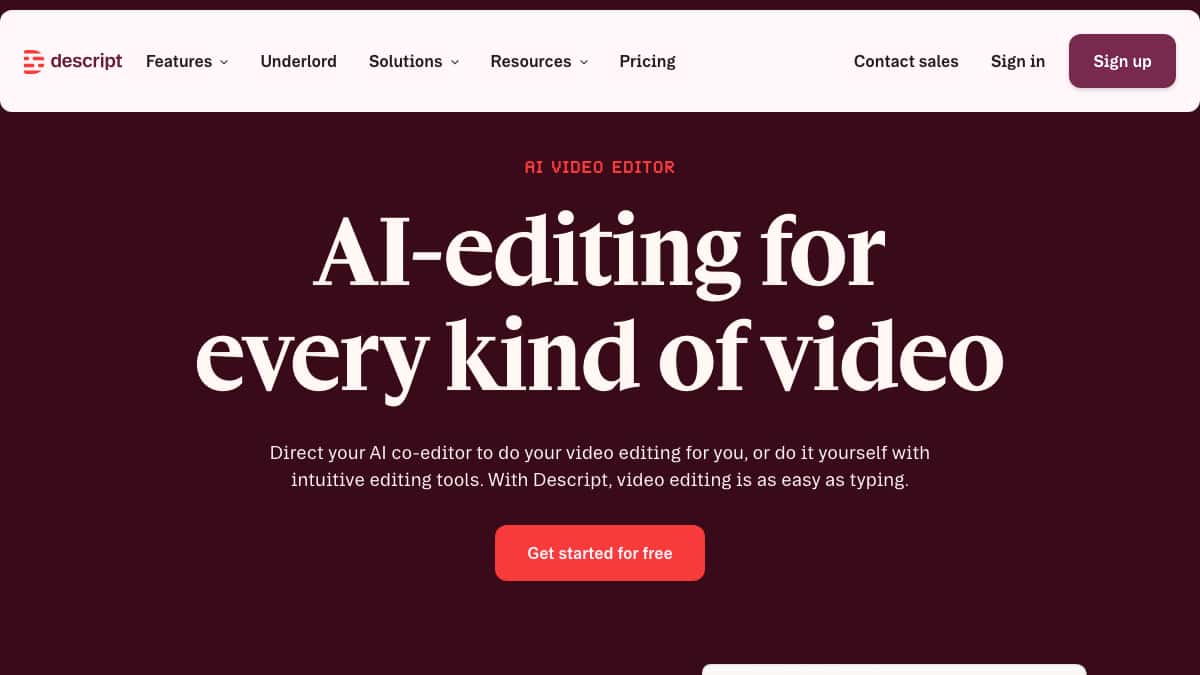
Best for: YouTubers, podcasters, and course creators who edit by transcript.
Descript’s core idea is brilliant: edit the video by editing the transcript. Delete a word in the text, and that moment disappears from the timeline. Its Overdub feature can clone your voice to fix flubbed lines without re-recording. For talking-head content and educational videos, Descript is among the best AI video editing tools available.
- Key features: Transcript-based editing, Overdub voice cloning, filler-word removal, screen recording, captions, multi-track editing
- Pros: Dramatically speeds up dialogue-heavy editing; excellent caption accuracy; strong podcast workflow
- Cons: Less useful for B-roll-heavy content; Overdub requires voice training time; exports can be slow
- Pricing: Free (limited hours); Creator $24/month; Pro $40/month
Bottom line: If most of your editing is dialogue, Descript will save you hours a week — it was the single biggest time-saver I tested for talking-head content.
3. VEED.IO: Best for Teams & Social Media Brands
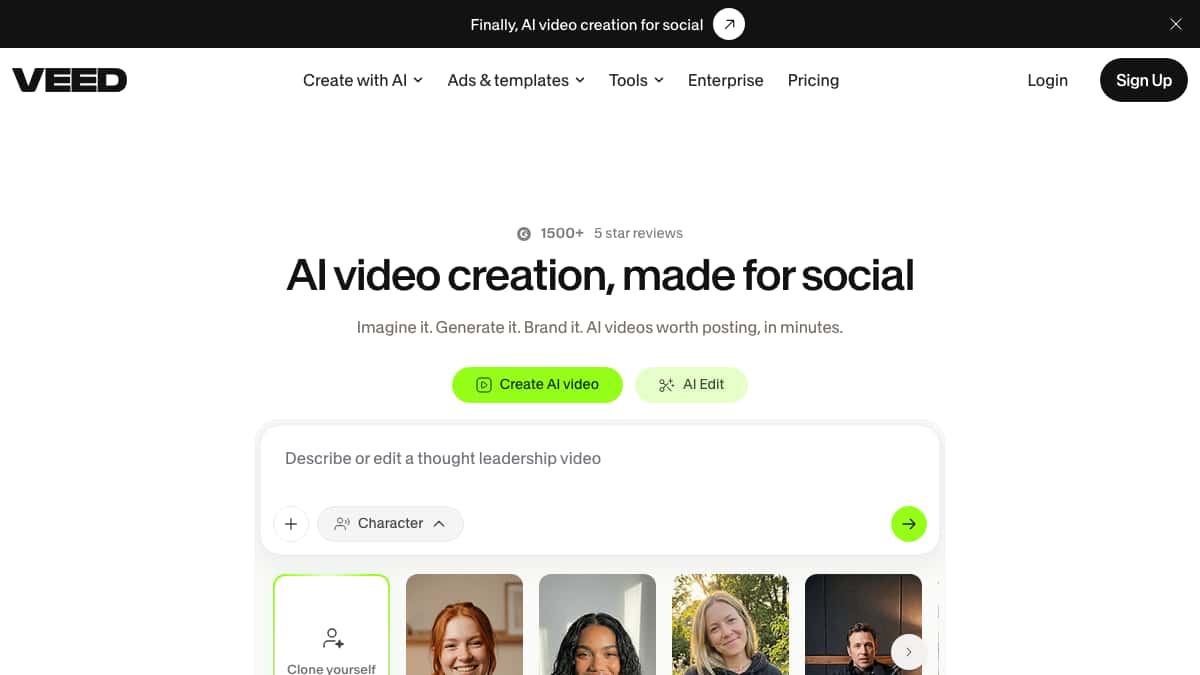
Best for: Teams, social media managers, and brands needing collaboration.
VEED.IO has grown into one of the most complete AI video editor online platforms for team workflows. Auto-subtitles, brand kit integration, screen recording, and a clean collaboration layer make it ideal for marketing teams publishing across multiple channels. The AI noise removal and eye contact correction features are genuinely useful for remote video production.
- Key features: Auto-subtitles, eye contact correction, noise removal, brand kit, team workspaces, template library, 1080p export
- Pros: Excellent subtitle accuracy; strong team collaboration; wide template selection; browser-based
- Cons: Free plan watermarks all exports; some AI features gated behind higher tiers
- Pricing: Free (watermarked); Basic $18/month; Pro $30/month; Business $59/month
Bottom line: For a team publishing across channels, VEED.IO’s collaboration and subtitle accuracy made it the easiest browser editor to standardize on when I tested it with multiple accounts.
4. Pictory: Best for Content Marketers & Bloggers

Best for: Content marketers and bloggers turning long-form text into video.
Pictory specializes in converting blog posts, articles, and scripts into short branded video clips. Paste a URL, and Pictory pulls key sentences, matches stock footage, and assembles a shareable video in minutes. It’s one of the most effective AI video editing software free options for content repurposing — though the free plan limits output length.
- Key features: Article-to-video, script-to-video, auto-highlights from long videos, branded templates, text-based editing, voiceover AI
- Pros: Excellent for repurposing existing content; large stock library; fast production pipeline
- Cons: Output can feel formulaic without manual curation; free plan capped at short videos
- Pricing: Free trial; Starter $23/month; Professional $47/month; Teams $119/month
Bottom line: If your goal is turning existing articles into video at volume, Pictory was the fastest path I found — just plan to curate the output so it doesn’t feel templated.
5. CapCut: Best for Social Media & Short-Form Creators
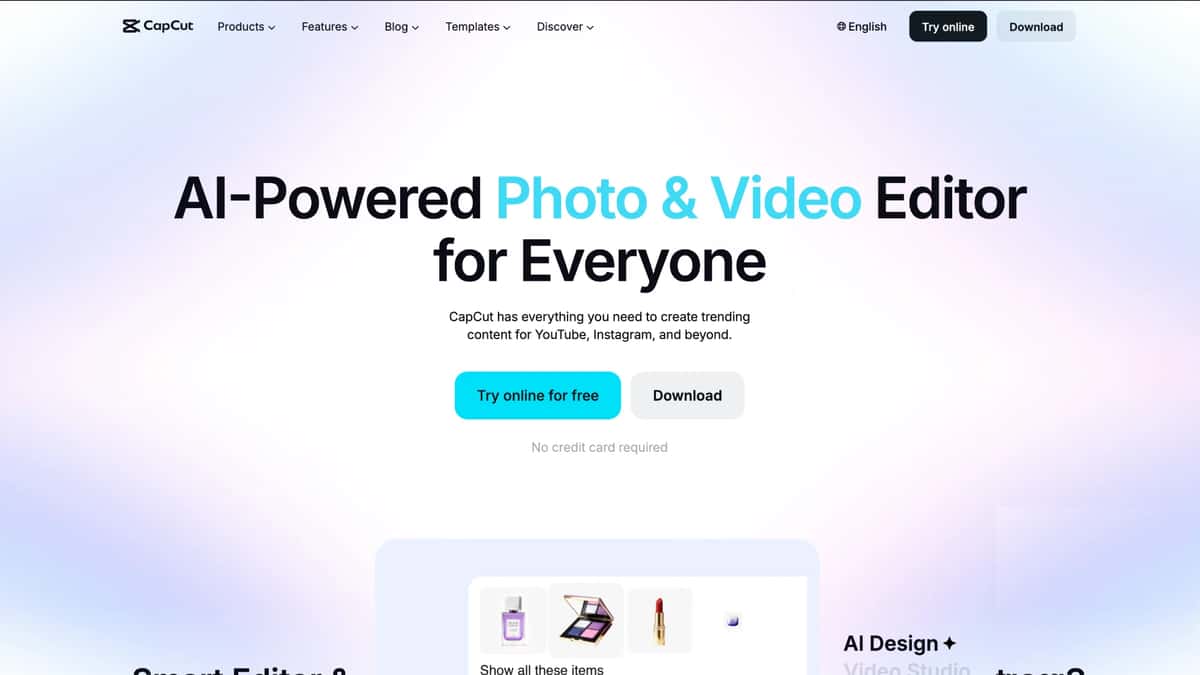
Best for: Social media creators, TikTok and Reels editors, mobile-first workflows.
CapCut has become the dominant AI powered video editor for short-form social content, and for good reason. Its auto-caption accuracy is excellent, the trend-matched template library is updated constantly, and the AI background remover works reliably on mobile. The desktop version adds script-to-video and a basic AI avatar tool, making it a solid all-rounder for social-first creators.
- Key features: Auto-captions, AI background removal, trending templates, text-to-video, auto beat sync, speed ramp, mobile + desktop apps
- Pros: Free tier is highly functional; massive template library; fast mobile workflow; strong AI caption accuracy
- Cons: Exporting without CapCut watermark requires Pro; less suited for long-form content; owned by ByteDance (relevant for some business users)
- Pricing: Free (with watermark); Pro $9.99/month
Bottom line: For social-first creators, CapCut is hard to beat on value — it’s where I’d start before paying for anything else.
6. Lumen5: Best for SEO & Content Marketing Teams
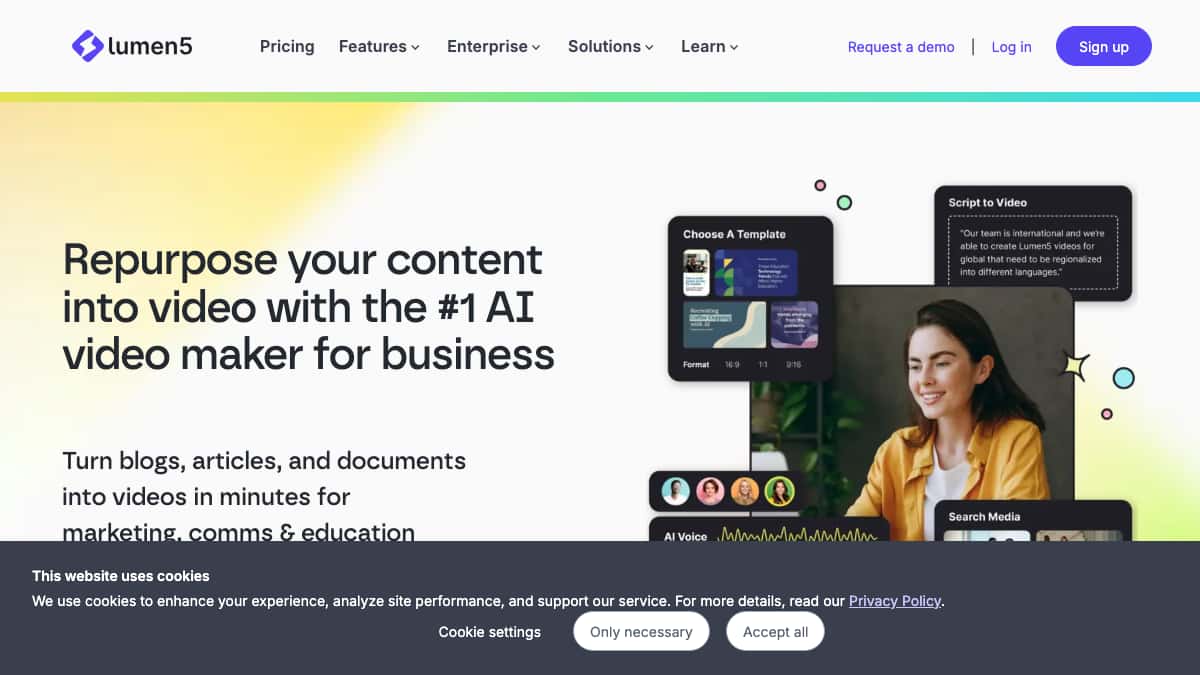
Best for: SEO teams and content marketers automating video from written content.
Lumen5 is built around one workflow: turn text into branded marketing video. Paste a blog post or script, and its AI matches scenes to talking points, pulls relevant media, and applies your brand colors and fonts. For teams running content-heavy SEO strategies, it’s one of the best AI video editing tools for maintaining consistent output without a video team.
- Key features: Blog-to-video automation, brand kit, stock media library, script storyboarding, 720p/1080p export, team sharing
- Pros: Streamlines content repurposing at scale; strong brand consistency tools; simple enough for non-editors
- Cons: Free plan watermarks and limits exports; creative control is more limited than timeline editors
- Pricing: Free (watermarked, 5 videos/month); Basic $29/month; Starter $79/month; Professional $199/month
Bottom line: If you run a content-heavy SEO strategy, Lumen5 kept my branded video output consistent without needing a dedicated editor.
Suggested Read: Best AI Video Generation Models in 2026: A Comparison Guide
7. Pixazo: Best for Budget Creators & Beginners
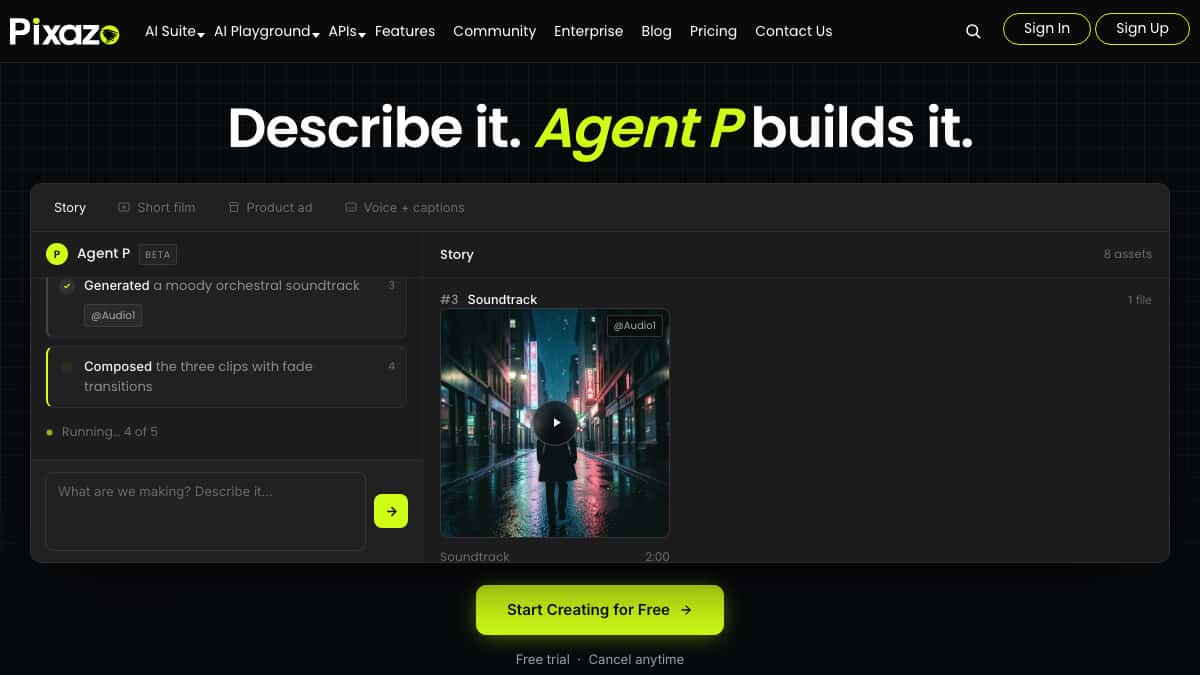
Best for: Budget-conscious creators, beginners, and small businesses needing fast results.
Pixazo’s AI video editor online combines text-to-video, voiceover generation, background removal, and auto-subtitle tools in a single browser-based workspace. The interface is built for speed — you can go from a script to a publishable video in under 10 minutes without installing anything. The free plan is genuinely functional, and the output quality is competitive with tools costing significantly more.
- Key features: Text-to-video, AI voiceover, auto-subtitles, background remover, template library, 9:16/16:9/1:1 export
- Pros: No software to install; strong free tier; fast turnaround; excellent for social-first content
- Cons: Advanced timeline editing is more limited than desktop tools; best suited for short-form content
- Pricing: Free plan available; paid plans start at competitive rates
Bottom line: For beginners and budget creators who want real results in minutes, Pixazo delivered the best speed-to-output ratio of anything I tested. A free Pixazo account is required to start editing, and the free tier is generous enough to finish a real project.
Suggested Read: How to Make an Animated Cartoon Video Using AI ?
8. Kapwing: Best for Beginners & Students
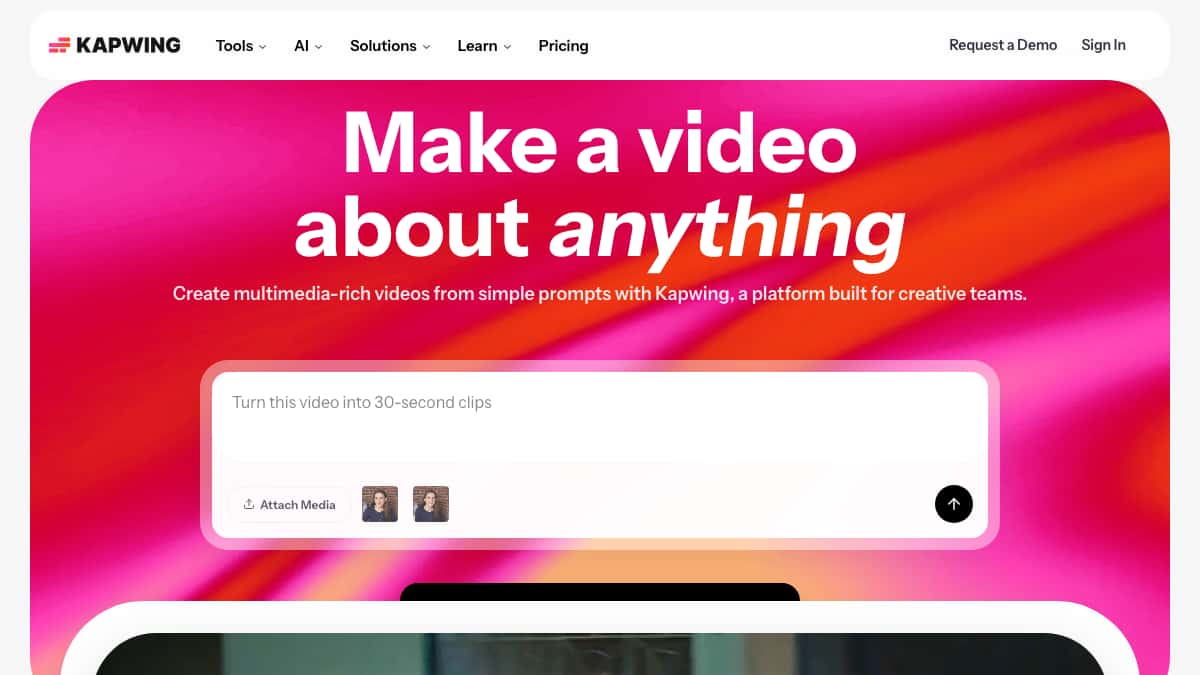
Best for: Students, beginners, and content teams needing a collaborative browser editor.
Kapwing offers one of the best AI video editing software free experiences for anyone new to video editing. The browser-based timeline is approachable, the AI subtitle tool is accurate, and features like auto-resize and background removal require no technical knowledge. The collaborative workspace is a genuine advantage for small teams.
- Key features: AI subtitles, auto-resize for platforms, background removal, team workspaces, meme/GIF maker, 1080p export, MP4/GIF export
- Pros: Very low learning curve; solid free tier; good collaboration tools; frequent feature updates
- Cons: Free exports include watermark; processing speed can lag on longer videos
- Pricing: Free (watermarked); Pro $16/month; Business $50/month
Bottom line: If you’re new to editing and want a forgiving browser tool, Kapwing was the gentlest on-ramp I tested.
Suggested Read: 10 Best AI Music Generators in 2026: Ranked as the Best
9. Animoto: Best for Small Business Promo Videos
Best for: Small business owners creating promo and product videos.
Animoto has been a reliable name in easy video creation for years, and its AI-assisted template system has kept it relevant. The drag-and-drop builder, built-in music library, and business-focused templates make it an accessible choice for entrepreneurs who need polished promo content without a steep learning curve.
- Key features: Drag-and-drop builder, 1000+ templates, licensed music library, branded slideshows, stock photo/video access, HD export
- Pros: Quick to produce professional-looking results; large template library; easy brand customization
- Cons: Less AI automation than newer competitors; creative ceiling is lower for complex projects
- Pricing: Free (limited); Basic $8/month; Professional $15/month; Professional Plus $39/month
Bottom line: For small business owners who need polished promos fast, Animoto’s templates got me there without any learning curve.
Suggested Read: Key Challenges and Goals in Converting Textual Descriptions into Video Content
10. Adobe Premiere Pro (Sensei AI): Best for Professional Editors & Studios
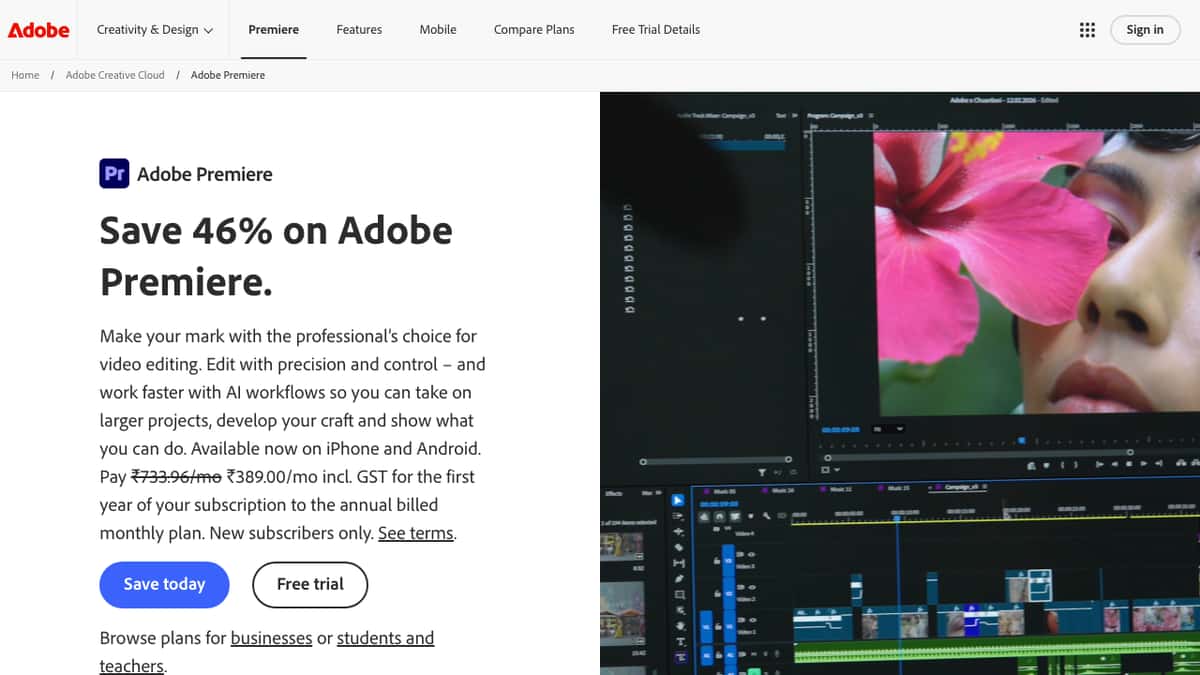
Best for: Professional editors, agencies, and studios requiring maximum control.
Adobe Premiere Pro integrates Sensei AI across its entire feature set — from auto-reframe and scene edit detection to speech-to-text transcription and generative extend. For professional editors, it remains the most powerful best AI video editing tool on the market, even if it demands significantly more technical investment than browser-based alternatives.
- Key features: Auto-reframe, speech-to-text captions, scene edit detection, Generative Extend, morph cut, third-party AI plugin ecosystem, 8K support
- Pros: Unmatched professional control; deep integration with After Effects and Photoshop; industry standard for high-budget productions
- Cons: Expensive; steep learning curve for beginners; desktop-only; subscription required for all features
- Pricing: $37.99/month (standalone); $59.99/month (Creative Cloud All Apps)
Bottom line: If you have a dedicated editor on staff, nothing matched Premiere Pro’s control in my testing — but it’s overkill for everyone else.
Suggested Read: 10 Best AI Video Collage Maker Tools in 2026
How I Tested These AI Video Editors
I didn’t rank these tools from a spec sheet or a press release. Over several weeks, I ran the same two real-world projects through every platform so the comparison stayed fair: a 60-second vertical (9:16) social clip built from a short script, and a 10-minute talking-head video that needed cutting, captions, and a clean export.
For each tool, I measured the same things:
- Setup time — how long it took to get from sign-up to a working project.
- Editing speed — how fast the core AI features (auto-cut, captions, background removal, text-to-video) actually saved time versus manual editing.
- Caption accuracy — how clean the auto-generated subtitles were before I had to correct anything.
- Output quality — how the final 1080p export looked without manual color or audio fixes.
- Free-tier limits — whether the free plan was genuinely usable or just a watermarked demo.
- Learning curve — how approachable each tool was for a creator without a professional editing background.
The rankings and “best for” labels above reflect how each tool actually performed against those criteria — not just what the marketing pages claim. Where a tool excelled for one type of creator but frustrated another, I’ve said so in its pros, cons, and bottom line.
Suggested Read: 10 Best AI Logo Generators in 2026: Key Features, Pros, Cons & Pricing
Best AI Video Editing Software: Free vs Paid Options
One of the most common questions I get: is there genuinely good AI video editing software free in 2026? The honest answer is yes — with caveats.
Free tiers worth using:
- Pixazo — the free plan covers text-to-video, voiceover, and subtitle tools without a time-limited trial. Start for free at Pixazo.
- CapCut — nearly the full feature set is free; you just get a watermark on exports.
- Kapwing — solid for short-form content with watermark removal on upgrade.
- Runway ML — 125 monthly credits is enough for testing and light use.
When to pay: If you’re publishing professionally or for a brand, the watermark alone justifies upgrading. Beyond that, paid tiers unlock higher export resolutions, longer video lengths, brand kits, and faster processing. For business use, tools like VEED.IO and Lumen5 become cost-effective when you factor in the time they save on subtitle generation and repurposing.
Suggested Read: 10 Best AI Music Video Generator Tools in 2026
Who Should Use Which AI Video Editor Online? (Use-Case Breakdown)
For YouTubers
YouTube creators live and die by editing efficiency and viewer retention. The priorities here are transcript-based editing (to cut down long recordings fast), accurate auto-captions for accessibility, and clean export at 1080p or 4K.
Top picks: Descript (transcript editing is a game-changer for talking-head content), Runway ML (for high-production value shorts and intros), Pixazo (for quick AI-generated thumbnails and short clips to supplement main videos). If you’re just starting out, explore Pixazo’s full AI tools library for content creation beyond video.
For Social Media Creators
Social media demands high volume and platform-specific formats. You need tools that handle 9:16 vertical video, auto-captions that are accurate, and fast turnaround from idea to post.
Top picks: CapCut for mobile-first Reels and TikTok content, VEED.IO for teams managing multiple brand accounts, Kapwing for beginners who want clean results without a learning curve. For AI-generated imagery to pair with your videos, try Pixazo’s AI image generator to create consistent visual assets.
For Businesses
Business video needs range from product demos and explainer videos to internal training content and ad creatives. The priorities shift to brand consistency, team collaboration, and the ability to repurpose written content into video at scale.
Top picks: VEED.IO for its brand kit and team workspace, Lumen5 for converting blog content into marketing videos, Pictory for repurposing long-form content into short clips, and Animoto for polished promotional slideshows. Adobe Premiere Pro is the right choice if you have a dedicated video professional on staff.
Suggested Read: Video Speed Editor: Seamlessly Adjust and Control Playback Speed
How to Pick the Right AI Video Editing Tool for Your Needs
With so many options on the market, here’s a simple decision framework based on what I observed across different creator types during testing:
- Define your primary content type. Talking-head/educational → Descript. Social short-form → CapCut or Pixazo. Marketing/repurposing → Pictory or Lumen5. High-end creative → Runway ML. Professional broadcast → Adobe Premiere Pro.
- Set your budget ceiling. If free is the requirement, Pixazo, CapCut, and Kapwing all offer functional free tiers. Under $20/month covers VEED.IO Basic, Kapwing Pro, Animoto Basic, or CapCut Pro.
- Consider your technical comfort level. Complete beginners should start with Animoto, Kapwing, or Pixazo. Intermediate creators will get the most from Descript or VEED.IO. Professionals looking for maximum control should invest time in Runway ML or Adobe Premiere Pro.
- Check the export requirements. If you need watermark-free 4K exports, almost every tool requires a paid plan. If you’re fine with 1080p and can tolerate a trial watermark, the free tiers cover a lot of ground.
- Test before committing. Every tool on this list has a free tier or trial. Run a real project through each shortlisted option before paying. The tool that fits your workflow will be obvious after one session.
Frequently Asked Questions About AI Video Editors
What is the best AI video editor for beginners in 2026?
For beginners, Pixazo and Kapwing are the strongest starting points. Both are browser-based, require no software installation, and have genuinely functional free tiers. Pixazo’s text-to-video and auto-subtitle tools make it especially fast for new creators who want results without a steep learning curve. Try Pixazo’s AI video editor free here.
Is there a good AI video editing software free option?
Yes. Pixazo, CapCut, Kapwing, and Runway ML all offer free tiers with real functionality. CapCut and Kapwing watermark exports on the free plan, but Pixazo’s free tier allows meaningful output without requiring an immediate upgrade. Runway ML’s 125 monthly credits are best suited for short clips and experimentation.
Which AI video editor online is best for social media content?
CapCut dominates for TikTok and Reels due to its trending template library, accurate auto-captions, and mobile app. VEED.IO is the better choice for teams managing multiple brand accounts. For social-first creators who also need AI image and graphic assets, Pixazo’s AI tools suite covers video, images, and more in one platform.
What makes an AI powered video editor different from a regular editor?
An AI powered video editor automates tasks that traditionally required manual skill: cutting silence, generating subtitles, matching background music to pacing, removing backgrounds, and even generating video clips from text prompts. The net result is faster production without requiring deep technical editing knowledge. The best tools use AI to handle the repetitive work while keeping creative decisions in your hands.
Which best AI video editing tool is right for businesses?
For most businesses, the answer depends on scale. Small businesses doing their own content will get the best ROI from Pixazo (free tier, fast results) or Animoto (polished templates, $8/month). Marketing teams with high content volume should look at VEED.IO or Lumen5 for their brand kit and repurposing capabilities. Agencies and studios with dedicated editors should evaluate Adobe Premiere Pro or Runway ML for professional-grade output.
Deepak Joshi
Author · Pixazo
Deepak writes about generative AI models, APIs, and the workflows teams use to ship them. Reviewed by Abhinav Girdhar.