10 Best AI Music Video Generator Tools in 2026


Creating music videos once required professional editing skills, expensive software, and hours of manual effort. In 2026, AI music video generator tools have transformed the process, making it faster, easier, and more accessible to everyone. Whether you are an independent musician, content creator, or marketer, these tools help you turn your audio into eye-catching visuals without the technical hassle. If you want to try it, use AI Music Generator.
AI tools can now match visuals to beats, animate lyrics, and generate entire scenes based on your music style or mood. In this blog, we have listed the 10 best AI music video generators in 2026. You will find a mix of free, budget-friendly, and advanced tools. Each platform is reviewed for its features, strengths, limitations, and best use case to help you pick the right one for your creative needs.
Why AI Music Video Generators Matter in 2026
AI music video generators have become essential for creators, offering a fast, affordable way to produce professional videos without technical skills. In 2026, with short-form platforms like TikTok and Instagram Reels dominating attention, these tools help artists and marketers quickly turn music into engaging visual content.
They boost creativity by automating tasks like beat syncing, lyric animation, and scene transitions, saving time while maintaining quality. Beyond speed and convenience, such AI design tools also unlock visual experimentation, allowing users to explore styles like surreal animations or cinematic storytelling. For independent creators and teams alike, AI music video generators are now a vital part of digital content production.
How We Select the Best AI Design Generator Platforms at Pixazo
At Pixazo, we carefully evaluate AI design generator platforms to help users skip the overwhelming trial-and-error process. Our experts, with extensive experience in AI-powered design tools, assess each platform based on creativity, ease of use, customization options, and overall performance. We put these tools to the test by creating designs across different categories to ensure they deliver high-quality results effortlessly. Every recommendation is based on thorough research and real-world testing, with no paid placements or outside influence. Want to know how we pick the best AI design platforms? Explore our detailed evaluation process.
Disclaimer – Portions of this article were drafted with AI and reviewed by Jayesh Chaubey
Top 10 AI Music Video Generator Tools to Try in 2026
This section explores the best tools available right now, which have features of AI Music Generator and AI Video Generator combined to help you turn music into captivating video content with the power of AI.
1. Invideo AI
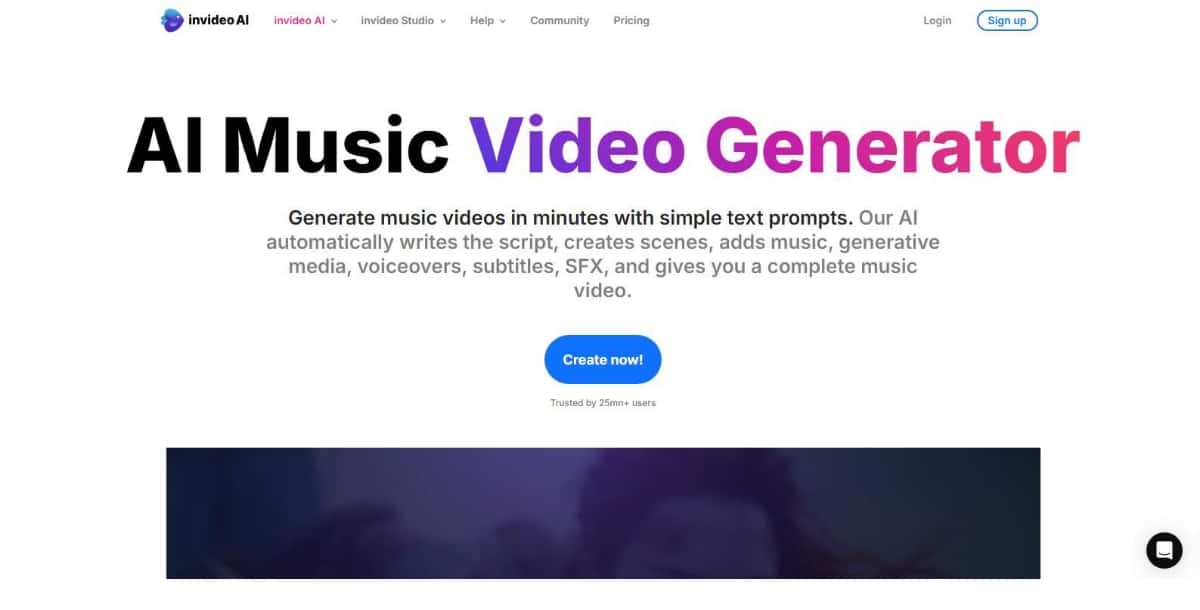
Overview
Invideo AI is a powerful video generation platform that uses artificial intelligence to turn text, audio, or scripts into polished videos. Its AI music video feature is designed to auto-sync visuals to your music and generate scenes that match the mood and beat.
Best For
Content marketers, music producers, and YouTubers looking to create professional music videos with minimal input.
Key Features
- AI-generated scenes based on song lyrics or music style
- Audio-to-video syncing with rhythm-based transitions
- Voice-to-video option for narrated music projects
- Wide library of stock videos, animations, and visual effects
- Built-in editor for custom adjustments
Pros
- Advanced AI with scene suggestions
- Flexible editing tools for customization
- Suitable for various video formats and lengths
- Regular updates and feature improvements
Cons
- Slight learning curve for new users
- Some features require premium access
Pricing Snapshot
- Free version available with watermark
- Paid plans start with monthly and annual billing options
- Premium features unlocked with Pro subscription
Use Case Example
A digital creator can upload a lo-fi beat and use Invideo AI to auto-generate a relaxing visual sequence that syncs perfectly with the vibe of the music, making it ideal for streaming platforms or background visuals.
2. Pictory
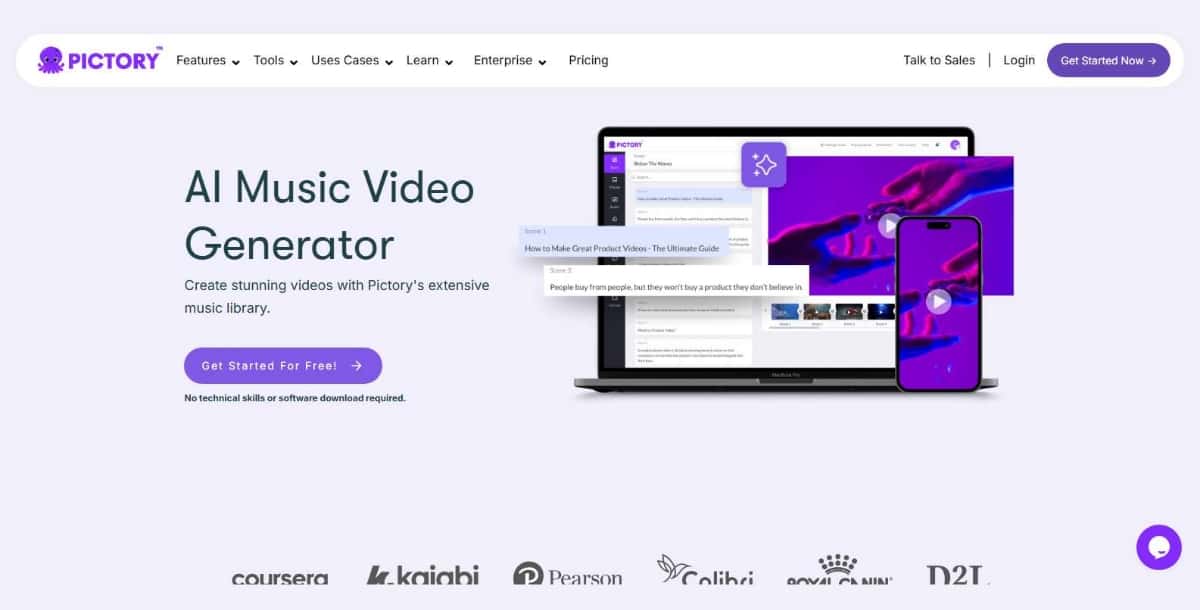
Overview
Pictory is widely known for its AI-powered video editing capabilities, and it also offers an efficient way to create music videos. Users can combine music with visuals, text overlays, and stock footage, all guided by AI to enhance viewer engagement.
Best For
Podcasters, online coaches, and solo artists who want lyric videos or music-backed short-form content.
Key Features
- Auto-captioning and animated text overlays
- AI scene selection based on lyrics or audio cues
- Access to a large media library for visuals
- Supports voiceover or music-only video generation
- Timeline editor for easy adjustments
Pros
- Excellent text-to-video features for lyric videos
- Good control over visual pacing and mood
- Strong editing and preview tools
- Cloud-based, no software installation needed
Cons
- Visual options are more template-driven than fully custom
- Stock-heavy results if not customized
Pricing Snapshot
- Free trial available
- Monthly and annual plans with export limits
- Additional features in premium tiers
Use Case Example
A motivational speaker can turn a music-backed quote or message into a visually rich short video, ideal for Instagram Reels or YouTube Shorts, using Pictory’s text overlay and stock visuals.
3. Neural Frames
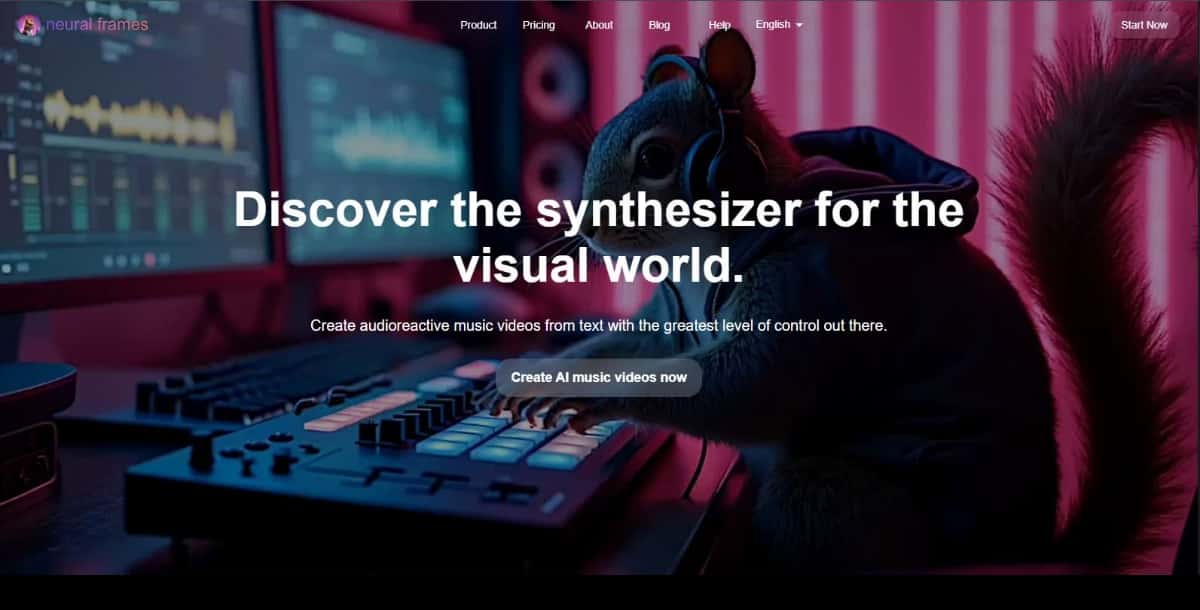
Overview
Neural Frames offers an advanced AI-driven platform that generates high-quality music videos by analyzing audio tracks and matching them with the best visual elements. It is designed for creators who want more control over the visual storytelling of their music.
Best For
Musicians, filmmakers, and creative professionals who require high-quality, cinematic music videos with unique visual aesthetics.
Key Features
- AI-powered scene generation based on the mood of the track
- Ability to adjust the visual style (e.g., cinematic, abstract, or minimal)
- Seamless integration with audio, offering beat-perfect synchronization
- High-definition exports, including 4K
- Customizable animation and visual effects
Pros
- Exceptional AI-driven visuals with artistic depth
- Great flexibility in visual style customization
- High-quality video export options, including 4K
- Ideal for professional-level music videos
Cons
- More advanced than other tools, requiring some learning curve
- Limited templates compared to simpler tools
- Pricing is higher, especially for full feature access
Pricing Snapshot
- Free version available with limited exports and templates
- Premium pricing starts at a monthly subscription for full features
- Custom enterprise solutions available
Use Case Example
An electronic music producer can upload a track and customize the video’s visual style to match their futuristic genre, producing a stunning video with abstract visuals that sync seamlessly to their beat.
4. LTX Studio
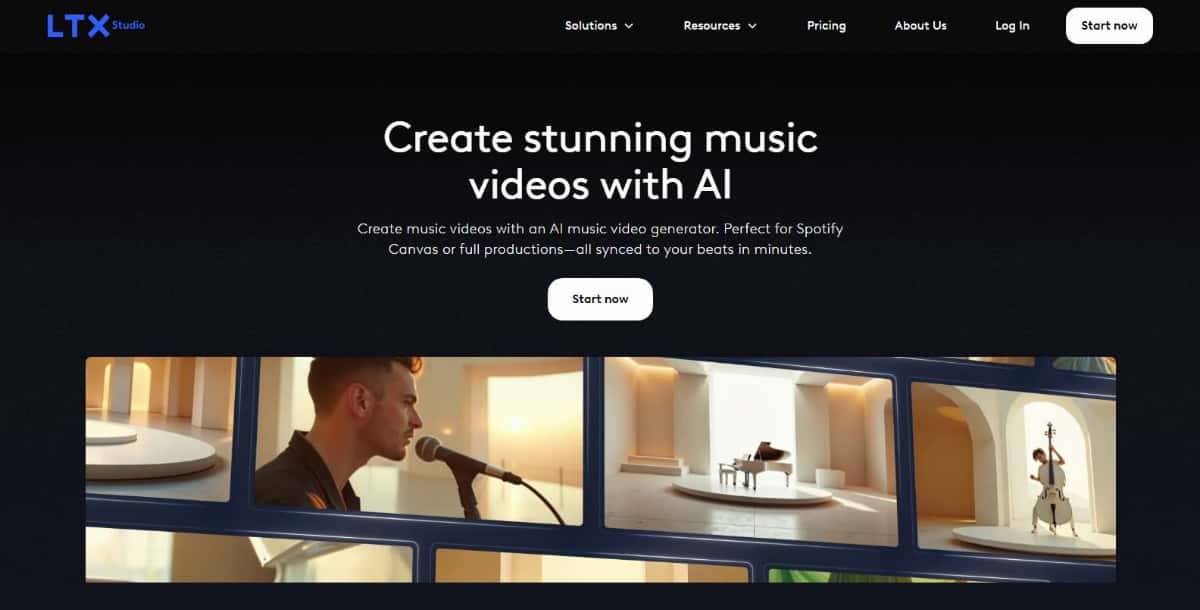
Overview
LTX Studio blends storytelling with AI video creation, allowing users to create narrative-driven music videos. It’s especially useful for artists who want their music videos to follow a theme or visual storyline rather than just abstract visuals.
Best For
Artists, filmmakers, and creative storytellers who want music videos with a cinematic or narrative touch.
Key Features
- AI-assisted storyboarding based on your audio or theme
- Scene-by-scene visual generation with customizable characters and environments
- Supports script or lyric-based input
- High-quality exports with cinematic transitions
- Flexible editing timeline
Pros
- Unique focus on storytelling through music videos
- High visual fidelity and scene design
- Great for long-form music content or concept videos
- Custom avatars and environments available
Cons
- Requires more input than quick video tools
- Best results take longer to render
- Not ideal for fast social content
Pricing Snapshot
- Free plan includes limited projects
- Paid plans offer more storage, features, and resolution options
- Team and studio pricing available for collaborative work
Use Case Example
A hip-hop artist with a narrative song can use LTX Studio to create a full story-driven video with characters and urban backgrounds that follow the track’s lyrics scene by scene.
5. Veed
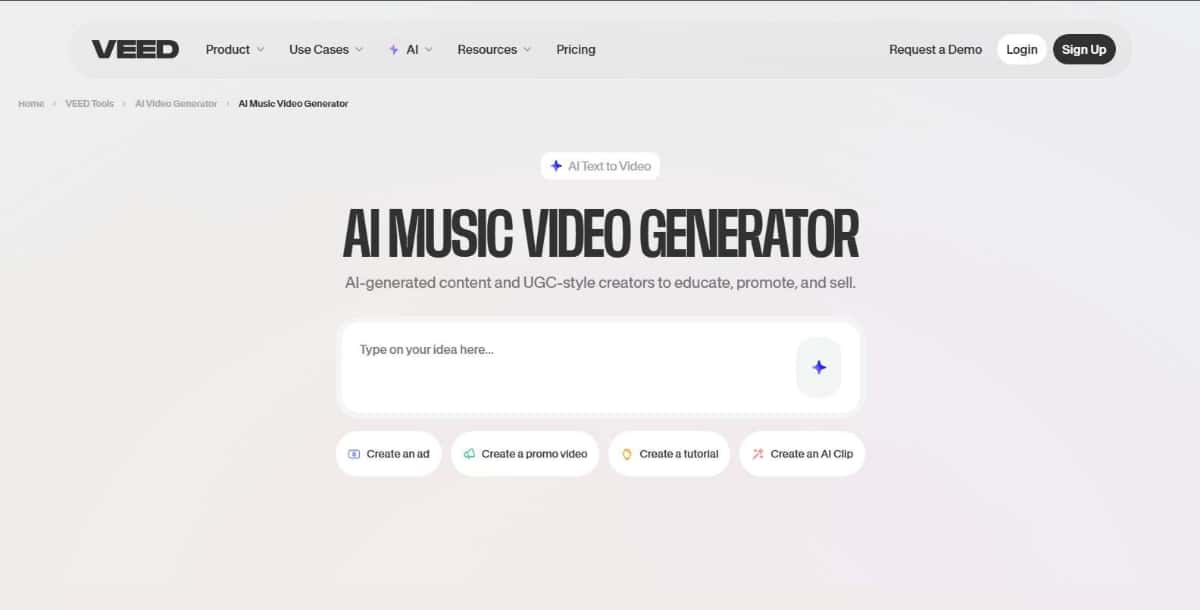
Overview
Veed is an all-in-one online video editing platform that includes AI-powered tools to create music videos quickly. Its music video features combine visual templates, audio sync, and animated text to help users produce professional-looking content without editing experience.
Best For
Social media managers, podcasters, and musicians who want to create music clips, lyric videos, or highlight reels.
Key Features
- Audio waveform visualizations and beat sync
- Auto-subtitles and lyric animations
- Drag-and-drop timeline editor
- Stock footage and music integrations
- One-click export to platforms like YouTube and TikTok
Pros
- Easy to use with clean interface
- Great for lyric videos and audio visualization
- Supports multiple file formats and aspect ratios
- Browser-based with cloud storage
Cons
- Some features require higher-tier subscriptions
- Basic visuals compared to more artistic tools
Pricing Snapshot
- Free plan includes watermark and basic tools
- Premium plans available monthly or yearly
- Enterprise pricing for teams and agencies
Use Case Example
A marketing team can use Veed to turn a brand jingle into a looping music video with animated subtitles, waveform effects, and brand colors, then export it directly to Instagram Reels.
6. Pixazo Music Video Generator
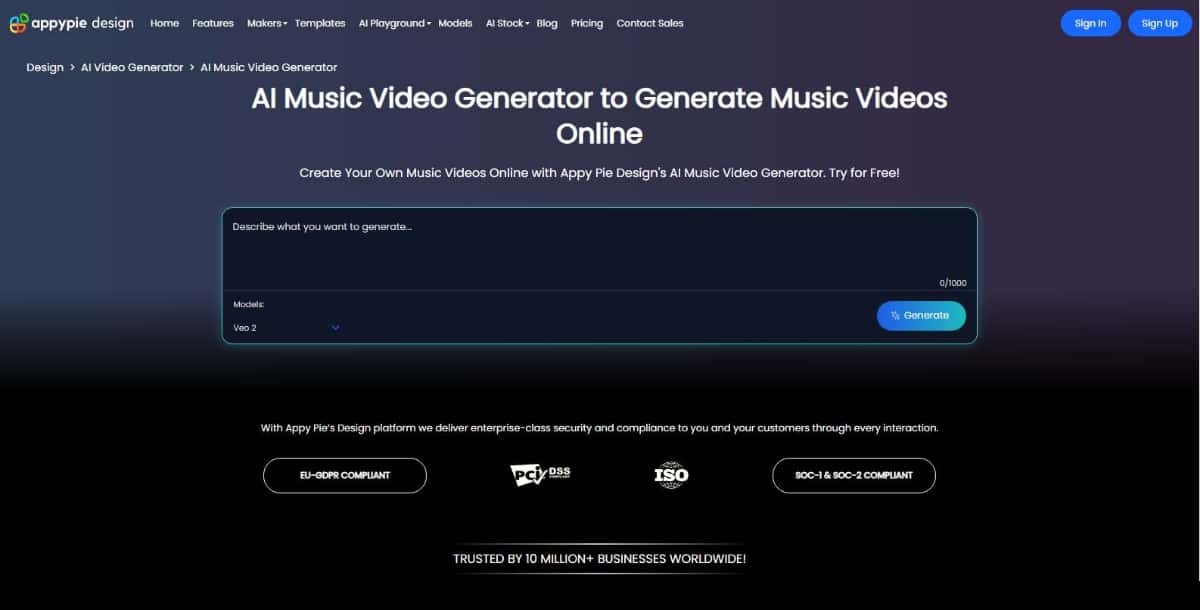
Overview
Pixazo offers an intuitive AI music video generator that turns audio tracks into engaging visuals within minutes. It’s ideal for users who want fast, attractive results without diving into complex editing.
Best For
Beginners, independent musicians, and social media content creators looking for quick and customizable music videos.
Key Features
- Auto-sync visuals with uploaded music
- Pre-designed templates tailored for music genres
- Drag-and-drop interface with AI scene generation
- Option to add lyrics and dynamic text overlays
- Supports HD exports
Suggested Read: How AI Video Generation Models Are Ranked: Inside the Pixazo Leaderboard
Pros
- Extremely user-friendly interface
- Fast video rendering times
- Great selection of templates for music-based content
- No technical skills required
Cons
- Limited advanced editing options
- Some premium templates are locked behind higher-tier plans
Pricing Snapshot
- Free trial available with limited credits
- Paid plans start at an affordable monthly rate
Use Case Example
An independent pop artist can upload a track, choose a themed visual template, add animated lyrics, and export a polished music video ready for Instagram or YouTube.
7. Revid AI
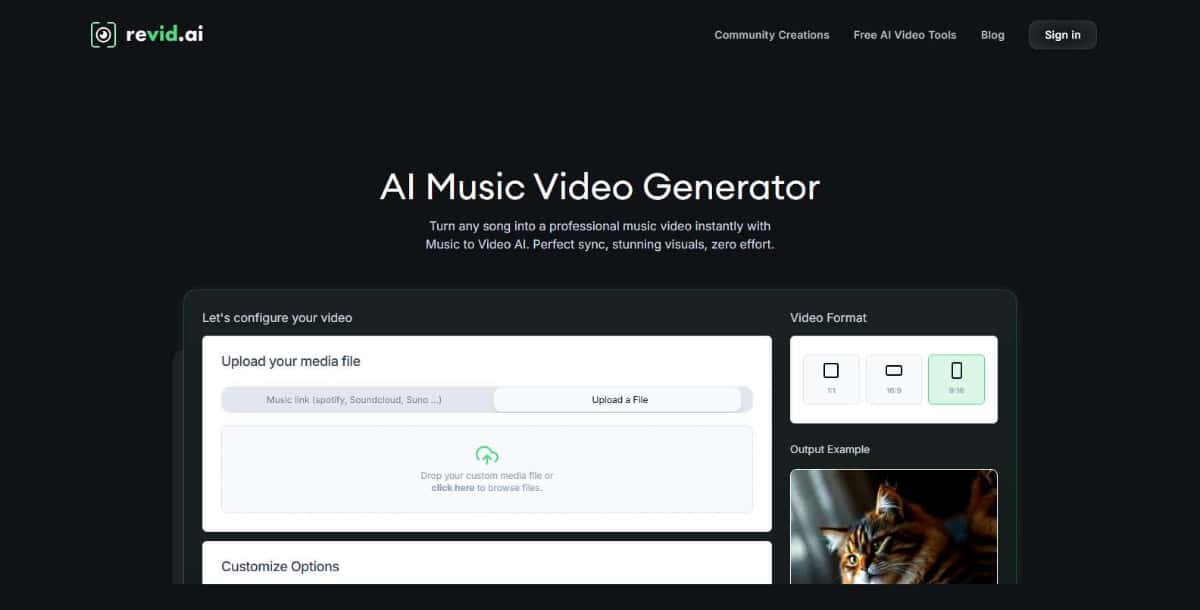
Overview
Revid AI focuses on turning audio tracks into short, shareable music videos using automation and beat-aware editing. It is designed for quick content creation, especially for platforms like TikTok, Instagram, and YouTube Shorts.
Best For
Short-form content creators, indie artists, and marketers who need fast and engaging music video clips.
Key Features
- Automatic beat detection and visual syncing
- Music-driven templates optimized for vertical and square formats
- AI-enhanced transitions and effects
- Option to add text, emojis, or stickers
- One-click social media export
Pros
- Fast turnaround with minimal input
- Great for vertical videos and social-first formats
- Easy to use, even for beginners
- Supports multiple aspect ratios
Suggested Read: AI Music Generation Models: The Future of Sound and the Role of Meta's AudioCraft
Cons
- Limited control over advanced visual customization
- Best suited for short videos under 60 seconds
Pricing Snapshot
- Free plan with basic features and watermark
- Affordable monthly plans for creators
- Higher-tier plans include branding removal and HD exports
Use Case Example
A TikTok music artist can upload a 30-second hook and use Revid AI to auto-generate a vertical video that matches the beat, adds vibrant transitions, and is instantly ready to post.
8. Freebeat
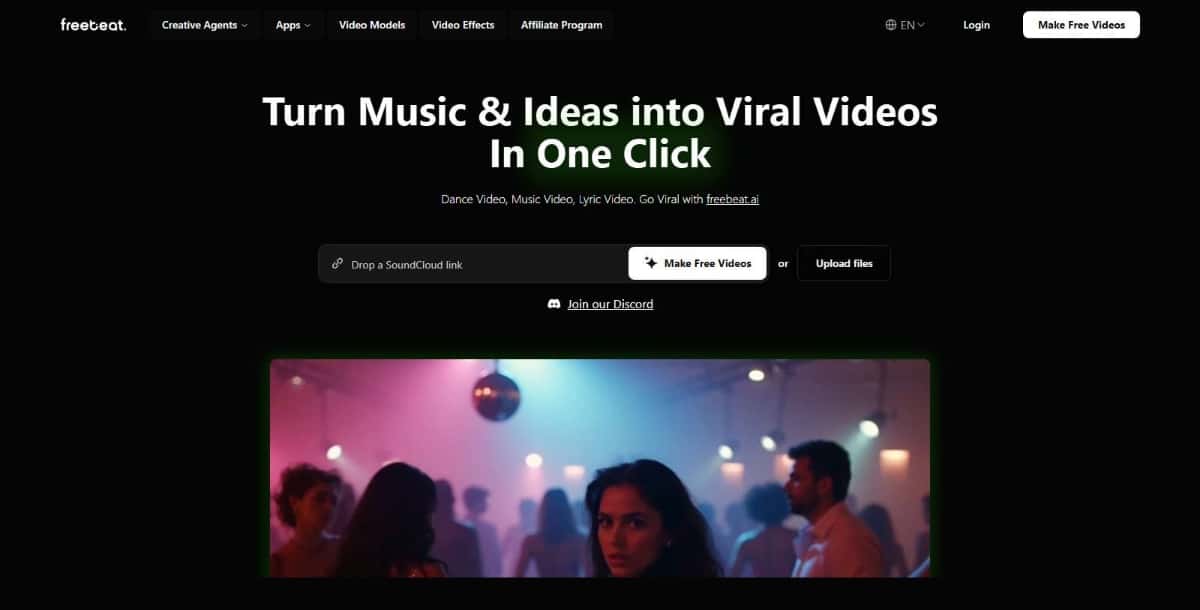
Overview
Freebeat is an AI music video generator that focuses on beat-driven visuals and motion graphics. It is especially popular among electronic music producers and content creators who want to create energetic, performance-style visuals that move with the rhythm.
Best For
DJs, music producers, and creators who want dynamic videos synced precisely to beats or tempo changes.
Key Features
- Beat-matching visual effects and motion loops
- Library of animated backgrounds and templates
- AI timing for drops, build-ups, and transitions
- Audio spectrum visualizers and waveform animations
- Custom color palettes and text overlays
Pros
- Excellent synchronization with music tempo
- Ideal for dance, EDM, or hip-hop styles
- Lightweight and fast rendering
- Great for YouTube and live visuals
Cons
- More focused on abstract motion than storytelling
- Visual customization is somewhat limited to presets
Suggested Read: Best AI Animation Video Generators in 2026
Pricing Snapshot
- Free plan with basic visualizer access
- Premium plans unlock more effects and export formats
- One-time and subscription pricing options available
Use Case Example
An EDM producer can upload a high-energy track and instantly generate a visually engaging music video with strobe effects and rhythmic visuals perfect for YouTube releases or live show intros.
9. PlazmaPunk
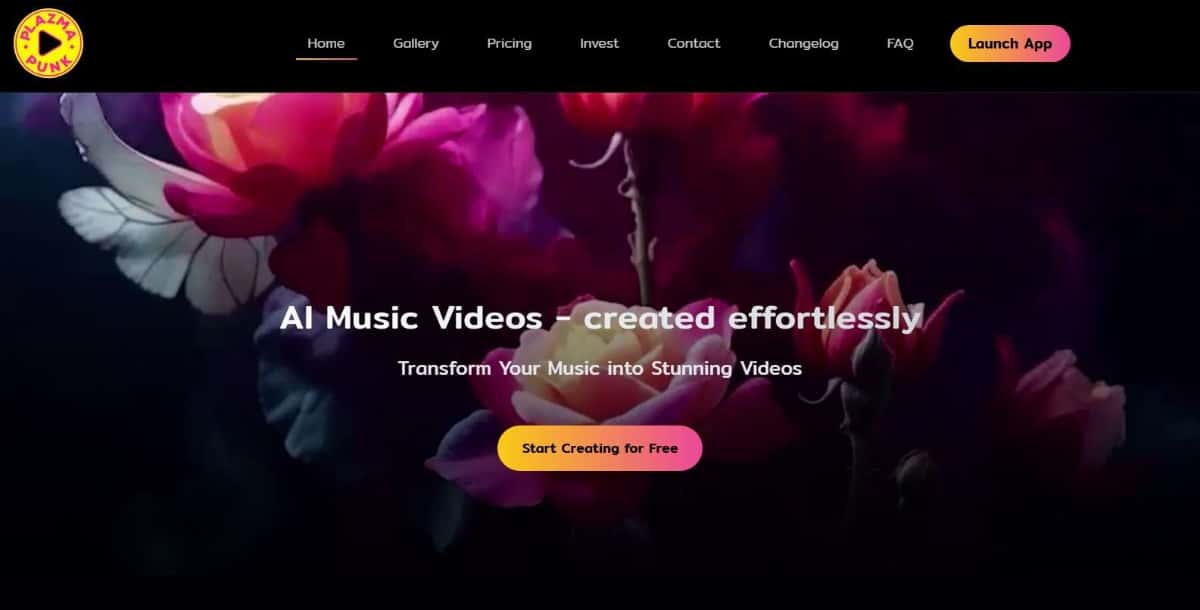
Overview
PlazmaPunk is an experimental AI video tool that generates surreal, animated music videos based on sound, text prompts, or visual inspiration. It’s built for creators who want something artistic, bold, and outside the norm.
Best For
Visual artists, experimental musicians, and those looking to create psychedelic or abstract music videos.
Key Features
- AI-generated visuals based on music tempo and mood
- Text-to-visual prompts to shape video style
- Psychedelic, glitch, and surreal visual templates
- Custom resolution settings including HD and 4K
- Fast rendering with real-time preview options
Pros
- Extremely creative and non-traditional visuals
- Great for underground or experimental genres
- Text prompt input offers more control over the look
- Perfect for music-driven animations
Cons
- Not suited for corporate or mainstream content
- Limited editing tools compared to other platforms
- Style may not appeal to all audiences
Pricing Snapshot
- Free tier with limited visual options
- Paid plans offer full prompt control and higher-quality exports
- Credit-based system for heavy users
Suggested Read: 10 Best AI Presentation Maker Tools in 2026
Use Case Example
An ambient music creator can enter keywords like “dreamscape,” “neon waves,” and “cosmic fog,” then pair them with their track to produce a mesmerizing AI-generated video ready for YouTube or Bandcamp promotion.
10. Captions
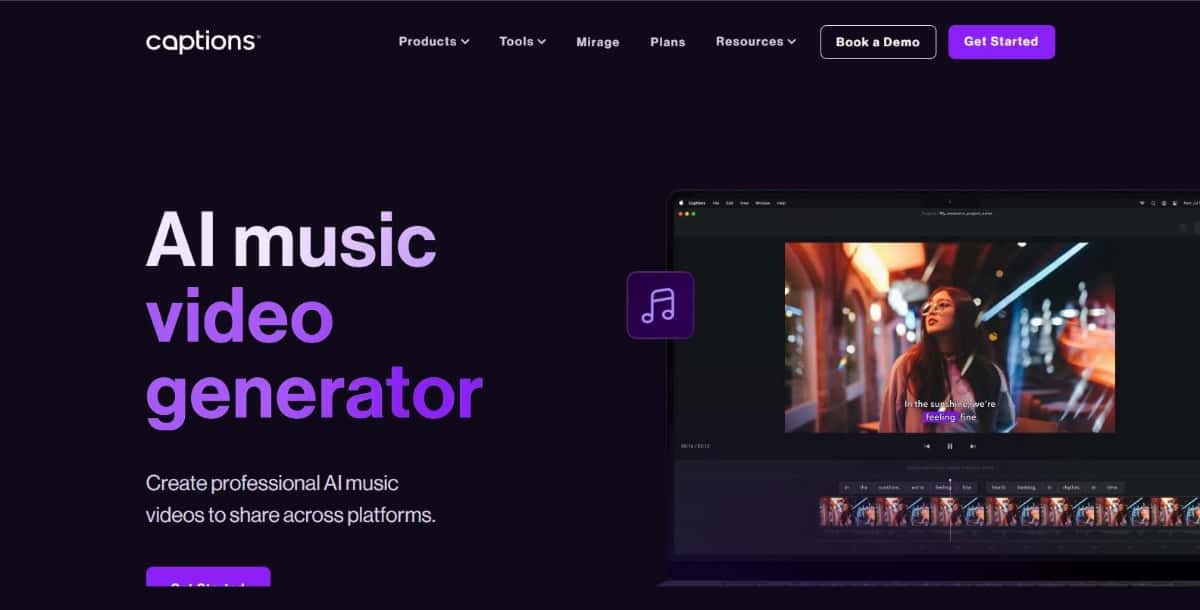
Overview
Captions is an AI-powered video creation tool best known for its smart subtitles and editing features. While not exclusively a music video generator, it offers valuable tools for artists and creators looking to make lyric videos, reels, or promo content with music overlays.
Best For
Musicians, influencers, and creators who want fast lyric videos or music-backed social clips with automatic captions.
Key Features
- Auto-captions and synced lyrics with customizable styles
- AI-powered speaker detection and voice enhancement
- Easy music and video integration
- Supports multiple aspect ratios for all platforms
- Quick export for TikTok, Reels, YouTube Shorts
Pros
- Excellent for creating clean, readable lyric videos
- Highly optimized for mobile and short-form content
- Fast editing and real-time preview
- Good selection of fonts, styles, and animations
Cons
- Limited visual effects and transitions
- Not suitable for full-length or cinematic music videos
Pricing Snapshot
- Free version with watermark
- Pro plan removes branding and adds advanced features
- Affordable monthly or yearly pricing
Use Case Example
A singer-songwriter can upload a verse of their new single, auto-generate stylish lyrics synced with the track, and quickly export a polished video to share on Instagram Stories or TikTok.
| Tool | Free Version | Music Syncing | 4K Export | Customization Level | Best For |
|---|---|---|---|---|---|
| Invideo AI | Yes | Yes | Yes | High | Marketing, YouTube content |
| Pictory | Yes | Yes | Yes | Moderate | Lyric videos and content creators |
| Neural Frames | Yes | Yes | Yes | High | Cinematic, artistic music videos |
| LTX Studio | Yes | Yes | Yes | High | Story-driven videos |
| Veed | Yes | Yes | Yes | Moderate | Lyric videos, reels |
| Pixazo Music video Generator | Yes | Yes | No | Basic | Quick, prompt based videos |
| Revid AI | Yes | Yes | No | Basic | Short-form and social content |
| Freebeat | Yes | Yes | Yes | Low | Beat-focused visuals |
| PlazmaPunk | Yes | Yes | Yes | Moderate | Experimental music videos |
| Captions | Yes | Partial (for lyric timing) | No | Low | Social clips, lyric videos |
Suggested Read: Top 10 AI Story Generator Tools in 2026
How to Choose the Right AI Music Video Generator for Your Needs
With so many excellent tools available, selecting the right AI music video generator depends on your goals, content type, and comfort level with video editing. Here are some tips to help you choose wisely:
- Define Your Purpose
Are you creating a lyric video, a full-length music video, or short clips for social media? - Use Revid AI, Captions, or Veed for short-form content.
- Choose Neural Frames or LTX Studio for cinematic or storytelling videos.
- Consider Your Skill Level
- Beginners can start with Pixazo or Freebeat, which are intuitive and fast.
- Intermediate to advanced users might prefer Invideo AI, Pictory, or PlazmaPunk for more control and customization.
- Evaluate Music Syncing Capabilities
If your visuals need to match beats or transitions closely, opt for tools like Neural Frames, Freebeat, or Revid AI, which excel in rhythmic syncing.
- Think About Customization and Style
- Want a surreal or artistic aesthetic? PlazmaPunk is ideal.
- Prefer branded lyric videos? Veed and Captions are solid picks.
- Need flexible visual storytelling? Go with LTX Studio or Invideo AI.
- Check Export and Platform Support
Make sure the tool supports the resolution and format you need. - For 4K exports: Use Neural Frames, LTX Studio, or Pictory.
- For quick uploads to TikTok, YouTube, or Instagram: Use Revid AI or Captions.
Conclusion
AI music video generators have redefined how artists and creators bring their music to life visually. Whether you’re producing quick social clips, full-length storytelling videos, or animated lyric visuals, there’s an AI Shorts Video Generator tool tailored to your needs. As AI technology continues to evolve, these platforms offer a faster, more creative, and more accessible way to engage audiences. Explore the tools that match your style, experiment boldly, and let your music shine with the visual power it deserves.
Suggested Read: Color Mixer: How to Mix Paint Colors Digitally and Build Perfect Palettes
Frequently Asked Questions
What is an AI music video generator?
An AI music video generator creates visuals that match a song or audio track, often syncing scenes, effects, or animations to the beat and mood. It lets creators produce videos without filming or manual editing.
Can AI make a music video from just a song?
Many tools can generate visuals from an uploaded track or a text prompt describing the vibe, though results vary by tool. Some let you guide scenes, styles, and pacing for closer control over the final look.
Are AI music video generators free?
Several tools offer free trials or limited free renders, while longer videos, higher resolution, and commercial rights usually need a paid plan. Always review the plan details before relying on a tool for a full project.
Can I use AI-generated music videos commercially?
It depends on the tool’s license and whether you hold rights to the underlying music. Read each provider’s commercial terms and make sure your audio track is cleared for the intended use.
Do I need video editing skills to use these tools?
No, most AI music video generators are built for people without editing experience and handle timing and transitions automatically. Basic familiarity with prompts and simple adjustments helps you refine the output.
Suggested Read: How to Make an Animated Cartoon Video Using AI ?
Suggested Read: How to Create Animated Videos For Business?
Deepak Joshi
Author · Pixazo
Deepak writes about generative AI models, APIs, and the workflows teams use to ship them. Reviewed by Abhinav Girdhar.