Blog Article

9 Creative Thanksgiving Visuals You Can Create with AI


Jayesh
By Jayesh | Last Updated on November 28th, 2025 10:05 am

Why Use AI for Thanksgiving Visuals?

AI lowers the barrier to exploring countless creative directions in just a few minutes. Instead of spending hours browsing stock libraries or arranging an entire photoshoot, you can generate a full range of moods, colors, lighting styles, and visual compositions in one sitting. This freedom dramatically broadens your creative process, allowing you to test seasonal looks, festive styles, and even entire branding themes without committing to a single concept too early.

Because AI tools respond so quickly to prompt adjustments, you can fine-tune visual storytelling far more efficiently. Whether you want cozy family scenes, rustic tabletop layouts, watercolor-style illustrations, or sleek minimal graphics, each variation can be produced, reviewed, and improved in real time. That flexibility translates directly into faster content production for social posts, marketing emails, event banners, and printed materials—helping you maintain consistency across multiple platforms without reinventing the wheel for each asset.

If you plan to create printable materials like posters, menus, or event signage, AI becomes even more valuable. Pairing a custom AI-generated hero image with a polished template from a Thanksgiving poster maker gives you a unique, professional-looking design that requires very little manual editing. This combination saves time, reduces design costs, and ensures that every piece of your Thanksgiving campaign—from digital ads to physical décor—feels cohesive and visually intentional.

What’s an Effective Way to Plan your Entire Thanksgiving Creative Set?

The most reliable way to create a cohesive Thanksgiving collection is to define a clear visual theme before you begin generating individual pieces. This theme can be based on a specific color palette, lighting style, illustration technique, or mood—such as rustic farmhouse warmth, elegant modern minimalism, or playful family-friendly charm. Establishing these creative boundaries early ensures that every asset you produce feels like part of the same family, even if they serve different purposes across social, print, and video formats.

Once your theme is set, generate a handful of foundational hero visuals that embody the style you want to maintain. These hero images become the core building blocks for everything else you create: posters, cards, flyers, ads, and even menus. By anchoring your content to these initial visuals, you save time, avoid inconsistencies, and make it easier to adapt your designs for multiple channels without starting from scratch.

From there, you can produce variations—cropped versions for social posts, motion-enhanced versions for videos, or simplified adaptations for print. This modular approach allows you to expand your creative set quickly while keeping every piece connected. It's an efficient way to manage both creativity and brand consistency throughout the entire Thanksgiving season.

What are the Best Thanksgiving Visuals You can Create with AI?

Here is a list of the best thanksgiving visuals you can create with AI:

1. Thanksgiving Images

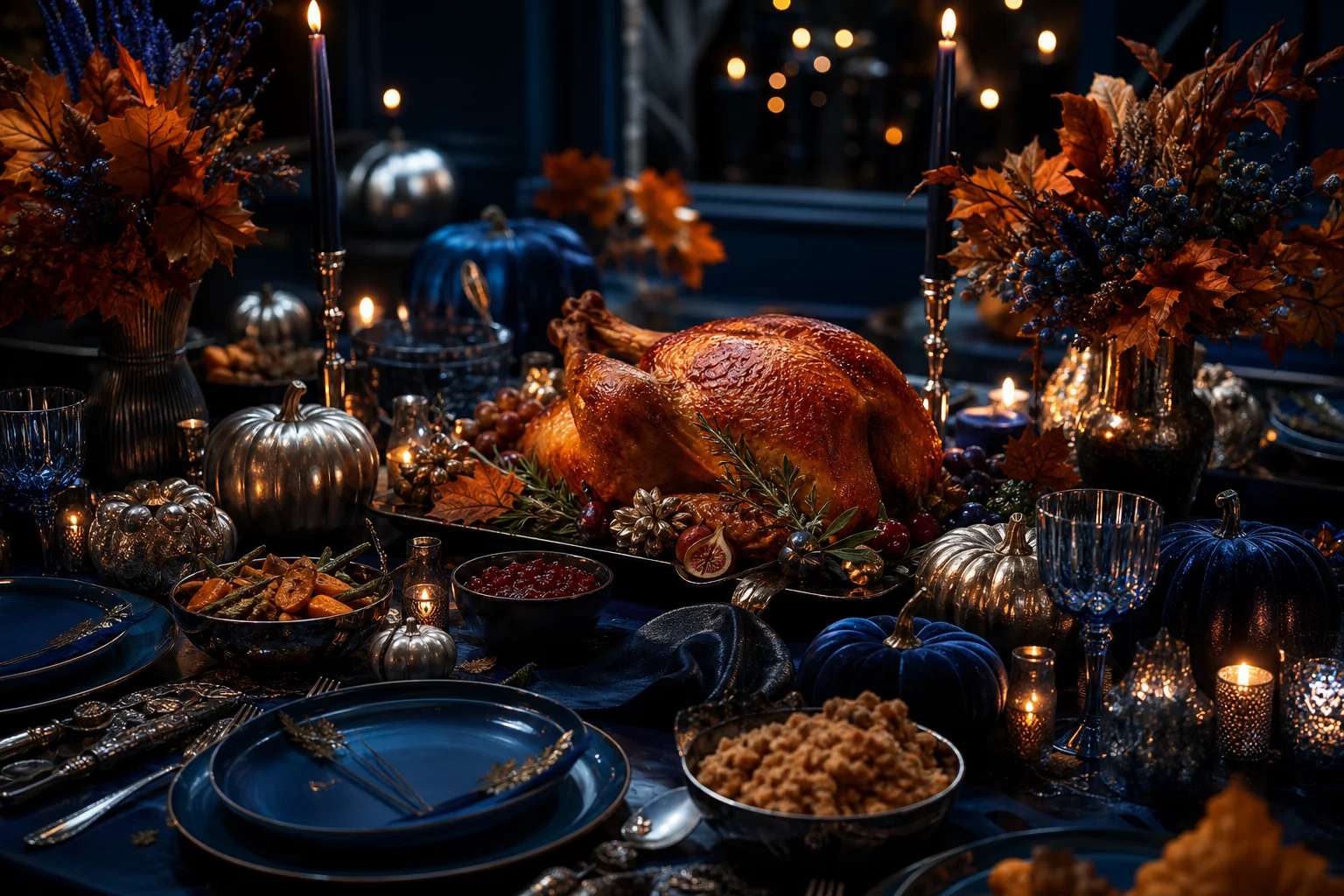
AI image generators are ideal for producing hero photos, stylized illustrations, or detailed product stills of your Thanksgiving spread. Use them to create shareable social images, website headers, or print-ready artwork. When working with an image generator, think about subject, mood, composition, and medium. Below are practical prompt templates and production notes.

Concept directions

  • Warm candid family interior around a long wooden table
  • Overhead flatlay of a Thanksgiving feast with pies, herbs, and rustic linens
  • Stylized illustration (watercolor or gouache) of autumn produce and leaves

Prompt templates you can adapt

Photoreal example: Candid multi-generational family dinner, golden hour light through a farmhouse window, wooden table with roasted turkey and pies, soft shallow depth of field, 50mm portrait lens, warm cinematic color grading"

Output:


Thanksgiving Images

2. Thanksgiving Videos

Turn still ideas into motion with short AI-generated clips for social posts, event intros, or animated greetings. AI video generators let you break a story into shots, but you can also animate a still image with parallax and subtle motion. Keep clips short (6–30 seconds) for better engagement on social platforms.

Story ideas and shot list

  1. Opening shot: golden aerial of a small town or neighborhood with fall foliage
  2. Mid shot: close-ups of hands preparing the meal (mixing batter, carving turkey)
  3. Closing shot: family or friends raising glasses together with a subtle text overlay

Sample shot prompts

"Aerial view of a small town blanketed in fall foliage during golden hour, cinematic stabilised move, wide lens"

Output:


3. Thanksgiving Posters

Posters are perfect for community boards, café windows, and event spaces. Use an AI-generated hero image inside a poster template from a AI Thanksgiving poster maker to get a fast, print-ready result. Posters need a clear visual hierarchy: headline, visual focal point, date/time/place, and a call to action.

Design checklist

  • Choose a single, strong hero image or illustration
  • Pick two type sizes: headline and body; maintain generous margins
  • Ensure high resolution (300 DPI) and include bleed for print

Poster prompt example

"Vintage-inspired farmers' market Thanksgiving poster, vendor stalls with pumpkins and pies, sunburst composition, slightly desaturated halftone texture, space for bold headline"

Output:


Thanksgiving Poster

4. Thanksgiving Cards

AI Thanksgiving card makers allow you to upload custom artwork or generate new designs instantly, then place an AI-created front image alongside a short, personal message. Whether you prefer folded cards (such as A6 folded) or flat postcard-style designs, the flexible templates help you craft something warm and memorable. When designing, keep the greeting legible, choose complementary colors, and leave space for a handwritten note or printed message to add a personal touch.

Creative directions

  • Illustrated turkeys with playful hand-lettering
  • Photo card using an AI-generated family-style scene
  • Minimal typographic card with a single leaf illustration

Prompt and note

"Whimsical hand-drawn turkey holding a tiny pumpkin, textured paper look, space for 'With gratitude' headline"

Output:


Thanksgiving Card

For inspiration while designing cards, consider curated lists and ideas; one helpful phrase to skim is best thanksgiving card ideas, then pick a single visual direction and iterate on it.

5. Thanksgiving Invitations

Create clear, attractive invitations—digital or printable—that include RSVP logistics and event details. AI Thanksgiving invitation makers usually have mobile-first templates; pair a simple, readable layout with an AI hero image for a polished look. If it’s a potluck, include an area for guests to indicate what they’ll bring.

Distribution tips

  • Export mobile-friendly PNG (1200px wide) for chat and email
  • Link to an RSVP form or include a short URL / QR code

Sample Prompt

"Join us for a cozy Thanksgiving dinner — Thursday, November 27 at 6:00 PM. RSVP by November 15."

Output:


Thanksgiving Invitation

6. Thanksgiving Flyers

Flyers are compact and direct—great for campus boards, local cafés, or community centers—and an AI Thanksgiving flyer maker makes creating them fast and consistent. Keep the message short: what, when, where, and a single call to action. Pair a single striking AI-generated image with a clear, bold headline to ensure the flyer stays legible from a distance and grabs attention immediately.

Layout pointers

  • Limit body copy; use bullets for quick scanning
  • Use bold headlines and legible sans-serif fonts for distance reading
  • Include contact or RSVP information in a contrasting band at the bottom

Flyer prompt

"Community potluck flyer hero: neighbors sharing food on a front porch, warm afternoon light, friendly inclusive composition"

Output:


Thanksgiving Flyer

7. Thanksgiving Display Ads

For promotional campaigns, display ads need fast clarity, and an AI Thanksgiving display ad maker helps you generate them efficiently. These tools can automatically produce multiple sizes—story, square, leaderboard, and more—so you can cover every platform without manual resizing. Test two variants, such as an image-led version and a text-led version, to learn which approach connects better with your audience. Keep CTAs short and direct, using phrases like “Reserve”, “Order Now”, or “Shop Seasonal” for maximum impact.

Ad mechanics

  • Create ad sets with identical headlines but different hero images for A/B testing
  • For animated ads, keep animation under 6 seconds before CTA
  • Ensure text occupies less than 20% of the ad visual for clarity

Ad prompt example

"Bold Thanksgiving sale hero, autumn banner, headline space 'Save This Thanksgiving', negative space for CTA, high legibility"

Output:


Thanksgiving Display Ads

8. Thanksgiving Postcards

Postcards are tactile and personal, making them ideal for customer thank-yous, recipe mailers, or seasonal greetings. With an AI Thanksgiving postcard maker, you can quickly produce polished two-sided layouts—an image and headline on the front, with space on the back for a message, coupon, or recipe. These tools help you customize artwork, adjust colors, and format text so everything aligns perfectly. If you're planning to mail the postcards, be sure to follow postal size guidelines for your region or your printing service to ensure smooth delivery.

Creative ideas

  • Customer thank-you with a small discount on the back
  • Recipe postcard featuring a family pie recipe with imagery on the front
  • Event reminder postcard with RSVP URL or QR code

Postcard prompt

"Rustic recipe postcard front: overhead shot of pumpkin pie with a slice removed, handwritten recipe overlay area, warm textured backdrop"

Output:


Thanksgiving Postcards

9. Thanksgiving Menus

Menus are especially useful for restaurants or formal dinners, and using an AI Thanksgiving menu maker helps you produce them quickly with professional polish. These tools make it easy to design a readable multi-course layout with clear section headers, allergen notes, and optional pairing suggestions. For home celebrations, you can also create a single-sheet menu or an elegant tri-fold that guests can keep as a memento, giving your Thanksgiving table an extra personal and thoughtful touch.

Types & structure

  • Single-sheet family menu with courses and brief descriptions
  • Restaurant prix-fixe menu with pricing and suggested pairings
  • Tri-fold keepsake menu with a decorative cover and inside course listings

Menu prompt & distribution

"Elegant tri-fold Thanksgiving menu, serif headers, simple icons for dietary notes, warm cream paper texture"

Output:


Thanksgiving Menu

Export print-ready PDFs at 300 DPI and include a web-friendly JPEG for reservation confirmations. If you want to highlight promotional items, weave one or two headline ideas into your campaign assets and consider best thanksgiving marketing ideas when scheduling posts and ads.

How Do I Make Visuals Accessible?

Provide descriptive alt text for every image and captions for videos to ensure that your visuals are accessible to everyone, including people using screen readers or browsing with sound off. Alt text should clearly describe what’s happening in the image—its subjects, actions, and mood—without being overly long. Captions benefit all users, especially on social media where videos often autoplay silently, helping key messages remain understandable regardless of audio.

It’s equally important to check color contrast for text overlays and design elements. Aim for at least WCAG AA standards so headlines, buttons, and details are easy to read against their backgrounds. If you’re producing menus for an event, consider printing a large-print version or providing an alternate accessible digital format. These small adjustments help guests with low vision or reading challenges feel comfortable and included.

Finally, think carefully about how people are represented in your Thanksgiving visuals. Include a range of ages, body types, skin tones, and cultural backgrounds to reflect real communities and create welcoming designs. This thoughtful approach not only avoids unintentional exclusion but also makes your visuals warmer, more relatable, and more aligned with the spirit of gratitude and togetherness.

Where Can I Look for Inspiration?

There are countless places to spark creativity when planning Thanksgiving visuals. Design communities, online galleries, and Pinterest moodboards are great starting points for exploring color palettes, illustration styles, and layout ideas. These spaces often highlight real-world examples from designers around the globe, giving you access to seasonal trends and fresh creative techniques that can influence your own work.

If you want to broaden your perspective further, explore how different regions celebrate the autumn season. Many cultures host harvest festivals with distinct color schemes, patterns, and decorative traditions that can translate beautifully into Thanksgiving visuals. When drawing from these references, be sure to interpret them thoughtfully so everything remains respectful and authentic. A helpful way to discover these influences is by browsing content related to festivals of the world, which can introduce you to inspiring motifs that might complement your creative direction.

You can also look to small businesses, local event posters, or community announcements for practical inspiration. These often feature approachable layouts and relatable themes that are easy to adapt with AI-generated artwork. Combining real-world design cues with AI experimentation helps you build visuals that feel both original and grounded, giving your Thanksgiving project a distinct personality without overwhelming the viewer.

What are the Key Takeaways?

Creating Thanksgiving visuals with AI gives you the flexibility to explore multiple design directions quickly, refine ideas in real time, and produce polished assets without requiring advanced design skills. Whether you're making images, videos, posters, cards, or menus, a consistent visual theme helps every asset feel connected and intentional across both digital and print channels.

Using specialized AI tools for specific formats—such as card makers, video generators, menu creators, and layout-based design platforms—allows you to focus more on creativity and less on technical setup. Small details like alt text, color contrast, and thoughtful representation ensure that your visuals are accessible and welcoming to a wide audience, which strengthens the overall impact of your Thanksgiving campaign.

Most importantly, start with a clear creative direction, generate a few strong hero visuals, and reuse variations of them across all your materials. This modular approach saves time, delivers higher quality, and gives you a cohesive Thanksgiving visual identity that stands out wherever your audience encounters it.

Frequently Asked Questions


1. Can AI-generated Thanksgiving visuals be used commercially?

Yes, many AI tools allow commercial usage, but it’s essential to review each platform’s licensing terms before publishing or selling your designs. Always confirm usage rights for high-resolution exports, especially if your visuals will appear in paid marketing or printed materials.

2. How do I maintain a consistent look across all Thanksgiving assets?

Begin with a defined visual theme—such as a specific color palette, illustration style, or photographic tone—and generate a small set of hero visuals based on that theme. Reusing these elements across posters, cards, menus, and ads ensures your full creative set feels cohesive and intentional.

3. What file formats should I export for print and digital content?

For professional printing, export your assets as CMYK PDFs or high-resolution TIFFs with proper bleed settings. For digital use, PNG or optimized JPEG files offer good clarity while keeping file sizes manageable across social platforms and websites.

4. How do I ensure my AI-generated visuals are accessible to everyone?

Always provide detailed alt text for images and captions for videos so people using assistive technology can understand the content. Check that text overlays meet accessibility contrast standards to maintain readability on both small and large screens.

5. Can I customize AI-generated designs after exporting them?

Absolutely—most creators import AI-generated graphics into design software or online editors for final adjustments. This allows you to refine typography, fix spacing, update colors, or add personal messages before sharing or printing.