Boxing Day Card : Create Free Boxing Day Cards in Minutes with AI
Create Custom Boxing Day Cards Quickly with Pixazo Best AI Boxing Day Card Maker. Try for Free!
Get Started
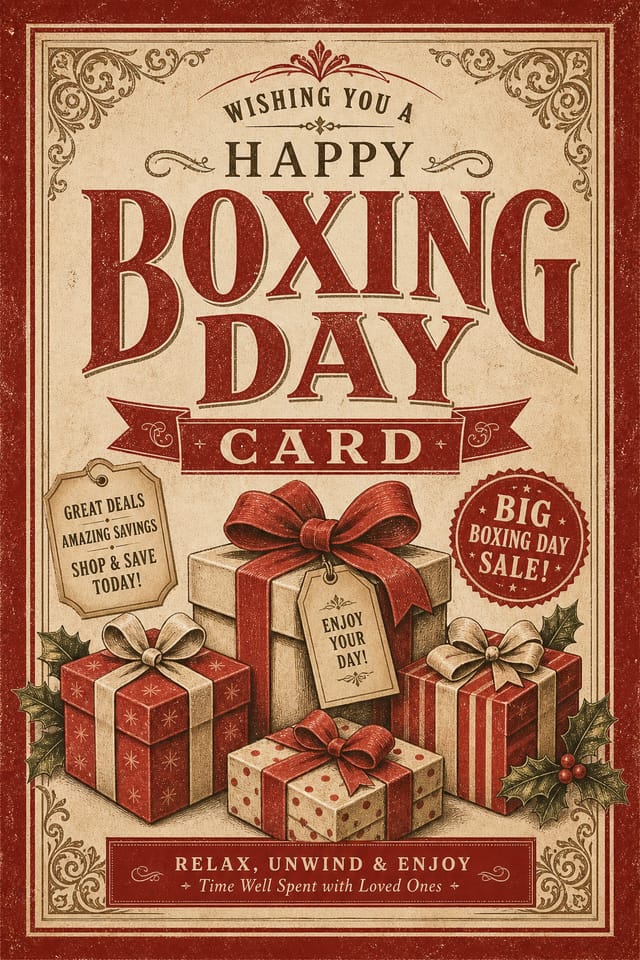

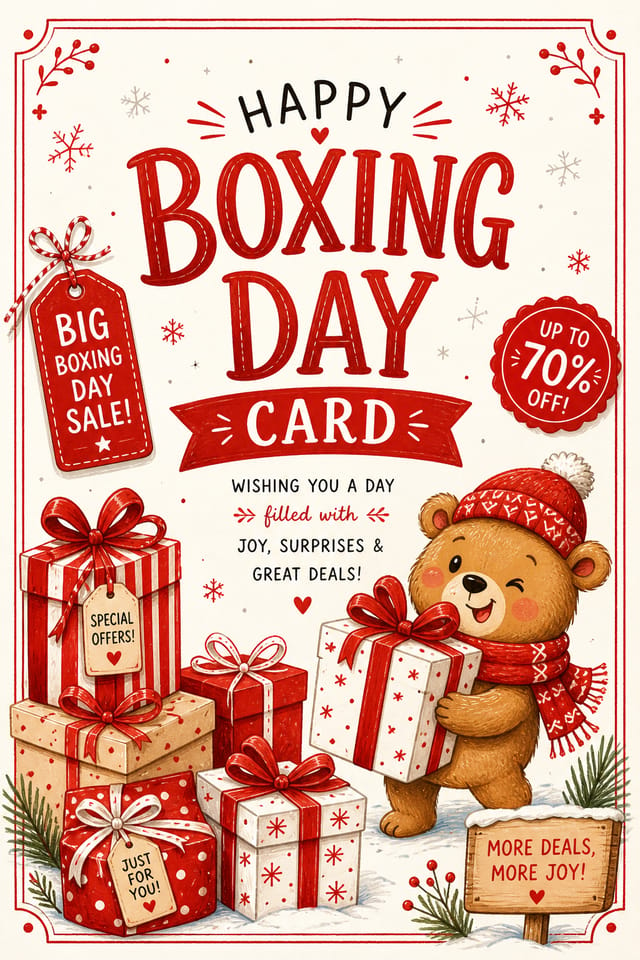

Boxing-Day Card Trends to Watch: Design Movements
Motion-Ready Design
Static boxing-day card designs are being created with animation in mind, using layered elements that translate smoothly to motion graphics.
Minimalist Layouts
Stripped-back boxing-day card designs with generous white space and limited elements are gaining favor for their clarity and elegance.
Asymmetric Composition
Breaking grid symmetry in boxing-day card layouts creates visual tension and a modern, editorial feel that stands out.
Bold Typography
Oversized type and expressive fonts are dominating boxing-day card design, turning headlines into visual centerpieces rather than just text.
The Logic of Boxing-Day Card Design: Specific Knowledge Required
Visual Thinking Behind Boxing-Day Card Creation
The strongest boxing-day card designs succeed because every element reinforces the style rather than contradicting it.
Typography that fits boxing-day conventions, colors that carry boxing-day associations, layouts that breathe in ways consistent with boxing-day design sensibility.
Pixazo's AI understands these relationships.
Describe your boxing-day card and the system generates designs where all the elements agree.
The Boxing-Day Card Process: A Quick Guide
Articulate Your Vision
Write a prompt describing your boxing-day card. Include style preferences, color direction, the most important text to display, and any specific visual elements you want. The more specific your description, the more targeted the output.
Consider the Outcome
The AI produces a boxing-day card based on your description. If the first result isn't exactly right, adjust the prompt to address what needs changing. Most designs reach the target within a few iterations.
Correct and Resubmit
Iterate on your boxing-day card by modifying the aspects that need work. Regenerate with a more targeted prompt until the design matches your vision. Most refinements take one or two iterations.
Collect Your Design
Export your boxing-day card in the format you need. PNG for web and social, PDF for print production, JPG for email and lightweight sharing. The file is yours to use commercially without restrictions.
Watch: Creating Boxing Day Card designs step by step
Core of Boxing-Day Card AI: What Sets It Apart
Export Flexibility
Download your boxing-day card in formats suited for your use case. Web-optimized versions for digital display, high-DPI files for print.
Fast Generation
Complete boxing-day card designs generate in seconds. No rendering queues, no waiting for batch processing.
Color Palette Intelligence
Colors are chosen with boxing-day style awareness. The AI builds palettes that fit boxing-day design conventions rather than selecting arbitrarily.
Consistency Across Variants
Generate multiple boxing-day cards for a project and maintain visual consistency across the set. Specify your core design parameters and vary secondary elements.
Boxing-Day Creator What People Are Making
Real creators sharing their boxing day designs made with Pixazo AI.
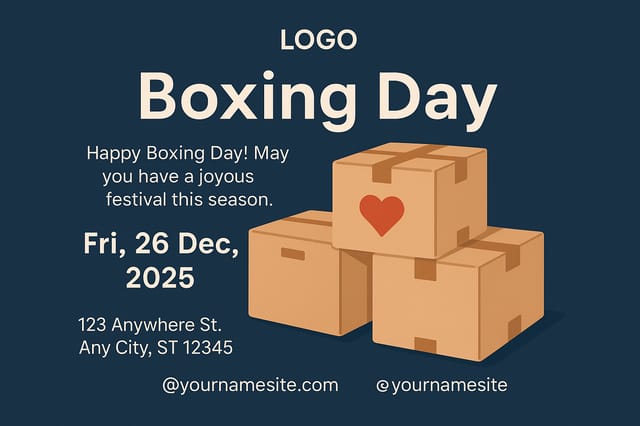
Two-color boxing-day card, maximum contrast between primary and secondary color, typography set in one color per level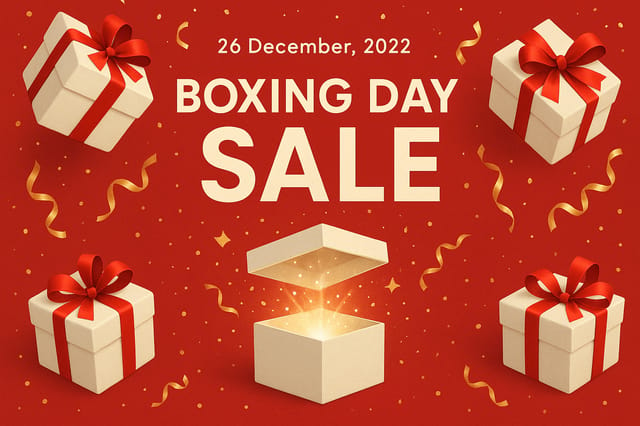
Boxing-Day card designed for dark mode display, OLED-optimized black background, vibrant accent colors, high contrast text
Playful boxing-day card for a family audience, rounded typography, bright saturated colors, approachable and energetic toneCreative Uses of Boxing-Day Cards: In the Real World
Watch Party Invitations
Design boxing-day cards for group viewing events at bars, community centers, and homes. Casual promotional materials that drive attendance.
Match Day Announcements
Create boxing-day cards that announce upcoming games, fixtures, and match schedules. Include team names, venue, and kickoff details in a design that builds anticipation.
Fan Zone Signage
Design boxing-day cards for fan areas, viewing parties, and supporter events. Large-format prints that create atmosphere around boxing-day events.
Award and Achievement Displays
Generate boxing-day cards celebrating player milestones, team records, and season achievements. Commemorative designs for trophy cabinets and social media.
How Boxing-Day Style Varies: Style Breakdown
Atmospheric Boxing-Day
Boxing-Day card design where mood takes priority. Color and composition work together to create a specific feeling.
Classic Boxing-Day
Traditional boxing-day design principles applied to modern card format. Clean composition, conventional hierarchy, time-tested visual decisions.
Minimalist Boxing-Day
Stripped-back boxing-day approach. Fewer elements, more negative space, typography carries more visual weight.
Editorial Boxing-Day
Text-dominant boxing-day card layout inspired by print publication design. Typographic variety creates visual rhythm.
Textured Boxing-Day
Boxing-Day design with added surface depth. Background treatments add visual interest without disrupting legibility.
Boxing-Day Card At a Glance: Key Specifications
Effective Boxing-Day Card Prompt Inspiration
Copy any prompt below and paste it into Pixazo to generate your design instantly.
Series-compatible boxing-day card design, visual language that extends to multiple formats, consistent design system across variantsProfessional boxing-day card, minimalist boxing-day approach, negative space used intentionally, readable at multiple viewing distances, print-ready compositionContemporary boxing-day card design, grid-based layout, typographic precision, restrained color palette, no decorative excessEditorial-style boxing-day card, text-dominant design, typographic treatment carries visual weight, layout proportions inspired by print publication designAtmospheric boxing-day card, background treatment supports the headline without competing with it, visual weight distributed intentionallyBoxing-Day Card Platform Comparison: Tools Compared
Desygner
Multi-format design tool with PDF editing and brand management
Crello
Template-based design tool with animation and video support
Pixazo
AI-powered boxing-day card generator with prompt-based design and professional output quality
Piktochart
Infographic and presentation maker for data-driven visuals
VistaCreate
Visual content platform with templates and a built-in asset library
Boxing-Day Card Maker: Common Questions Answered
Pixazo provides an API for programmatic boxing-day card generation. Integrate it into your content pipeline to automate design production at scale. API documentation covers authentication, prompt formatting, and output retrieval.
Brand kits let you save your logo, fonts, and color palette so every boxing-day card you generate stays on brand. Once configured, the AI applies your brand parameters automatically alongside boxing-day style conventions.
Pixazo generates high-resolution files suitable for both print and digital use. Specify your intended output format in your prompt. Print boxing-day cards benefit from high-DPI settings, while web and social media use works well with standard resolution output.
You can specify any aspect ratio in your prompt. Common options include 1:1 for social posts, 4:5 for Instagram, 9:16 for stories, 16:9 for presentations, and standard print sizes like A4 or letter. The AI adapts boxing-day composition to fit your chosen ratio.
Specify the dimensions in your prompt. Common formats like A3, 18x24 inches, or 1080x1920 pixels for social media stories all work. The AI generates a boxing-day card composition appropriate for the specified aspect ratio and use case.
Individual boxing-day cards generate in seconds. For batch production, you can submit multiple prompts in sequence and download results as they complete. A series of ten boxing-day card variations typically takes under five minutes total.
Avoiding Boxing-Day Card Mistakes: Dos and Don'ts
Optimize for the display medium
Tailor your boxing-day card resolution, color space, and text size to the specific platform or physical context where it will appear.
Use a consistent visual hierarchy
Structure your boxing-day card so the viewer's eye follows a clear path from headline to supporting details to call-to-action.
Test with real content
Never finalize a boxing-day card with placeholder text. Real copy often has different lengths and line breaks that affect the design.
Use too many fonts
More than two or three typefaces in a single boxing-day card creates visual noise and makes the design feel disjointed.
Overcrowd the layout
Filling every pixel of your boxing-day card with content makes it harder to read and reduces the impact of every individual element.
Forget the call to action
A boxing-day card without a clear next step for the viewer is a missed opportunity. Always include direction on what to do next.
The Reality of Boxing-Day Card AI: What It Cannot Do
Known limitations and trade-offs of AI-generated boxing day design. Understanding what the AI handles well and where it falls short helps you structure your boxing-day card design workflow effectively.

