AI Christmas Card Designs
Generate personalised Christmas cards with AI — from paper-cut village scenes and festive concert invitations to humorous holiday greetings. Describe your vision and Pixazo renders a print-ready card in seconds, not hours.
Part of the AI Card Maker
Sample Creations
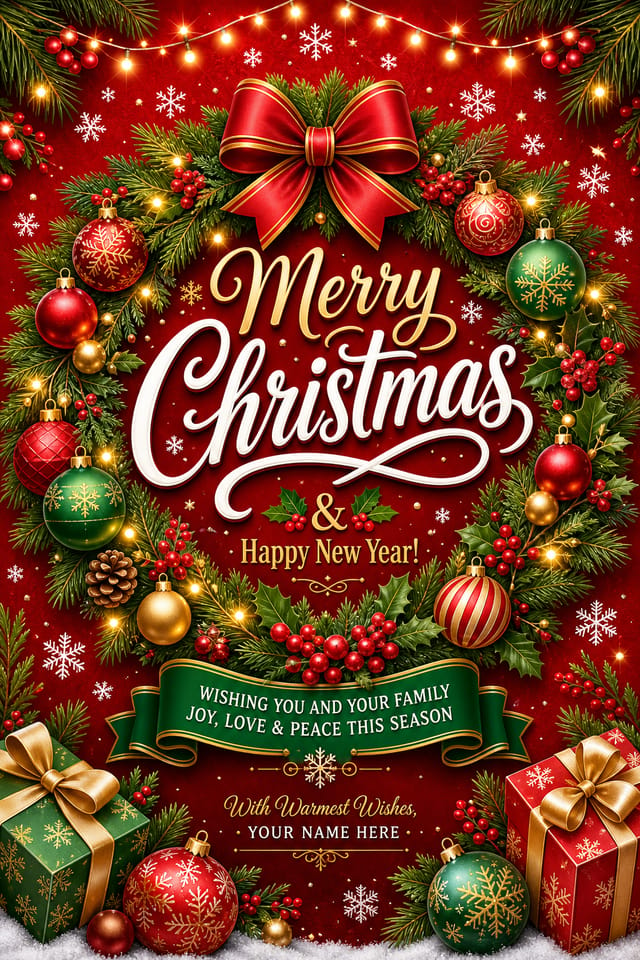
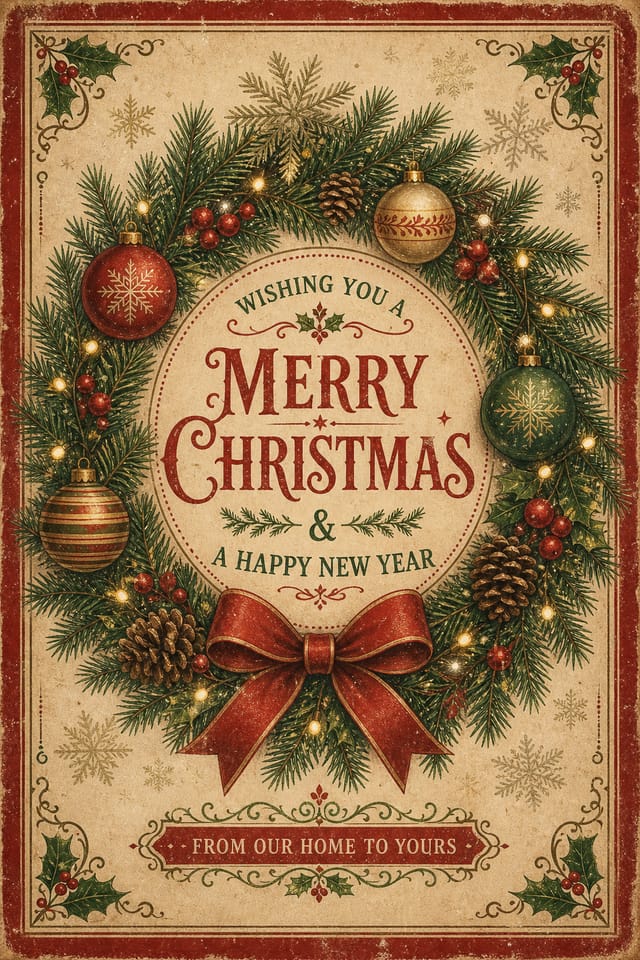
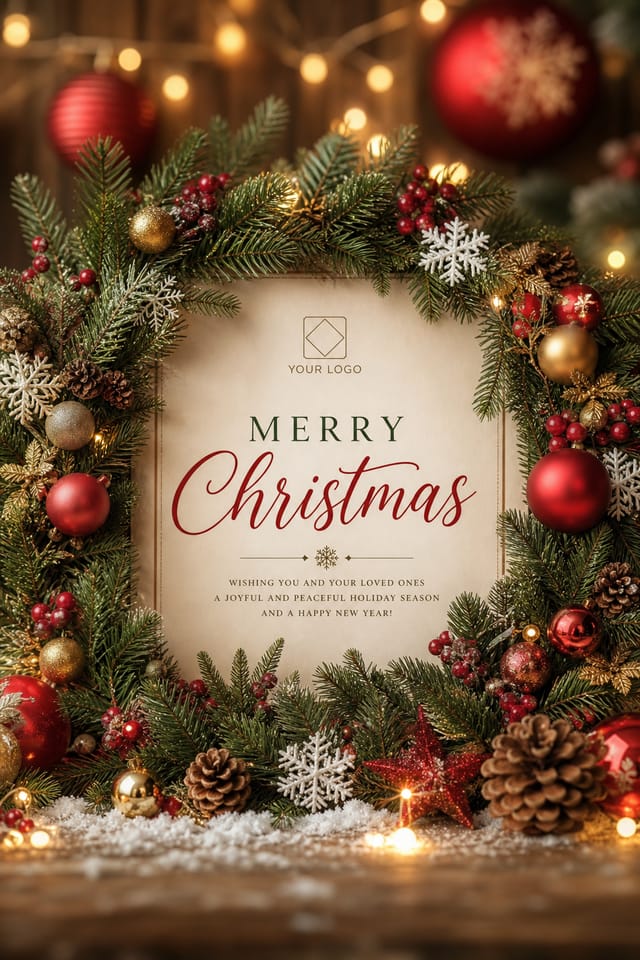
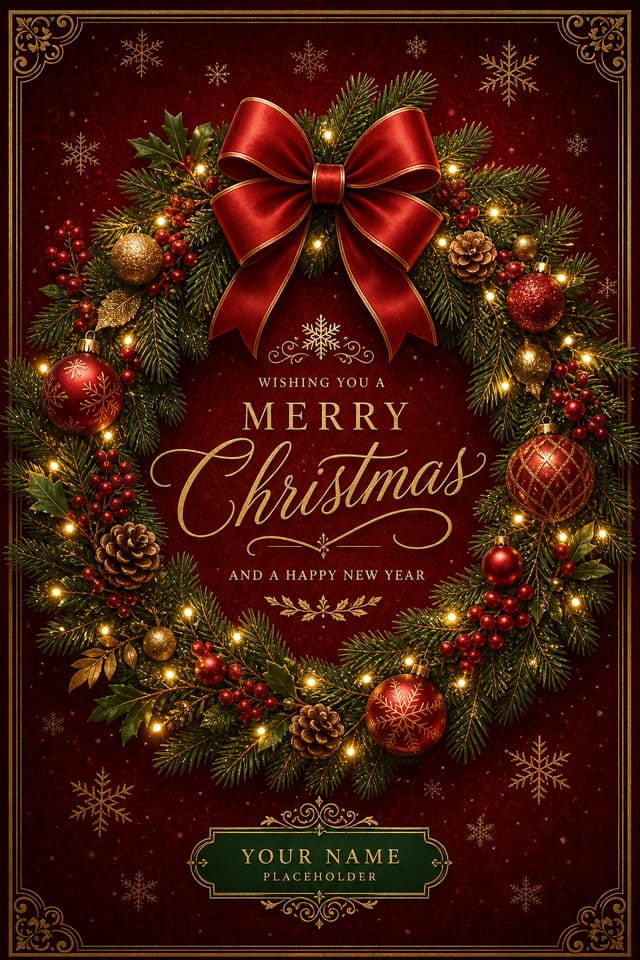
What AI Christmas Cards Cannot Do Yet
Before you start designing, here is where the AI reaches its boundaries. Knowing these constraints will help you write better prompts and set realistic expectations for your holiday cards.
Precise Text Rendering
AI can place words like "Merry Christmas" or short greetings, but longer personalised messages — family names, addresses, poem stanzas — often contain letter-spacing errors or misspellings. Expect to overlay text in a post-editing step for anything beyond four or five words.
Recognisable Family Portraits
The generator does not accept photo uploads for face-matching. It cannot produce cards featuring your specific family members, pets with accurate markings, or your actual home exterior. Characters will always be stylised interpretations rather than photo-realistic likenesses.
Multi-Panel Folds
Each generation produces a single flat image at 1536 x 1024 pixels. Tri-fold, gatefold, or booklet-style card layouts with separate inside/outside panels need to be assembled manually by generating front and interior artwork as individual images and compositing them.
Exact Brand Colour Matching
If your company has a strict corporate red (#C8102E, for instance), the AI may render a close-but-not-identical hue. Pantone or CMYK colour fidelity is not guaranteed. For brand-critical holiday mail, use the AI output as a starting layout and adjust colours in a dedicated editor.
Animated or Video Cards
Pixazo generates static images only. If you need an animated snowfall overlay, a looping fireplace GIF, or a video greeting, the AI image must be imported into a motion tool like After Effects or Canva's animation layer as a background frame.
Consistent Character Across Cards
If you generate a Santa design on one card, the same Santa will not reappear identically on a second card. Each generation is independent, so building a matched set of four cards (dinner invite, RSVP, thank-you, place card) with the same illustrated Santa requires manual curation.
Pro tip: Most of these constraints are addressable by generating the core artwork with Pixazo, then refining text overlays, colour adjustments, and multi-panel layouts in your preferred editor. The AI excels at the creative ideation and visual composition step — treat it as your starting point, not your print file.
Christmas Card Prompt Ideas That Work
These prompts are structured to give the AI enough context about mood, palette, and layout. Adjust the details — venue name, colour scheme, typography style — to match your occasion.
Christmas Card Designs Created With Pixazo
Every card below was generated by describing a scene in plain language. No templates, no drag-and-drop — the AI interprets your description and composes the full layout, illustrations, and typography.
Paper-Cut Village Greeting
Layered 3D paper-cut style · Blue palette · Santa & village scene
Stocking Event Invitation
Paper-craft 3D · Red palette · Event details layout
Humorous Promotional Card
Retro flat illustration · Navy palette · Commercial holiday tone
Concert Invitation
Vintage illustrated · Green & gold palette · Musical theme
Party Invitation
Full-bleed illustration · Warm sunset palette · Playful energy
Christmas Cards Made by Pixazo Users
Real cards generated by real users. Each entry shows the exact prompt they used, the result they received, and why it worked for their specific holiday need.
"Our church choir needed a concert invitation that felt warm and classic, not clip-art. I typed the prompt and the AI placed the choir, instruments, and gold lettering exactly as I imagined. We printed 400 copies on matte card stock and the green-and-gold palette looked stunning under hall lighting."
"I organise our office Christmas party every year and wanted something that felt fun — not another corporate template. The sunglasses-wearing Santa was perfect. My colleagues actually kept the card on their desks instead of throwing it away, which has never happened with our previous invitations."
"We host a neighbourhood Christmas gathering each December and I usually spend two evenings designing the invitation. This year I generated the card in one try — the paper-cut stocking with Santa popping out matched the playful neighbourhood vibe perfectly. The event details box was placed cleanly on the right side, ready for print."
Christmas Card Styles and When to Use Them
Each style suits a different audience and printing method. The table below maps styles to their ideal occasions so you can prompt with purpose.
| Style | Visual Character | Best For | Print Consideration |
|---|---|---|---|
| Paper-Cut Layered | Multi-depth 3D layers, soft shadows, matte textures, rounded shapes | Family greetings, children's events, school concerts | Works well on textured matte card stock at 300 DPI; avoid gloss — shadows lose depth on shiny surfaces |
| Vintage Illustrated | Hand-painted texture, warm golds, muted greens, serif typography | Church events, formal concert invitations, charity fundraisers | Best on uncoated cream stock; the gold tones print richer on warm-base papers |
| Retro Flat | Flat colours, grainy texture overlay, bold sans-serif text, limited palette | Commercial promotions, bakery/restaurant deals, humorous holiday cards | Screen-print friendly; translates well to social media at 72 DPI as well as print at 300 DPI |
| Full-Bleed Illustration | Edge-to-edge colour, busy composition, warm lighting, no white borders | Office party invitations, community events, casual family gatherings | Requires 3mm bleed margin when sent to print; file should be set to 1542 x 1030 px with trim marks |
| Minimalist Nordic | Cream/white background, geometric shapes, single focal element, thin strokes | Corporate holiday mailings, luxury brand greetings, elegant personal cards | Ideal for letterpress or foil stamping; minimal ink coverage keeps printing costs low |
| Watercolour Soft | Wet-edge paint effects, pastel winter palette, organic shapes, handwritten-style text | Personal family updates, sympathy-season greetings, memorial holiday cards | Prints best on watercolour-textured paper; avoid standard laser printing — inkjet preserves gradients |
How to Create Your Christmas Card
From blank prompt to printed card in four steps. The entire process takes under five minutes if you already know what scene you want.
Write a Scene Description
Start by naming the occasion (family greeting, office party invite, church concert) and the visual style you want (paper-cut, vintage illustrated, minimalist). Include specific elements: "Santa in sunglasses," "choir in red robes," "single geometric pine tree." The more concrete details you provide about objects, colours, and layout, the closer the first generation will be to your vision. Mention text you want embedded, but keep it under five words for best results.
Generate and Compare Variations
Run your prompt two or three times. Each generation interprets the description differently — one version might place the tree on the left, another centers it. Compare compositions, colour balance, and text placement. If the first batch is close but not right, tweak one element (swap "navy background" for "forest green background") and regenerate. Small changes produce noticeably different results.
Refine Text and Details
Once you select the winning composition, check the embedded text. If the AI rendered "Mery Chrismas" instead of "Merry Christmas," download the image and overlay corrected text in your editor. For event details (date, venue, time), it is almost always faster to add those in a text layer after export rather than relying on the AI to place them perfectly on the first try.
Export for Print or Digital
Pixazo outputs PNG at 1536 x 1024 pixels. For home printing on A5 card stock (148 x 210 mm), this resolution yields approximately 263 DPI — sufficient for sharp output at arm's-length viewing distance. For commercial print runs, export as PDF and confirm with your printer that they accept RGB files or request CMYK conversion. For digital sharing (email, WhatsApp, Instagram Stories), the PNG works directly without resizing.
Who Uses AI Christmas Cards
Different people reach for AI-generated Christmas cards for different reasons. Here is who gets the most value — and why a generic card tool would not serve them.
Families Sending Holiday Updates
Parents who want a unique card that is not from the same Shutterfly template as every other family on the block. They describe their year's highlights — new baby, adopted puppy, kitchen renovation — and the AI generates a scene that captures it visually rather than relying on a photo collage.
Small Business Owners
Bakeries, salons, and local shops that want a branded holiday card for their window display, social media, or customer mailer — but cannot justify hiring a designer for a seasonal one-off. A bakery owner can prompt "Santa pulling a giant cake" and have a promotional card ready before lunch.
Office Administrators
People responsible for the annual office party invitation who need something visually appealing in under 30 minutes. They do not have a design background, and the company does not have a creative department. Describing "Christmas party with fun Santa and decorated trees" produces a ready-to-print invite without a learning curve.
Church and Community Organisers
Choir directors, parish secretaries, and community centre volunteers who coordinate seasonal concerts, carol services, and holiday potlucks. They need invitations that feel elevated — golden musical notes, candlelit choir illustrations — but operate on a zero-design-budget. AI generates the artwork; they handle the printing.
Social Media Creators
Content creators who post seasonal greetings to their audience and want a card that stands out in a feed full of stock templates. Unique AI art — a paper-cut village scene or a retro Santa illustration — gets more engagement than recycled Canva exports because followers recognise it as original.
Teachers and School Staff
Educators creating holiday cards for classroom distribution, school newsletters, or parent communication. They need age-appropriate, festive designs that can be printed on standard A4 paper. Prompting "paper-cut Christmas village with snowflakes" yields a card that works for any age group without copyright concerns from using commercial clip art.
Design Your Christmas Card Now
Describe your holiday scene and Pixazo generates a print-ready card. No templates, no sign-up wall — start with a prompt.
Open the PlaygroundChristmas Card FAQs
What resolution are AI-generated Christmas cards?
Pixazo generates images at 1536 x 1024 pixels in PNG format. For standard greeting-card printing on A5 stock (148 x 210 mm), this yields approximately 263 DPI — sharp enough for hand-held viewing. For larger formats like A4 folded cards, the effective DPI drops to around 186, which is acceptable for most home and office printers but may appear slightly soft on commercial offset presses.
Can I add my own text after generating the card?
Yes, and it is recommended. The AI handles short phrases well ("Merry Christmas," "Happy Holidays") but longer messages like return addresses, family names, or verse lines often contain spelling or spacing errors. Download the PNG and overlay your text in any editor — Canva, Photoshop, even Google Slides. This keeps the AI artwork intact while giving you full control over typography.
How many Christmas card variations can I generate?
There is no hard limit on generations per session. Each prompt produces one image. Running the same prompt multiple times yields different compositions, so generating three to five variations per concept is a practical workflow. Credit usage depends on your Pixazo plan — free-tier users receive a set number of generations per day, while paid plans offer higher limits.
Are the generated Christmas cards free for commercial use?
Images generated through Pixazo are yours to use commercially — for business holiday mailings, retail promotions, restaurant flyers, and social media posts. There is no watermark on exported files. However, if the AI generates artwork that closely resembles a copyrighted character or trademarked design, you are responsible for ensuring your use complies with applicable intellectual property laws.
Can I create a matching set of Christmas cards?
You can create cards in the same style by keeping your prompt structure consistent — same background colour, same illustration style descriptor, same layout keywords. However, specific elements like character poses and object placement will vary between generations. For a perfectly matched suite (invitation, RSVP, thank-you card, place card), generate the hero card first, then reference its colours and composition in follow-up prompts.
What file formats can I export my Christmas card in?
The primary export is PNG at 1536 x 1024 pixels. For print-ready PDFs, you can convert the PNG in any editor and set the colour profile to CMYK if your printer requires it. Pixazo does not currently export directly to PDF, TIFF, or SVG — but the PNG resolution is sufficient for most greeting-card applications. For social media, the PNG can be posted directly to Instagram, Facebook, or WhatsApp without resizing.
How do I get the paper-cut 3D style in my Christmas card?
Include "paper-cut style," "layered 3D," or "paper-craft" in your prompt. Describe depth explicitly: "foreground snowflakes, mid-ground Santa, background pine trees." Mention "soft shadows between layers" and "matte texture" to push the AI toward that handmade dimensional look. Avoid adding too many elements — paper-cut style works best with three to four focal layers, not a busy composition.
Your Christmas Card Starts With a Description
Type what you see in your mind — the AI handles the illustration, layout, and colour palette. Export and print in under five minutes.
Start Creating
