AI Diwali Card Maker
Generate personalized Diwali cards with authentic rangoli patterns, cultural motifs, and warm wishes — powered by AI. Upload your own images or describe your vision. Print-ready at 300 DPI.
Sample Creations
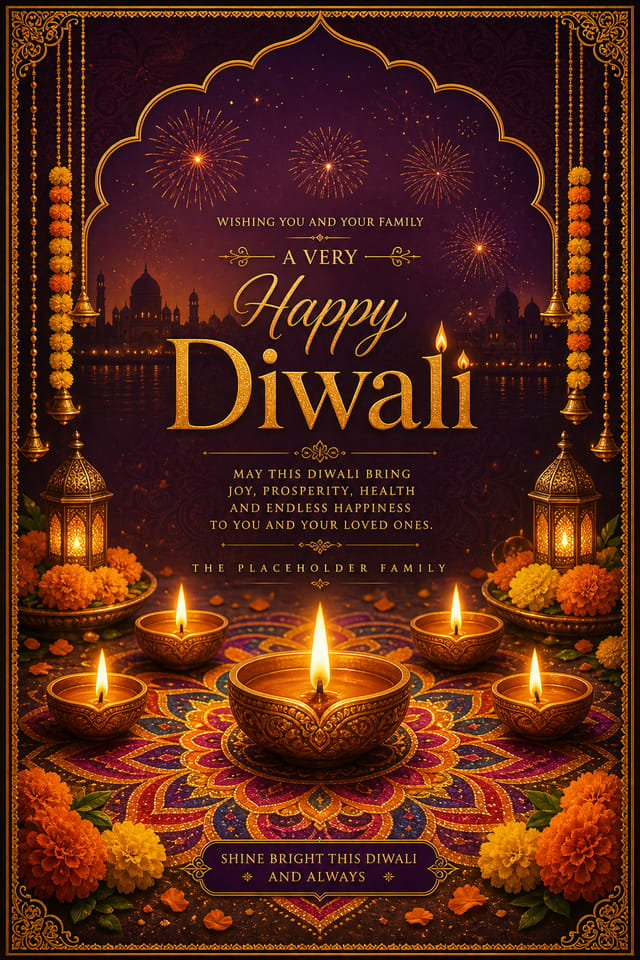
Diwali Card Styles & Themes
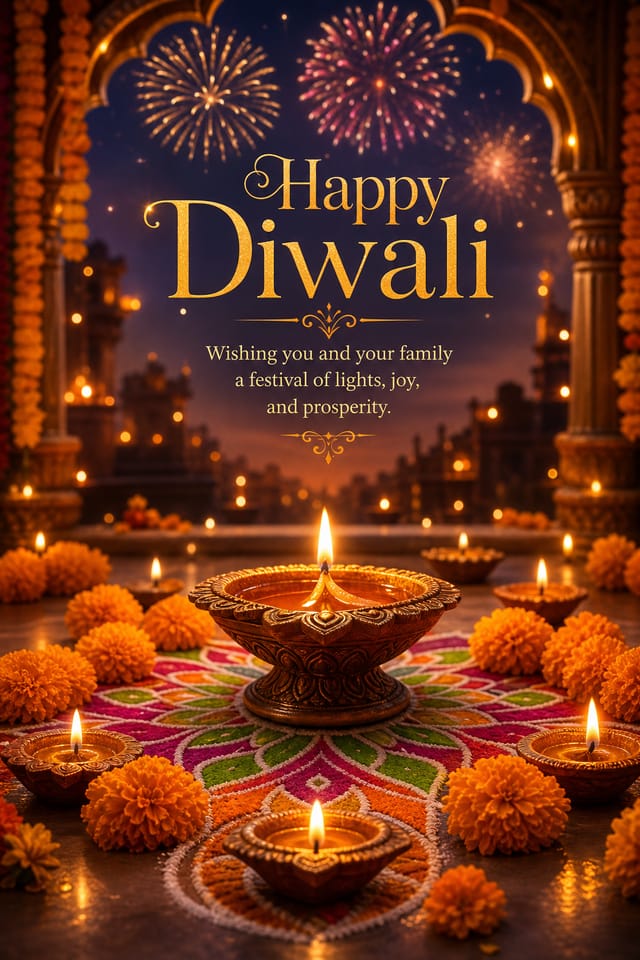
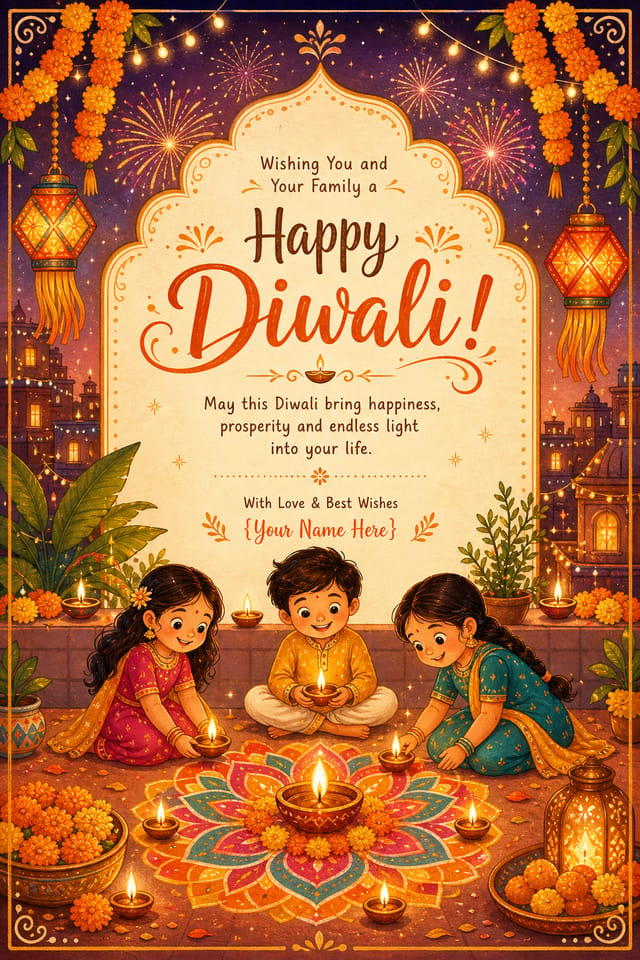
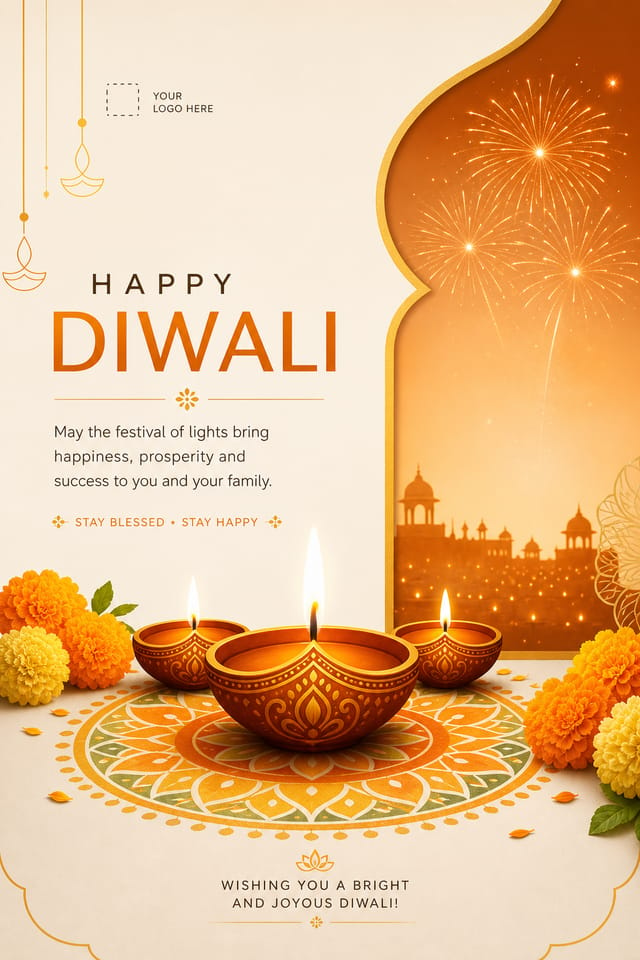
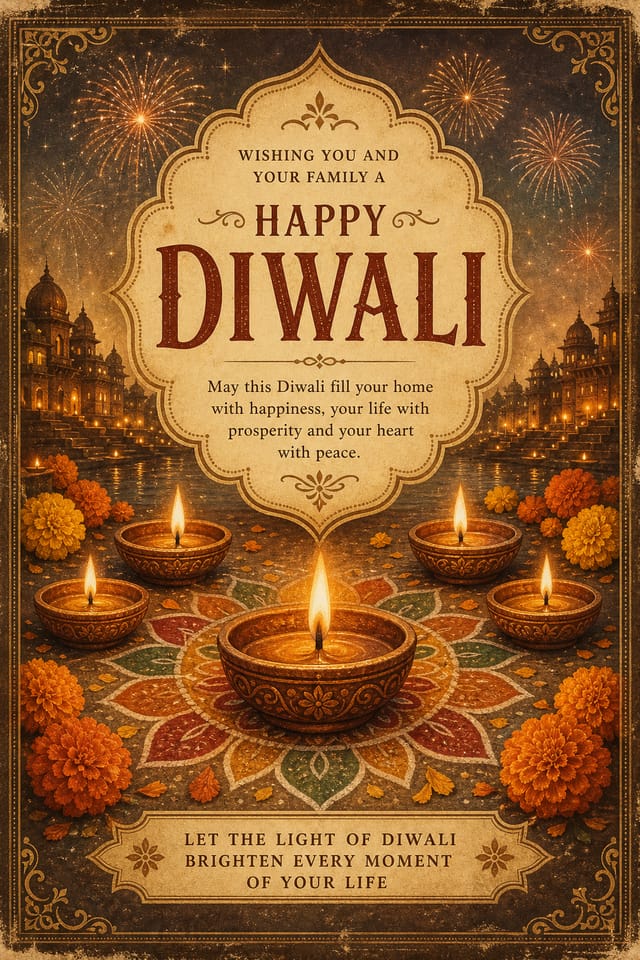
Explore a diverse range of AI-generated Diwali card designs across different cultural aesthetics and layouts. Each variation maintains authentic Diwali symbolism—from intricate rangoli patterns to traditional diya flames—while offering flexibility for personalization. Choose from contemporary minimalist designs, opulent gold-foil aesthetics, vibrant multi-color compositions, or serene nature-inspired themes that resonate with your audience. The AI understands Diwali's visual language: warm color palettes of orange, red, teal, and gold; geometric and organic motifs; hierarchical text arrangements; and symbolic depth that honors the festival's significance without overwhelming the composition.
Modern Minimalist
Clean geometric rangoli patterns with centered text and breathing room. Perfect for professional contexts and corporate celebrations.
Opulent Gold
Luxurious layouts with gold foil accents, premium typography, and rich jewel tones. Ideal for high-end invitations and keepsakes.
Vibrant Fusion
Bold multi-color designs blending traditional Diwali aesthetics with contemporary design trends. Energetic and celebration-focused.
Nature Inspired
Eco-conscious designs featuring leaf-shaped diyas, natural pigment aesthetics, and organic floral elements for sustainable celebrations.
Traditional Heritage
Designs honoring classical Indian patterns—intricate mandala work, traditional borders, and period-appropriate typography and imagery.
Cultural Narrative
Cards that tell Diwali's story—Rama's return, Lakshmi's blessings, or regional Diwali traditions integrated into the visual narrative.
Diwali Card Examples
Real AI-generated designs that showcase the range of Diwali card variations you can create. Each design was generated using Pixazo with simple text prompts—no design experience required. Pick a style that resonates, customize the text and colors, and export in minutes. The gallery below displays different cultural motif combinations, color schemes, layout approaches, and message styles you can adapt for your specific celebration. From corporate-focused minimalist cards to family celebration designs, nature-inspired eco-friendly approaches, and narrative-driven cultural storytelling, the examples below represent the creative spectrum available through intelligent AI-powered customization.
From Idea To Diwali Card: Complete Process
The AI Diwali Card Maker handles the entire creative workflow in four intuitive steps. You bring the vision (whether it's a simple message or detailed cultural concept), and Pixazo's models interpret that into a print-ready, gallery-worthy design. No design training, typography knowledge, or image editing software required—the AI manages layout, color harmony, cultural authenticity, and export optimization automatically.
Describe Your Vision
Write a brief description of the Diwali card you want to create. Be specific about the mood, cultural elements, color preferences, and the primary message. Example prompts: "A modern Diwali card with geometric rangoli patterns in jewel tones, centered diya, and 'Happy Diwali' in elegant gold text" or "Eco-friendly Diwali design with leaf motifs, natural greens and golds, sustainability message." The more detail you provide about cultural context, visual style, and intended emotion, the more accurately the AI captures your vision.
Generate Multiple Variations
Pixazo instantly creates 10+ unique variations of your concept, each interpreting your prompt differently. You'll see diverse color palettes, different rangoli pattern styles, varied layout approaches, and alternative text arrangements—all within seconds. This variation approach means you're not locked into a single interpretation. Swap motifs, colors, and layouts without regenerating from scratch or touching design software.
Refine & Customize
Select your favorite design and refine it. Change text, adjust colors, swap rangoli patterns, reposition elements—all with simple controls and live preview. You're not writing CSS or opening Photoshop; the interface handles the technical work. The AI maintains design harmony automatically; if you brighten a color, the whole palette adjusts to stay balanced. Regenerate specific sections (just the rangoli, just the text treatment) without rebuilding the entire card.
Export & Share
Export your finished card as print-ready PDF (for local printing or professional services), high-resolution PNG (for digital sharing and social media), or optimized formats for specific platforms. All exports include automatic color management for print accuracy, bleed margins for professional printing, and resolution optimization based on your intended use. Download instantly and share—no watermarks, no delays, no upsells.
Diwali Cards Created By Our Community
Real Diwali cards crafted by actual creators using Pixazo's AI Diwali Card Maker. Each design below was generated with the prompt you see displayed—you can copy that prompt and regenerate similar designs with your own customizations. These examples showcase how Pixazo users have adapted the tool for different celebration contexts: corporate acknowledgments, family gatherings, social media announcements, and professional brand celebrations.
Customization Controls & Parameters
The AI Diwali Card Maker provides granular control over every visual and textual element. You're not stuck with a generic template—every card adapts to your exact specifications. Adjust colors without affecting layout, swap rangoli patterns without regenerating the whole design, or reposition text and imagery freely. All customizations maintain design coherence automatically; the AI understands how elements relate and adjusts secondary colors, shadow depths, and sizing to keep everything harmonious. The controls guide you toward culturally appropriate and visually balanced results while respecting your creative choices.
Choose from curated Diwali color combinations or build your own. Traditional warm tones (gold, orange, deep red), modern jewel tones (emerald, sapphire, amethyst), or pastel celebrations available. The AI maintains cultural appropriateness while supporting personal preference.
Control the density and intricacy of rangoli pattern elements. Minimal geometric designs occupy less visual space and suit modern aesthetics; elaborate traditional patterns create richness and ornate celebration atmosphere.
Adjust the prominence of your main message versus secondary text. Prominent headlines suit broadcast cards; subtle text arrangements support imagery-focused designs.
Select from geometric interpretations, realistic illustration styles, or abstract symbolic representations of Diwali imagery (diyas, lanterns, fireworks, rangoli, Lakshmi imagery, Rama iconography).
Who Uses The Diwali Card Maker
The AI Diwali Card Maker serves diverse creators—from corporate communications teams to families planning celebrations to small business owners building brand community. Whether you're celebrating professionally or personally, remotely or in-person, digitally or in print, there's a workflow and card style that fits your context and timeline. No design background required; the AI handles visual expertise while you contribute cultural knowledge, personal messages, and creative direction.
Corporate Teams
Send professional Diwali acknowledgments to employees, clients, and partners. Personalize with company branding, distributed delivery, or print production for premium keepsakes. Maintain consistency across a team's outreach while allowing individual voice.
Family Celebrations
Create personalized cards for family gatherings, extended-family distributions, or diaspora connections. Include names, family photos, personal messages. Generate multiple variations for different recipient groups in minutes instead of weeks of planning.
Small Business Owners
Build customer loyalty and community connection with branded Diwali cards. Add business logo, discount codes, or seasonal offers. Use cards for packaging inserts, direct mail, or digital sharing across social platforms.
Social Media Creators
Generate eye-catching Diwali card designs for Instagram, TikTok, or LinkedIn posts. Create series with consistent branding but varied messages. Repurpose designs across multiple platforms with format optimization (Stories, Reels, Posts).
Export Formats & Specifications
Export your finished Diwali card in multiple formats optimized for different uses. Whether you're printing locally, uploading to professional printing services, sharing digitally, or posting on social media, Pixazo automatically handles resolution, color space, file size, and platform specifications. All exports include professional color management for accurate print reproduction and metadata preservation for attribution and archival.
| Format | Resolution | Color Space | Best Use | File Size |
|---|---|---|---|---|
| Print-Ready PDF | 300 DPI | CMYK | Professional printing, offset services, local print shops | 3-5 MB |
| High-Res PNG | 300 DPI | RGB | High-quality digital sharing, digital archiving, email distribution | 8-12 MB |
| Web-Optimized PNG | 72 DPI | RGB | Social media posts, website embedding, digital galleries | 400-800 KB |
| Social Media JPG | 72 DPI | RGB | Instagram, Facebook, Twitter, LinkedIn sharing (instant compression) | 200-400 KB |
| Mobile-Optimized PNG | 150 DPI | RGB | Mobile app sharing, messaging apps, mobile viewing | 1-2 MB |
Ready to design your Diwali card?
Explore variations, customize instantly, export in seconds. No design experience required.
Generate Diwali CardsDiwali FAQ
Common questions about creating, customizing, exporting, and using AI-generated Diwali cards.
Which motifs and colors are commonly associated with Diwali designs?
What's the simplest layout that still looks premium for Diwali?
How do I keep text readable on a dark Diwali background?
How many elements should I include in one Diwali card design?
What prompt constraints produce cleaner Diwali results?
Can I use AI-generated Diwali cards commercially or for client work?
How do I ensure cultural respect and authenticity in my Diwali design choices?
What are Pixazo's limitations for Diwali card generation?
Explore More Card Designs
The Diwali Card Maker is one specialization within Pixazo's broader AI Card Maker platform. The parent Card Maker page lists every available card category — from wedding and birthday to holiday and corporate — with style-specific prompt guides, export presets, and curated galleries for each occasion. Visit the Card Maker hub to discover which category fits your next project, or start generating directly from the Diwali card playground above.

