Valentine Card : Create Free Valentine Cards in Minutes with AI
Create Custom Valentine Cards Quickly with Pixazo Best AI Valentine Card Maker. Try for Free!
Get Started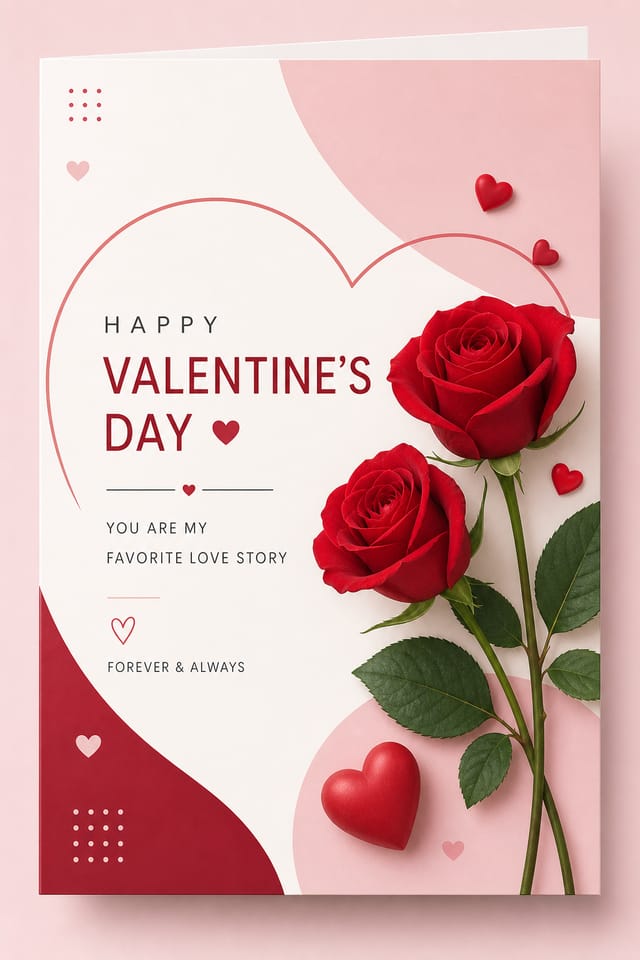
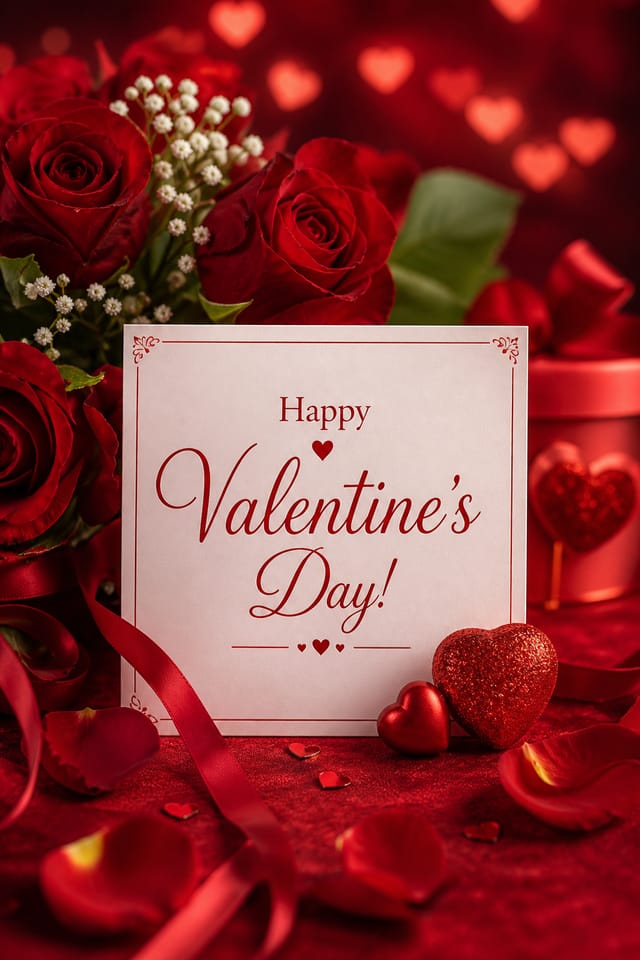
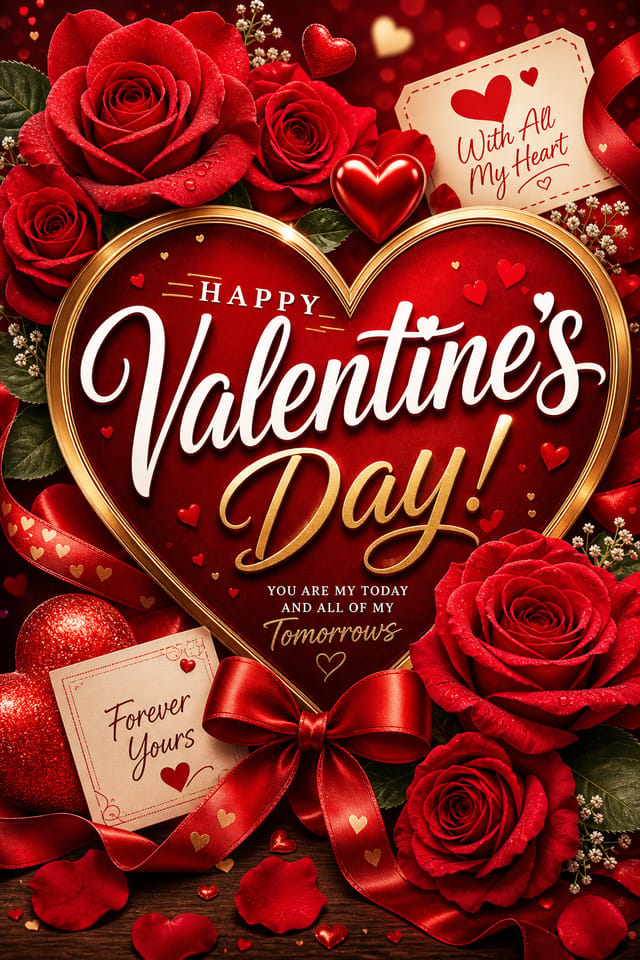
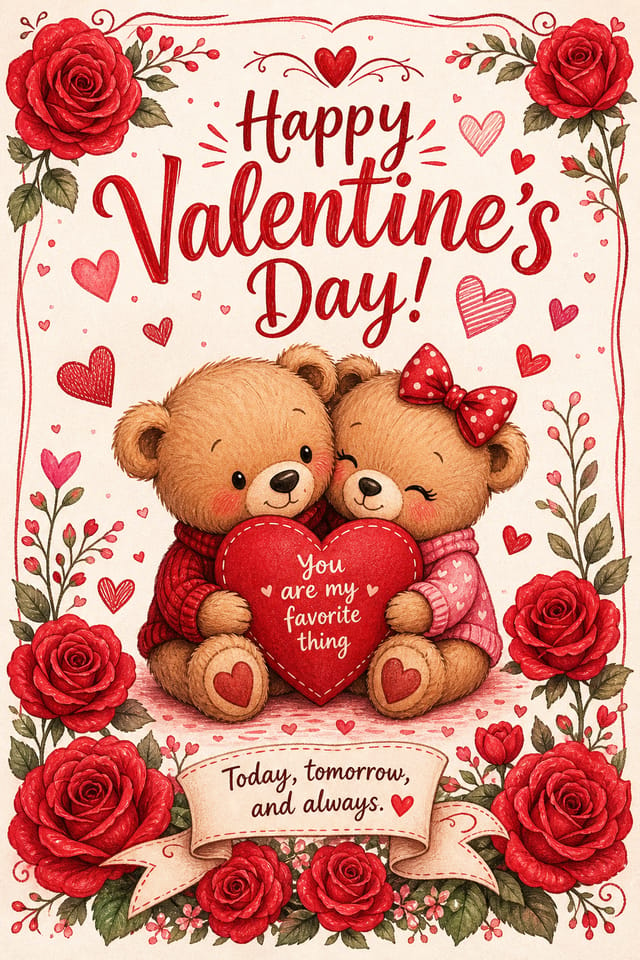
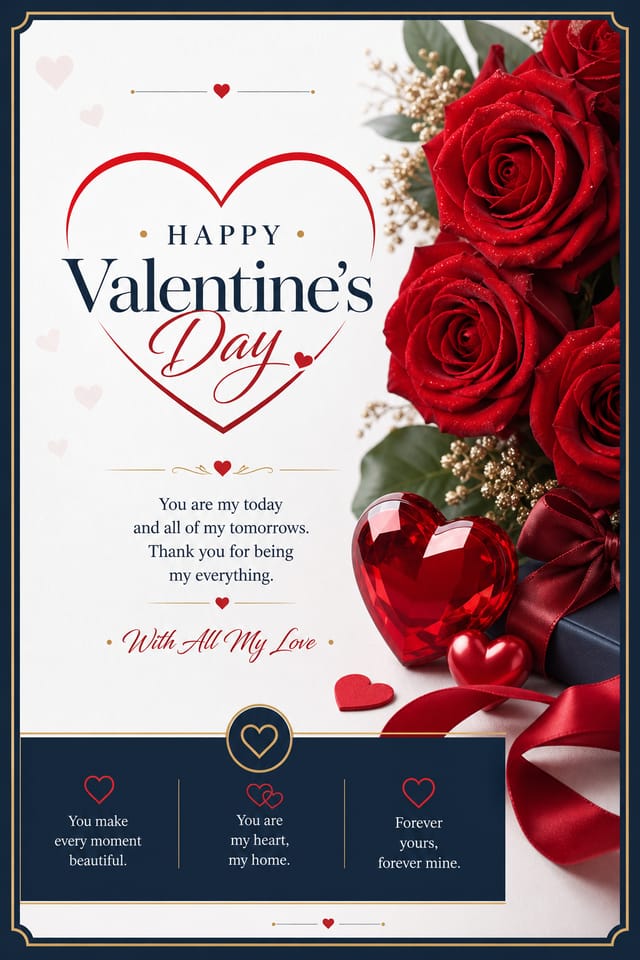
AI Valentine Card Creator: Design Without Limits
Pixazo's valentine card maker understands what makes valentine designs work. Describe your concept and get a polished layout instantly.
Create Your Valentine Card FreeValentine Card Style Movements: Styles Gaining Traction
Asymmetric Composition
Breaking grid symmetry in valentine card layouts creates visual tension and a modern, editorial feel that stands out.
Motion-Ready Design
Static valentine card designs are being created with animation in mind, using layered elements that translate smoothly to motion graphics.
Bold Typography
Oversized type and expressive fonts are dominating valentine card design, turning headlines into visual centerpieces rather than just text.
Gradient Overlays
Smooth color transitions are being used as primary design elements in valentine card work, adding depth without the complexity of photographic backgrounds.
From the Valentine Community: Community Creations
Real creators sharing their valentine designs made with Pixazo AI.
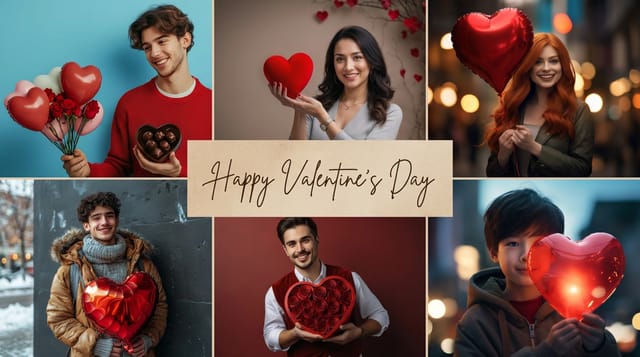
Valentine card with Japanese minimalism influence, abundant whitespace, single focal element, restrained palette of black, white, and one accent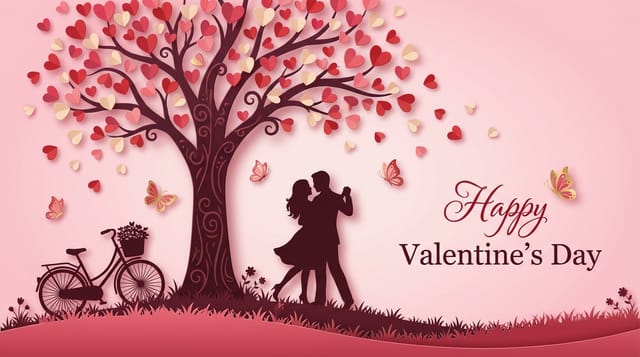
Refined valentine aesthetic card, sophisticated color relationships, intentional negative space, type selection matching valentine conventions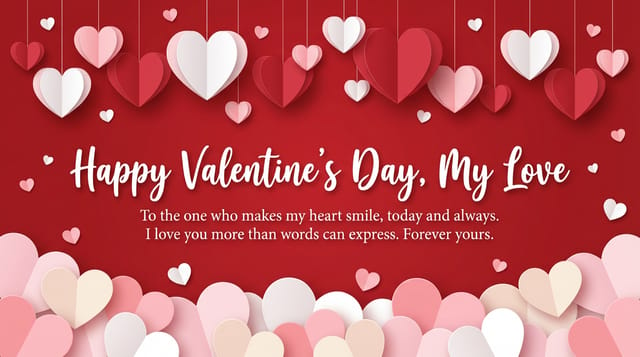
Valentine card with retro 1970s color palette, warm oranges and browns, groovy display type, textured paper background feelUnderstanding Valentine Card Conventions: Why It Matters
Valentine Card Aesthetics: What the AI Understands
Valentine design carries specific visual associations that viewers pick up on immediately.
The right palette, the right typographic approach, the right compositional balance.
Get these right and your valentine card communicates clearly.
Smart Valentine Card Decisions: Rules Worth Following
Maintain brand alignment
Keep your valentine card design consistent with existing brand colors, fonts, and visual language for a cohesive identity.
Optimize for the display medium
Tailor your valentine card resolution, color space, and text size to the specific platform or physical context where it will appear.
Use a consistent visual hierarchy
Structure your valentine card so the viewer's eye follows a clear path from headline to supporting details to call-to-action.
Keep the message focused
A strong valentine card communicates one primary idea clearly. Supporting details should reinforce, not compete with, the main message.
Ignore accessibility
Low-contrast text and tiny font sizes in your valentine card exclude a significant portion of your potential audience.
Rely solely on AI output
AI-generated valentine card designs are a starting point. Human review catches issues with context, tone, and accuracy that AI can miss.
Use too many fonts
More than two or three typefaces in a single valentine card creates visual noise and makes the design feel disjointed.
Skip proofreading
Typos and grammatical errors on a valentine card undermine credibility instantly. Always have someone else review the final text.
Who Creates Valentine Cards: Where They Fit
Political and Advocacy Campaigns
Create valentine campaign cards for candidates, ballot measures, and social causes. Persuasive designs that mobilize and inform.
Real Estate Marketing
Create valentine cards for property listings, open houses, and agent branding. Professional visuals that elevate property presentation.
Music and Audio Production
Produce valentine cards for album covers, playlist artwork, and music event promotion. Visual identity that matches the sound.
Retail and Hospitality
Produce valentine in-store and venue cards that communicate quality through design. Valentine aesthetics signal attention to customer experience.
Educational Materials
Design valentine cards for educational contexts. Courses, workshops, and learning materials benefit from the visual clarity of good valentine design.
How to Evaluate Valentine Cards: Key Principles
Compositional Balance
Visual weight in valentine card design should be intentional. Asymmetric balance often creates more interest than centered symmetry, but both can work when executed with purpose.
Alignment and Grid
Strong valentine card layouts align elements to an invisible grid. Consistent alignment builds trust and professionalism, while deliberate breaks from the grid create emphasis.
Visual Hierarchy
Strong valentine card design establishes a clear reading order. The headline should be immediately visible, supporting information should follow in logical sequence.
Smart Valentine Card AI: Professional Features
Compositional Structure
Layout and hierarchy decisions reflect valentine design patterns. The proportions and arrangement match how valentine designs are conventionally structured.
Text Placement Options
Describe where you want text elements positioned in your valentine card. The AI follows compositional direction about headline placement and body copy layout.
Resolution Control
Specify output dimensions for your valentine card. Get files sized for web display, social media, or large-format printing.
Subcategory Awareness
The AI distinguishes between design subcategories. A valentine card request produces valentine-appropriate output, not a generic design with valentine text added.
Print-Ready Output
Generated valentine cards are sized and structured for professional printing. Download high-resolution files ready for production.
Export Flexibility
Download your valentine card in formats suited for your use case. Web-optimized versions for digital display, high-DPI files for print.
How Valentine Card AI Works: From Start to Finish
Express Your Design Idea
Write a prompt describing your valentine card. Include style preferences, color direction, the most important text to display, and any specific visual elements you want. The more specific your description, the more targeted the output.
Watch: Creating Valentine Card designs step by step
Valentine Card Tech Specs: By the Numbers
Good Valentine Card Prompt Collection
Copy any prompt below and paste it into Pixazo to generate your design instantly.
Two-color valentine card design, high contrast between primary and secondary color, clean separation between graphic and text zonesSeries-compatible valentine card design, visual language that extends to multiple formats, consistent design system across variantsFull-bleed valentine card, background treatment extends to edges, foreground elements positioned for compositional balance, strong central hierarchyGeometric valentine card, structured grid system, angular composition, colors in blocks rather than gradients, modern clean finishMonochromatic valentine card, single-hue palette with value variation for contrast, typographic hierarchy creates visual interest without color complexityValentine Card AI: A Quick FAQ
Include 'transparent background' in your prompt to generate a valentine card with no background fill. Download as PNG to preserve transparency. This is useful for valentine designs that will be composited over other imagery or placed on colored surfaces.
Pixazo generates complete valentine card designs from text prompts. Custom image uploads for compositing are on the product roadmap. Currently, the AI creates all visual elements based on your description rather than incorporating external assets.
Pixazo generates single-page valentine card designs per prompt. For multi-page projects, generate each page individually using consistent prompt language to maintain visual continuity across your valentine document set.
Designs created with Pixazo are available for commercial use. You can use your valentine cards for client projects, product sales, advertising, and other commercial applications without additional licensing fees.
The AI generates designs at the specified dimensions. For professional print production, add 'with bleed area' to your prompt to extend background elements beyond the trim line. Crop marks and registration marks should be added in your print preparation software.
Valentine Card Generation: Known Limitations
Known limitations and trade-offs of AI-generated valentine design. Understanding what the AI handles well and where it falls short helps you structure your valentine card design workflow effectively.

