AVIF to MP4 Converter
Converting AVIF to MP4 would still have to invent the motion — an AVIF holds a single frame.
Convert AVIF to MP4See the test run- 1 frame in
- Motion generated
- MP4 out
An AVIF to MP4 converter is not a format conversion. An AVIF file holds one frame; an MP4 holds motion, and that motion has to be generated, not converted. Pixazo does the honest version of this job with AI clip generation: a short clip that starts from your still.
Intake: what a request to convert AVIF to MP4 really asks for
People arrive at this looking for a rename. They have a picture in a modern format, they need something that plays in a video slot — a social upload, a background loop, a slide — and the request comes out as “find an AVIF to MP4 converter”. It sounds like turning a PNG into a JPG.
It is not, and no AVIF to MP4 converter changes it. An AVIF is one still image: a single grid of pixels, compressed hard, with no clock attached. An MP4 that plays as video is a sequence of frames plus the timing that decides when each appears, usually with audio alongside. Going from one to the other means producing frames that never existed.
Once you accept that no AVIF to MP4 converter can find movement in the file, the question changes: not which tool converts this, but where the movement comes from. Two answers — you shoot it, or a model generates it.
Same codec family, still no motion — generate it instead.
Convert AVIF to MP4 freeCousins in the same codec family
Here is what makes trying to convert AVIF to MP4 genuinely reasonable, and it is true: AVIF and MP4 video are cousins. An AVIF still is essentially an AV1-coded frame in a container built on the same ISO base media file format as MP4. The file on your disk is already video-adjacent, which is exactly why a rename-style conversion feels like it ought to work.
| Property | AVIF still | MP4 video |
|---|---|---|
| Frames stored | One | Hundreds or more |
| Codec family | AV1 | AV1, H.264, HEVC |
| Container lineage | ISO base media format | ISO base media format |
| Timeline | None | Frame rate, duration |
| Audio track | None | Usually present |
| What a player shows | A picture | Movement over time |
Why is the family resemblance misleading?
The pattern is clear, and it is why no AVIF to MP4 converter helps: the encoding rows match, the rows about time do not. Shared plumbing does not give you a moving picture, the way a brick and a wall are made of the same clay. A tool that only rewrapped your file would hand back a video one frame long, which any player shows as a frozen image.
Read-outs from the chamber: what a still is missing
Put the file in the measured section and convert AVIF to MP4 only if the instruments allow it. Resolution, colour, bit depth, alpha if it was saved with one: all present. Then the needles that matter for video sit flat at zero — no frame rate, no duration, no audio, nothing describing how a pixel should differ from one moment to the next.
Those flat needles are the whole story. An AVIF to MP4 converter can only rearrange what a sensor can read. Filling those gaps means adding information, and adding information to a picture is generation — exactly what Pixazo's Pixazo does.
How Pixazo lets you convert AVIF to MP4.
Convert AVIF to MP4How to convert AVIF to MP4: the test run, step by step
A working AVIF to MP4 converter takes four stations on the rig. A real flow with a real output file, and none of it pretends to be a conversion.
Open the rig
Head to Pixazo in your browser and open the studio. Nothing to install, it runs in the tab.
Mount your AVIF
Upload the picture. If the uploader rejects AVIF, drop in a JPG or PNG copy instead.
Dial in the prompt
Write what should move, a slow push in or a drifting camera. The prompt is what converts your AVIF to MP4.
Read the output and download
Generate, preview, and re-run with a tighter prompt if needed. Download your MP4 when it reads right.
What the airflow adds: motion generated from your still
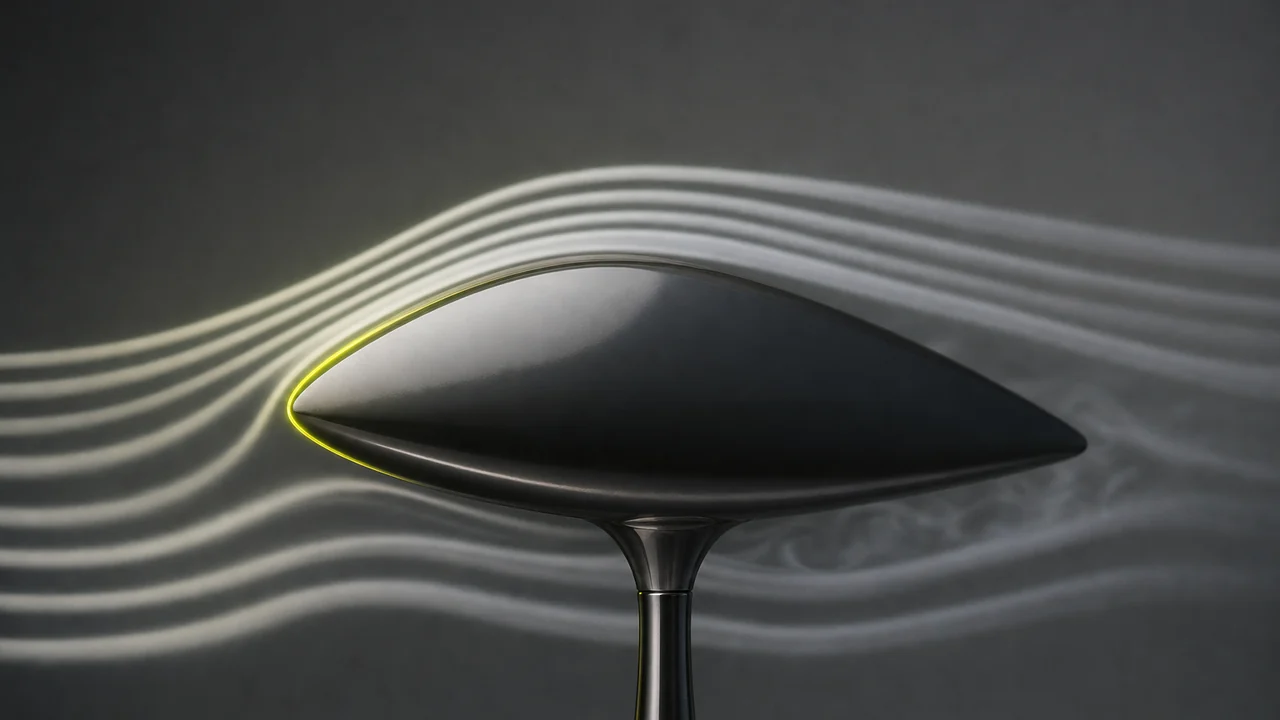
Smoke running over a model shows the shape of movement the object itself does not contain. AI video generation works the same way round: your still becomes the first frame, and the model predicts what the next several dozen frames plausibly look like — camera drift, cloth settling, water moving.
That is why an AVIF-to-video result is a creative output, not a faithful transcription. The opening moments hold tightly to your picture; further in, the model invents detail no camera captured, and it can wander on lettering, hands and dense patterns. Short clips wander less — the most useful thing to know before your first run.
Convert the AVIF to JPG or PNG first
One practical note saves a lot of time: AVIF is the newest format in the room. Browsers handle it well, but plenty of uploaders, older editors and hand-me-down phones will not take it as an input. If a tool refuses your file, that is usually why.
The fix is a small adapter step: save a JPG or PNG copy, then feed that in. You lose nothing that matters for a short clip, since the model resamples the frame anyway. The Pixazo convert hub lists the format jobs that genuinely are one-step swaps.
Convert to JPG or PNG first if a tool rejects AVIF.
Convert AVIF to MP4 freeLimits: what this cannot do
Being straight about the boundaries is more useful than a feature list, so here is where the rig runs off the scale.
It is not a file conversion
No setting or plan here turns a still into video by re-encoding it. Every route to a clip generates frames your file does not contain.
Nothing hidden gets recovered
Your AVIF is a single still, not a compressed video — so the motion is generated from it, not extracted.
Detail can drift
Generated frames may distort small faces, text and repeated patterns. Watch the clip end to end before publishing, especially the last second.
No audio comes from the image
A photograph has no soundtrack. Any sound in the finished MP4 is generated separately or added in an editor.
Clips are short
Output runs for seconds, not minutes. It suits loops, backdrops and social posts, not long-form footage.
Runs are not identical
Two runs from the same still and prompt will differ. That is normal for generation, and why the log treats each attempt as a test run.
How to convert AVIF to MP4: questions answered
Can you really convert AVIF to MP4?
Not in the sense of a format switch. An AVIF holds one still frame; an MP4 holds a sequence of frames played over time, so the frames in between have to be created rather than repackaged. What you can do is generate a short video that starts from your still.
Is there an honest AVIF to MP4 converter anywhere?
Tools with that label usually do one of two things: hold your still on screen for a few seconds as a static clip, or run an video model. The first is padding, the second is generation. Neither is a conversion, and it is worth knowing which you are being sold.
If AVIF already uses a video codec, why can't it just become video?
Because a codec is only the compression method. AVIF stores one AV1-coded frame; MP4 video stores many frames plus the timing that plays them in order. Sharing a codec family gets you a similar file on disk, not a moving picture.
What does Pixazo actually do with my image?
It runs an AI video model that uses your still as the first frame and predicts plausible motion from there, following your prompt. The result is a short MP4 clip you can download.
Should I convert my AVIF to JPG or PNG first?
Often yes. AVIF is newer and plenty of uploaders, editors and older phones still do not read it, so a JPG or PNG copy is the smoother path before you animate anything.
Will the video look exactly like my still?
The first moments will look very close to it. Later on the model is inventing detail that was never photographed, so faces, text and fine patterns can drift. Shorter clips drift less.
Is this free, and how long does a run take?
You can start free, and heavier use follows your Pixazo plan. A short clip usually finishes in well under a couple of minutes, though queue times vary by model.
Where do you go next?
Deepak Joshi is a Content Marketing specialist having a combined experience of 10+ years working in the digital world. He is one of the active contributors to Pixazo Blog and has keen interest creating and marketing content related to AI tools, No-Code technology, Design Industry, Social Influencers, and other trending topics. A health and sport enthusiast, Deepak loves to indulge in all kinds of sports & games.
Give your still a reason to move.
Skip the search for an AVIF to MP4 converter and do the job that exists: hand your image to an AI model and get a short MP4 clip back. Free to start.
Convert AVIF to MP4
