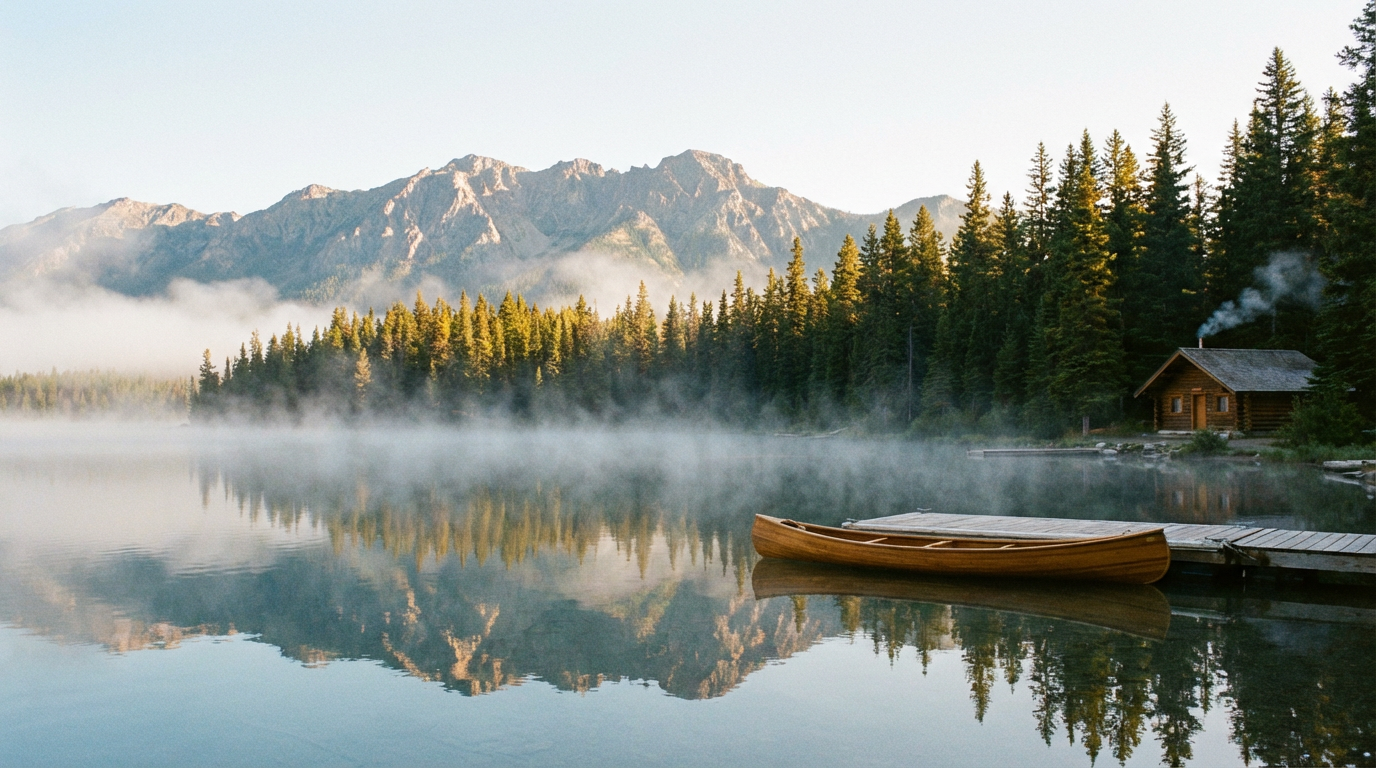
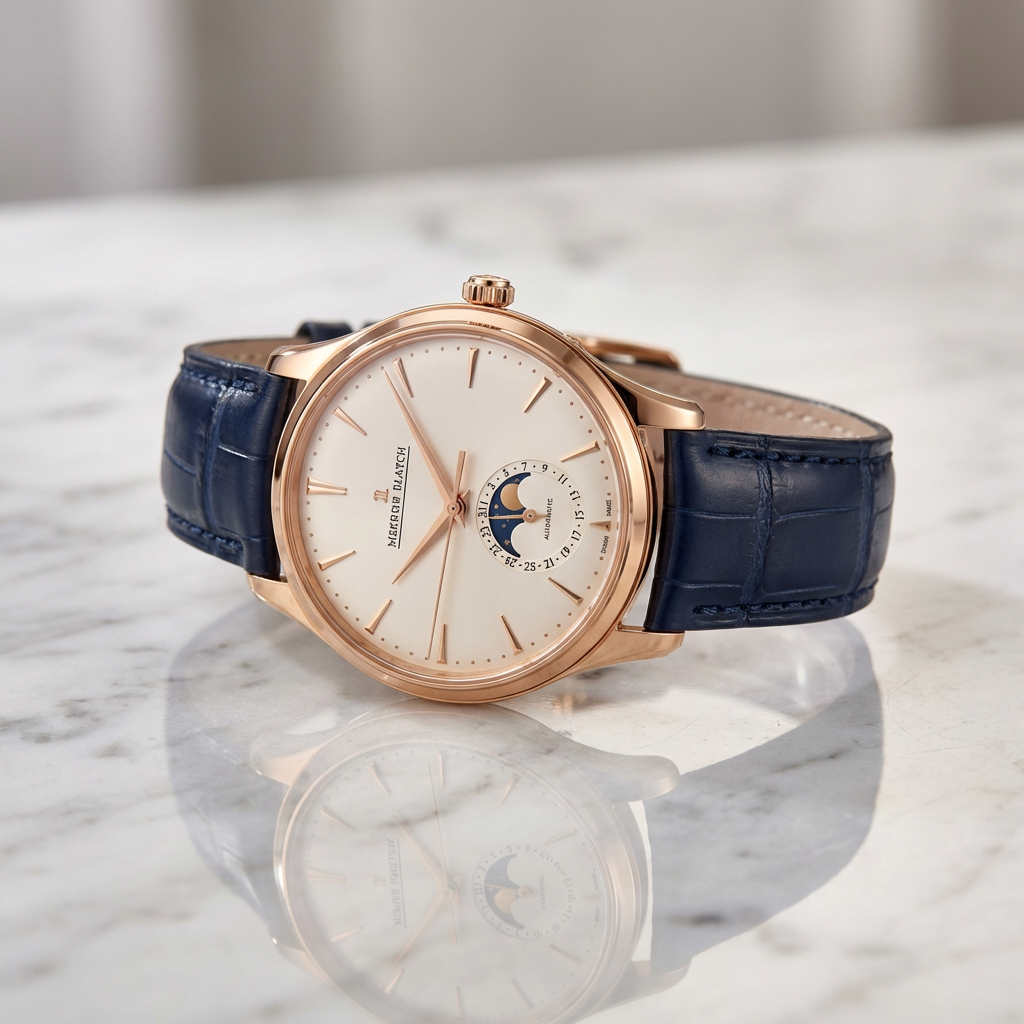
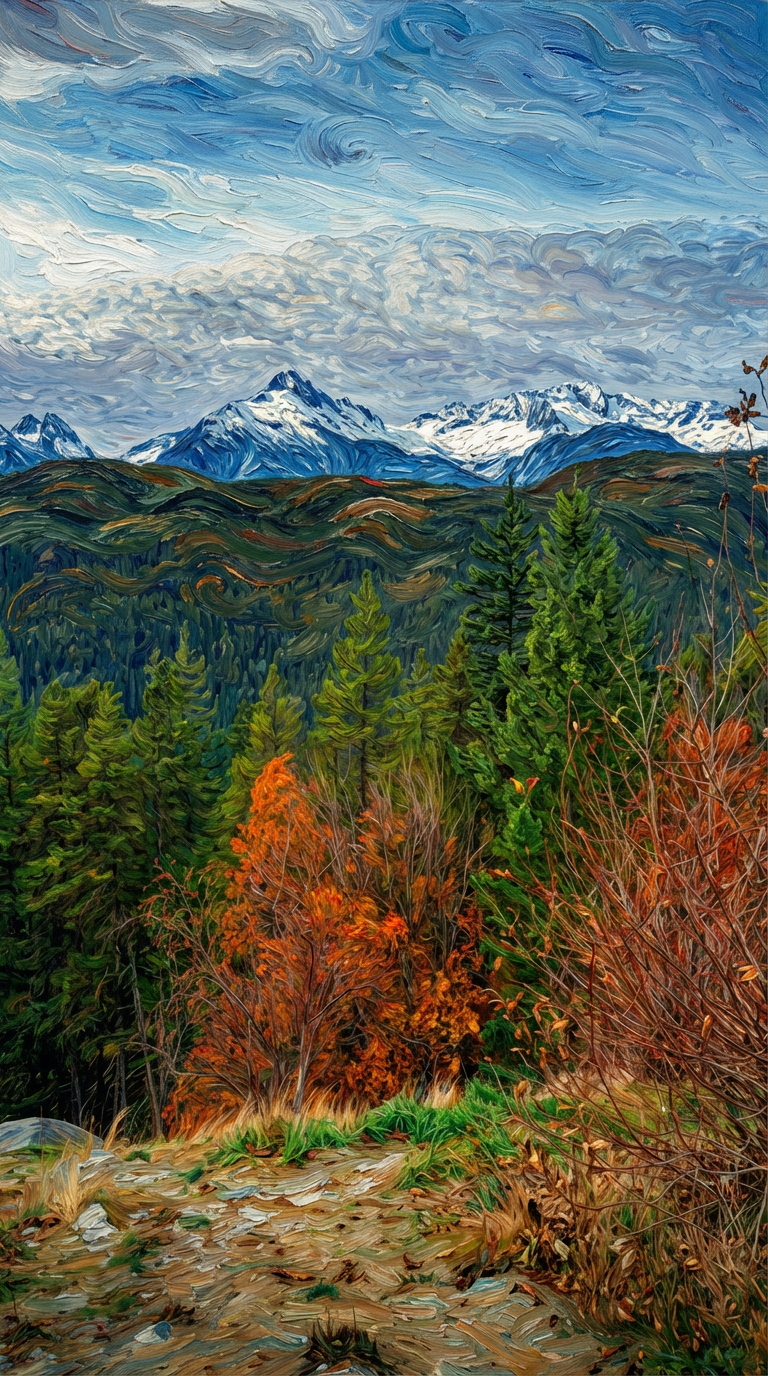
Nano Banana Pro - AI Image Generator
Choose an AI palette for artistic style.
Nano Banana Pro
Seamless AI Image Creation
Describe your vision for AI to create.
Select the canvas size for your art.
Nothing here yet.
Your assets will appear once published.Go To PlaygroundNano Banana Pro — AI Image Generator
Pixazo's own streamlined image generator. Upload optional reference images, write a prompt, and generate — no complex sliders required.
How to Use Nano Banana Pro
A streamlined workflow for generating images with optional reference guidance.
Basic Workflow
Nano Banana Pro keeps it simple. Pick optional reference images, write your prompt, and generate. That's it.
Reference Images (Optional)
Add up to 10 images in .png or .jpeg format. Drop or upload reference images from your assets (max 5MB each). These guide the model's style and composition without overconstraining the output.
Write Your Prompt
1000 characters remaining. Describe your vision: "A serene mountain landscape at sunset with warm golden light," or "A futuristic robot in minimalist design." The more specific and descriptive, the better the results.
No Extra Sliders
We removed complexity. No guidance scale, reference weight, seed, or generation steps to tweak. Nano Banana Pro handles these internally with optimized defaults for consistent, high-quality output.
Generate
Click the Generate button and wait for your image. The model processes your prompt (and references if provided) and delivers a finished image ready to download or iterate on.
Reference Images: What Works
Guide model output using reference images for style, composition, and visual direction.
Consistency Matters
Use references with a unified visual language. A photograph and a watercolor painting pulling in different directions confuses the model. Three consistent mood-board images outperform ten random references.
Style and Composition
References guide the overall aesthetic: color palette, lighting style, composition structure. They don't control content — your prompt does that. Think of references as "show the model what style you want," not "copy this image."
Your Prompt Takes Priority
Text descriptions are the primary control. References are secondary nudges. If your prompt says "astronaut on Mars" and your reference is a serene forest, you'll get an astronaut in a forest-inspired color palette, not a forest scene.
Iterate and Refine
Generate, review, adjust. Try the same prompt with different references to see how style shifts. Try different prompts with the same references to see content change. Each generation teaches you something about the model's behavior.
Style Examples
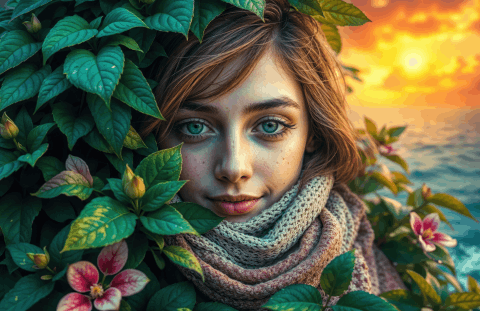
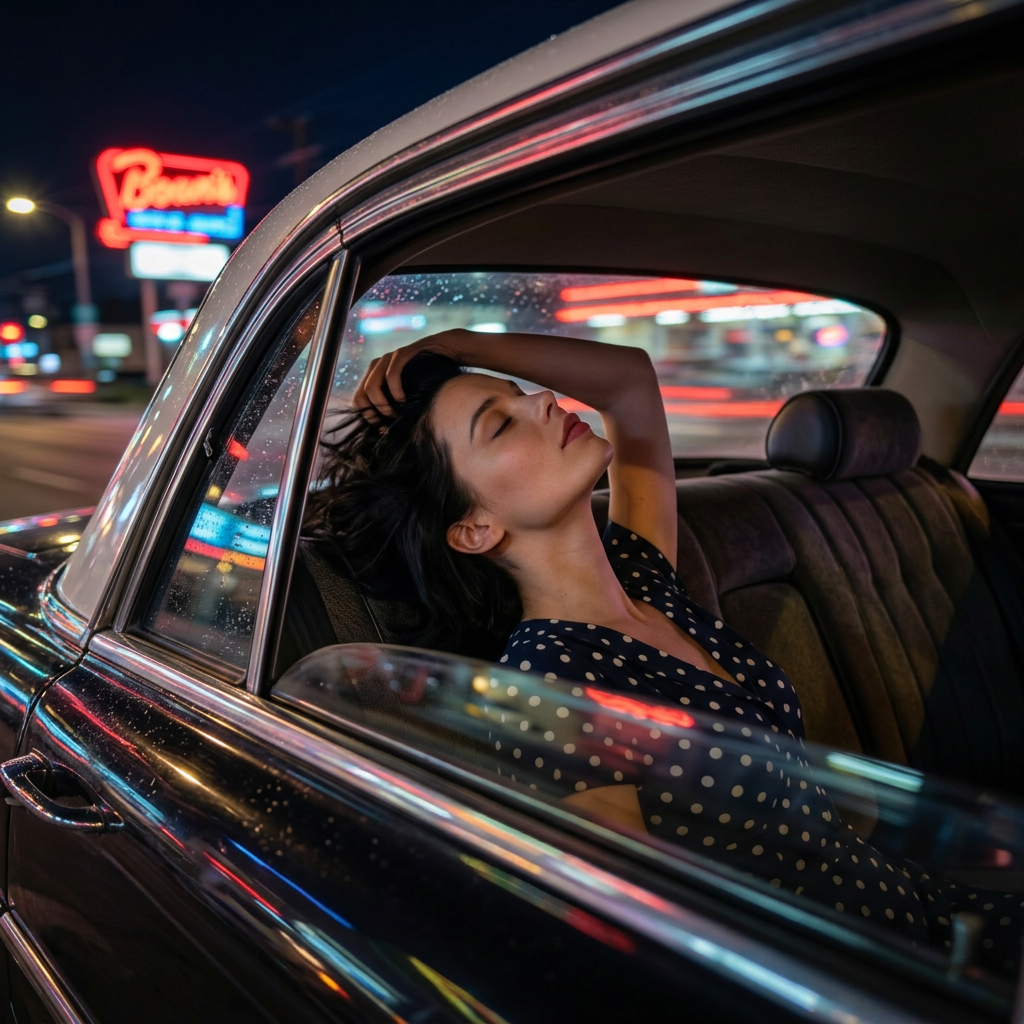
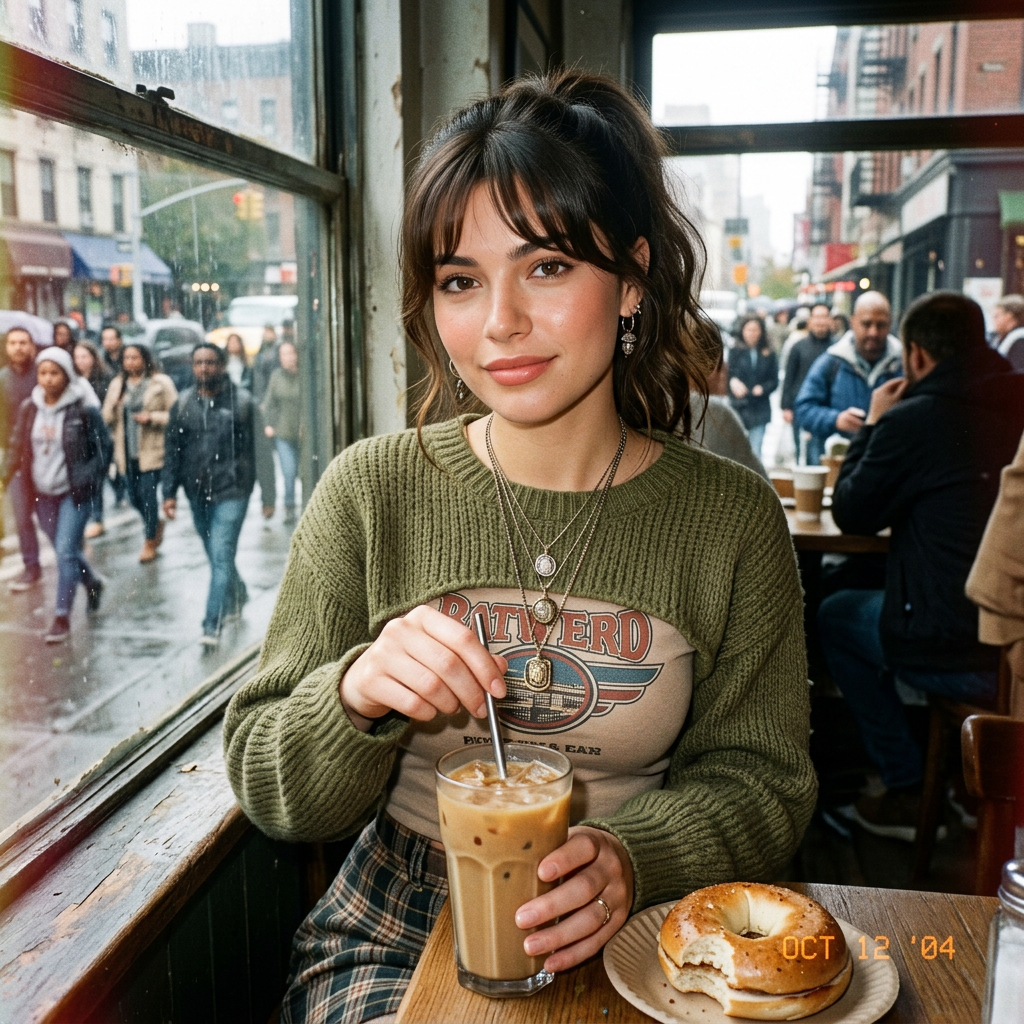
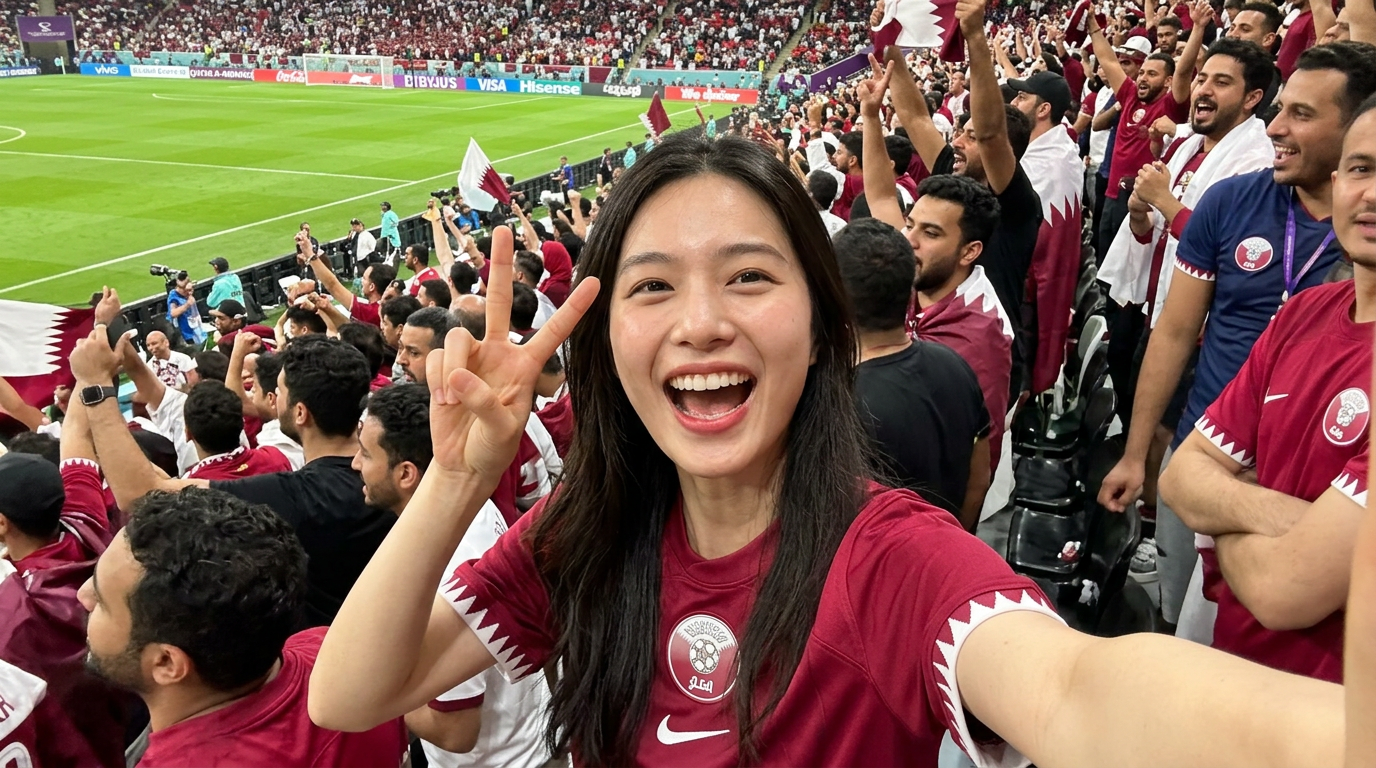
Nano Banana Pro responds to style directions in your text prompt and through reference images.
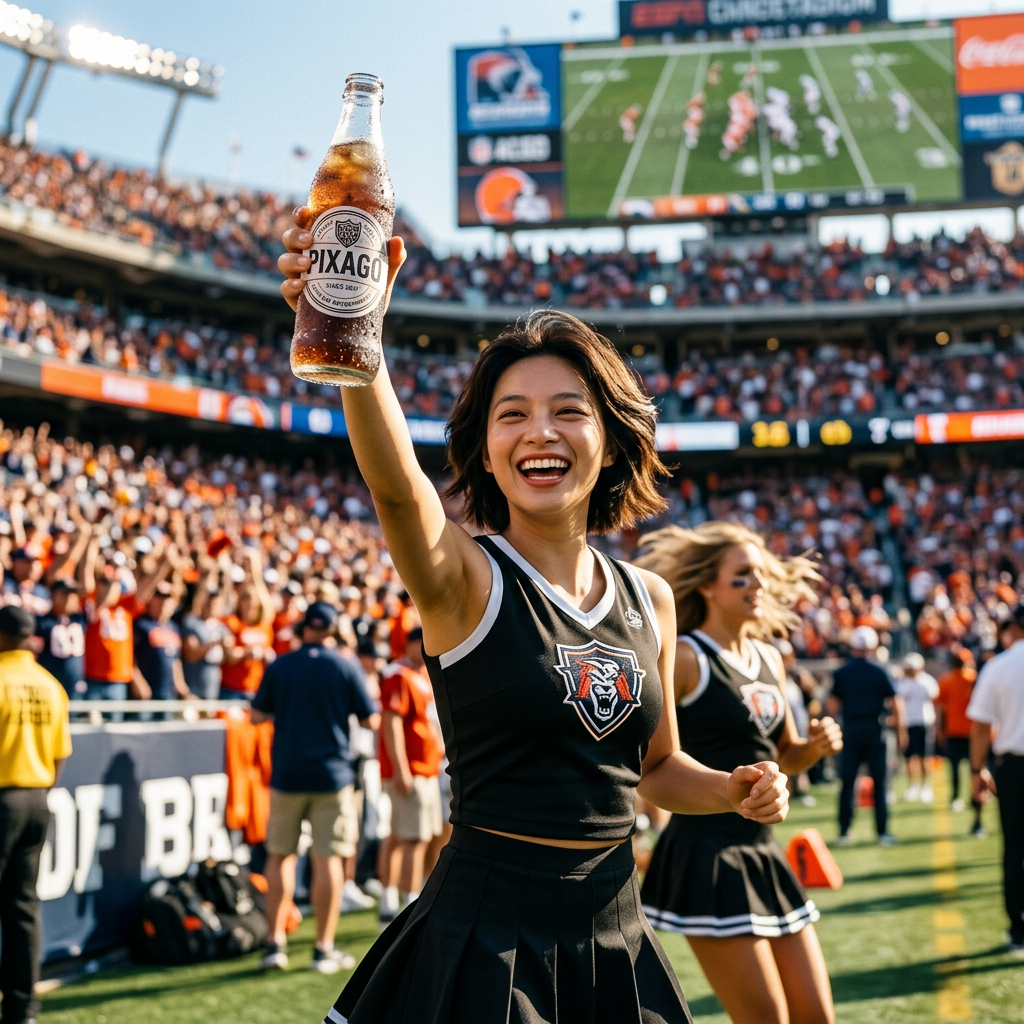
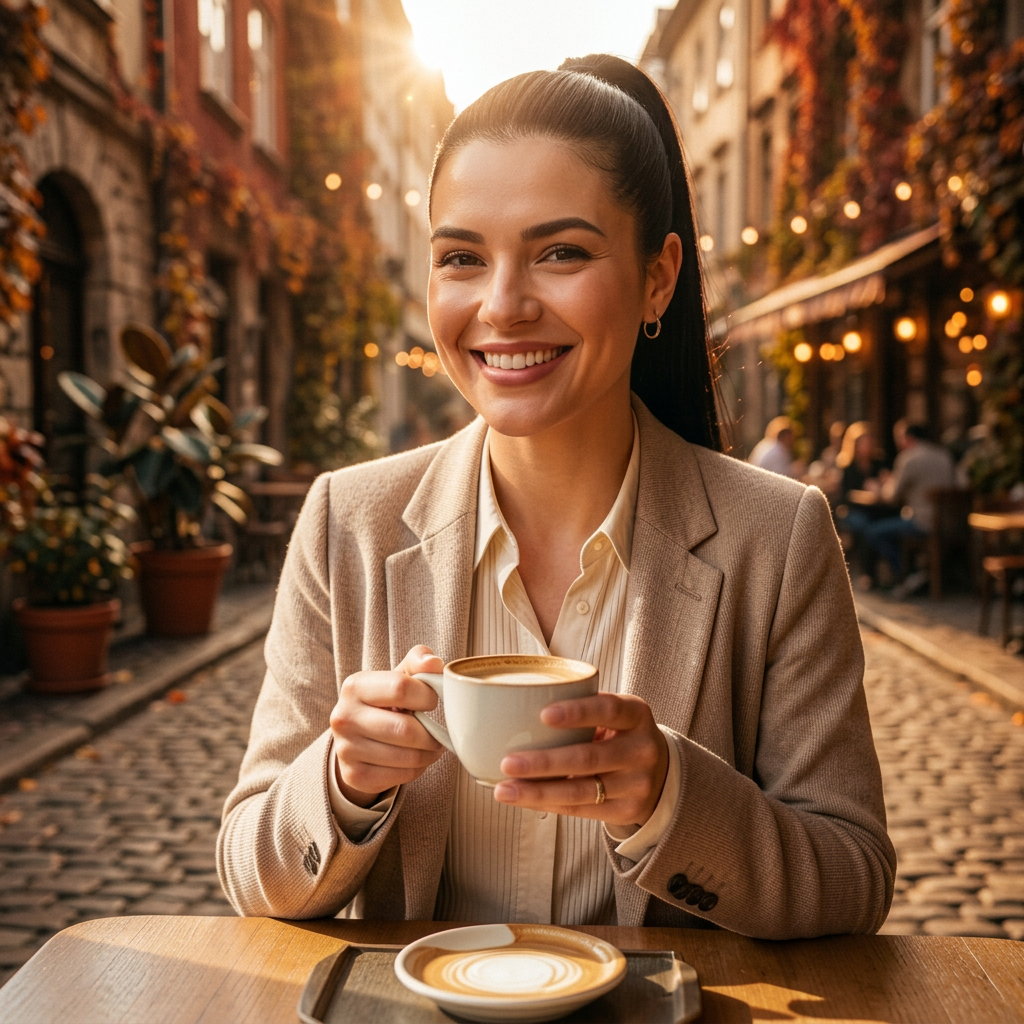
Photorealistic
Natural light, real textures, camera-like rendering
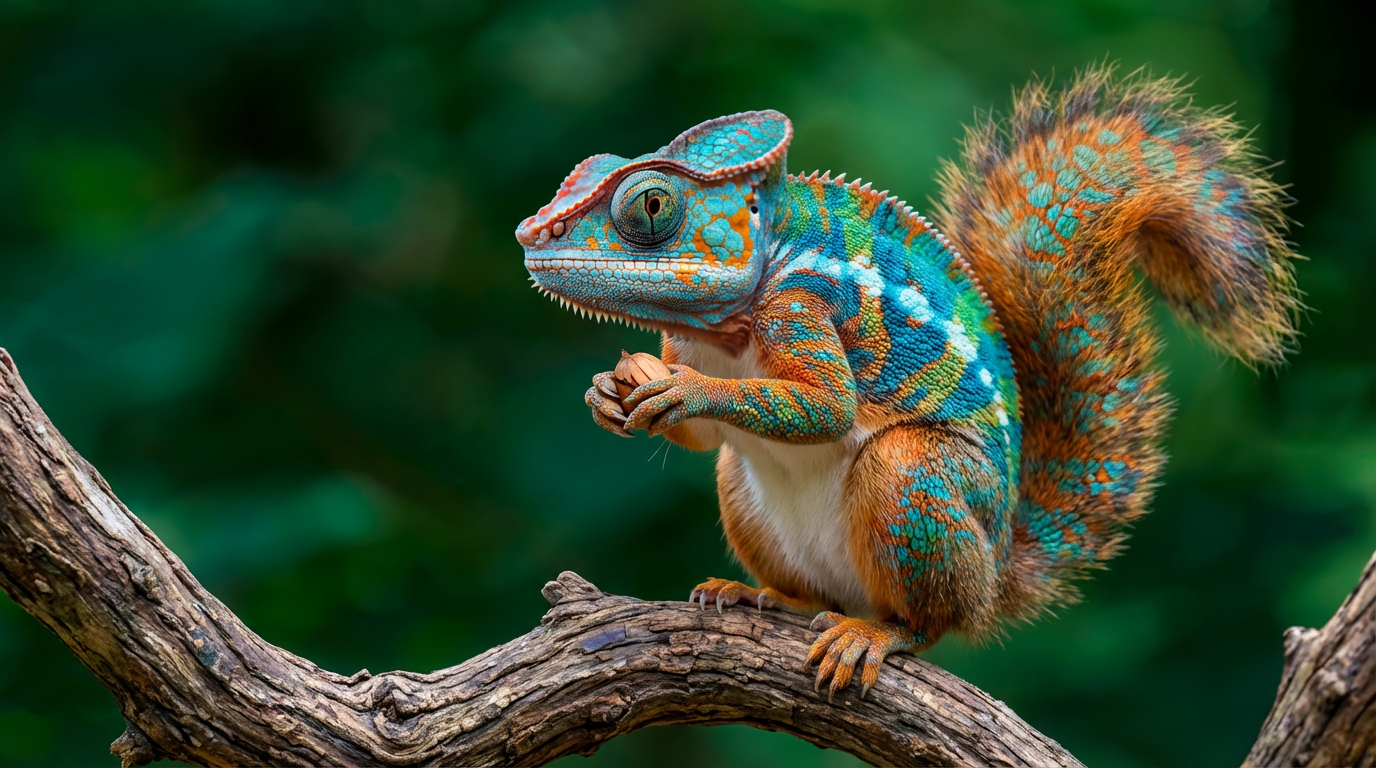
Digital Art
Clean lines, vibrant color, illustrated feel
Watercolor
Soft edges, color bleeding, paper texture
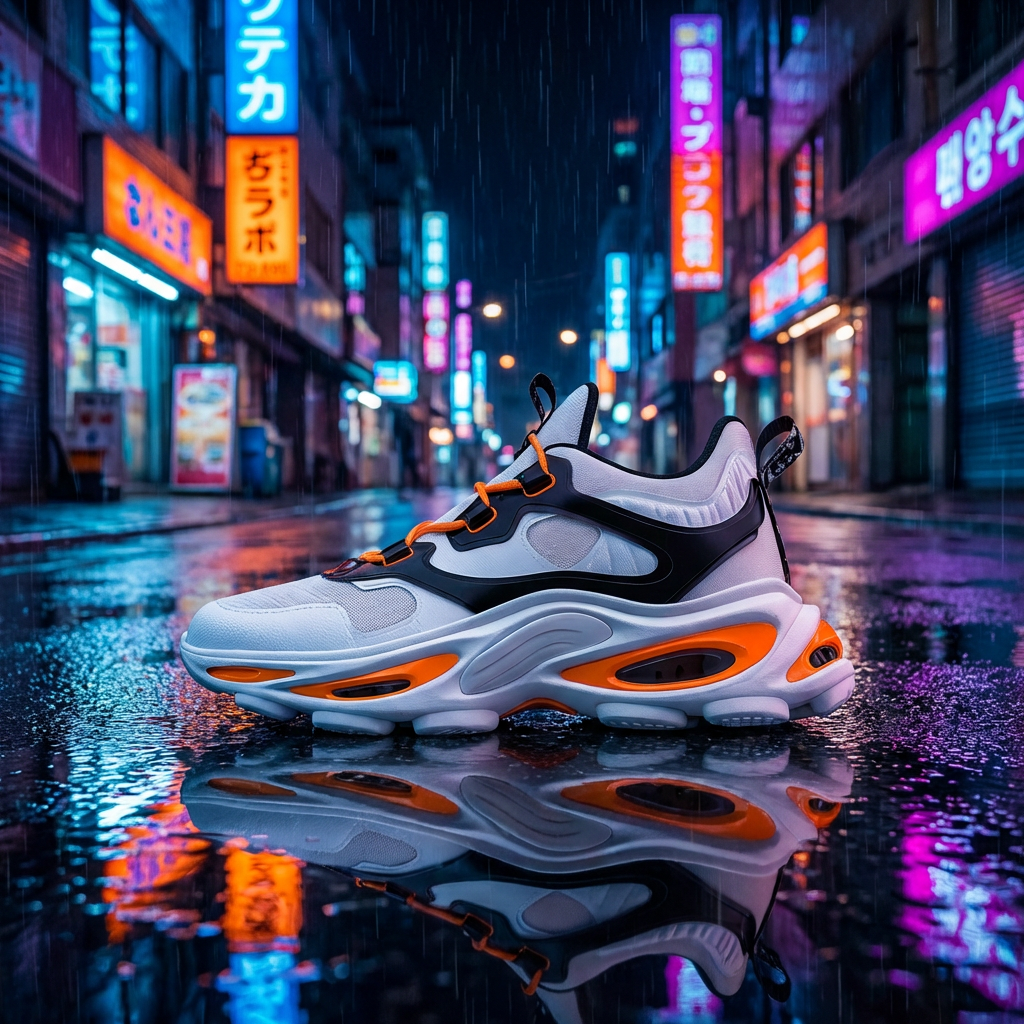
Cinematic
Film grain, color grading, shallow depth of field
Minimalist
Clean composition, limited palette, negative space
Style quality depends on prompt specificity and reference image consistency. Niche or highly specific styles produce approximations rather than exact reproductions.
Honest Limitations
- Text generation is unreliable. Any text described in the prompt — words on signs, book titles, brand names — will likely be garbled, misspelled, or nonsensical. Add text in post-production instead of relying on generation.
- Hands and fingers remain problematic. Extra fingers, merged digits, and anatomically incorrect hands appear frequently. This is a known limitation shared with most current diffusion-based image generators.
- Reference images are guides, not blueprints. References influence style and composition but do not guarantee faithful reproduction. Expect approximations and interpretations, not exact copies.
- No inpainting or region-specific editing. You cannot select a specific area for modification. Each generation creates a complete image from scratch. Targeted edits require a separate tool or workflow.
- Resolution is fixed per generation. Output resolution depends on the model's native settings. High-resolution upscaling beyond native output requires separate post-processing tools. There is no built-in super-resolution.
- Consistency across generations is limited. Changing any part of your prompt or references produces a different image. Creating a coherent series of images requires careful prompt iteration and multiple attempts.
Frequently Asked Questions
Common questions about Nano Banana Pro on Pixazo.
What is Nano Banana Pro?
Nano Banana Pro is Pixazo's own AI image generation model, optimized for simplicity and quality. Upload optional reference images, write a text prompt, and generate. No complex sliders — the model handles optimization internally for consistent results.
What file formats do you accept for reference images?
Nano Banana Pro accepts .png and .jpeg files only. Each file must be under 5MB. You can upload up to 10 reference images per generation. Unsupported formats (.webp, .gif, .tiff) will be rejected at upload.
How many characters can my prompt be?
Prompts are limited to 1000 characters. This is plenty for detailed descriptions. Most effective prompts are 50–300 characters — concise enough to be clear, detailed enough to guide the model without overwhelming it.
How do reference images work?
Upload reference images to guide the model's style, composition, and color palette. References are optional — your text prompt is the primary control. References act as secondary nudges, especially useful for achieving a specific aesthetic or visual direction.
Why no sliders for guidance scale, steps, or seed?
Nano Banana Pro prioritizes simplicity. We removed advanced controls to create a frictionless experience. The model's internal settings are optimized for quality and consistency. If you need fine-grained control over generation parameters, you may prefer other tools on Pixazo.
Is Nano Banana Pro made by Pixazo?
Yes. Nano Banana Pro is Pixazo's own model, developed, trained, and maintained in-house. This is different from third-party models like SeeDance (ByteDance) or Hailuo (MiniMax), which Pixazo provides access to through its platform.