Convert video, image & audio, free
A growing set of focused converters from Pixazo — turn MOV, AVI and WMV into a universal MP4, change images between JPG, PNG, WebP and SVG, pull the audio out of a video, or grab a still frame. Upload, convert, download — right in your browser, no watermark.
Start converting free →- Free to start
- No install
- Video · image · audio
MOV to MP4
Turn Apple QuickTime .MOV files into a universal MP4 that plays beyond Apple devices.
Convert MOV →
AVI to MP4
Modernize old, heavy AVI video into a smaller MP4 that plays on today's phones and social apps.
Convert AVI →
WMV to MP4
Free Windows Media .WMV files from Windows — convert to MP4 so they play on iPhone, Mac and everywhere.
Convert WMV →
MP4 to MOV
Turn a universal MP4 into an Apple QuickTime .MOV, the native format for Final Cut Pro and iMovie.
Convert MP4 to MOV →
MP4 to AVI
Re-wrap a modern MP4 into a standard .AVI for older Windows software that still expects it.
Convert MP4 to AVI →
MP4 to WMV
Turn an MP4 into a Windows Media .WMV for PowerPoint embeds and older Windows editors.
Convert MP4 to WMV →
MOV to AVI
Re-wrap an Apple QuickTime .MOV into a standard .AVI that legacy Windows tools still accept.
Convert MOV to AVI →
AVI to MOV
Bring a legacy .AVI into a modern QuickTime .MOV that plays natively on Mac, iPhone and iPad.
Convert AVI to MOV →
MOV to WMV
Turn a Mac-recorded QuickTime .MOV into a Windows Media .WMV for PowerPoint and Windows-first pipelines.
Convert MOV to WMV →
WMV to MOV
Turn a Windows Media .WMV into a QuickTime .MOV that plays natively on macOS, iPhone and iPad.
Convert WMV to MOV →
MXF to MP4
Turn a broadcast .MXF from a professional camera, Avid or playout server into a universal MP4.
Convert MXF to MP4 →
MP4 to MXF
Turn a universal .MP4 into a broadcast .MXF deliverable for playout, Avid round-trips and archives.
Convert MP4 to MXF →
MP4 to GIF
Turn a short MP4 clip into a silently looping GIF that plays in chats, docs and emails.
Convert MP4 to GIF →
GIF to MP4
Shrink a heavy animated GIF into a smaller, smoother MP4 that loads fast and loops silently.
Convert GIF to MP4 →
PNG to GIF
Turn one PNG or a set of PNG frames into a static or animated GIF, free and with no watermark.
Convert PNG to GIF →
WebP to GIF
Turn an animated or still WebP into a GIF that plays anywhere a WebP would be rejected.
Convert WebP to GIF →
GIF to PNG
Save one crisp frame from a GIF as a lossless PNG, with transparency kept and no motion.
Convert GIF to PNG →
MOV to GIF
Turn an Apple QuickTime .MOV clip into a silently looping GIF for chats, docs and posts.
Convert MOV to GIF →
GIF to JPG
Pull one frame from a GIF as a small, universally supported JPG photo (transparency flattened).
Convert GIF to JPG →
JPG to GIF
Turn one JPG into a static GIF, or a set of JPGs into a looping animated GIF.
Convert JPG to GIF →
GIF to WebP
Shrink an animated GIF into a much smaller, full-colour WebP that keeps the loop.
Convert GIF to WebP →
GIF to AVIF
Shrink an animated GIF into a modern AVIF a fraction of the size, with far better colour.
Convert GIF to AVIF →
AVIF to GIF
Turn a modern AVIF into a universal GIF that plays everywhere, even where AVIF cannot.
Convert AVIF to GIF →
AVI to GIF
Turn a heavy AVI video clip into a small, silent GIF that loops and plays anywhere.
Convert AVI to GIF →
HEIC to GIF
Turn an iPhone HEIC photo or Live Photo into a looping GIF that plays anywhere.
Convert HEIC to GIF →
WMV to GIF
Turn a legacy Windows Media (WMV) clip into a small, silent GIF that loops and plays anywhere.
Convert WMV to GIF →
GIF to MOV
Turn a looping GIF into a full-colour MOV video you can edit and drop into a timeline.
Convert GIF to MOV →
GIF to AVI
Turn a looping GIF into a standard AVI video clip you can drop into any desktop editor.
Convert GIF to AVI →
GIF to WMV
Turn a looping GIF into a Windows Media video that plays in Windows Media Player and embeds in PowerPoint.
Convert GIF to WMV →
GIF to HEIC
Shrink a heavy GIF into a small, high-colour Apple HEIC for iPhone and Mac storage.
Convert GIF to HEIC →
MXF to GIF
Turn a professional broadcast MXF clip into a small looping GIF that plays anywhere.
Convert MXF to GIF →
GIF to MXF
Wrap a looping GIF into a professional broadcast MXF file for editing and playout.
Convert GIF to MXF →
SVG to GIF
Rasterize a crisp vector or animated SVG into a looping GIF that plays where SVG cannot.
Convert SVG to GIF →
GIF to SVG
Trace a flat GIF logo or icon into clean vector paths that scale crisp to any size.
Convert GIF to SVG →
HEIC to JPG
Turn iPhone HEIC photos into universal JPGs that open on Windows, Android and the web.
Convert HEIC to JPG →
300 DPI Converter
Make any image print-ready at a true 300 DPI, with the right pixel size for posters, cards and photos.
Make it 300 DPI →
PNG to JPG
Drop a lossless PNG down to a light JPG that every browser, printer and upload form accepts.
Convert PNG to JPG →
JPG to PNG
Get a lossless PNG copy of a JPG, with an alpha channel ready for the transparency to be cut.
Convert JPG to PNG →
WebP to PNG
The fix for a WebP download that older software, print tools or an upload form will not open.
Convert WebP to PNG →
WebP to JPG
The fix for a WebP that an old print workflow, a desktop app or an upload form refuses to open.
Convert WebP to JPG →
PNG to WebP
Keep the transparency, shed the page weight a lossless PNG makes every visitor download.
Convert PNG to WebP →
JPG to WebP
A smaller file at comparable quality, with an honest note about converting a lossy original.
Convert JPG to WebP →
AVIF to JPG
The way out when a next-generation image will not open in the software you actually use.
Convert AVIF to JPG →
JPG to AVIF
Smaller files and cleaner gradients, with the limits of a lossy source stated plainly.
Convert JPG to AVIF →
PNG to AVIF
Keep the lossless PNG as your master and publish a far lighter AVIF, transparency intact.
Convert PNG to AVIF →
AVIF to PNG
Get a lossless, universally editable file back out of a next-generation image.
Convert AVIF to PNG →
HEIC to PNG
Take an iPhone photo out of Apple's wrapper and into a lossless file any editor opens.
Convert HEIC to PNG →
MP4 to JPG
Pull a single frame — or a whole sequence — out of an MP4 and save it as a JPG.
Convert MP4 to JPG →
MP4 to PNG
Grab a frame losslessly, exactly as the codec decoded it, with no second round of compression.
Convert MP4 to PNG →
MP4 to WebP
Save a frame as a still WebP — the same picture at a fraction of the weight.
Convert MP4 to WebP →
MP4 to AVIF
Store a frame in AVIF, the still-image cousin of the codec your video already uses.
Convert MP4 to AVIF →
JPG to MP4
Turn a still JPG into a short AI-generated video clip.
Convert JPG to MP4 →
PNG to MP4
Animate a PNG still into a short MP4 clip with AI.
Convert PNG to MP4 →
WebP to MP4
Generate a short MP4 clip from a still WebP image.
Convert WebP to MP4 →
AVIF to MP4
Make a short MP4 video from a single AVIF frame.
Convert AVIF to MP4 →
HEIC to MP4
Turn an iPhone HEIC photo into a short MP4 clip.
Convert HEIC to MP4 →
MP4 to SVG
Pull a frame from your video and trace it into a clean, scalable SVG.
Convert MP4 to SVG →
SVG to MP4
Rasterise an SVG and let AI animate it into a short MP4 clip.
Convert SVG to MP4 →
MP4 to HEIC
Grab a frame from your MP4 and save it as an efficient HEIC still.
Convert MP4 to HEIC →
PNG to SVG
What raster-to-vector tracing really involves, and which part of it Pixazo does not do.
Read the guide →
SVG to PNG
How rasterising works, why pixel size is the one choice you cannot undo, and where Pixazo fits.
Read the guide →
JPG to SVG
Why a photograph resists tracing, and what a JPG to SVG conversion can realistically produce.
Read the guide →
SVG to JPG
What flattening a vector into pixels costs you, including the transparency it cannot keep.
Read the guide →
PNG to HEIC
What would change, why transparency is the thing to check, and where Pixazo's converter stops.
Read the guide →
JPG to HEIC
What the conversion gains you, why it cannot undo JPG compression, and where Pixazo stands.
Read the guide →
MP4 to MP3
Extract the audio track from any video and download it as an MP3, WAV or M4A file.
Convert MP4 to MP3 →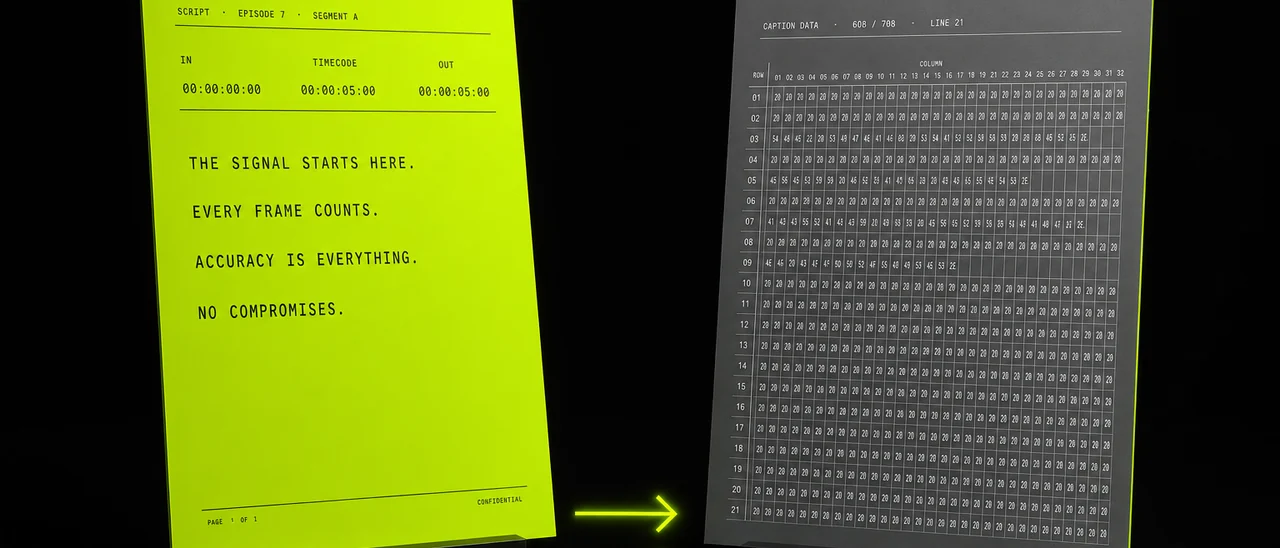
SRT to SCC
Turn a web .SRT subtitle file into a broadcast .SCC closed-caption file on a timecode grid.
Convert SRT to SCC →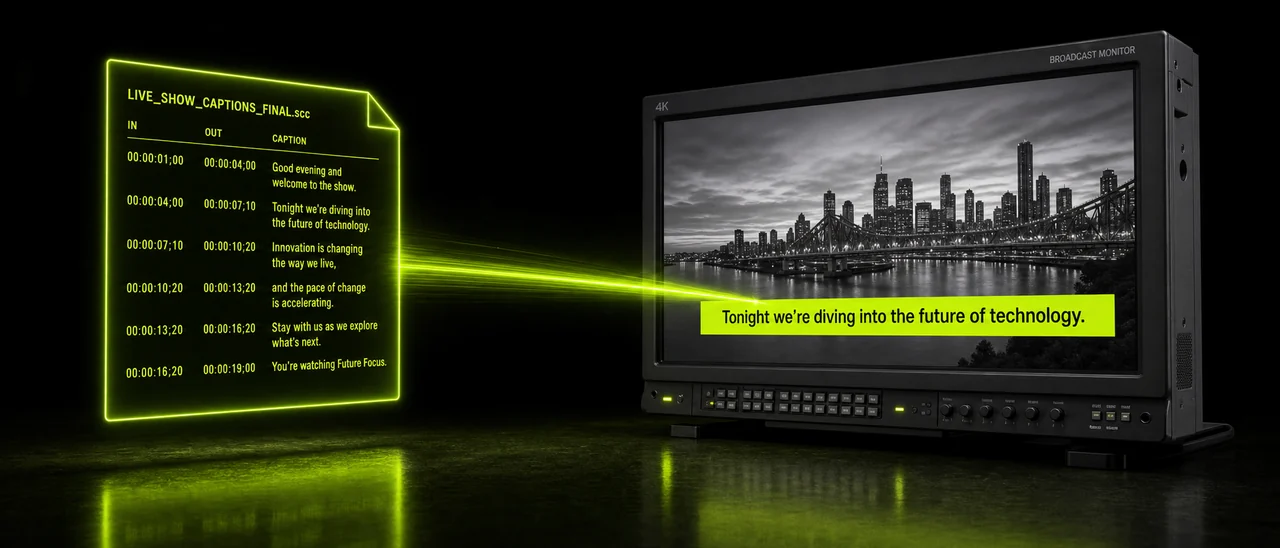
SCC to SRT
Turn a broadcast .SCC caption file into a plain .SRT that players, editors and YouTube accept.
Convert SCC to SRT →How do the converters work?
Every converter here runs the same three simple steps in your browser through Pixazo — pick the one that matches what you have, whether it's a video, an image or an audio job.
Upload your file
Drop in your video, photo or clip. Each tool reads the real content inside, not just the file extension.
Convert it
Pick your target — a universal MP4, a JPG or PNG, a scalable SVG, an MP3, or a print-ready file — and run it.
Download & use it
Save the result and use it anywhere — phone, browser, editor, printer or a social upload. No watermark.
Which converter do I need?
It depends on what you're starting with. Have a video that won't play or upload? Use a video converter. An image in the wrong format, or one that needs to be a vector or print-ready? Use an image converter. Just need the sound, or a single frame? Use the audio and extraction tools. Each one is honest about what it does — and doesn't do.
Are these converters free?
What can I convert here?
Will converting reduce quality?
Do I need to install anything?
Is it safe to convert my files here?
Convert a file in a click
Pick a converter above — video, image or audio — free, in your browser, and ready to use everywhere.
Start converting free →
