Get Together Invitation : Create Free Get Together Invitations in Minutes with AI
Create Custom Get Together Invitations Quickly with Pixazo Best AI Get Together Invitation Maker. Try for Free!
Get Started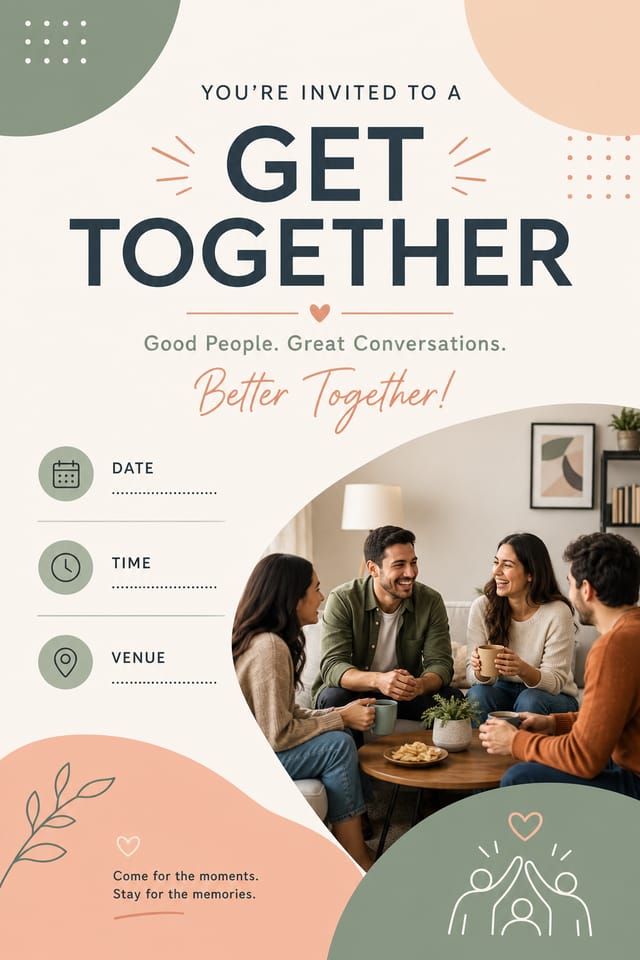
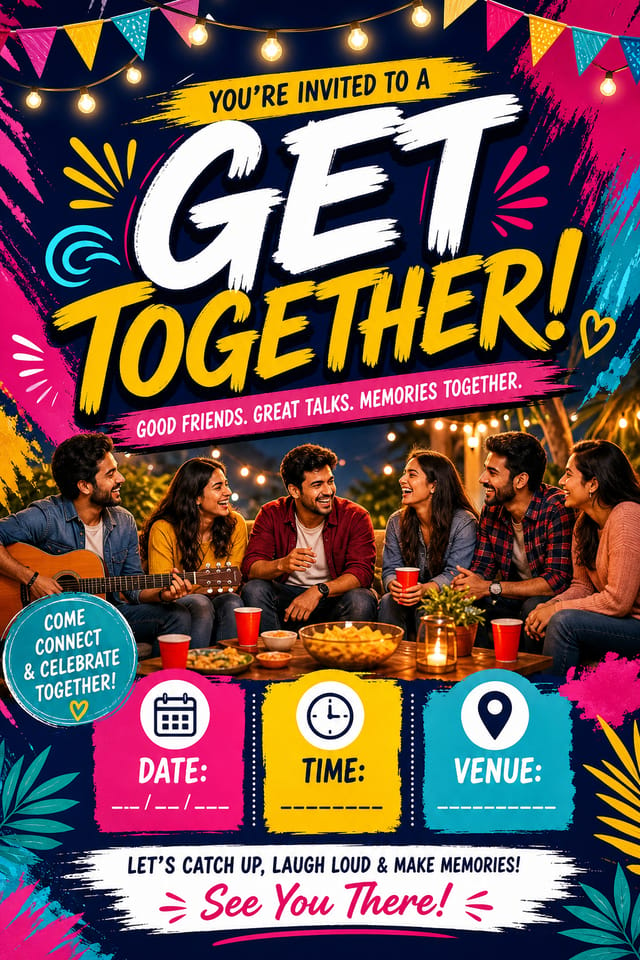
AI-Powered Get-Together Invitation: Effortless Design
Create standout get-together invitations using AI that understands get-together aesthetics. Precise style control, instant generation, print-ready output.
Create Your Get Together Invitation FreeUnderstanding Get-Together Invitation Conventions: Visual Processing Explained
How AI Translates Get-Together Style to Final Output
Get-Together design carries specific visual associations that viewers pick up on immediately.
The right palette, the right typographic approach, the right compositional balance.
Get these right and your get-together invitation communicates clearly.
Elevating Your Get-Together Invitation: What Professionals Know
Keep Typography Simple
Use no more than two typefaces per get-together invitation. One for headlines, one for body text. Consistency in typography signals professionalism.
Limit Your Color Palette
Stick to 2-3 primary colors in your get-together invitation design. Too many colors compete for attention and weaken the visual hierarchy.
Check Alignment Carefully
Misaligned elements are one of the most common signs of amateur get-together invitation design. Use grid lines and snap-to features to keep things precise.
Get Feedback Early
Share your get-together invitation draft with someone outside the project. Fresh eyes catch issues you have become blind to after hours of refinement.
Core of Get-Together Invitation AI: What Sets It Apart
Typography Matching
Typefaces are selected to match get-together aesthetic expectations. The AI pairs fonts that reinforce your get-together invitation's visual identity.
Prompt Refinement
Adjust your description to refine any aspect of the get-together invitation design. The AI responds to specific direction about colors, layout, or content.
Resolution Control
Specify output dimensions for your get-together invitation. Get files sized for web display, social media, or large-format printing.
Print-Ready Output
Generated get-together invitations are sized and structured for professional printing. Download high-resolution files ready for production.
What Works in Get-Together Invitation Design: Rules Worth Following
Maintain brand alignment
Keep your get-together invitation design consistent with existing brand colors, fonts, and visual language for a cohesive identity.
Use grids and alignment
Structured layouts in your get-together invitation create a sense of order and professionalism that unstructured designs cannot match.
Keep the message focused
A strong get-together invitation communicates one primary idea clearly. Supporting details should reinforce, not compete with, the main message.
Optimize for the display medium
Tailor your get-together invitation resolution, color space, and text size to the specific platform or physical context where it will appear.
Overcrowd the layout
Filling every pixel of your get-together invitation with content makes it harder to read and reduces the impact of every individual element.
Ignore accessibility
Low-contrast text and tiny font sizes in your get-together invitation exclude a significant portion of your potential audience.
Use too many fonts
More than two or three typefaces in a single get-together invitation creates visual noise and makes the design feel disjointed.
Rely solely on AI output
AI-generated get-together invitation designs are a starting point. Human review catches issues with context, tone, and accuracy that AI can miss.
From the Get-Together Community: Community Creations
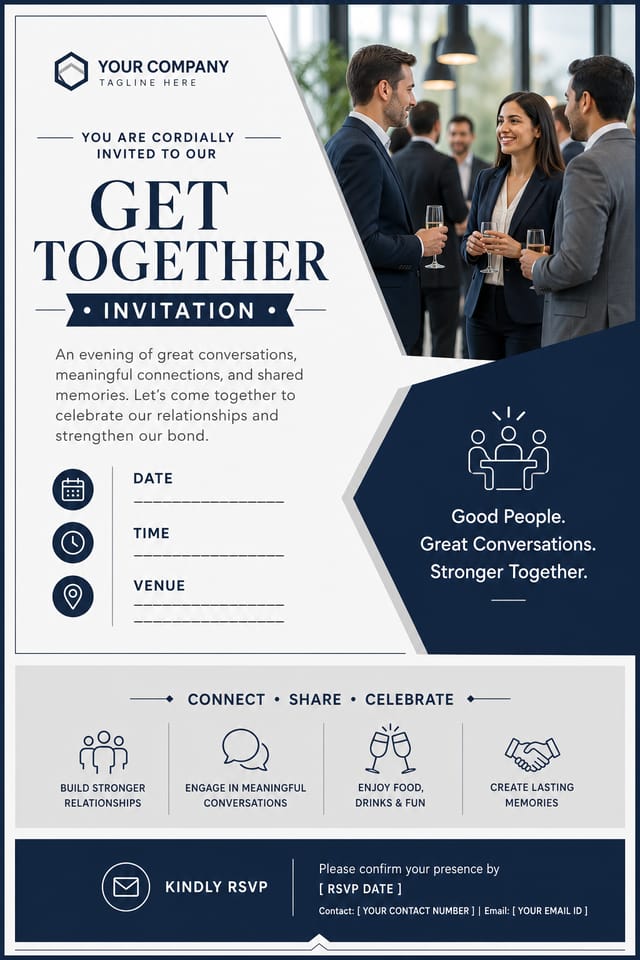
Real creators sharing their get together designs made with Pixazo AI.
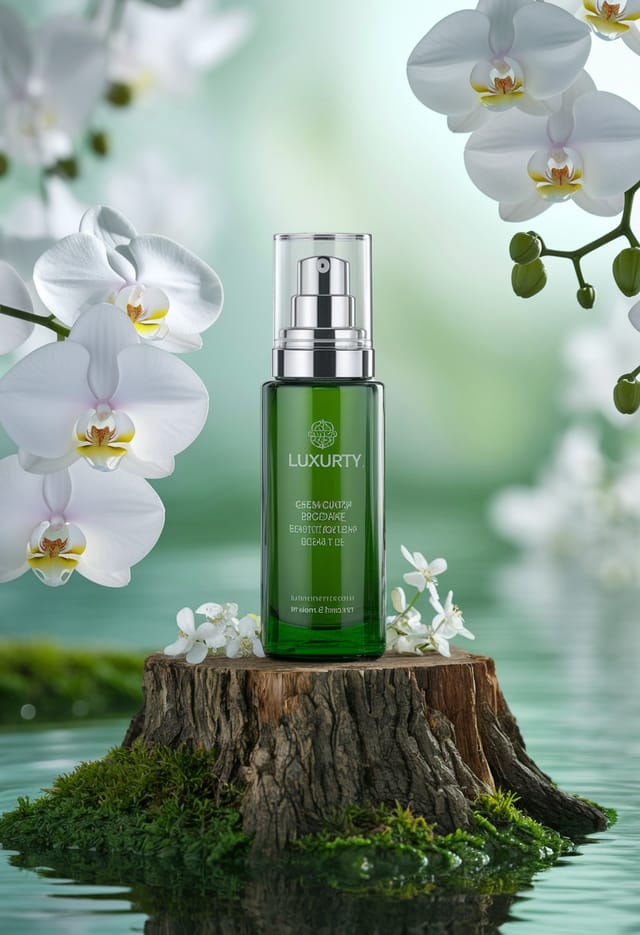
Get-Together invitation at 1080x1920 pixels for Instagram stories, bold sans-serif headline centered, gradient background in get-together tones, call-to-action at bottom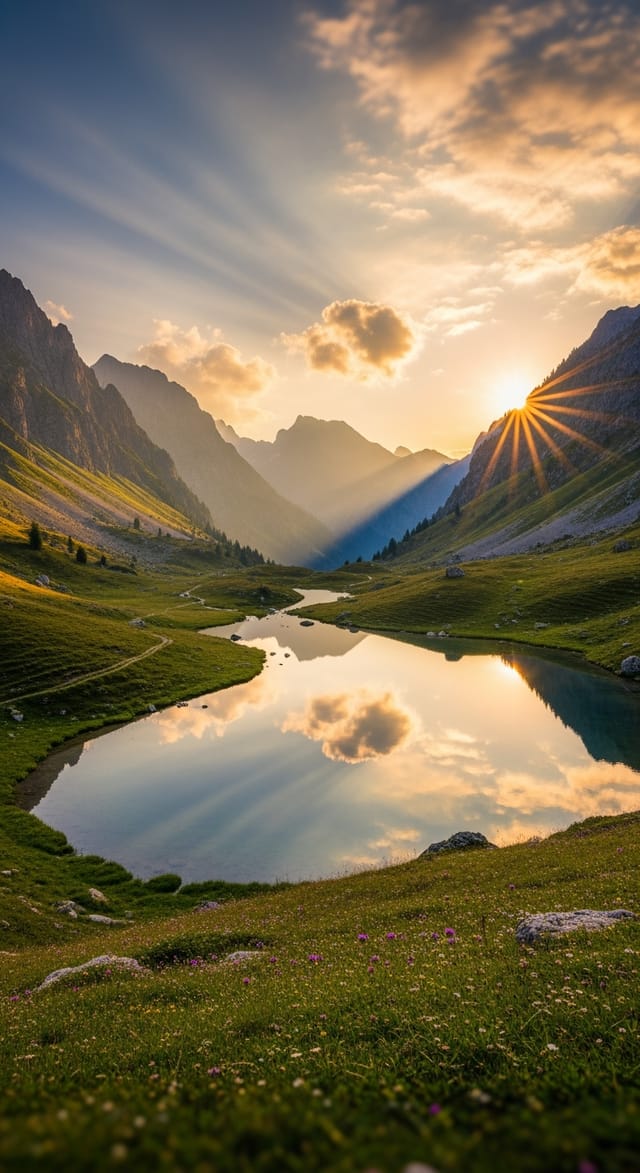
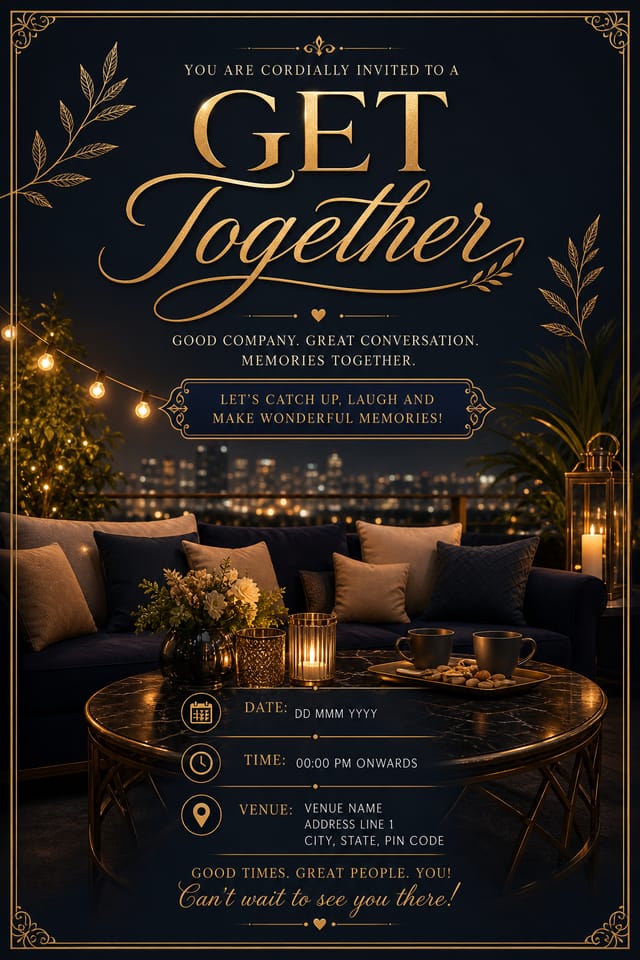
Refined get-together aesthetic invitation, sophisticated color relationships, intentional negative space, type selection matching get-together conventions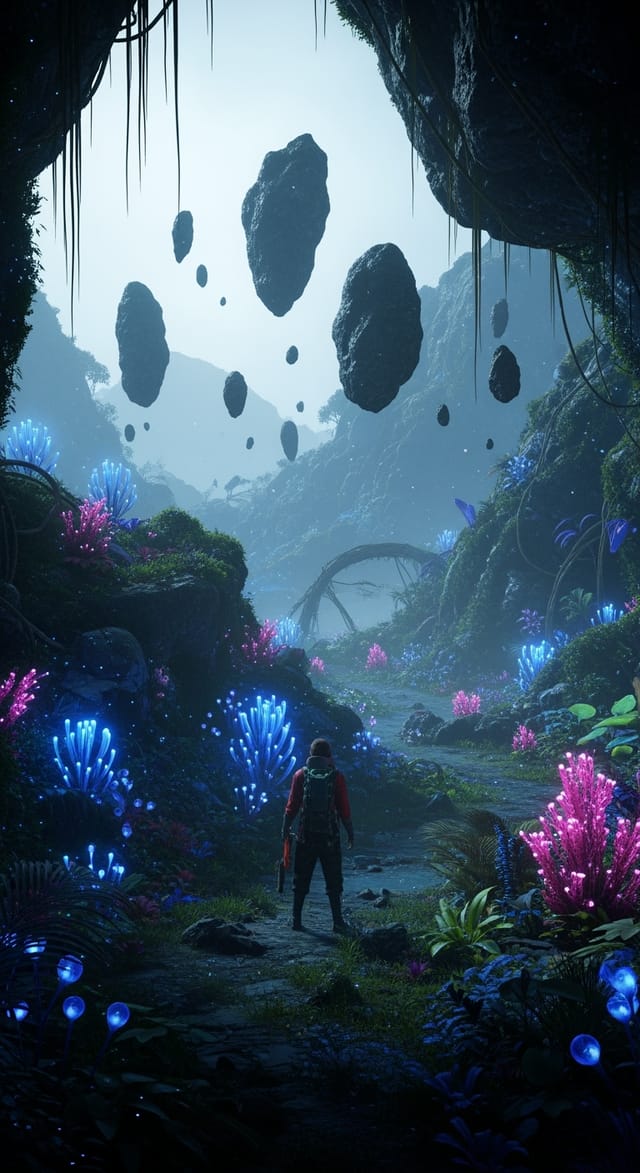
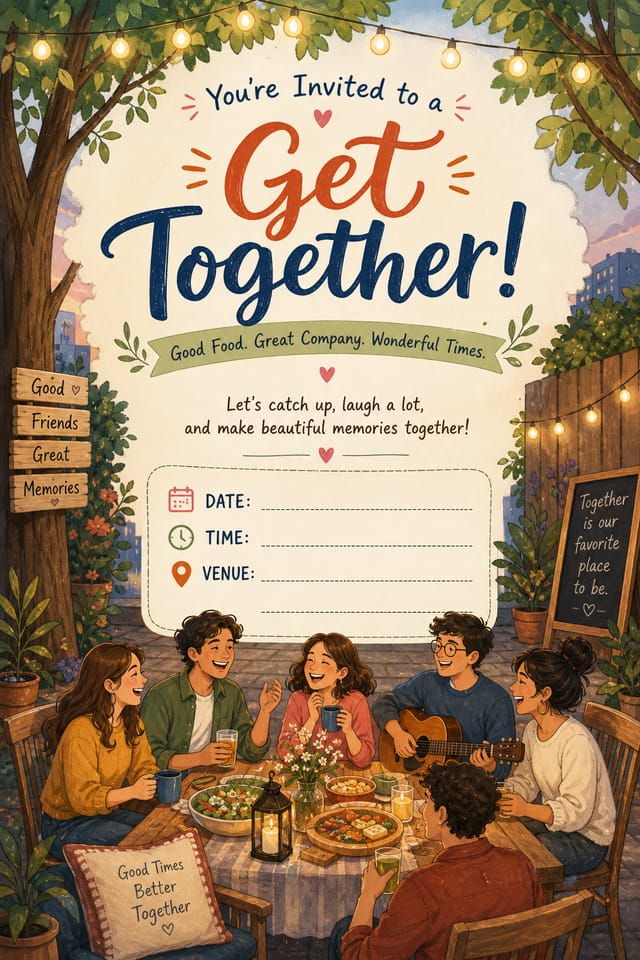
Playful get-together invitation for a family audience, rounded typography, bright saturated colors, approachable and energetic toneGet-Together Invitation Applications: Who Benefits Most
Retail and Hospitality
Produce get-together in-store and venue invitations that communicate quality through design. Get-Together aesthetics signal attention to customer experience.
Religious and Spiritual Organizations
Create get-together invitations for worship services, community outreach, and faith-based events. Respectful designs that reflect the organization's character.
Music and Audio Production
Produce get-together invitations for album covers, playlist artwork, and music event promotion. Visual identity that matches the sound.
Trade Show and Conference Materials
Generate get-together invitations for booth displays, attendee handouts, and event signage. Professional materials that represent your brand in competitive environments.
Get-Together Invitation Generation: How It Works
Outline Your Design
Describe what you want your get-together invitation to look like. Include the mood, color palette, typography preference, and content hierarchy. Pixazo reads all of this and uses it to generate an appropriate design.
Critique the Draft
Your get-together invitation generates immediately after submission. Evaluate the design against your requirements and refine the prompt to correct any elements that don't match your intent.
Package Your Design
Download your completed get-together invitation in the format that fits your use case. High-resolution files for print, web-optimized versions for digital, or PDF for production-ready delivery.
Watch: Creating Get Together Invitation designs step by step
Exploring Get-Together Invitation Directions: Compared
Textured Get-Together
Get-Together design with added surface depth. Background treatments add visual interest without disrupting legibility.
Contemporary Get-Together
Current get-together design sensibility with updated proportions, modern typefaces, and contemporary color relationships.
Classic Get-Together
Traditional get-together design principles applied to modern invitation format. Clean composition, conventional hierarchy, time-tested visual decisions.
Atmospheric Get-Together
Get-Together invitation design where mood takes priority. Color and composition work together to create a specific feeling.
Get-Together Invitation Starter Prompt Formulas
Copy any prompt below and paste it into Pixazo to generate your design instantly.
Refined get-together invitation, sophisticated color relationships, intentional whitespace, typefaces appropriate to get-together style, balanced compositionContemporary get-together invitation design, grid-based layout, typographic precision, restrained color palette, no decorative excessAtmospheric get-together invitation, background treatment supports the headline without competing with it, visual weight distributed intentionallyTwo-color get-together invitation design, high contrast between primary and secondary color, clean separation between graphic and text zonesSeries-compatible get-together invitation design, visual language that extends to multiple formats, consistent design system across variantsBeing Realistic About Get-Together Invitations: What to Expect
Known limitations and trade-offs of AI-generated get together design. Transparency matters when using AI for get-together invitation design. The points below describe where you may need to supplement AI output with manual work.
The Evolution of Get-Together Invitation Design: Trend Report
Data-Driven Visuals
Incorporating charts, statistics, and structured data directly into get-together invitation layouts helps communicate complex messages at a glance.
Bold Typography
Oversized type and expressive fonts are dominating get-together invitation design, turning headlines into visual centerpieces rather than just text.
Gradient Overlays
Smooth color transitions are being used as primary design elements in get-together invitation work, adding depth without the complexity of photographic backgrounds.
Dark Mode Aesthetics
Dark backgrounds with high-contrast accents are increasingly common in get-together invitation design, reducing visual fatigue and adding sophistication.
Minimalist Layouts
Stripped-back get-together invitation designs with generous white space and limited elements are gaining favor for their clarity and elegance.
Get-Together Invitation AI: Plain Answers
Pixazo works in any modern mobile browser. The interface adapts to phone and tablet screens so you can generate get-together invitations from anywhere. A dedicated mobile app is in development for an even smoother on-device experience.
Include your specific colors in the prompt, either by hex code or descriptive terms. 'Navy and copper with white text' or '#1a1a2e and #c9a84c palette' both work. The AI builds a get-together-appropriate palette around your specified colors.
Professional get-together invitation design comes down to the right color relationships, appropriate typographic hierarchy, and compositional balance that fits get-together aesthetic conventions. Generic designs miss these details because they apply neutral defaults rather than style-specific decisions. Pixazo applies get-together design knowledge when you specify the style.
Adjust your prompt to change any element of the design. If a generated get-together invitation is close but not quite right, describe what you want changed and regenerate. The AI responds to specific direction about individual elements like color, layout, or typographic weight.
Individual get-together invitations generate in seconds. For batch production, you can submit multiple prompts in sequence and download results as they complete. A series of ten get-together invitation variations typically takes under five minutes total.

